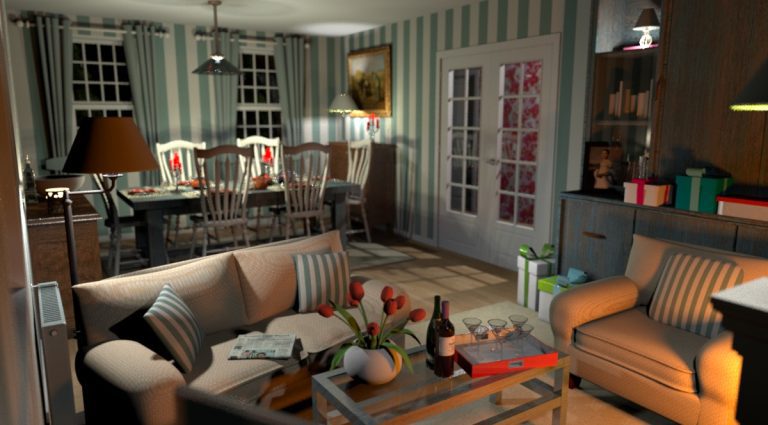
This tip gives some simple advice to get a pleasant and photorealistic rendering.
Category Archives: Design Tips
Best video tutorials about Sweet Home 3D
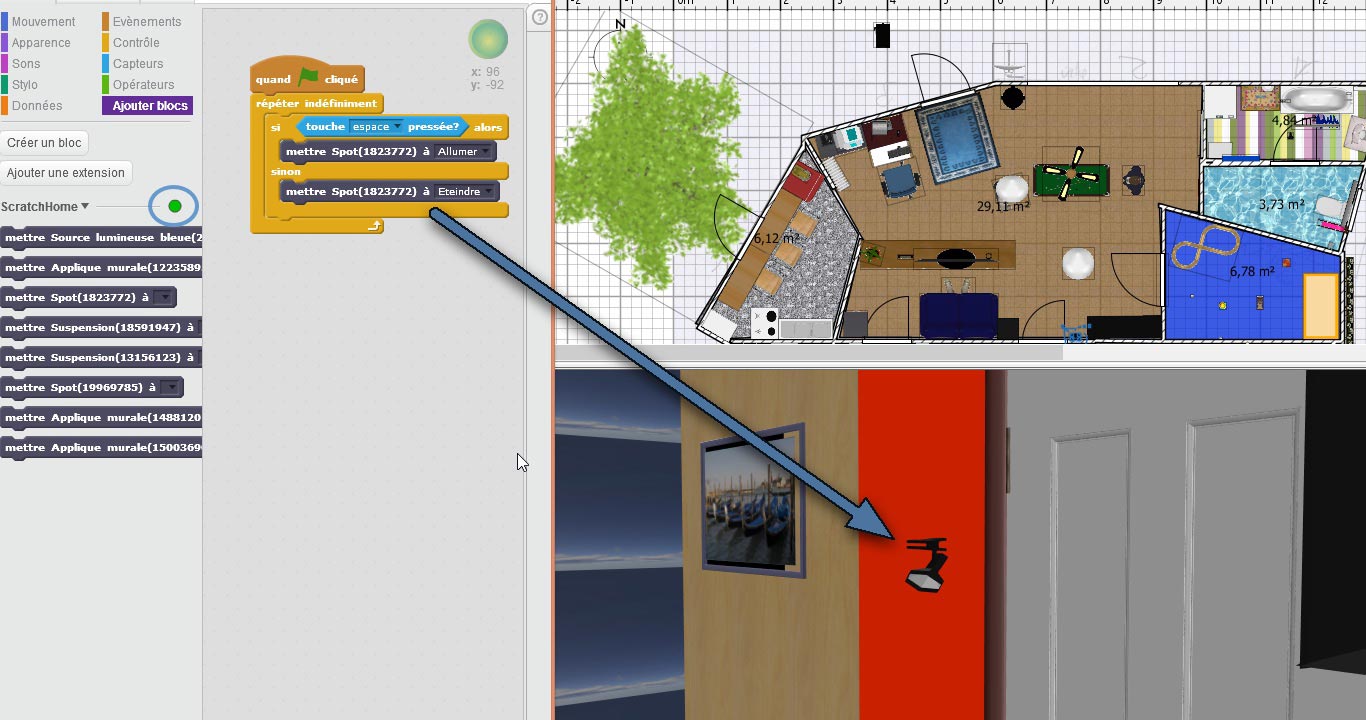
Are you lost among the hundreds of video tutorials about Sweet Home 3D available on YouTube? We tried them for you!
How to design wall recesses in Sweet Home 3D
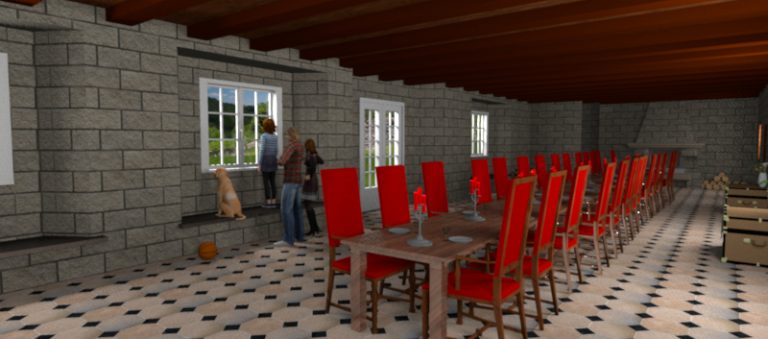
This tip shows how to design recesses in walls order to fit a door or a window in thick walls.
Sweet Home 3D: changing the colors of a texture
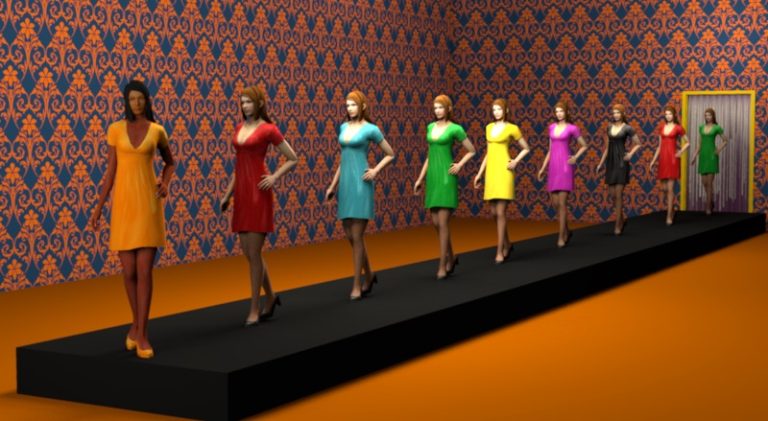
This tip shows how to change the colors of a texture with Gimp.
How to add a scenery around your home
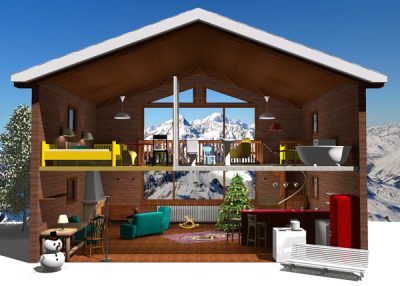
This tip shows how to display an image as a scenery around your home.
How to print a grid in the plan or display it in 3D
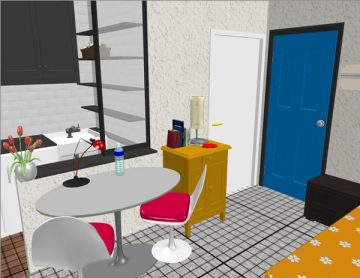
This three-in-one tip shows how to print a grid under your home and also how to display a grid in the 3D view.
How to design a mezzanine
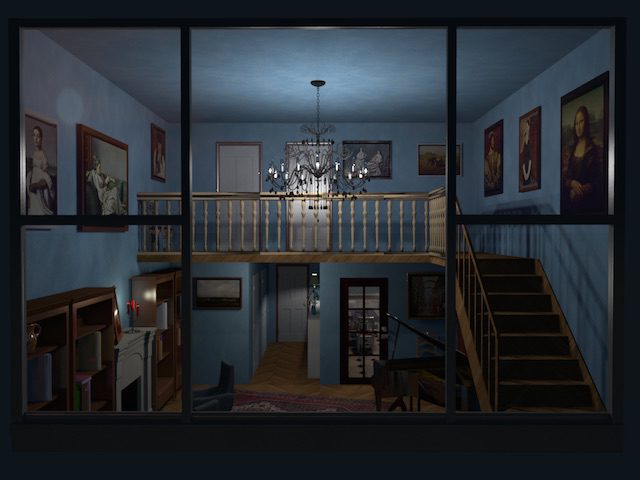
This tip shows how to design a mezzanine and reviews the differences between wall and room creation tools.
How to: Design a Sloping Ceiling with a Window in Sweet Home 3D
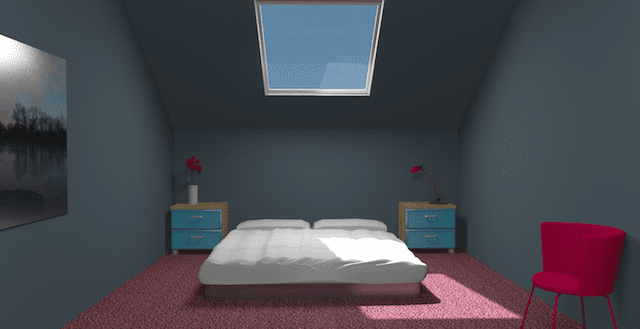
This tip shows how to design a sloping ceiling for a room under a roof.
How to Get Softer Shadows in Sweet Home 3D: Lighting Techniques for Realistic Rendering
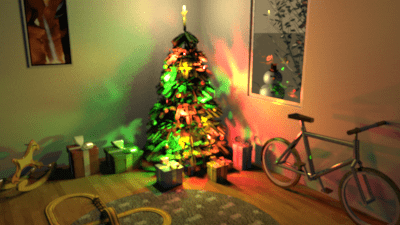
This tip shows how to get softer shadows in a scene designed with Sweet Home 3D.
How to Simulate Sunlight in Sweet Home 3D: Visualizing Natural Light Throughout the Day
This tip shows how to simulate the path of the sunlight in a room with Sweet Home 3D.
