This topic has been viewed 10666 times and has 5 replies
Thread status:
Share your snapshots made with Sweet Home 3D here [img]http://www.sweethome3d.com/images/flags/en_small.gif[/img]
santbose
Member
Posts: 62 Joined: Mon Jan 12, 2015 9:18 amCountry: Maharashtra, India
Post
by santbose Mon Apr 11, 2016 1:06 pm
santbose
Member
Posts: 62 Joined: Mon Jan 12, 2015 9:18 amCountry: Maharashtra, India
Post
by santbose Mon Apr 11, 2016 1:11 pm
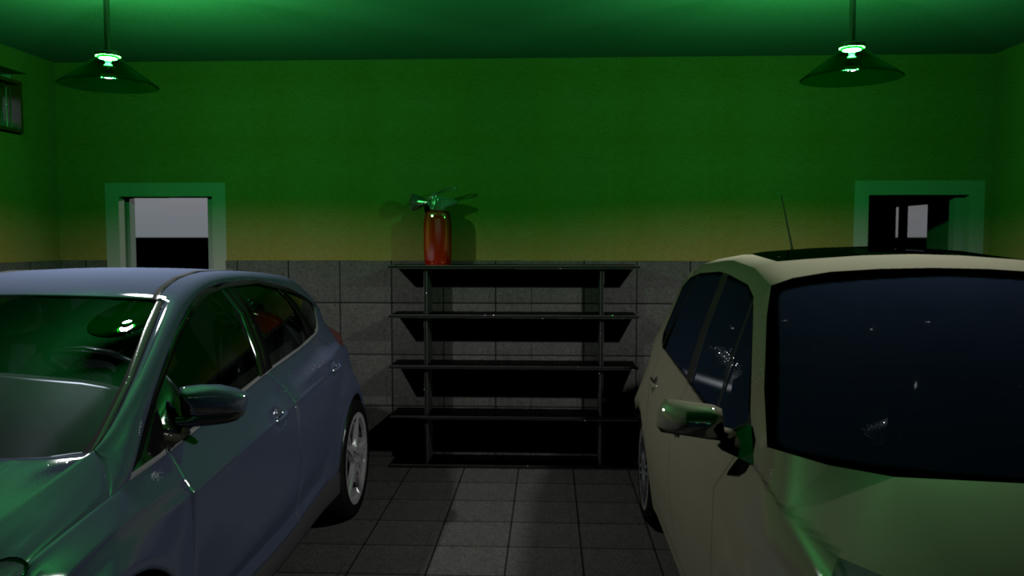
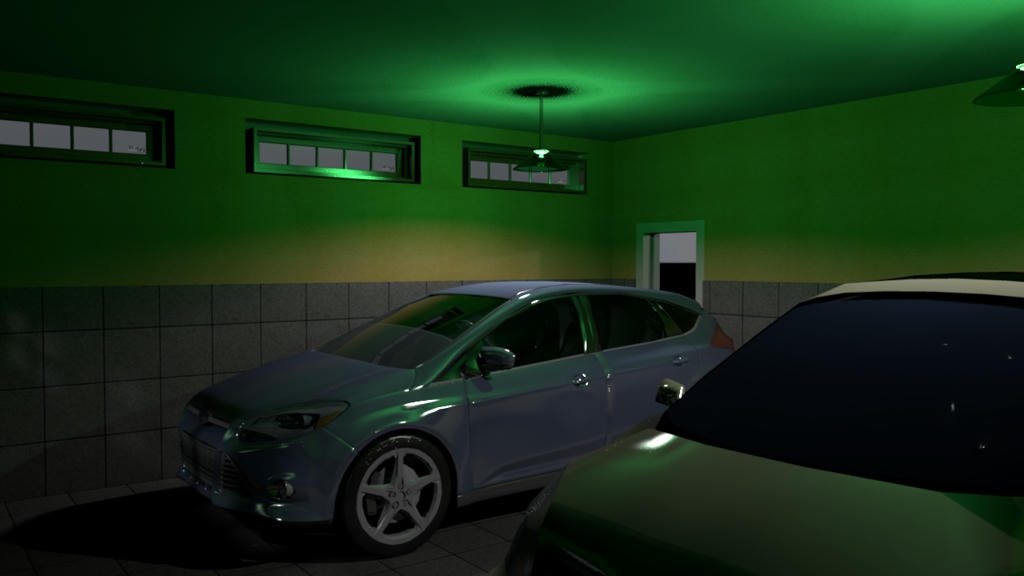
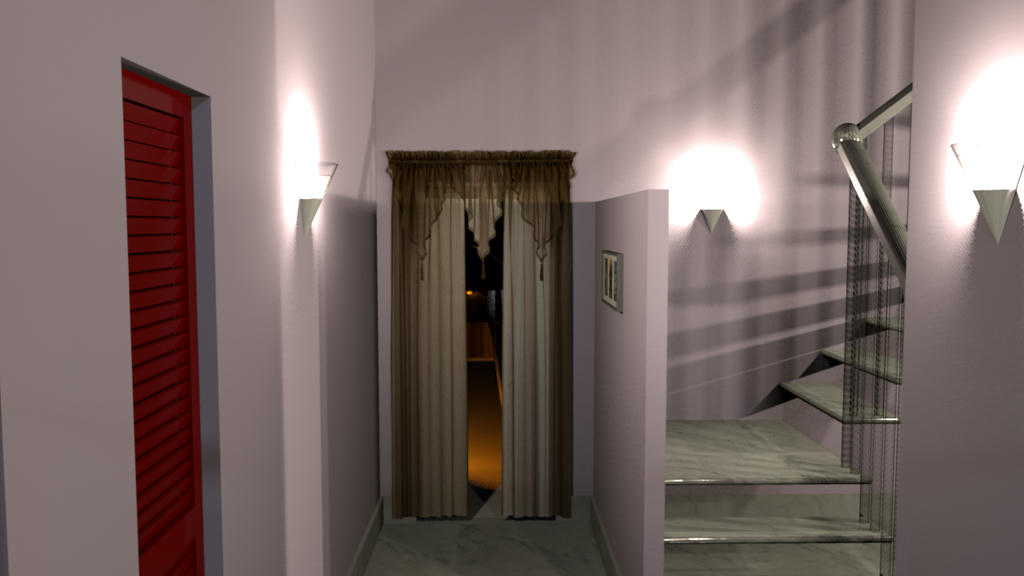
why am I not able to upload my work. I have copied the link provided by media fire and pasted in the dialogue which pops up when I press image button to upload my rendered images
SnakeGB
Member
Posts: 81 Joined: Mon Feb 24, 2014 11:20 am
Post
by SnakeGB Mon Apr 11, 2016 2:23 pm
Puybaret
Expert
Posts: 9440 Joined: Mon Nov 07, 2005 12:00 pmCountry: Paris, France
Contact:
Post
by Puybaret Mon Apr 11, 2016 4:42 pm
santbose, I fixed the links for you. Preview button at bottom of the screen to check if it works.
Emmanuel Puybaret, Sweet Home 3D creator
santbose
Member
Posts: 62 Joined: Mon Jan 12, 2015 9:18 amCountry: Maharashtra, India
Post
by santbose Tue Apr 12, 2016 7:46 am
Thank you very much you both Puybaret and Snake
HawkDawg
Advanced Member
Posts: 199 Joined: Tue Oct 06, 2015 11:06 pmCountry: Georgia, USA
Contact:
Post
by HawkDawg Wed Apr 13, 2016 2:11 am
Nice job on the bungalow.
Hawk
Users browsing this forum: No registered users