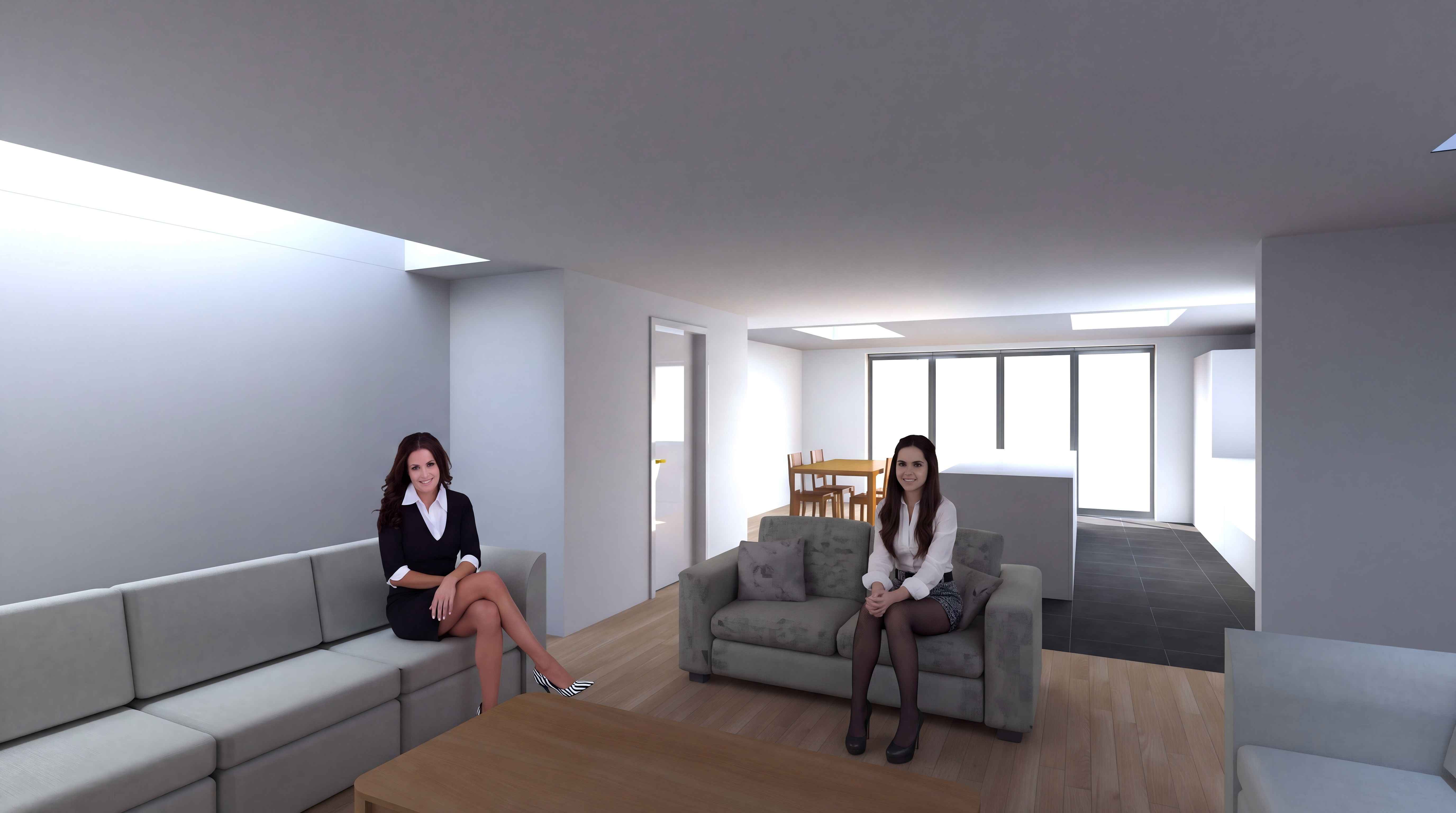
I'm not sure if my advice would be useful to anyone.. But you can completely abandon the SH3D Sun and create your own artificial Sun with the necessary parameters. For example, I made a simple room and a minimal outdoor environment - two real houses. Now about the sun. These are high-power colored spheres. To obtain a plausible diffraction effect of the sun's rays as they pass through the edge of the mold, large sizes of these spheres are needed. I took a sphere with a diameter of 6 meters and raised it to a height of 9 meters 80 cm. Inside this sphere, I placed another sphere with a smaller diameter of 3 meters. The outer sphere is orange, the inner sphere is blue. The maximum power is 100%. The most important thing is to move this group of spheres away from the camera to a maximum distance, but no more than 100 meters. Starting from this distance, the spheres stop working, so no more than 100 meters can be checked using a template. The number of such groups of spheres can be made 10-20 pieces. This method allows you to control the contrast between the brightness of the street light and the brightness of the interior lighting of the room. This feature is conditional in the program. And most importantly, you can set different light temperatures (the color of the spheres) to match the time of day. Morning, afternoon, evening.. The color of the outer sphere at sunset is orange, the color of the inner sphere is blue. During the day, the outer sphere is white, the inner one is blue or orange. In the evening, the colors are beige and cream. There's creativity here. Different colors of the spheres are needed for more complex shadow boundaries in color. The shadow in the middle is cold, and the border is warmer.
My renderings do not pretend to be a masterpiece, I want to show the direction of experiments with the artificial sun. All reflections in the glass of the window can appear, but you need to understand that the reflection in the window from inside the room will be distinct if the brightness of the spot on the wall or on the object is greater than the brightness of the illumination of objects on the street. This is how the windows in the police interrogation room work. If this difference becomes insignificant or vice versa, the reflections disappear. And just in case, I'll say again that if you use the render at the maximum fourth quality, then you need to set the Glossy parameter. This is my most important discovery of the past year, before I was sure that reflections in glossy surfaces are possible only at the third level of quality.
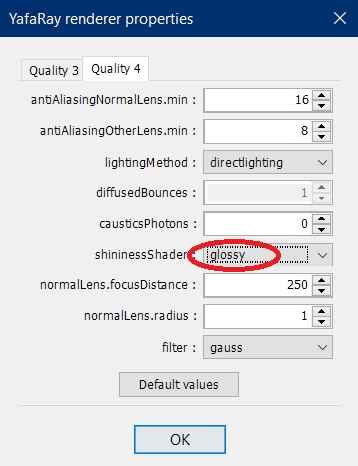
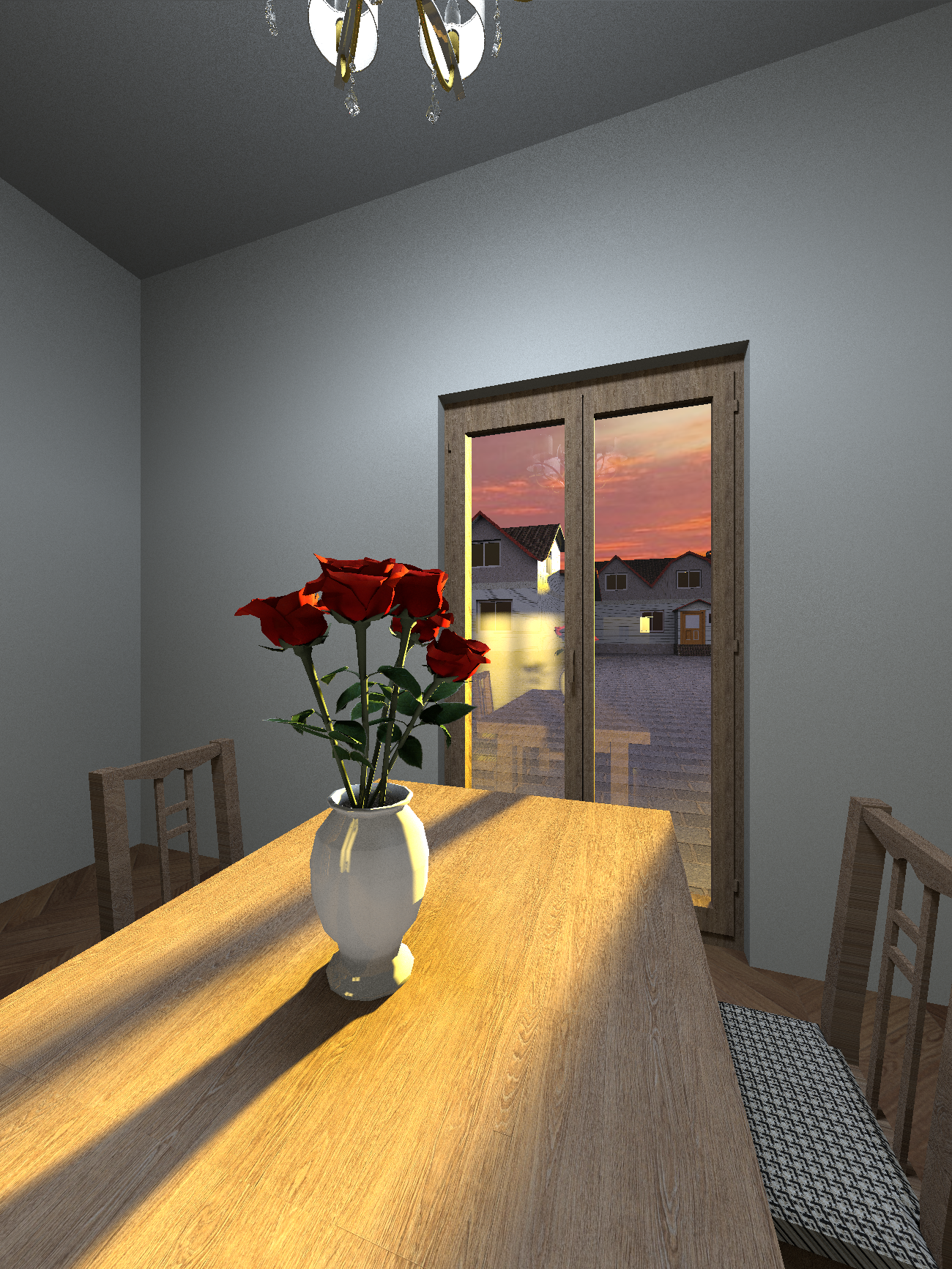
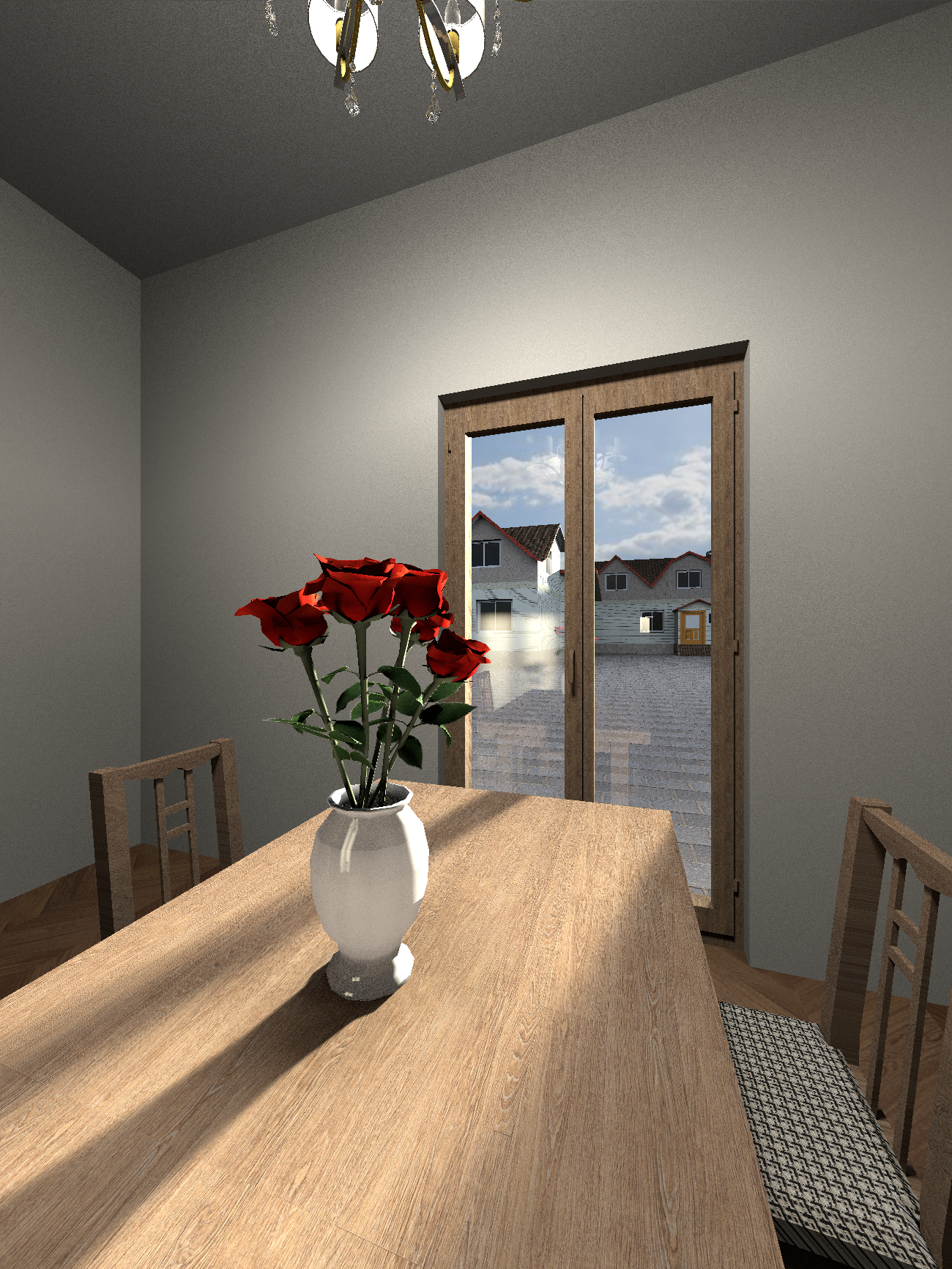
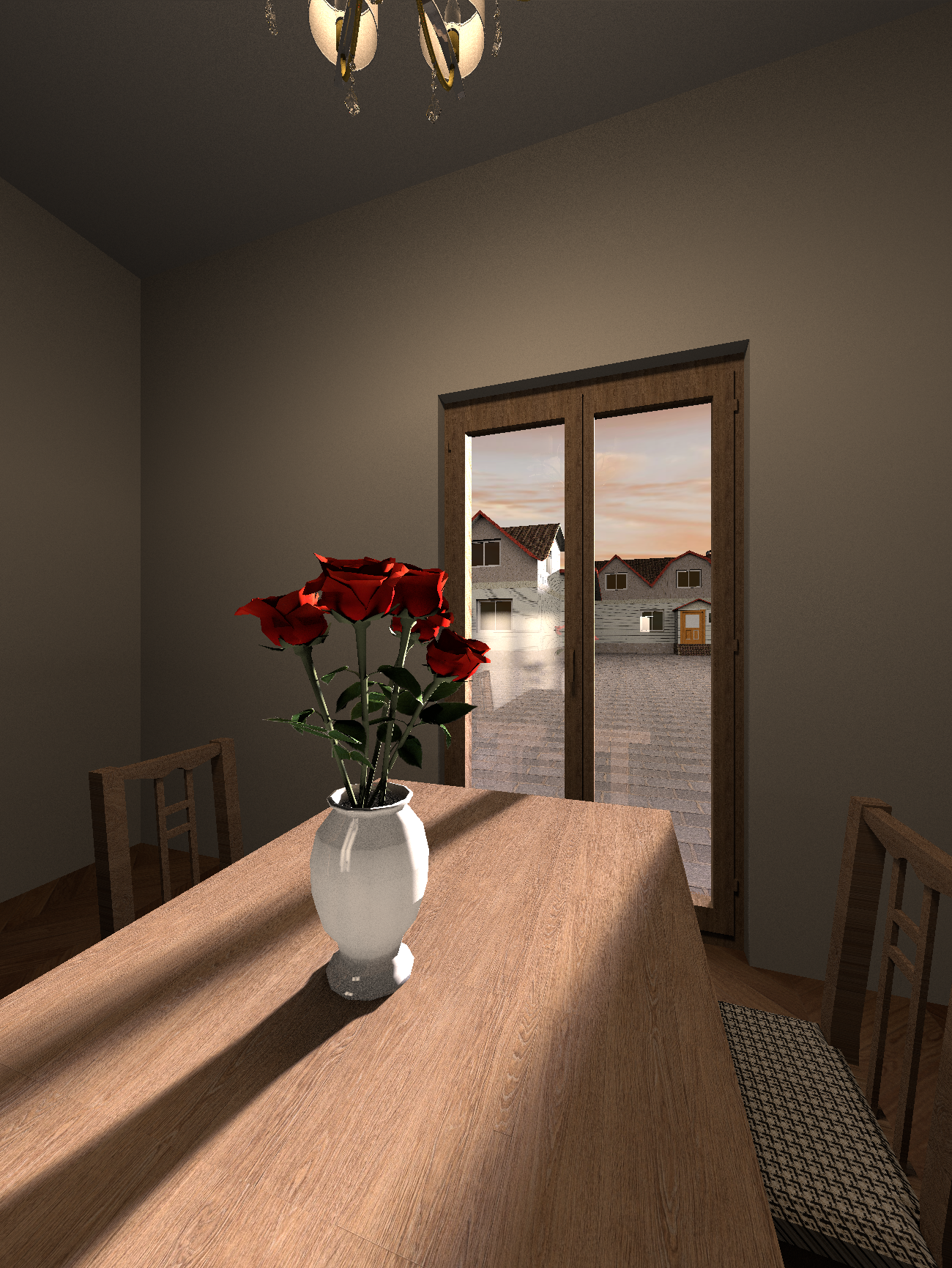
I did the sky as usual, in virtual visitor mode I assigned the sky texture as the desired area of the sky picture. The disadvantage of this method is that it is impossible to control the brightness of the sky. In the render, such a sky will always be the same as in the 3D view. But you can find the appropriate brightness of the image. The main thing is that now the sun is completely under your control. You need to set the night mode to 0:00 and remove the daytime lights from the settings. For the correct location of the sun in your area, you need to make a trial rendering with the coordinates and time settings. And then place your dazzling balloon in the right place so that the shadows fall accordingly. I must say that the coordinate settings in SH3D do not correspond to reality. I saw this when I got into a real apartment for which I was doing a project. The actual sun shadows in the room were different from the shadows in the project (there were no mistakes on my part). But these are small things.


 And grain and noise are easily removed in any image enhancer.