|
Sweet Home 3D Forum » List all forums » » Forum: Sweet Home 3D bar » » » Thread: Re: Background Pixelation |
||
| Print at Jan 29, 2026, 8:10:43 PM |
|
|
| Posted by Ceciliabr at Oct 27, 2018, 2:12:18 AM |
|
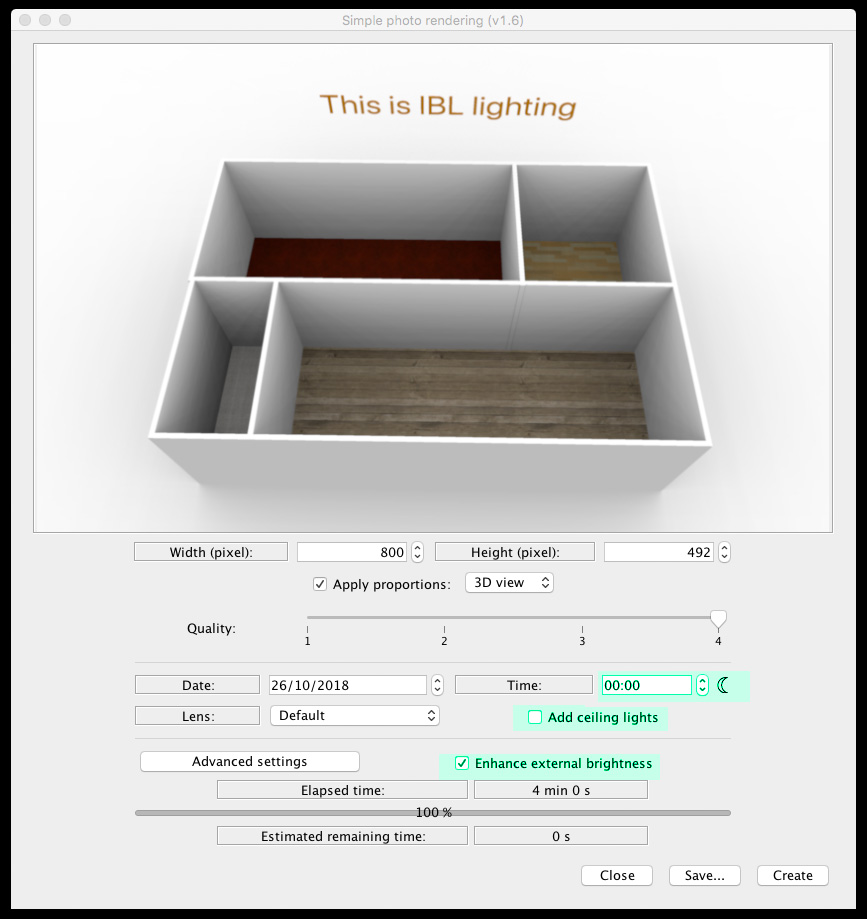
Re: Background Pixelation What is IBL lighting and where do you get it? IBL ( Image Based Lighting) is using an image as a light source, instead of using the sun. The exact terminology (IBL) is not used here, instead it's called: Enhance external brightness, and can be selected as an option if you install ( or have installed) THIS plugin, which also offers some other tools for enhancing the rendering process. Settings: The best way to use this for your project is to apply a totally white texture ( not colour!) to your sky and ground. You could also experiment with panel lights to further enhance your renderings. Cec |
| Posted by stef.salmon at Oct 29, 2018, 9:27:38 AM |
|
Re: Background Pixelation Hi, Thanks for all your help so far. I have installed the 'PhotoVideoRendering - 1.6' plugin but it says it isn't compatible with the version of Sweet Home 3D. I'm running SH3D v5.7 |
| Posted by VeroniQ at Oct 29, 2018, 10:13:51 AM |
|
Re: Background Pixelation There are different versions of EnkoNyito plugin in his thread but you should better upload the new 6 version of Sweet Home 3D... |
| Posted by stef.salmon at Oct 29, 2018, 11:43:21 AM |
|
Re: Background Pixelation Hi, I installed Sweet Home 3D v6.0. I chose a white texture for the ground and sky as suggested. I used white roughcast. I checked the 'Enhance external brightness' box and set the time to 00:00 midnight and Q4, which it needs to be. As you can see from the rendered image, it is even worse than before and it took 10 times as long to render...51 minutes 40 seconds to be precise. Why it took that long I have no idea, it's not exactly very detailed. https://www.dropbox.com/s/nqb2osf0z49uray/KWS_1stFloor%20-%20TEST.png?dl=0 I'm not producing very detailed 3D building layouts. Where do I go from here? Would it be easier for me to send the file to one of you guys with the proper expertise, to see if you can get it to render without pixelation? Thanks. |
| Posted by Puybaret at Oct 29, 2018, 12:43:13 PM |
|
Re: Background Pixelation I would suggest to create a large white zone around you building, and cut / paste everything else on top of that. ---------------------------------------- Emmanuel Puybaret, Sweet Home 3D creator |
| Posted by stef.salmon at Oct 29, 2018, 12:54:17 PM |
|
Re: Background Pixelation Do you mean create a large white image .png and use this as the background, then copy and paste everything on to that? |
| Posted by Ceciliabr at Oct 29, 2018, 1:23:39 PM |
|
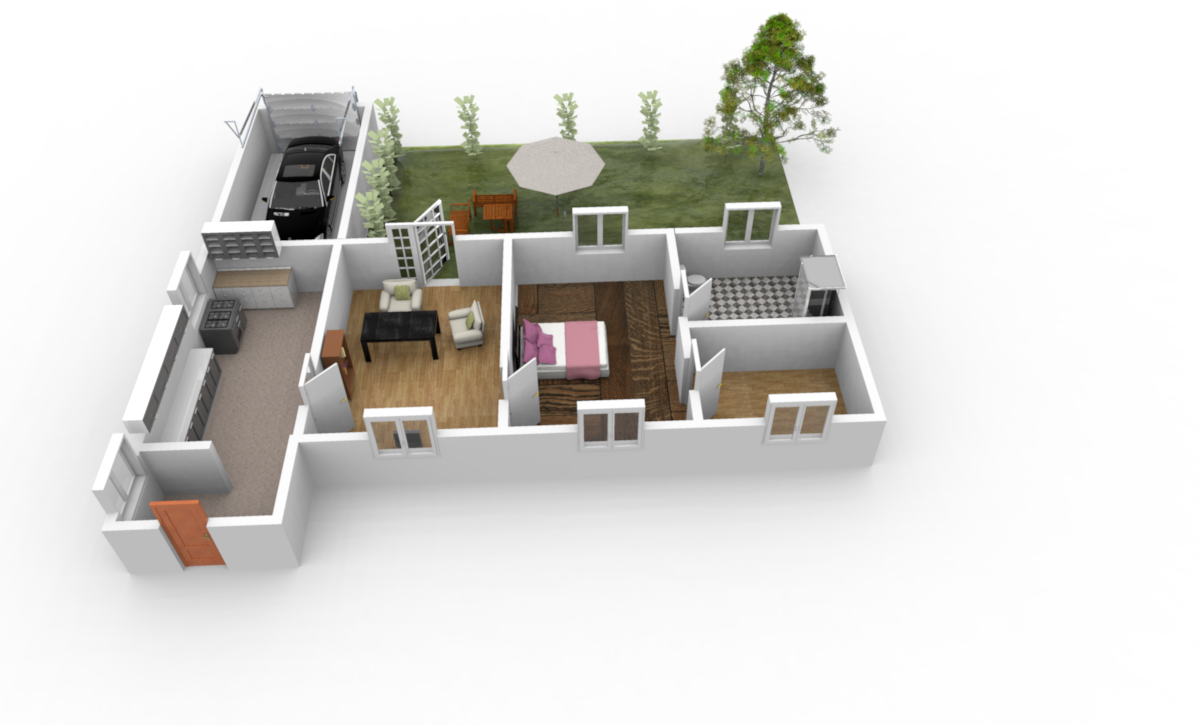
Re: Background Pixelation I used white roughcast White is #FFFFFF. THIS is a white texture Here is how it should render Cec |
| Posted by stef.salmon at Oct 29, 2018, 1:30:52 PM |
|
Re: Background Pixelation I have used your .png as a texture for the ground & sky. It's saying the estimated rendering time is 56 minutes...that can't be right? |
| Posted by UbuntuBirdy at Oct 29, 2018, 1:49:51 PM |
|
Re: Background Pixelation If you are not working on Summit this is absolutely a real time for rendering at Q4. ---------------------------------------- Pascal SH3D 6.6 / Ubuntu 22.04 (Mainline-Kernel) / Radeon RX580 / Ryzen 7 5800x |
| Posted by stef.salmon at Oct 29, 2018, 1:54:32 PM |
|
Re: Background Pixelation OK that's understandable. I made the pixel size smaller so it rendered faster, but there is still pixelation. See link. https://www.dropbox.com/s/tcrjthgfnx2xos2/KWS_1stFloor%20-%20TEST2.png?dl=0 What else could be causing it? |
|
|
|
Current timezone is GMT Jan 29, 2026, 8:10:43 PM |