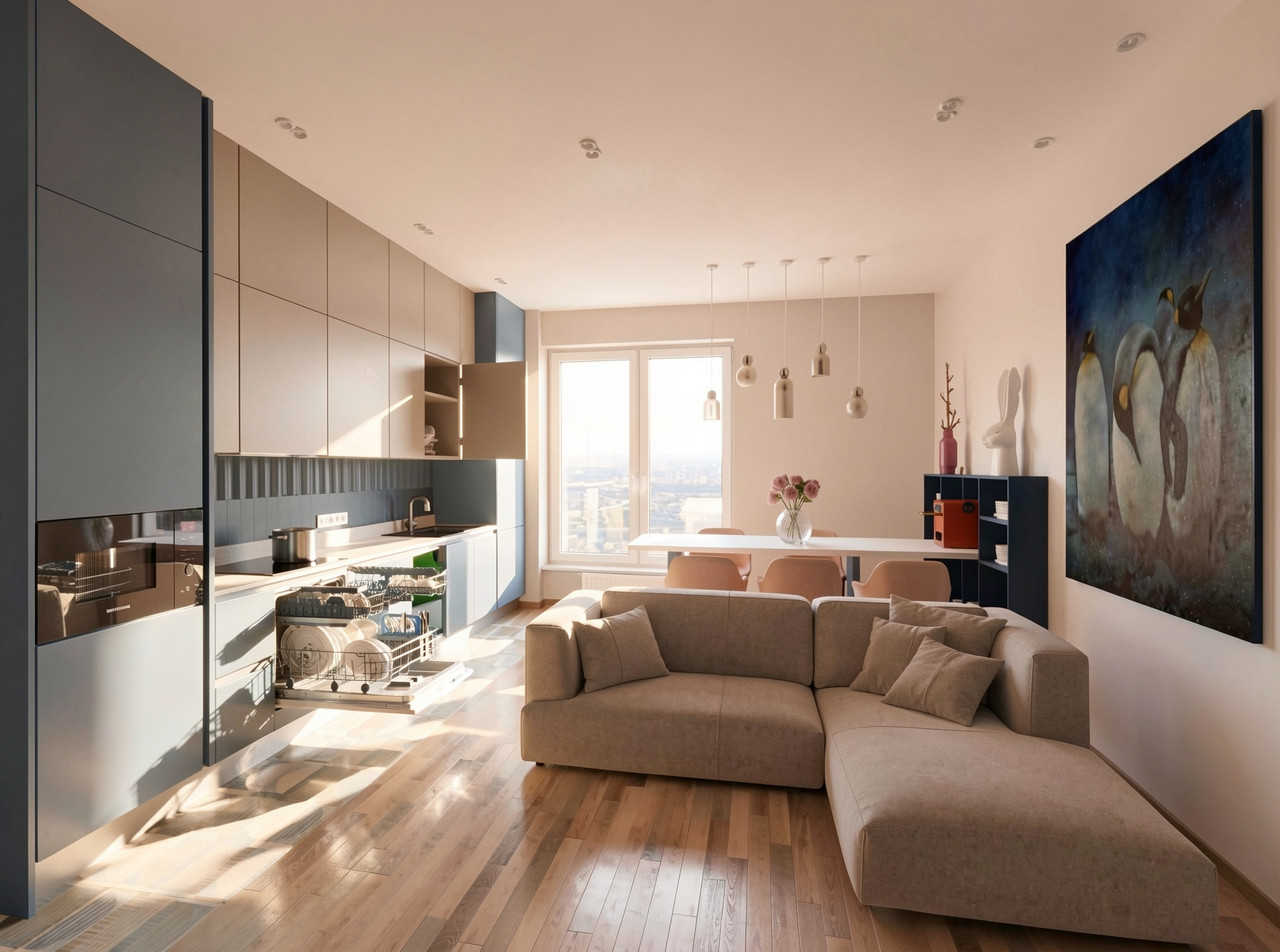
connecting SH3D and AI for work
I managed to find an algorithm for new features in working with SH3D. The best SH3D program is an ideal option for successfully combining this honest part of the work and the second part that is not entirely honest. Yes, it's about AI. I couldn't find an algorithm that I wouldn't be ashamed to go public with. I am sharing with you my discoveries in this field. So I am sure that the right way to design in architecture and interior design is to create only your idea at the start of work. Therefore, it is important to start with your hands, with a pencil, this is necessary for your confidence in the end, when the final beauty arises. Start not with a confusing effect, but with an idea that you understand. To do this, sketches are created at the first stage and then drawings that can be translated into SH3D. Any volume can be made according to drawings using primitives - boxes, cylinders, spheres, cones. For interior design, this list can be limited to a box and sometimes a sphere, the vast majority of tasks are solved by these two primitives. So here is an example of a simple room that is created using only boxes and cylinders. Yes, there are still three simple models (sofa, chair, lamp), but it was possible without them. Make everything in boxes.
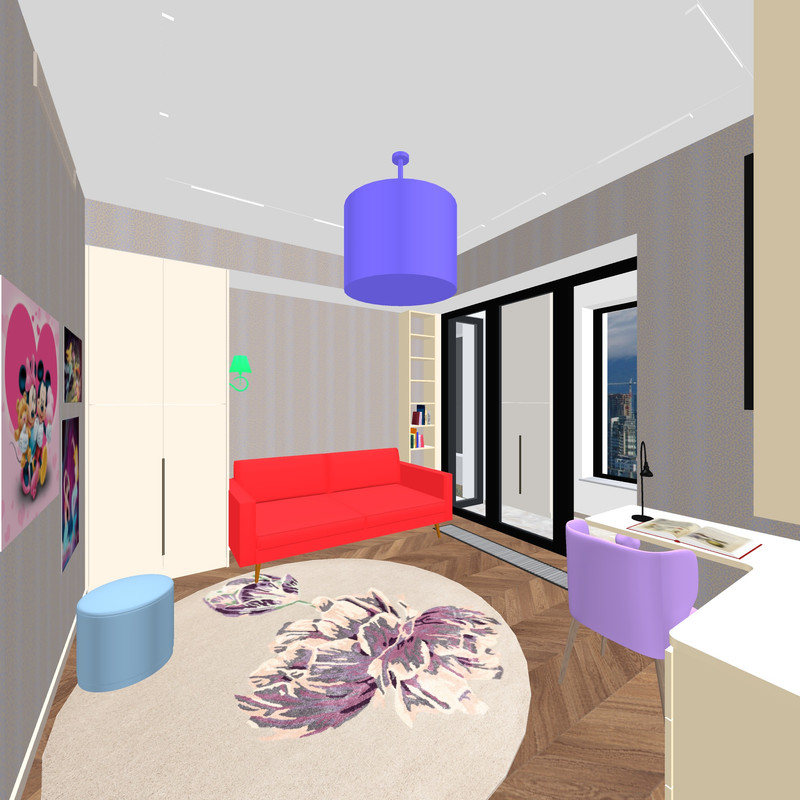
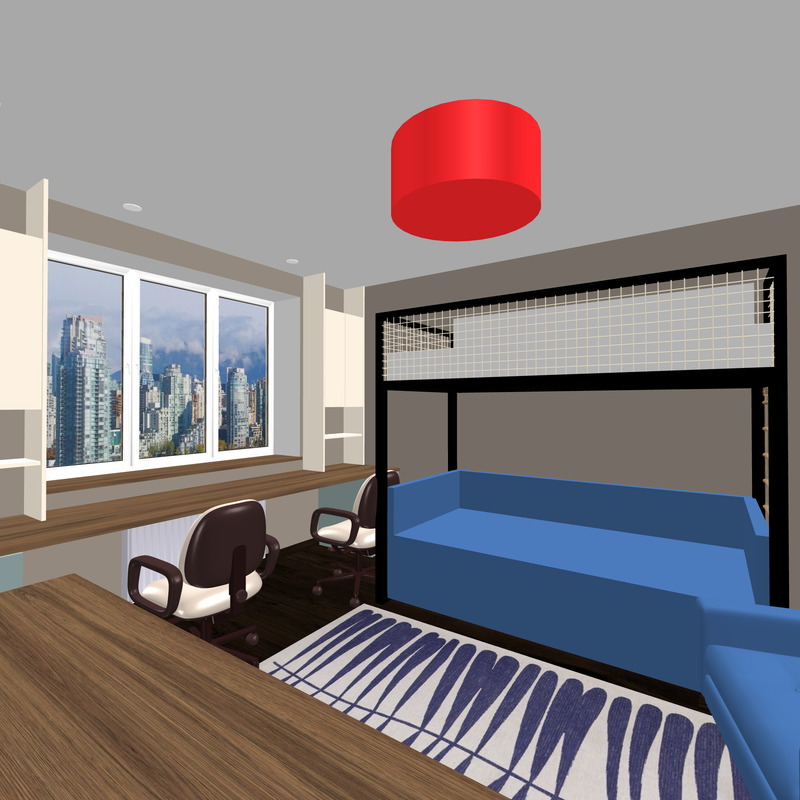
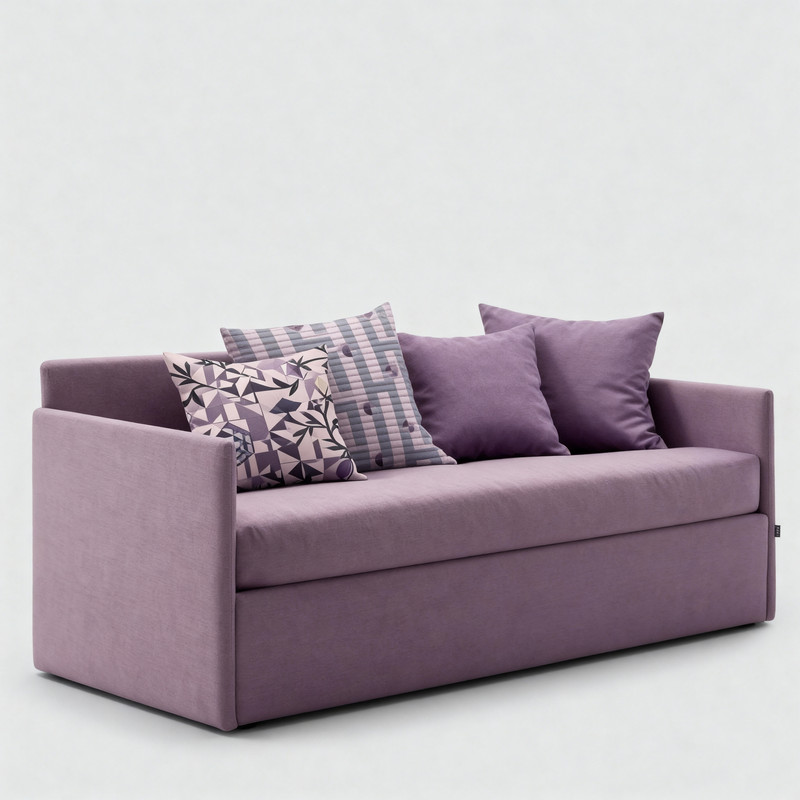
I need a simple rendering at the very first level of quality, without lighting. But with a pixel size of 4000. This quality size is needed to transfer the texture in good resolution. for further work with AI, I painted the objects of the jelly in different colors. The sofa is red, the imitation chandelier is purple (cylinders), the sconce on the side of the cabinet is green. I have prepared the walls and floor with the correct textures. Next, you need to prepare or find photos of the desired sofa in the right color and finish on the Internet. The right chandelier, the right sconce, and so on. I have already learned how to paint furniture in the right textures and colors through the LMArena platform. For example, I painted this sofa myself, initially it was a different color on the Internet.


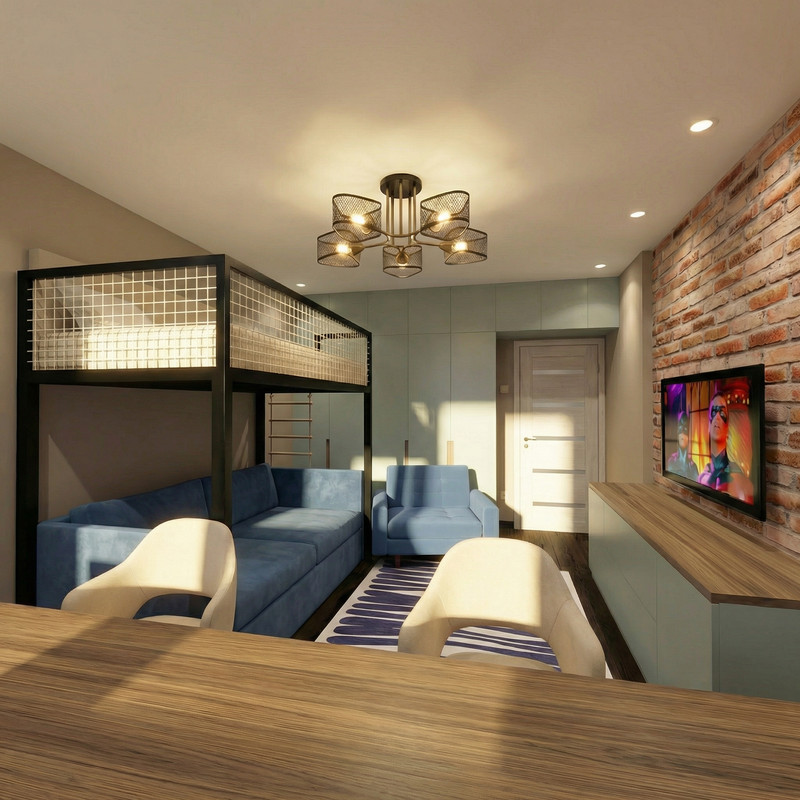
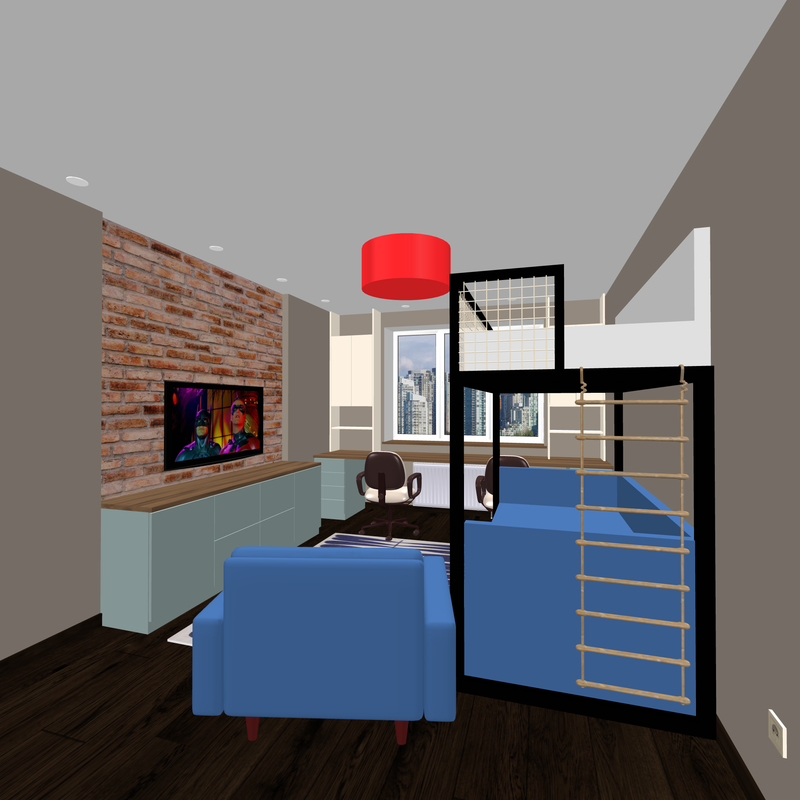
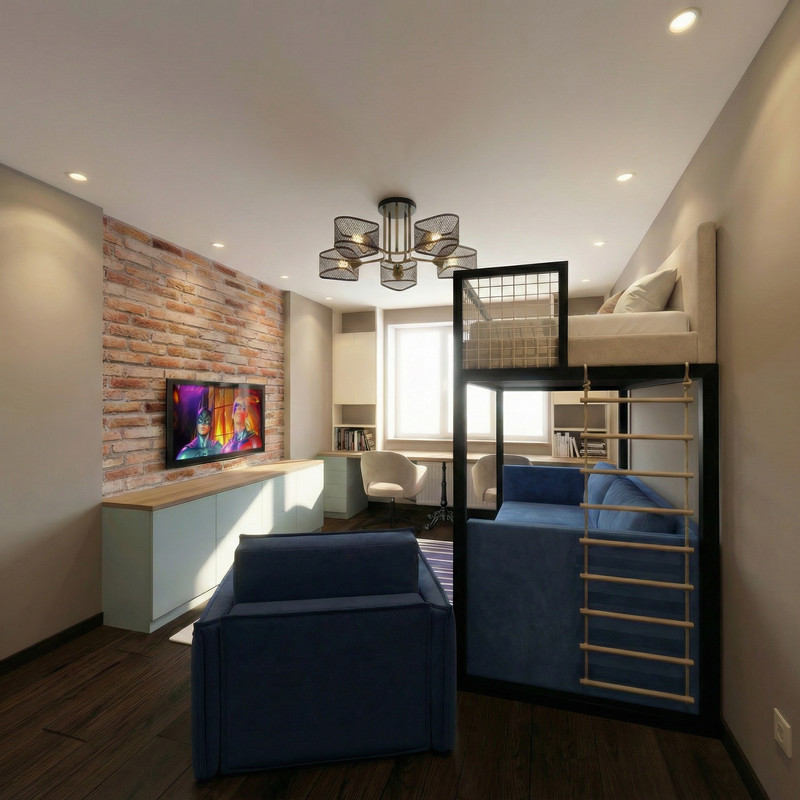
So at this stage, I created the room in the right proportions, put up the door and windows, marked the track lights, skirting boards, vent lattices, window sill and other small details with the help of boxes. For these rectangular shapes, you must immediately assign the correct textures and colors. I created all the cabinets with the help of boxes. These are not ready-made models, they are cabinets honestly assembled from separate boards, with gaps between the doors and furniture handles. Everything is ready for an interesting action. The furniture is in its place and in the right dimensions, try to do everything without mistakes. This stage is entirely yours. You are 100% the author here. And now we need to call our dangerous multi-armed friend AI. Don't call him a friend, there's no need. Everything can be found on the LMArena platform, I will not teach you what and how, it is not difficult there. The first picture in the task is to put our not-so-colorful 3D render with local colors, followed by a sofa, a sconce, and a chandelier. And write: It's bright daylight outside. Parquet with a matte silky varnish. The purple cylinders change to a chandelier from the sample. The red sofa changes to... Well, you get it. When you are done with the explanations, then you need to click on the button. The cosmic rays of AI will complete a revolution around the planet in about 30 seconds. 30 seconds, yes.. If you're lucky with a good AI model, you'll get this picture the first time. Agree, it's impressive.

and what about the other angles of the room? Let's take a picture from another location. Again, the very first quality level, 4000 pixels.
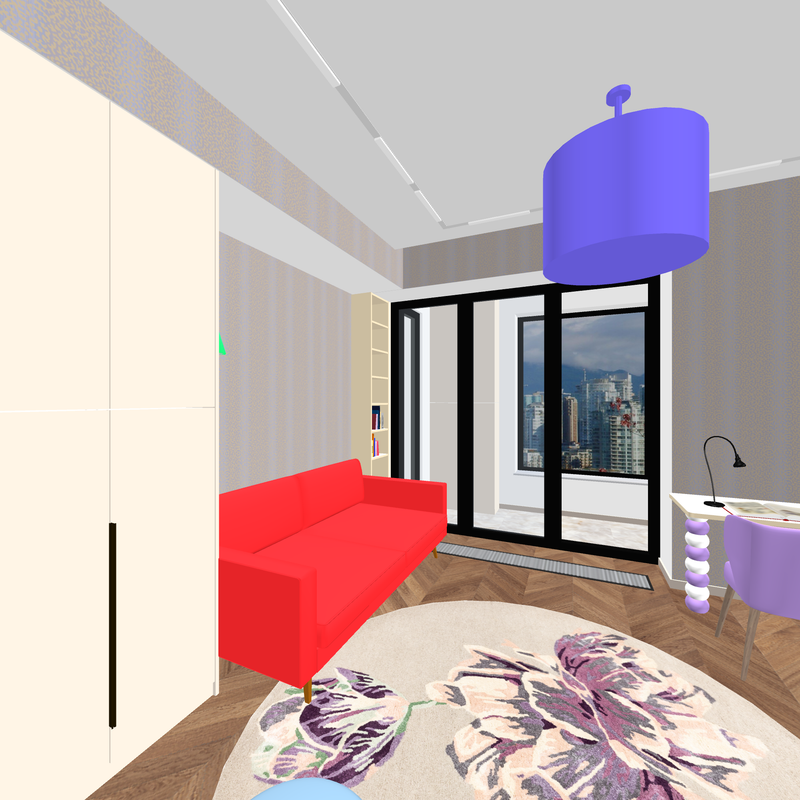
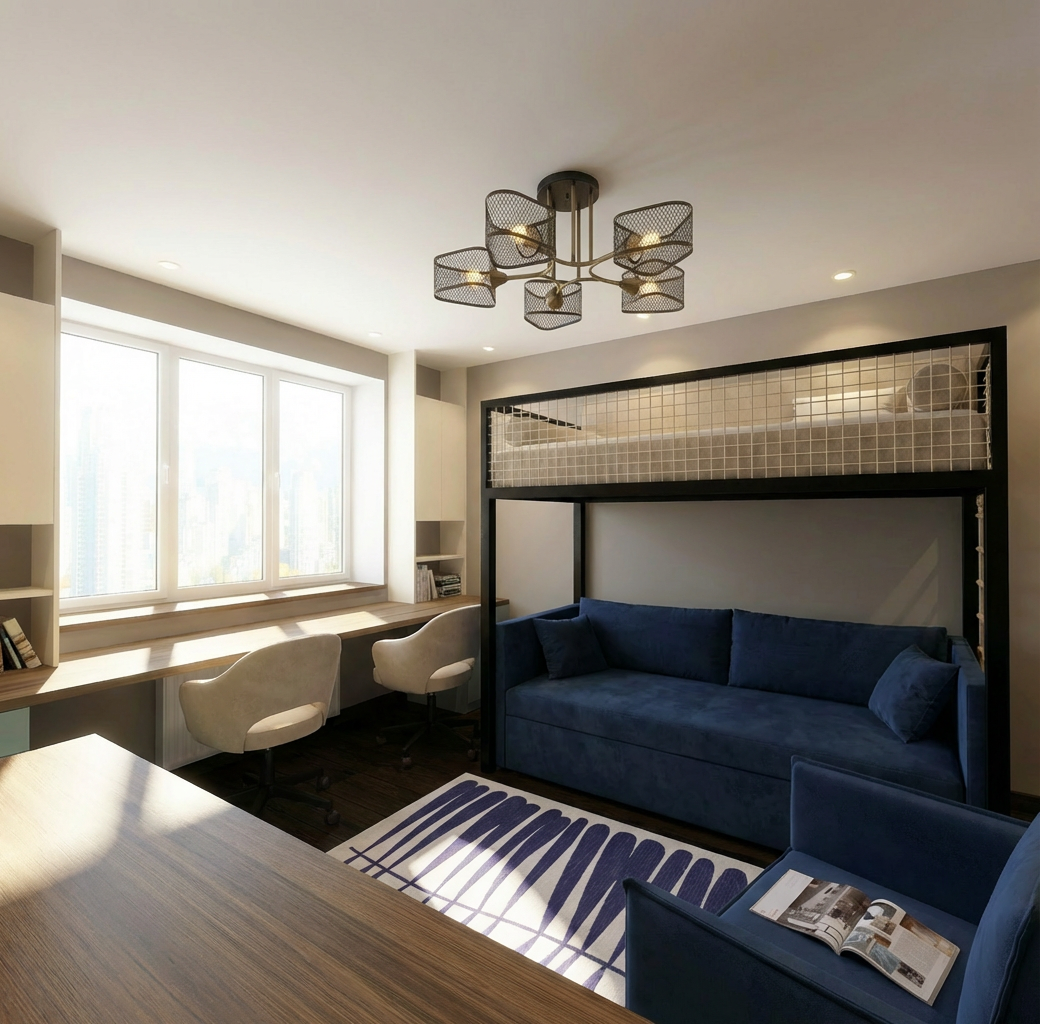
Now, with the first picture, you put our first AI render (if you like it), and with the second picture, our SH color is not very voluminous. And the text: the second angle of the room is modeled after the first picture. Exactly. And again you add photos of sofas, chandeliers, sconces and others. You're still spelling out in text what to replace with what. And press the button again. Wait 30 seconds.. Well, it's not difficult at all.
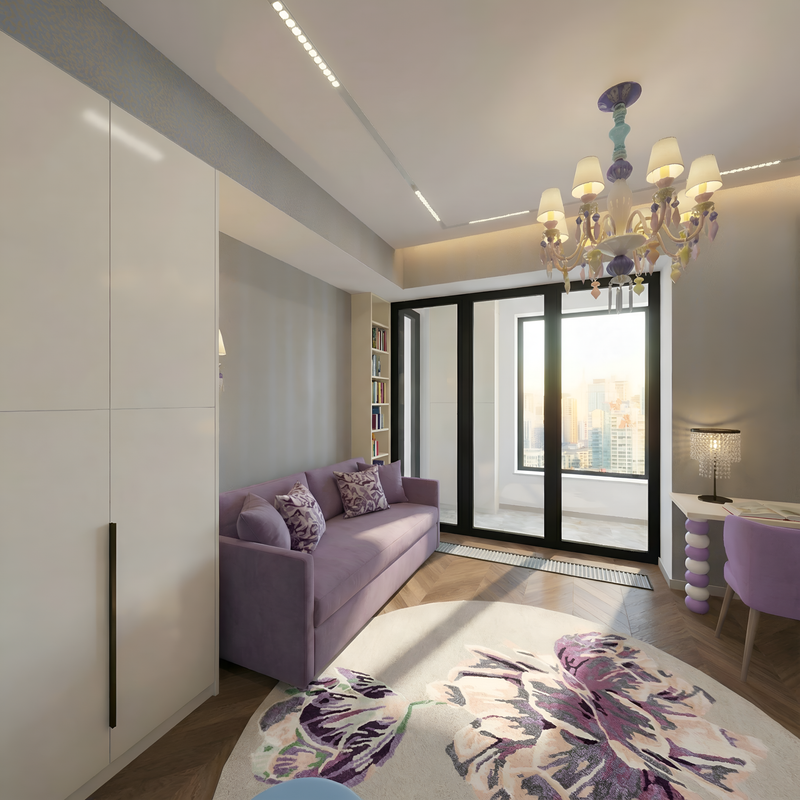
yes, of course, AI can produce a bad result. then you need to repeat it. This way you can create several different renderers with photorealistic reality. And you shouldn't be ashamed, because you still came up with everything yourself, now you're just choosing between good and the best results that don't affect your authorship in any way. You're the author, period. And everything was done in the best SH3D program. Yes, and in this program you can do everything well, but sometimes it doesn't work out.. And the matte silky parquet polish does not work with beautiful reflections in any way. And here there is a ready-made subject with muscular limbs. Don't feel sorry for him and when you don't need him, drive him away from your creativity.
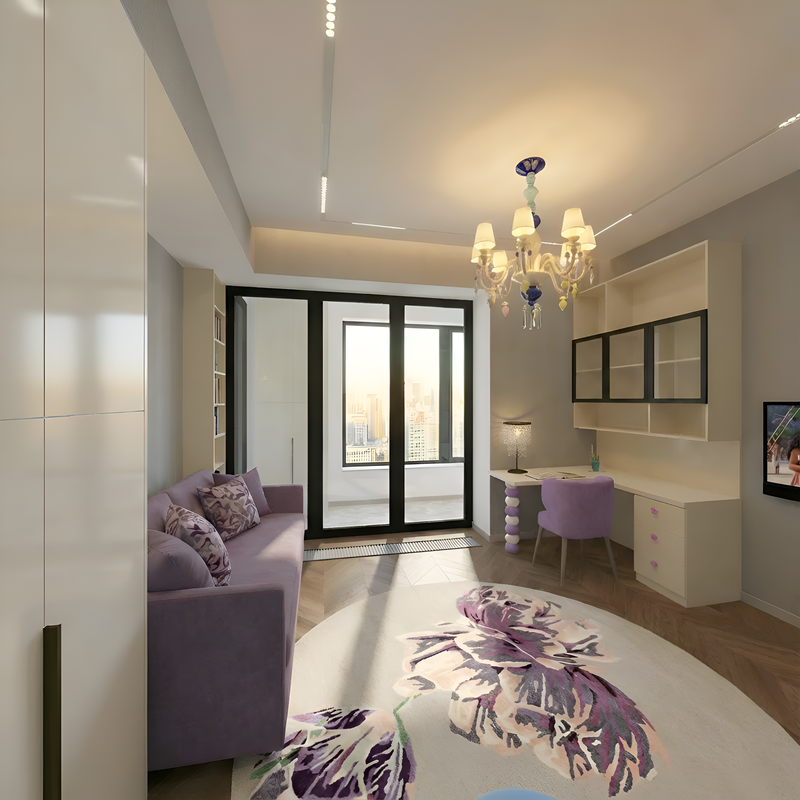
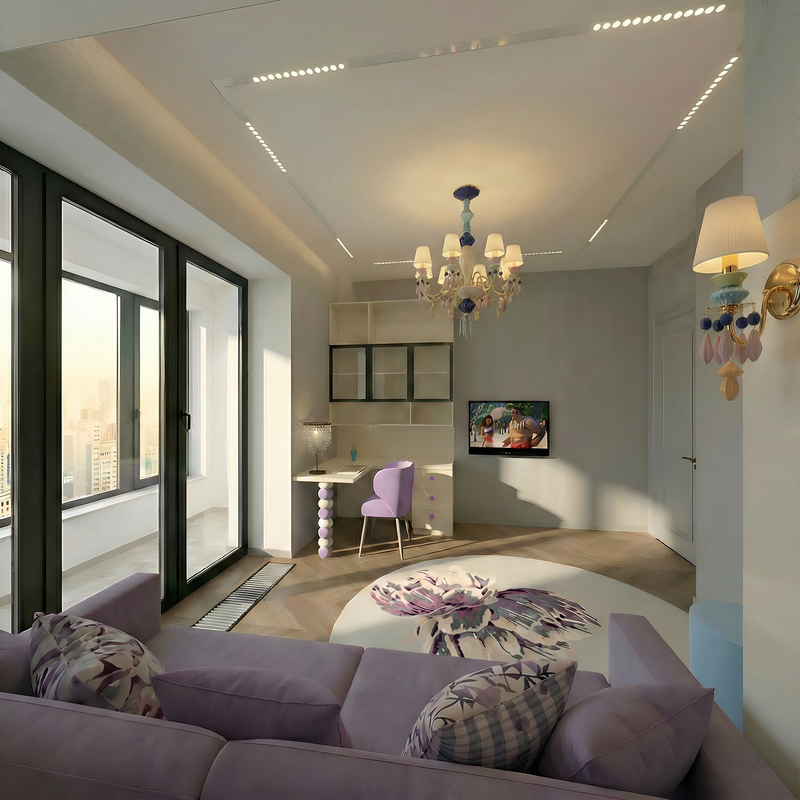
if there are a lot of objects in the room that need to be inserted, then even the AI may not be able to cope. Calculate the strength of this strongman correctly. Do everything gradually, in several attempts at the same angle.
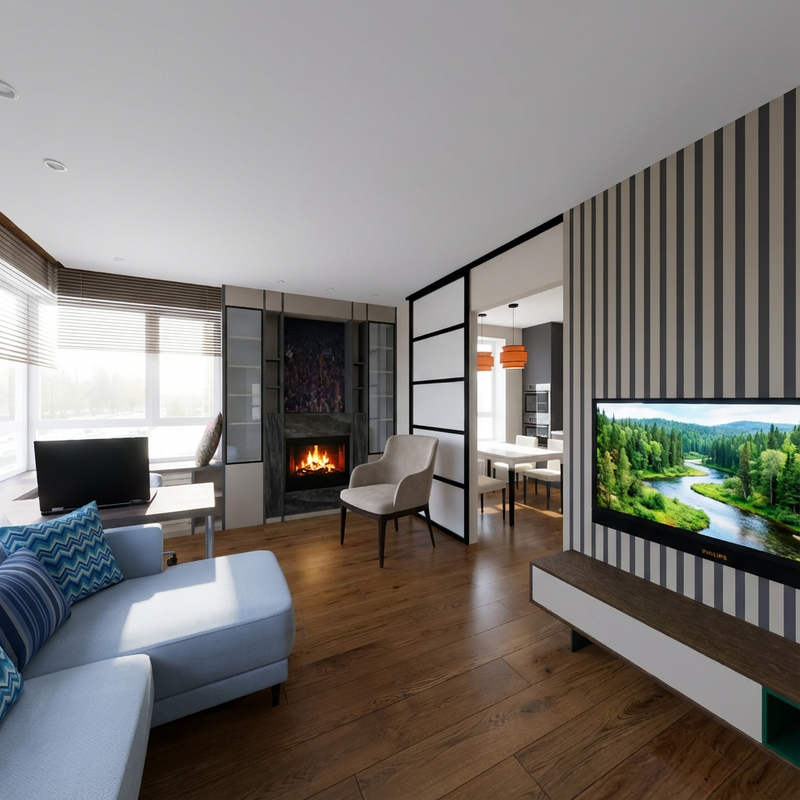
-a-vtoroj-rakurs-menaet.png)
-b-Vtoroj-rakurs-menaet(1).png)
This method should always start with SH3D and pencil and paper, then you won't be ashamed to continue and share it with your friends. Remember.

.png)