Print at Apr 22, 2026, 6:20:25 AM
Posted by GaudiGalopin3324 at Jan 19, 2026, 11:15:35 PM
biggrin   connecting SH3D and AI for work
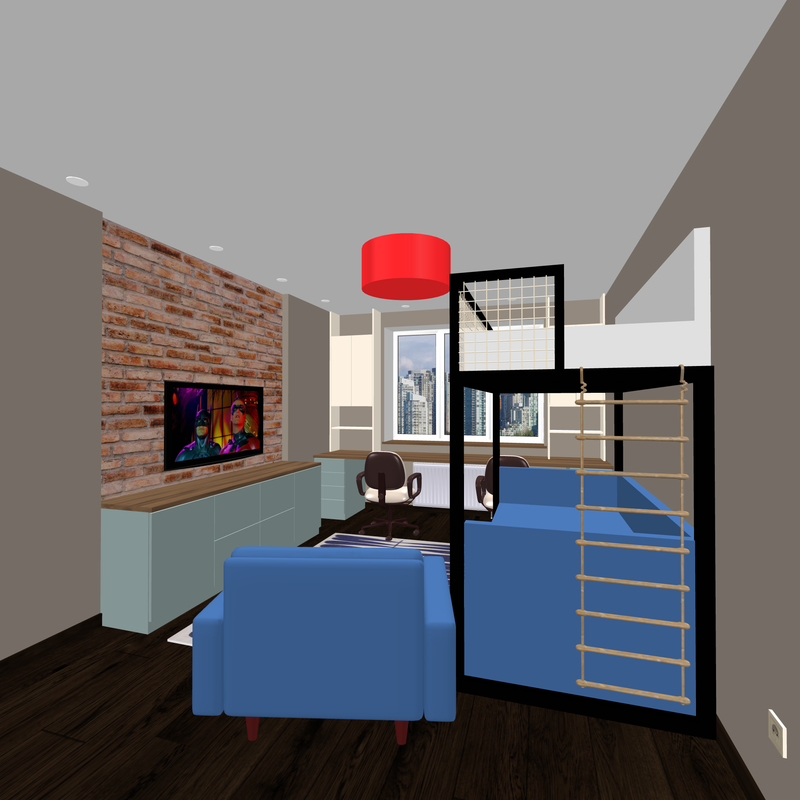
I managed to find an algorithm for new features in working with SH3D. The best SH3D program is an ideal option for successfully combining this honest part of the work and the second part that is not entirely honest. Yes, it's about AI. I couldn't find an algorithm that I wouldn't be ashamed to go public with. I am sharing with you my discoveries in this field. So I am sure that the right way to design in architecture and interior design is to create only your idea at the start of work. Therefore, it is important to start with your hands, with a pencil, this is necessary for your confidence in the end, when the final beauty arises. Start not with a confusing effect, but with an idea that you understand. To do this, sketches are created at the first stage and then drawings that can be translated into SH3D. Any volume can be made according to drawings using primitives - boxes, cylinders, spheres, cones. For interior design, this list can be limited to a box and sometimes a sphere, the vast majority of tasks are solved by these two primitives. So here is an example of a simple room that is created using only boxes and cylinders. Yes, there are still three simple models (sofa, chair, lamp), but it was possible without them. Make everything in boxes.
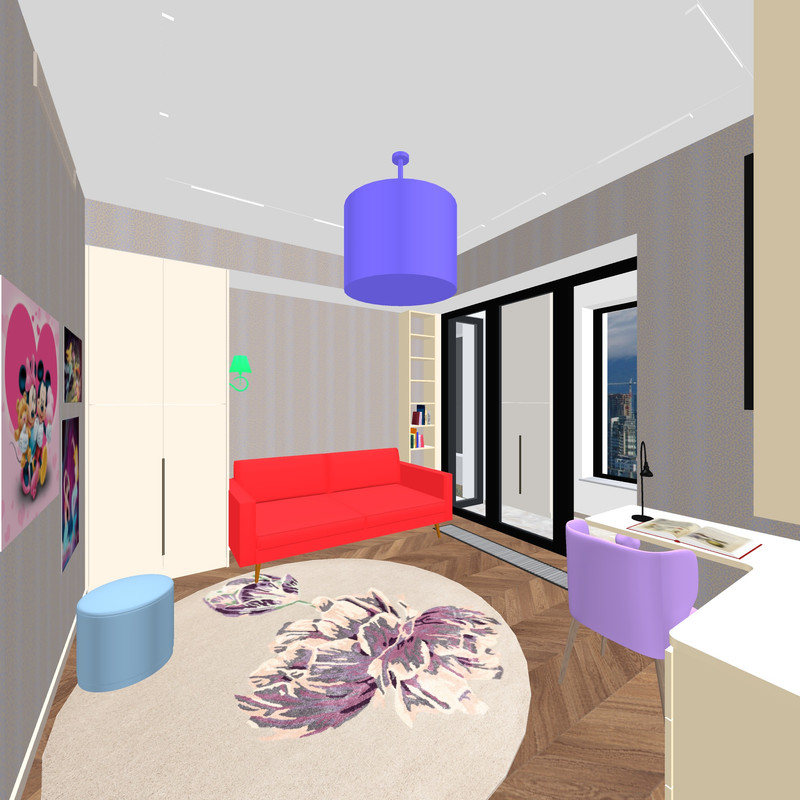


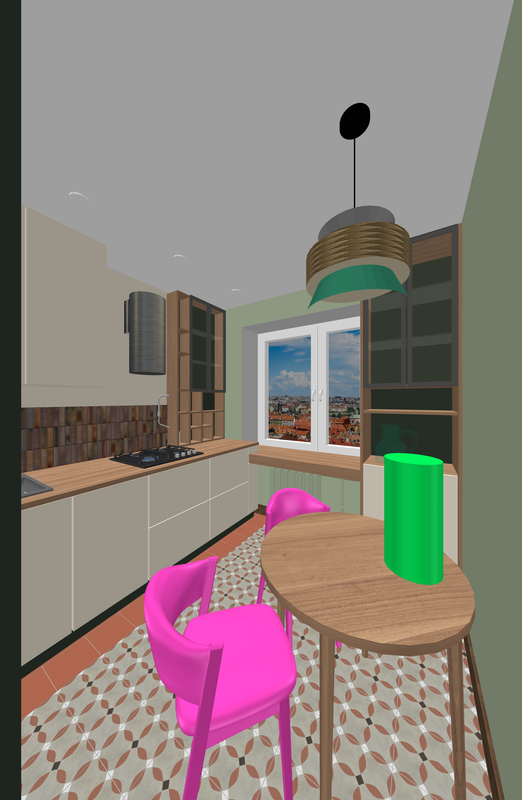
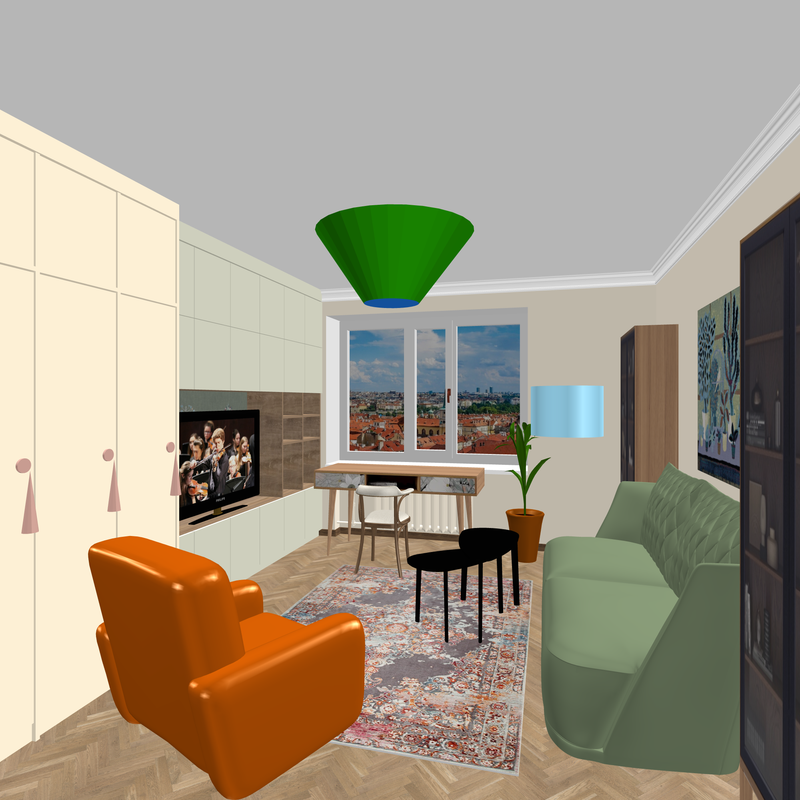
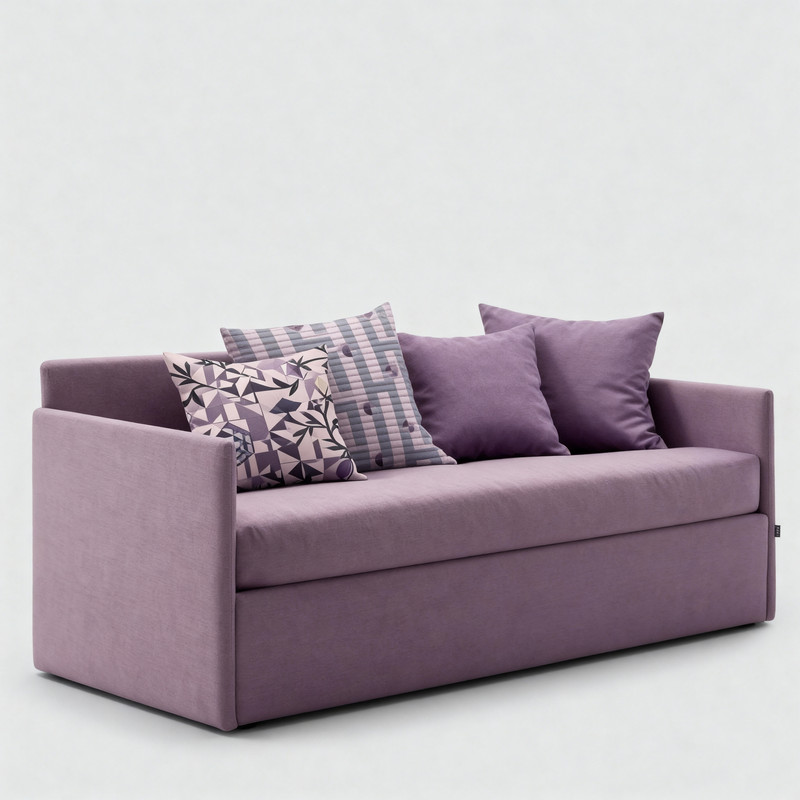
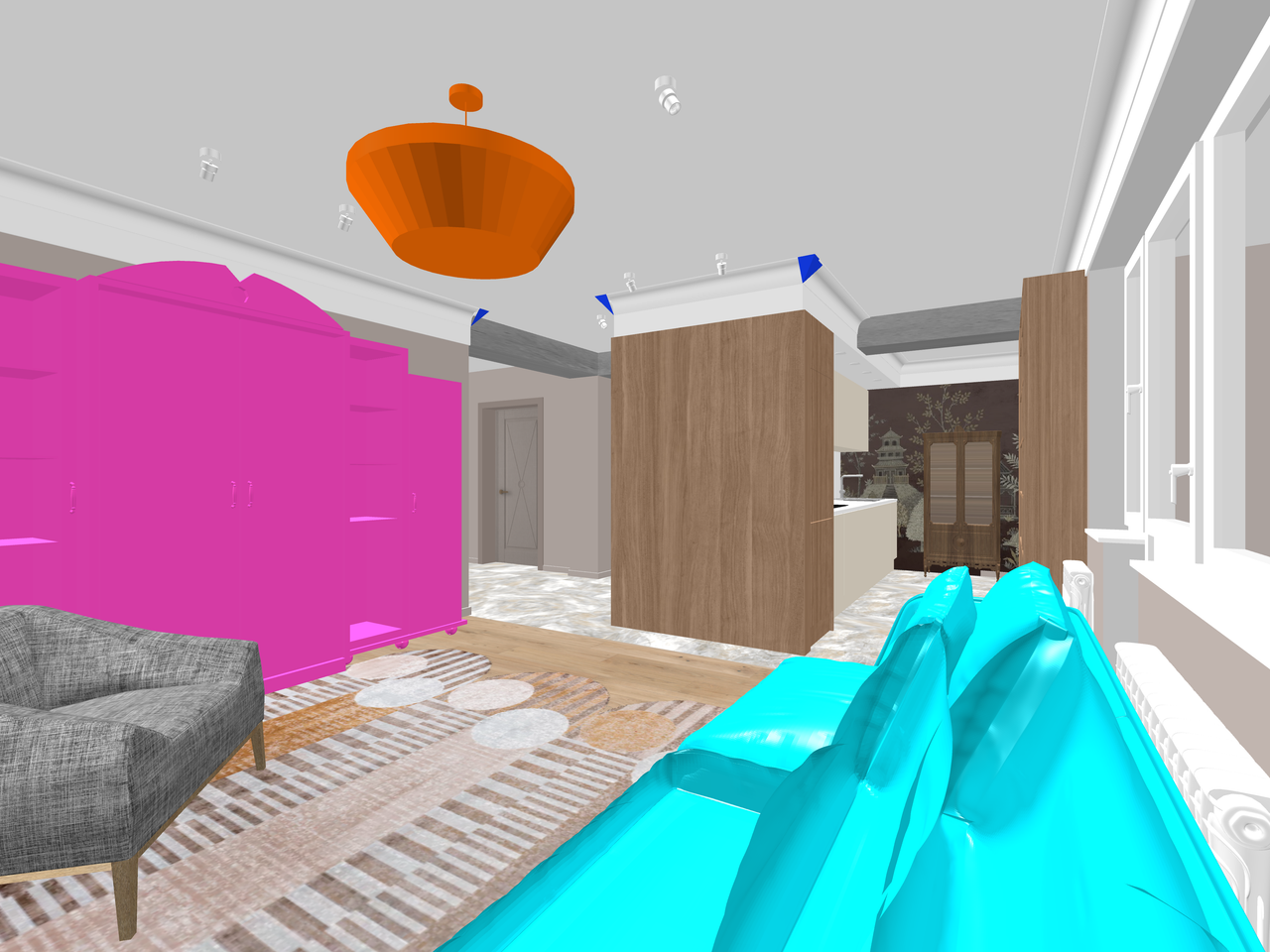
I need a simple rendering at the very first level of quality, without lighting. But with a pixel size of 4000. This quality size is needed to transfer the texture in good resolution. for further work with AI, I painted the objects of the jelly in different colors. The sofa is red, the imitation chandelier is purple (cylinders), the sconce on the side of the cabinet is green. I have prepared the walls and floor with the correct textures. Next, you need to prepare or find photos of the desired sofa in the right color and finish on the Internet. The right chandelier, the right sconce, and so on. I have already learned how to paint furniture in the right textures and colors through the LMArena platform. For example, I painted this sofa myself, initially it was a different color on the Internet.




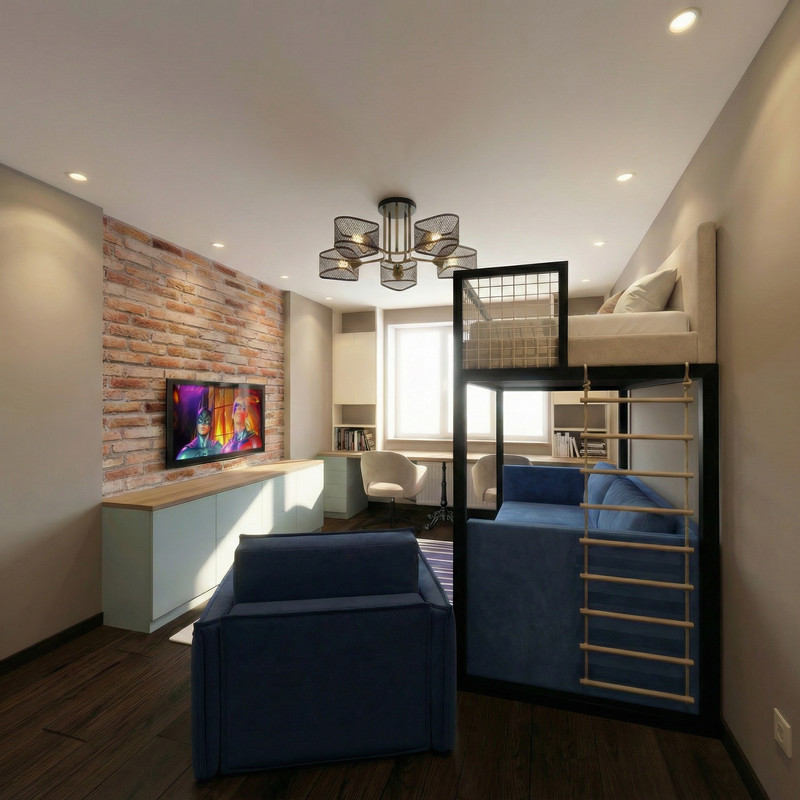
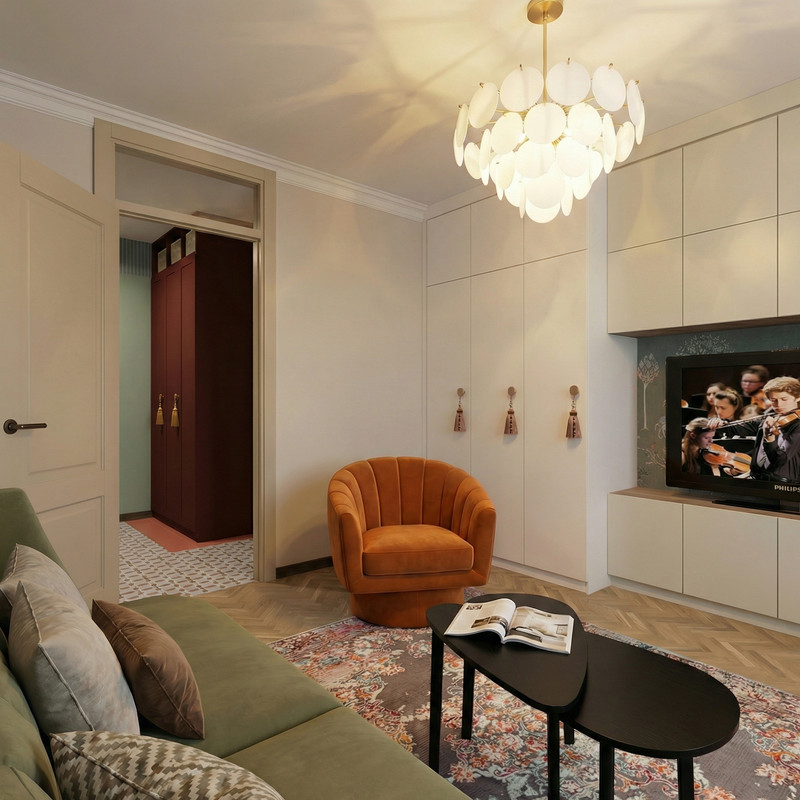
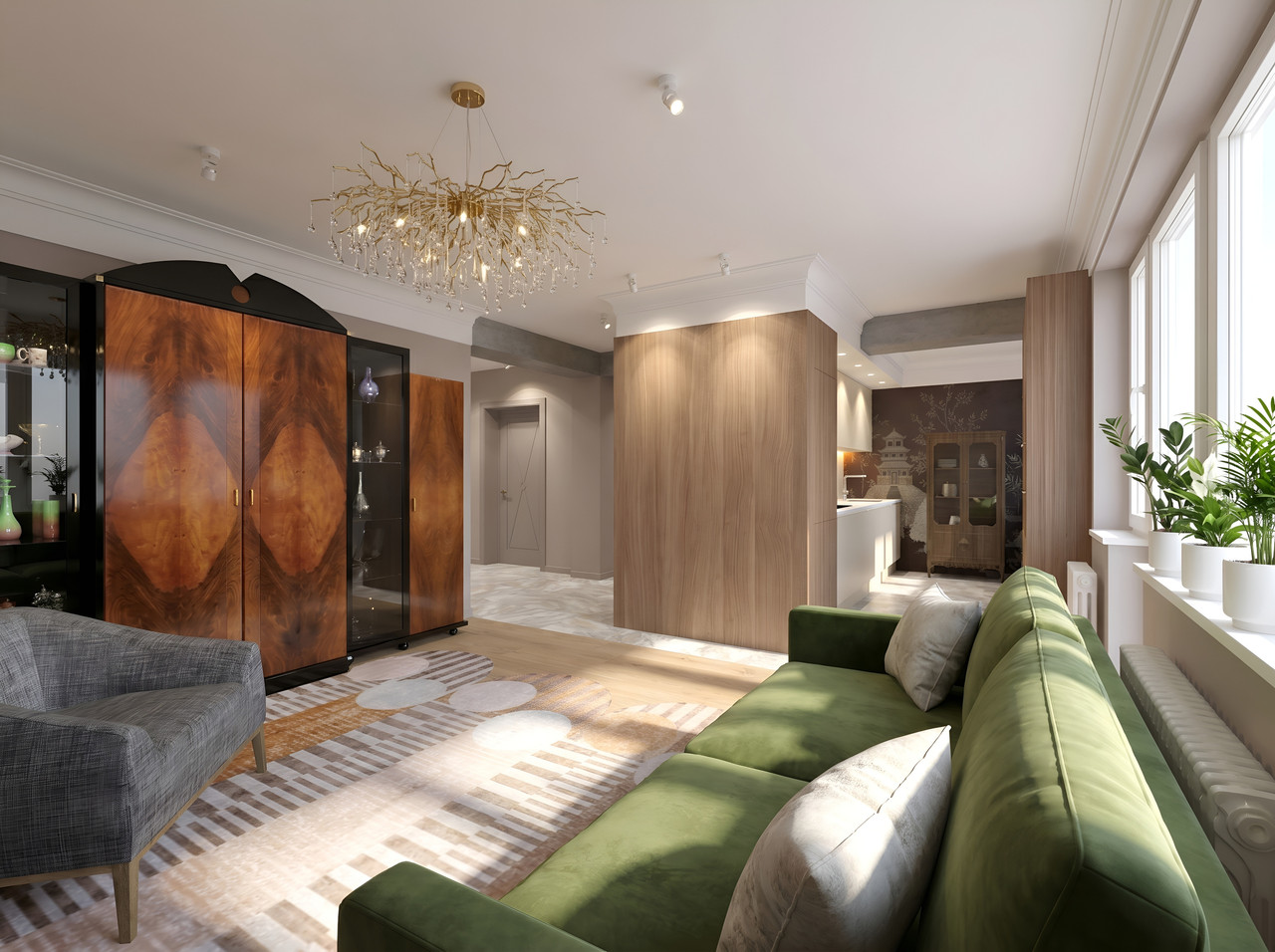
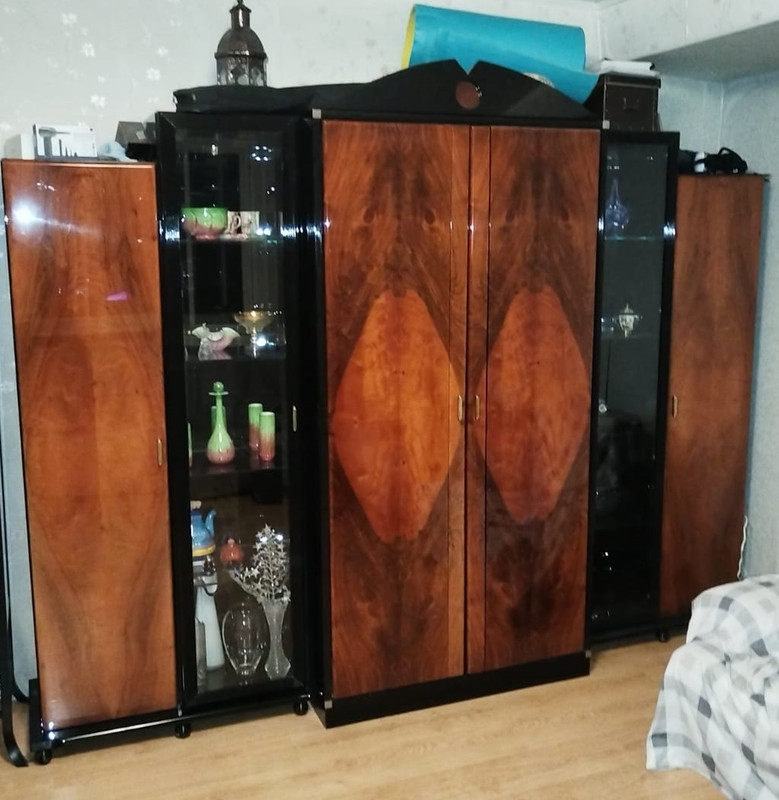
So at this stage, I created the room in the right proportions, put up the door and windows, marked the track lights, skirting boards, vent lattices, window sill and other small details with the help of boxes. For these rectangular shapes, you must immediately assign the correct textures and colors. I created all the cabinets with the help of boxes. These are not ready-made models, they are cabinets honestly assembled from separate boards, with gaps between the doors and furniture handles. Everything is ready for an interesting action. The furniture is in its place and in the right dimensions, try to do everything without mistakes. This stage is entirely yours. You are 100% the author here. And now we need to call our dangerous multi-armed friend AI. Don't call him a friend, there's no need. Everything can be found on the LMArena platform, I will not teach you what and how, it is not difficult there. The first picture in the task is to put our not-so-colorful 3D render with local colors, followed by a sofa, a sconce, and a chandelier. And write: It's bright daylight outside. Parquet with a matte silky varnish. The purple cylinders change to a chandelier from the sample. The red sofa changes to... Well, you get it. When you are done with the explanations, then you need to click on the button. The cosmic rays of AI will complete a revolution around the planet in about 30 seconds. 30 seconds, yes.. If you're lucky with a good AI model, you'll get this picture the first time. Agree, it's impressive.


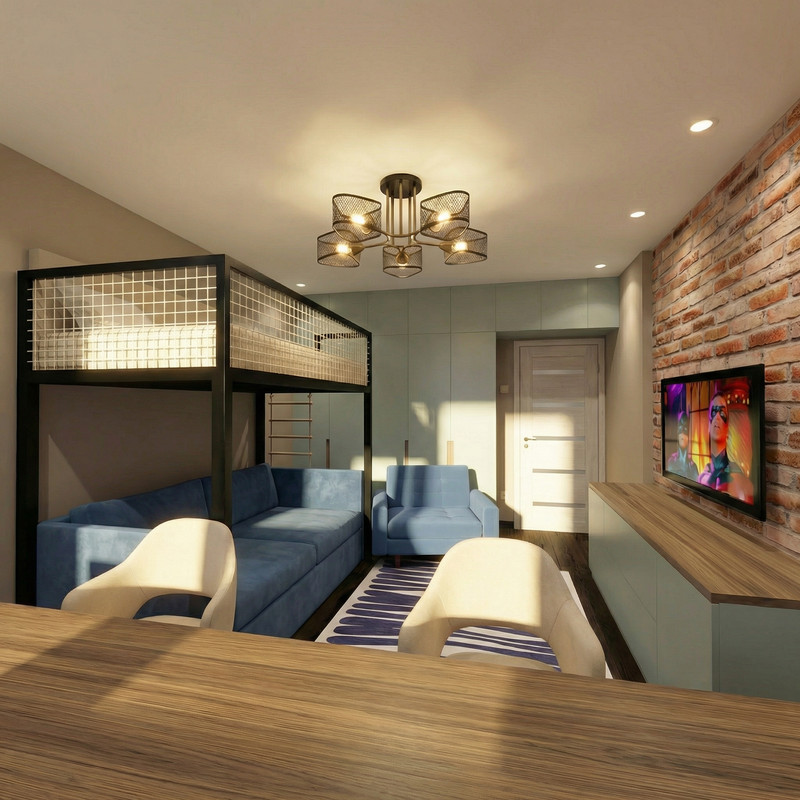
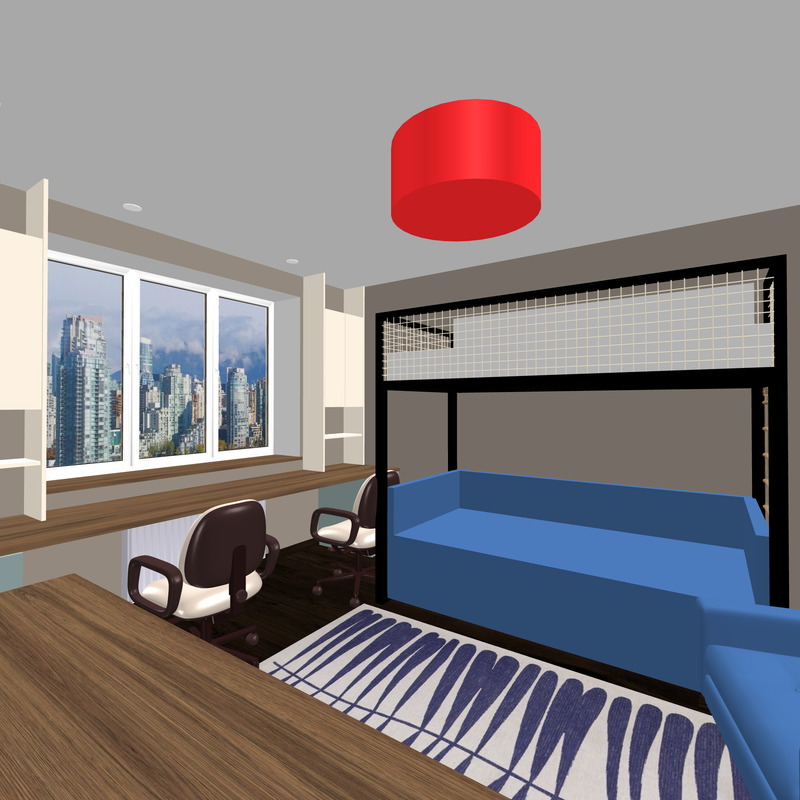
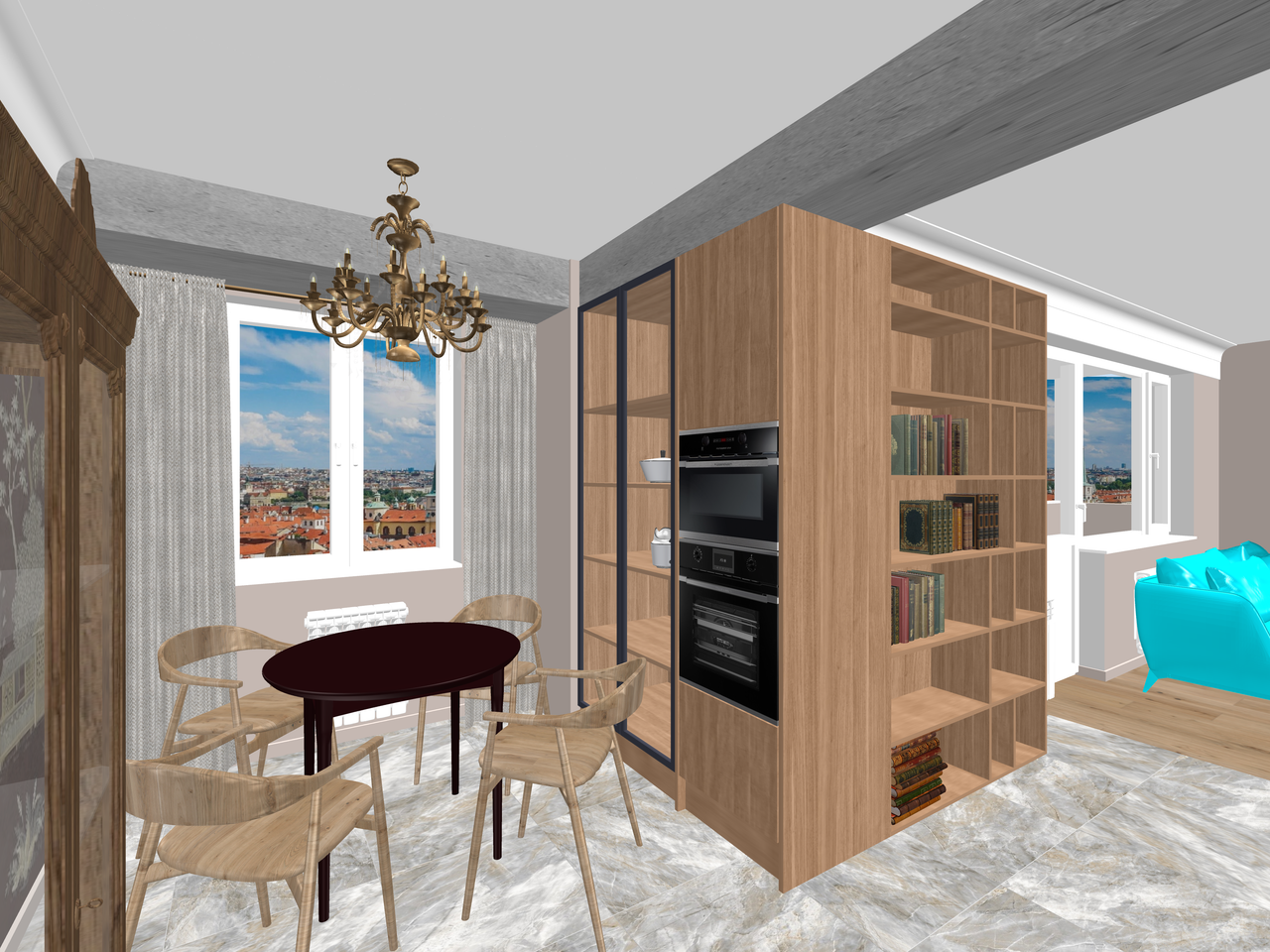
and what about the other angles of the room? Let's take a picture from another location. Again, the very first quality level, 4000 pixels.
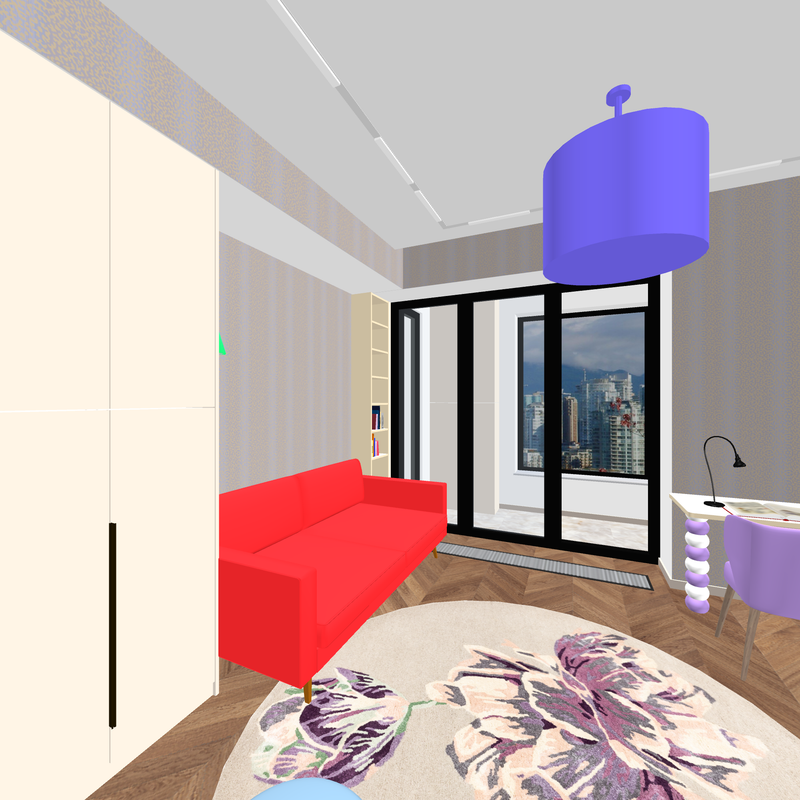


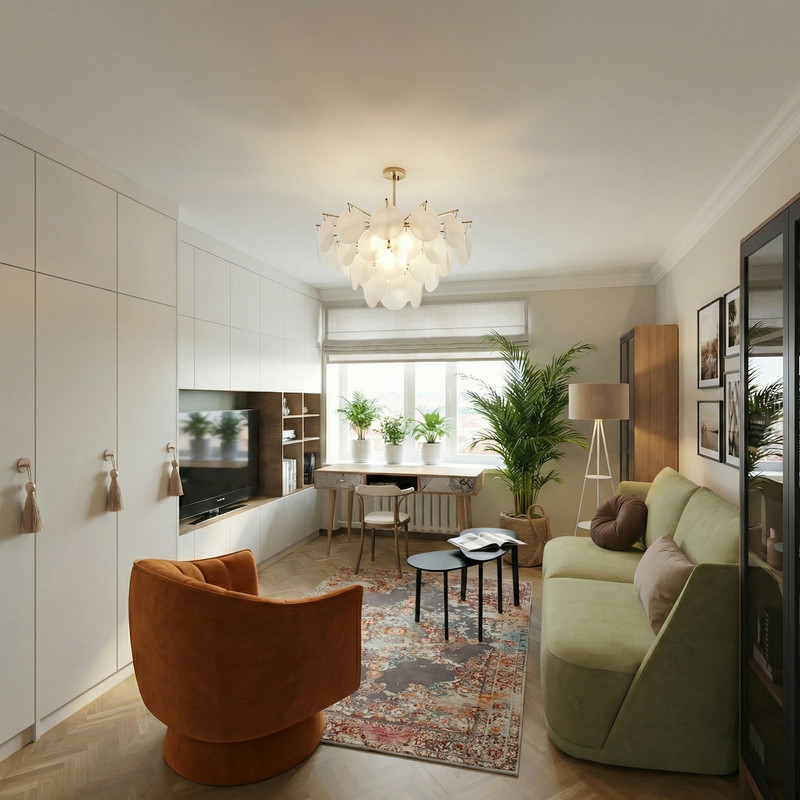
Now, with the first picture, you put our first AI render (if you like it), and with the second picture, our SH color is not very voluminous. And the text: the second angle of the room is modeled after the first picture. Exactly. And again you add photos of sofas, chandeliers, sconces and others. You're still spelling out in text what to replace with what. And press the button again. Wait 30 seconds.. Well, it's not difficult at all.
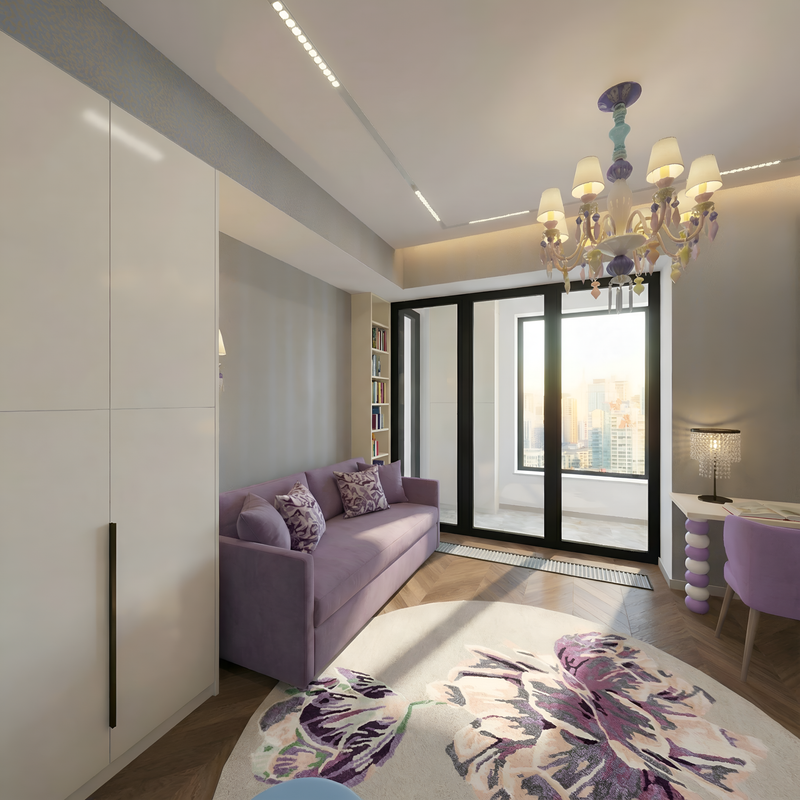


yes, of course, AI can produce a bad result. then you need to repeat it. This way you can create several different renderers with photorealistic reality. And you shouldn't be ashamed, because you still came up with everything yourself, now you're just choosing between good and the best results that don't affect your authorship in any way. You're the author, period. And everything was done in the best SH3D program. Yes, and in this program you can do everything well, but sometimes it doesn't work out.. And the matte silky parquet polish does not work with beautiful reflections in any way. And here there is a ready-made subject with muscular limbs. Don't feel sorry for him and when you don't need him, drive him away from your creativity.
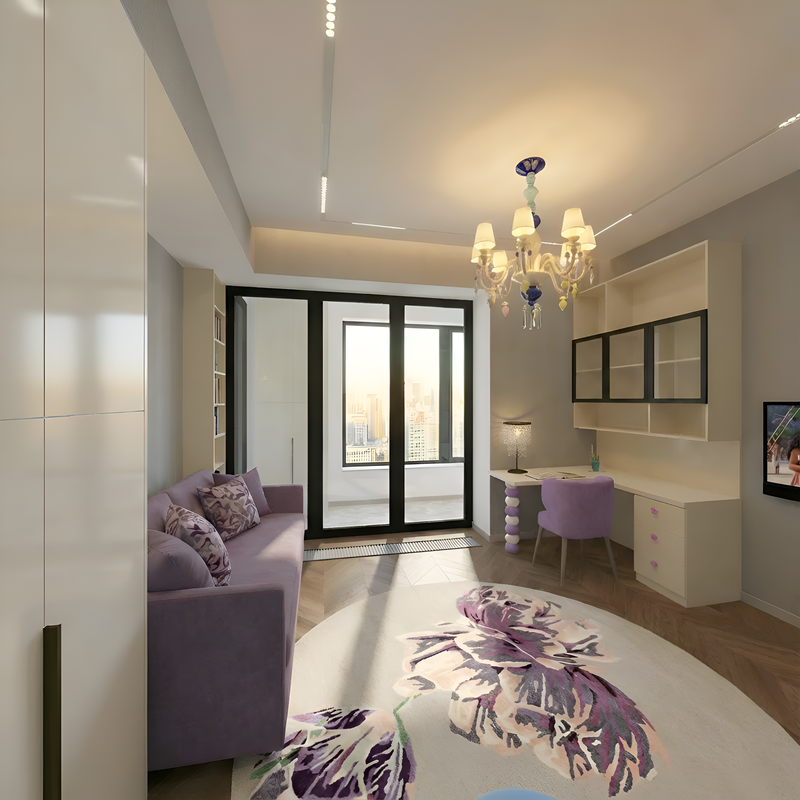
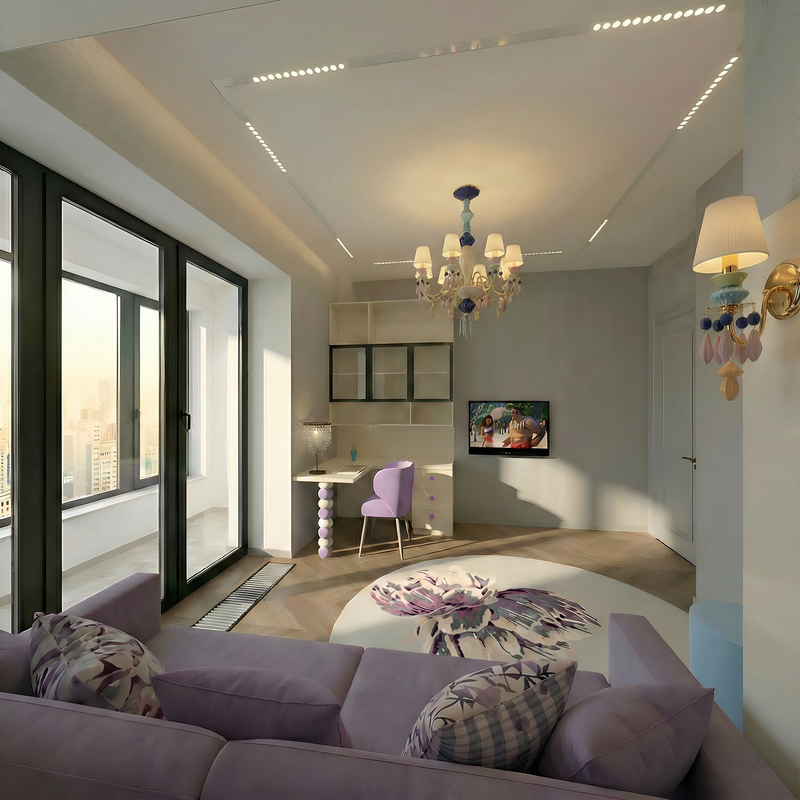


if there are a lot of objects in the room that need to be inserted, then even the AI may not be able to cope. Calculate the strength of this strongman correctly. Do everything gradually, in several attempts at the same angle.
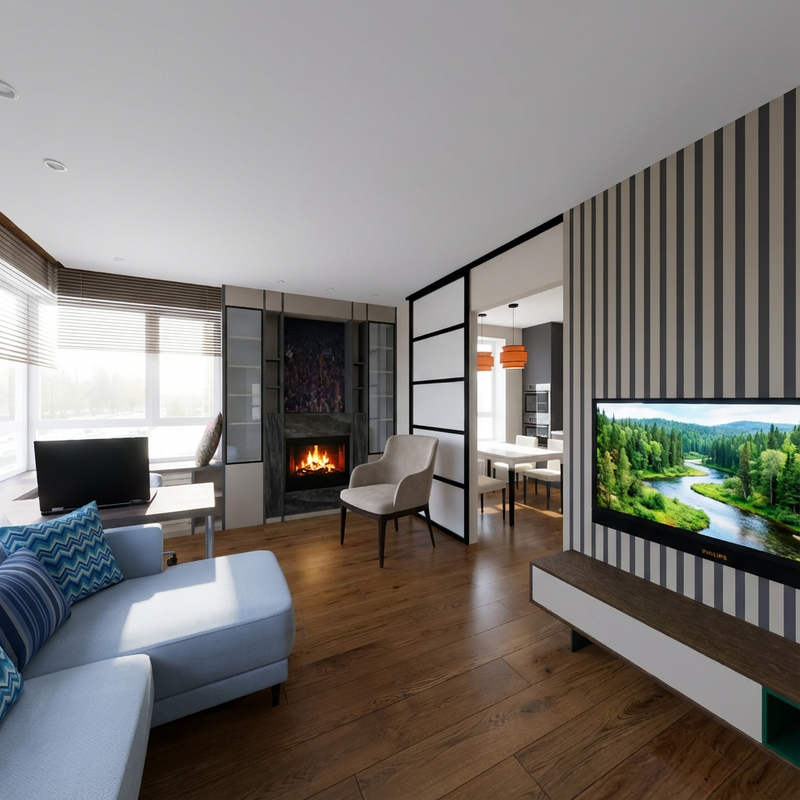


This method should always start with SH3D and pencil and paper, then you won't be ashamed to continue and share it with your friends. Remember. cool

Posted by GaudiGalopin3324 at Jan 27, 2026, 10:53:59 AM
Re: connecting SH3D and AI for work


The whole room was originally made in SH3D, using boxes and simple models from the SH library. The rest is changed in AI with precise tasks and samples in photos showing specific items. The angle of the objects in the photos does not matter, the AI can turn everything as needed. The main thing is that the angles of one room look from one series of pictures, it's very good, without fancy changes and additions. Start in SH3D, end in AI.

Posted by GaudiGalopin3324 at Jan 27, 2026, 11:41:49 AM
Re: connecting SH3D and AI for work


Posted by Keet at Jan 27, 2026, 12:01:48 PM
Re: connecting SH3D and AI for work
Very good work and as you said, very good for work related presentations. I think there are many users who are interested in how this process works and how you instruct the AI to get the result you want.
----------------------------------------
Dodecagon.nl
1300+ 3D models, manuals, and projects

Posted by GaudiGalopin3324 at Jan 27, 2026, 12:50:04 PM
Re: connecting SH3D and AI for work
Dear Keet. I feel like I'm destroying something very right and honest with my own hands. But our world is falling into the abyss. All these methods and flirting with a fierce beast are certainly frustrating. But we need to keep riding in this locomotive, and not stay on the sidelines with sadness in our eyes. Therefore, here is my recipe for you)))
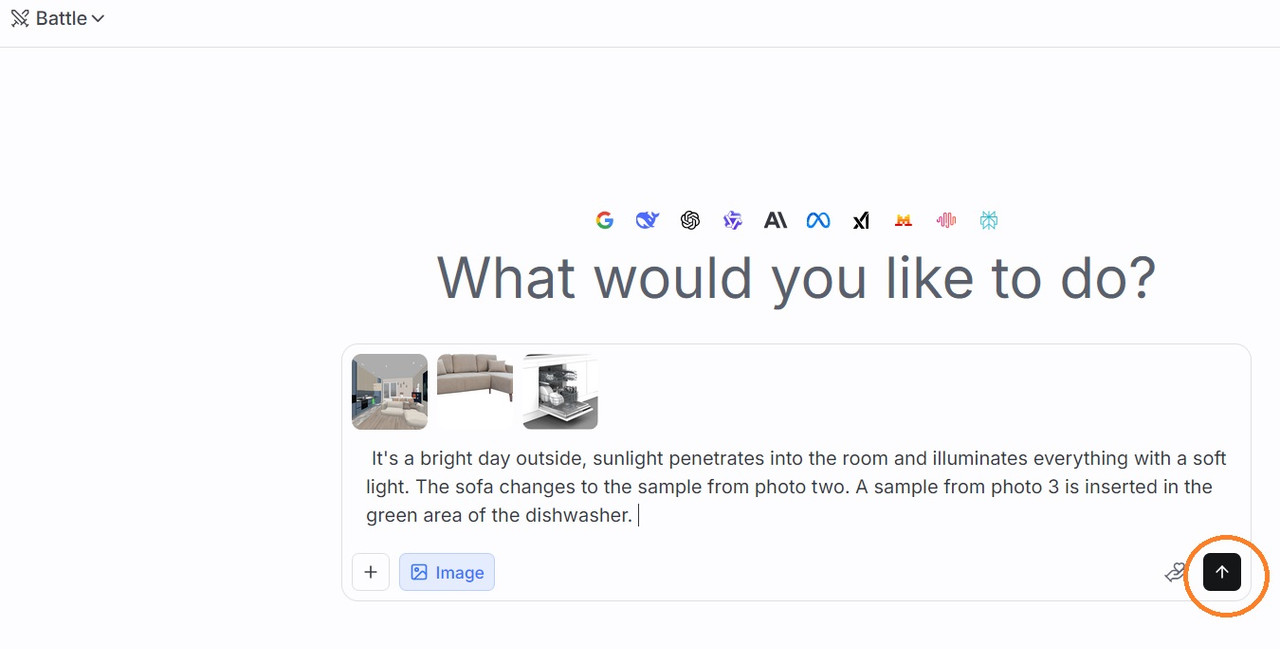
The most important thing is to do everything in SH3D at the beginning. SH3D is the best available of the designer's tools. It's like holding a pencil in your hand. And then you can carefully go to the workshop with numerically controlled machines. So you have a fully proportioned room or house. There are simple colored shapes arranged there, reminiscent of your future interior items and furniture. The main thing is to do everything in the right size. A chair with a seat of 47cm, a table with a table top of 75cm and so on. Everything has to be right. As in my pictures SH)). After that, there is a high-tech workshop. In our world, everything is for sale, but for now there is an opportunity to try everything for free. One such platform that provides free attempts at your experiments is LMArena. To start, select the "Battle" section on the page of this website. This is an unpredictable simplified section that allows you to work long and fast, but the proposed models in this version are a surprise. They're new every time, and sometimes the result may not be good.
So a new chat. Generate an image. The battle. Embed your SH3D render without lighting. Next, you need to add photos of the necessary interior items in a row. For example, a sofa, a chair, a chandelier. Don't add too many photos, no more than four, otherwise the AI will make a mistake. In the text assignment, you need to write: It's a bright day outside, sunlight penetrates into the room and illuminates everything with a soft light. (feel like a great writer at this moment, train this idiot with high turns of speech, be taller and more educated, you should not be embarrassed by your narration))))
The sofa changes to the sample from photo two. The parquet is covered with a matte silky varnish.

now you need to click on this button, circle it in orange. That's it.


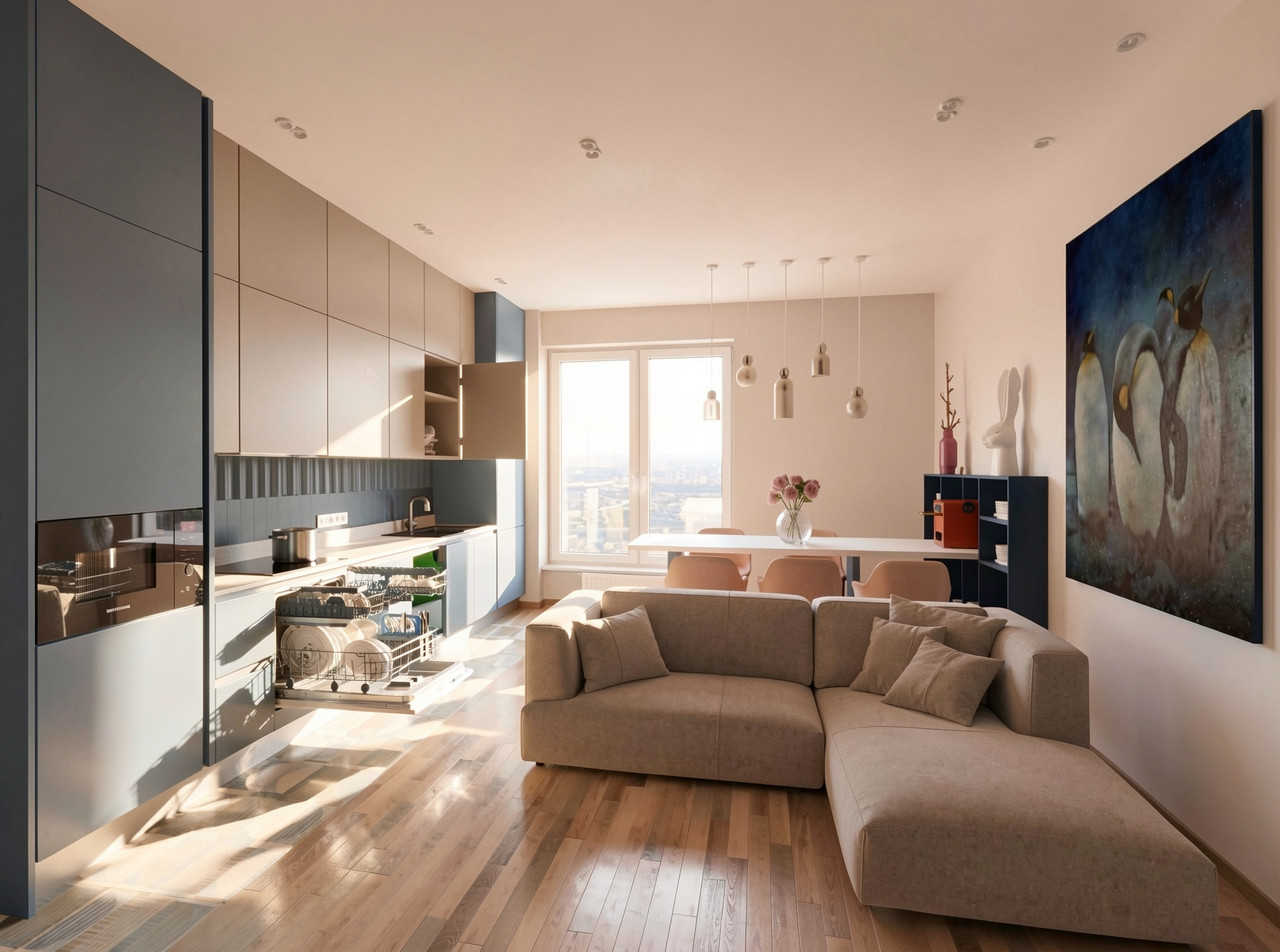
Well, the dishwasher is inserted in the wrong place. It's an AI dummy. We need to try again. I think it will take a month and this idiot will put it where it needs to be.. It's disturbing from all this. cool

Posted by Keet at Jan 27, 2026, 1:02:13 PM
Re: connecting SH3D and AI for work
The dishwasher is hilarious! If you didn't know that it's an AI created photo you would think some dummy really created that kitchen.
----------------------------------------
Dodecagon.nl
1300+ 3D models, manuals, and projects

Posted by GaudiGalopin3324 at Jan 27, 2026, 1:34:42 PM
Re: connecting SH3D and AI for work
laughing laughing laughing

Posted by GaudiGalopin3324 at Jan 29, 2026, 9:05:38 PM
Re: connecting SH3D and AI for work
:о) devilish biggrin

Posted by Keet at Jan 30, 2026, 8:08:22 AM
Re: connecting SH3D and AI for work
Decades ago I could jump like that. Now I'm glad if I can manage to slowly and carefully crawl over it laughing
----------------------------------------
Dodecagon.nl
1300+ 3D models, manuals, and projects

Posted by GaudiGalopin3324 at Jan 30, 2026, 8:29:30 AM
Re: connecting SH3D and AI for work
human possibilities are limitless. You should try it. And suddenly.. wink

Posted by Vinci68 at Jan 30, 2026, 1:56:28 PM
Re: connecting SH3D and AI for work
Unfortunately, even AI can't do anything for our old bones anymore. laughing

Posted by GaudiGalopin3324 at Jan 30, 2026, 7:50:01 PM
Re: connecting SH3D and AI for work
Unfortunately, even AI can't do anything for our old bones anymore.

Dear Vinci 68, I have other information. I hope you don't mind. wink
other information

Posted by Vinci68 at Feb 2, 2026, 12:59:03 PM
Re: connecting SH3D and AI for work
laughing My avatar is from 2010; I've aged a bit and... gained weight since then.

Posted by marcos608 at Feb 2, 2026, 5:35:58 PM
Re: connecting SH3D and AI for work
Esse seu trabalhor fico muito lindo parabéns

Posted by z56oo at Feb 2, 2026, 6:31:45 PM
Re: connecting SH3D and AI for work
Well done Gaudi, you're the best of the rascals! (Galopin in French)

Posted by z56oo at Feb 2, 2026, 6:35:15 PM
Re: connecting SH3D and AI for work
Well done Gaudi, you're the best of the rascals! (Galopin in French)

Posted by GaudiGalopin3324 at Feb 3, 2026, 1:02:27 PM
Re: connecting SH3D and AI for work
Thank you for the high rating! blushing My nickname is the name of my sports sailing boat. I found her in 2014 on the Atlantic coast of France, and then this boat had the name Galopin. I promised the previous owners that I would keep the name and not change it. But since my absolute idol is Antonio Gaudi, I thought it was acceptable to add the prefix Gaudi to the old name. And number 3324 is a historical number on the sail. The boat is very good. And fast. I'm competing in it already at home, in Moscow. I invite everyone to ride))). But I warn you, there is no toilet and kitchen)))). You will need to prepare in advance))

Posted by GaudiGalopin3324 at Feb 3, 2026, 1:05:11 PM
Re: connecting SH3D and AI for work
blushing biggrin

Posted by z56oo at Feb 3, 2026, 2:14:47 PM
Re: connecting SH3D and AI for work
Hi Andrei,
What a coincidence!
I also have a boat named Quadrille (it's a Dufour 27, bought with my grandfather when I was 18). Her has a toilet and a kitchen ! Her based in St. Cyprien (near the Spanish border), and I often take her to the Balearic Islands or Barcelona to show the Sagrada Familia to friends ...

A few photos


Congratulations again on your AI integration with SH3D and the short funny videos.

Posted by GaudiGalopin3324 at Feb 3, 2026, 2:28:55 PM
Re: connecting SH3D and AI for work
Wow! I like it!! And the dog is a real sea wolf! But if we're talking about SH3D, our teacher is Master Captaincooc. He managed to create 3D models of sailboats, check out his thread on the French forum. It's fantastic. blushing

Posted by captaincook at Feb 3, 2026, 2:29:27 PM
Re: connecting SH3D and AI for work
Super GaudiGalopin.

On a au moins un autre point commun parce que j'ai aussi beaucoup navigué à la voile, tant sur des dériveurs que sur des voiliers de croisière sur les côtes atlantiques françaises.
Et à 18 ans, j'ai obtenu mon diplôme de moniteur de voile.
Mais c'était il y a maintenant ..........55 ans.
Ma dernière sortie à la voile, c'était il y a 4 ans je crois, mais comme simple passager et sur un voilier célèbre (Le Pen Duick 3 d'Eric Tabarly).


Et des images d'un voilier que j'ai réalisées avec SW3D il y a quelque temps étaient celles du premier Pen Duick, également à Eric Tabarly.


Posted by GaudiGalopin3324 at Feb 3, 2026, 2:40:33 PM
Re: connecting SH3D and AI for work
Bonjour Captaincooc. Je savais que vous aviez une grande expérience maritime, cela se ressent dans vos travaux. Tout est réel. 55??? haha. Je suis plus âgé))) j'ai 58 ans))). ne le dites à personne. Poursuivons nos expériences sans limites. biggrin biggrin biggrin

Posted by captaincook at Feb 3, 2026, 2:45:03 PM
Re: connecting SH3D and AI for work
Euh, plus âgé, je ne crois pas, GaudiGalopin.
Moi, c'était il y a 55 ans ....que j'en avais 18.
Je vous laisse faire l'adition.

angel angel

Posted by GaudiGalopin3324 at Feb 3, 2026, 2:48:27 PM
Re: connecting SH3D and AI for work
dans notre travail, cela ne change pas les choses. Cordialement Capitaine! L'âge est un concept Relatif, la principale chose à l'intérieur love struck

Posted by z56oo at Feb 3, 2026, 2:55:02 PM
Re: connecting SH3D and AI for work
Et moi je suis entre vous deux , j'avais 18 ans il y a 51 ans !
angel smile angel

Posted by GaudiGalopin3324 at Feb 3, 2026, 2:57:41 PM
Re: connecting SH3D and AI for work
biggrin biggrin biggrin biggrin biggrin

Posted by captaincook at Feb 3, 2026, 3:49:46 PM
Re: connecting SH3D and AI for work
Nous avons au moins un point commun, z56oo.

Nous avons eu 18 ans tous deux laughing laughing laughing

Posted by z56oo at Feb 3, 2026, 4:42:56 PM
Re: connecting SH3D and AI for work
Et aussi moniteur de voile (J'ai préparé plusieurs amis au PPV ...et ils l'ont eu ! applause )
Posted by GaudiGalopin3324 at Feb 5, 2026, 8:34:30 AM
Re: connecting SH3D and AI for work
une petite chanson sur la mer. blushing

Posted by z56oo at Feb 6, 2026, 11:41:12 AM
Re: connecting SH3D and AI for work
Andrei,
Pas de chance, je ne connais pas la chanson car c'est toujours la même chanson : elle ne veut pas se télécharger sur mon ordinateur !

Posted by GaudiGalopin3324 at Feb 6, 2026, 11:56:25 AM
Re: connecting SH3D and AI for work
c'est un format AVI compliqué, désolé, j'ai reformaté en normal, MP4.

une petite chanson sur la mer. MP4 blushing

Posted by GaudiGalopin3324 at Feb 19, 2026, 7:10:11 PM
Re: connecting SH3D and AI for work
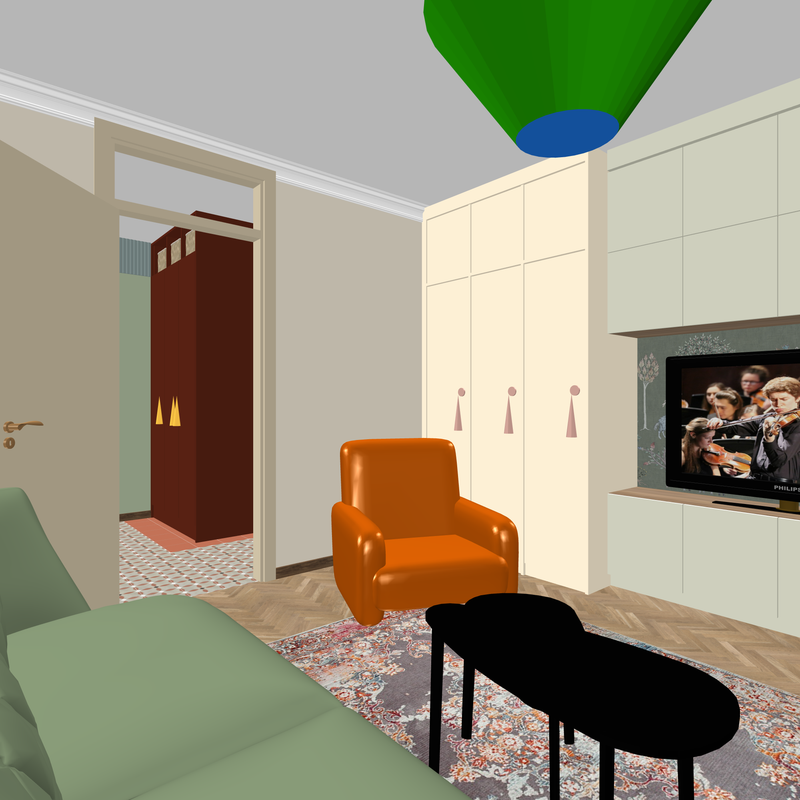
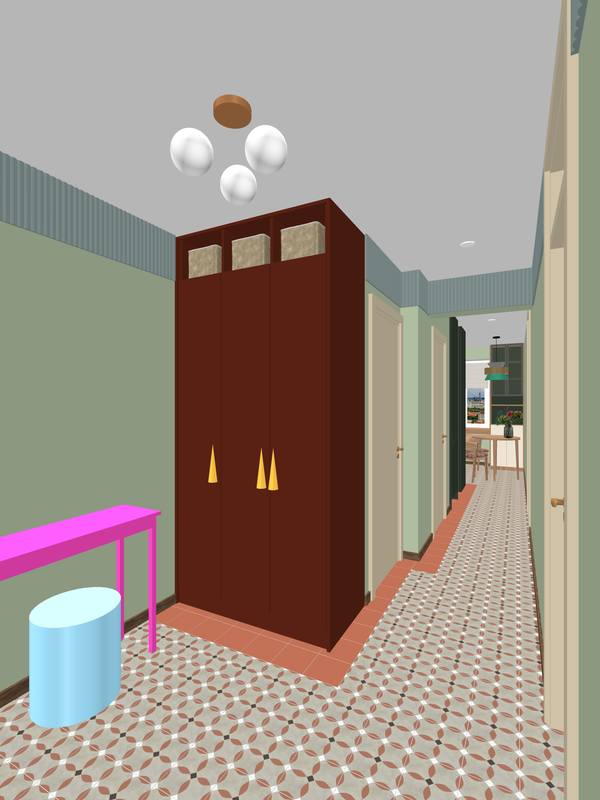
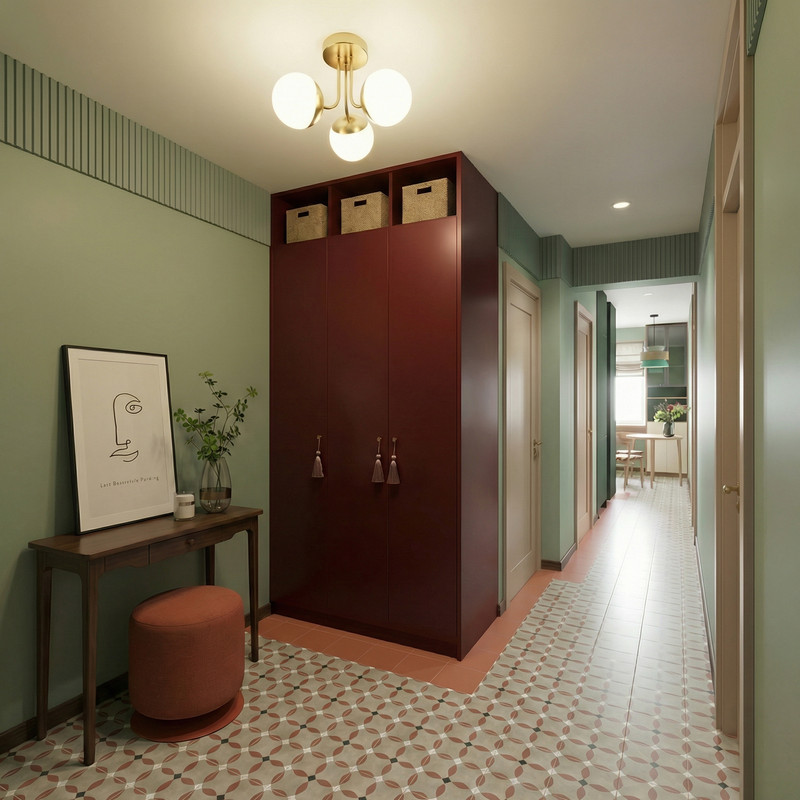
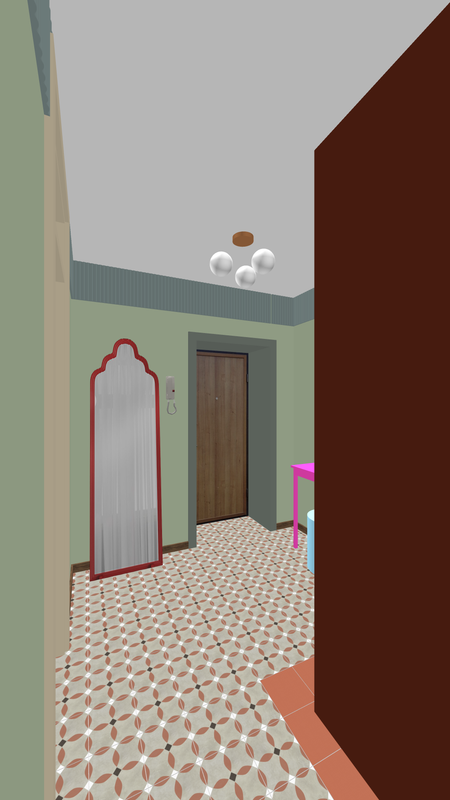
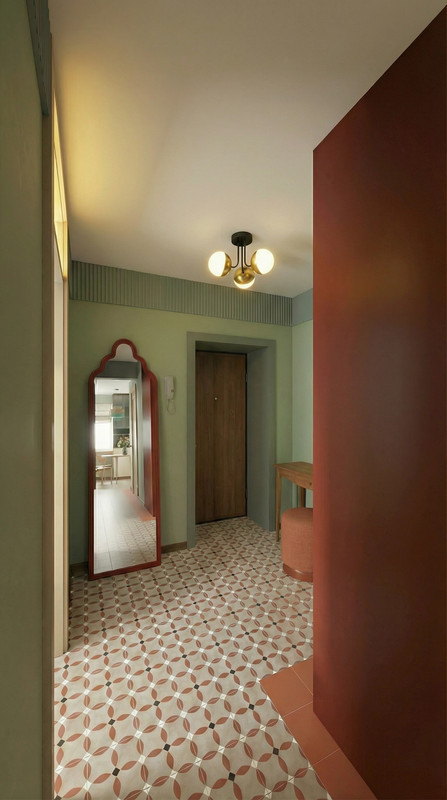
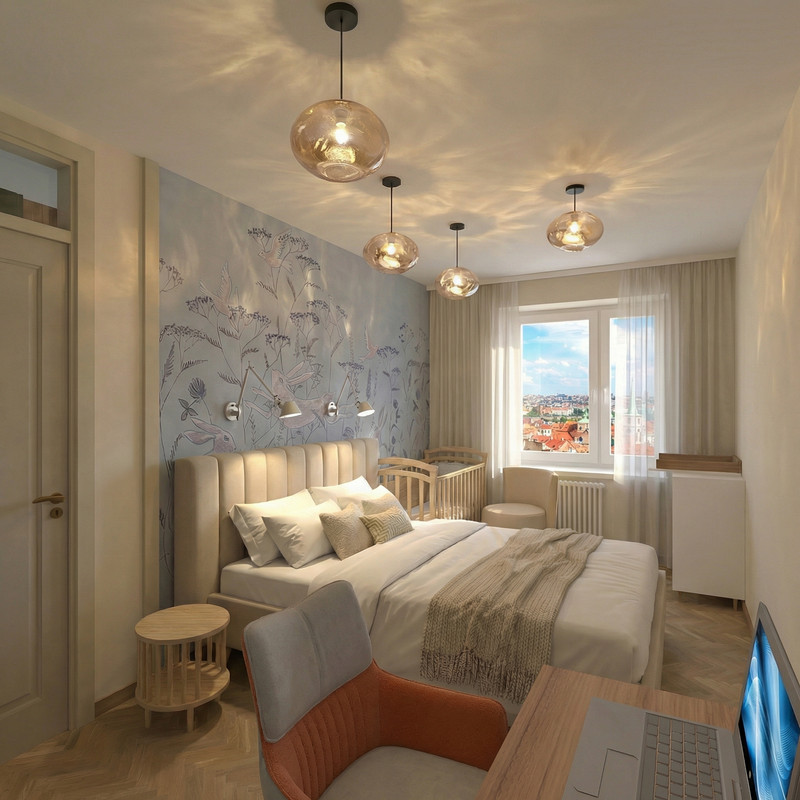
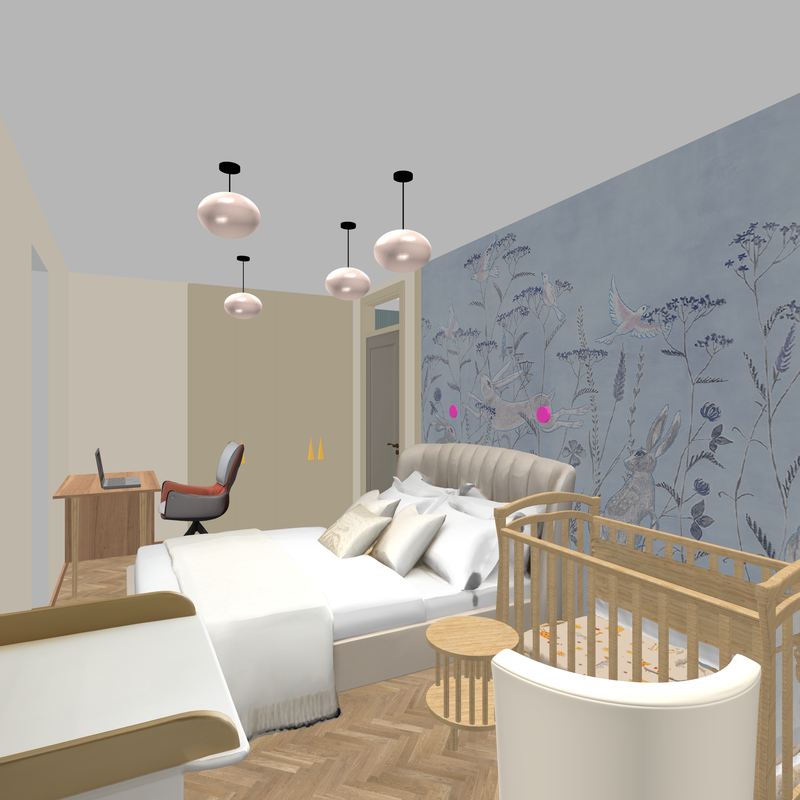
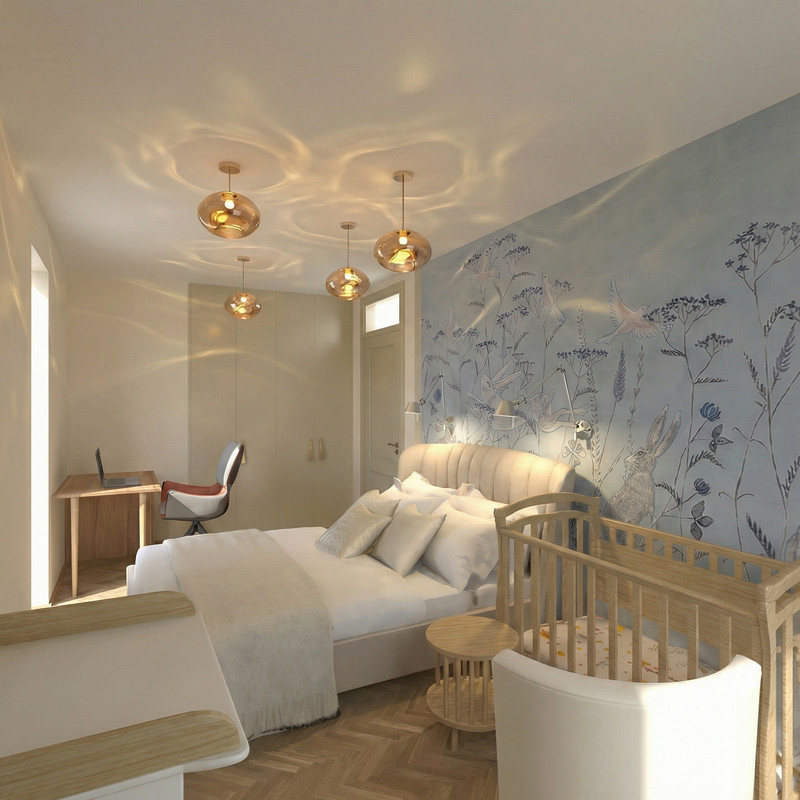
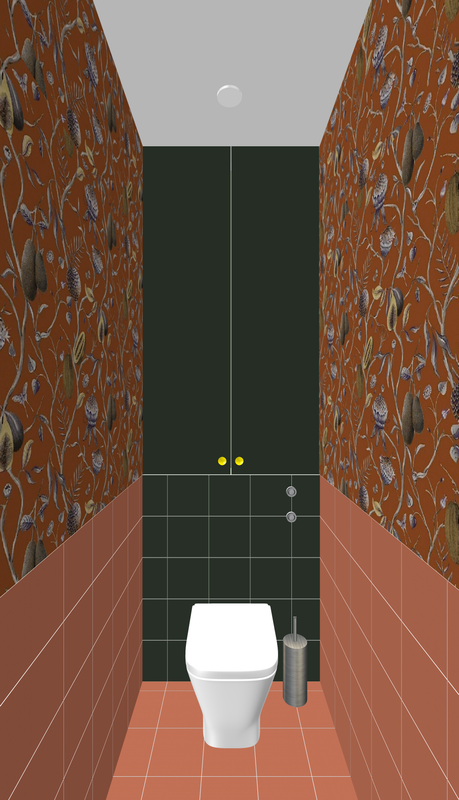
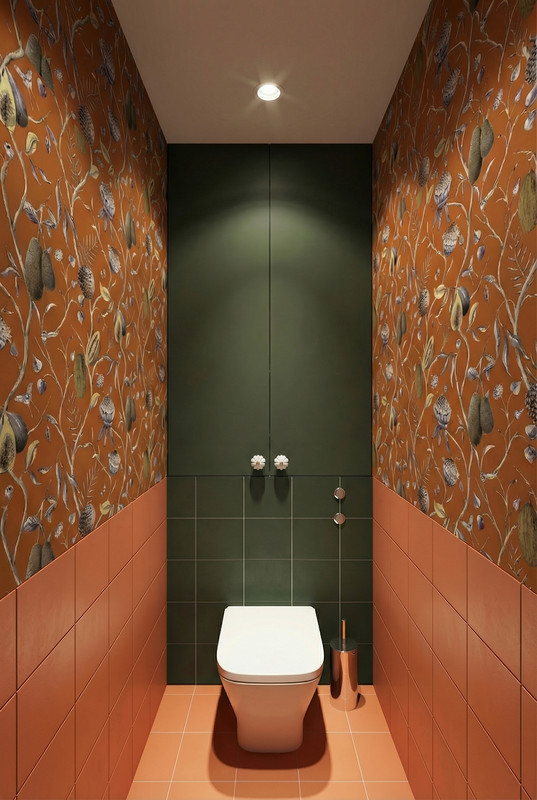
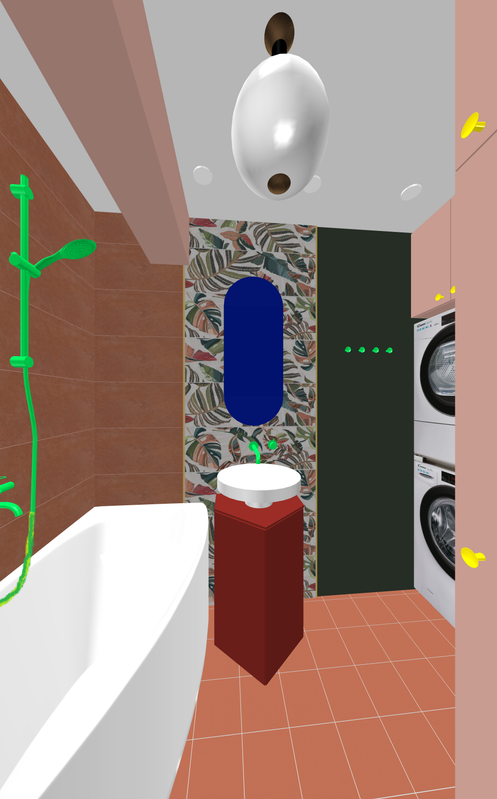
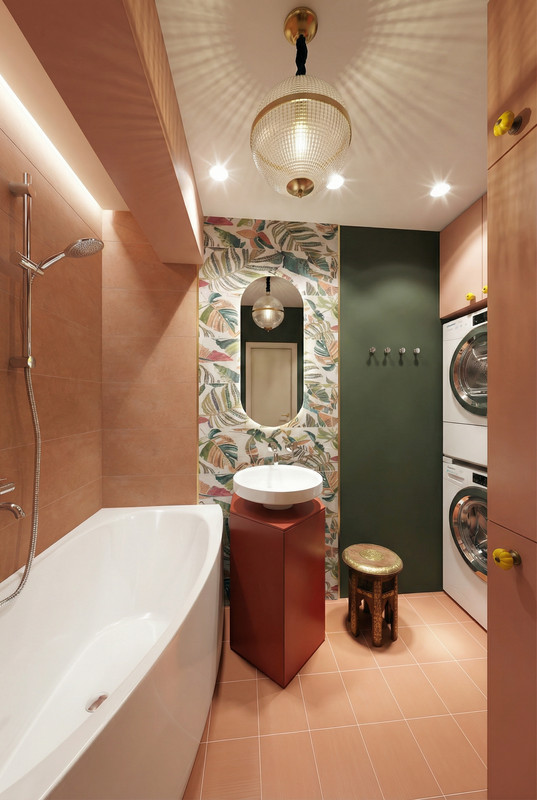
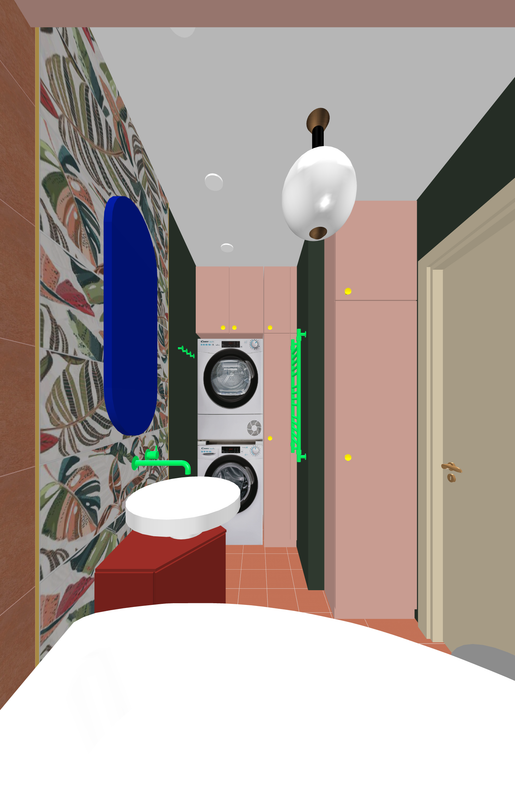
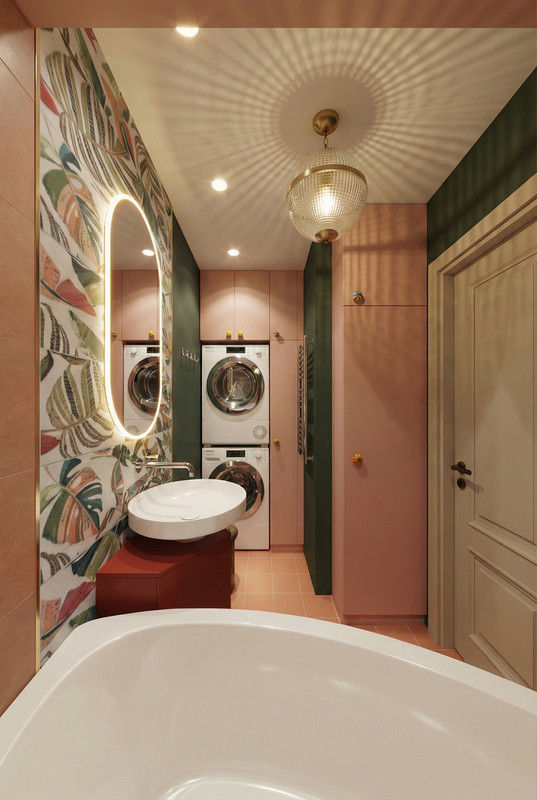
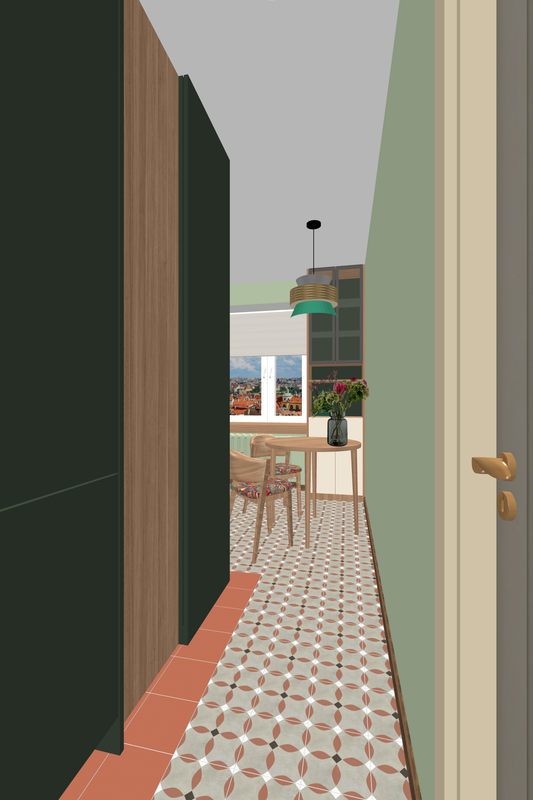
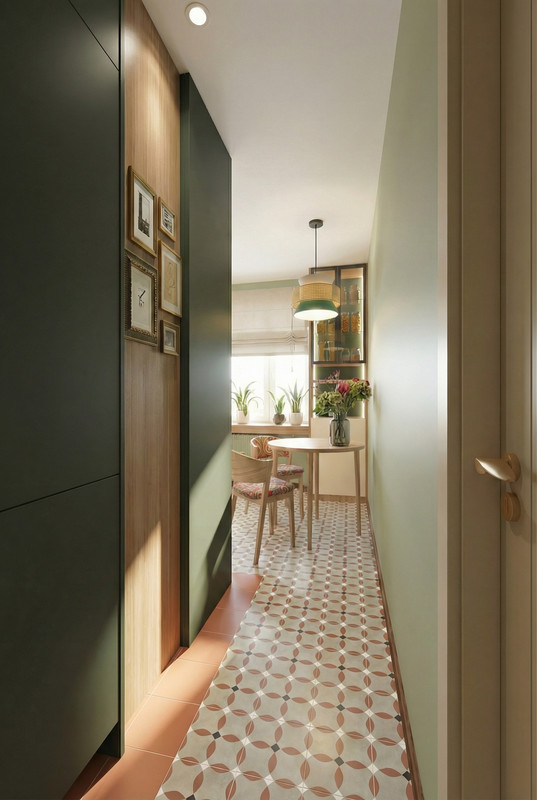
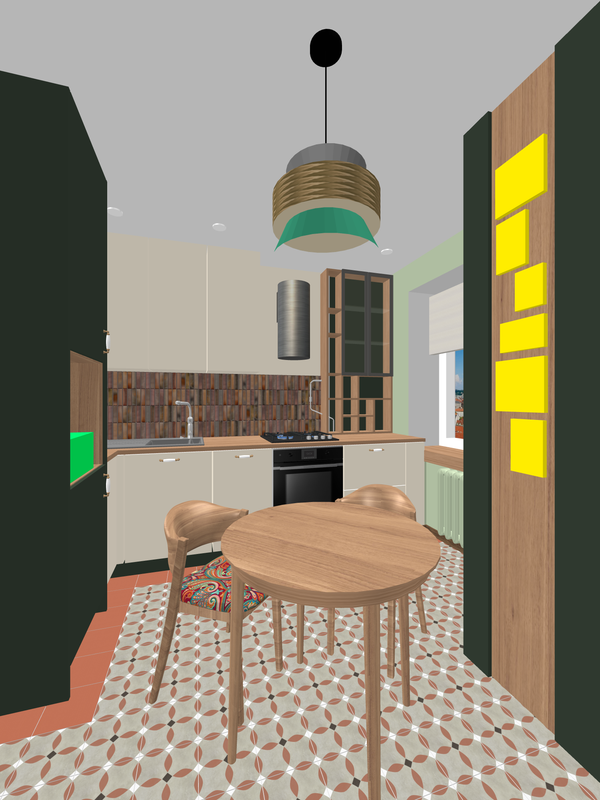
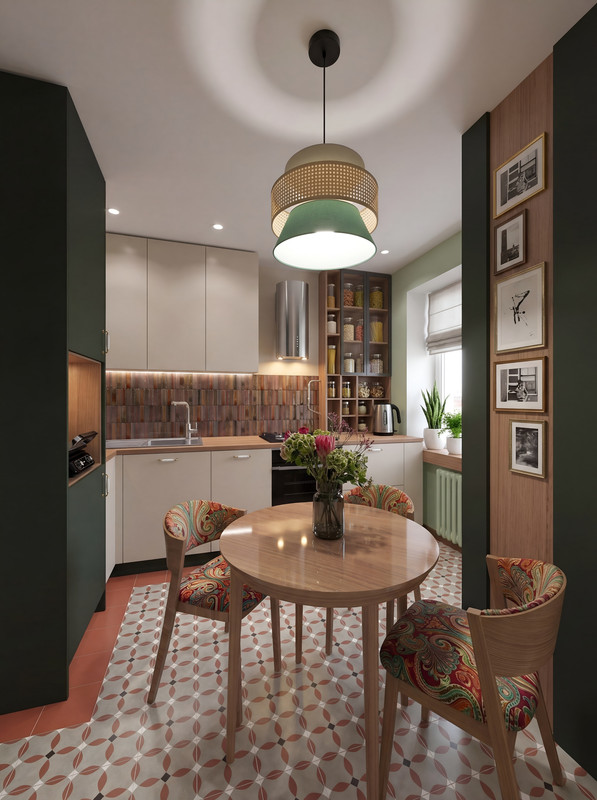
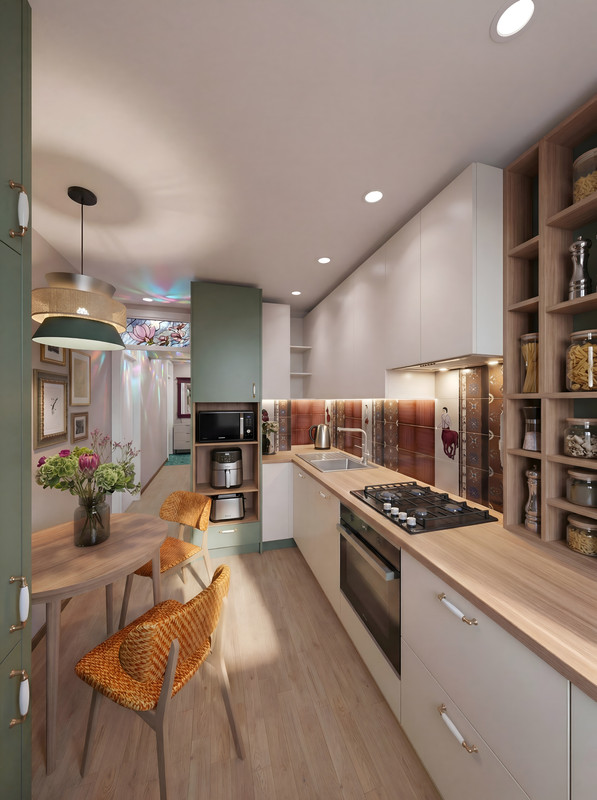
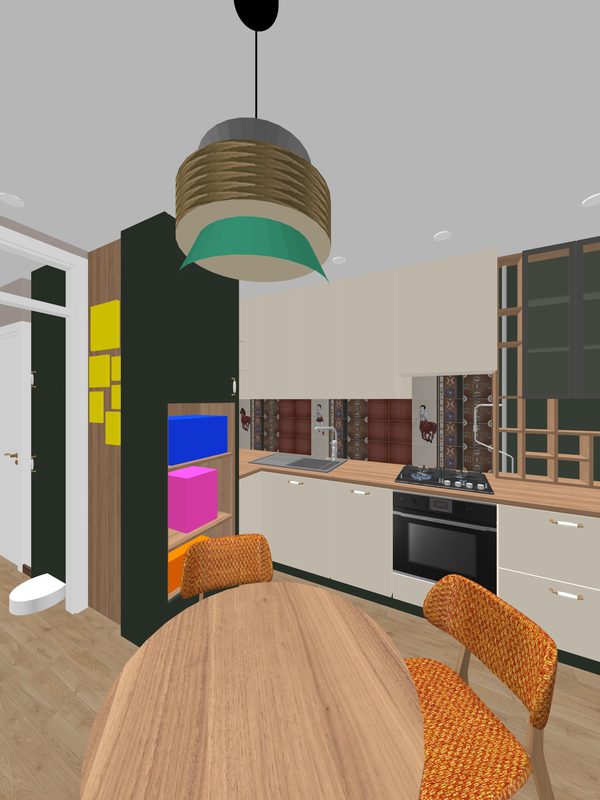
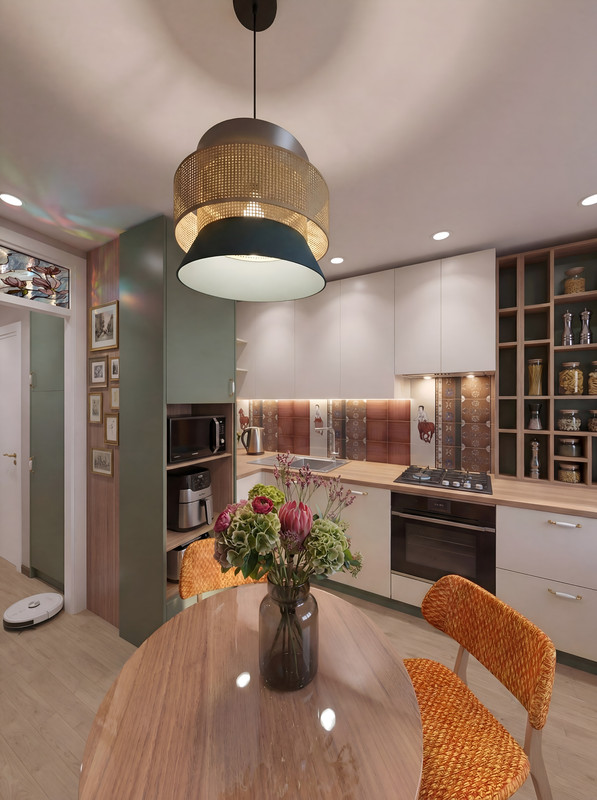
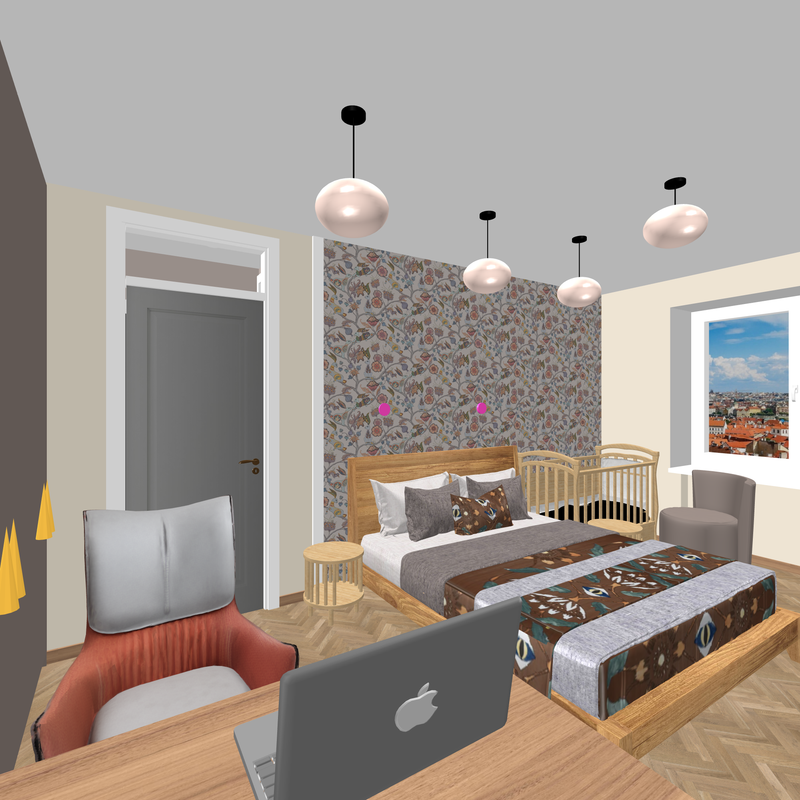
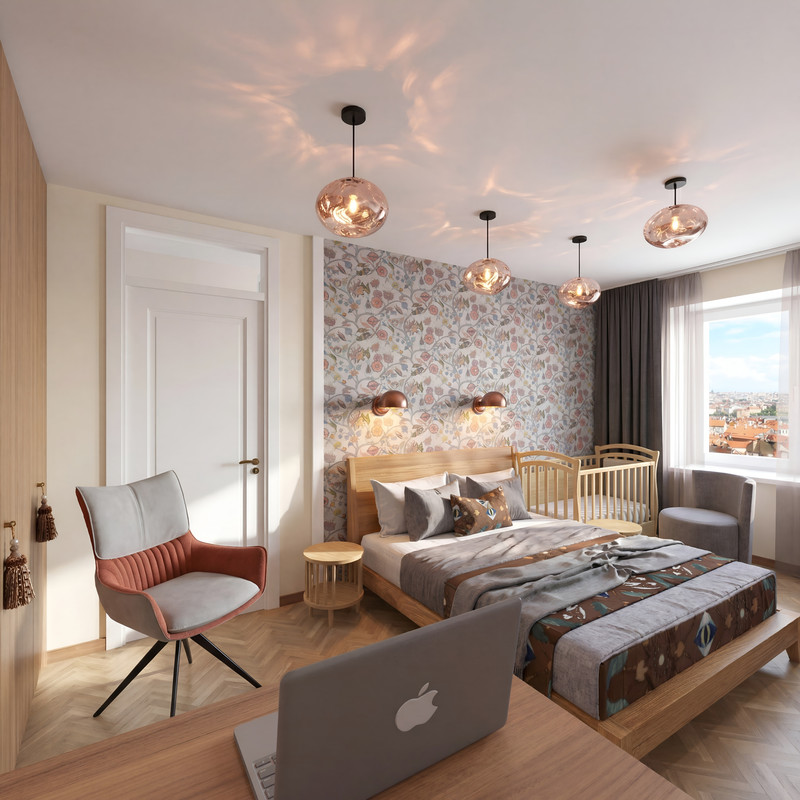
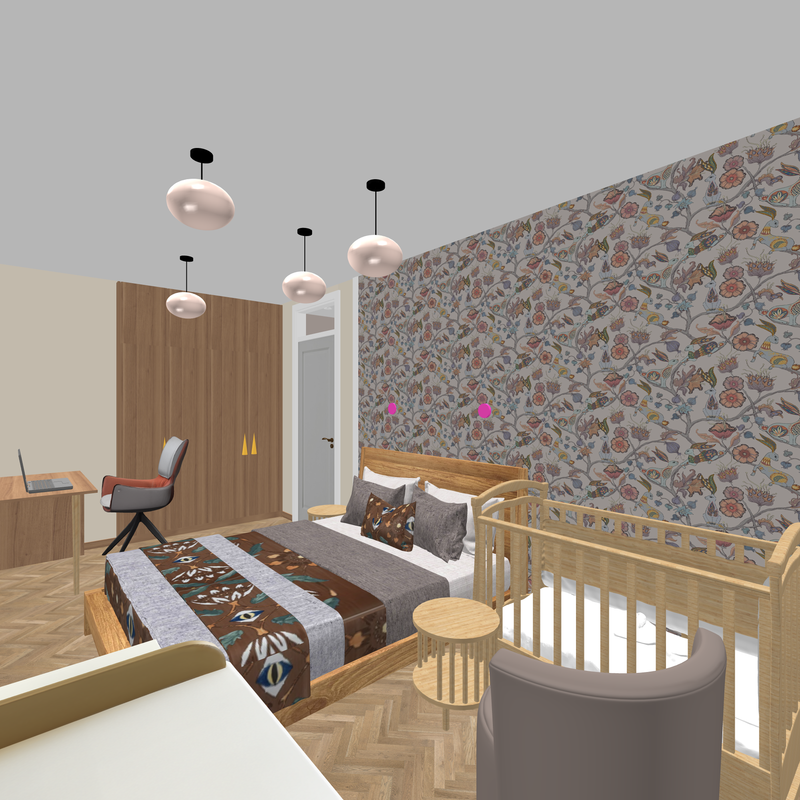
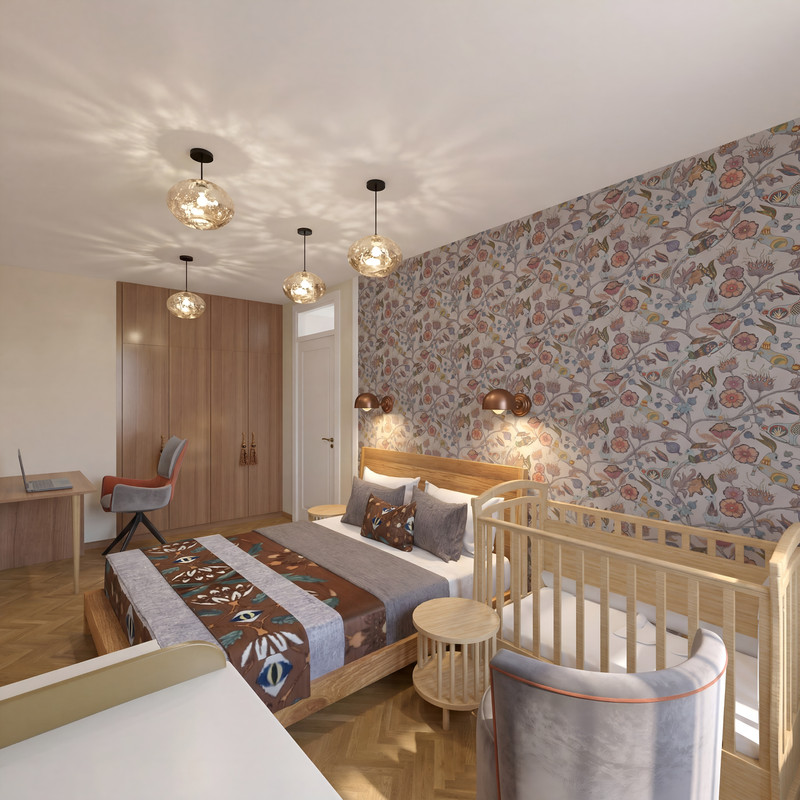
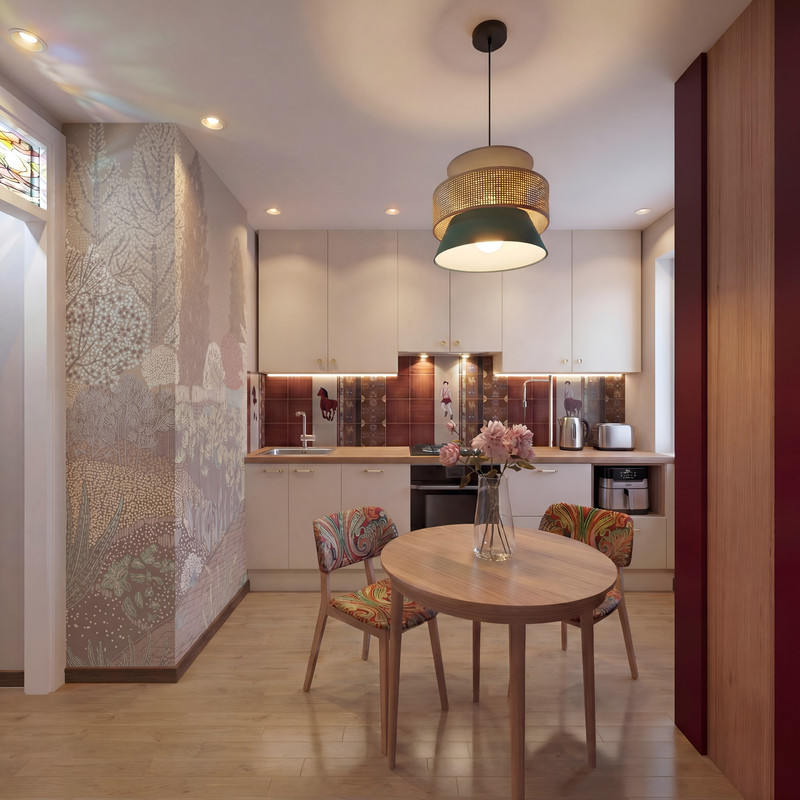
I just made a small apartment project. All the initial design was done in autocad and in SH3D, the final visualization for the client using AI. Please take a look at what it looks like. I will be showing the 3D view of SH3D and the finishing visualization of AI based on this render. SH3D rendering without light exposure, 3000 pixels quality. In general, I think combining design in SH3D with processing in AI is very promising and well-controlled. Yes, you have to go through several attempts and mistakes to achieve the desired result, but with a competent text task, the result is very good. Check out these pairs of renders.


interestingly, with the help of AI, it is possible to make a true reflection in the mirror of something that is not in the frame, but is in reality behind the viewer. To do this, I inserted into the AI task a fragment from an earlier AI render with the desired area of the room to be reflected. In general, it turned out, although of course there are some lies, but almost imperceptibly.


biggrin biggrin biggrin love struck
Thus, the main task in working with AI is to keep it under control as much as possible, and then the result will be predictable. And always start with proper design using SH3D. The ideas should be yours alone, without tricks and tinsel. And fix the weaknesses of SH3D with a more resilient AI employee. cool

Posted by GaudiGalopin3324 at Feb 22, 2026, 10:30:22 PM
Re: connecting SH3D and AI for work


blushing

Posted by GaudiGalopin3324 at Feb 24, 2026, 10:44:57 PM
Re: connecting SH3D and AI for work
a small video from the renderers

Posted by GaudiGalopin3324 at Mar 22, 2026, 7:10:21 AM
Re: connecting SH3D and AI for work


Video smile

Posted by GaudiGalopin3324 at Mar 25, 2026, 8:12:31 AM
Re: connecting SH3D and AI for work


blushing

Posted by GaudiGalopin3324 at Apr 3, 2026, 5:18:22 PM
Re: connecting SH3D and AI for work
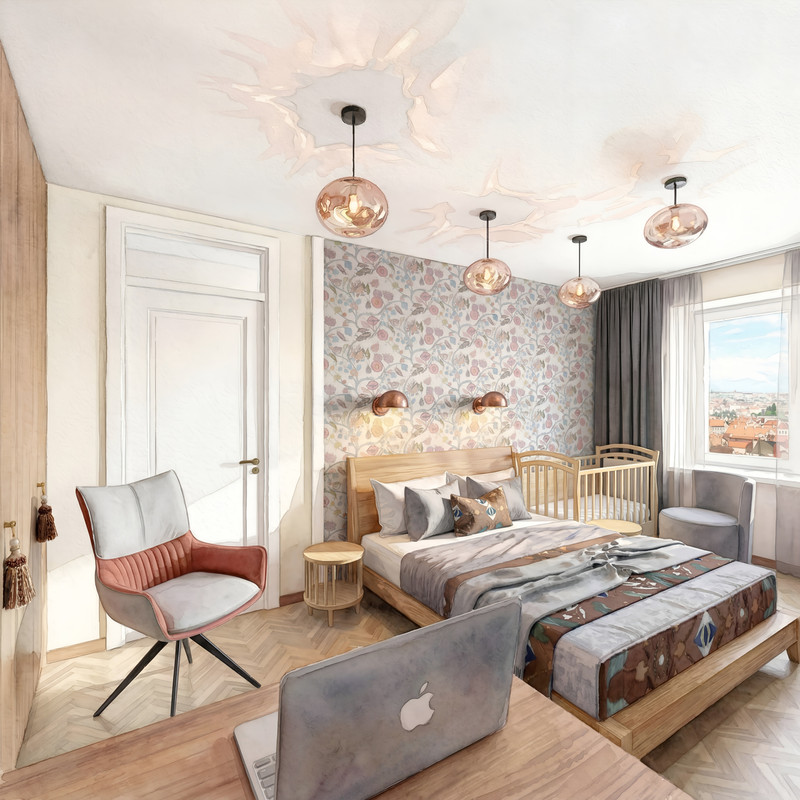
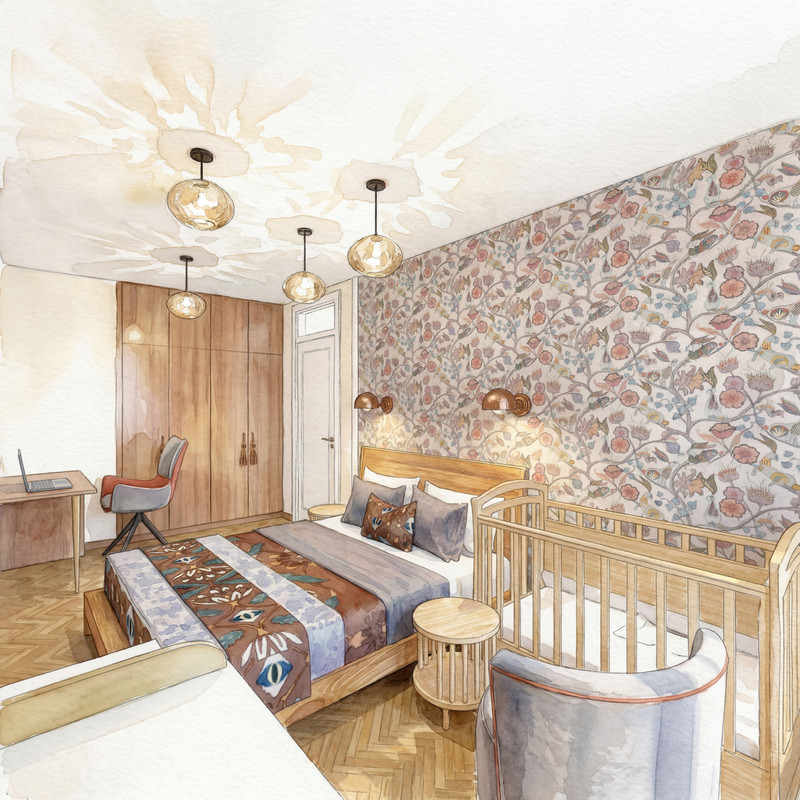
If you don't know how to paint with watercolors, that's no problem. You can have the AI do the work for you just this once. The main thing is to start in SH3D. Remember the correct order for any final step: first SH, then whatever you want in the AI. Not the other way around.

1.SH3D


2.AI


3.watercolor


1.SH3D


2.AI


3.watercolor
cool biggrin

Posted by sjb007 at Apr 5, 2026, 9:41:12 PM
Re: connecting SH3D and AI for work
That water colour effect is brilliant! Nice one.

Posted by GaudiGalopin3324 at Apr 7, 2026, 12:47:39 AM
Re: connecting SH3D and AI for work
I remembered a joke. Two friends run into each other. One asks the other, “Can you play the violin?” The other replies, “I don’t know—I’d have to try. Maybe I can.” So, I should try my hand at watercolor painting—maybe I’ll turn out just as good as AI))) biggrin biggrin biggrin
Posted by GaudiGalopin3324 at Apr 10, 2026, 12:28:17 AM
Re: connecting SH3D and AI for work
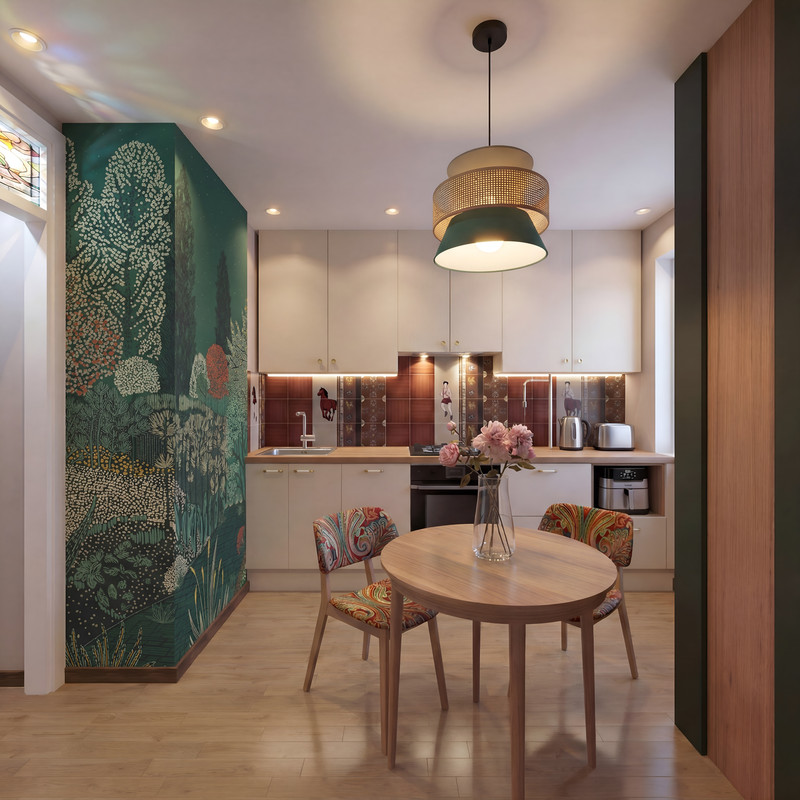
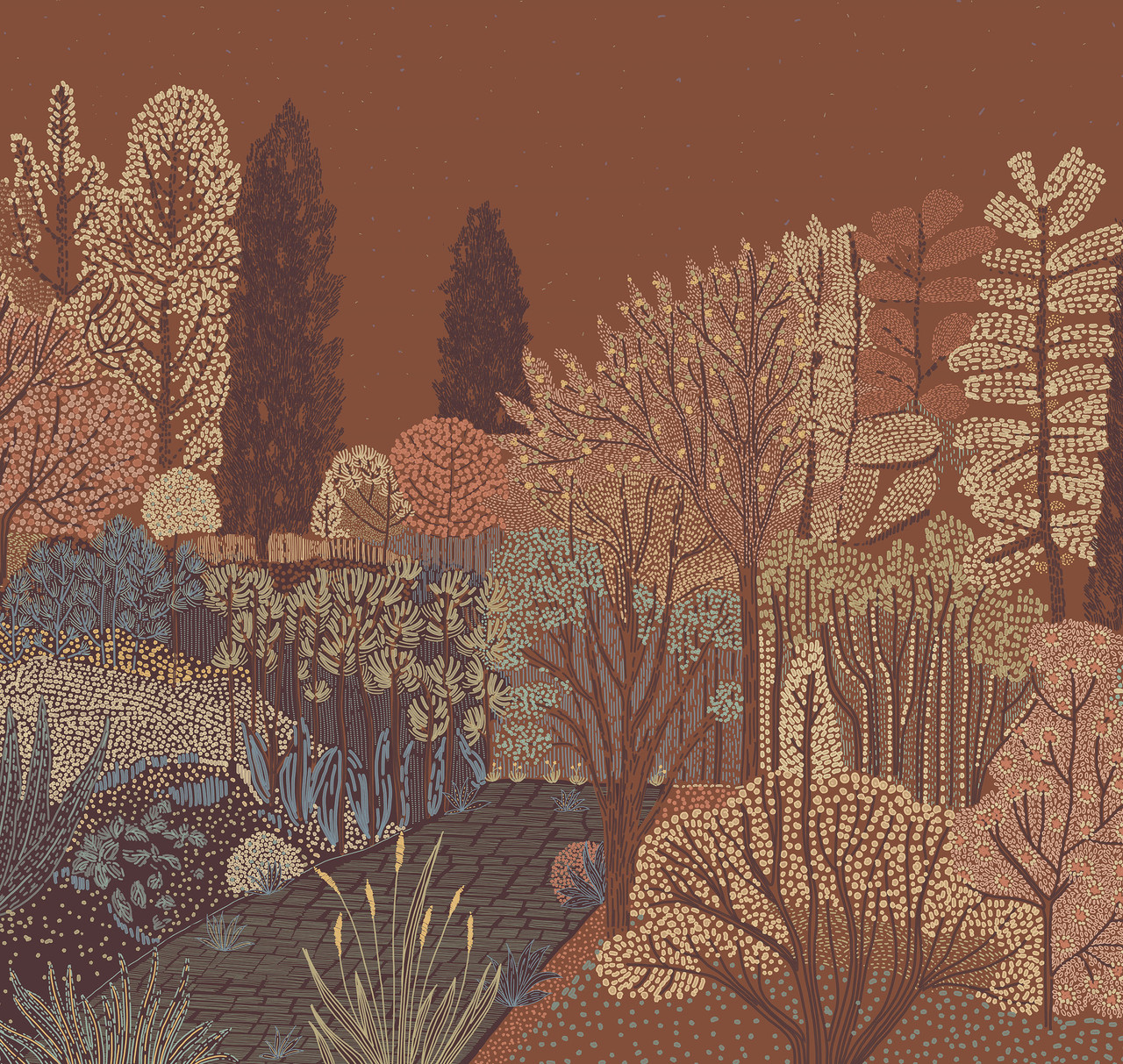
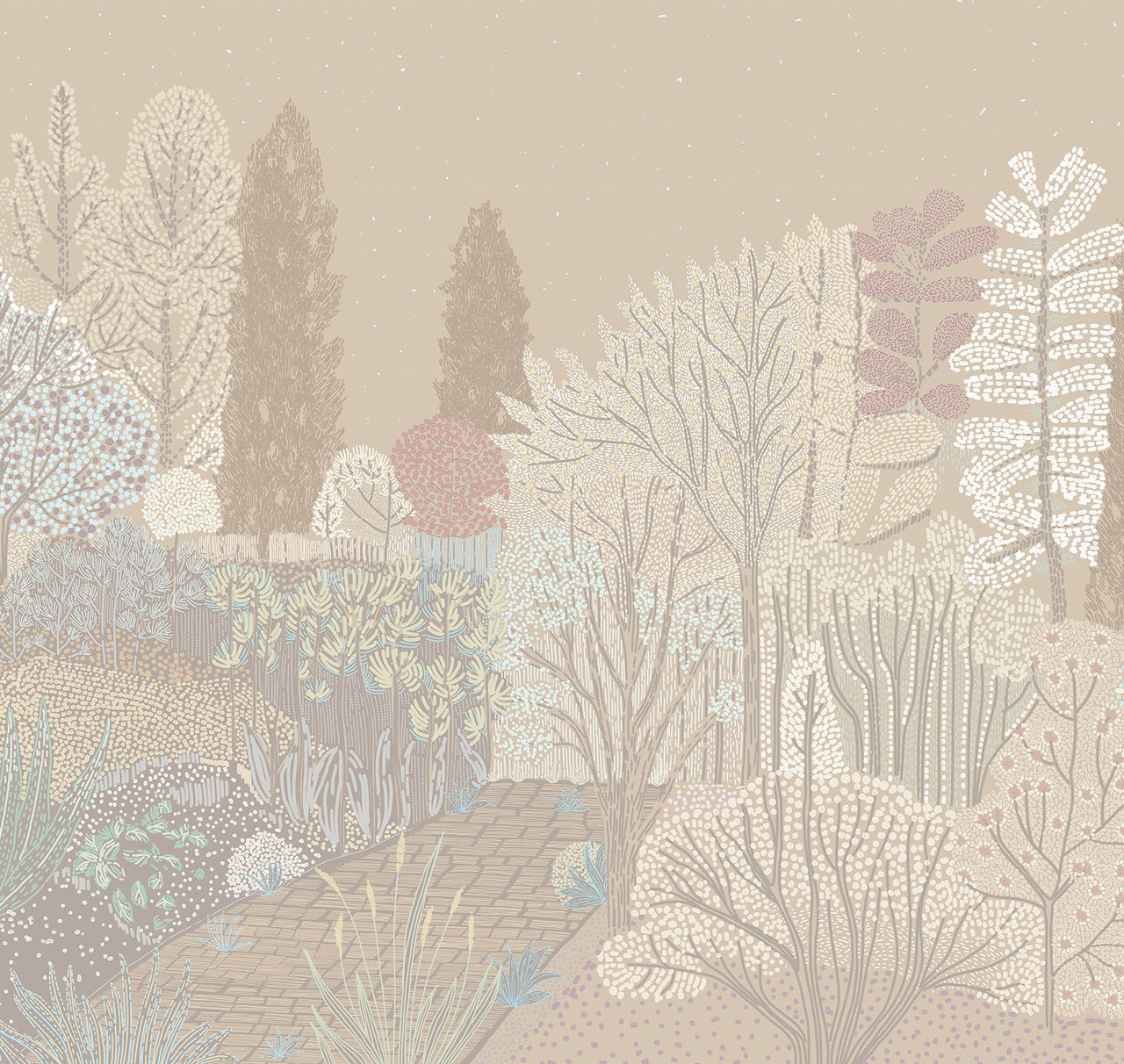
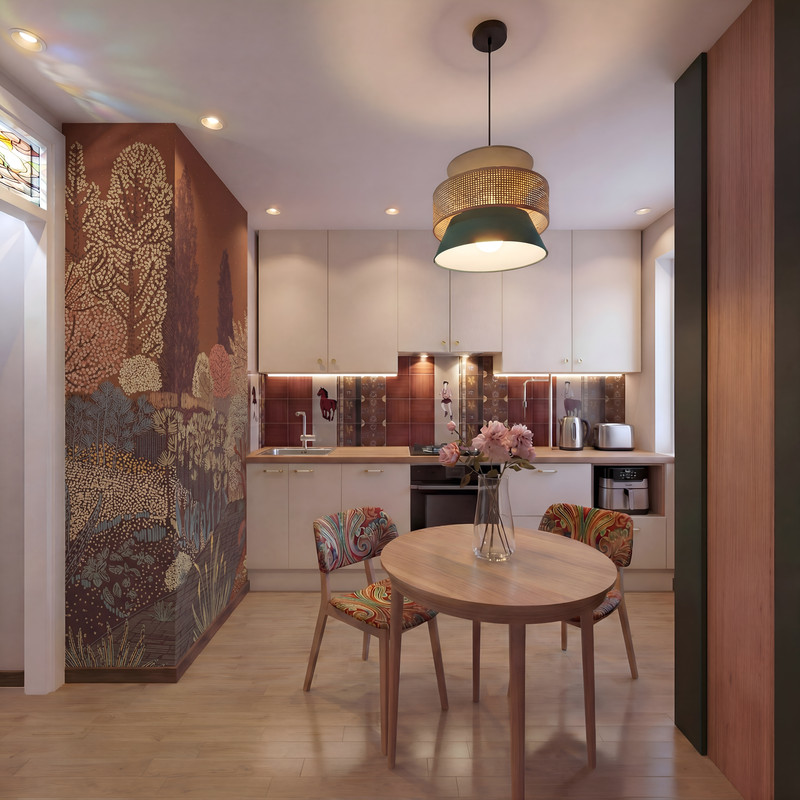
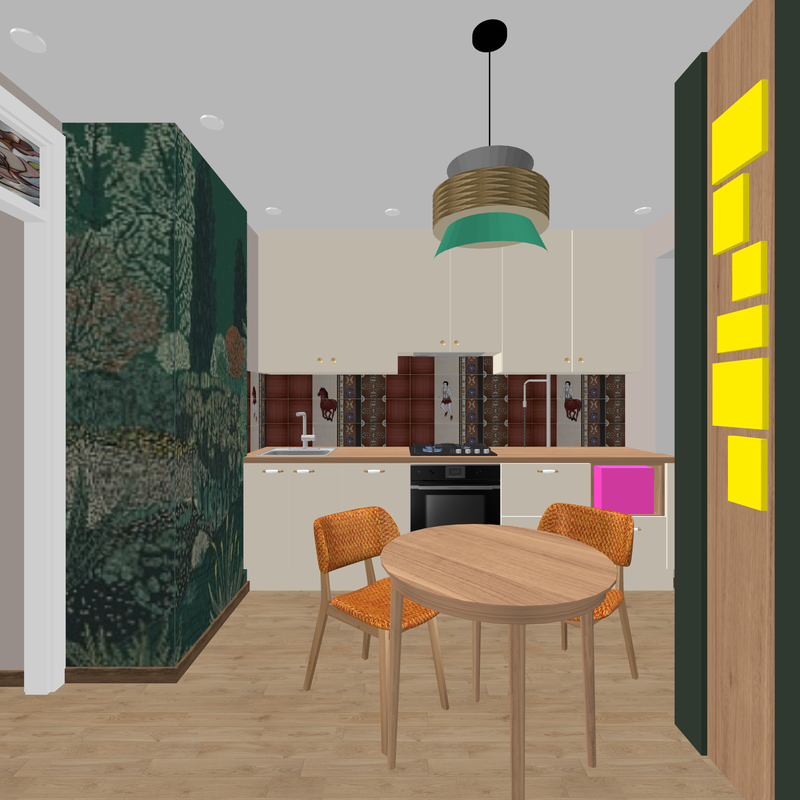
Another benefit of AI: if you need to test a complex texture on a wall in different color combinations, this is possible. First, you need to create an initial version in SH3D. For two surfaces separated by an outside corner, I always prepare two texture sections from a single piece, cutting along the wall’s corner line. This is a complex procedure that takes a lot of effort. Each section of the wall is assigned its own texture section. The result is a pattern that’s cut off at the corner of the wall, just like when you hang patterned wallpaper. Using AI, I get a realistic look like this with lighting. But here’s the thing—if you have texture options in a different color, the AI can replicate this wallpaper application with a new color scheme; you just need to ask it to combine everything. Ask firmly and without hesitation. Let it work without any fuss.

SH3D


AI


Other color options for this texture.


Get to work, you lazybones.


blushing


Translated with DeepL.com (free version)

Translated with DeepL.com (free version)

Posted by Keet at Apr 10, 2026, 8:42:09 AM
Re: connecting SH3D and AI for work
That's a great idea to use AI to change colors of a texture. With a complex texture like in your example it is almost impossible to do that by hand.


With GIMP it is not that difficult to split a texture in three parts.

Example.
Wall sides: 30+150+30 = total 210 wide.
The texture image is 800 pixels wide and 300 pixels high.

1. Open the image with GIMP and scale the image to a width x times the wall width. For this example 4 is a good conversion number: 4 x wall width 210 = 840. Don't choose a number that gets lower than the original pixel width.

2. The pixel width for each part is now:
left side: 4 x 30 = 120
center part: 4 x 150 = 600
right part" 4 x 30 = 120.

3. create the image parts.
3a. Change the canvas size: keep the height unchanged ("open chain") and change only the width to 120. Press the Tab key to get the preview image. Drag the preview image so it is complete moved to the right side. You should see a small rectangle at the left of the preview image. Click "Resize" and export the image as "partleft.png".
3b. Undo (ctrl+Z) and change the canvas size again with width 120 but move the image to the left side, export as "partright.png".
3c. Undo (ctrl+Z) and change the canvas size with width 600, click the button "Center", export as "partcenter.png".

Now you have split the image into to three images that when placed next to each other will represent the original image and can be place on the three wall sides.
----------------------------------------
Dodecagon.nl
1300+ 3D models, manuals, and projects

Posted by GaudiGalopin3324 at Apr 10, 2026, 10:07:25 AM
Re: connecting SH3D and AI for work
Dear Keet. Once again, I can see that you’re taking a sincere approach to the process. And once again, great advice on splitting the texture into parts—thanks! But my plan is a little different. Yes, I could split the textures and start over with a new render in SH3D each time. But then I wouldn’t get the same photorealistic result in AI!!! Every time with a new texture, there will be different lighting, different reflections, and the objects will change slightly. After all, it’s AI—it’s hard to keep it on a tight leash all the time. My plan is to do absolutely nothing from the moment I get the first generation that I’m happy with. Pour a cup of coffee, turn on my favorite music. With the first generation, feed the program UNCUT textures—even ones of different sizes. And without letting go of my coffee cup, demand it authoritatively. That’s my plan. Let this beast handle splitting the textures into pieces—not me. I’m not changing the texture colors in this case; I’m not creating something you can’t buy right off the shelf. I’m using ready-made solutions from the wallpaper manufacturer. But I want to apply this wallpaper with minimal effort on my part. Here’s my clever plan. Make the first version and relax. The only effort required is to press the ENTER key on the keyboard from time to time. I’m fine with that. But the plan is still entirely mine!! That’s where the power lies.
I hope DeepL didn’t let me down. Let me say it again: I’m not going to hand over my creativity to AI; I won’t let it create anything beautiful. I can’t let it color textures according to its own bad taste. It’s not worthy of that part of the work. Let it roll heavy stones while I ponder the next step toward beauty. You have to think about this all the time. Stay in the driver’s seat. biggrin cool

Posted by Keet at Apr 10, 2026, 10:20:27 AM
Re: connecting SH3D and AI for work
My plan is to do absolutely nothing from the moment I get the first generation that I’m happy with. Pour a cup of coffee, turn on my favorite music.
I love hard work. I can watch it for hours laughing
----------------------------------------
Dodecagon.nl
1300+ 3D models, manuals, and projects

Posted by GaudiGalopin3324 at Apr 10, 2026, 12:07:05 PM
Re: connecting SH3D and AI for work
biggrin

Posted by GaudiGalopin3324 at Apr 12, 2026, 9:56:04 AM
Re: connecting SH3D and AI for work
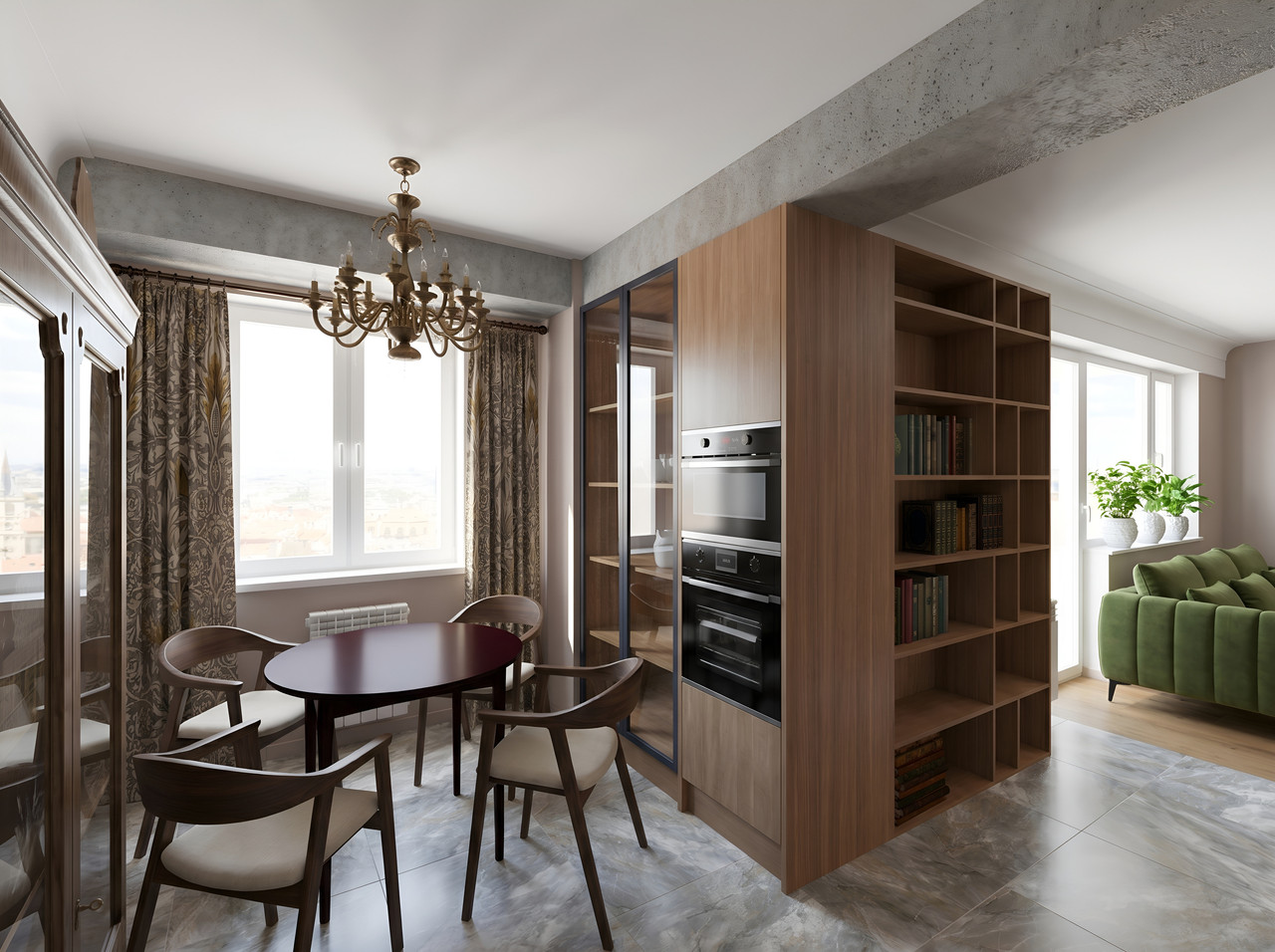
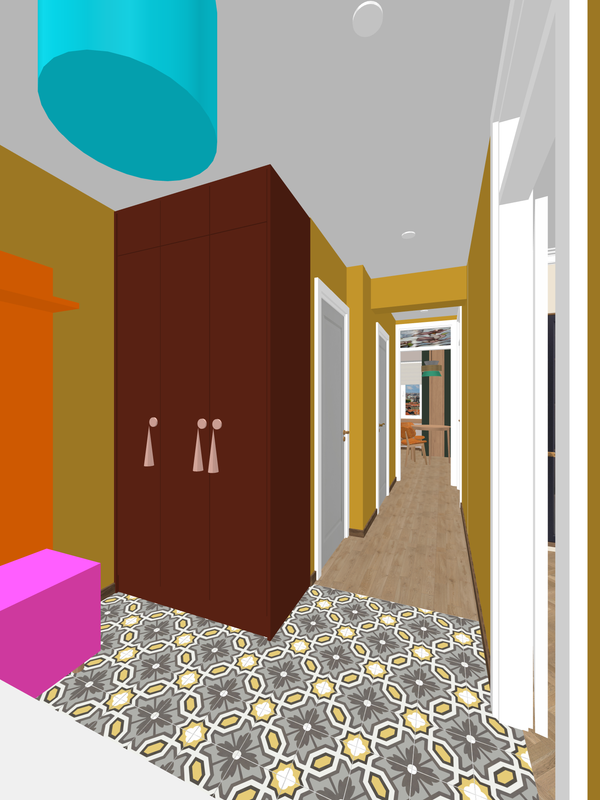
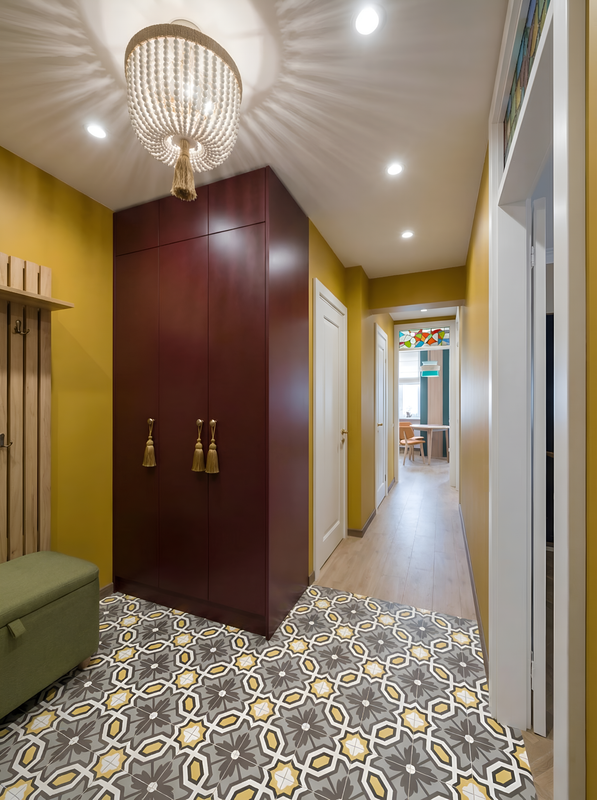
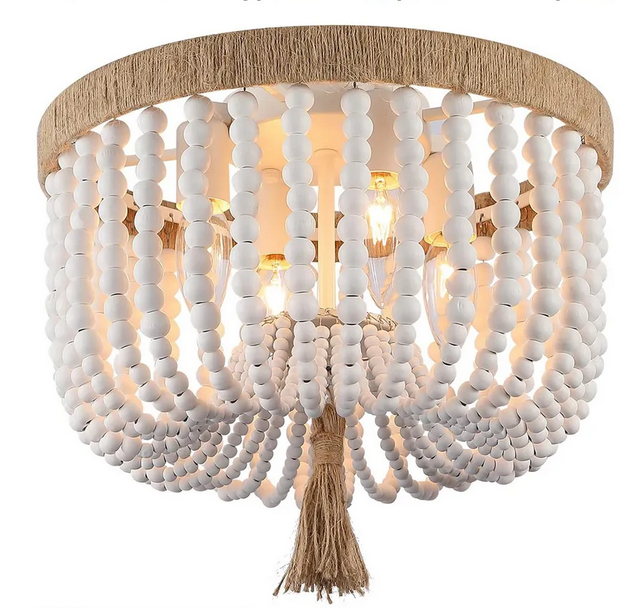
Here’s another chance to enjoy watching someone else do the hard work. The chandelier originally comes with white wooden beads. But you can paint it yourself (yes, with paint and a brush, right at home). As you can imagine, I don’t have a model of this chandelier that can be painted. There’s a blue cylinder in SH3D and a silent AI monster. So let it do the work while I watch. I told it to paint the balls in horizontal and vertical rows and specified the colors. Words have great power when spoken with precision.

SH3D


AI


an original chandelier from the store


vertical rows


horizontal rows

biggrin cool

Translated with DeepL.com (free version)

Posted by GaudiGalopin3324 at Apr 16, 2026, 10:46:51 PM
rose   Re: connecting SH3D and AI for work
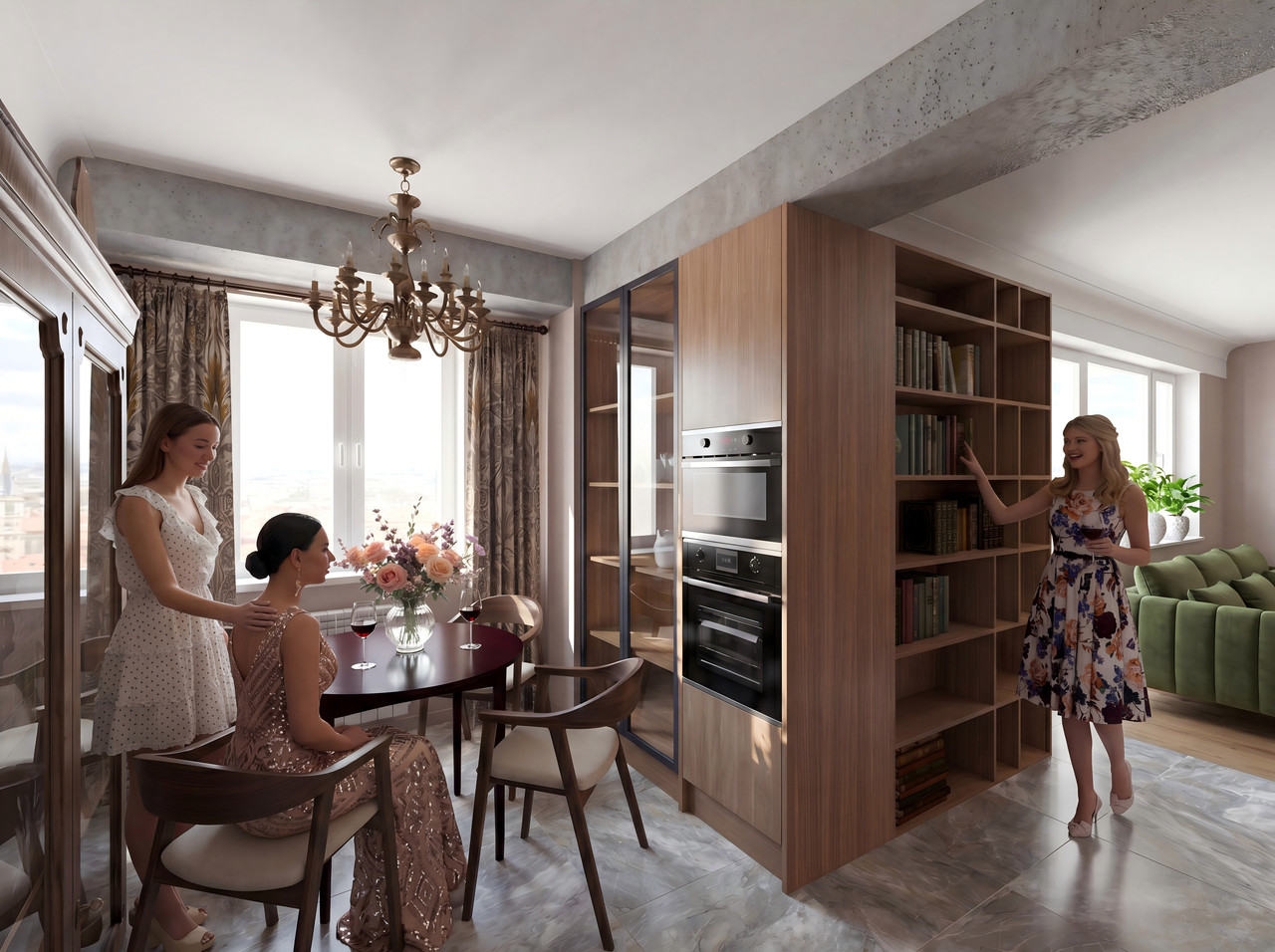

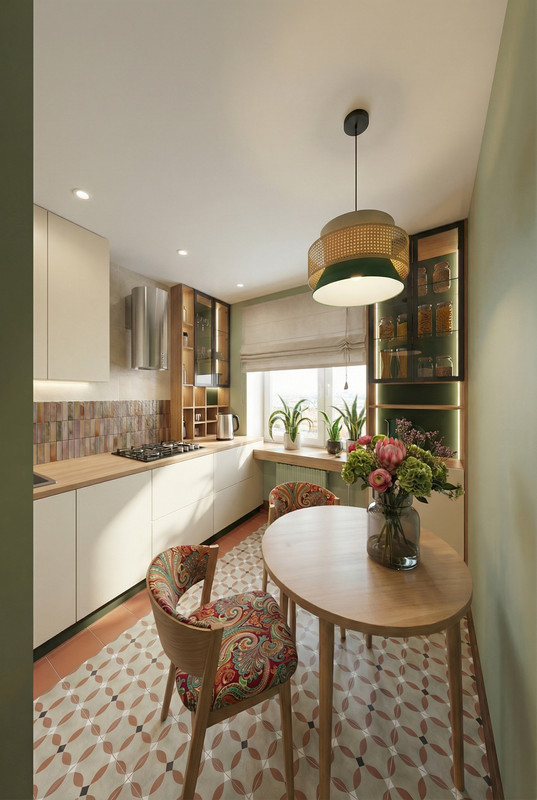
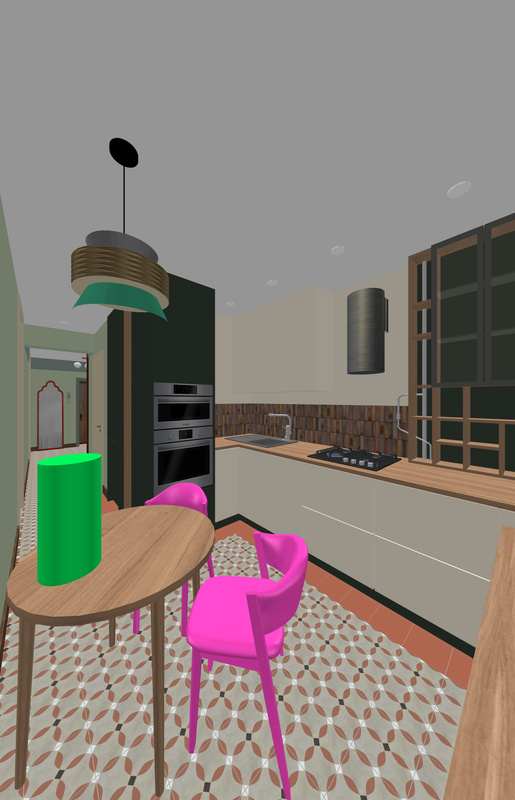
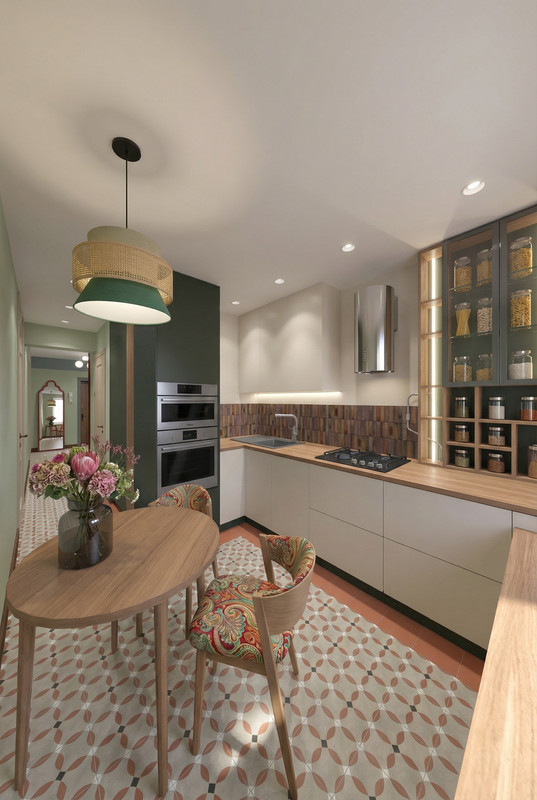
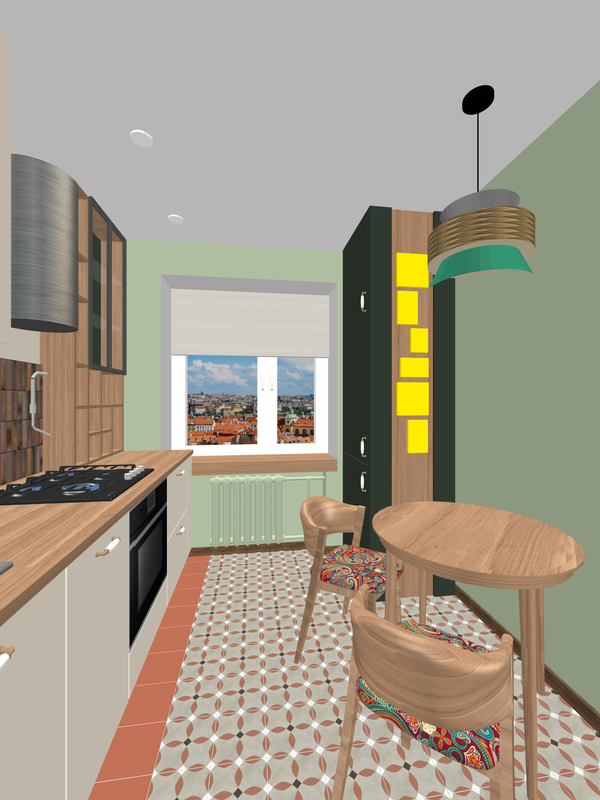
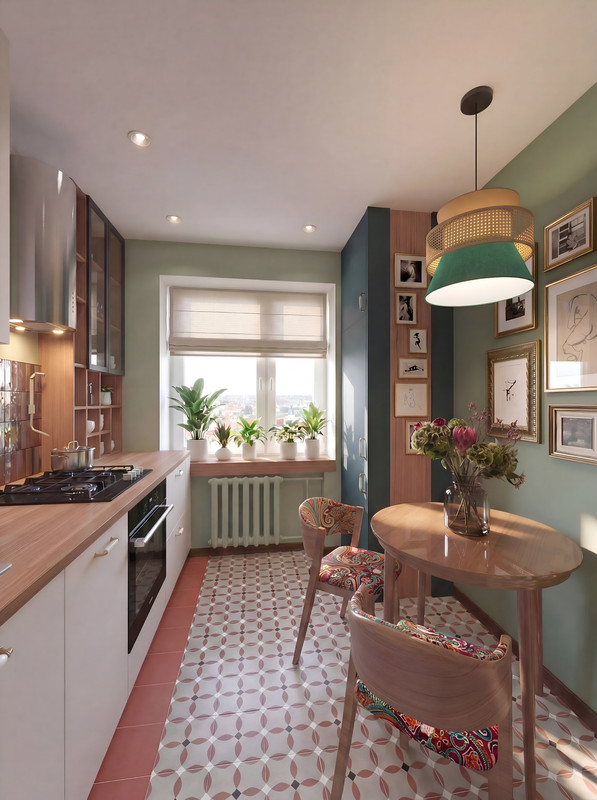
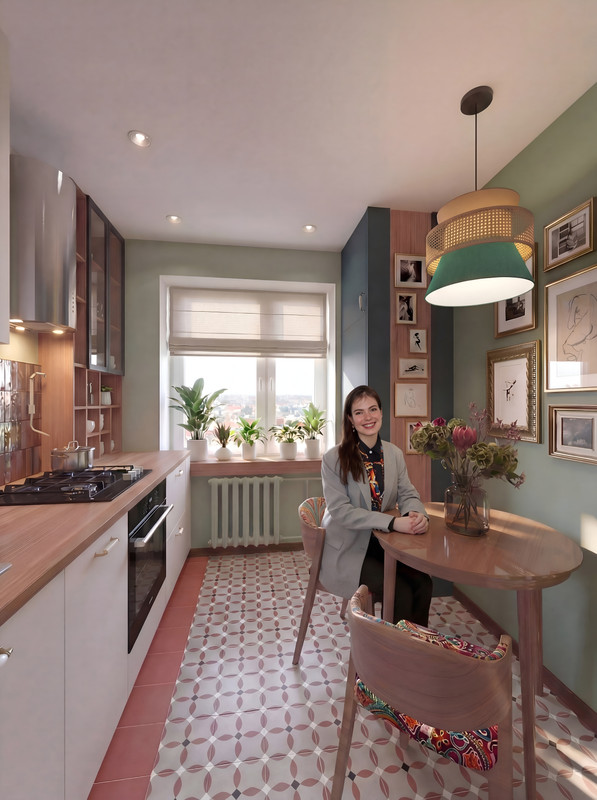
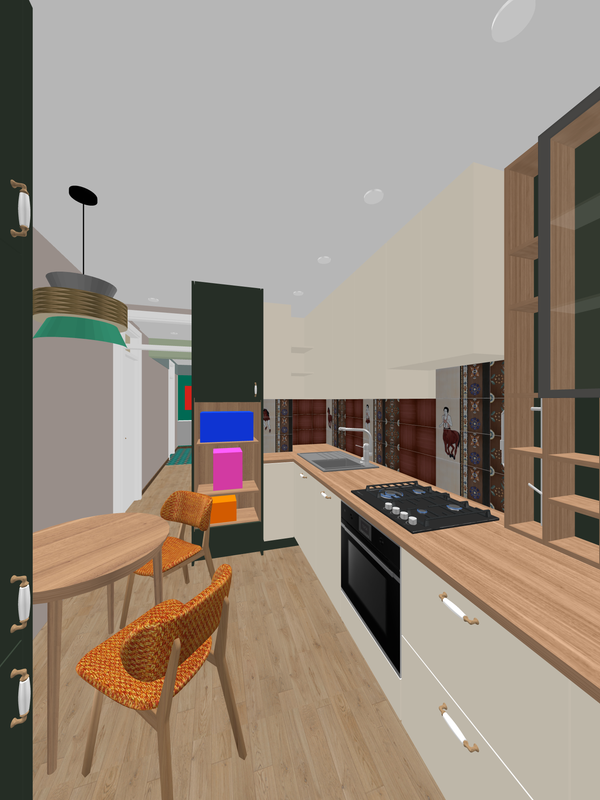
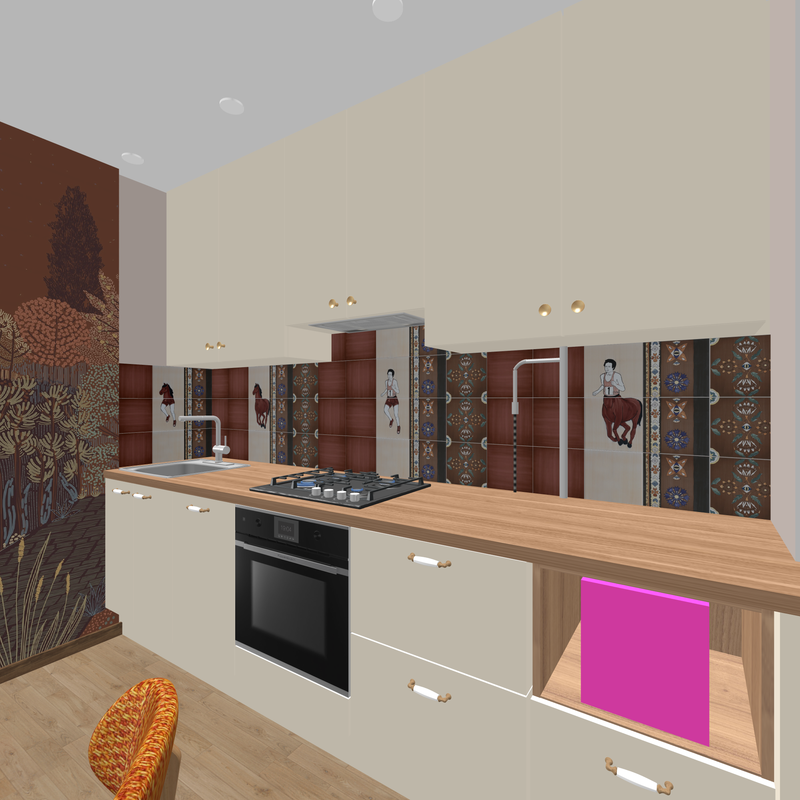
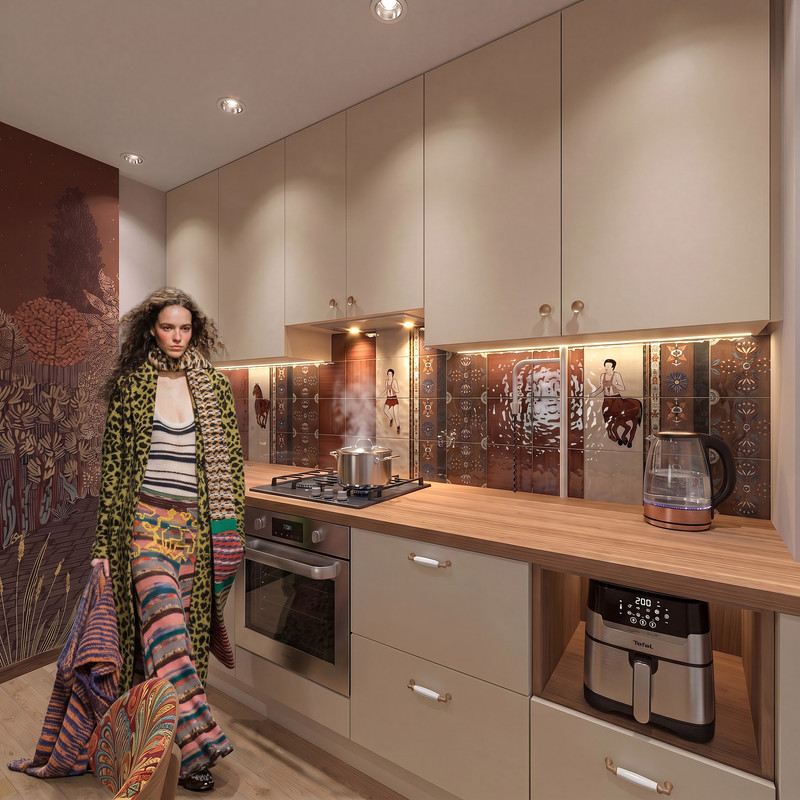
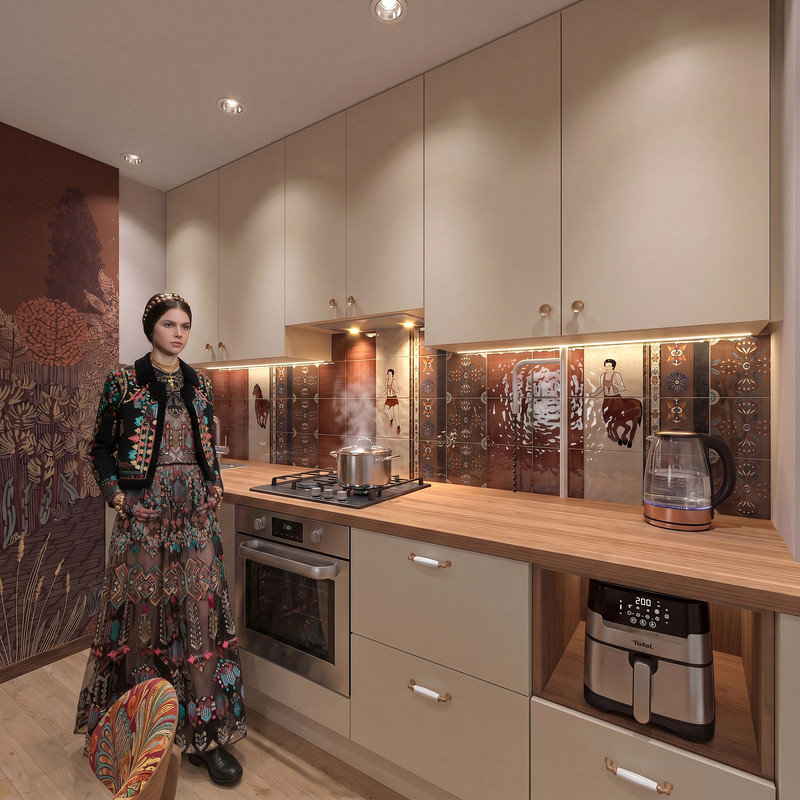
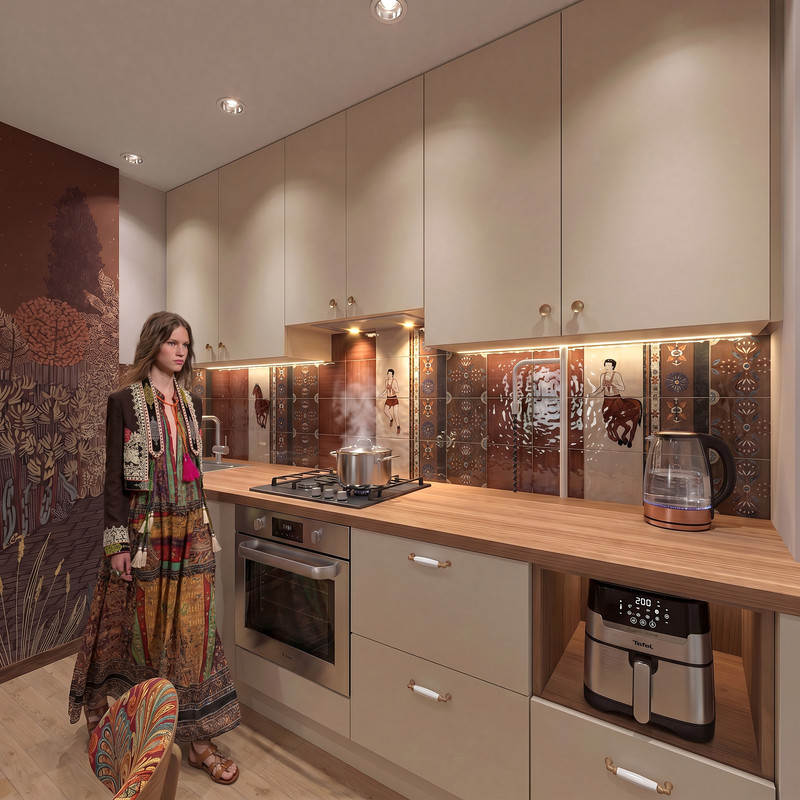
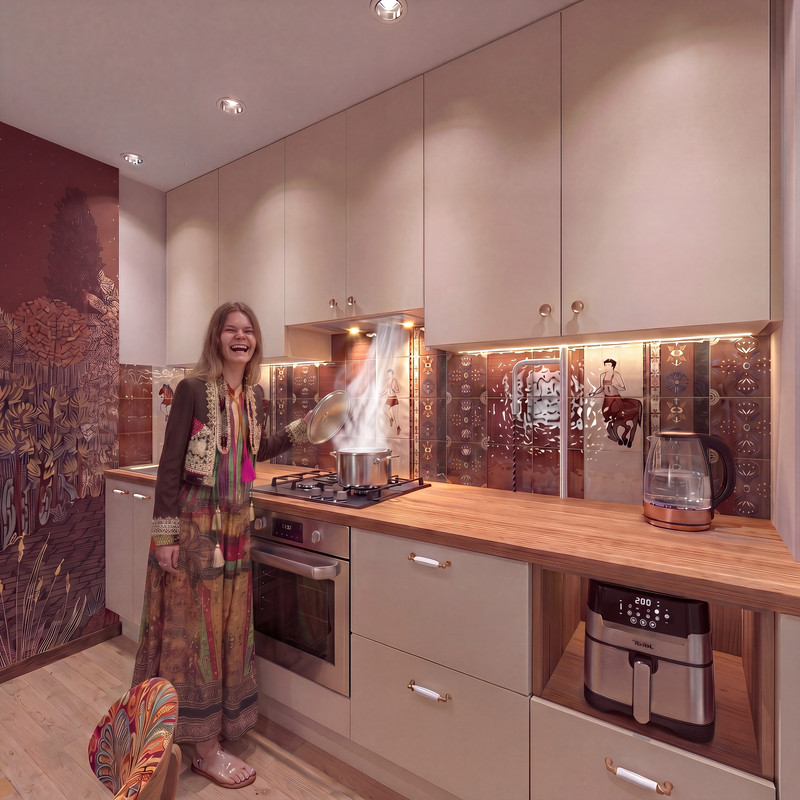
If you design a kitchen without any mistakes—if you model every detail of the cabinets in SH3D exactly as they would be in real life, using individual elements with the correct dimensions—the kitchen will look very realistic. A realistic person can easily be placed in such a realistic kitchen; you just need to find the right outfit for them. You can find it at fashion shows. And then the person will become a highlight of your interior, a part of it—not just someone who happened to walk in by chance.


blushing


Translated with DeepL.com (free version)

Posted by GaudiGalopin3324 at Apr 17, 2026, 7:43:47 AM
Re: connecting SH3D and AI for work
fashion blushing