Print at Feb 1, 2026, 6:02:00 AM
Posts: 14   Pages: 2   [ 1 2 | Next Page ]
View all posts in this thread on one page
Posted by Guido65 at Jan 5, 2024, 2:54:00 PM
Rendering crash
Hello everyone, I don't know why, but suddenly the file started crashing every time I ask it to create a photo, even with low quality and resolution. The previous file, which was larger in size, didn't give me any problems. This is the link to the file that doesn't work: https://www.mediafire.com/file/ks4mjxs3mz8c3g..._Getting_Started.pdf/file . Can you help me? Thank you!

Posted by hansmex at Jan 5, 2024, 4:39:58 PM
Re: Rendering crash
You're sharing the wrong file... It's called MediaFire - Getting Started.pdf

H
----------------------------------------
Hans

new website - under constuction
hansdirkse.info

Posted by Guido65 at Jan 6, 2024, 5:48:22 PM
Re: Rendering crash
Sorry, this is the right one https://www.mediafire.com/file/8i4b4hzxdgy7xo..._alleggerito_V2.sh3d/file

Posted by Vinci68 at Jan 8, 2024, 3:27:59 PM
Re: Rendering crash
Oddly enough, in my case, at maximum quality and 4K resolution, the photo is created without a hitch. So it's not the file that's the problem!

Posted by Guido65 at Jan 8, 2024, 7:28:52 PM
Re: Rendering crash
I really don't know why it doesn't work! Aargh!!

Posted by GaudiGalopin3324 at Jan 8, 2024, 11:24:47 PM
Re: Rendering crash
hello. A very beautiful project! I found a problematic model here. This is a ping pong table top. If you make the white markup invisible, everything is displayed perfectly. I cured this problem by creating a second copy of the table, but made everything there invisible except the white markup. I combined everything exactly and raised it 1mm higher than the first model. And in the first model of the table, I made the white markings invisible. And everything has been fixed). Photos now turn out perfectly in any quality. Sorry, I added the sky and a large hemisphere.))
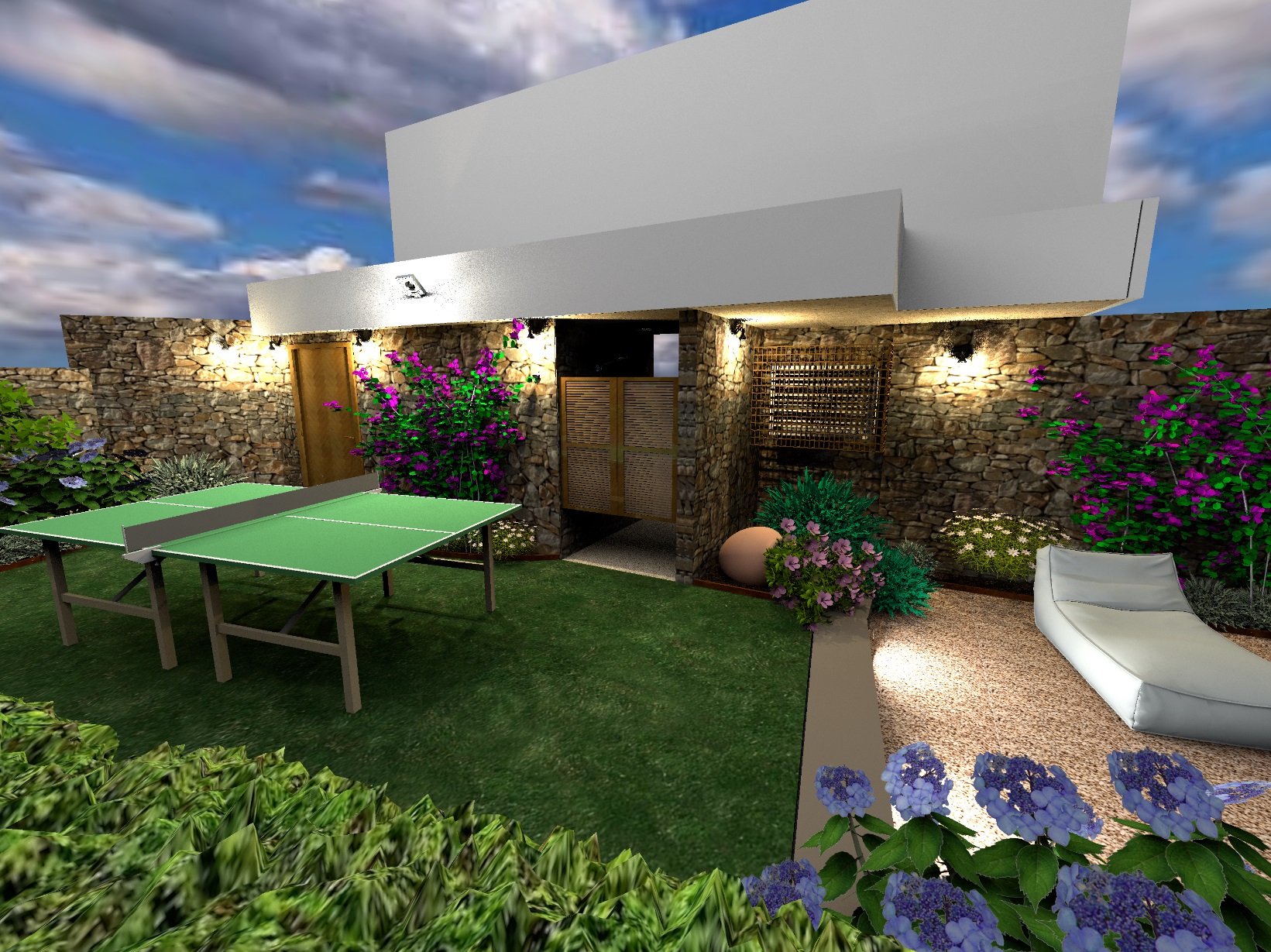

1h12m 3000х2250 pixels
the corrected file is here https://www.mediafire.com/file/1fkdw7w46ckxyz..._alleggerito_V2.sh3d/file
Posted by GaudiGalopin3324 at Jan 8, 2024, 11:52:23 PM
Re: Rendering crash
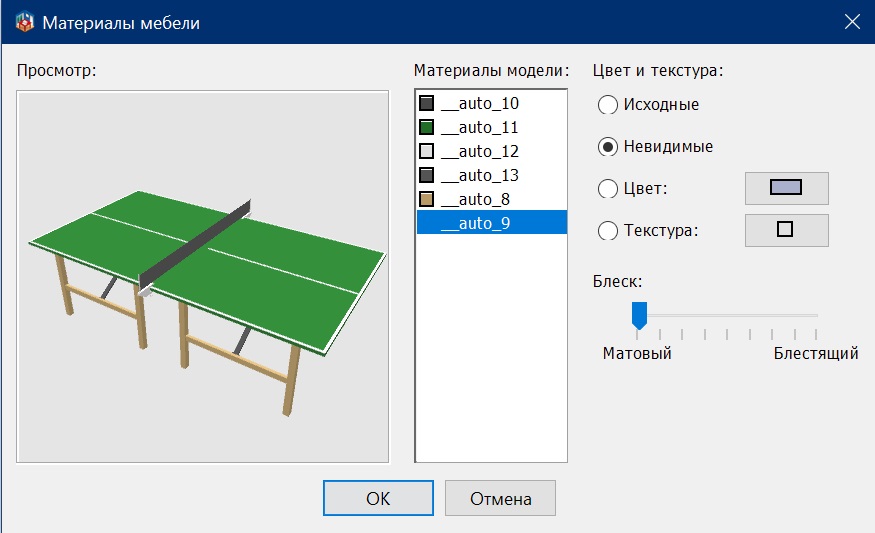
Sorry, it turned out to be even simpler. In the Ping Pong model, you need to make part No. 9 invisible.


Posted by Guido65 at Jan 9, 2024, 3:03:24 PM
Re: Rendering crash
Sorry, but I didn't quite understand if my original file also crashed for you and what changes you suggested to avoid issues. Nonetheless, I tried opening your file, and unfortunately, it still crashed for me. At this point, it must be a problem related to some incompatibility with my PC (which is really strange because it generates other sweethome file renderings, even heavier ones, without any problems...)

Posted by GaudiGalopin3324 at Jan 9, 2024, 3:50:51 PM
Re: Rendering crash
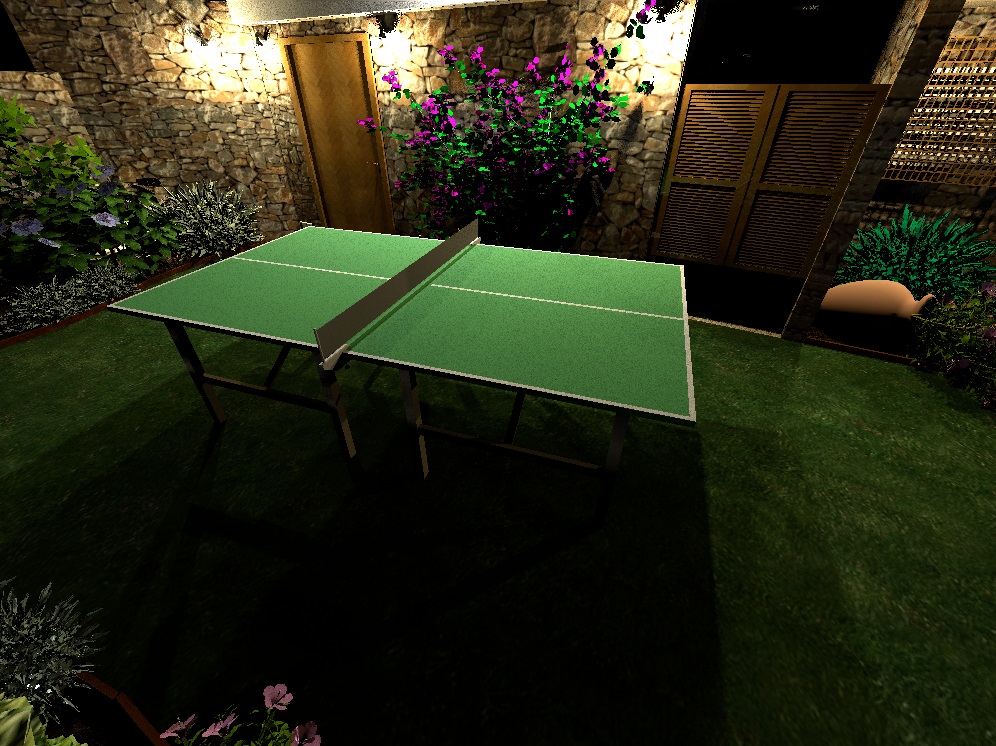
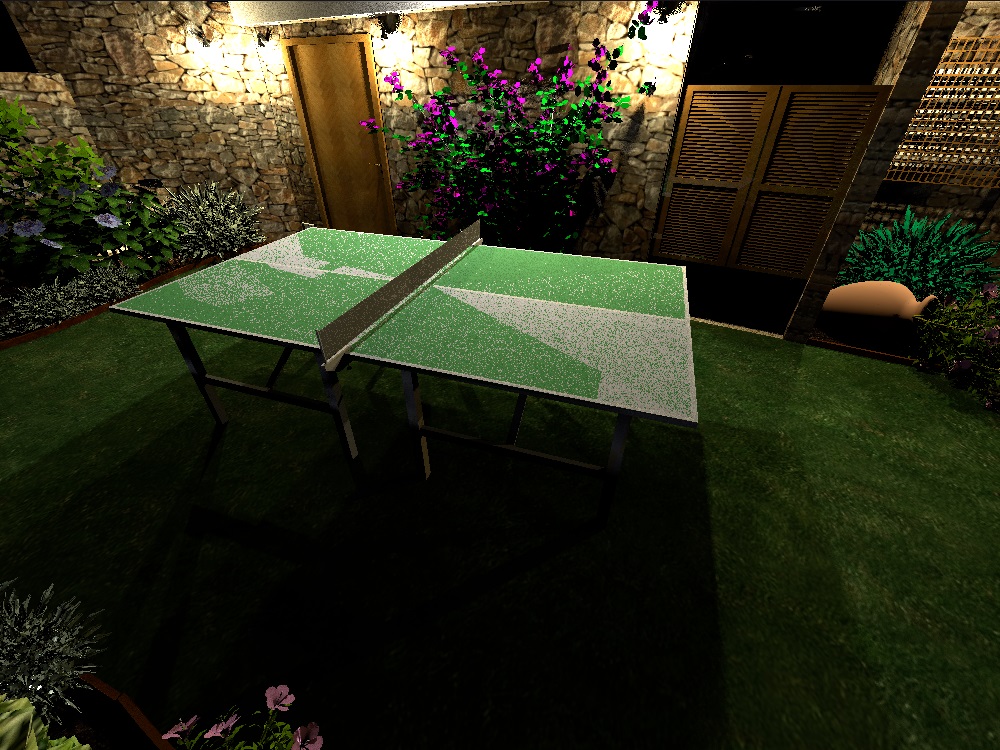
I have your file loaded normally, it does not refuse. But the table is loading with an error, I thought that's what you meant. And I assumed that this error could have caused you to reset the render for some special reasons. But now I understand that there is some other problem here. Yes. The table from your file is loaded like this


if you make AUTO 9 invisible, then like this


but now we must think about the real reason for the failure.. I don't know now.

Posted by Puybaret at Jan 9, 2024, 4:28:47 PM
Re: Rendering crash
What memory usage is indicated in the About dialog box?
What renderer did you try?
----------------------------------------
Emmanuel Puybaret, Sweet Home 3D creator

Posts: 14   Pages: 2   [ 1 2 | Next Page ]