Print at Jan 21, 2026, 3:15:30 PM
Posted by GaudiGalopin3324 at Sep 1, 2023, 8:13:00 PM
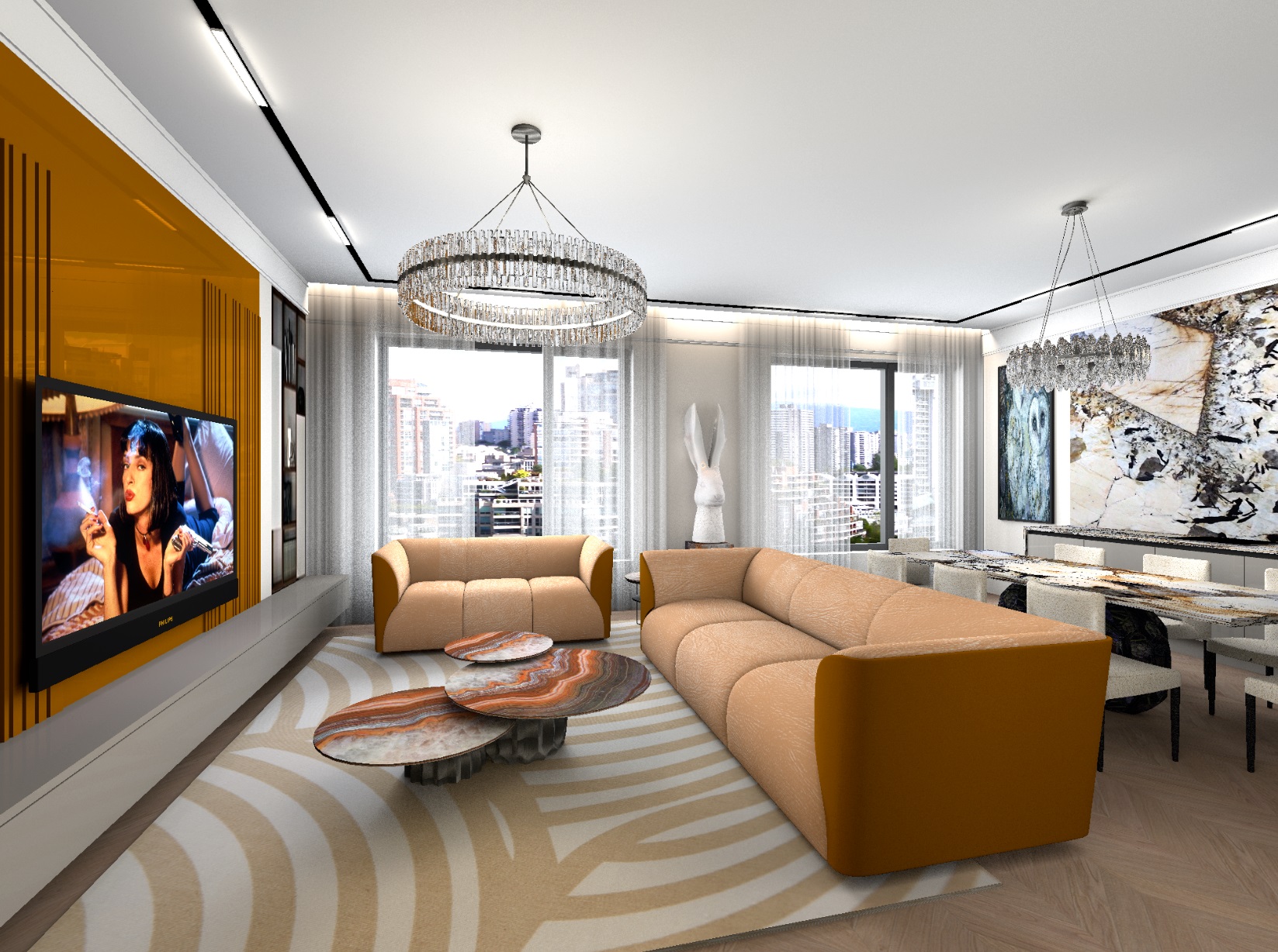
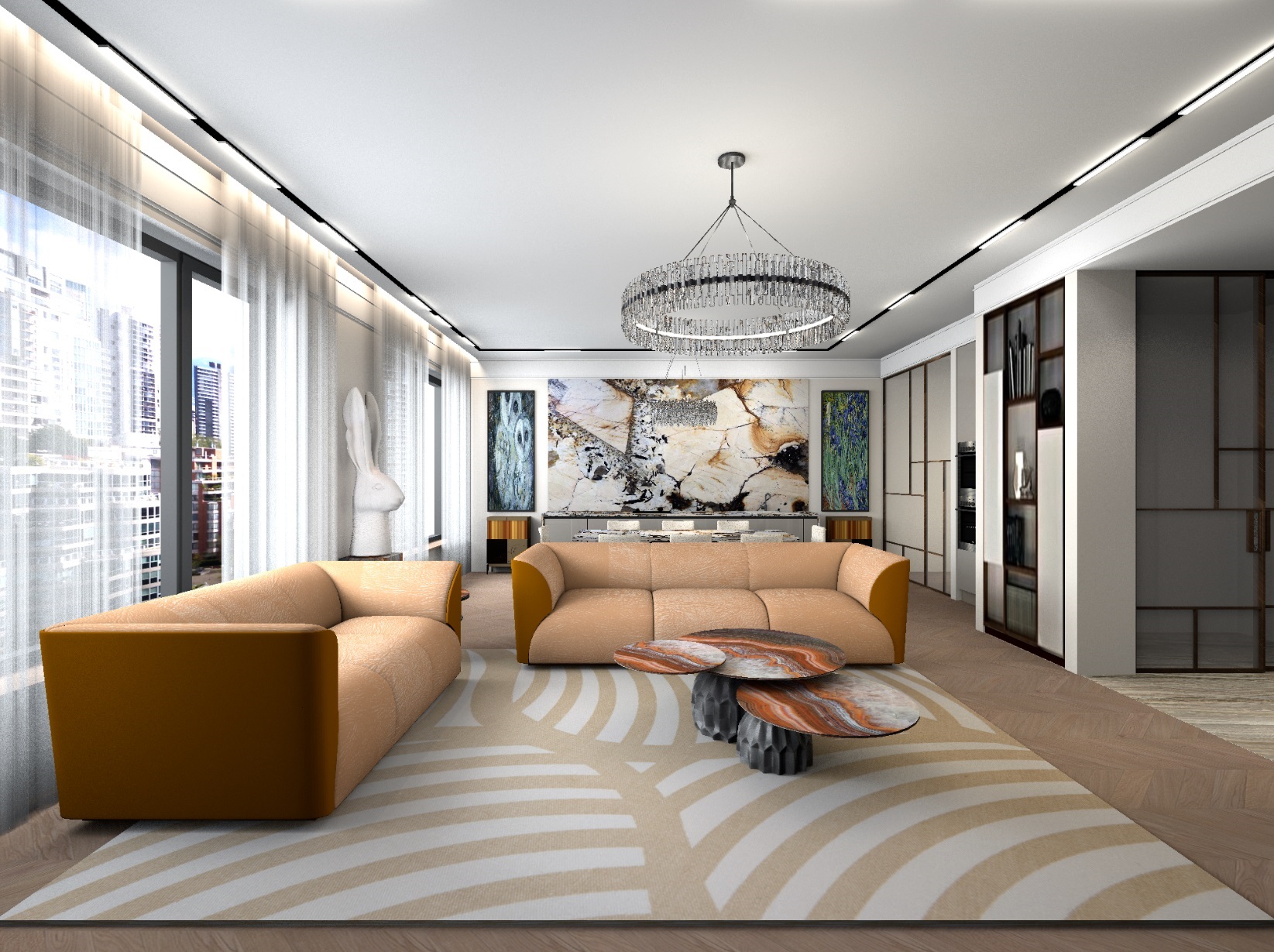
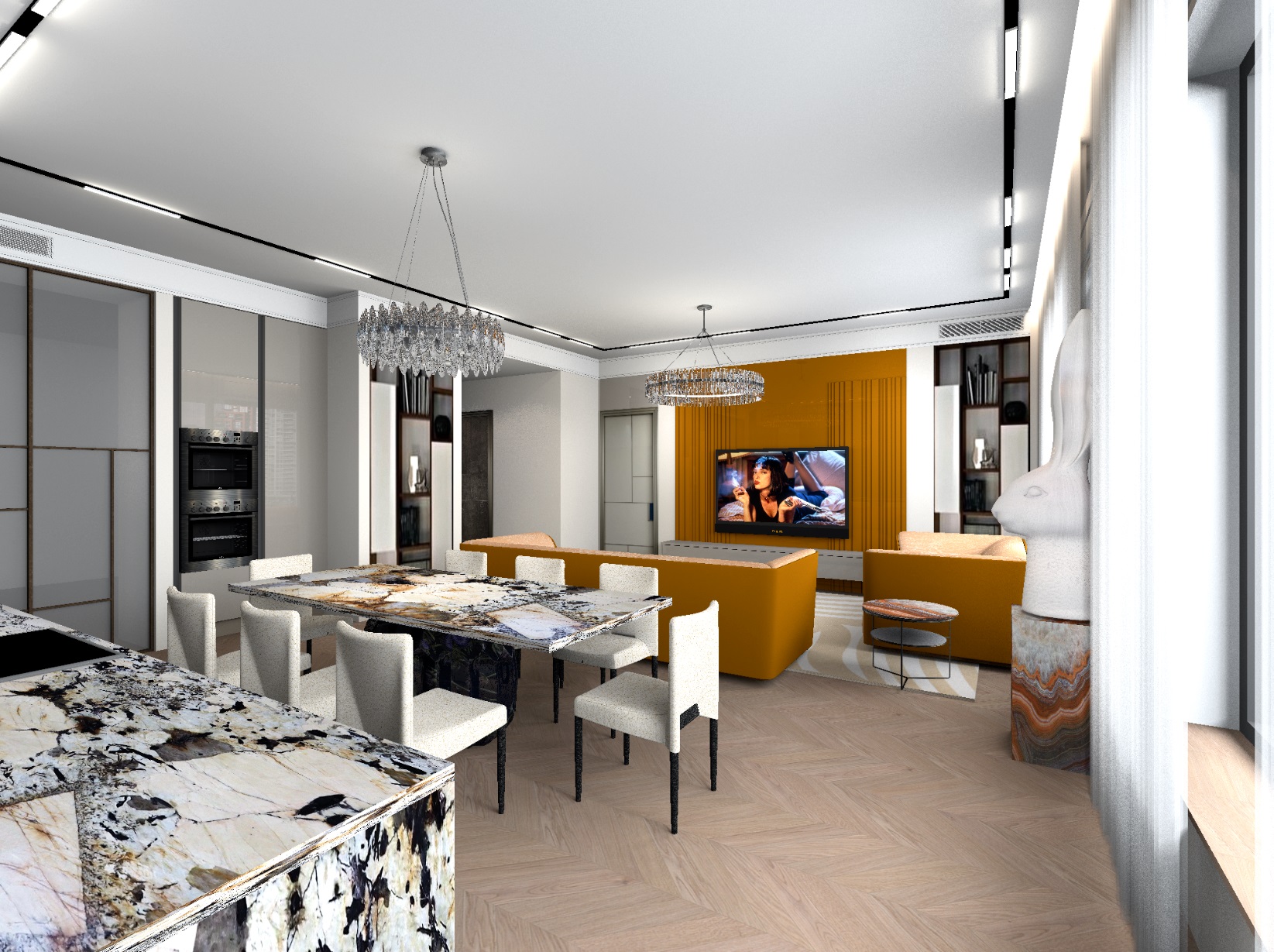
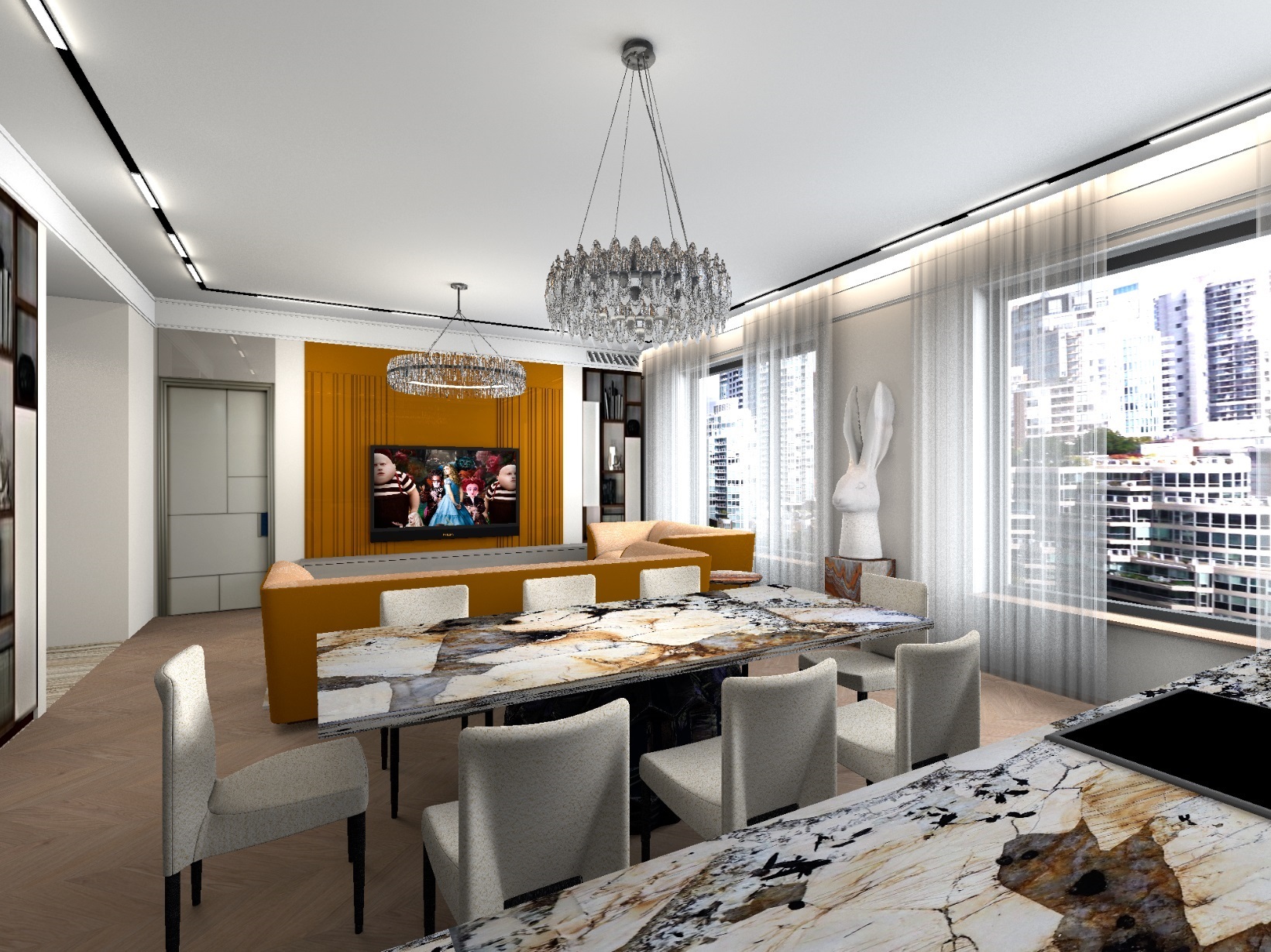
rose   Apartment project with lighting by invisible hemispheres. I continue advertising
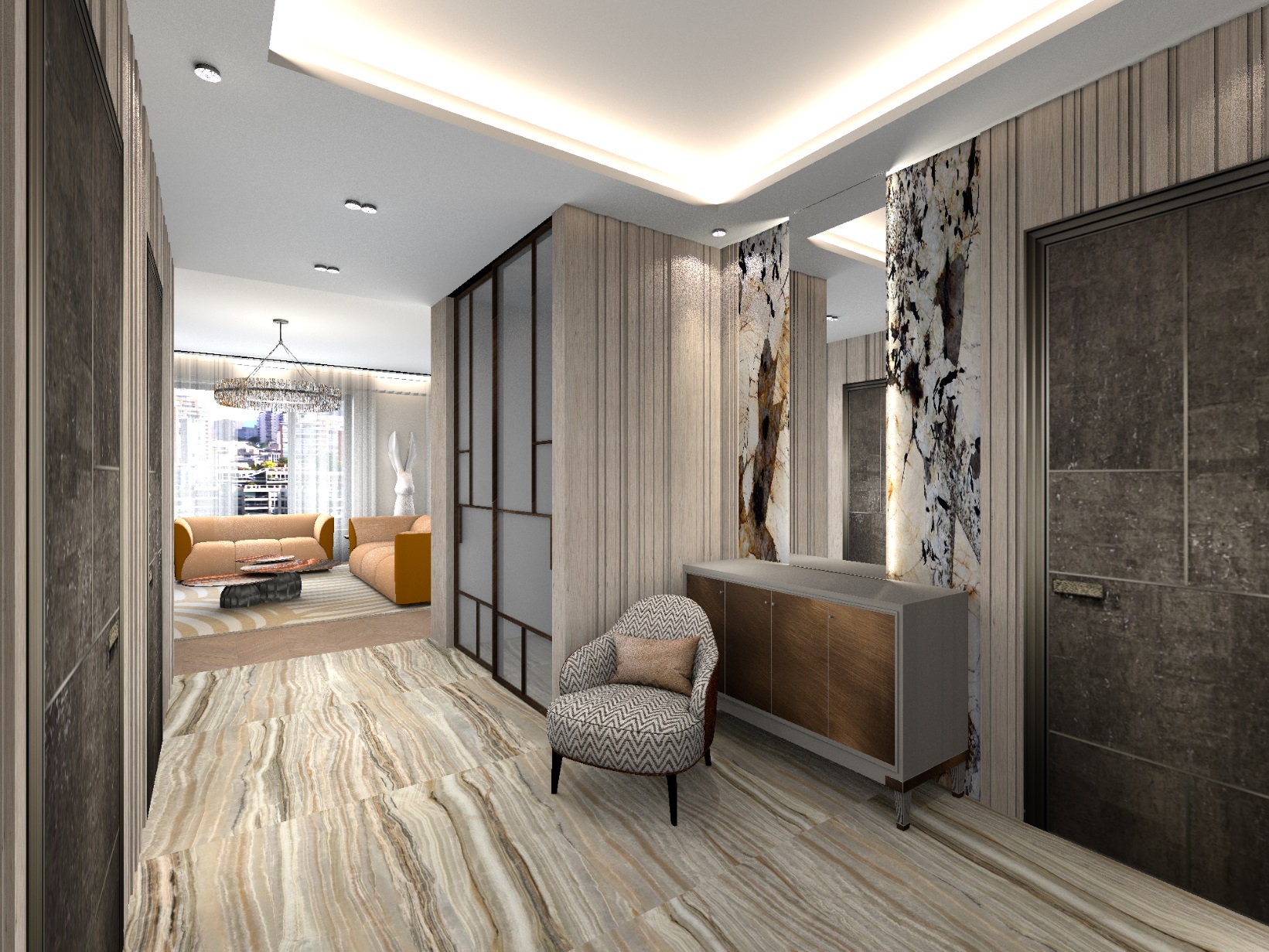
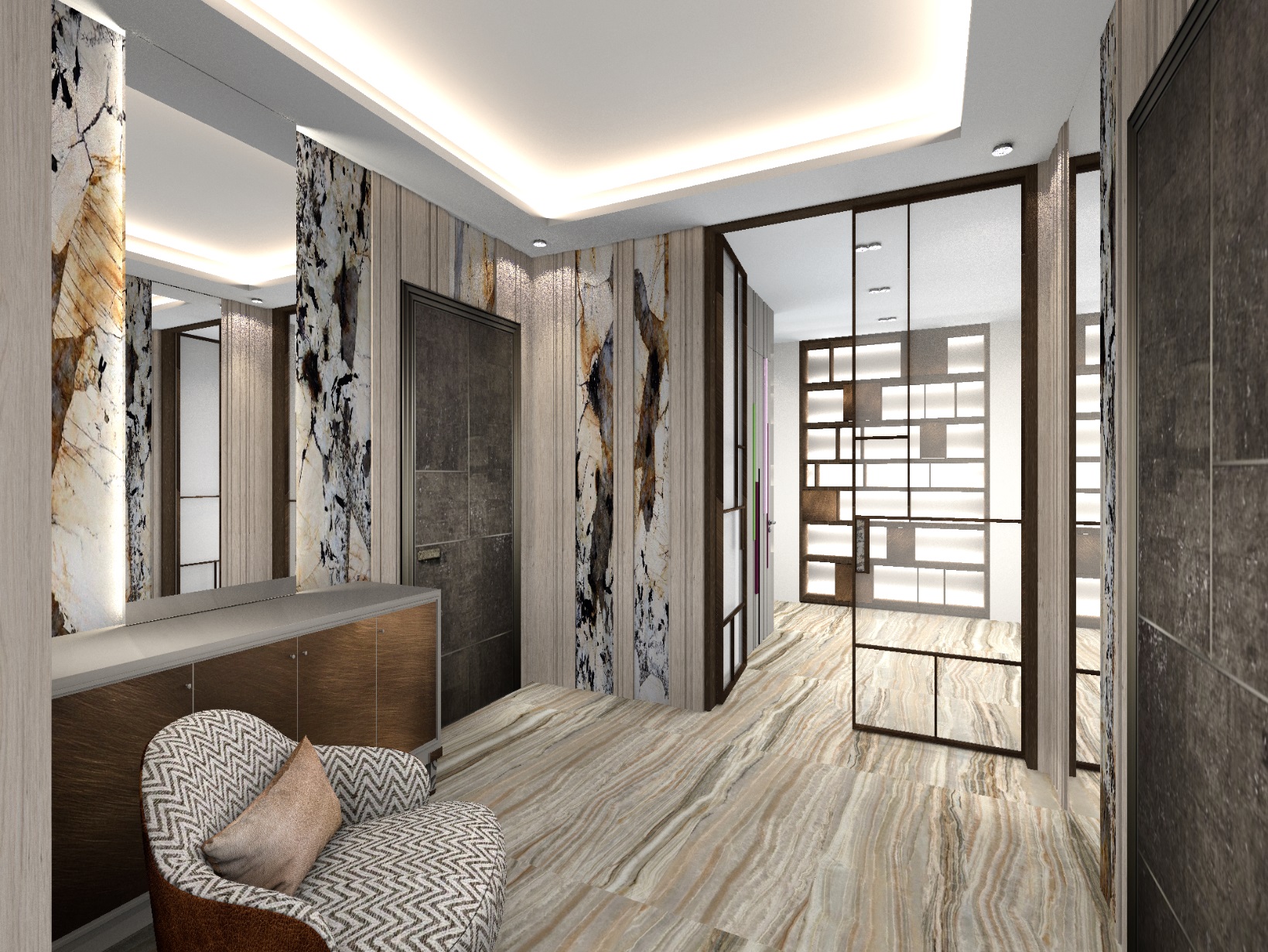
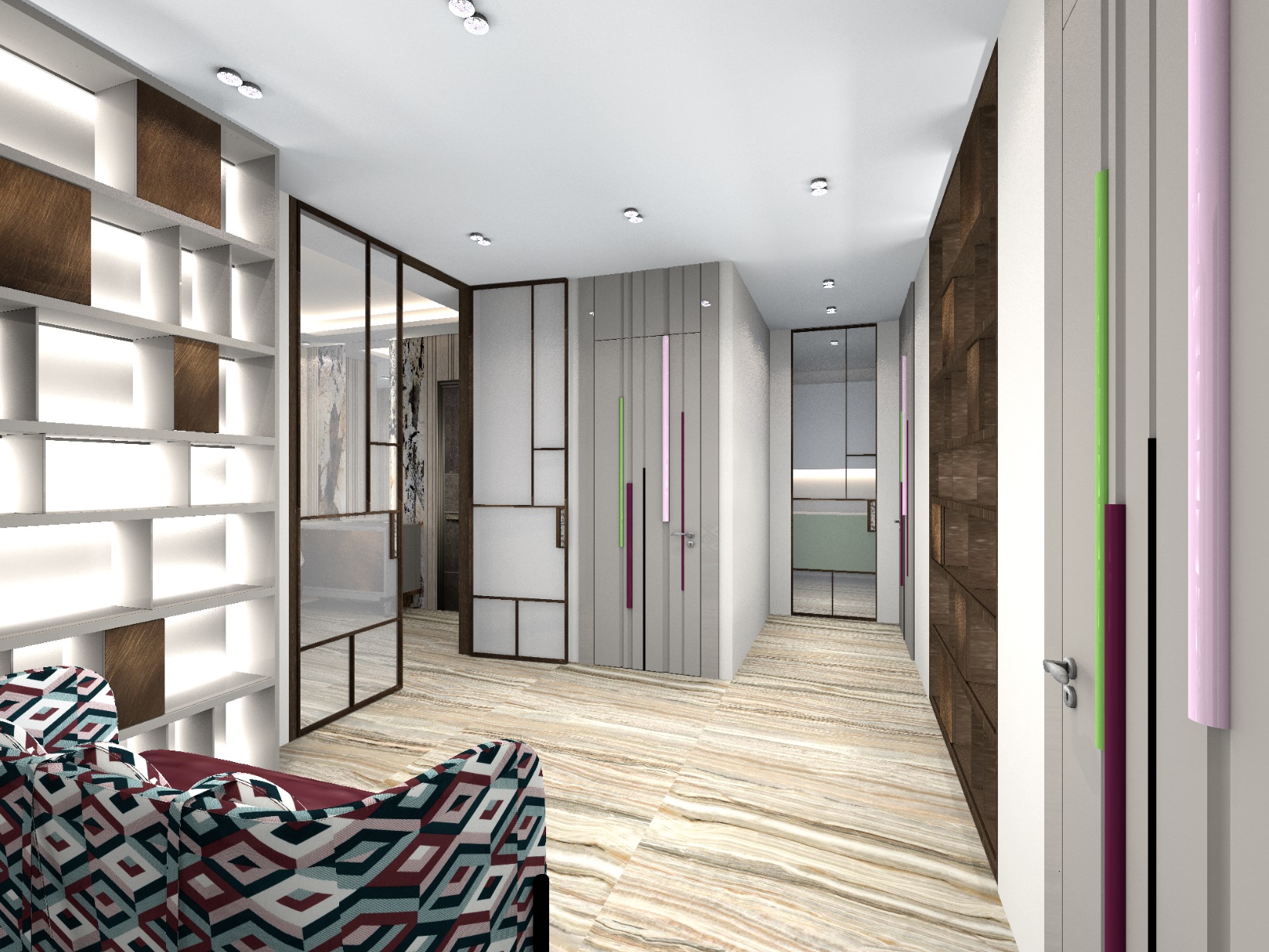
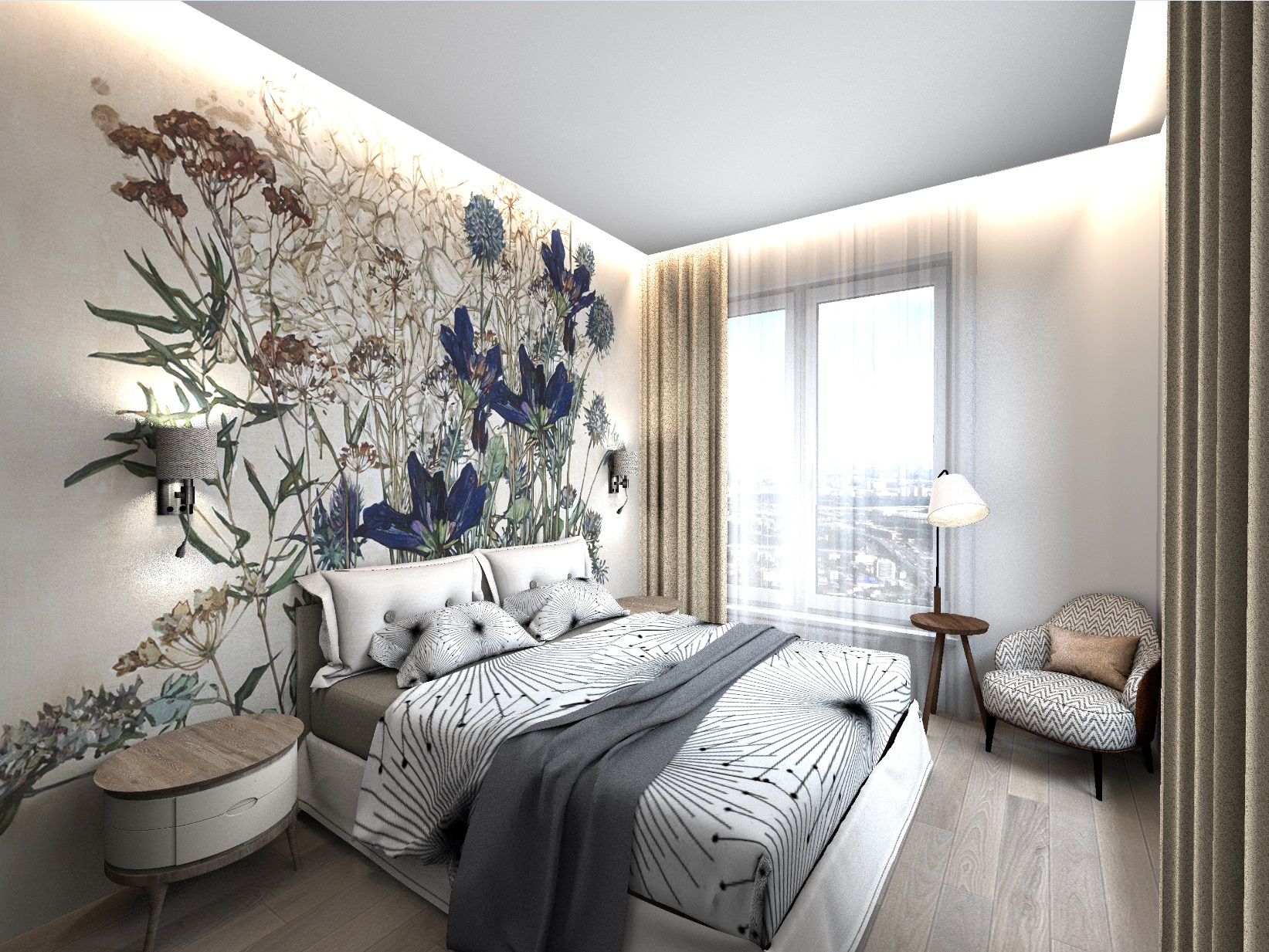
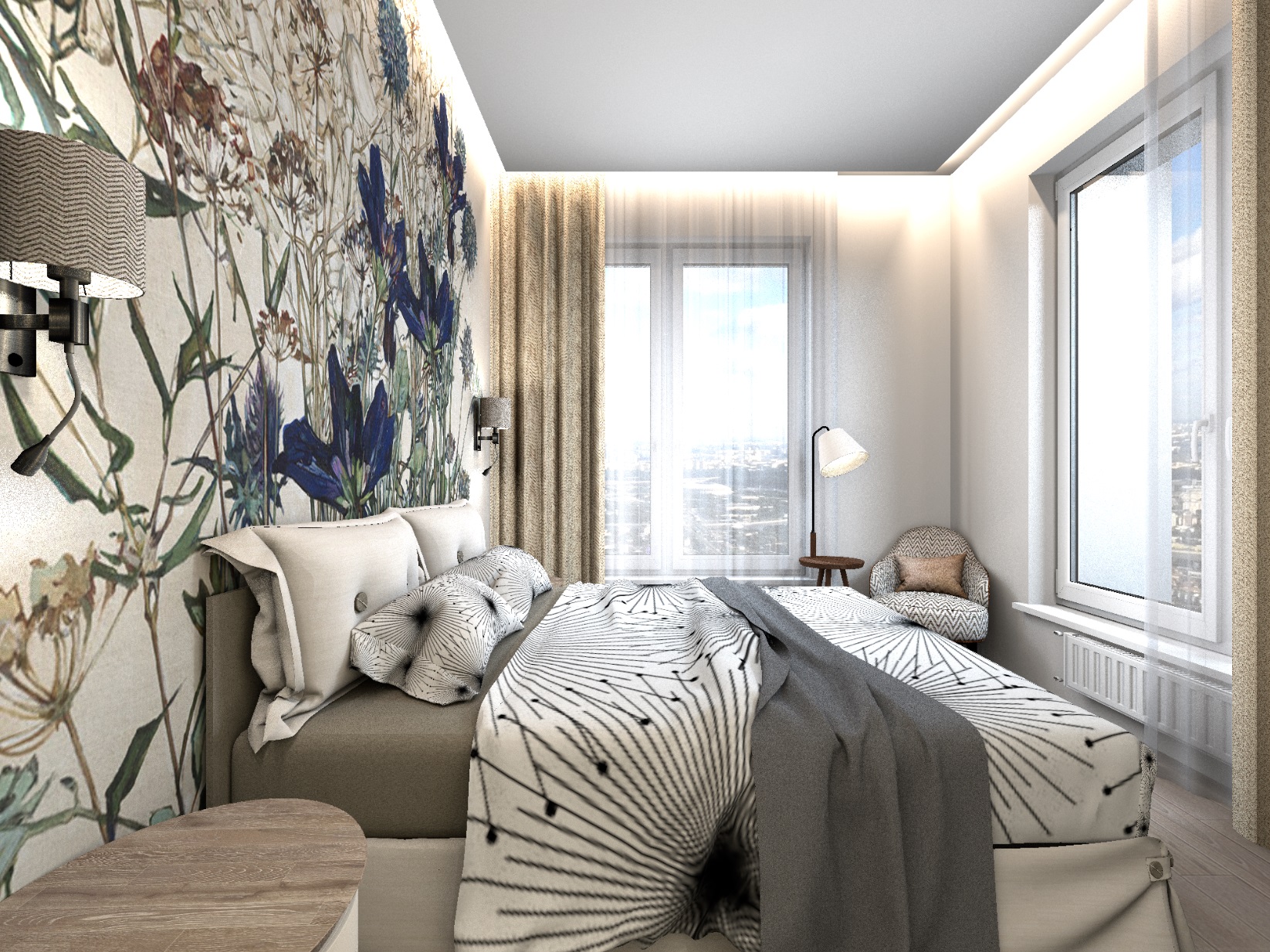
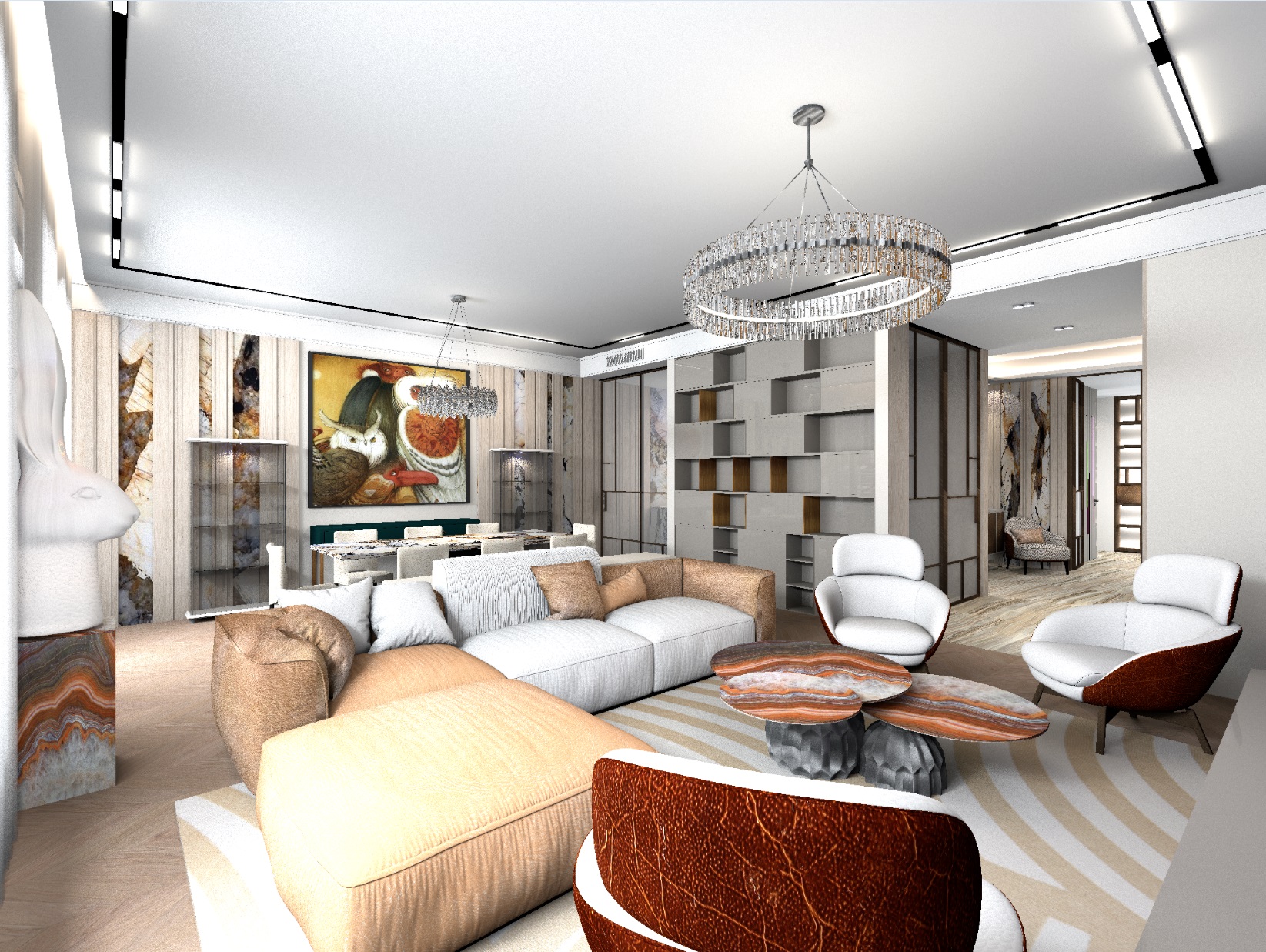
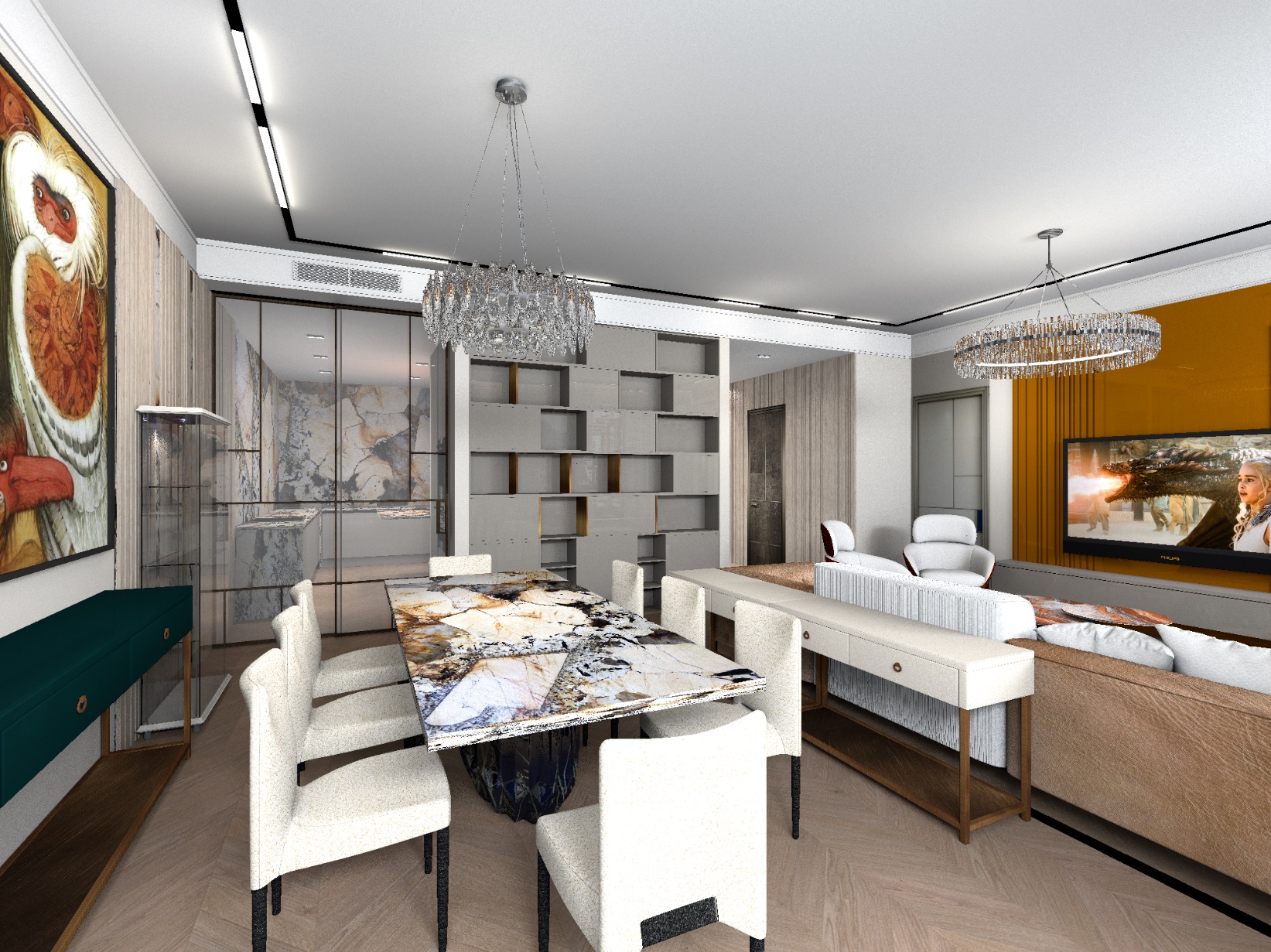
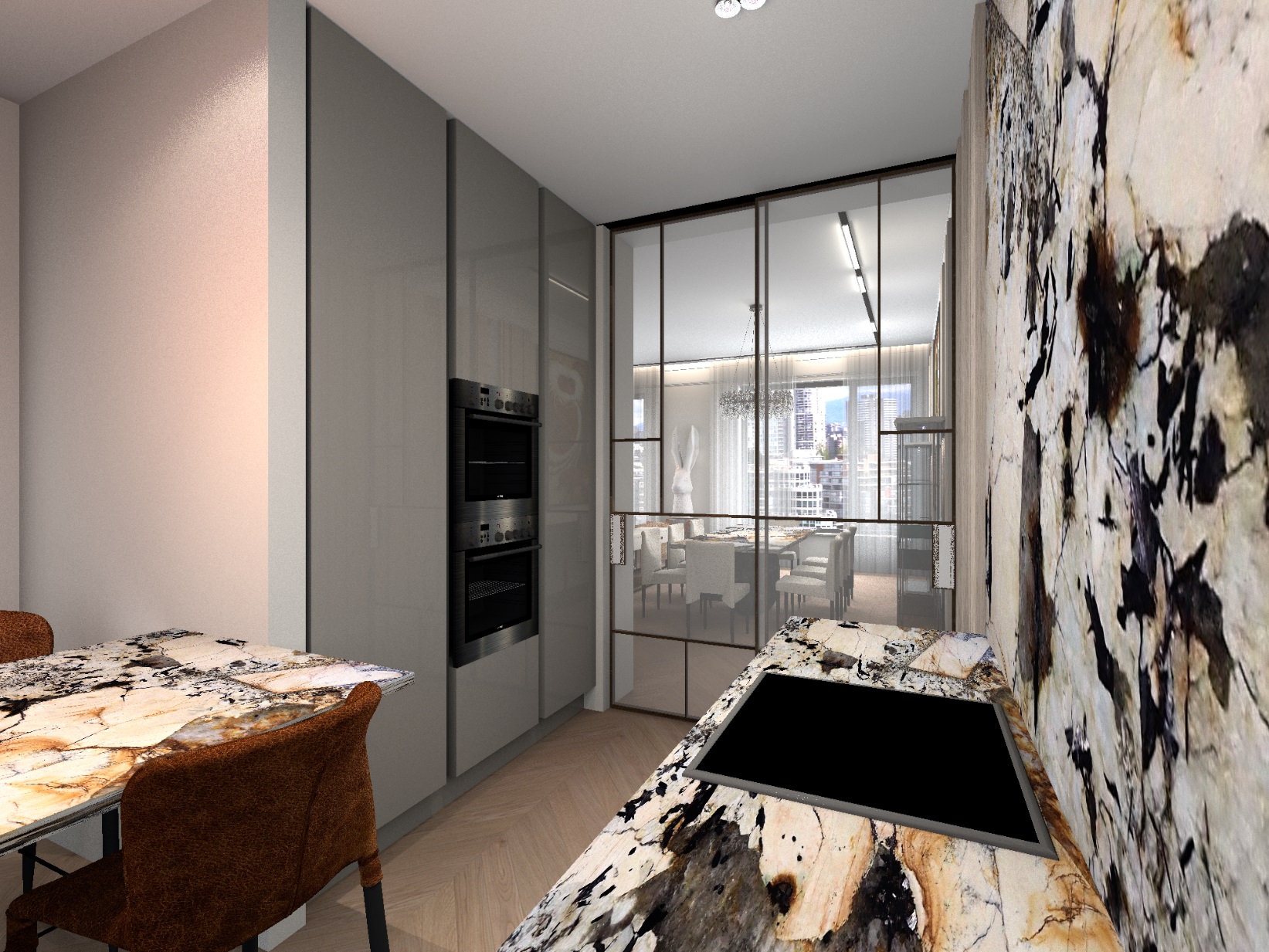
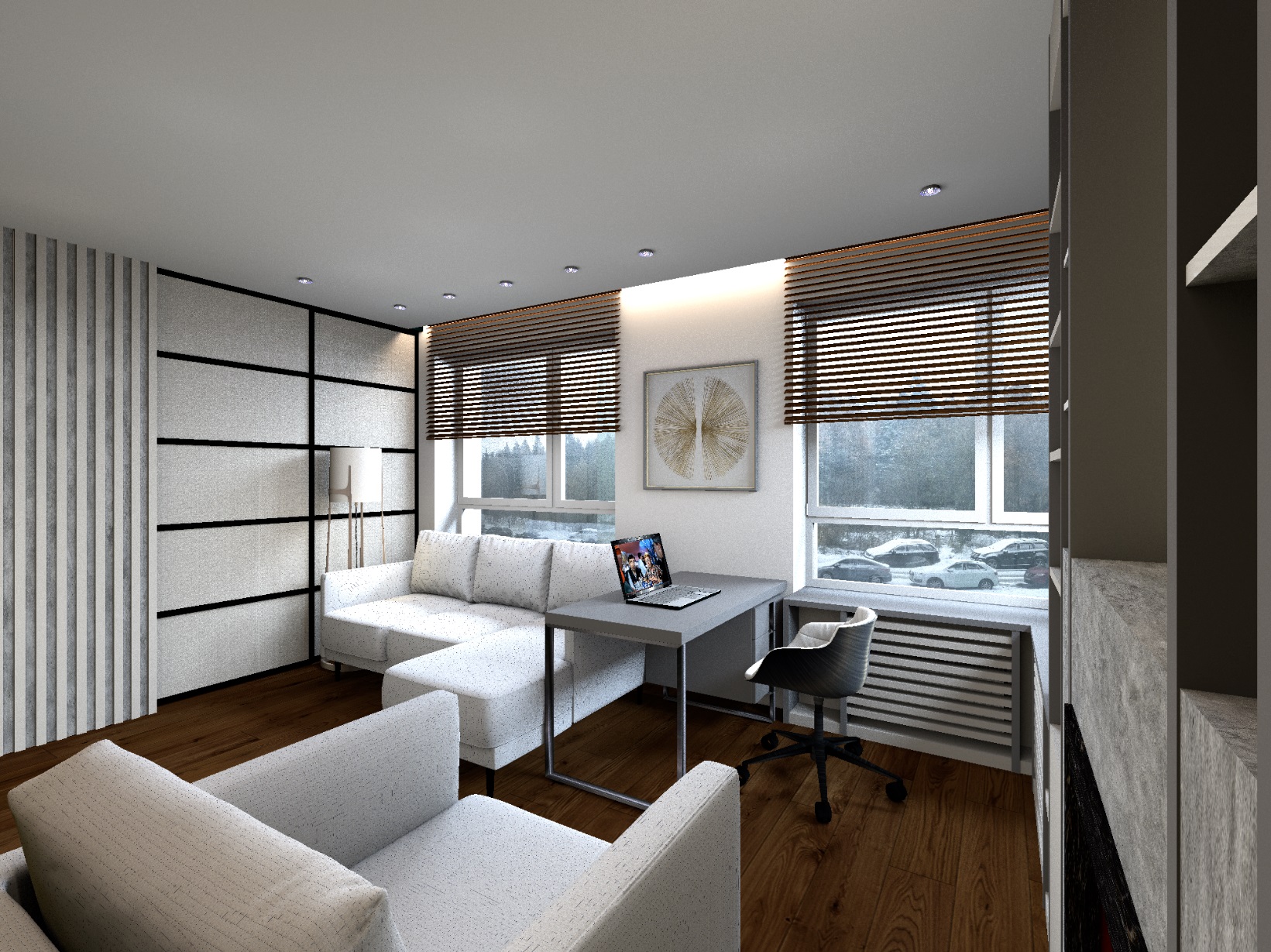
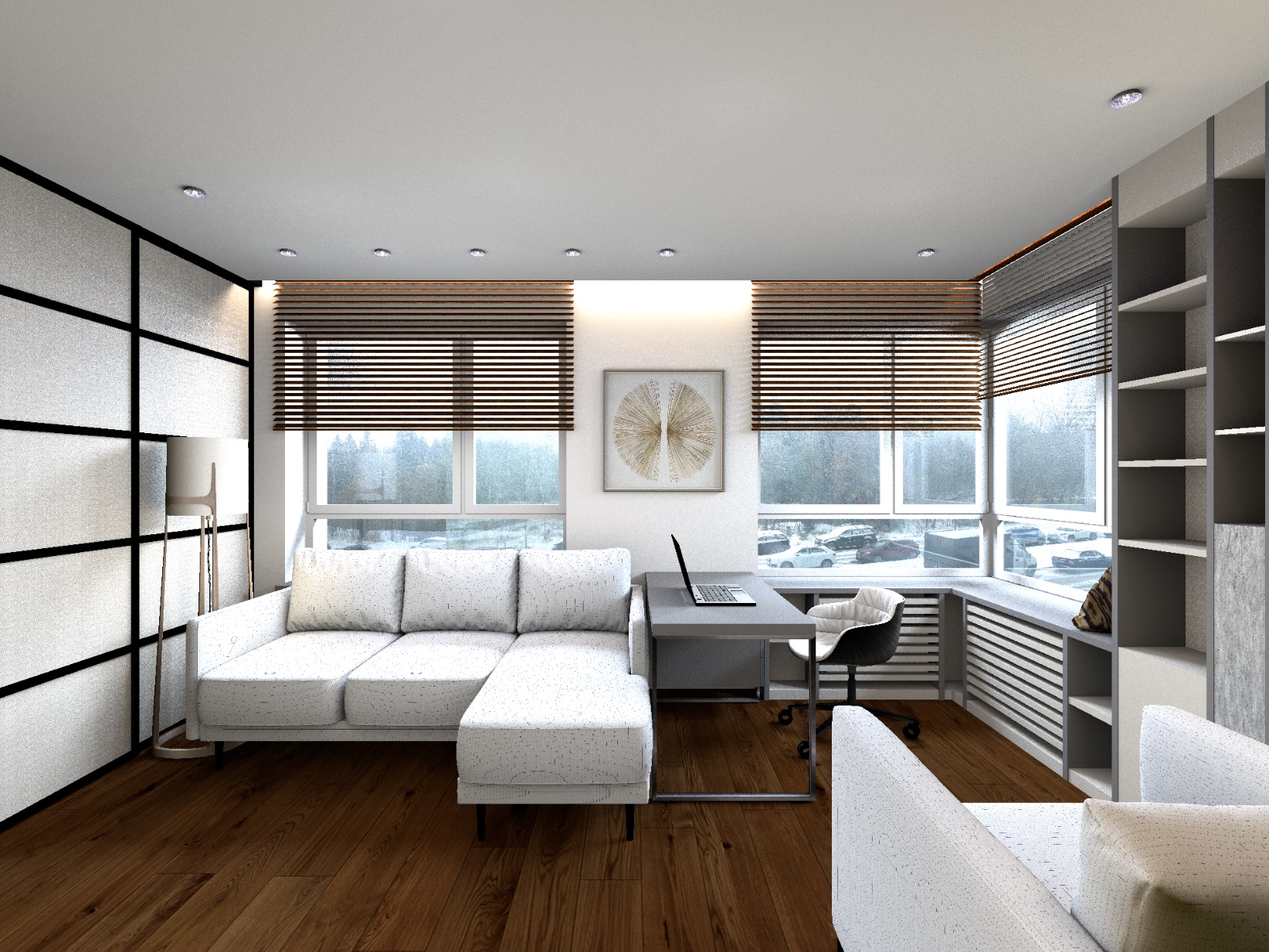
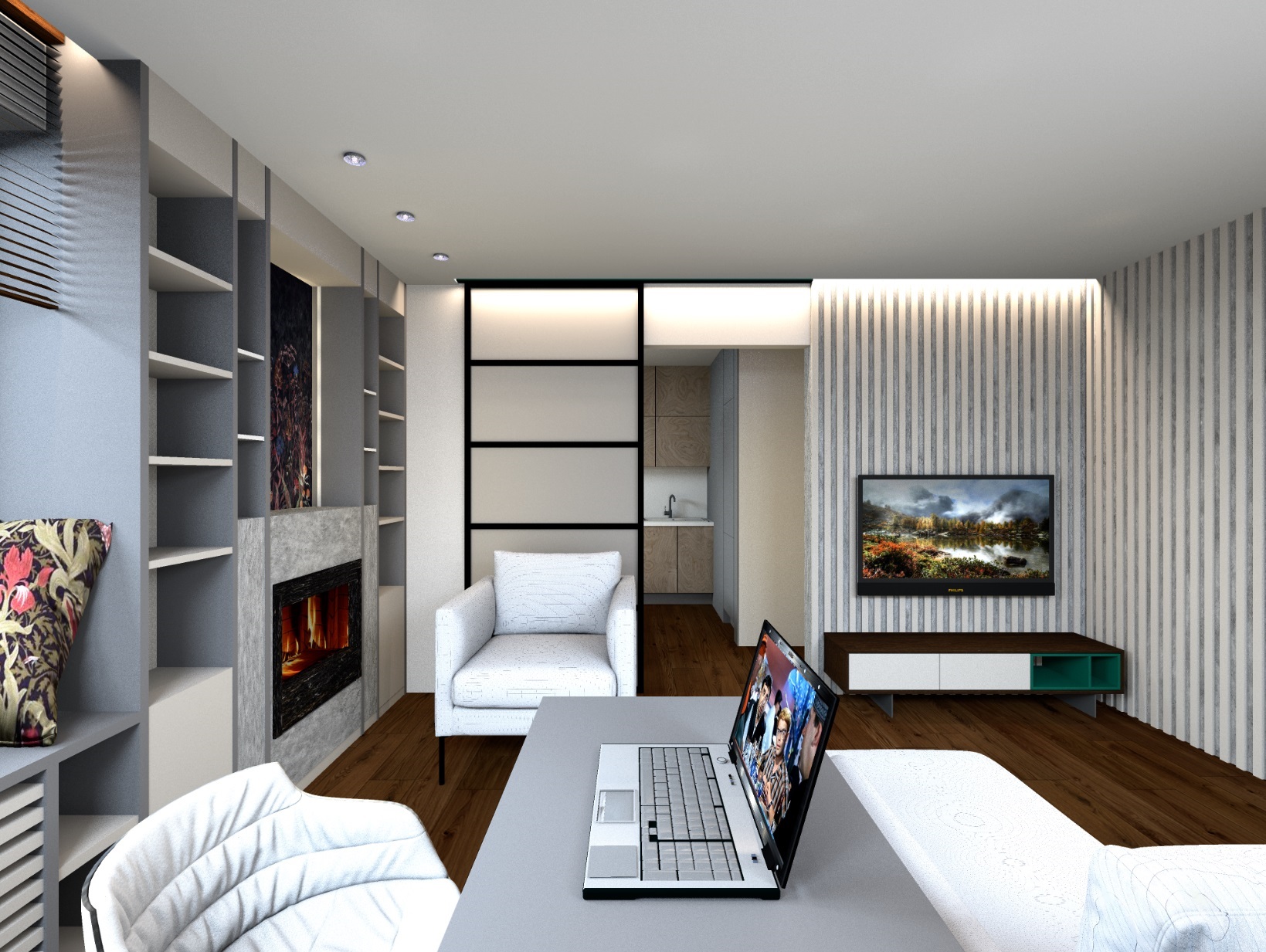
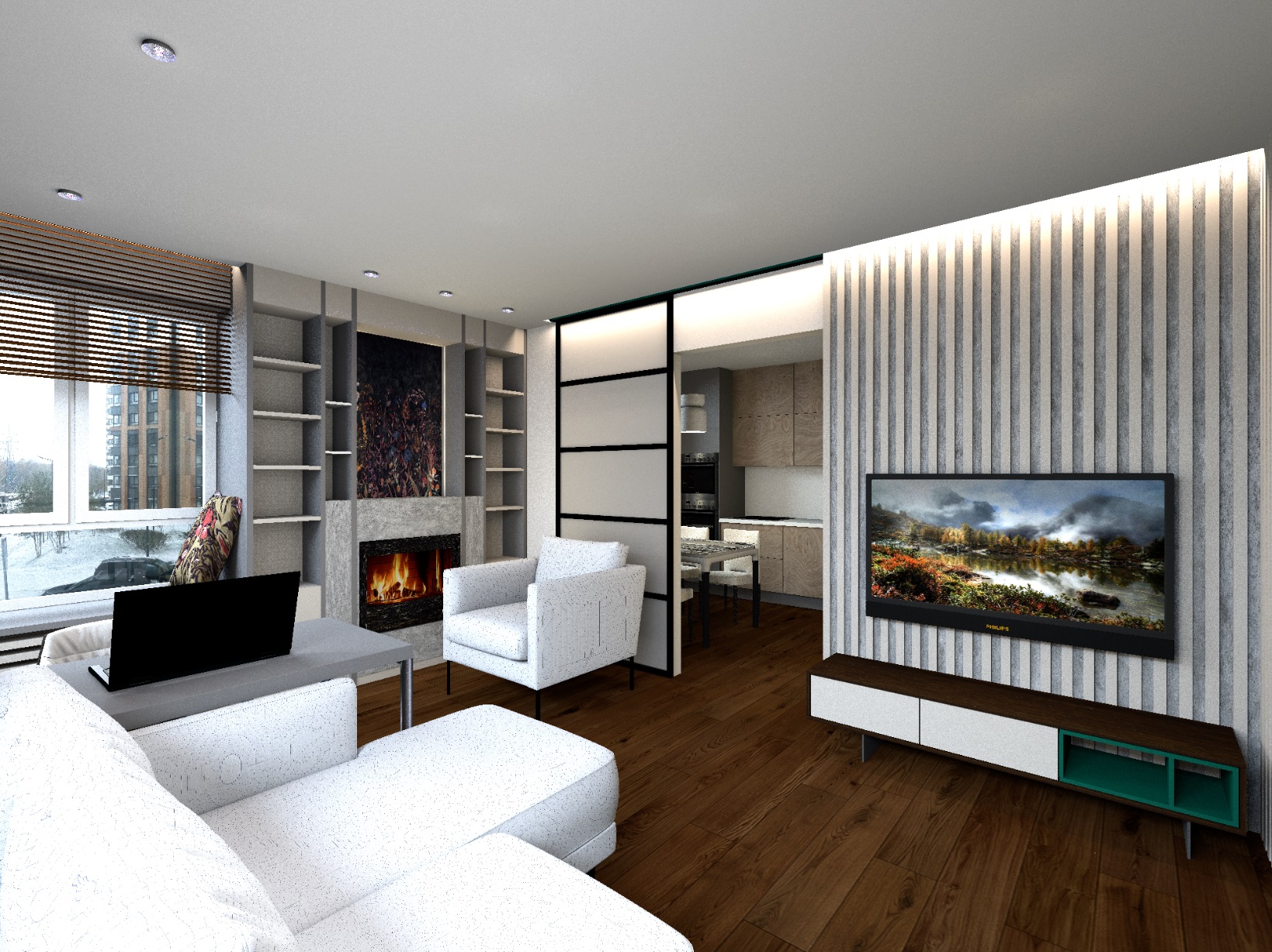
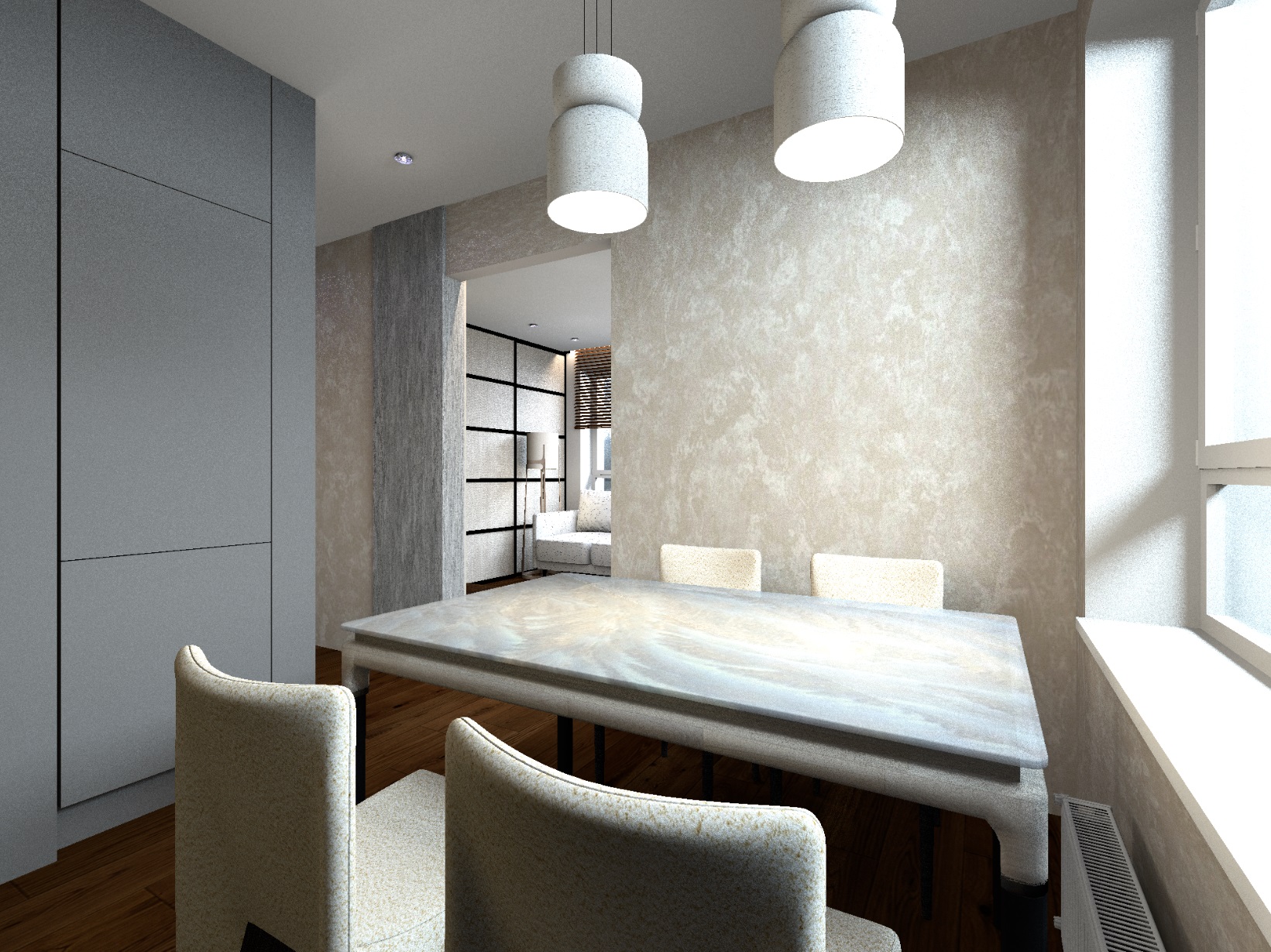
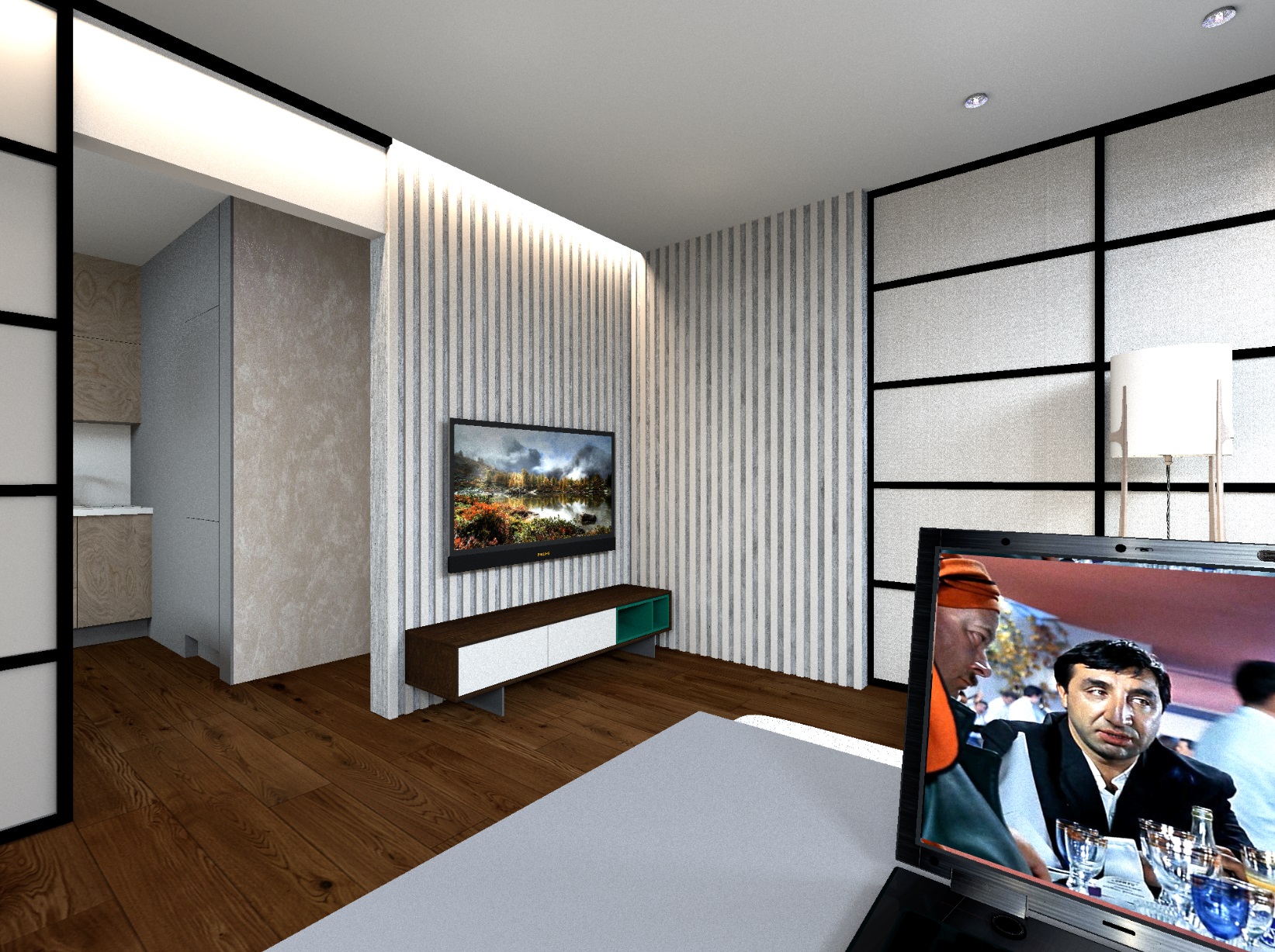
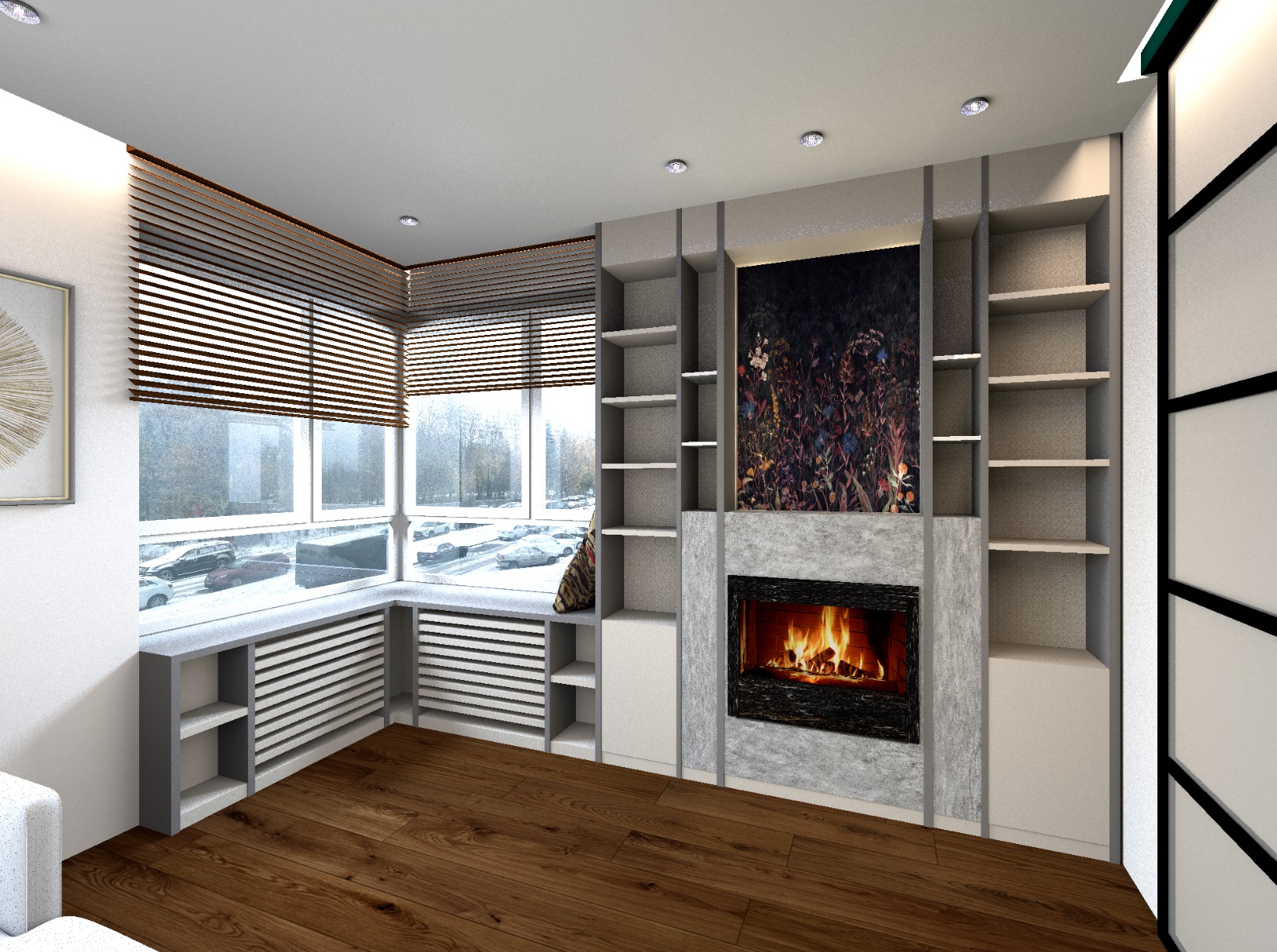
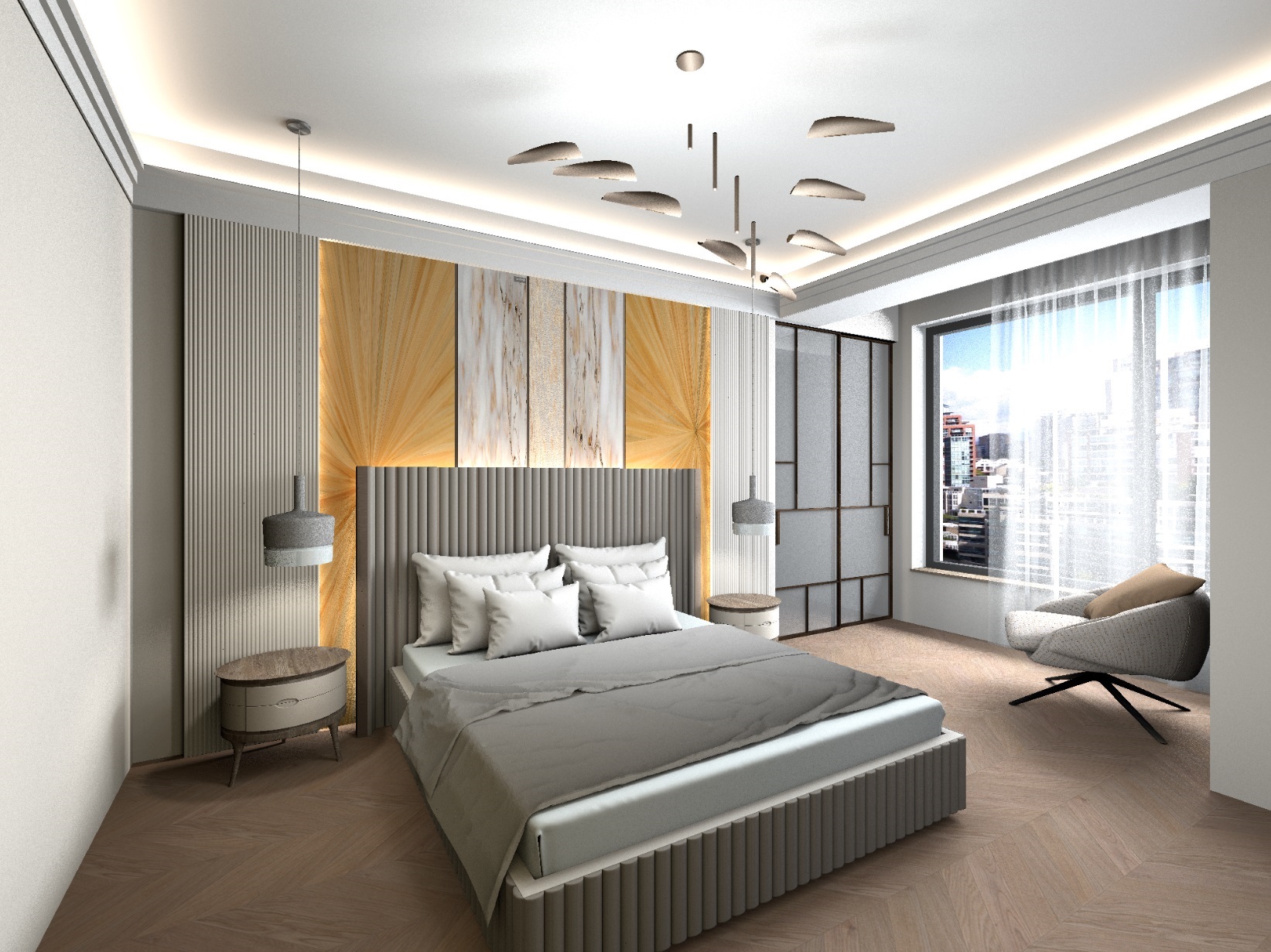
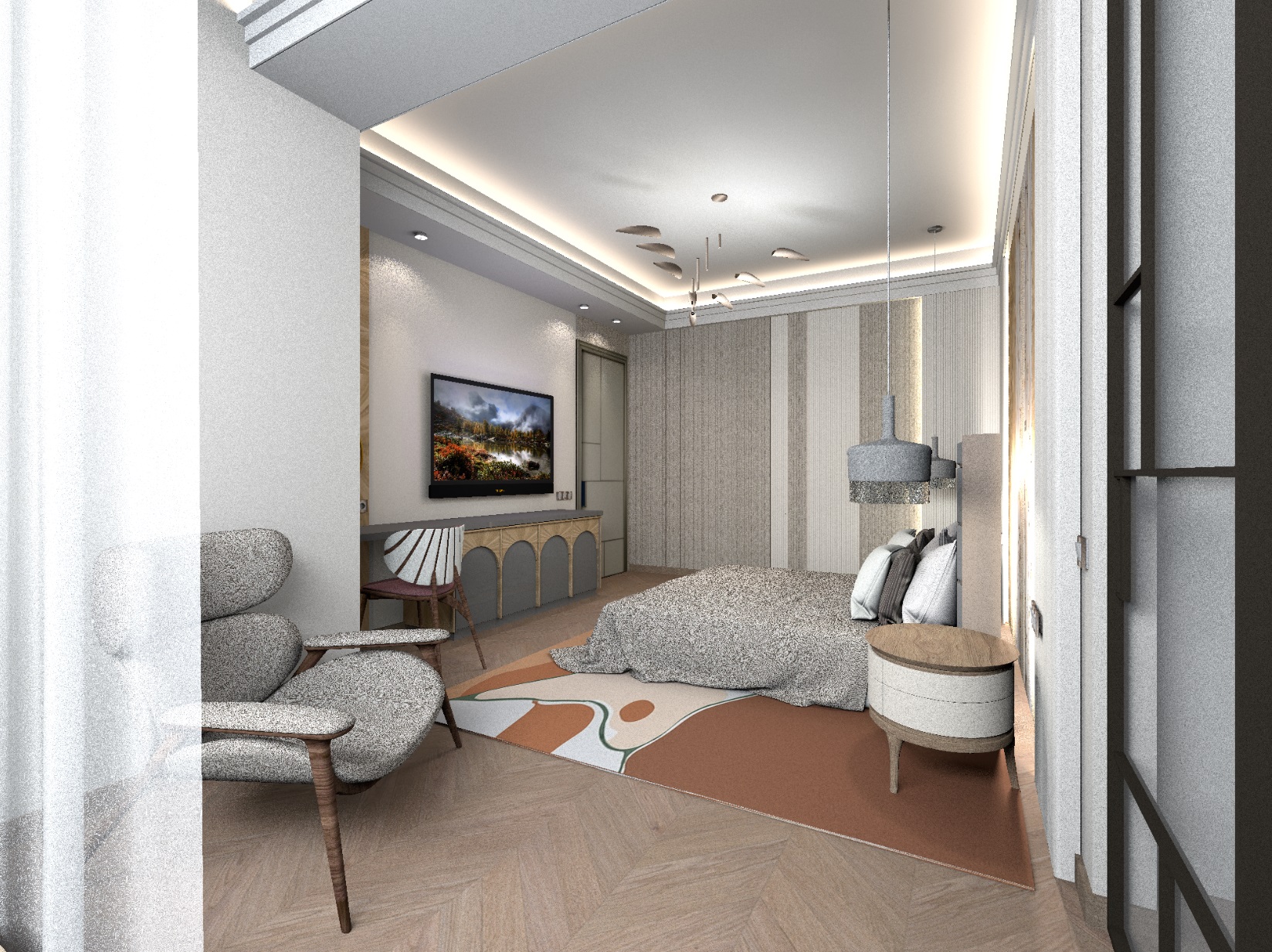
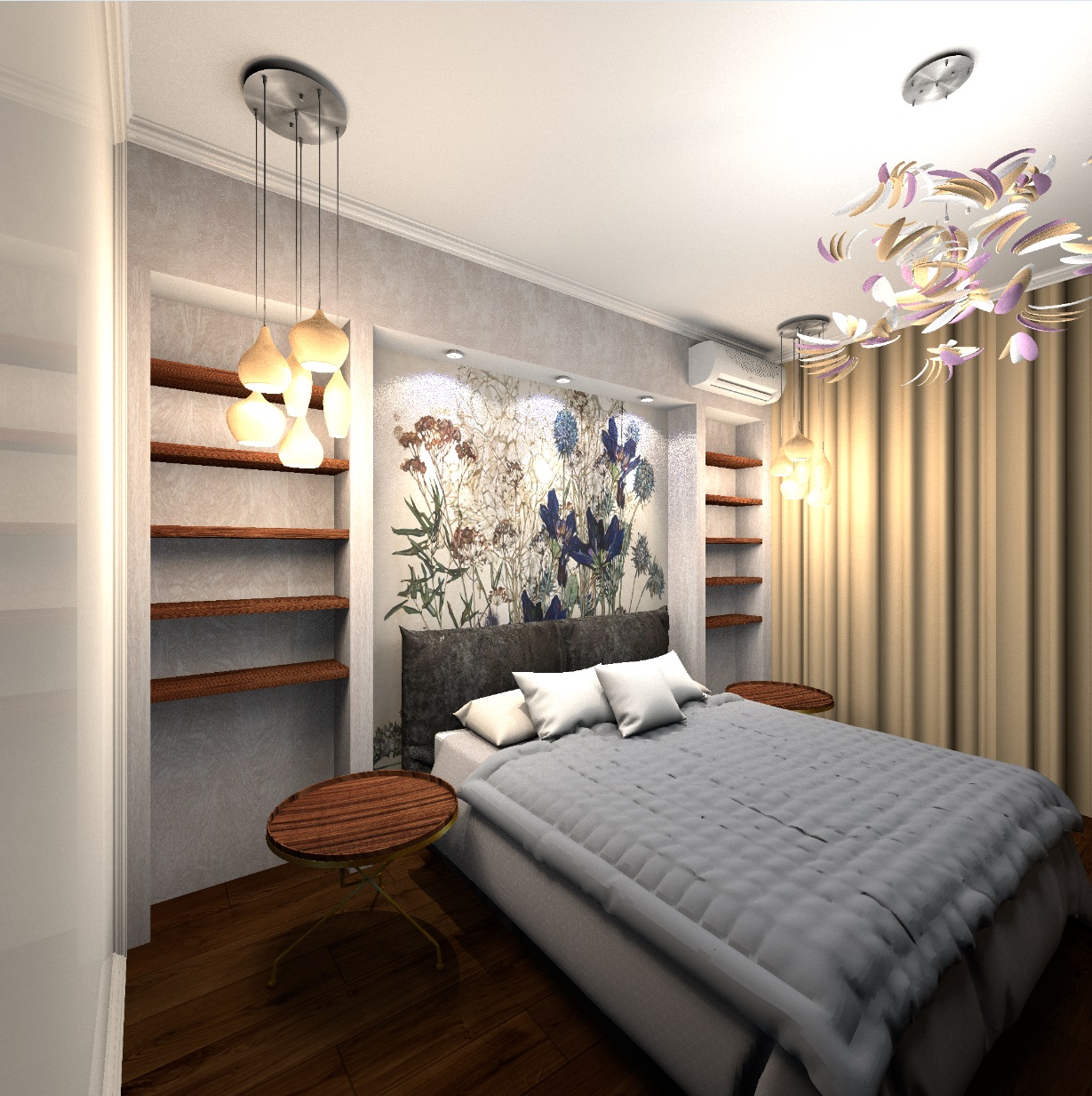
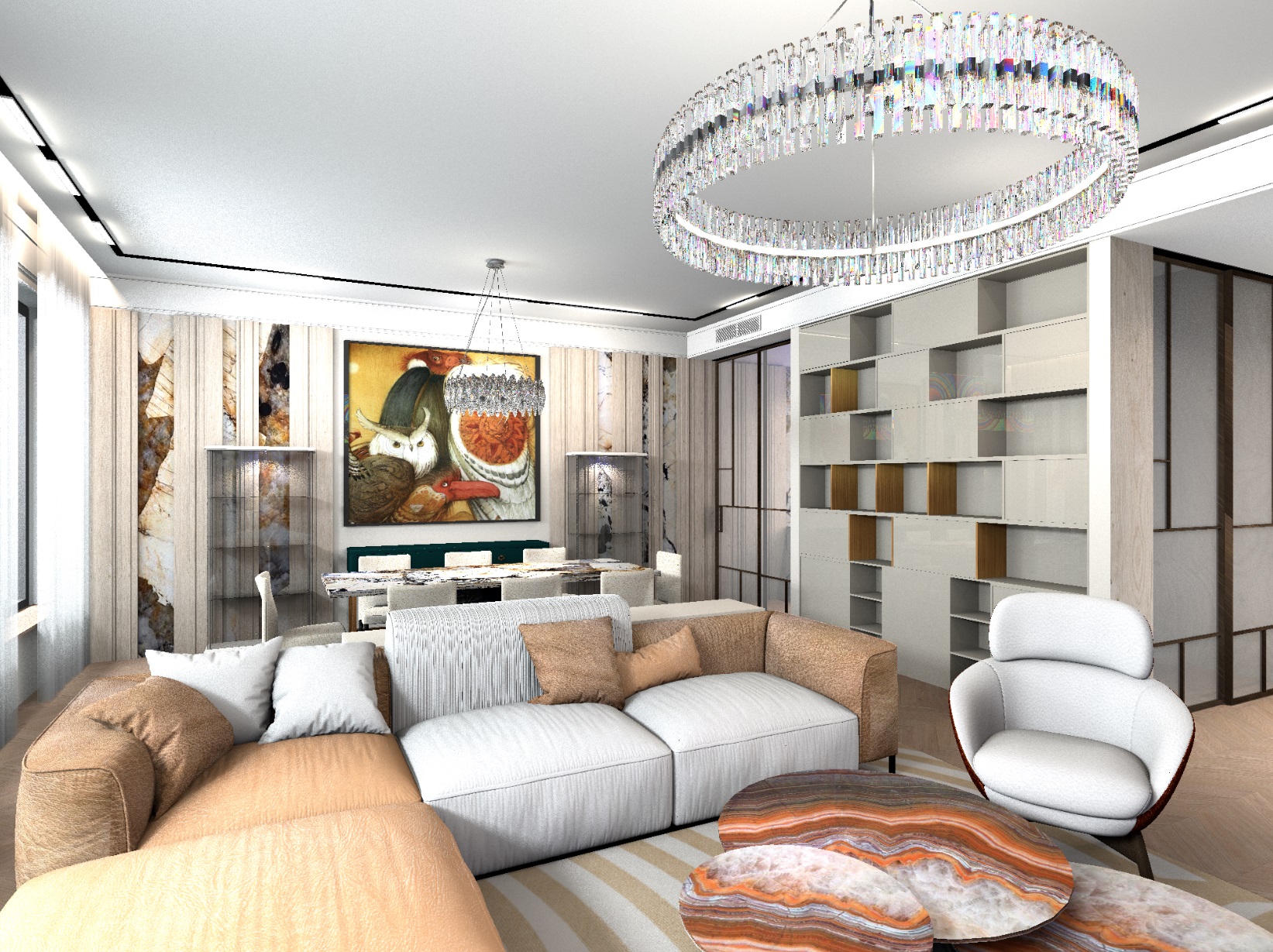
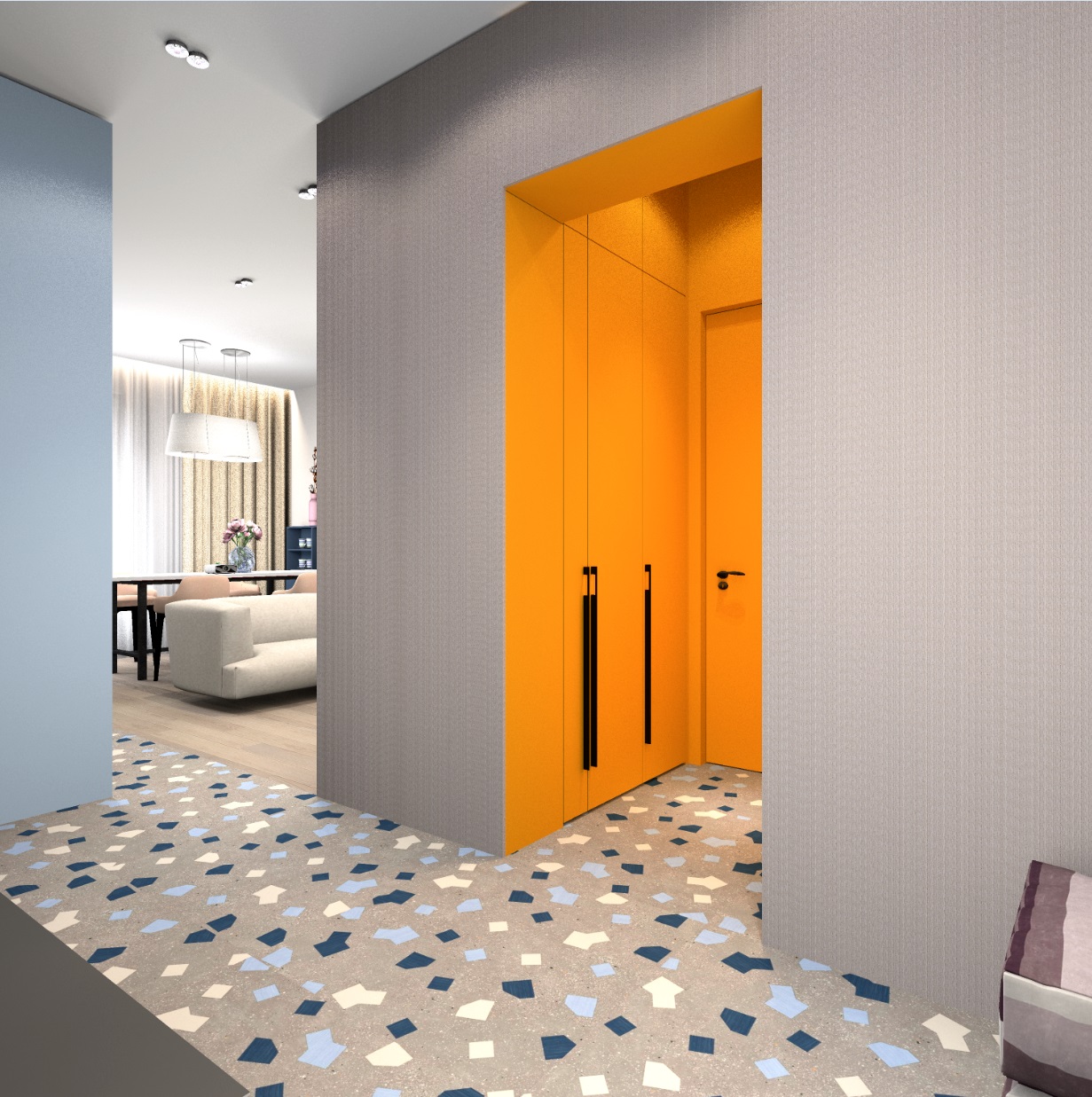
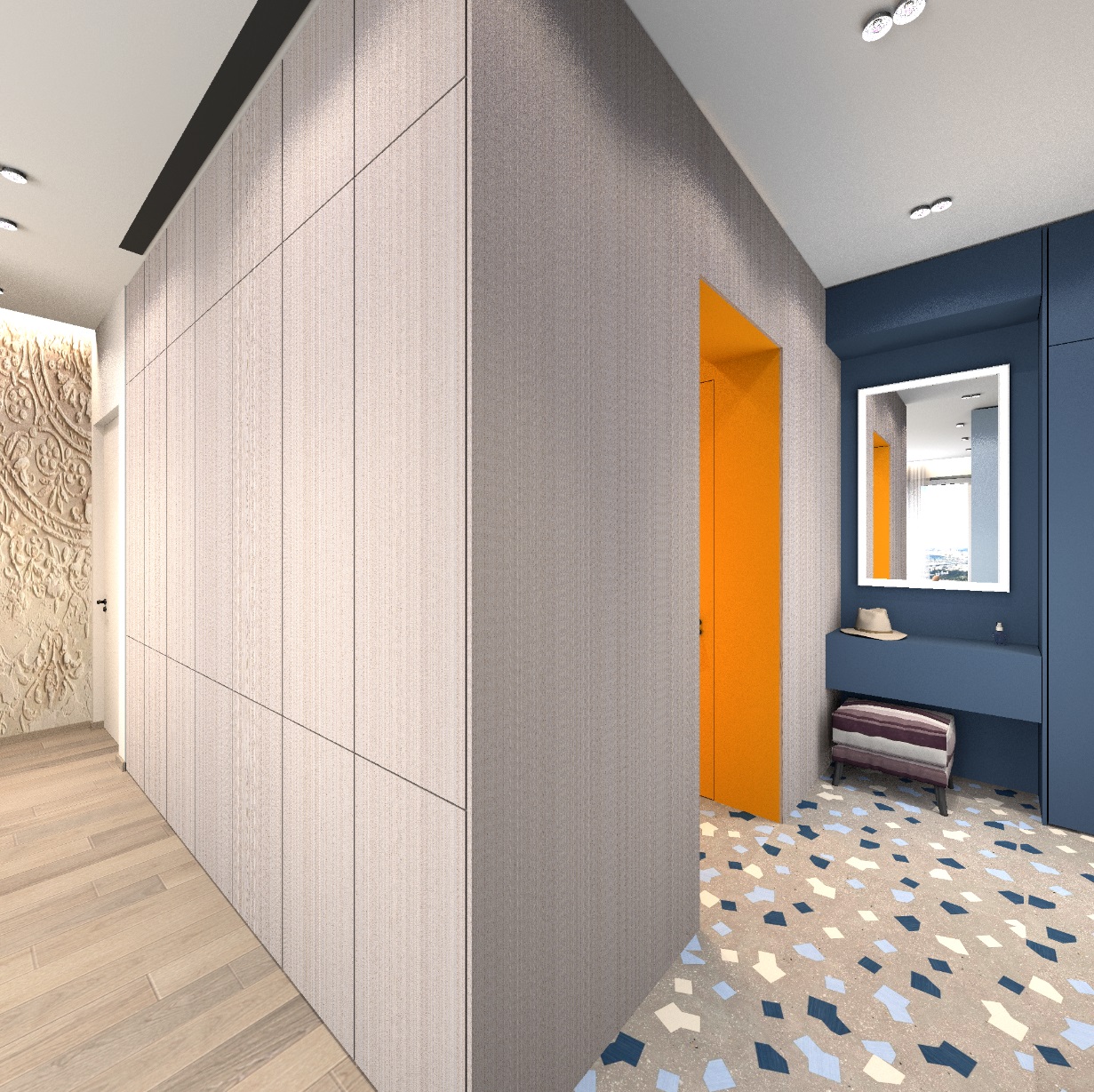
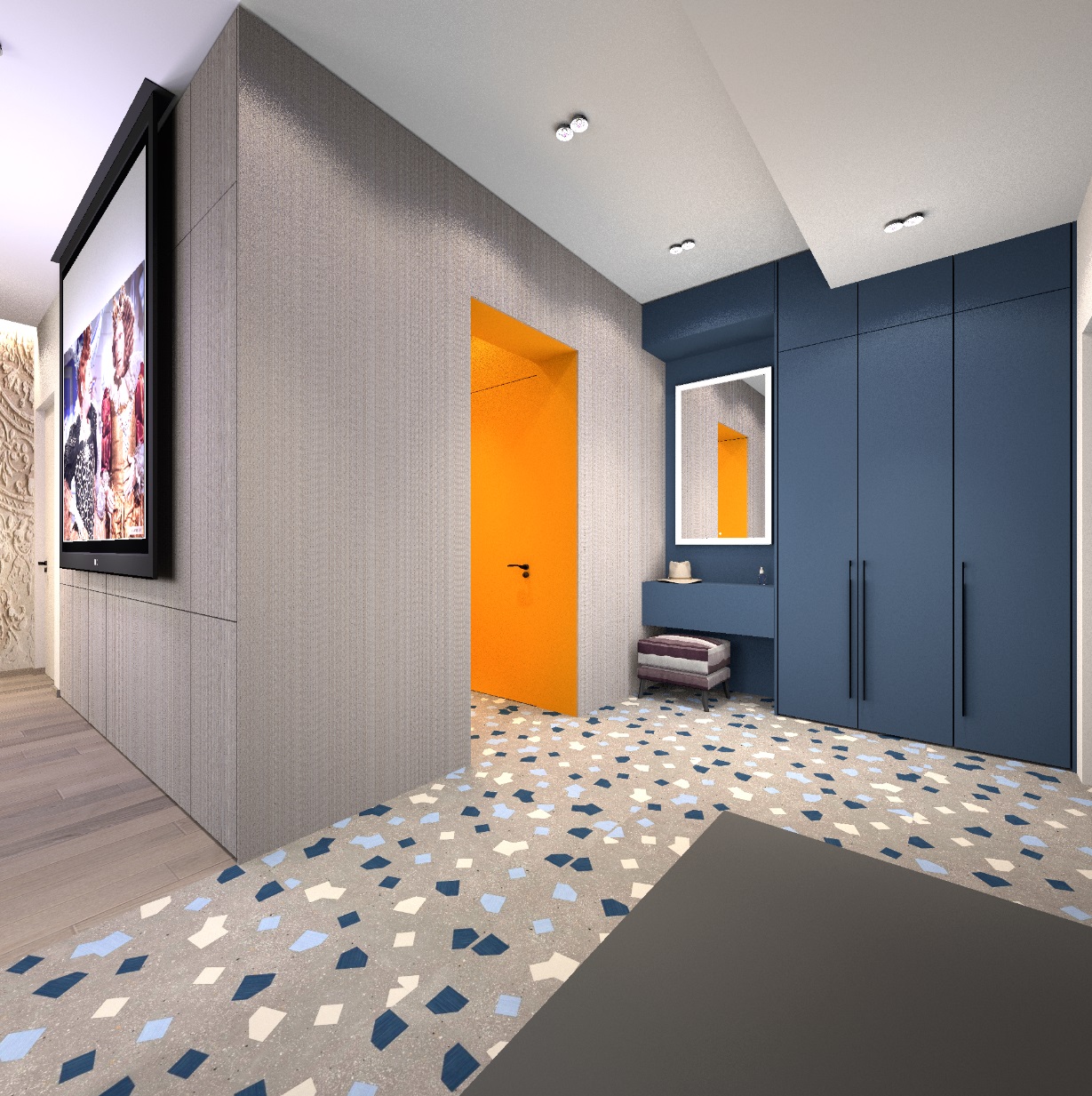
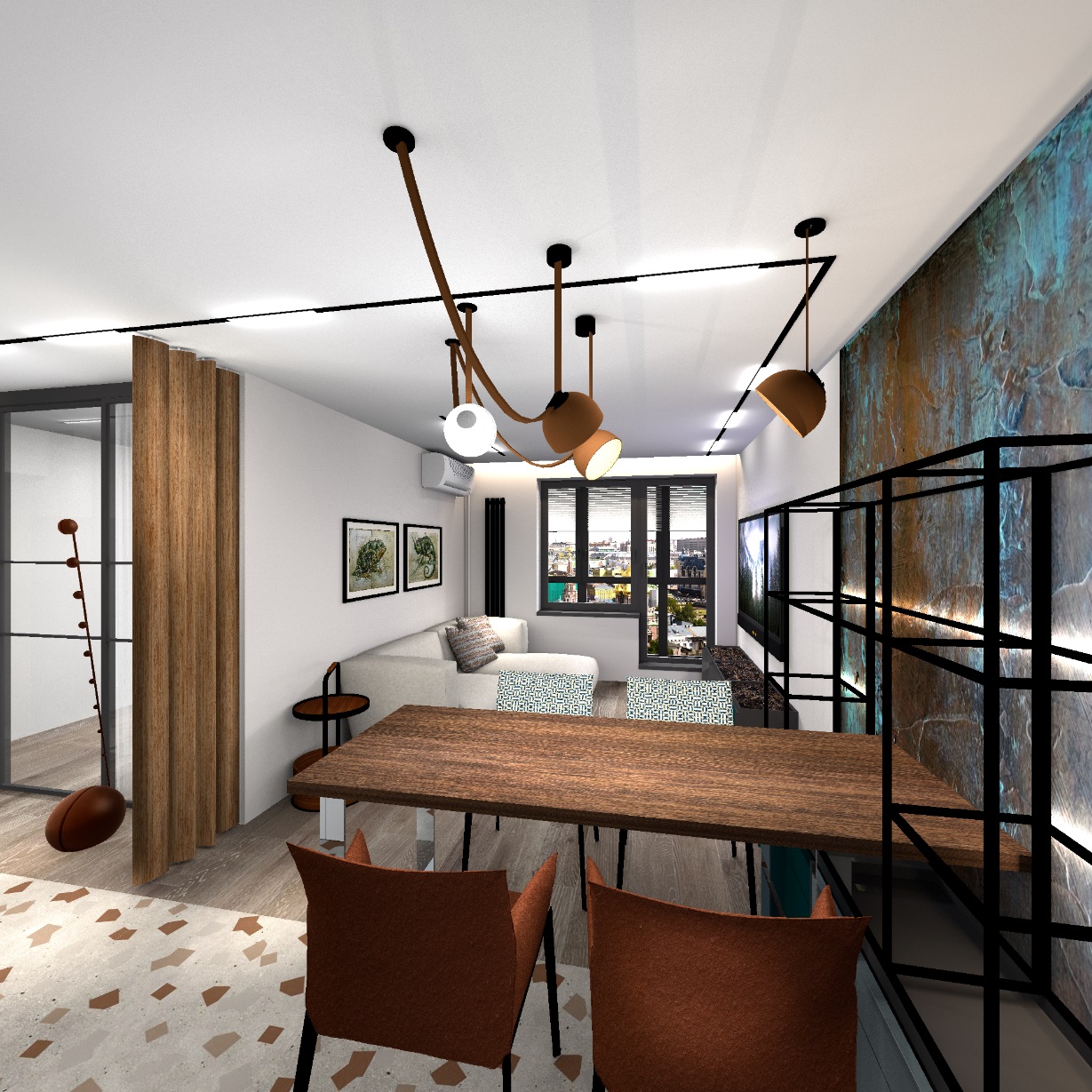
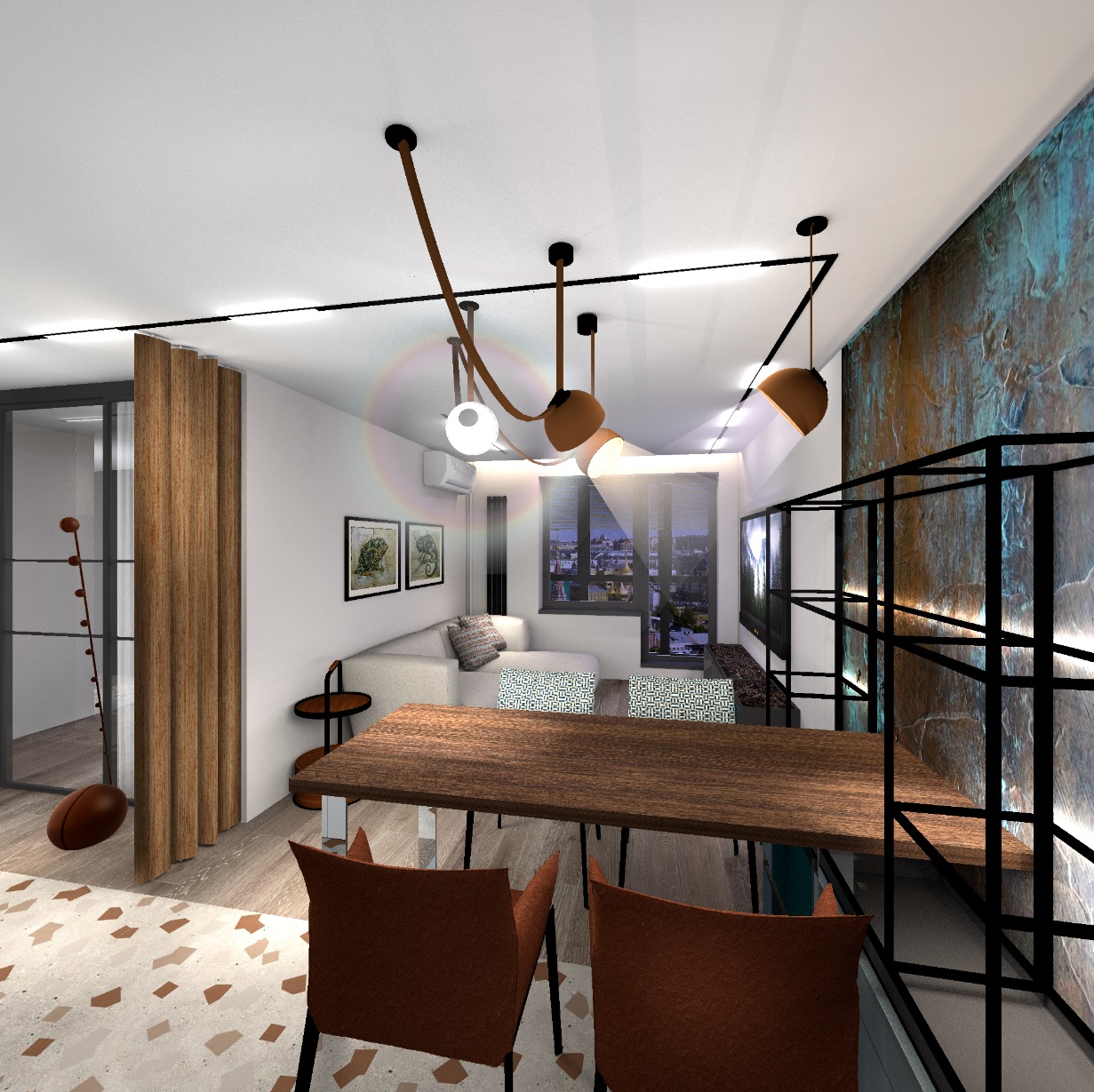
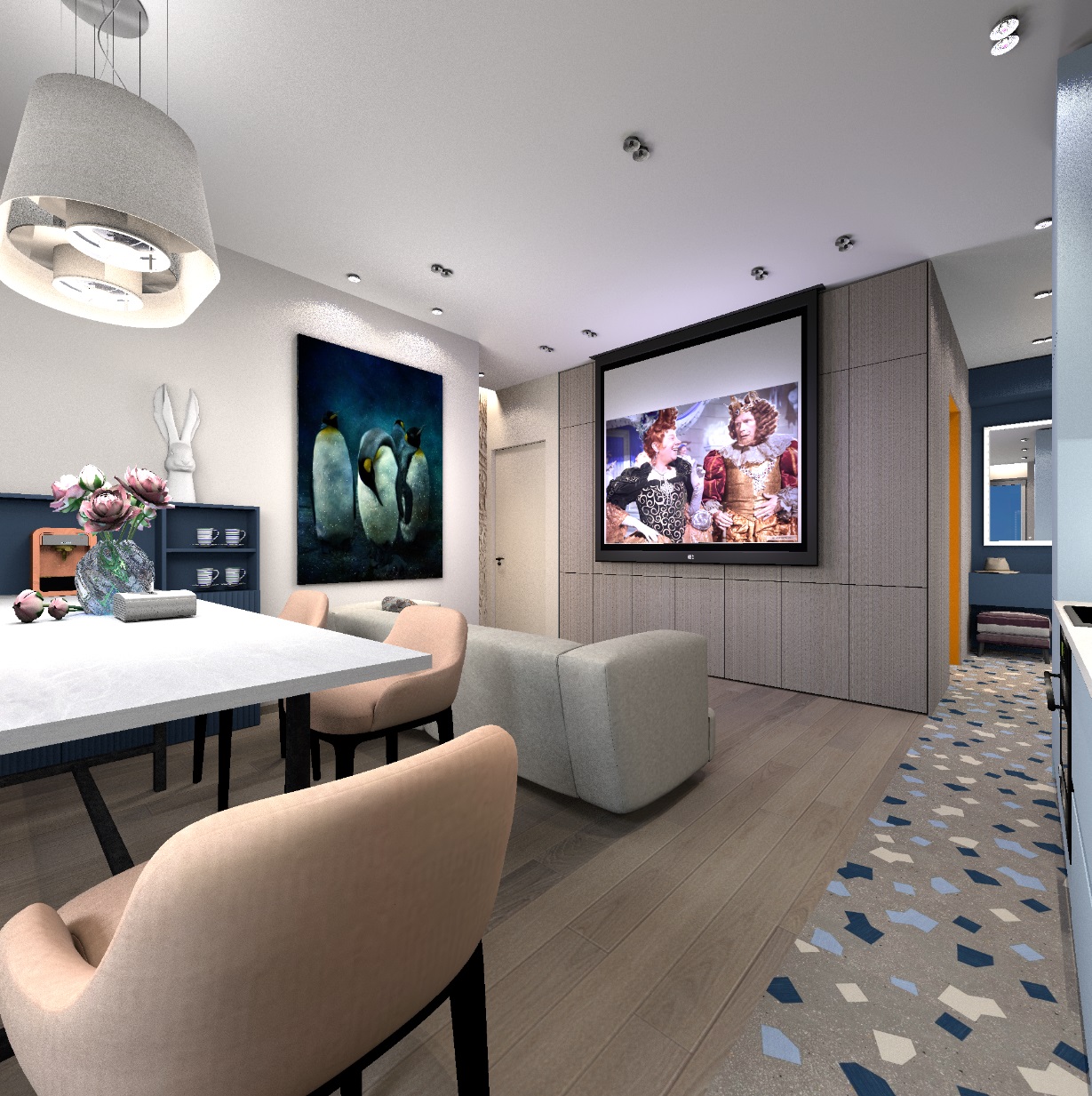
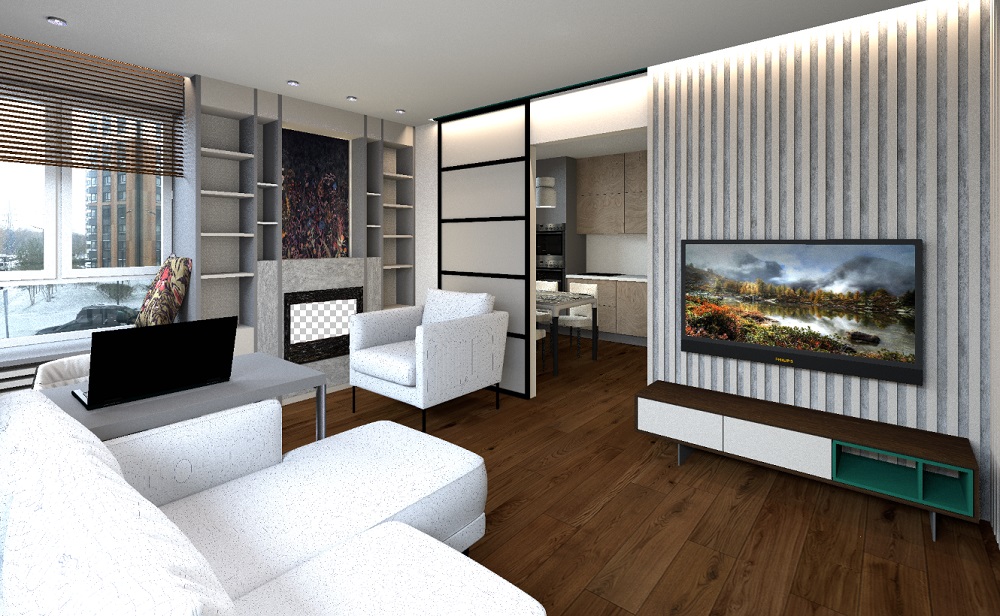
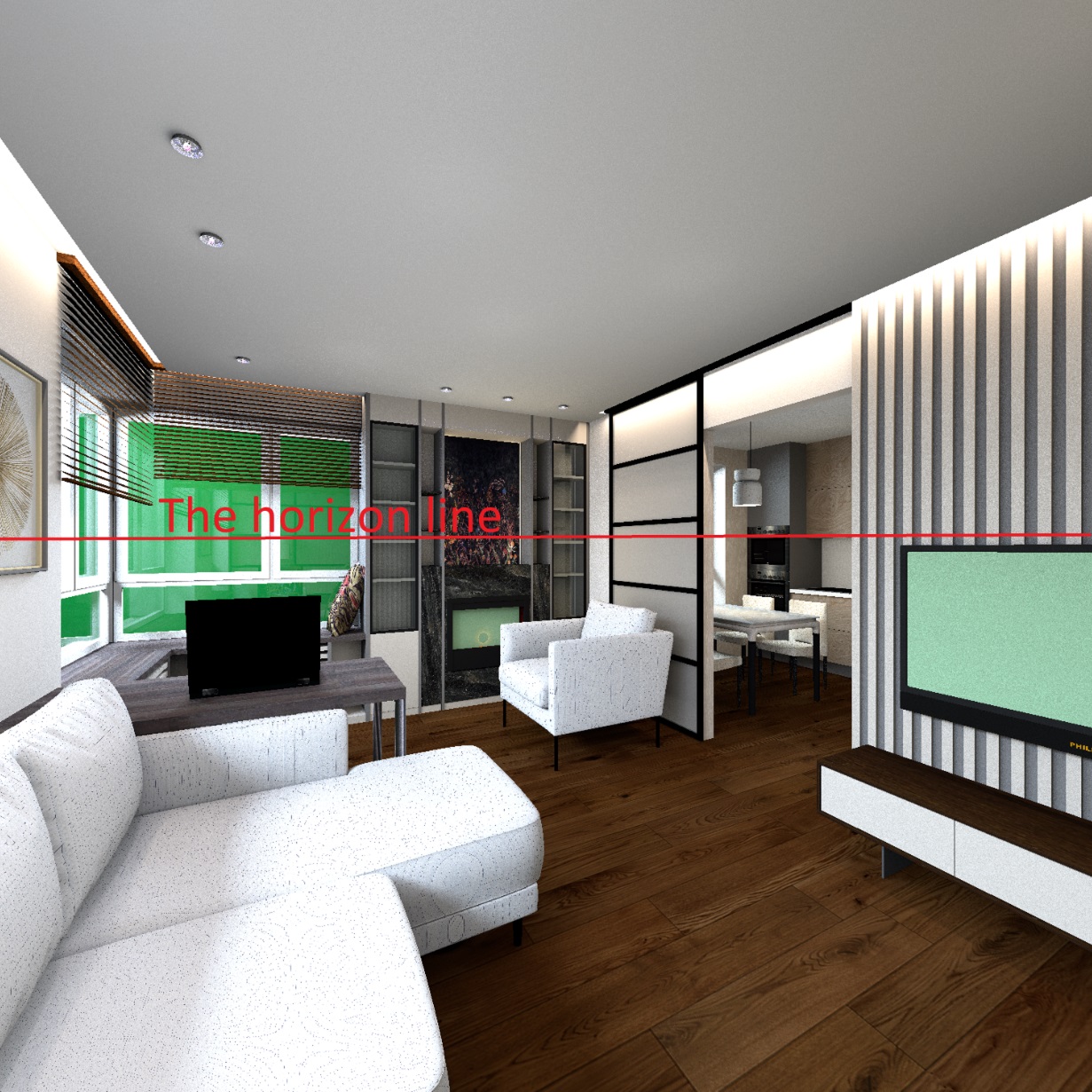
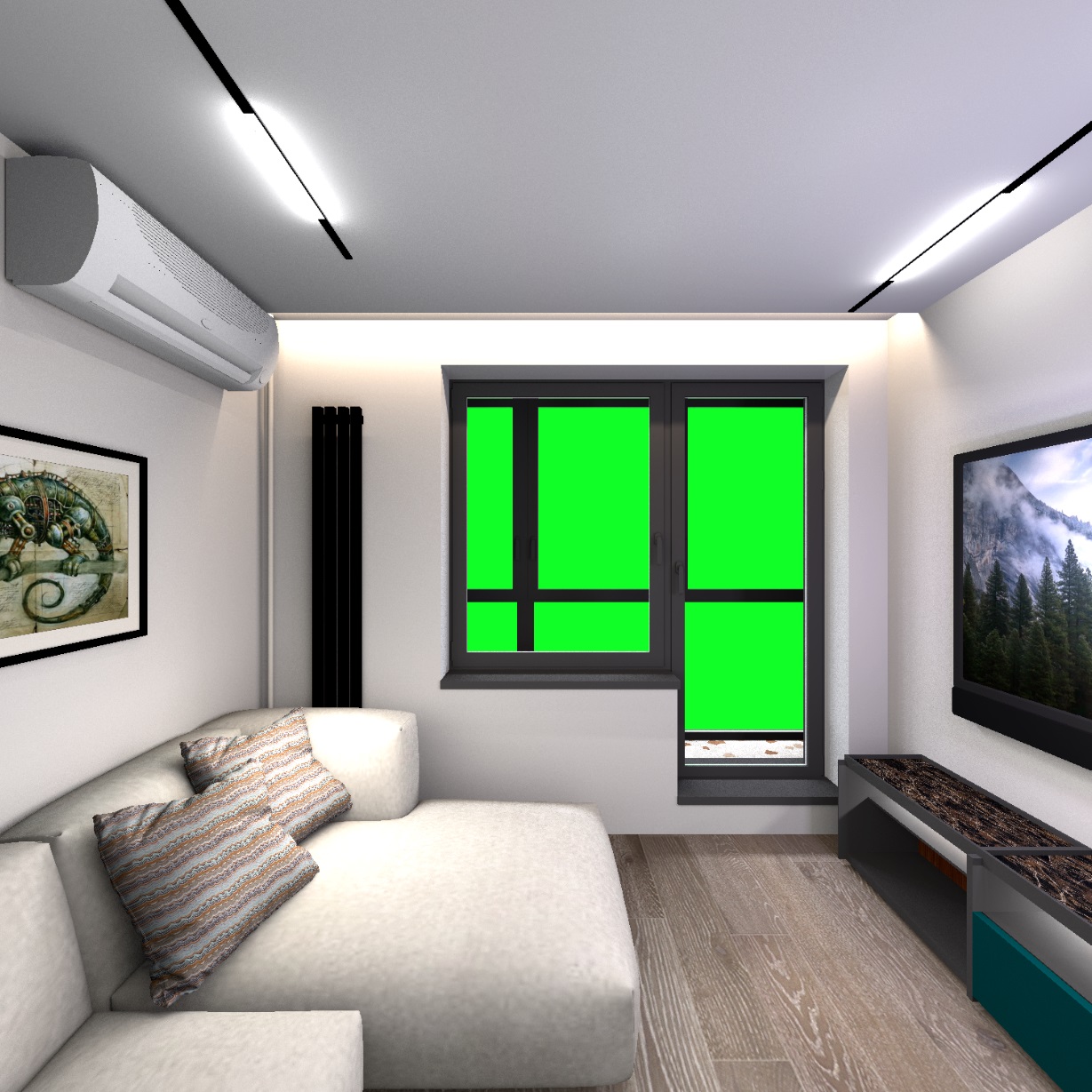
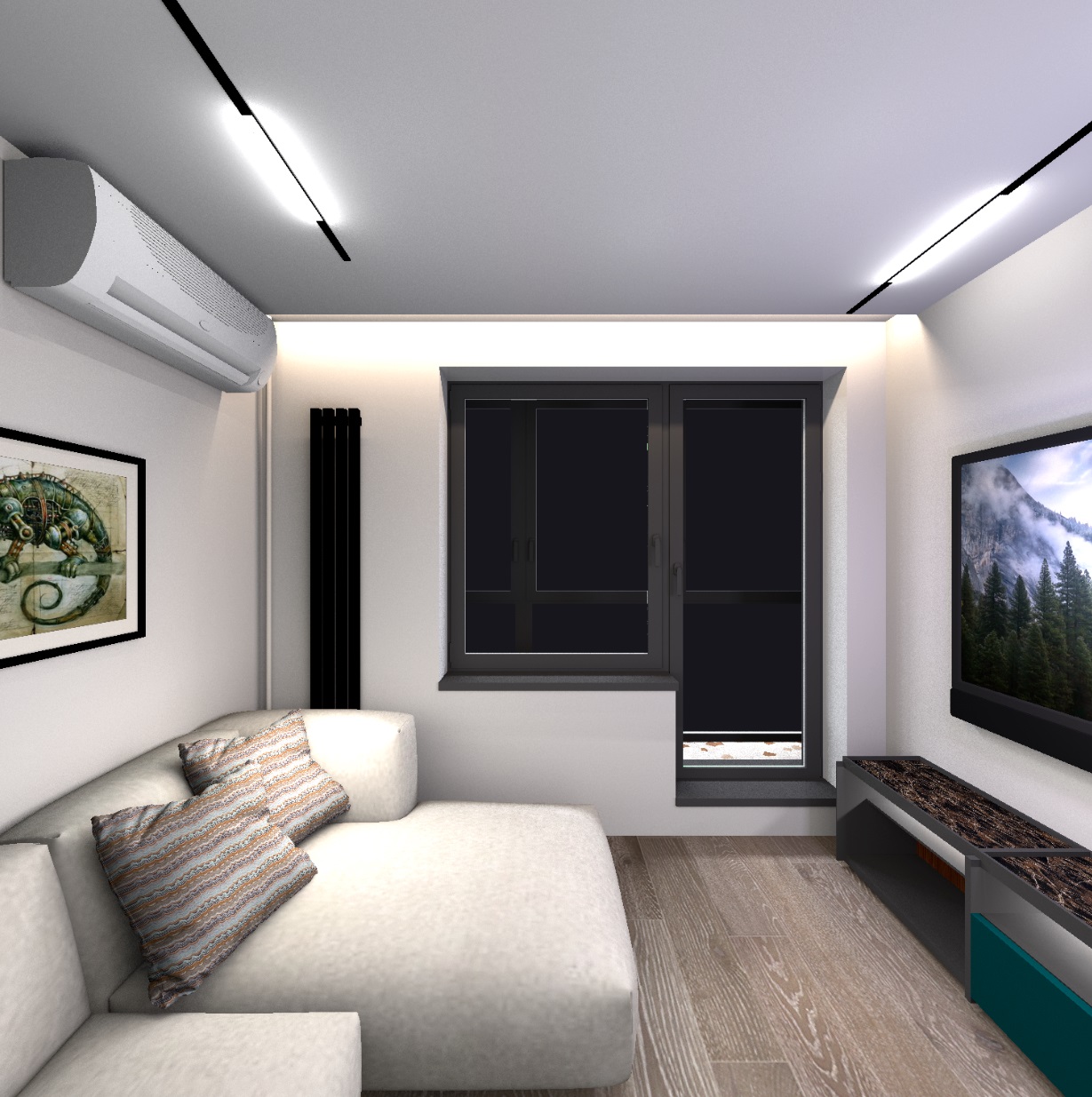
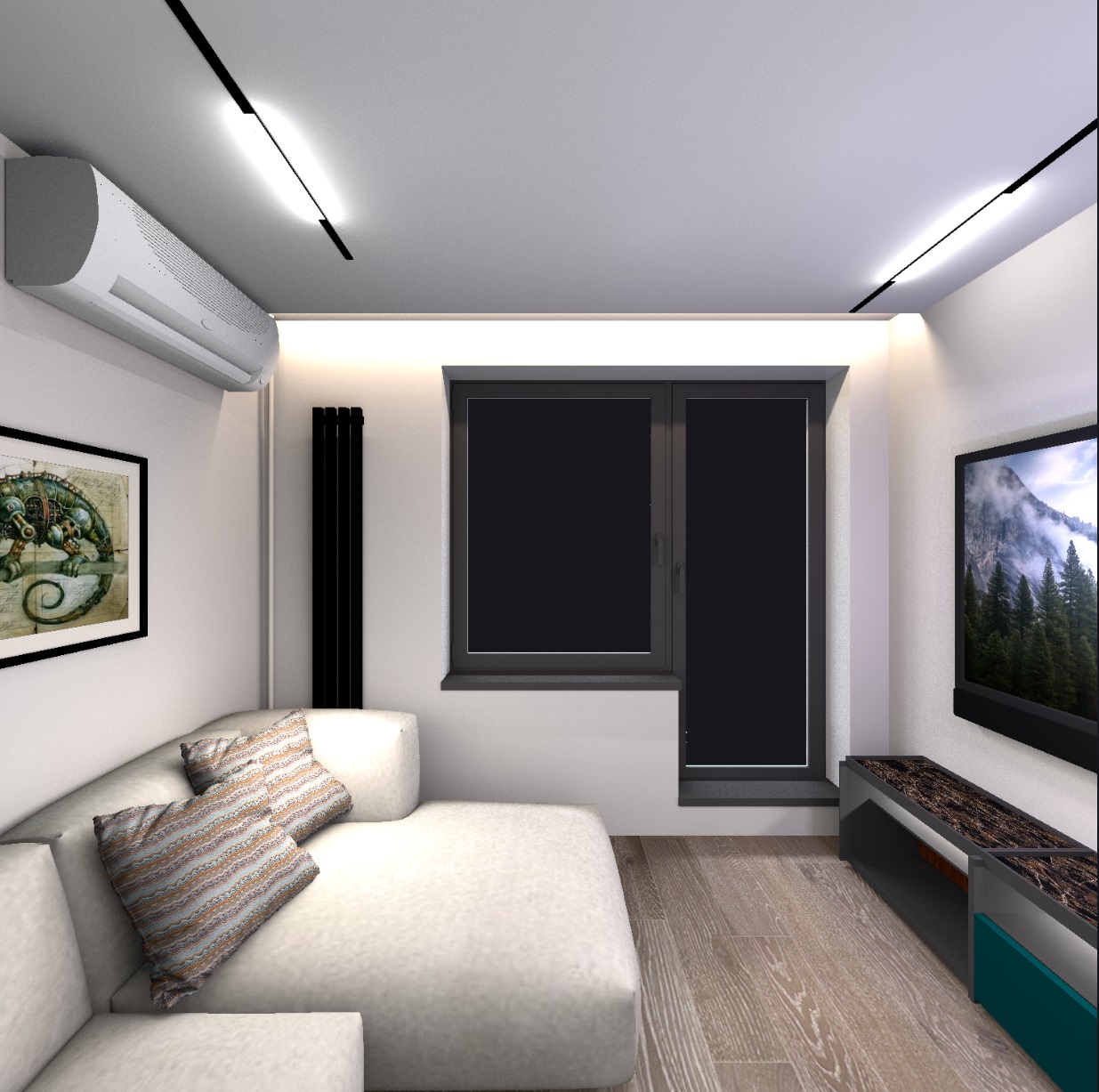
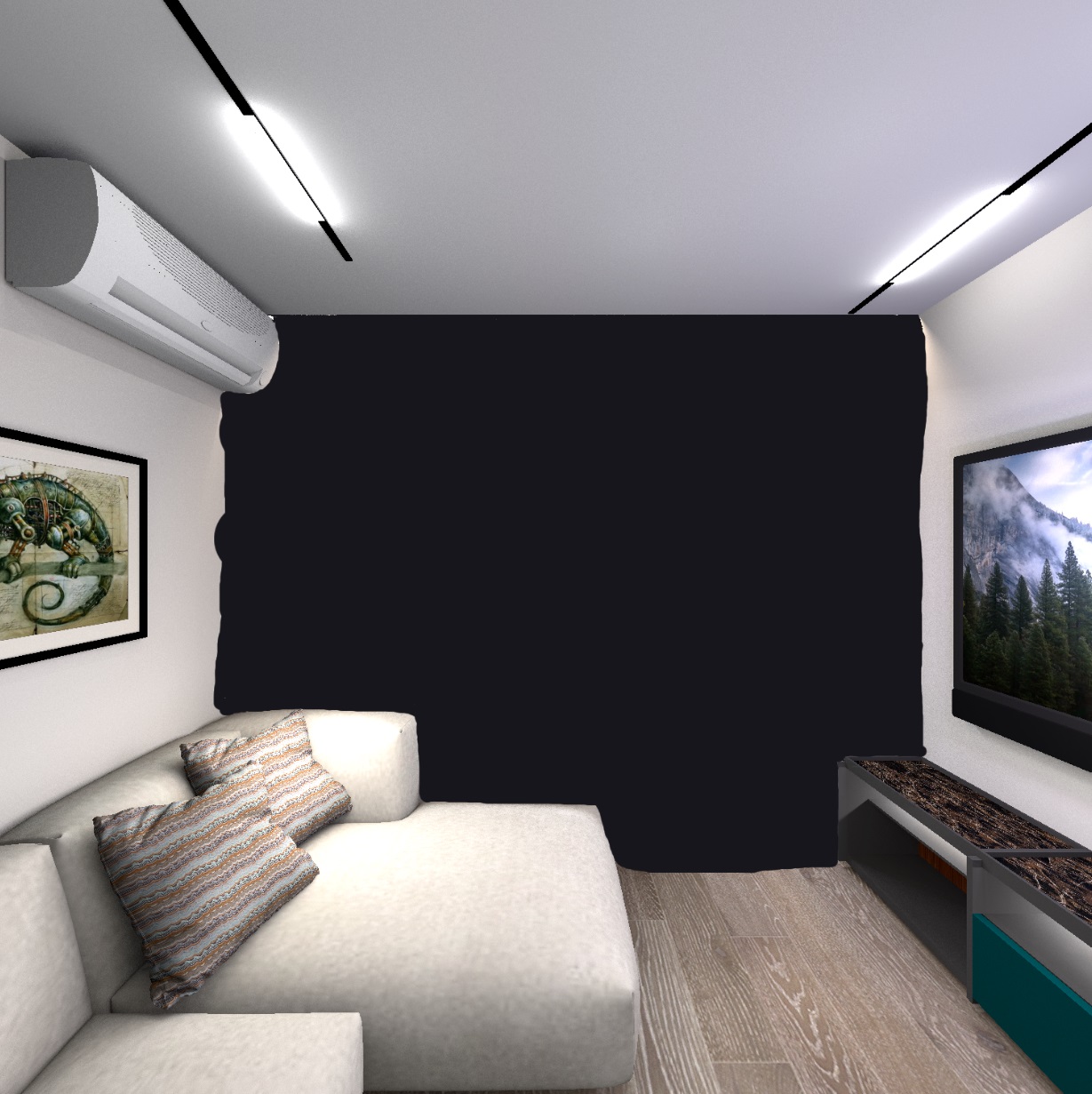
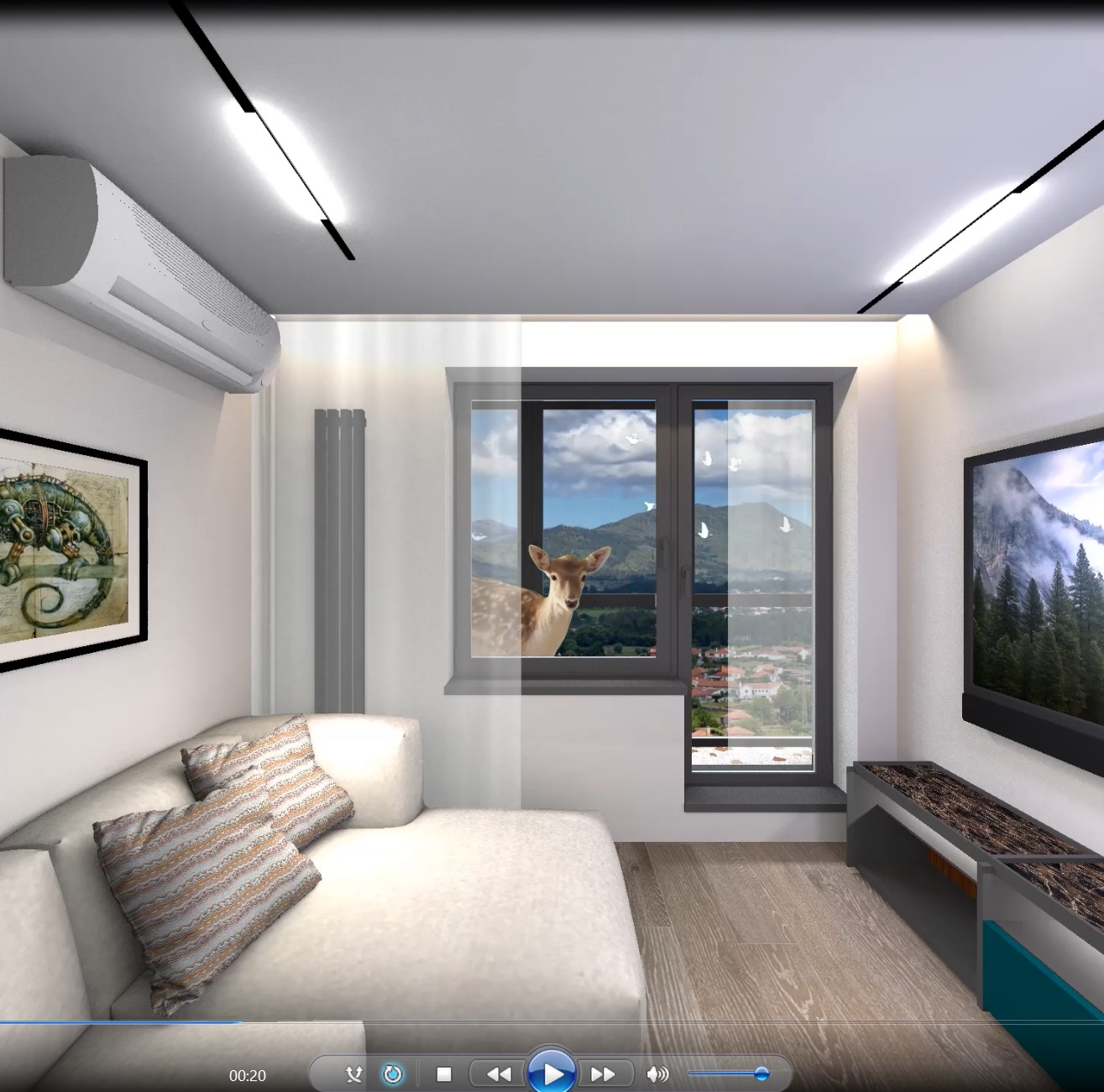
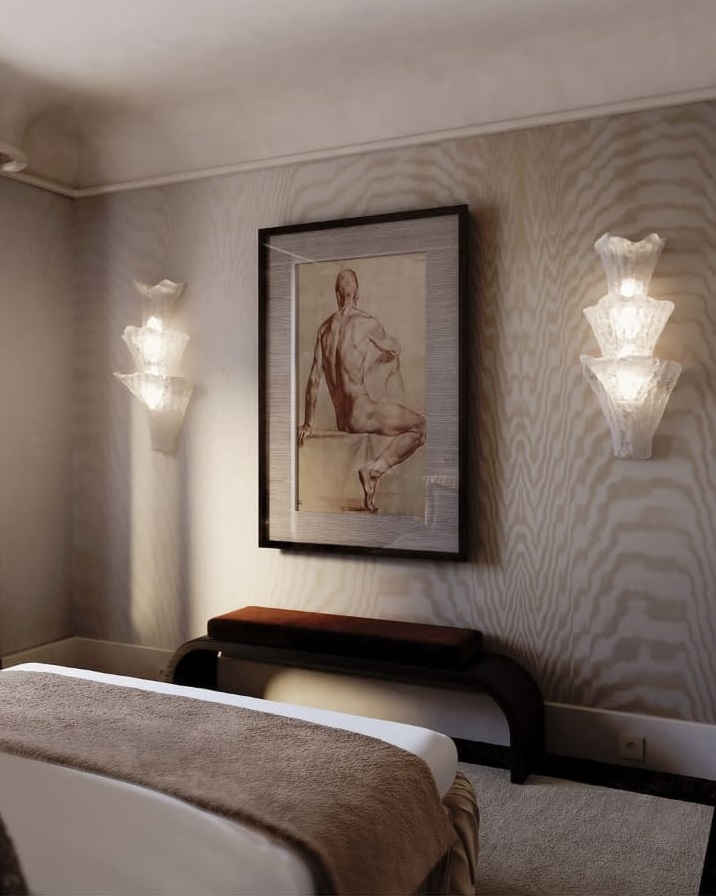
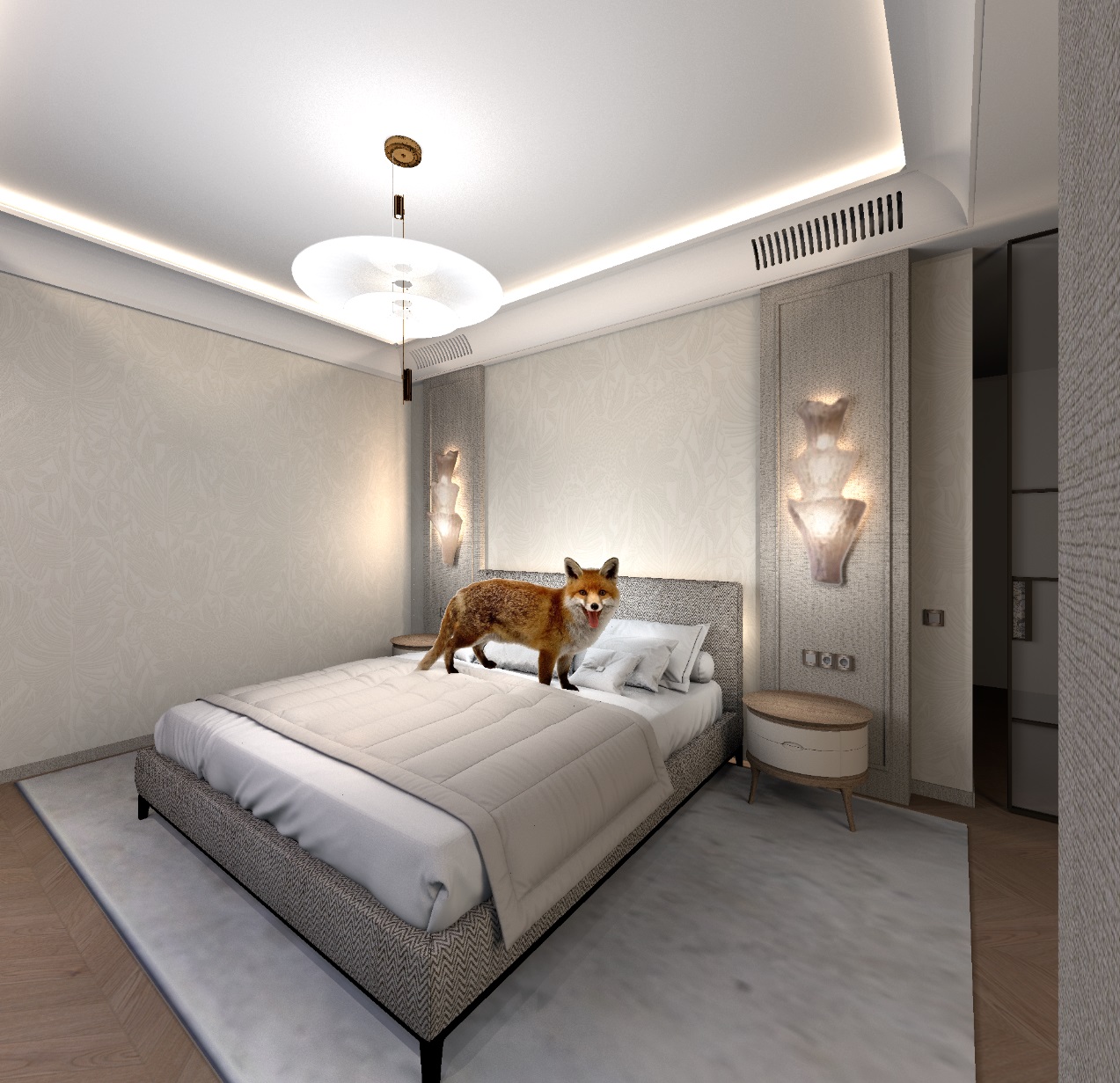
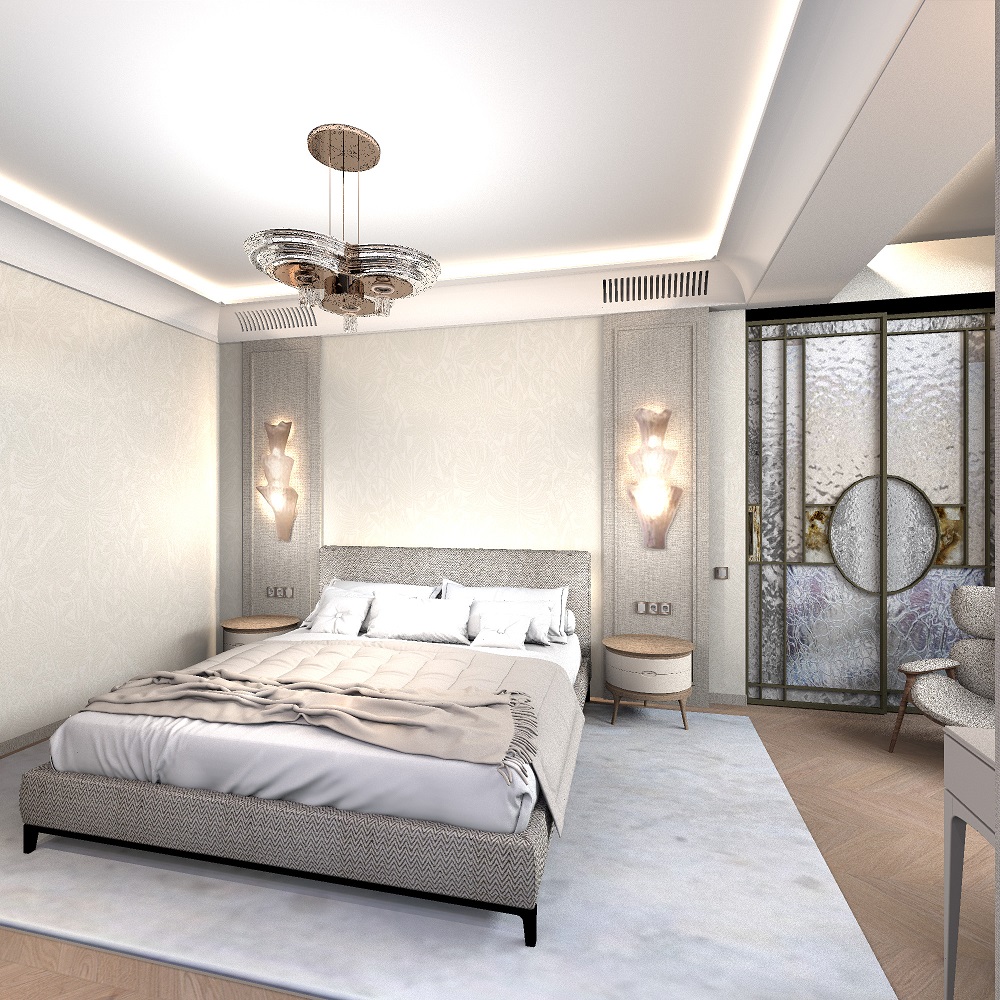
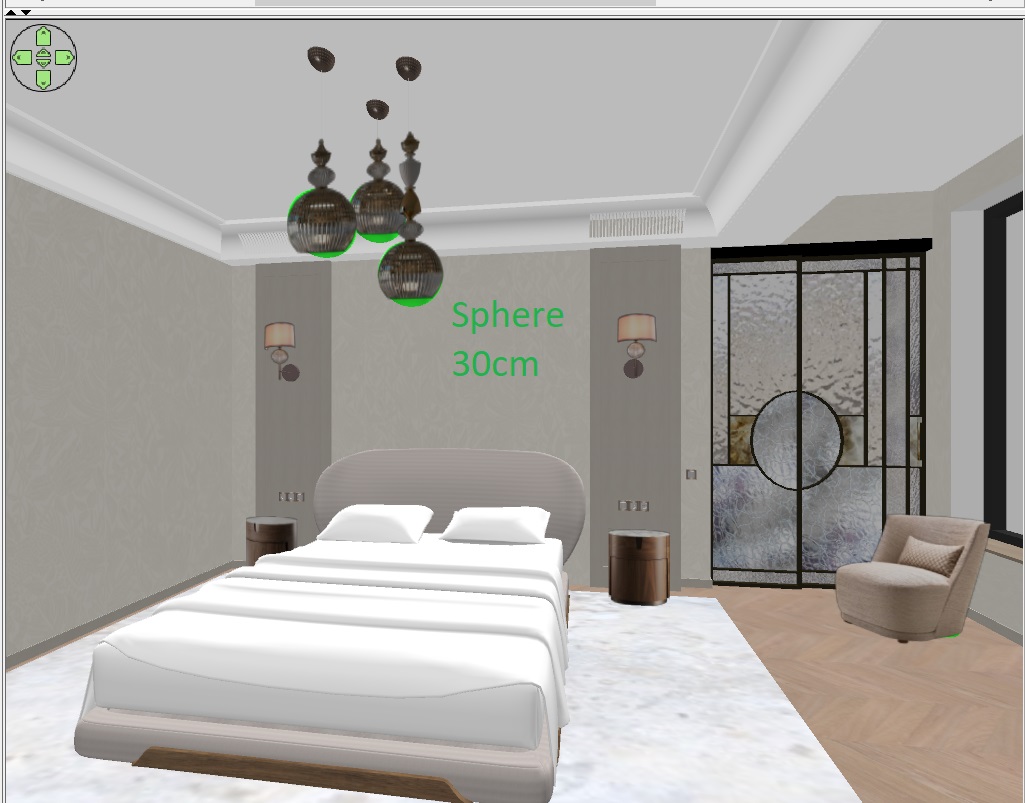
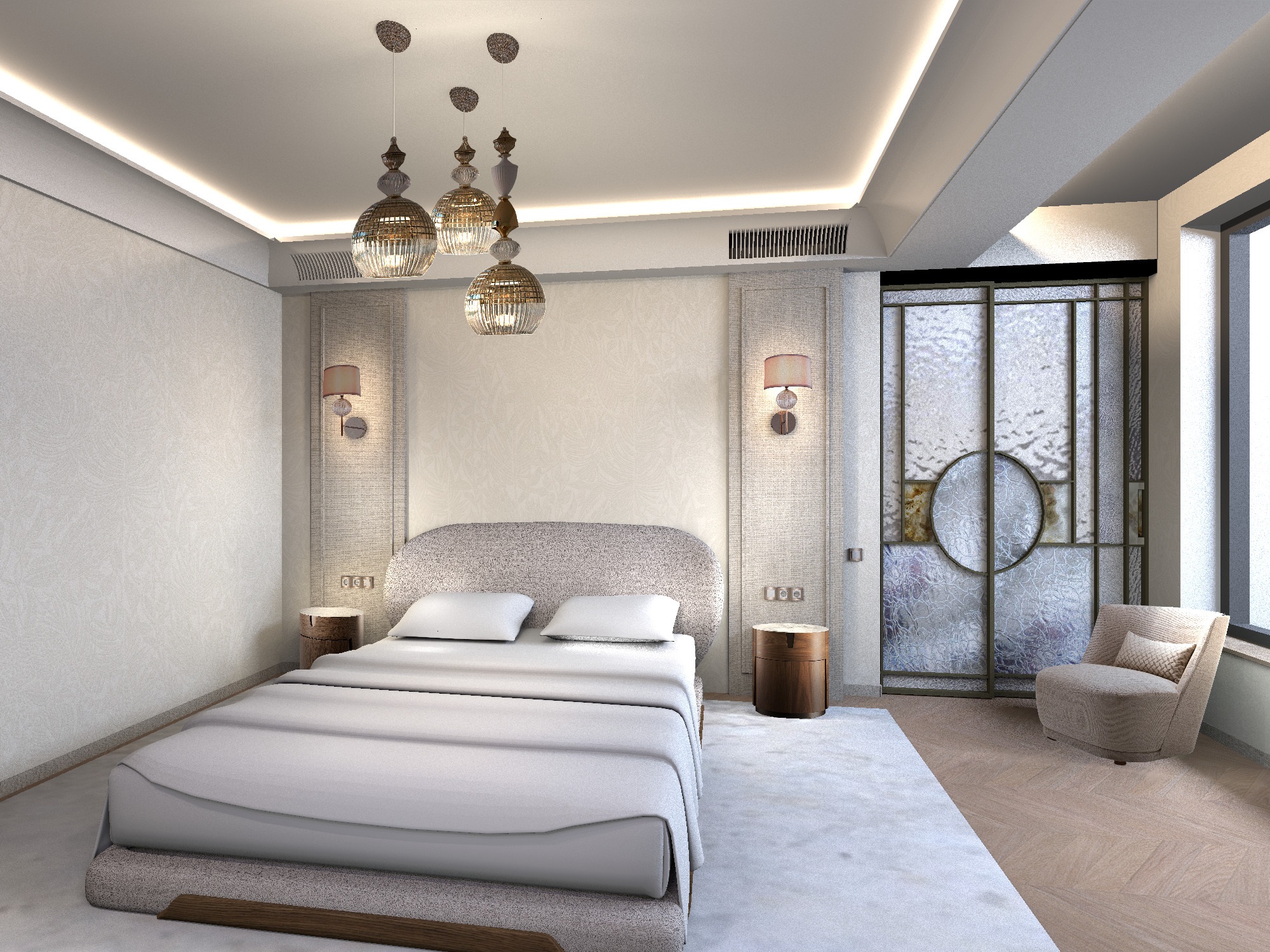
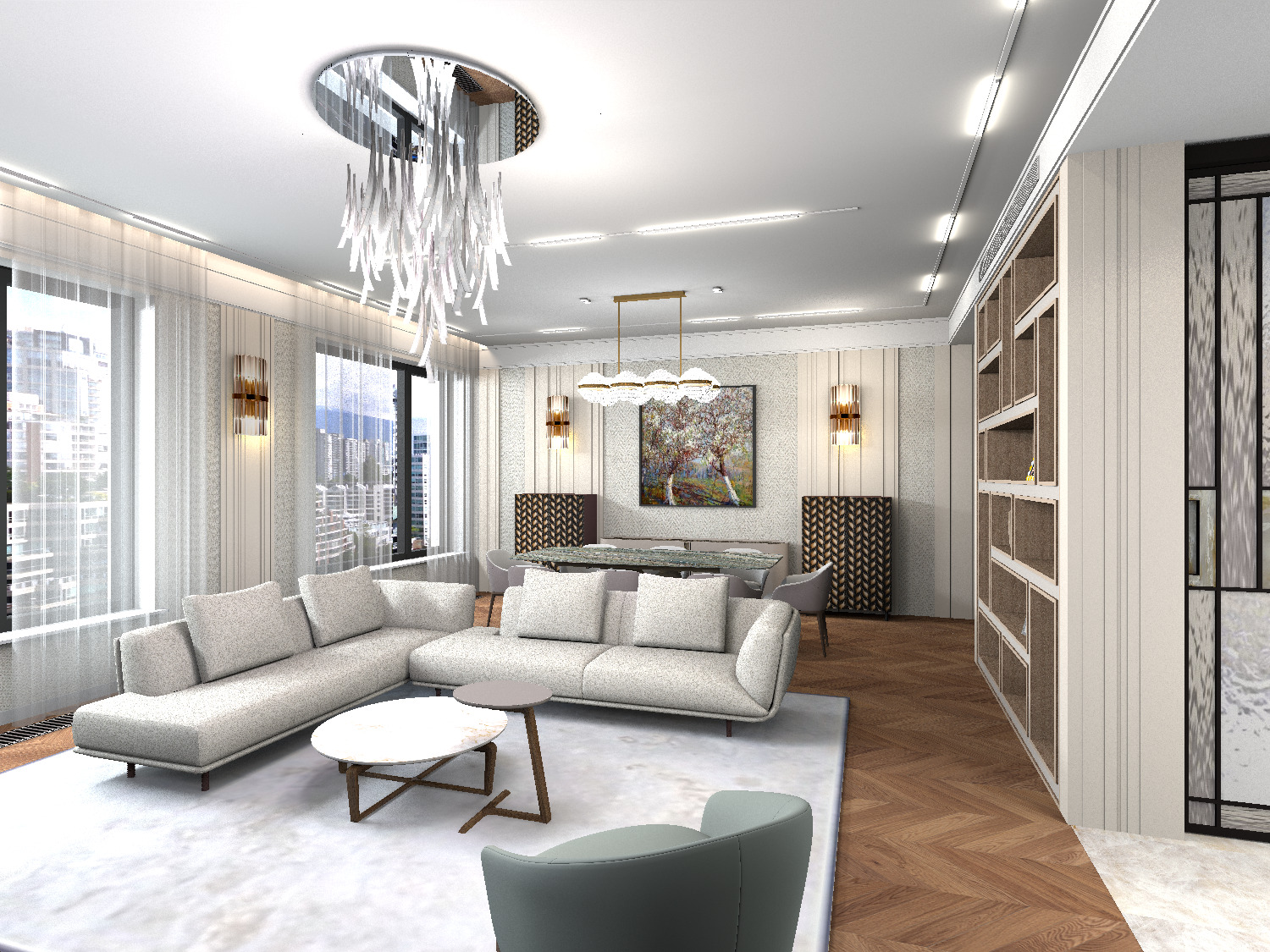
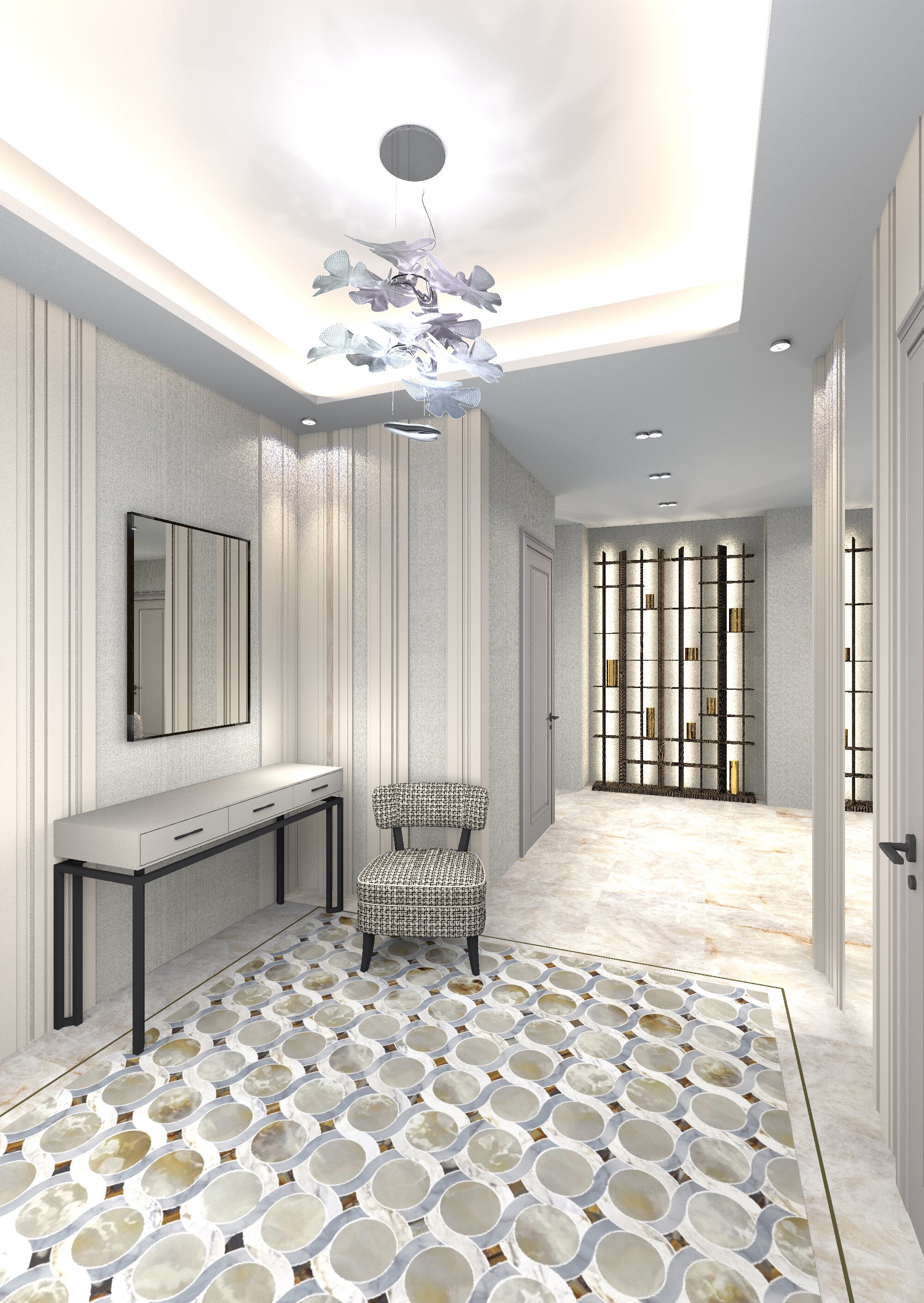
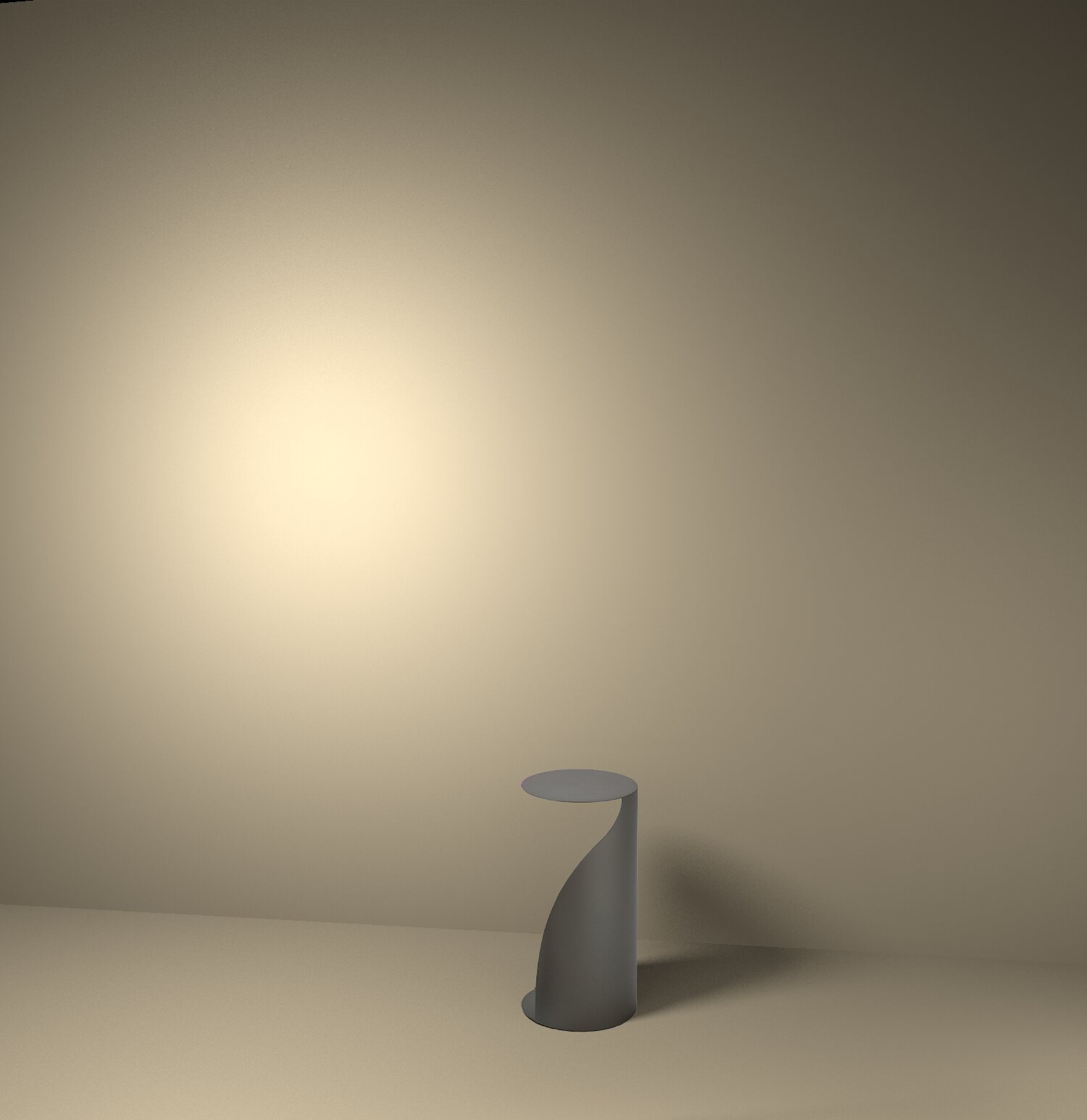
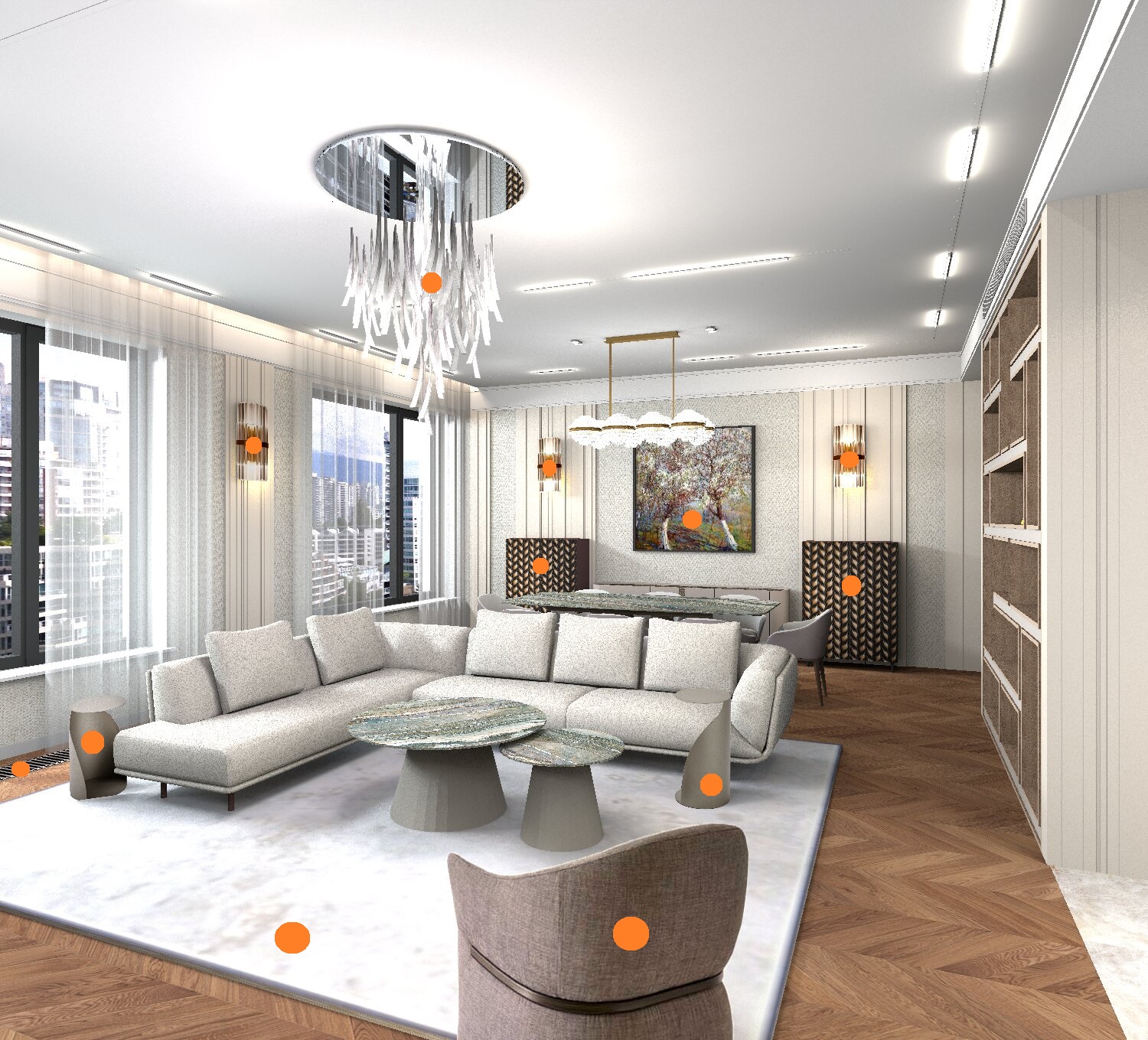
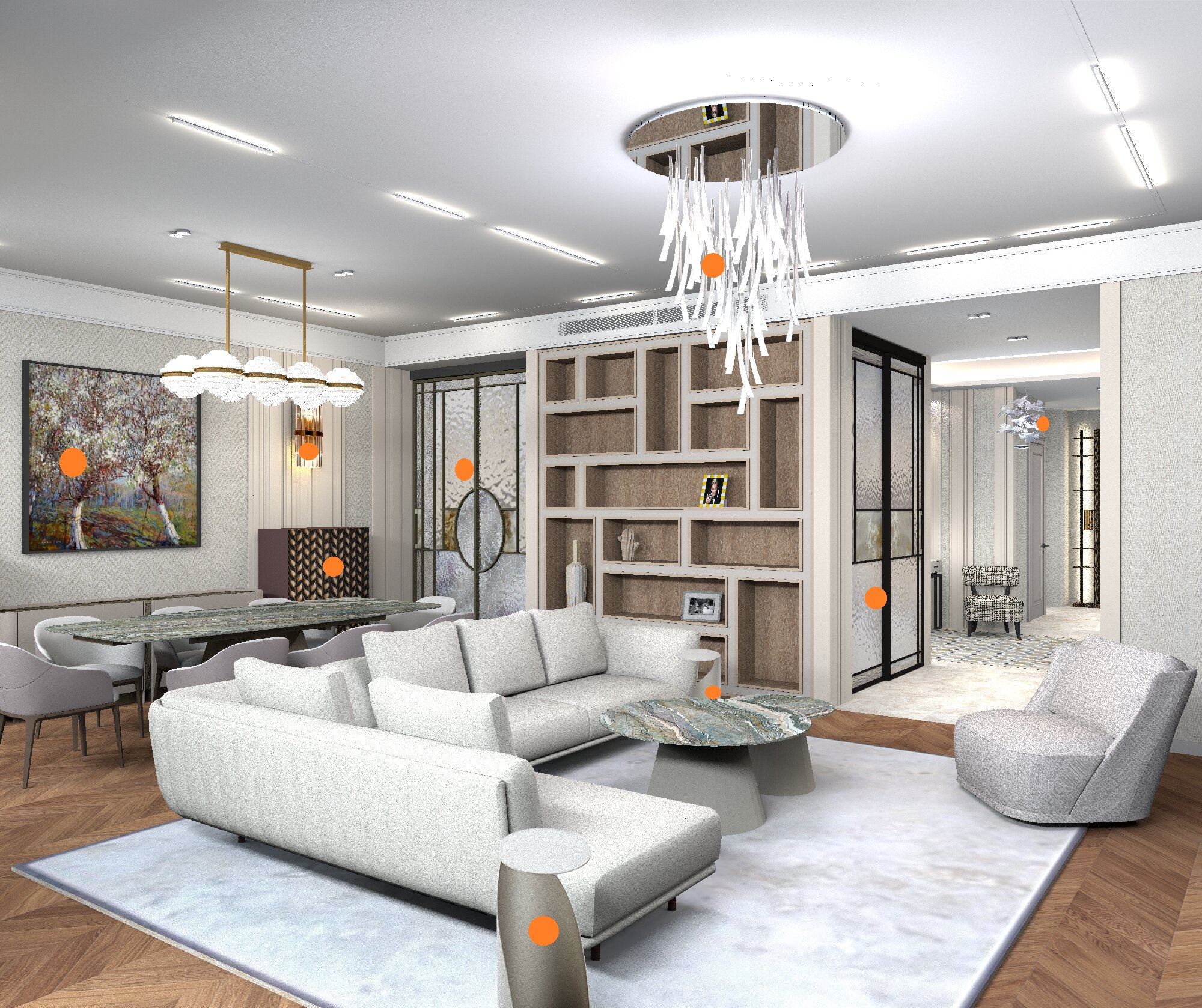
Hi. I continue to try to demonstrate the advantages of this light system in the room. There is nothing complicated in it, but the result is very different from the usual scheme (using balls). The entire area of the room is filled with invisible hemispheres of different colors. At the window it is blue, white in the center of the room, yellow in the back of the room. By changing the power of the hemispheres (from 2% to 6%), it is possible to realistically transmit daylight from the street together with the warmer light of interior lamps. The organza curtains are made by a model from the walls. This is an OBJ model with 80% transparency, the texture is opaque white. This is a real project, I will add other angles of the premises in this topic as I develop. The main thing is that I will do lighting everywhere using Invisible Inward light half sphere


Posted by hansmex at Sep 1, 2023, 9:20:48 PM
Re: Apartment project with lighting by invisible hemispheres. I continue advertising
Beautiful renders!!

Hans
----------------------------------------
Hans

new website - under constuction
hansdirkse.info

Posted by Keet at Sep 1, 2023, 9:25:59 PM
Re: Apartment project with lighting by invisible hemispheres. I continue advertising
Incredible lighting, very realistic!
----------------------------------------
Dodecagon.nl
1300+ 3D models, manuals, and projects

Posted by GaudiGalopin3324 at Sep 1, 2023, 9:47:28 PM
Re: Apartment project with lighting by invisible hemispheres. I continue advertising
thank you very much! The hemispheres that make the render so realistic are arranged quite regularly, there are no special secrets here. It is very important that this is in the YafaRay system, it copes perfectly with the intersections of hemispheres and objects. Sunflower is very bad at handling this.


Posted by hansmex at Sep 1, 2023, 10:16:36 PM
Re: Apartment project with lighting by invisible hemispheres. I continue advertising
How long did these renders take?
What kind of hardware do you use?

H
----------------------------------------
Hans

new website - under constuction
hansdirkse.info

Posted by GaudiGalopin3324 at Sep 1, 2023, 10:58:19 PM
Re: Apartment project with lighting by invisible hemispheres. I continue advertising
the rendering of each picture (for this room) lasts an average of 26 hours +- depending on the models in the frame. Quality 2000x1500. Intel(R) Core 3.40GHz processor 8.00 GB x64 RAM. I realized that YafaRay is simply a record holder both in terms of processing capabilities and speed. Sunflow is even afraid to guess how much time is needed. Probably a week.

Posted by Vinci68 at Sep 1, 2023, 11:03:37 PM
Re: Apartment project with lighting by invisible hemispheres. I continue advertising
Excellent work and great rendering. I think the file size must be quite large and the rendering must take some time unless you have a competition machine... wink

Posted by sjb007 at Sep 2, 2023, 3:34:46 AM
Re: Apartment project with lighting by invisible hemispheres. I continue advertising
26 hours? Ouch! Is that a single core CPU?

And that aliasing + noise after 26 hours... crying

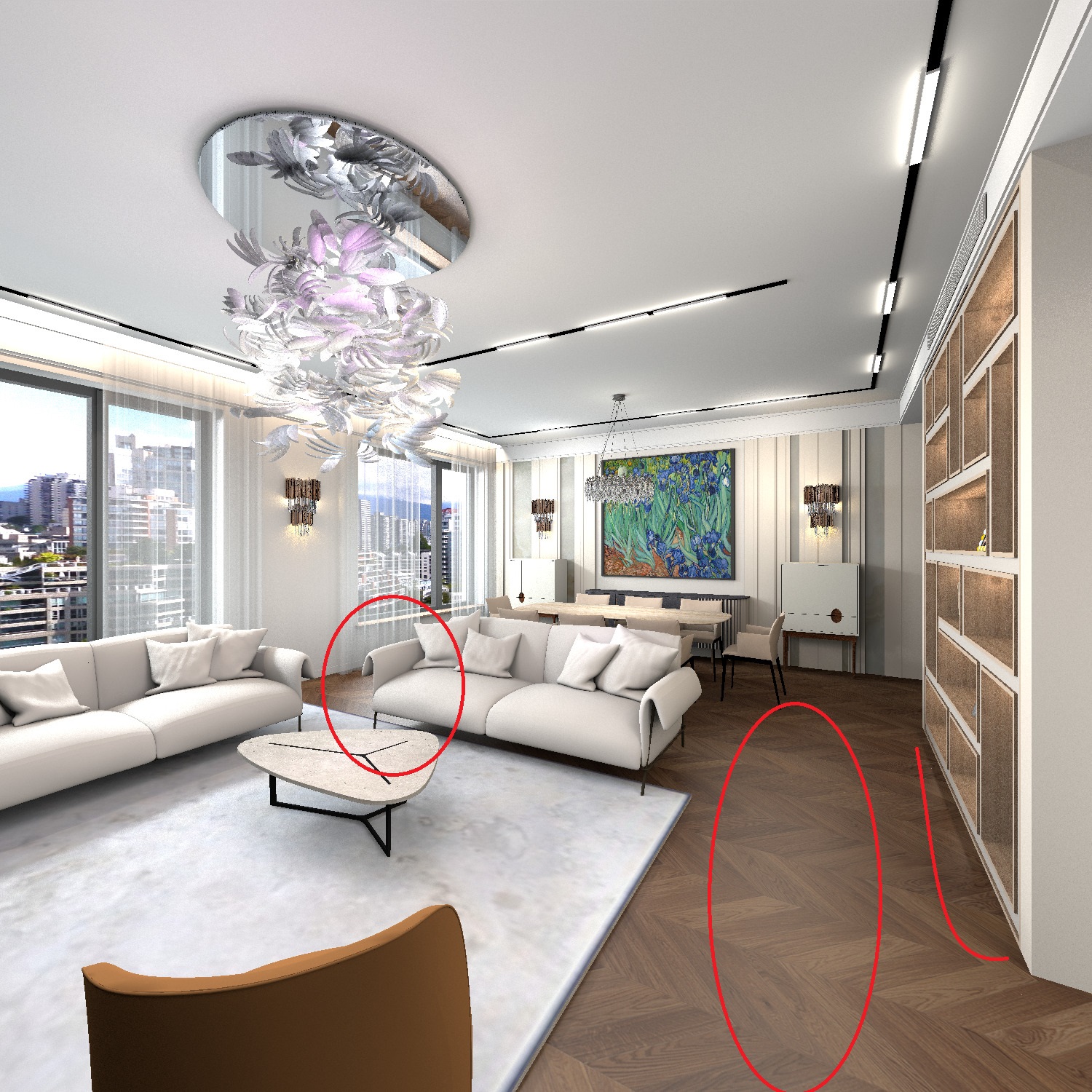
Is this a work in progress? Because those shelves really stick out as "placeholder" when everything else is modeled so well.

Posted by GaudiGalopin3324 at Sep 2, 2023, 9:14:38 AM
Re: Apartment project with lighting by invisible hemispheres. I continue advertising
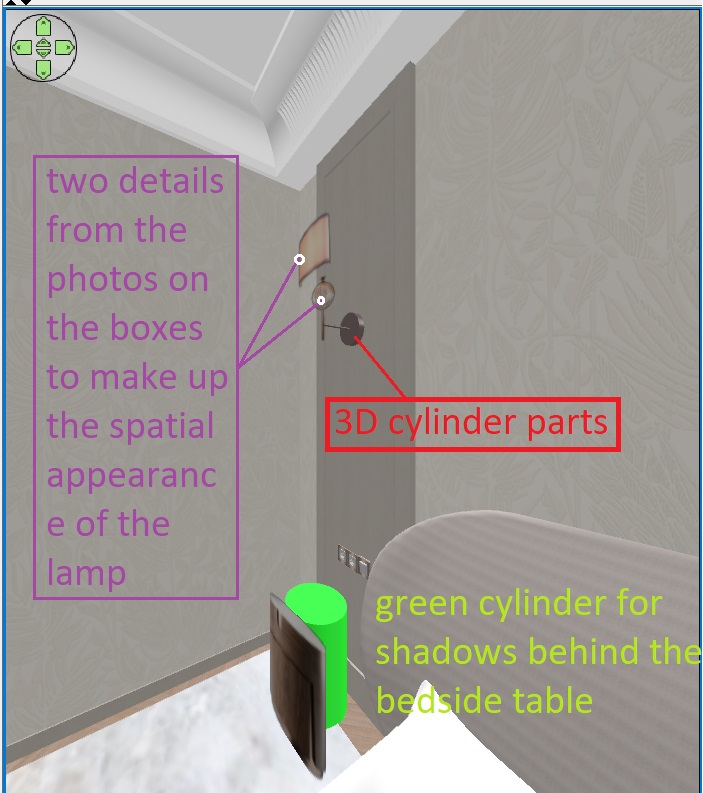
Thank you for your attentiveness. Yes, of course, this is a concept. Therefore, I insert some ready-made fragments-photos from the Internet that are suitable so as not to waste time on modeling. All the doors are made this way, these are the photos on the boxes, and the shelves are the same. The design is going on in another program at the same time while the render is loading. I try to distribute the forces in the project. Glass partitions are modeled entirely in SH3D walls, here you need to do this when there is a translucent glass. I use SH 3D as a replacement for visualization programs, not for design.
My old processor has 4 cores, if I'm not mistaken)). Probably it's not enough, but how much is there.. crying

Posted by GaudiGalopin3324 at Sep 3, 2023, 5:13:07 PM
Re: Apartment project with lighting by invisible hemispheres. I continue advertising
10 hours


Posted by GaudiGalopin3324 at Sep 3, 2023, 6:50:03 PM
Re: Apartment project with lighting by invisible hemispheres. I continue advertising
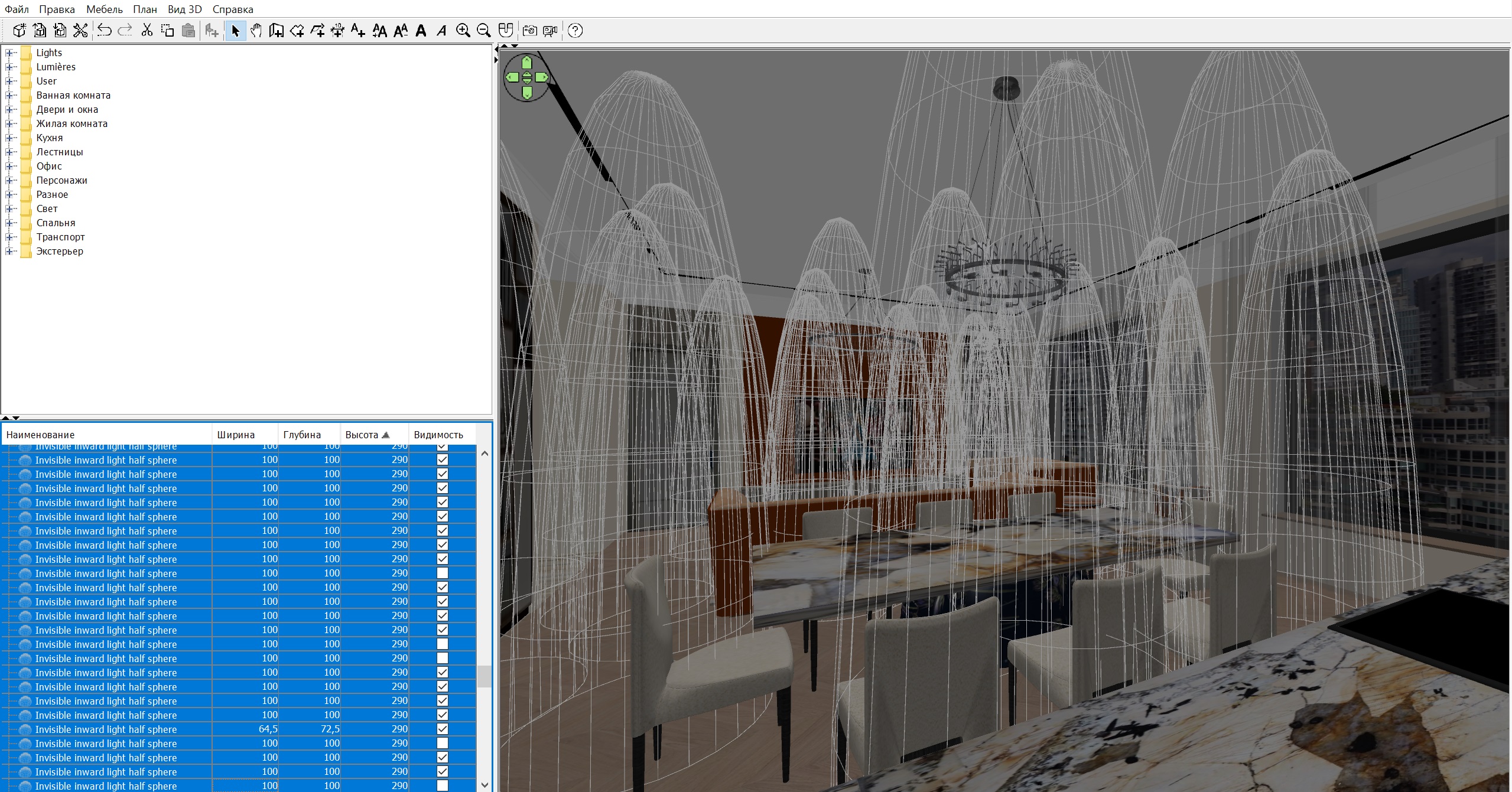
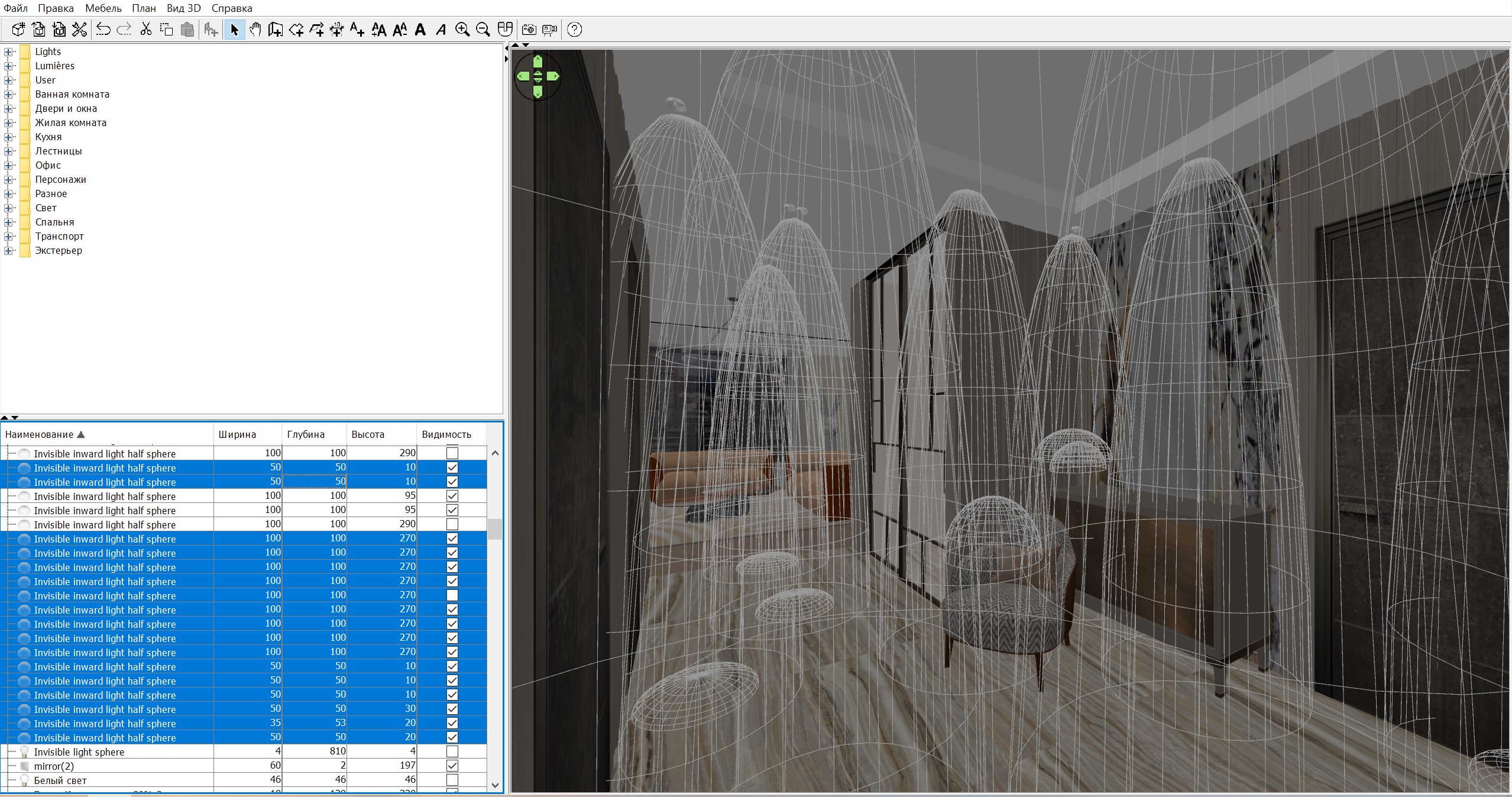
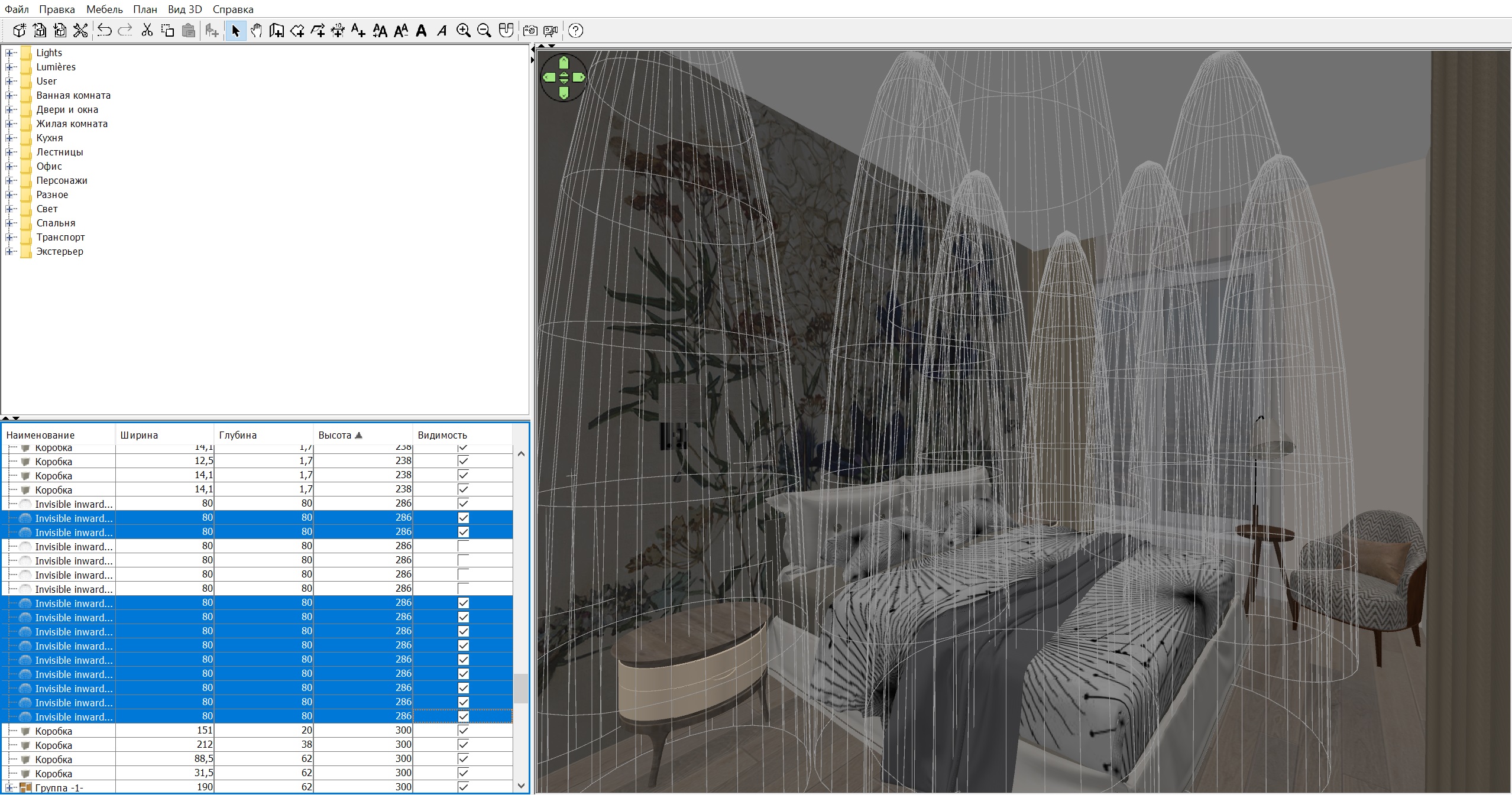
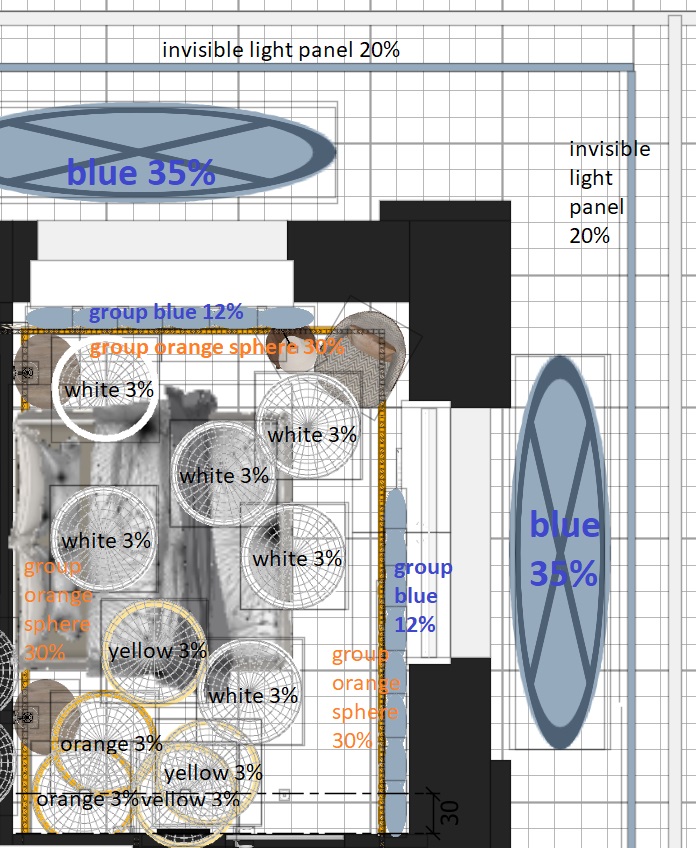
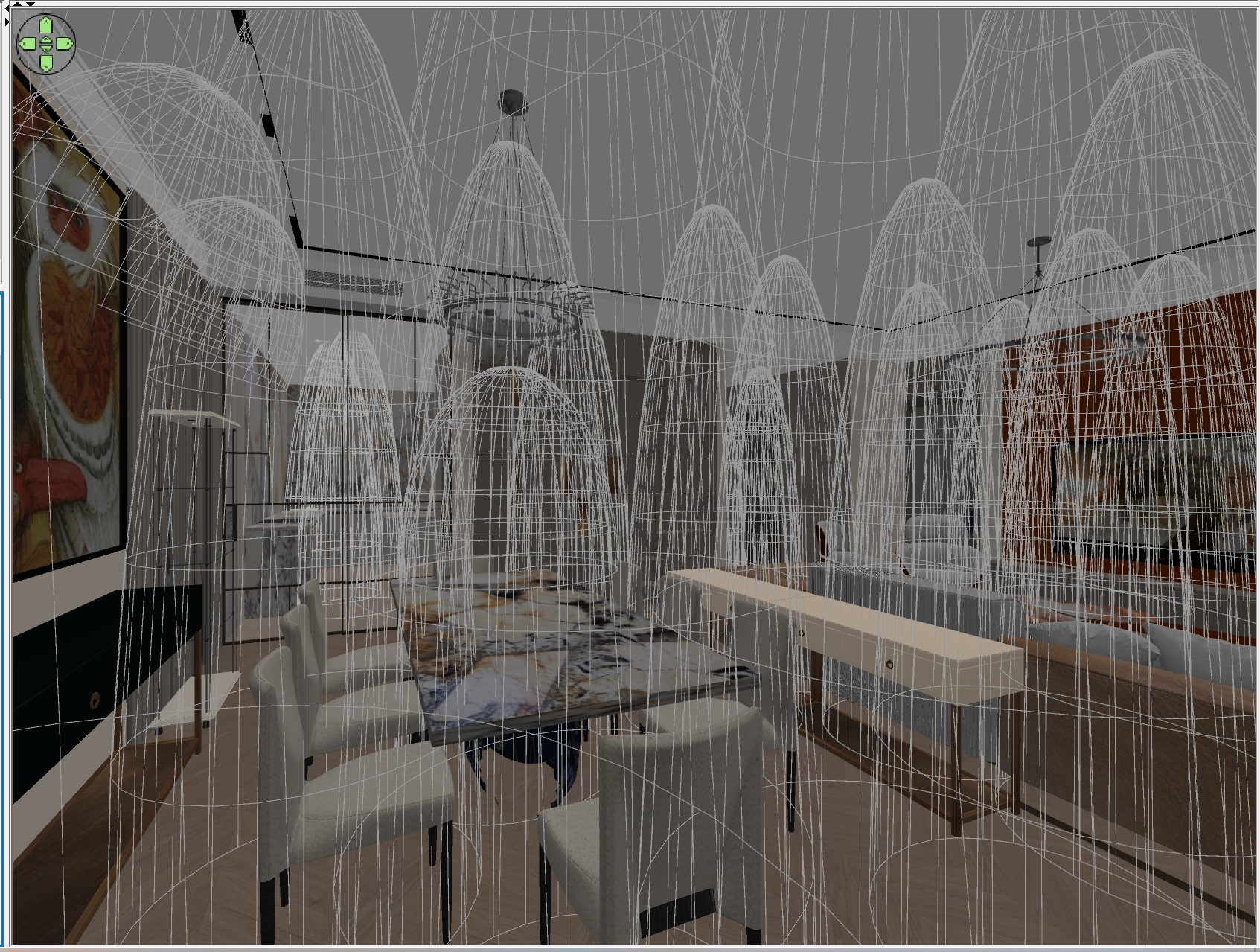
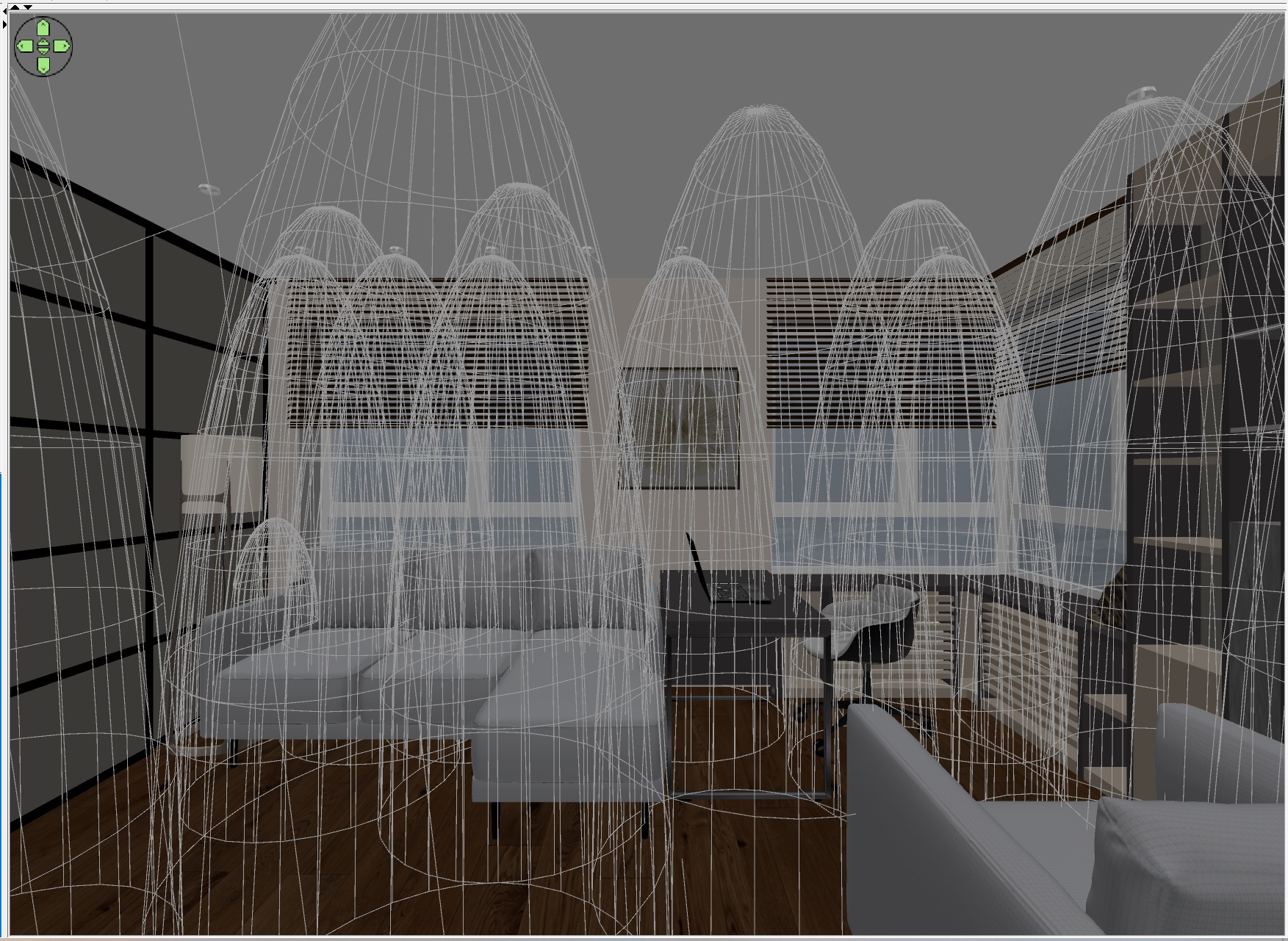
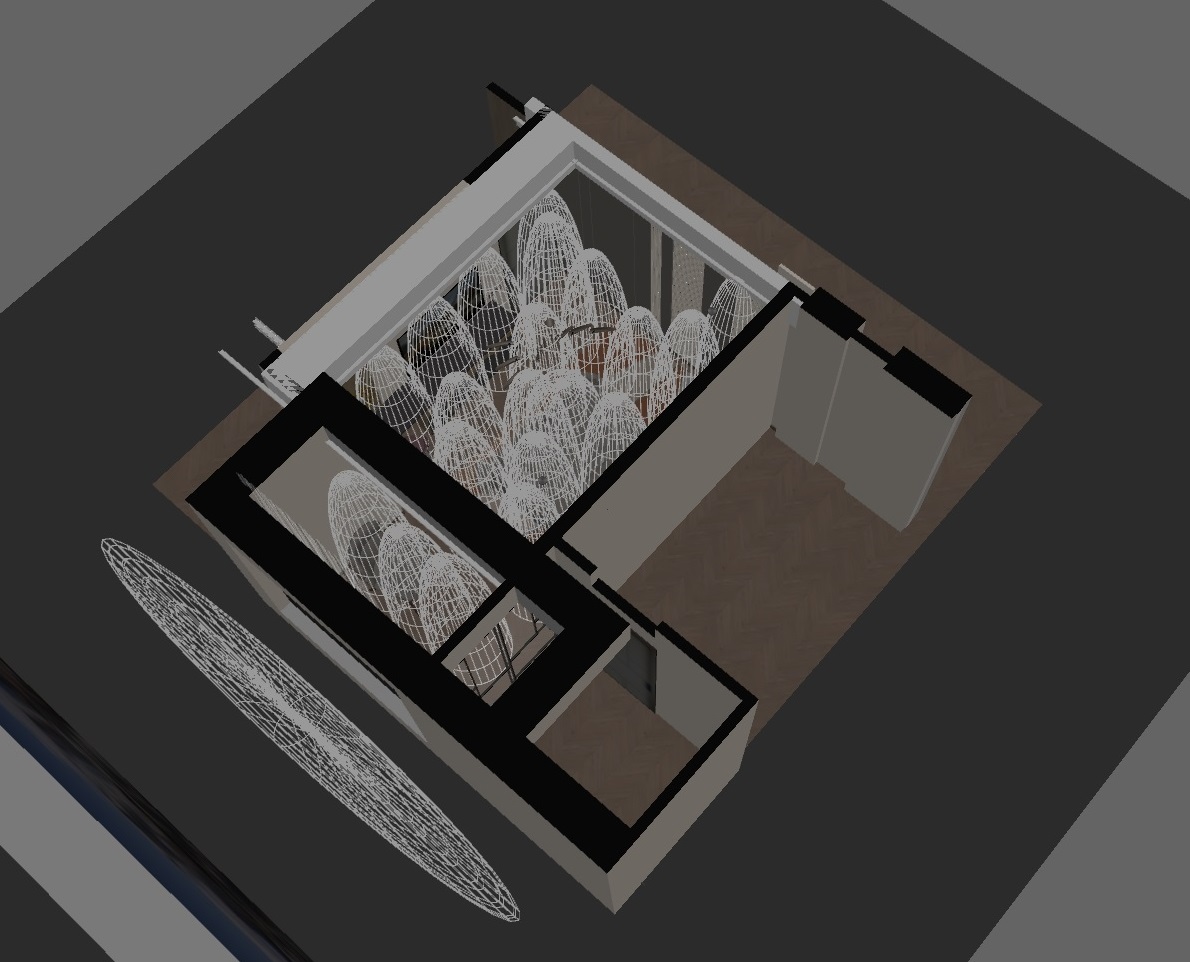
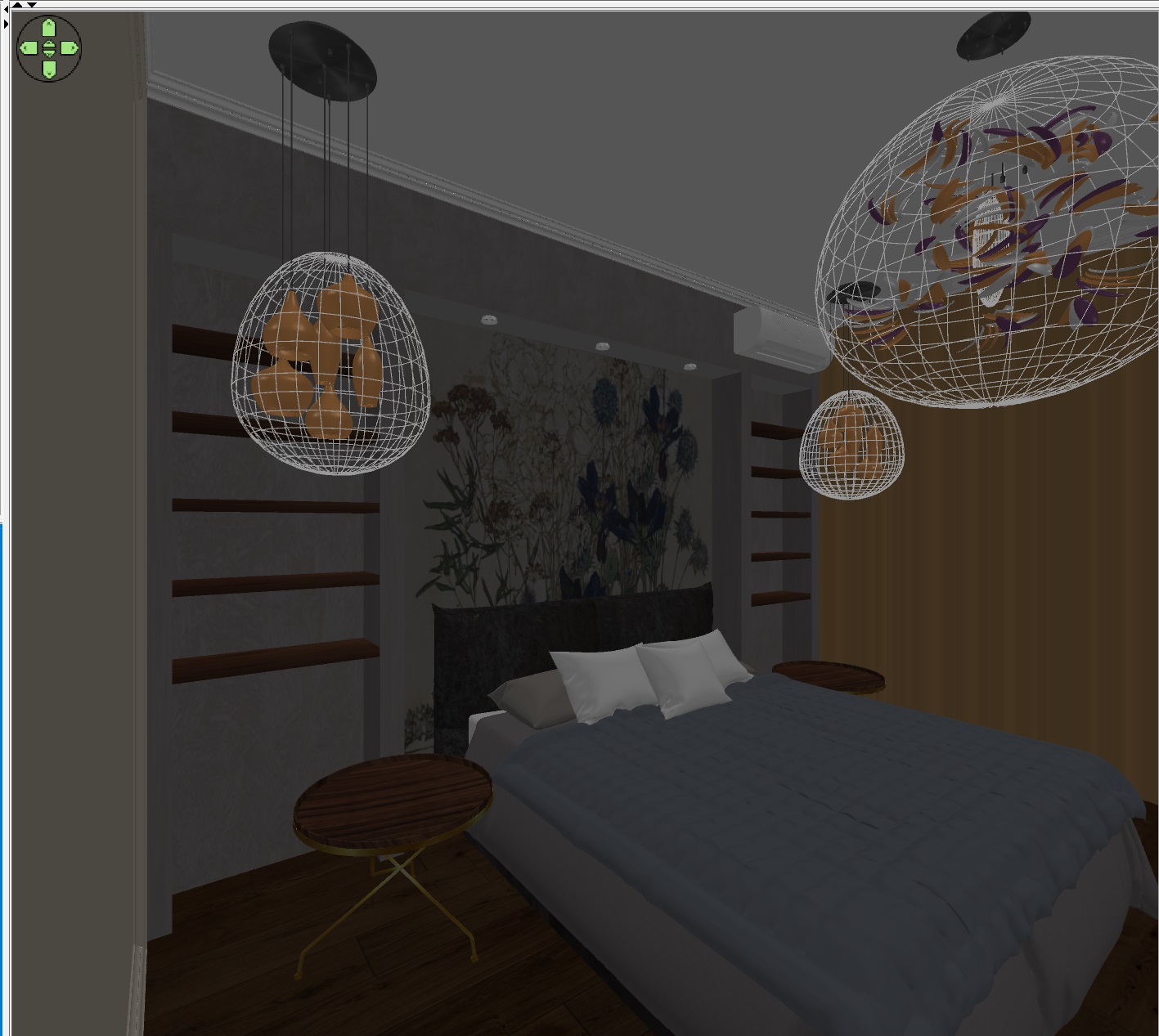
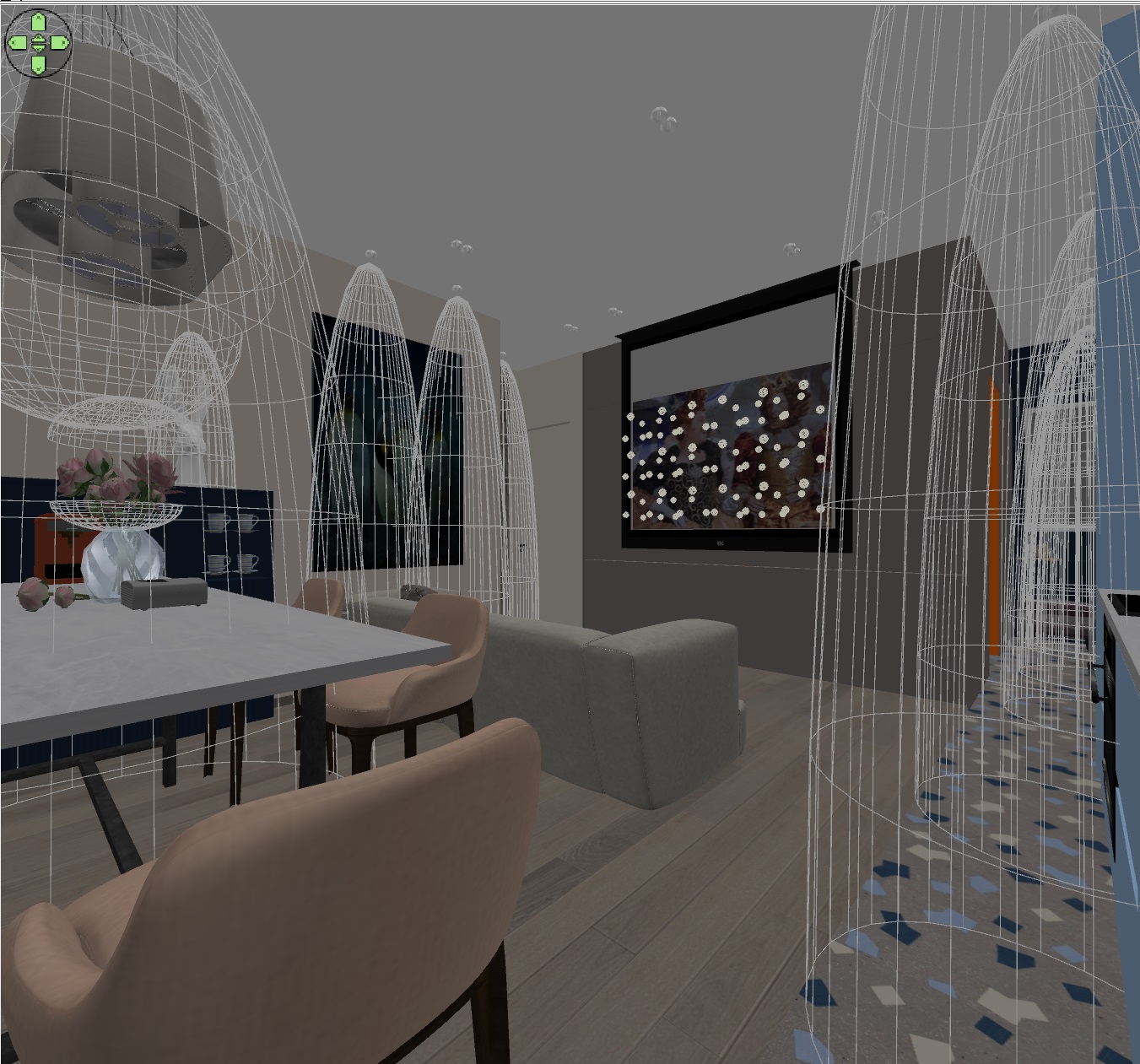
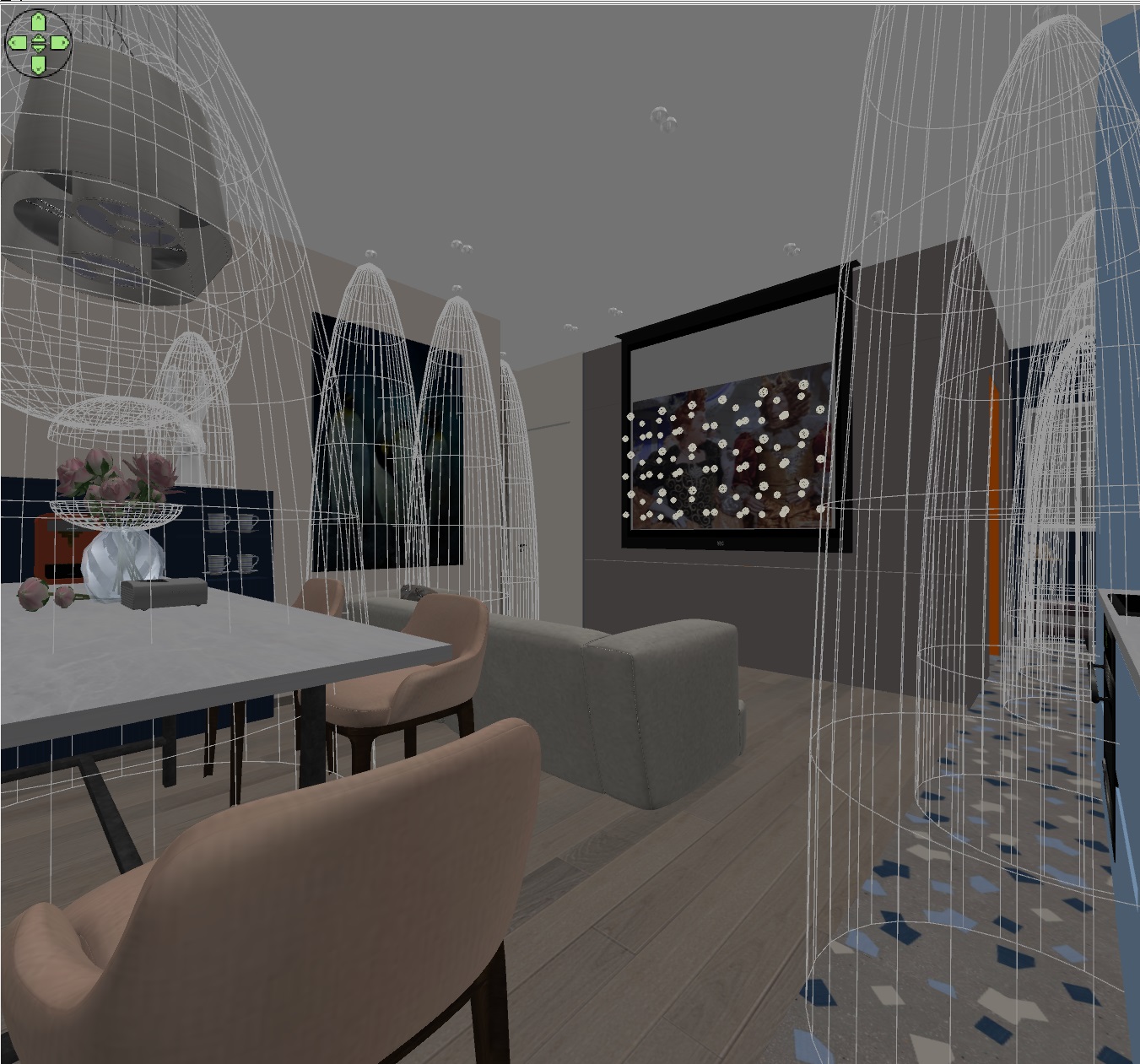
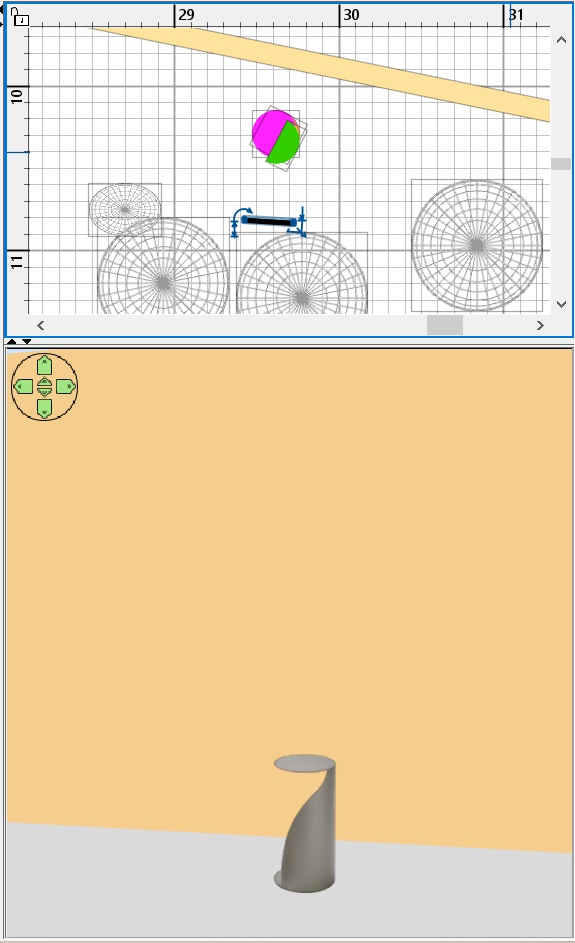
the invisible hemispheres are arranged as follows


Posted by GaudiGalopin3324 at Sep 8, 2023, 1:10:13 AM
Re: Apartment project with lighting by invisible hemispheres. I continue advertising


Posted by GaudiGalopin3324 at Sep 17, 2023, 8:49:46 PM
Re: Apartment project with lighting by invisible hemispheres. I continue advertising


Posted by GaudiGalopin3324 at Sep 17, 2023, 8:51:55 PM
Re: Apartment project with lighting by invisible hemispheres. I continue advertising


Posted by Keet at Sep 17, 2023, 9:56:49 PM
Re: Apartment project with lighting by invisible hemispheres. I continue advertising
Great work! Especially because you show what hemispheres you use to get the lighting.
I like the flowered wall!
----------------------------------------
Dodecagon.nl
1300+ 3D models, manuals, and projects

Posted by GaudiGalopin3324 at Sep 17, 2023, 10:44:22 PM
Re: Apartment project with lighting by invisible hemispheres. I continue advertising
yes, I also like this floral print). I will try to persuade customers to this version of the wall.)

Posted by GaudiGalopin3324 at Sep 20, 2023, 8:23:07 AM
Re: Apartment project with lighting by invisible hemispheres. I continue advertising


Posted by GaudiGalopin3324 at Sep 20, 2023, 12:27:34 PM
Re: Apartment project with lighting by invisible hemispheres. I continue advertising
Setting the lighting in a room can be compared to an exciting chess game. And here White is the cold daylight, and Black is the warm inner light. But does White always start and win? Modern interior photographers often do this, do not give Black Figures any chance. All chandeliers, sconces, candles are turned off, only daylight reigns in the room, filling the entire space. In such photos, as if there is no person, he has left and only a casual viewer admires the beautiful view of the room. But it is much more interesting when the Blacks begin to fight back and enter into a difficult struggle. What are White's figures? Blue invisible hemispheres facing inwards on the street, blue powerful elongated spheres above the window on the street to give shadows from window sills and illuminate the floor by the window, blue invisible one-sided panels to highlight the exterior appearance of the background, blue invisible hemispheres lined up in tight rows to highlight translucent curtains, blue and white hemispheres inside the room next to the windows. What are Black's figures? Orange chains of spheres to simulate diode illumination in niches, yellow towers-hemispheres on the collision line with white towers opposite the windows, orange towers-hemispheres in the back of the room, they hold the rear and are very similar to the king and queen on a chessboard. They keep the feeling of comfort and the presence of a person in the room. If you equalize the chances of White and Black in such a game, you get a very beautiful fight with interesting picturesque highlights of walls and objects, as it happens in a residential, not abandoned room. The folds of the fabric are then illuminated with warm rays on one side, and cold ones on the window side. This struggle is invisible, but it can be felt in the picture. And don't stop the party. It is very important to give work for the Hemispherical Towers facing inward. These are very strong figures, not even the deepest crack, not a single hole can hide from them. Their ubiquitous rays will reach any deep hole and cope with the ugly blackness. Simple balls are not capable of this, they create this blackness themselves with their inept actions, so only Invisible hemispheres facing inward help to make the picture pleasant to the eyes, they must be trusted and sent into battle boldly. But the soldiers will not cope in battle without a Caporal. And here it is necessary to make the right choice. YafaRay. That's his name. He will do everything right and will not mess up. You can safely bring reserves from invisible hemispherical towers into battle, the Caporal will make them invisible, and they will not damage the picture. That's all the thoughts about the lighting in the room.

Posted by GaudiGalopin3324 at Oct 1, 2023, 8:59:29 AM
Re: Apartment project with lighting by invisible hemispheres. I continue advertising


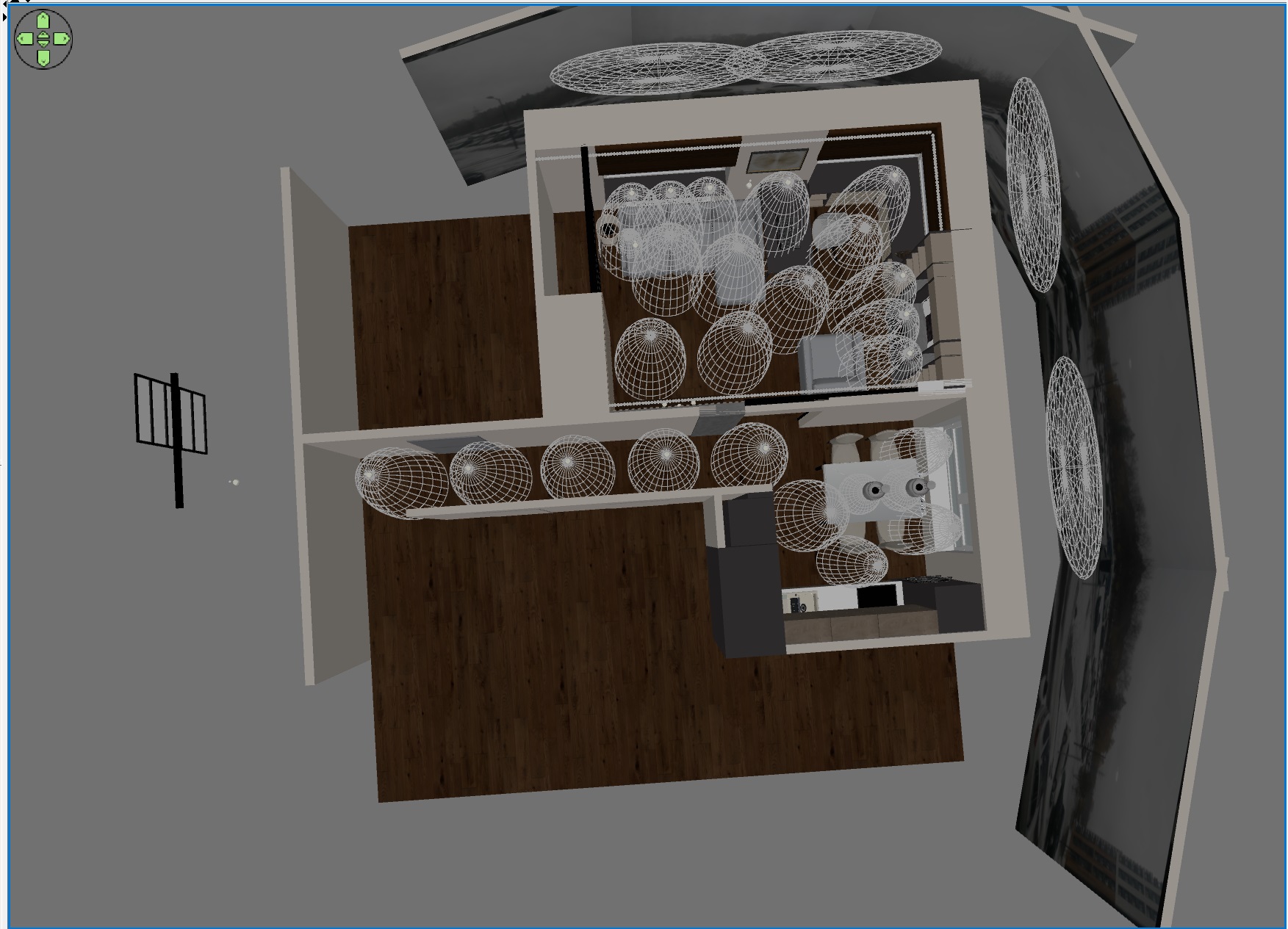
this is how invisible hemispheres, chains of colored spheres and panels for background illumination are located on the plan. Everything is very simple here. Hemispheres are towers of the same power, but of different colors (you can make them of different power, play this game). Hemispheres-towers for lighting curtains are blue. The spheres for simulating diode illumination are orange. The panels for lighting the street background are simply white. And it turns out the mixing of colors, which gives a complex picture of lighting, more interesting.

Posted by GaudiGalopin3324 at Oct 12, 2023, 11:18:28 PM
Re: Apartment project with lighting by invisible hemispheres. I continue advertising


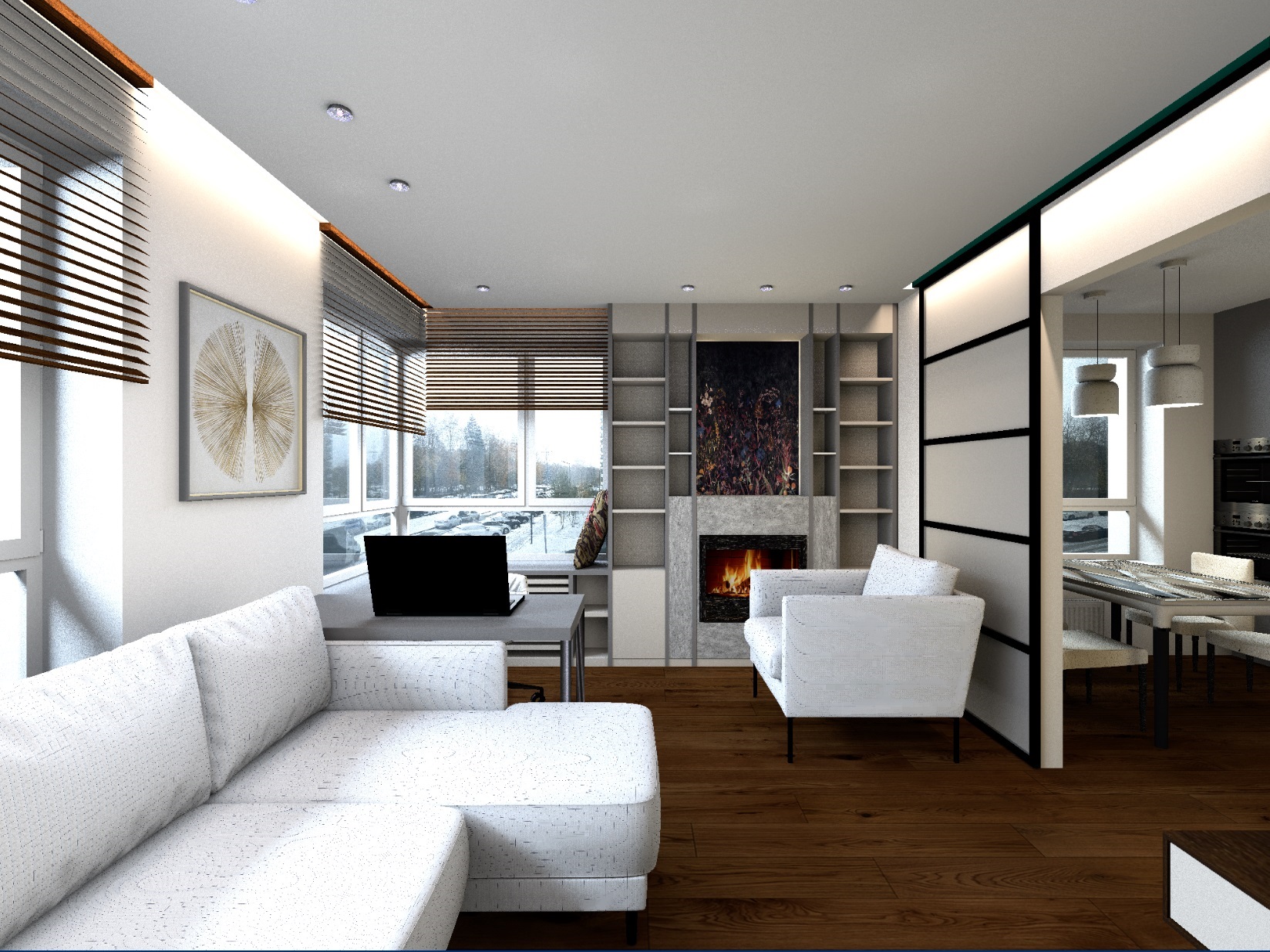
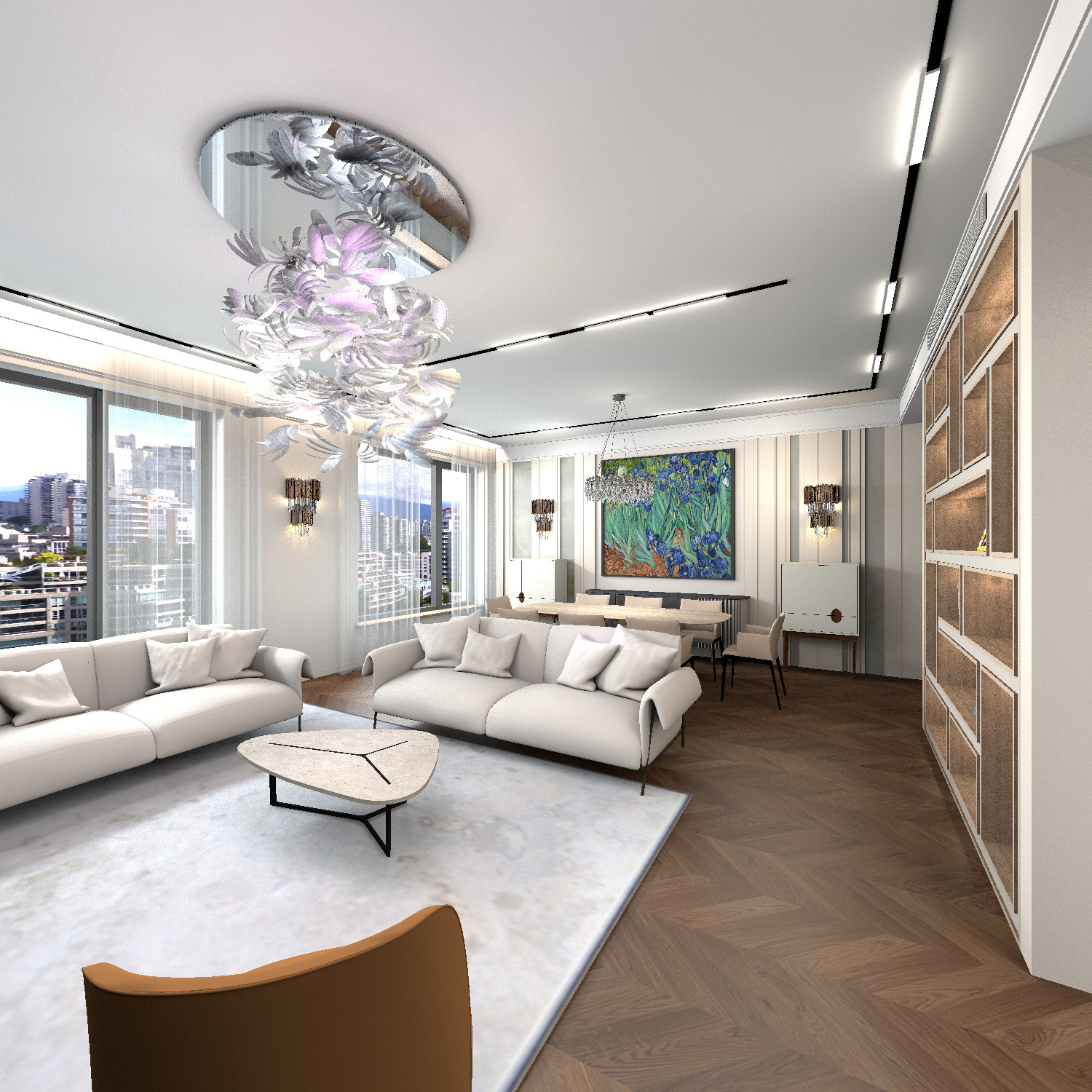
I want to tell you about a very difficult version of the picture. Camera angle with the location from the window towards the room. At this angle of view, the rays of light from the window coincide (very close) with the direction of the viewer's gaze. And those own body shadows of objects that were so well visible from other angles now turn out to be on the side and are not readable at all. For example, the ball will look like a flat pancake from this angle, without spectacular 3D. The picture is the same room as in the first renderings in the theme, only the room is filled with new furniture. And the light was the same as before. But what looked good on the side and back view now turned out to be flat and featureless. The hemispherical towers at the back of the room did not add space, on the contrary. The space of the room ceased to look deep, random highlights appeared, which did not help to reveal the depth of space and the volume of objects. It's time to remember about chess. And to give the game a new life, it is necessary to sacrifice valuable pieces. I have completely removed the entire back row of orange and yellow light towers. What happened? A more pronounced light brightness gradient. The window has a very bright light (blue light sources), white towers in the middle of the room, there is no one in the back. From such a maneuver, the lighted corners in the hall and distant rooms immediately began to play, which began to burn with magic coals. And the whole room has become more integral due to the gradient of light. In general, there was a feeling of a single large room that daylight could not completely penetrate, but against the background of this darkness, the distant lights of the hall began to play anew. I think such an angle often requires a different arrangement of chess pieces-towers to give strength to daylight. But if there are local small areas of warm light, they will only sound stronger against the background of such a gradient.

Posted by GaudiGalopin3324 at Oct 15, 2023, 7:48:56 PM
Re: Apartment project with lighting by invisible hemispheres. I continue advertising


Posted by GaudiGalopin3324 at Oct 17, 2023, 10:26:06 AM
Re: Apartment project with lighting by invisible hemispheres. I continue advertising


Posted by GaudiGalopin3324 at Oct 24, 2023, 1:27:14 AM
Re: Apartment project with lighting by invisible hemispheres. I continue advertising
In the next picture there are a few moments that I want to tell you. A view from the far room, which is blocked by a glass partition. View from the room to the living room with windows and daylight. What can be done to get a more spectacular shot? 1. The glass in the partition, if it is completely transparent, will most likely simply disappear at this angle, there will be no subtle glare. Glare on the glass appears only if it is darker behind the glass than from the viewer's side. And here on the contrary. Therefore, you can replace it with a slightly more opaque glass, I created a wall model, saved it in OBJ and assigned a white skin texture. This will give the effect of fog at dawn. Look at the picture of the fog - objects in the fog in the distance seem more distant, and in the foreground clearer textures seem very close. So replacing the glass with a translucent one will be useful for a better transfer of space. A complex haze appeared on the parquet behind the glass, the glass is now read as a material. 2. I couldn't resist and added a large powerful ball imitation of a torch 60% above the table in front of the frame. The result was a complex light on the ceiling with reddish reflections in front and colder ones at the windows behind. And in general, such a gradient of warm light in front and very cold street light in the back only emphasizes the depth of space. In general, it is useful to feel the image of the future picture before putting the light in the room, imagine what it will look like, what it will remind. And strengthen this image meaningfully.

Posted by GaudiGalopin3324 at Oct 24, 2023, 1:30:00 AM
Re: Apartment project with lighting by invisible hemispheres. I continue advertising


Posted by GaudiGalopin3324 at Oct 24, 2023, 1:32:02 AM
Re: Apartment project with lighting by invisible hemispheres. I continue advertising


Posted by hansmex at Oct 24, 2023, 9:16:06 AM
Re: Apartment project with lighting by invisible hemispheres. I continue advertising
Your advetising is convincing :-)

Is there a place where we can obtain these hemispheres?

H
----------------------------------------
Hans

new website - under constuction
hansdirkse.info

Posted by GaudiGalopin3324 at Oct 24, 2023, 9:53:51 AM
Re: Apartment project with lighting by invisible hemispheres. I continue advertising
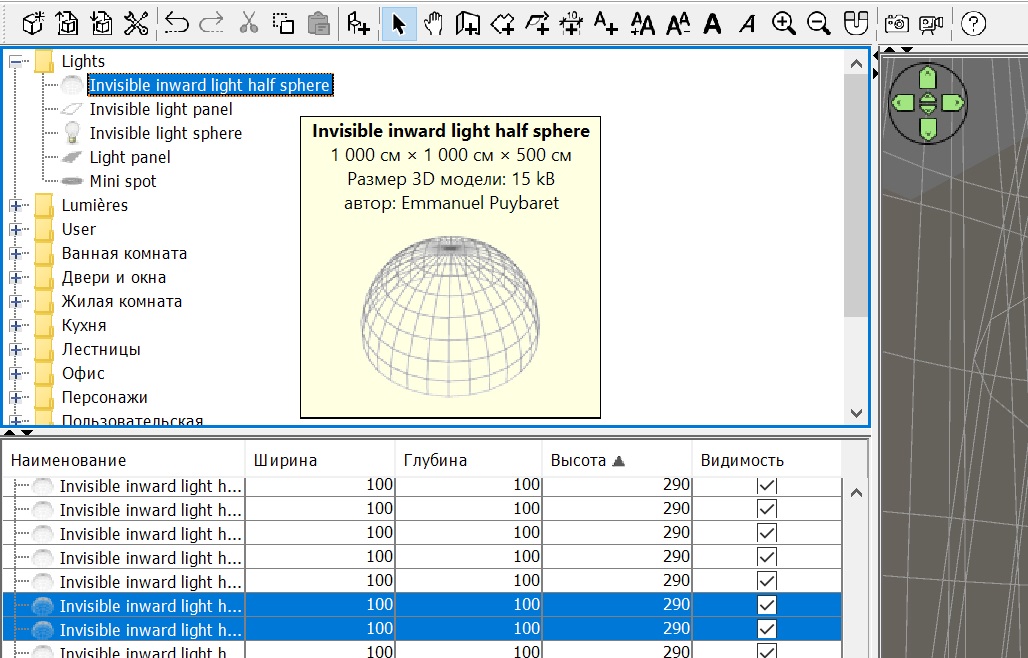
Thanks! Fortunately, this precious tool is given to everyone for free! You just need to download version 7.2 and enjoy the huge features of the program. The new fixtures are great and can be used creatively. Just in case, I'll show you where they are sitting without a smile, so that they certainly don't get pulled:0)


Posted by hansmex at Oct 24, 2023, 12:09:08 PM
Re: Apartment project with lighting by invisible hemispheres. I continue advertising
Thanks - found them :-)
----------------------------------------
Hans

new website - under constuction
hansdirkse.info

Posted by Vinci68 at Oct 24, 2023, 2:14:45 PM
Re: Apartment project with lighting by invisible hemispheres. I continue advertising
You've done a great job and the whole thing is very realistic... Unfortunately, I think you need a very high-performance machine to achieve such results! But your creations still make me dream...

Posted by GaudiGalopin3324 at Oct 24, 2023, 5:45:21 PM
Re: Apartment project with lighting by invisible hemispheres. I continue advertising
Thanks! I must say that I am a loyal and committed fan of the SH 3D program. I am not interested in other visualization programs, and I have, for example, 3DS MAX. But I use it only as a model converter for my pet, it's too heavy for my mind. It is good for converting all these busy and heavy models to DAE format. Yes, I agree, it's like cracking nuts with a microscope, but what can I do with my love? Probably it is because of the weight of the models that the render takes so long. The hemispheres themselves do not greatly increase the processing time, although of course they add time. But I like the multicolour in the lighting, which is possible thanks to the hemispheres. And such a necessary diffused light, which is not present when using balls. I would be very interested to know what can be changed in the characteristics of the computer to speed up image processing. What should I pay attention to? I have 4 cores in the processor, as I understand the video card does not affect the performance in SH3D in any way, then what? My friends added to my sadness, they said that the SH3D program has its own limitations. And nothing can be improved. I am seriously asking because I have long since resigned myself to long renderings. But maybe there is a solution? Even if it requires finances, I will refuse sweets ;-) I am really looking forward to advice from those who know in which direction to act. Thank you in advance.

Posted by Vilgard at Nov 8, 2023, 10:12:00 AM
Re: Apartment project with lighting by invisible hemispheres. I continue advertising
Hi. I can't find the "luminous half-sphere" on my SH3D version 7.2...
There is a reason for this ? Do I need to install a special plugin ?

Salut. Je ne trouve pas la "demi-sphère lumineuse" sur mon SH3D version 7.2...
Il y a une raison à cela ? Faut-il installer un plugin spécial ?

Posted by Puybaret at Nov 8, 2023, 11:26:20 AM
Re: Apartment project with lighting by invisible hemispheres. I continue advertising
You'll find this light source in the LightShapes.sh3f furniture library explained in the blog article about Sweet Home 3D 7.0.
----------------------------------------
Emmanuel Puybaret, Sweet Home 3D creator

Posted by Vilgard at Nov 8, 2023, 4:13:41 PM
Re: Apartment project with lighting by invisible hemispheres. I continue advertising
thank you, that’s what I was missing applause

Posted by GaudiGalopin3324 at Nov 8, 2023, 8:30:53 PM
Re: Apartment project with lighting by invisible hemispheres. I continue advertising


Posted by GaudiGalopin3324 at Nov 8, 2023, 8:50:19 PM
Re: Apartment project with lighting by invisible hemispheres. I continue advertising
I've simplified the lighting even more. I placed multicolored hemispheres 110x110x254cm with a capacity of 2.5% in the room. The separation from the floor is 7cm, from the ceiling is 3cm (ceiling height is 264cm). Wider hemispheres give a more even illumination of the ceiling, even with a rare arrangement of hemispheres. On the street, at the level of the upper edge of the windows, I placed blue spheres stretched horizontally, wider than the size of the window. The size of these spheres is 300x65x65cm, the power is 30%. And that's it! No panels. Only chains of orange balls for diode illumination. If there are no heavy models in the room, then as 2000x1500 a picture with a good realistic view is loaded for 6-9 hours. It all depends on the severity of the models that fall into the frame. Hemispheres can be safely placed as you like, intersect walls and objects - nothing appears at low power, everything is smooth, without spots (only you need to put YAFARAY). Experimented with a new way of textures for the sofa and armchair. If you take any texture of the desired overall color and assign a texture scale of 1-2% in furniture, then you get an even CORDUROY in color. A good way to get furniture without strange stains and in an interesting material.

Posted by GaudiGalopin3324 at Nov 8, 2023, 9:04:37 PM
Re: Apartment project with lighting by invisible hemispheres. I continue advertising


all the lights are arranged like this

Posted by GaudiGalopin3324 at Nov 8, 2023, 9:25:59 PM
Re: Apartment project with lighting by invisible hemispheres. I continue advertising


Posted by GaudiGalopin3324 at Nov 10, 2023, 7:09:19 PM
Re: Apartment project with lighting by invisible hemispheres. I continue advertising


Posted by GaudiGalopin3324 at Nov 10, 2023, 7:22:38 PM
Re: Apartment project with lighting by invisible hemispheres. I continue advertising


Posted by GaudiGalopin3324 at Nov 17, 2023, 5:16:13 PM
Re: Apartment project with lighting by invisible hemispheres. I continue advertising


Posted by Punctum at Nov 23, 2023, 3:03:55 PM
Re: Apartment project with lighting by invisible hemispheres. I continue advertising
Sorry for the noob question but the "invisible inward light half sphere" where can I find it?

Posted by Tutmozis at Nov 23, 2023, 3:31:56 PM
Re: Apartment project with lighting by invisible hemispheres. I continue advertising
Sorry for the noob question but the "invisible inward light half sphere" where can I find it?


Here:
https://www.sweethome3d.com/support/forum/getattachment?attach=396

Posted by Tutmozis at Nov 23, 2023, 3:35:32 PM
Re: Apartment project with lighting by invisible hemispheres. I continue advertising
Great job Gaudi, awesome !

It would be very helpful for this community, if you would create one simple room with this realistic lighting, so we can study it :)

Just an idea ;)

Posted by VeroniQ at Nov 23, 2023, 3:38:07 PM
Re: Apartment project with lighting by invisible hemispheres. I continue advertising
And you can find some test here: http://www.sweethome3d.com/support/forum/viewthread_thread,11886

Posted by Punctum at Nov 23, 2023, 5:09:48 PM
Re: Apartment project with lighting by invisible hemispheres. I continue advertising
thx

Posted by GaudiGalopin3324 at Nov 23, 2023, 10:08:30 PM
Re: Apartment project with lighting by invisible hemispheres. I continue advertising
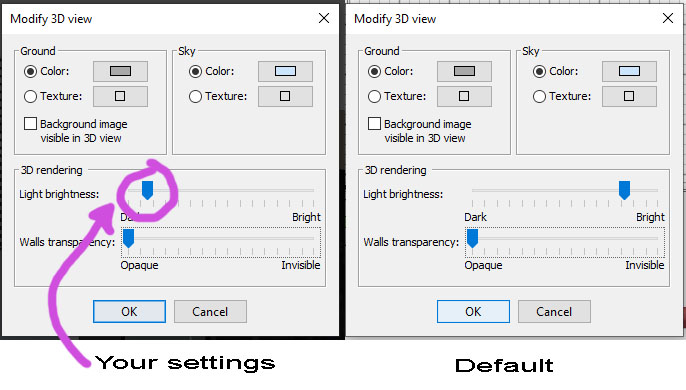
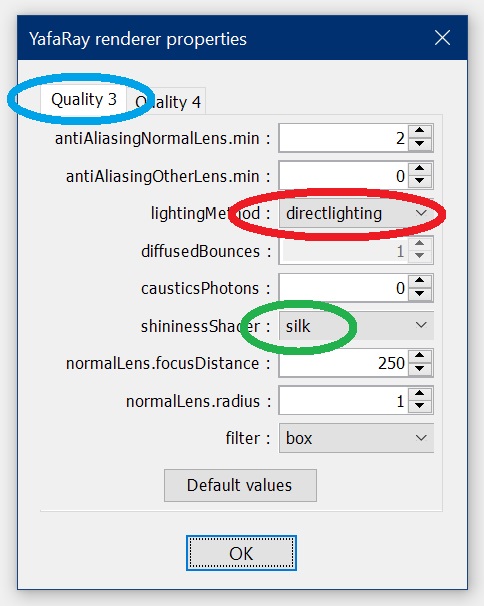
Thanks Tutmozis! I am very glad that this topic is interesting to someone. I will be happy to share my working file. If something is unclear there, I will be happy to answer any questions. For rendering photos, I use a brightness level of 1.8 on the scale, so it's so dark in the frame right now (the quality level is third, not fourth, 2000x1500 pixels). If you shoot a video, then you need to put the brightness in the middle position and the quality level at a minimum. Pixels for HD.

https://www.mediafire.com/file/fh62xe0l6w85y3...%25B8%25D1%258F.sh3d/file

Posted by Tutmozis at Nov 23, 2023, 11:02:28 PM
Re: Apartment project with lighting by invisible hemispheres. I continue advertising
Thanks Tutmozis! I am very glad that this topic is interesting to someone. I will be happy to share my working file. If something is unclear there, I will be happy to answer any questions. For rendering photos, I use a brightness level of 1.8 on the scale, so it's so dark in the frame right now (the quality level is third, not fourth, 2000x1500 pixels). If you shoot a video, then you need to put the brightness in the middle position and the quality level at a minimum. Pixels for HD.

https://www.mediafire.com/file/fh62xe0l6w85y3...%25B8%25D1%258F.sh3d/file


Wow, thx for sharing it - Big appreciation !

I will study it, and let you know if have any question.

Posted by GaudiGalopin3324 at Nov 24, 2023, 2:34:39 PM
Re: Apartment project with lighting by invisible hemispheres. I continue advertising


here is a very simple scene, loading only 40 minutes at a good quality of 3000 pixels. After all, the rendering time mainly depends on the weight of the models, not on the hemispheres. There are as many of them here as in other projects where the download took 12-25 hours

the file of this scene is here https://www.mediafire.com/file/9qo9kjfln6ne0z...%25BB%25D0%25B8.sh3d/file

Posted by GaudiGalopin3324 at Nov 26, 2023, 8:18:05 PM
Re: Apartment project with lighting by invisible hemispheres. I continue advertising


Posted by GaudiGalopin3324 at Dec 3, 2023, 10:04:30 PM
Re: Apartment project with lighting by invisible hemispheres. I continue advertising
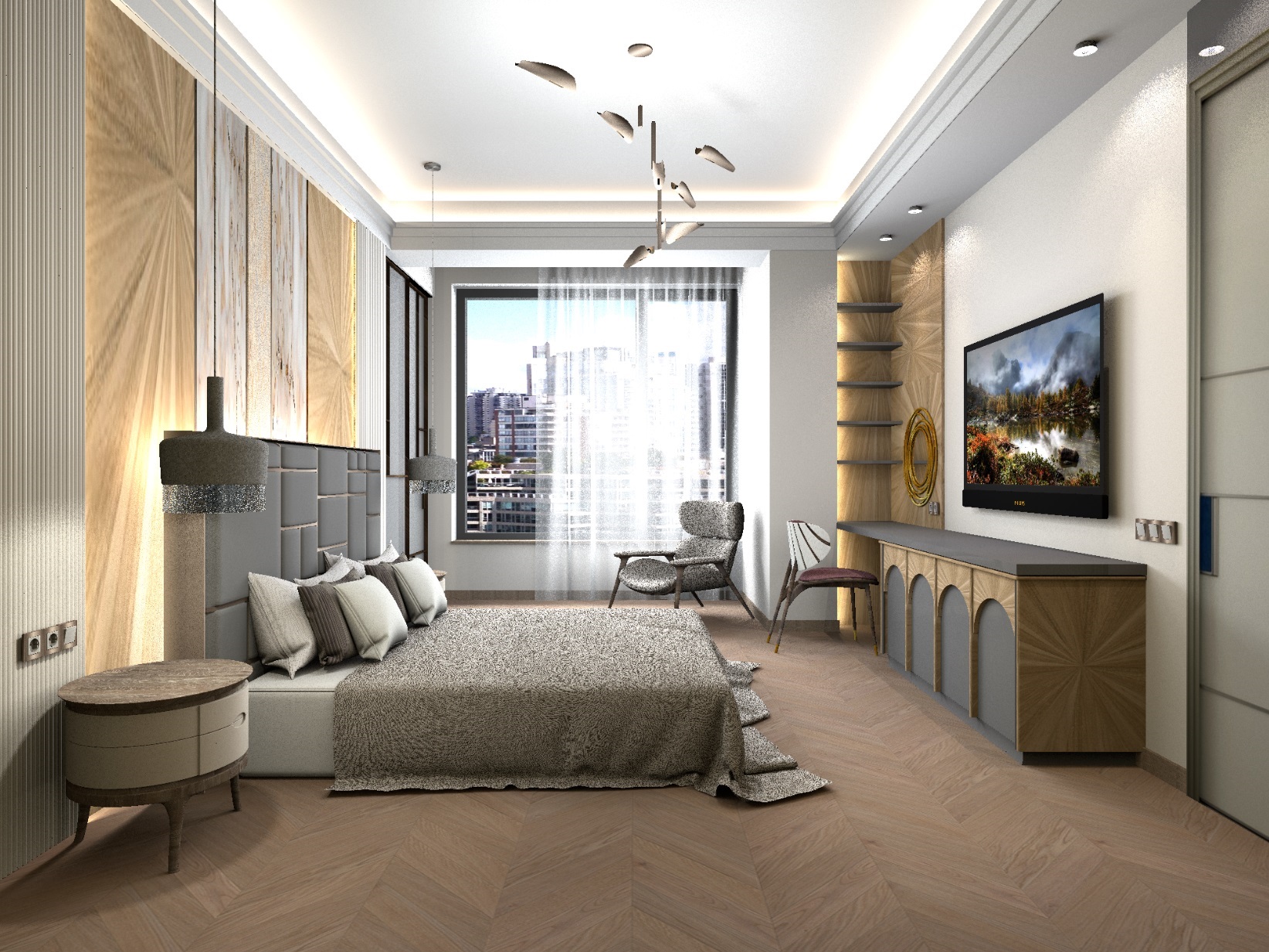
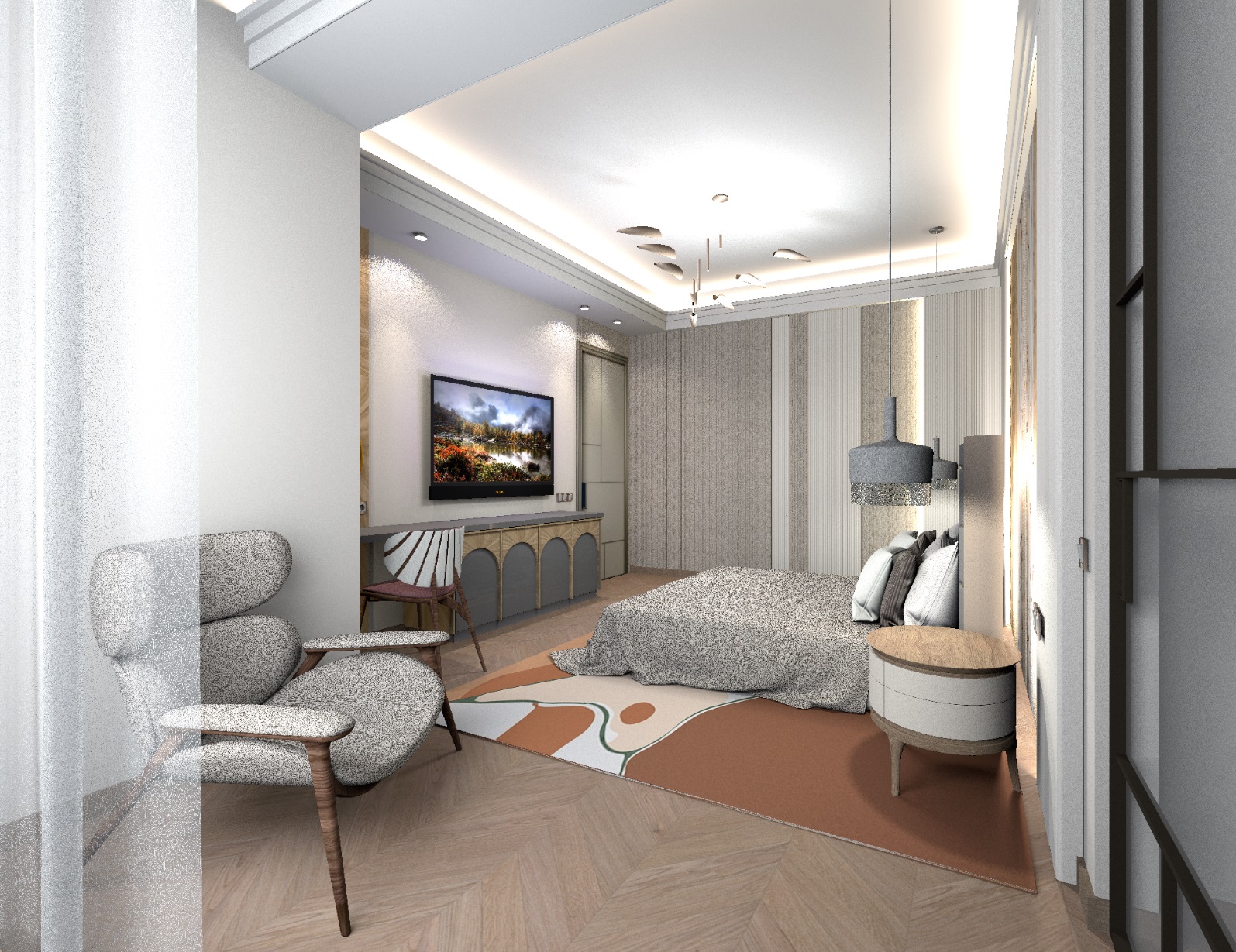
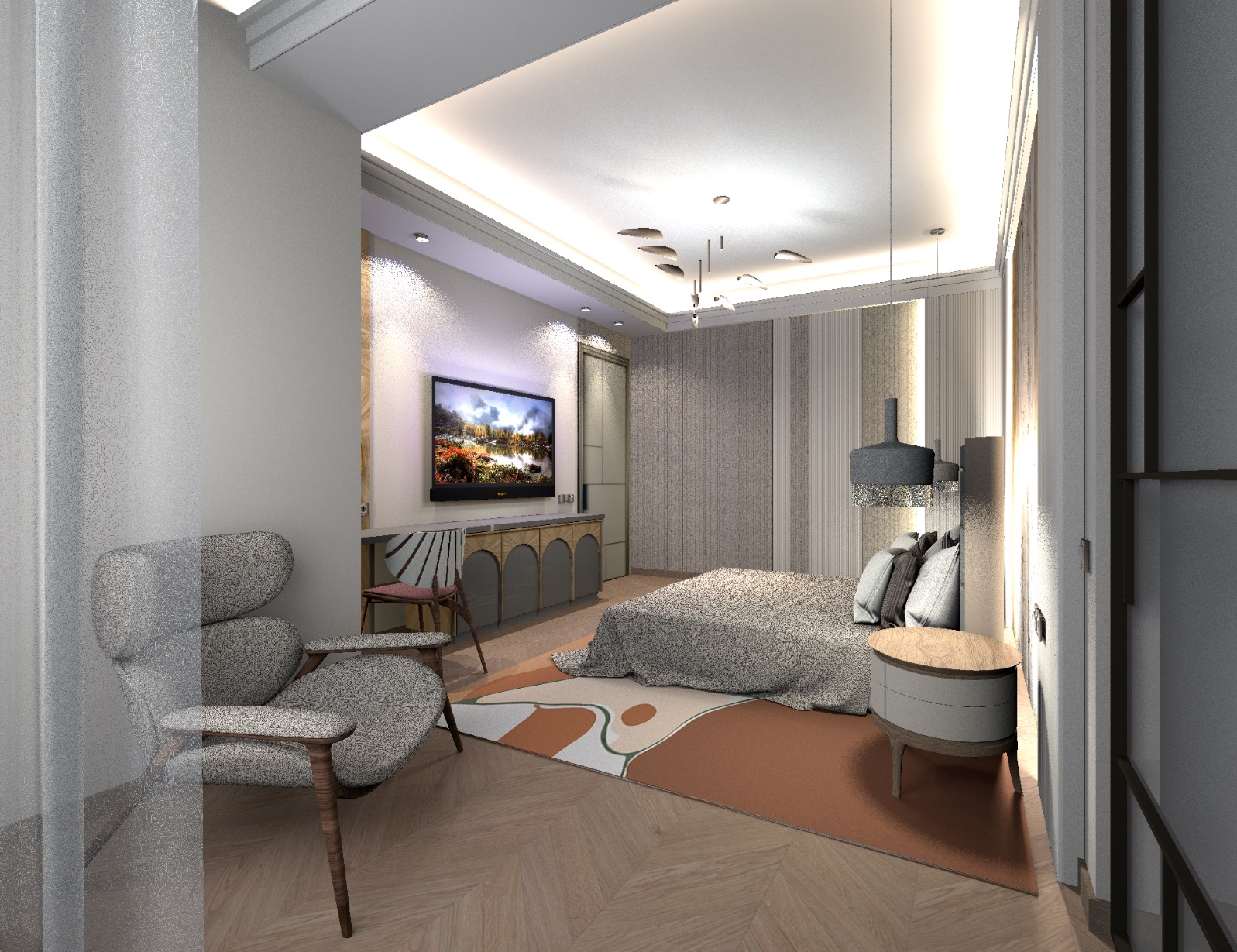
I want to tell you about my way of changing the ratio of daylight and artificial light in a room. In the first photo, the light settings were taken from previous settings, for angles towards the window, from the depths of the room. These settings worked well for shots towards a daytime light source when subjects are in the contour. In this position of the camera, the shapes of objects are clearly readable. The general layout of the hemispherical towers is like this, there are 20 of them in the room (2-3% each). There is a long visible blue sphere above the upper edge of the window on the street (25%), 4 spots on the sides of the TV (lamps by 40%), two pendant lamps above the bedside tables (halogen balls 6cm by 50%), a chandelier (a composition of spheres by 10-15%), lines of diode illumination along the perimeter of the ceiling and behind the headboard (10% each). There are also a number of flat high blue hemispheres for highlighting organza 12 pieces (6% each). The TV is illuminated by a group of spheres of different colors 8 pieces of 5% each.

In the next picture, I took an angle from the window, the viewer is sitting on the windowsill and leaning back against the glass. It is a very difficult angle to effectively convey the shape and light in the room. There is a clear preponderance of the daytime cold spectrum, the warm light of the interior lamps disappears, does not manifest itself with full force. This happens during the day, but the picture does not look expressive.

The illumination level was set for this light scheme at 0.8 of the first division on the brightness scale. I noticed that if the level is less than the first division, then a raster and a large grain appear on the wall behind the chair, although it is simply painted in an even color.

In the second picture, I decided to shift the proportions of the cold street light and give the interior lights a chance to make themselves known louder. All 20 hemispherical towers have now become 1% (there were 2-3%). The horizontal sphere on the street became 10% (it was 25%). Hemispheres for organza illumination became 3% each (there were 5% each). Slightly lowered the brightness of the diode backlight behind the bed. In general, the room began to play more interesting, the lamps started to work louder, the shapes of objects began to manifest themselves more effectively. But not yet as I would like to see in a room with the lights on. This angle from the window is not easy, I already know.

In the third picture, I completely shifted the proportions of street and indoor light. Now 20 hemispherical towers have become 0.5% each (they were 1% each). The street horizontal sphere became 5%, the organza backlight was made by 2% and changed the color to orange (there were 5% and blue each). As a result of such changes in the brightness of the lamps, evening lighting of the room with bright spectacular groups in the room turned out. There were upper illuminated surfaces on the chest of drawers and bedside tables (they had not been so obvious under the lamps before). I deliberately shifted the orange hemisphere in the center of the chandelier lower to the bed in order to specifically highlight the blanket more strongly. You can continue to shift the proportions of warm and cold light, but it's better to stop. If you turn off the light from the street completely, then there is a risk of getting black sides on the chair and on the organza, therefore, imitation of reflexes even in the evening light should be preserved and a minimum flow of light from the window should be left. The third option is the warmest and tastiest in identifying the shapes and colors of objects. And it is very important that you need to increase the brightness of the render a little each time. The second picture became 1.5 on the scale (at first it was 0.8), the third evening picture was 2.7 on the brightness scale. The higher the brightness of the render, the smoother and more colorful the wall surfaces, the less unnecessary raster. I also increased the diameter of the halogen balls inside the pendant lights to 14cm (it was 6 cm). As a result, the falling shadow from the round bedside table got a soft blurred edge on the carpet, I liked it that way. After all, the lamp inside the lampshade gives out a wider flow of light due to reflections from the inner surfaces of the lampshade.

All the pictures in this theme are made at the third level of quality, not the fourth. Images are loaded for an average of 24 hours, of which it takes almost 12 hours to render organza, it slows down a lot at a close distance from the camera. Without organza, 9-12 hours. If the organza is in the background, then everything loads very quickly. You need to set YafaRay.


Posted by GaudiGalopin3324 at Dec 7, 2023, 7:26:58 PM
Re: Apartment project with lighting by invisible hemispheres. I continue advertising
I want to show you my way to make light come out of chandeliers. The trick is to use the magic invisible hemispheres directed inward again. They are useful here too. I made a group of two hemispheres and got a cocoon. I placed glass lampshades inside it. And they caught fire! Almost all the energy of such hemispheres is directed inward, so the lamps burn with fire, and residual light goes to the walls, not the main one. In the first picture, three pendant lights are just so illuminated. The color of the hemispheres is orange for the hanging groups and white for the central chandelier. A good and simple way to simulate a lit lamp. The power of each hemisphere in the cocoon (there are 2 of them here) is 8%. Well, as always, the filling light in the room has 10 towers of 1-2% of different colors.


rendering brightness is 2.9 on the scale, the third level of quality, 2000x2000 pixels

Posted by Keet at Dec 7, 2023, 11:14:58 PM
Re: Apartment project with lighting by invisible hemispheres. I continue advertising
Beautiful work! I always look forward too your images with great light work.
This is another one which I'm sure will be very helpful for many users wanting to add chandeliers with correct lighting.
----------------------------------------
Dodecagon.nl
1300+ 3D models, manuals, and projects

Posted by GaudiGalopin3324 at Dec 7, 2023, 11:34:06 PM
Re: Apartment project with lighting by invisible hemispheres. I continue advertising
Thanks Keet! I really want someone to do their job according to this scheme.. eh. But I'll still pick at this sore and maybe I'll wait))

Posted by GaudiGalopin3324 at Dec 11, 2023, 8:46:46 AM
Re: Apartment project with lighting by invisible hemispheres. I continue advertising
for more information about the hemispheres in chandeliers and plafonds, see here https://www.sweethome3d.com/support/forum/viewthread_thread,12622

Posted by GaudiGalopin3324 at Dec 26, 2023, 7:57:03 PM
Re: Apartment project with lighting by invisible hemispheres. I continue advertising
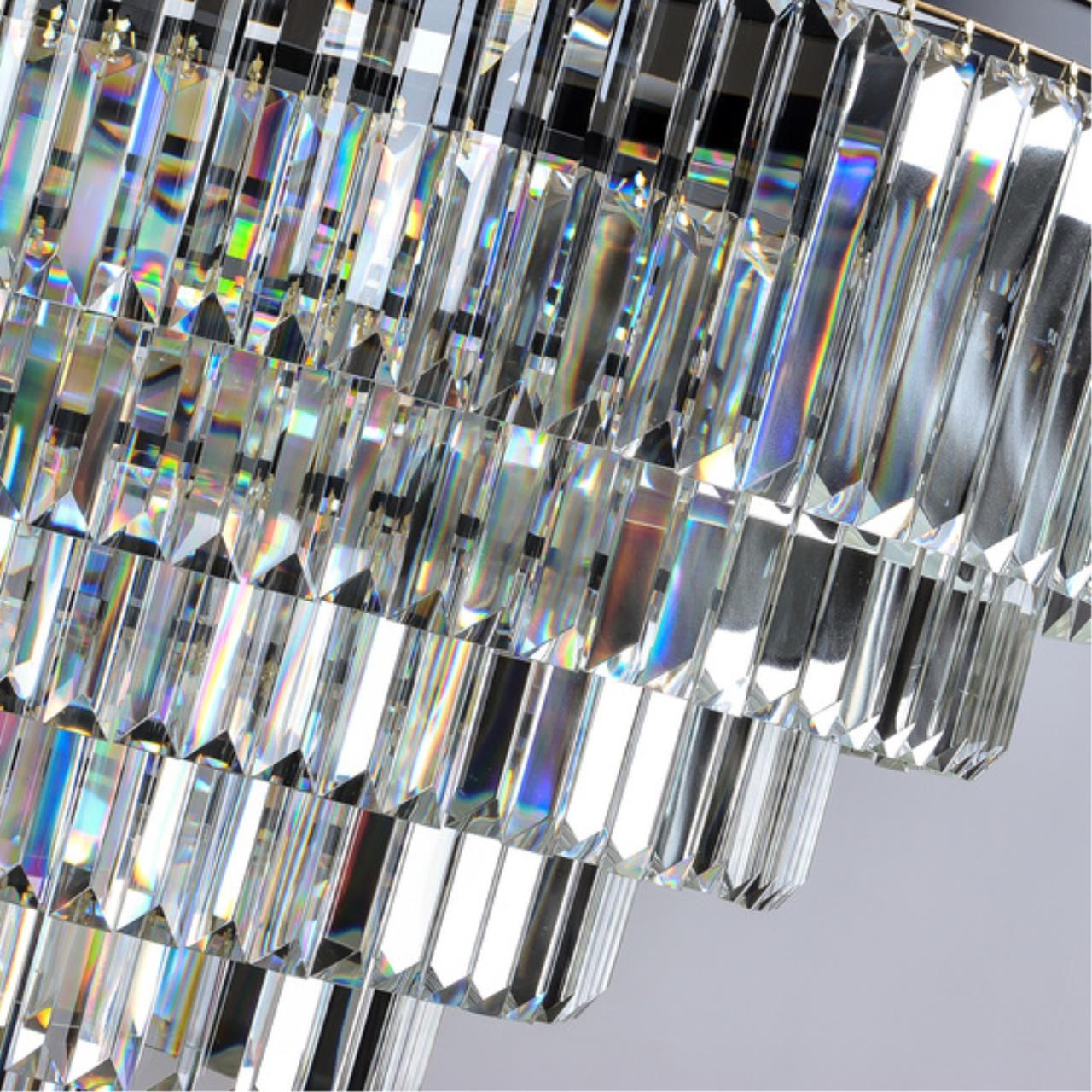
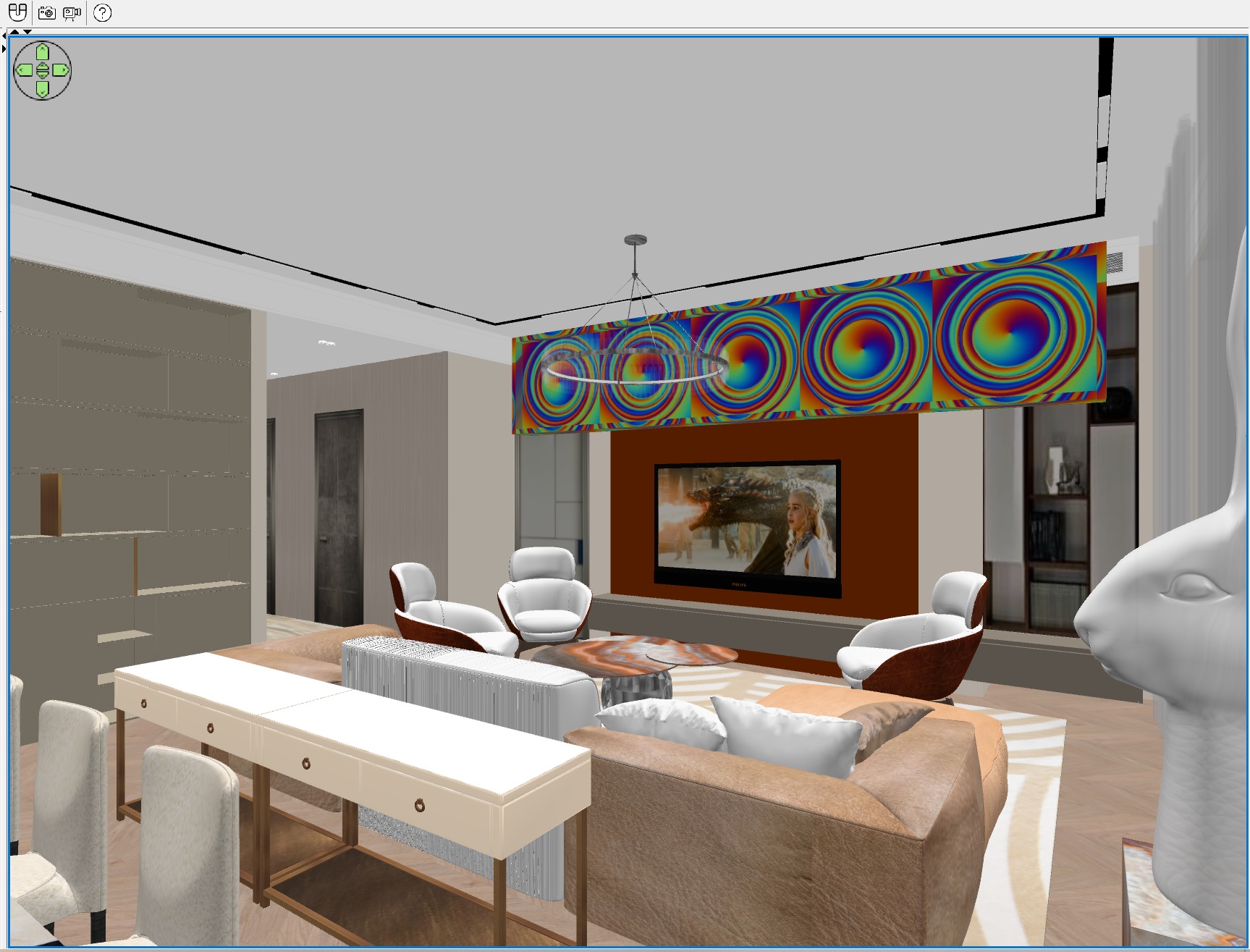
In a neighboring topic, I began to study a way to simulate Swarovski crystals. The mechanism of light beam dispersion cannot be fully reproduced in SH3D, it can only be simulated. And the method of a Brightly lit billboard with a rainbow pattern is well suited for this. Here I told you about this method in more detail https://www.sweethome3d.com/support/forum/viewthread_thread,12818#60654 . The main idea is to place a very bright shield behind the viewer, illuminated by an invisible unidirectional panel (from the panel of new light tools.


I made a shield 1 meter high and 5 meters wide, surrounded it with a frame so that there was no illumination from the panel to the sides. I raised the whole structure to a height of 210 cm so that there would be no glare in the two glass cases on the far wall of the room.


In order for the effect of the billboard to act only on chandeliers, it is necessary to exclude shiny surfaces in areas of possible reflections, and assign a matte gloss everywhere in these places. In my case, the reflections should not be below 2 meters on the opposite wall (the viewer's eye level is set as 150 cm). I also analyzed the visual effect on photos of real chandeliers and realized that it is difficult to get a wow effect on a very light background, preferably a dark or even black background. Therefore, I lowered the power of all filling hemispherical light towers to 1% (there were 2% each). And I increased the brightness of the render a little. The ceiling darkened a little, the colors became a little brighter. In general, the experiment resulted in an imitation of rainbow highlights on crystals. I can't say it's wow, but it's not just plain gray glass anymore. You can use it sometimes if you want variety. By the way, I assigned the panel power to 100%, so that I could be sure. The drawing can be selected and changed, in some places my reflections are too wide and flat. And of course, on low-quality trial renderers, you have to try to find the right options, although you won't be able to understand the fine lines.


Posted by Tutmozis at Dec 26, 2023, 11:25:45 PM
Re: Apartment project with lighting by invisible hemispheres. I continue advertising
For rendering photos, I use a brightness level of 1.8 on the scale, so it's so dark in the frame right now


Yes, I noticed you use dark settings at Light brightness. Is that a must to get realistic picture, or you can do it with more light at 3D view, but then lower the power at light sources to get the same effect ?

Posted by GaudiGalopin3324 at Dec 26, 2023, 11:48:55 PM
Re: Apartment project with lighting by invisible hemispheres. I continue advertising
I didn't quite understand what you mean, I'm sorry. If you need to consider something, then I just increase the brightness and move the models, fixtures, to see everything (there is a convenient way to click on the scale on the brightness scale and the brightness increases by exactly one division from the previous setting. You can both increase the brightness and also decrease it in the opposite direction exactly to the previous level, very conveniently done). What happens in the end - I only guess from my experience and try fast renderers as 150-200 to make sure. Then I run a long render as 2000 normally. I believe that often reconfiguring the fixtures (their power) does not help, rather it hinders and confuses. Although maybe I don't know something and there is a reliable algorithm... I never thought about it.

Posted by GaudiGalopin3324 at Dec 27, 2023, 4:52:02 PM
Re: Apartment project with lighting by invisible hemispheres. I continue advertising
Tutmozis I think I got it. If the scenario is very simple (for example, ten non-bright balls in a room), then the total lighting power will be small. And then you can work with a high or medium brightness level of the render. But when a complex scene begins, where there are, for example, two hundred such lamps (in my scene there are generally about 300 of different types), then the total total power grows catastrophically by leaps and bounds. And the program is forced to offer the lowest rendering brightness options. To increase this brightness level, you have to set minimum power values, for example, for hemispherical towers 1-2%. But if there is bright daylight (made artificially, with the help of spheres or panels of 30-50%), then it does not work out to reach the average level. No way. But we must try to restrain ourselves and either reduce the number of lamps (but this can produce light spots or rough lighting without imitating reflexes), or increase the number, but assign the minimum power immediately. I always try to go the second way. There are a lot of lamps and not very bright ones. And then there is a chance to render on 2-3 brightness scales, and this is the color and the absence of grain. Less than 2 is often a bad kind of picture, gray and grainy. So my advice for realistic visualizations is to put a lot of low-power hemispheres 1-2%, add chains of dozens of small spheres to them (diode illumination) and there is a chance to stay at a normal brightness level. I do not know a way to proportionally reduce the power of all the fixtures in SH3D, just immediately set the minimum where possible and check the result for poor quality.

Posted by Tutmozis at Dec 27, 2023, 6:40:30 PM
Re: Apartment project with lighting by invisible hemispheres. I continue advertising
Tutmozis I think I got it. If the scenario is very simple...


Thanks for your brilliant answer. It’s awesome info for future rendering skills.
However my question was simpler, see the image and you will understand what I was asking.


Image

Posted by GaudiGalopin3324 at Dec 27, 2023, 7:12:00 PM
Re: Apartment project with lighting by invisible hemispheres. I continue advertising
I'm not aiming for certain settings, no. Rather, I'm trying to create an opportunity to meet certain boundaries. Using simple methods. There are many lamps with low power, where possible. And 1.8 or 2 or 2.4 is not the goal for the scale. This is a wish. And then how will it work out. Sometimes it doesn't work out at all and you have to simplify everything. I think it's interesting to find a compromise between quantity and quality. I will continue to look for this balance, because the complexity of the scene lighting affects the rendering time. The last picture was loaded for 55 hours, I'm even ashamed of this result. It is necessary to clean the excess, this is nonsense.

Posted by GaudiGalopin3324 at Jan 2, 2024, 5:38:42 PM
Re: Apartment project with lighting by invisible hemispheres. I continue advertising
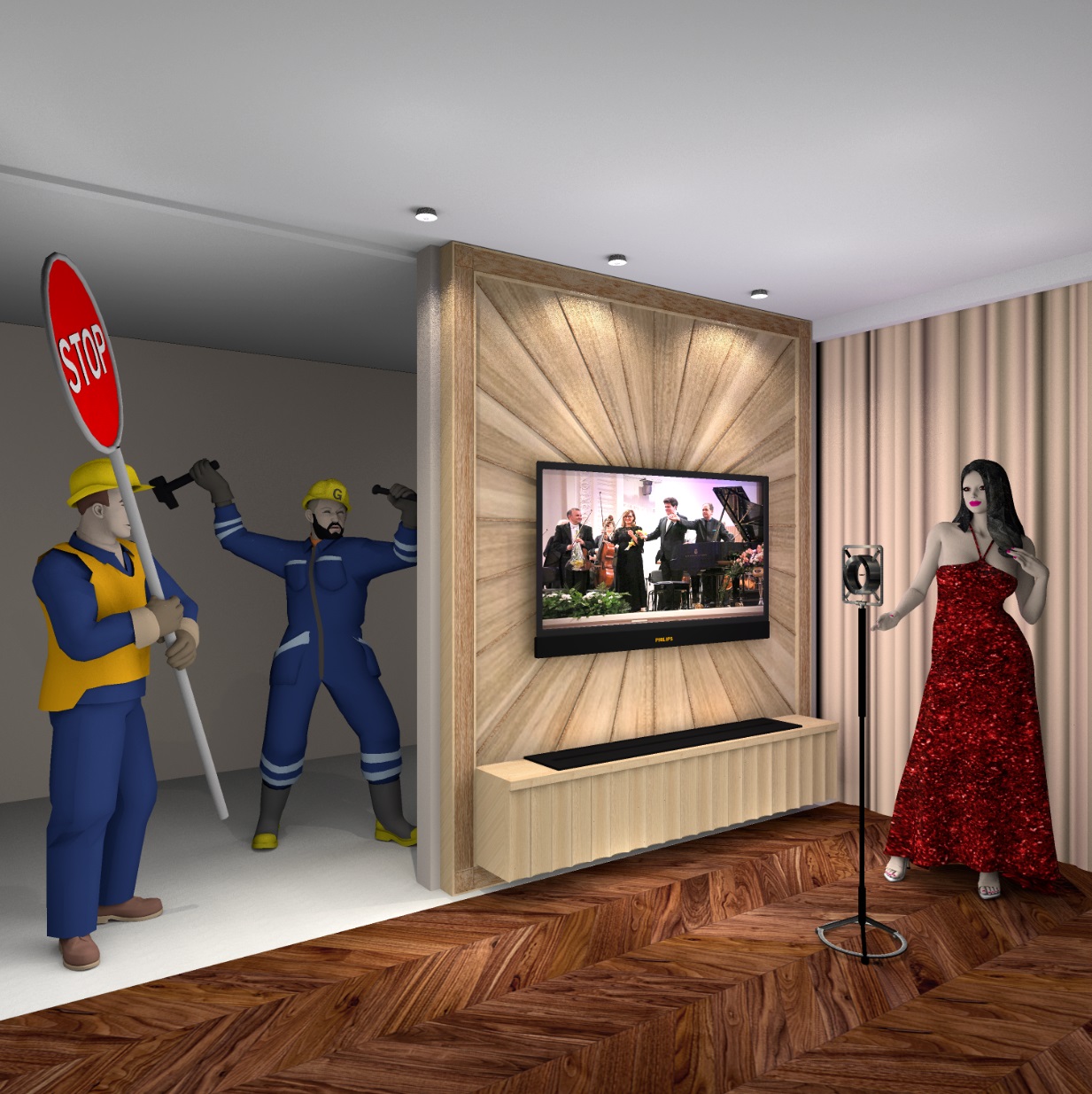
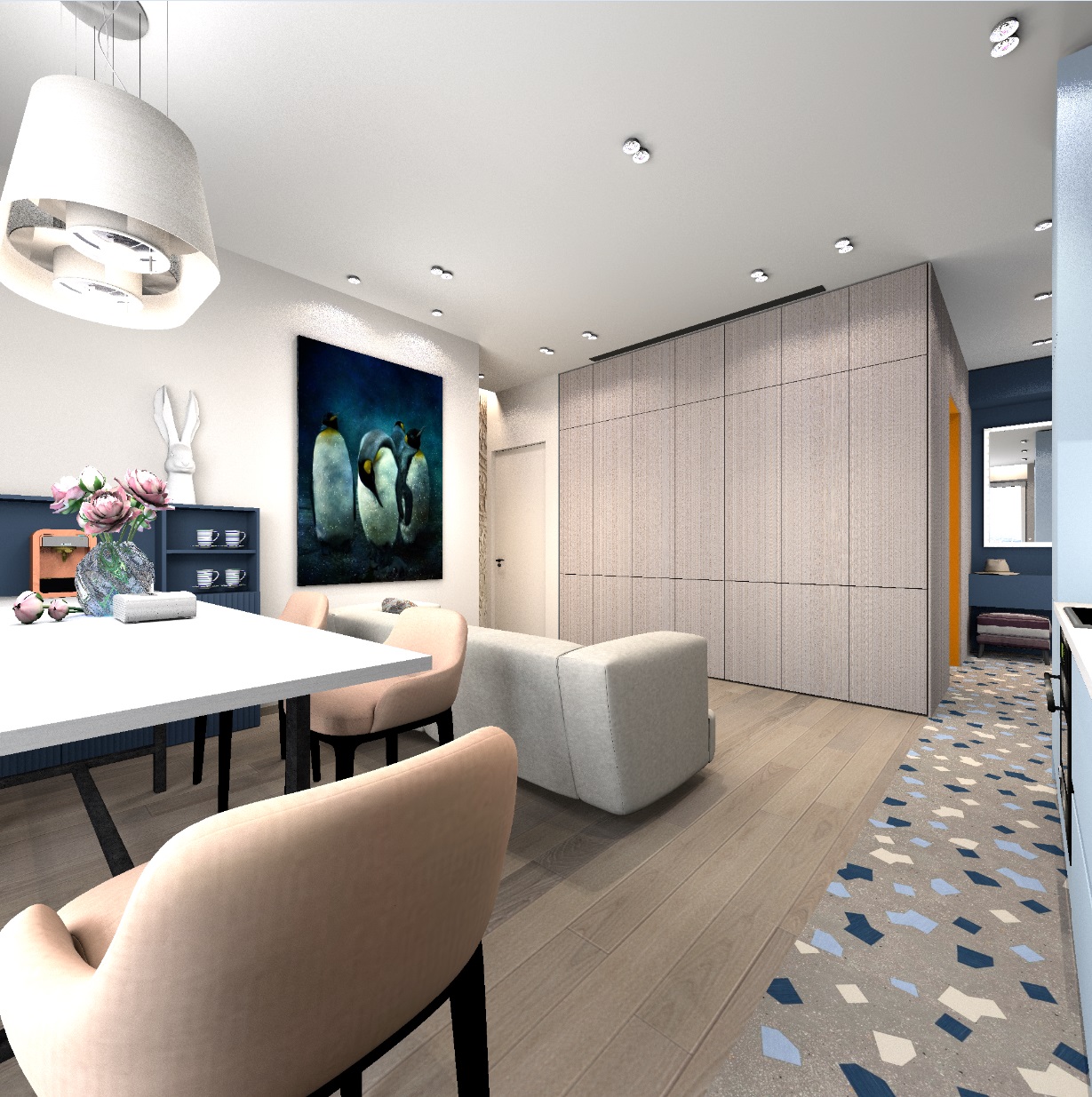
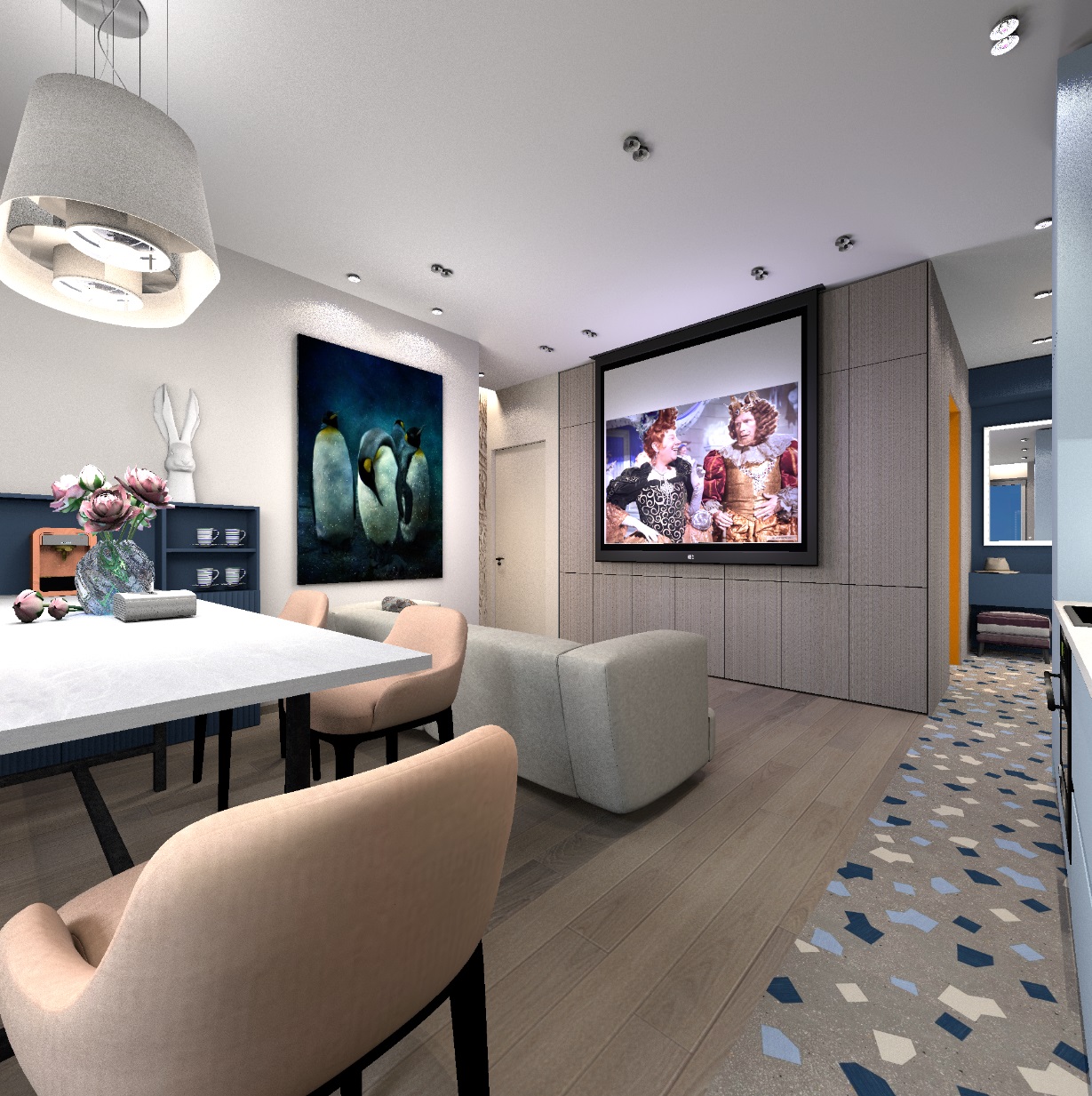
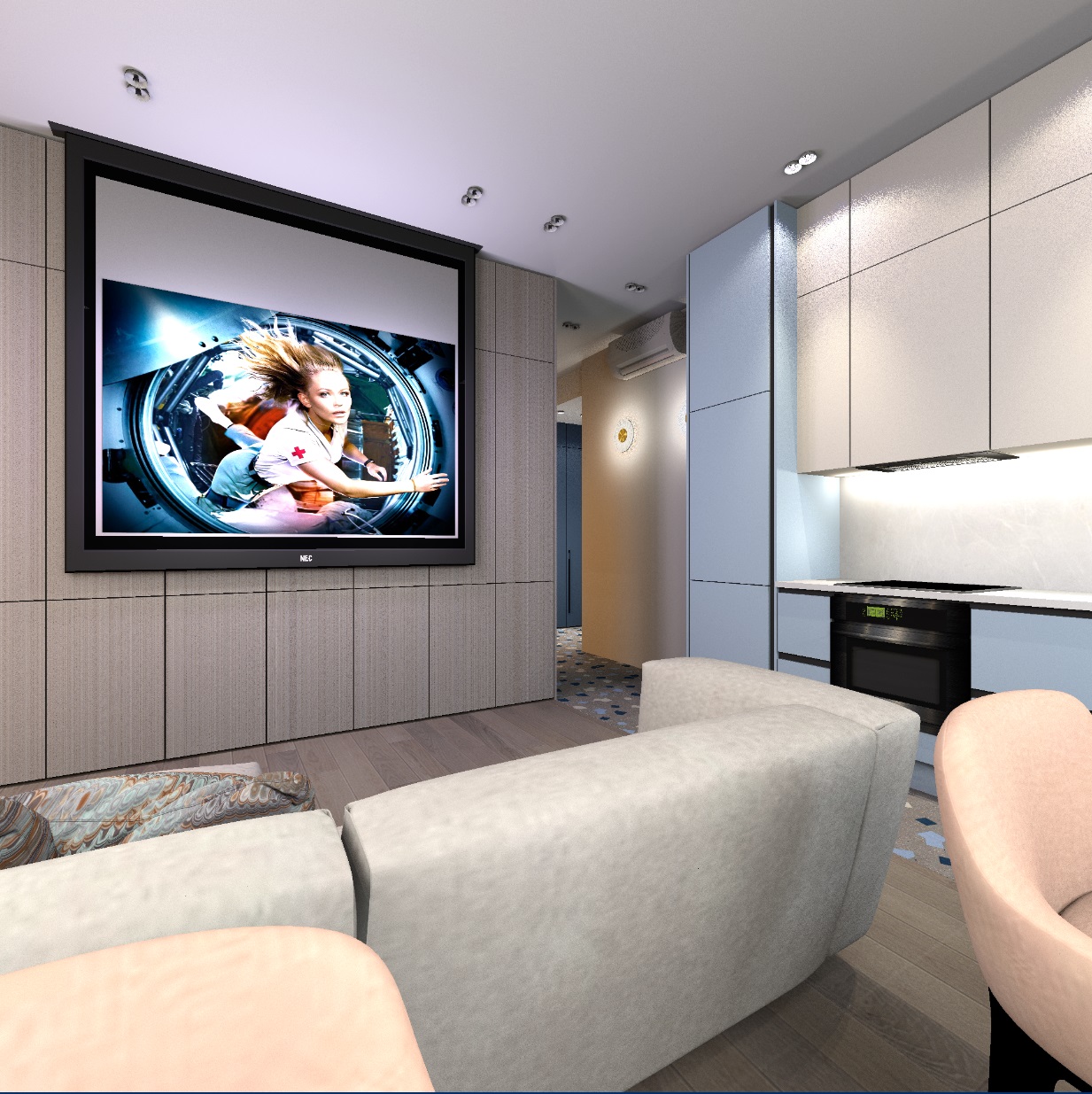
Hello in the New Year. I want to tell you about my way of showing a cinema room in a room. There are several zones in my room, there is a dining table, a sofa, a kitchen, two vestibules. Everywhere there are their own groups of lights, controlled through their switches and dimmers. There is a projector screen built into the ceiling (it stands on the table). During the day, the screen is hidden in the ceiling, in the evening you can watch a movie. There is a great temptation to turn on all the lights like in a real cinema. But after all, we have an interior first of all, and not a cinema with popcorn. Therefore, we need to prepare.
To turn off the lights selectively, I copy the necessary lights and in this copy I remove all the light powers to zero, if they are there (I give them a name with the initial word off---). I have my own homemade spots built into the ceiling, I made them from two hanging lamps of different sizes and power, and this pair is complemented by two luminous spheres for local visual effects. I have told you how these spots are made here https://www.sweethome3d.com/support/forum/viewthread_thread,12554 , they shine very truthfully and give the necessary falling shadows from objects. The lamps turned out to be good. https://www.mediafire.com/view/tkoyssq2trrx60...%25BE%25D0%25B9.jpg/file#

My belief is that you need to turn off only part of the lights in the room in order to work with the picture more delicately, not primitively out of complete darkness. To turn off the desired lamp, I combine it and the copy-off and after combining make the lamp with power invisible. In its place, there is a dummy that looks like a switched-off lamp. I decided to turn off the row of lights along the cabinet and screen and the two lights above the sofa. I also removed the extra organza backlight on the window and replaced the background on the street (city view) with a blue sky. In deep night mode, the texture of the sky will be shown outside the window brightly and without darkening, so you can choose any pictures - sunset, night stars, moon. The window is slightly reflected in the mirror in the hallway, so an evening view in the window is needed even there.
Now about how to make a glowing screen from a projector. I tried different options - panels, hemispheres, balls and realized that it was best to make groups of small multicolored spheres and evenly distribute them next to the screen over the entire area. The regularity of such a grid is not necessary, you can place balls with different steps. Some of the balls need a lilac color, this color is most similar to the general light of the TV screen. Such a group of lamps gives a very important illumination effect on the ceiling and floor, as it will be from a real screen with reflected light from a projector. It is important to give a non-bright white color of the screen itself (the background around the image), slightly gray, so that the white areas of the image burn brighter than this background.
As a result, these are the pictures.
Daytime lighting

Lighting in the evening

hemispheres for evening lighting, balls at the screen

I also successfully applied the texture method to the fabric. Sometimes it is impossible to find the right seamless texture of a fine-patterned material. I needed to draw a texture for a linen-colored fabric. I took the complex color texture of gray oak parquet and applied this texture on a scale of 1%. The result is thin scars on the entire surface of the box, very similar to the fabric. This 1% method is great if you need to depict a uniform texture of the desired complex color. It can be used for both walls and furniture.


Posted by GaudiGalopin3324 at Jan 3, 2024, 10:35:07 AM
Re: Apartment project with lighting by invisible hemispheres. I continue advertising
often, the narrow layout of the hallway or corridor does not allow you to show the view in the right size, the walls interfere. There is an easy way to make part of the walls invisible, and in their place install very low replacements of a dark neutral color. Then you can move the camera further away and take a wider view. And it will be clear that there is actually a wall here.


Posted by GaudiGalopin3324 at Jan 5, 2024, 8:52:02 AM
Re: Apartment project with lighting by invisible hemispheres. I continue advertising


Posted by GaudiGalopin3324 at Jan 18, 2024, 10:47:29 AM
Re: Apartment project with lighting by invisible hemispheres. I continue advertising
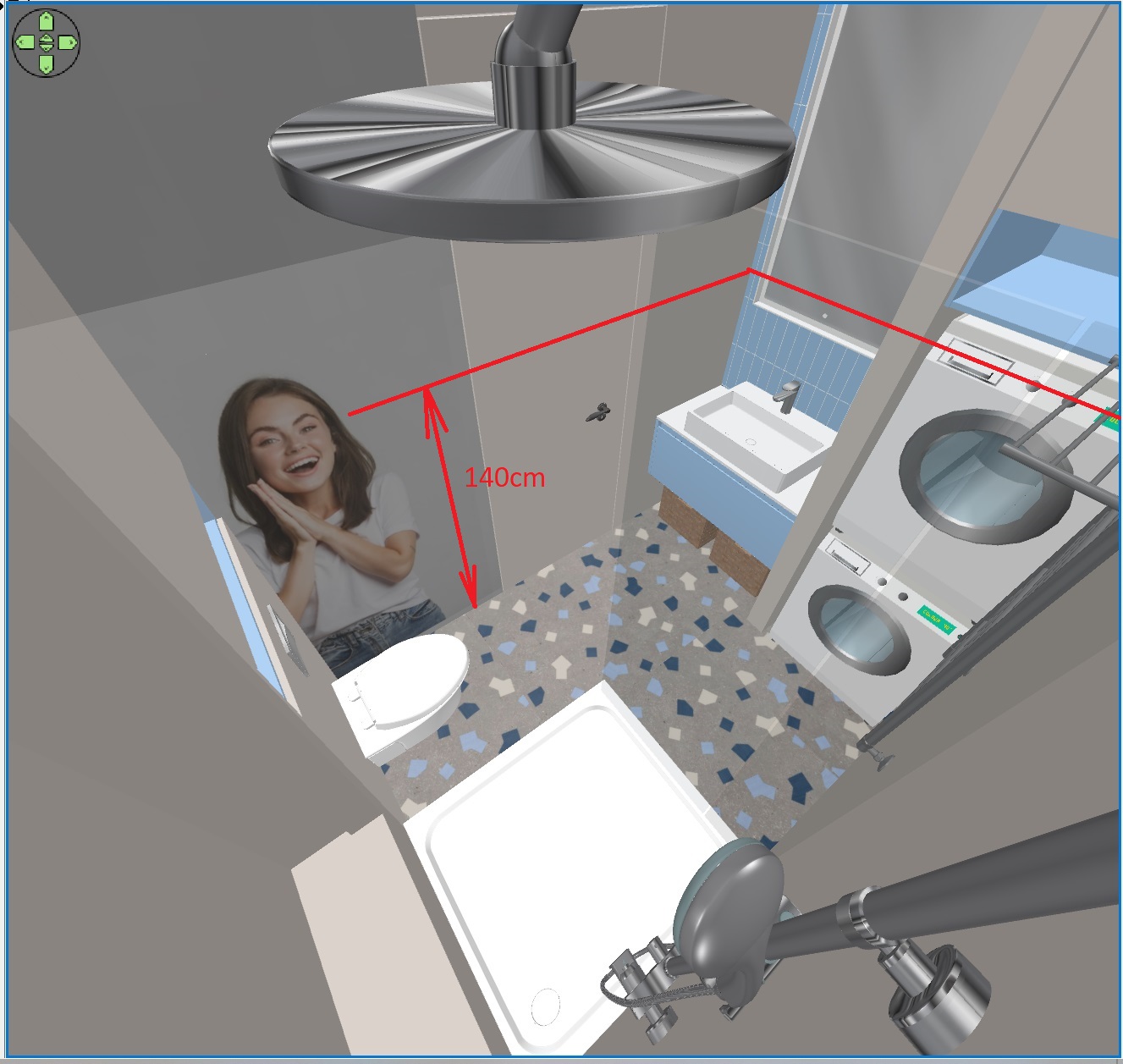
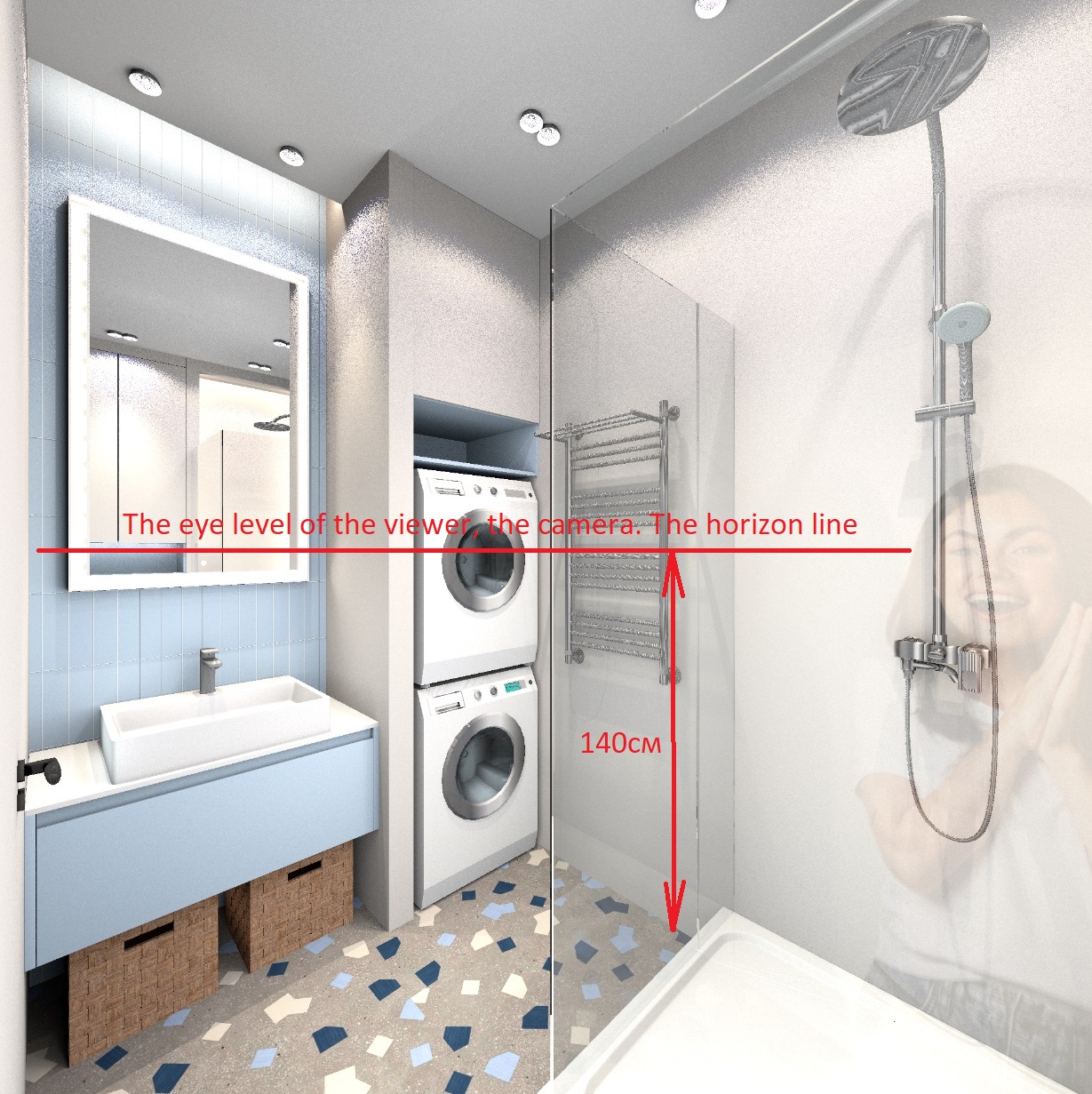
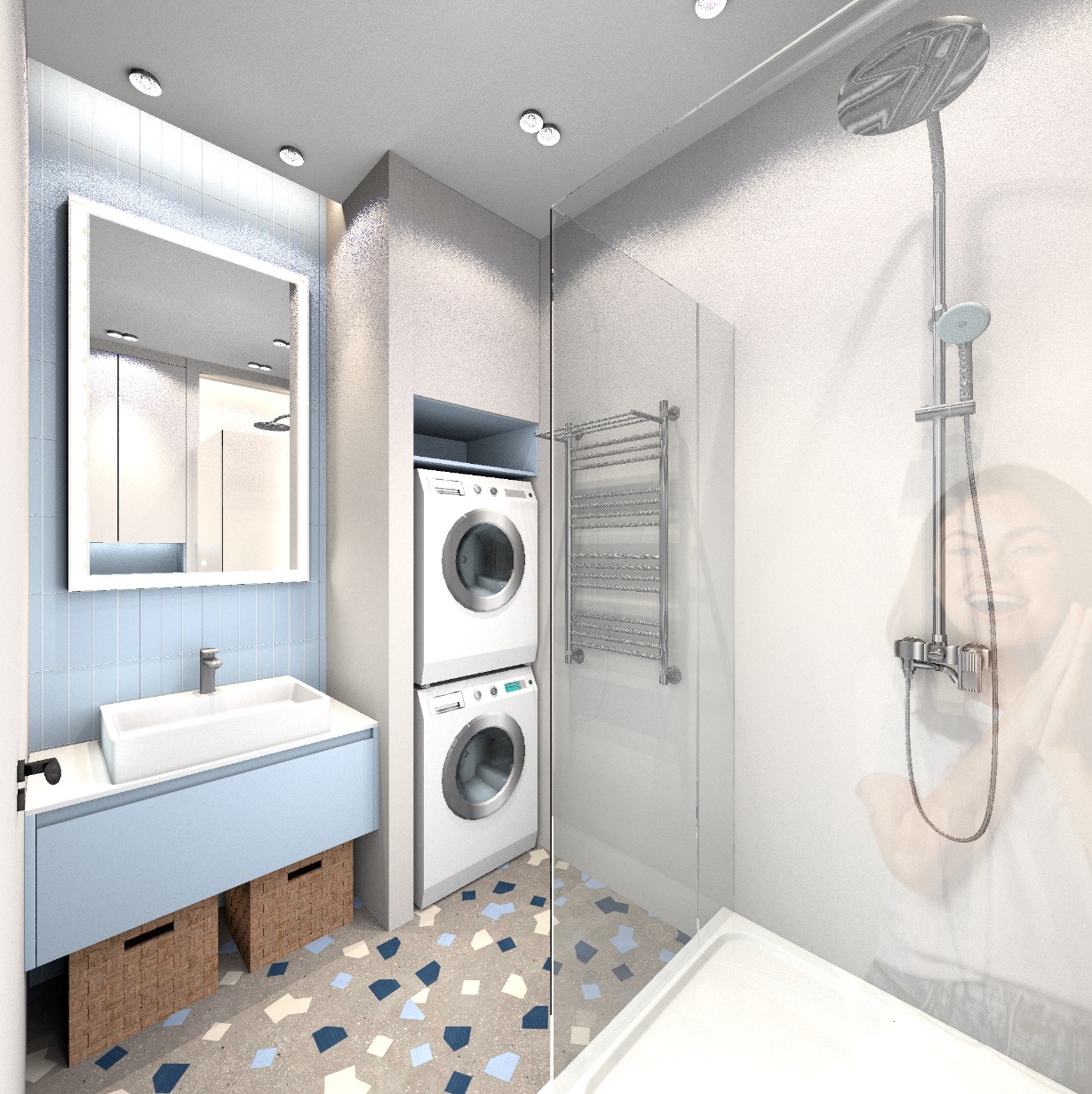
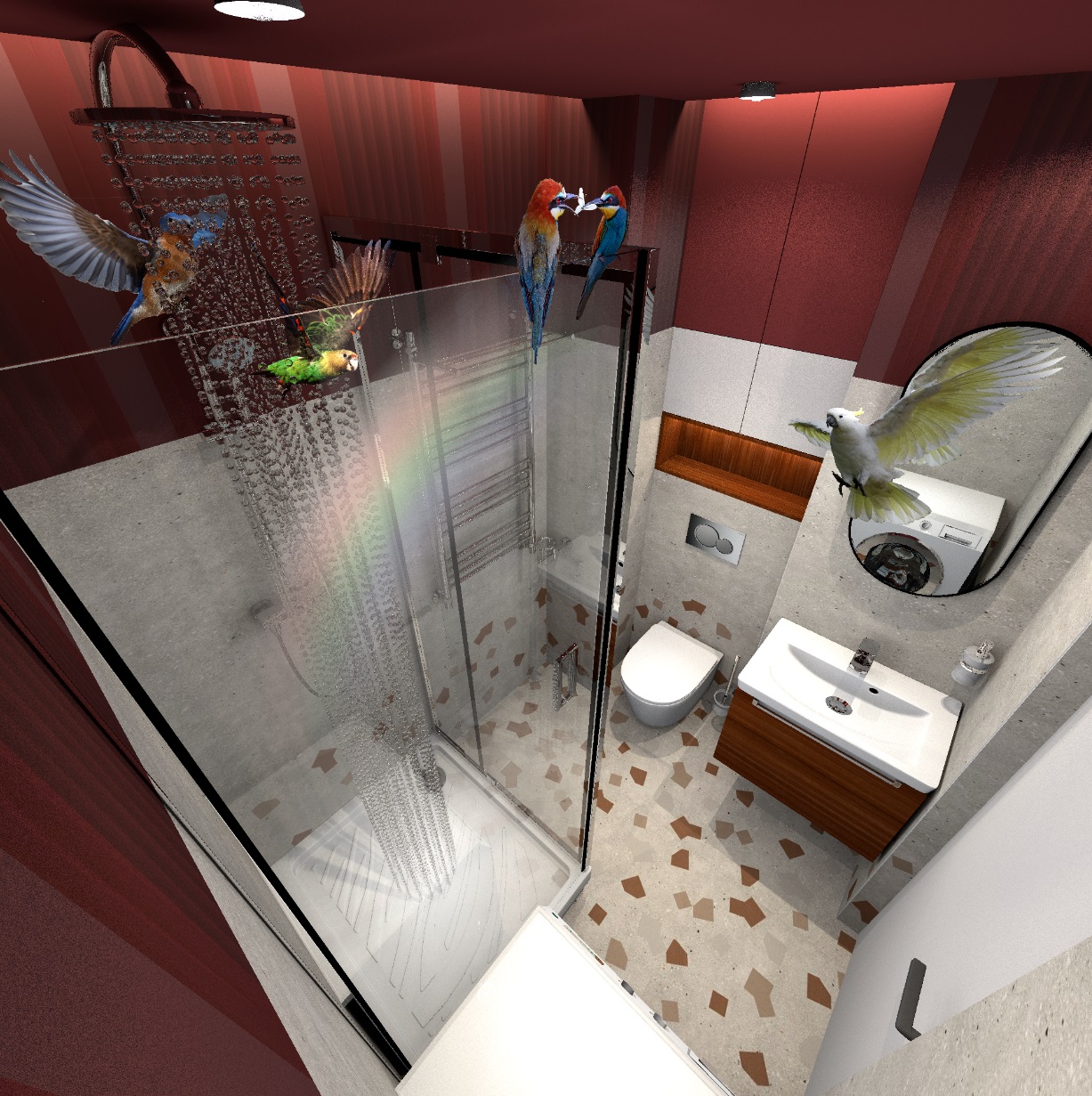
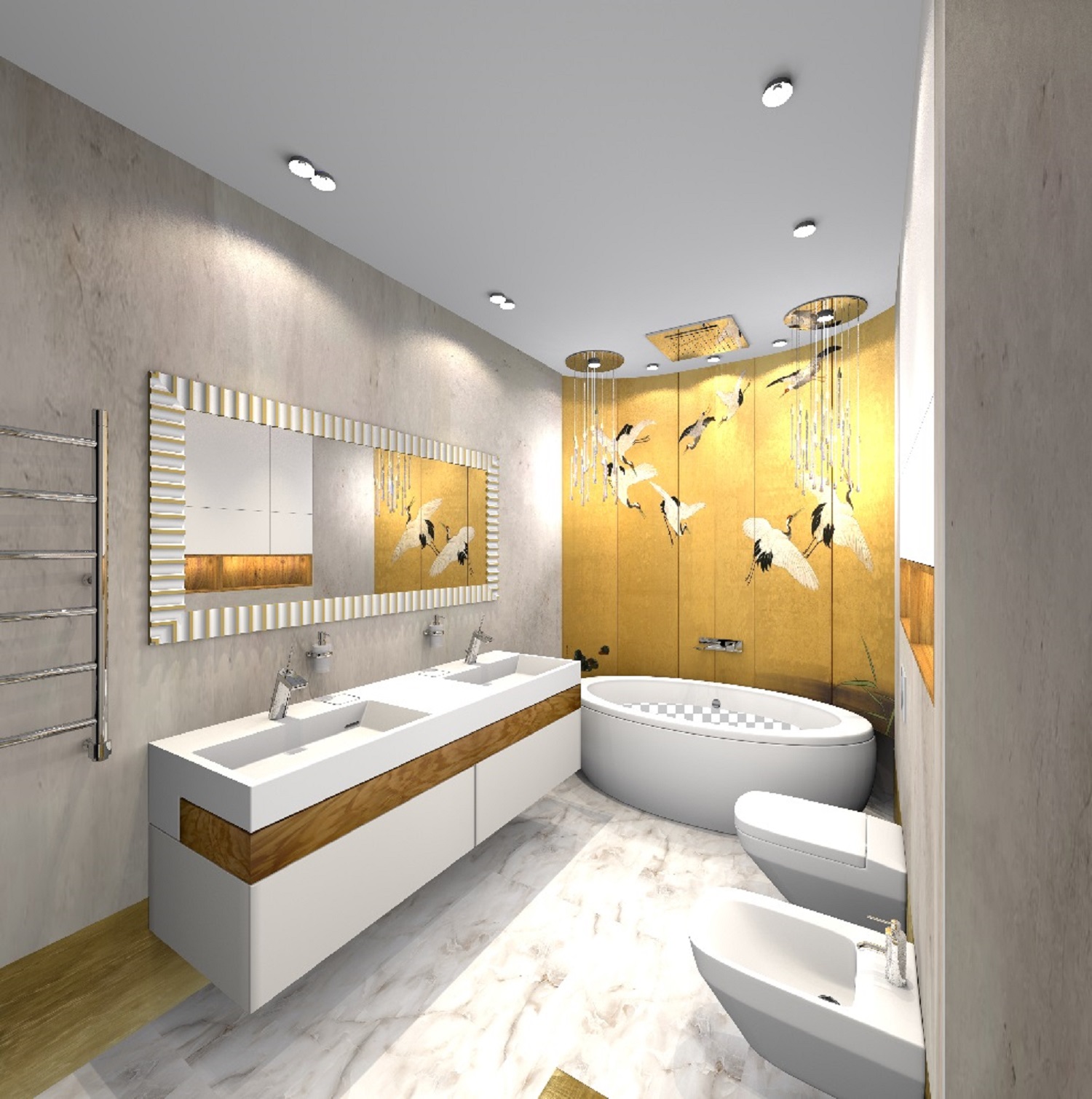
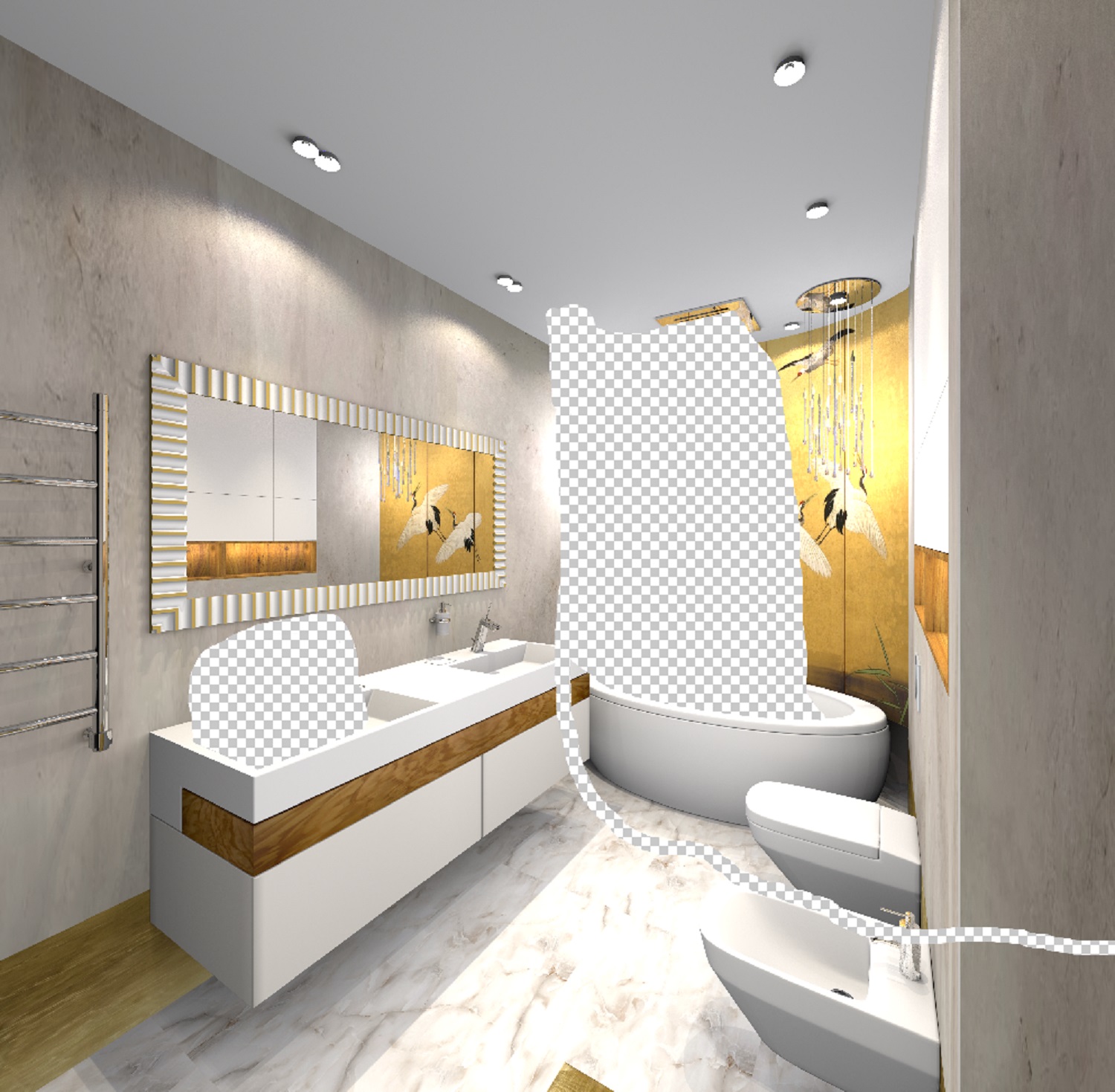
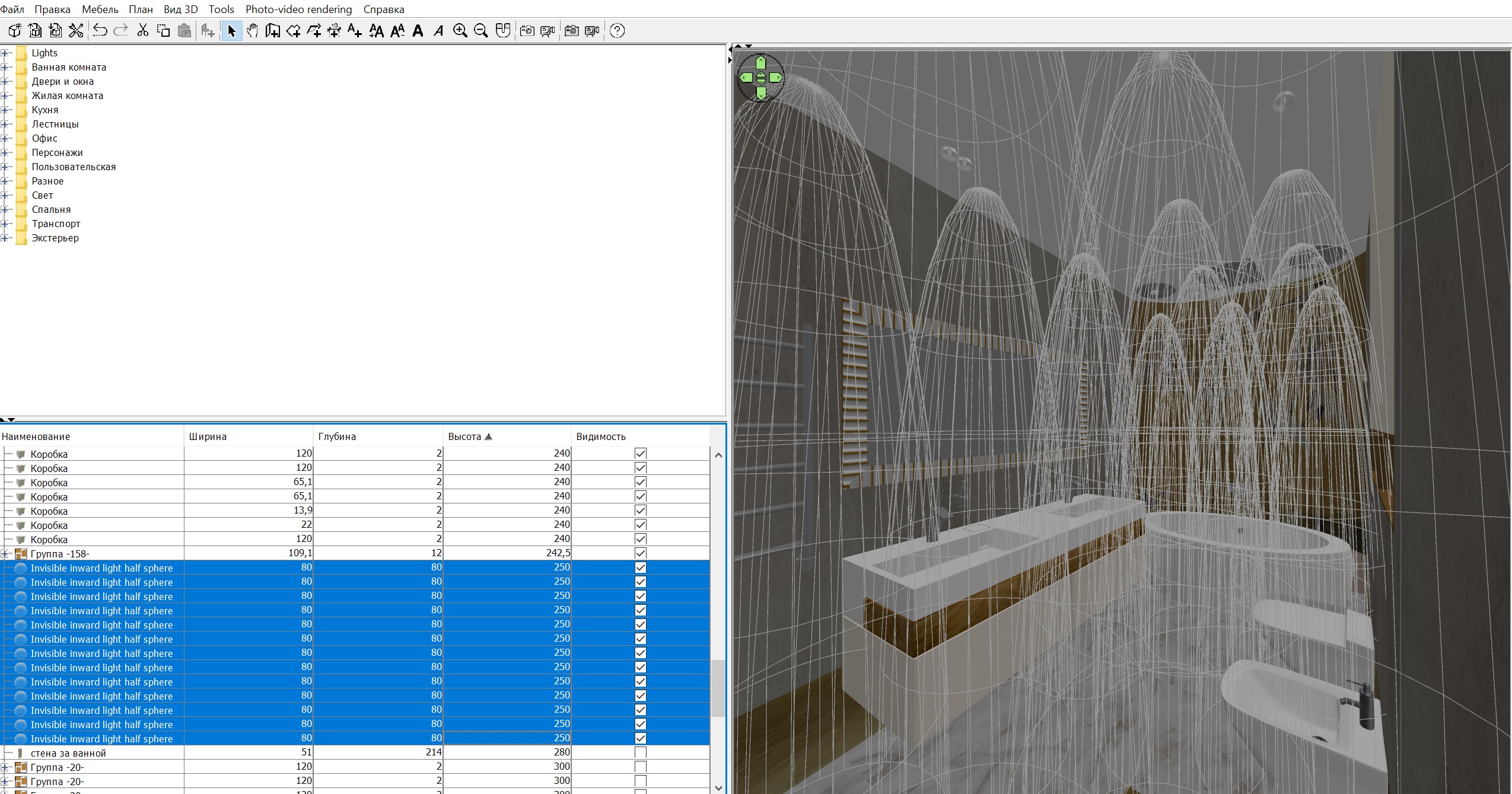
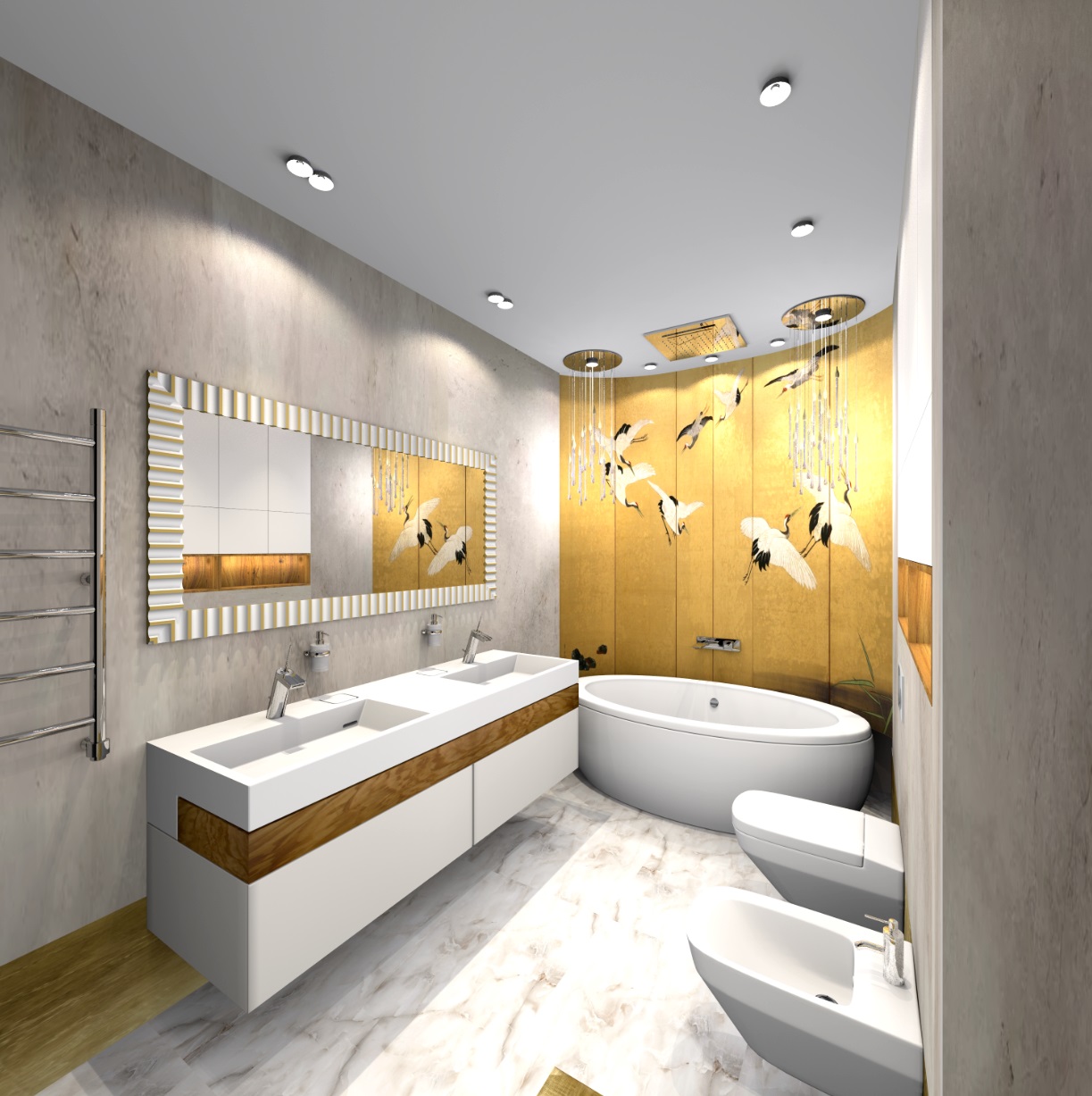
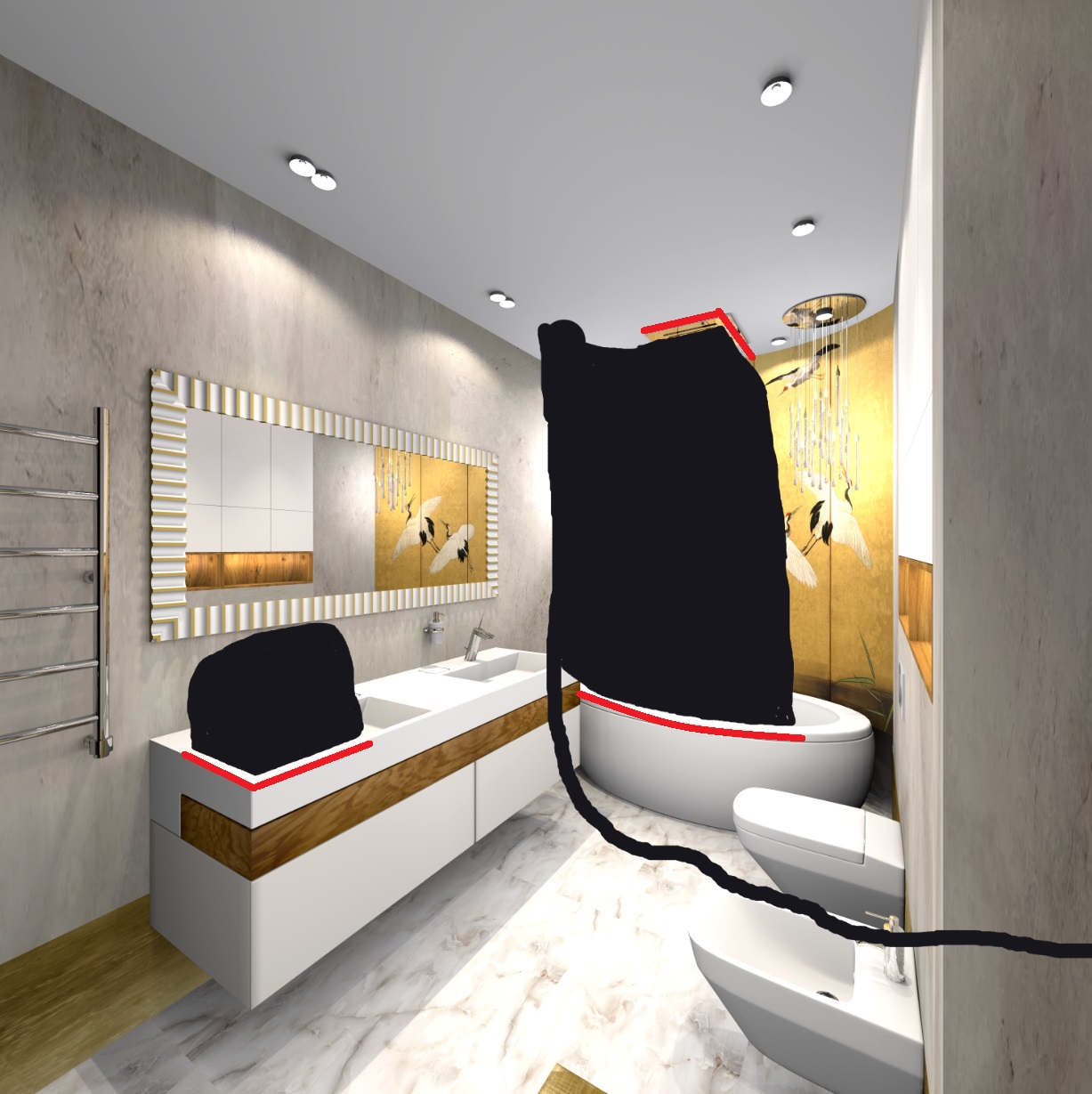
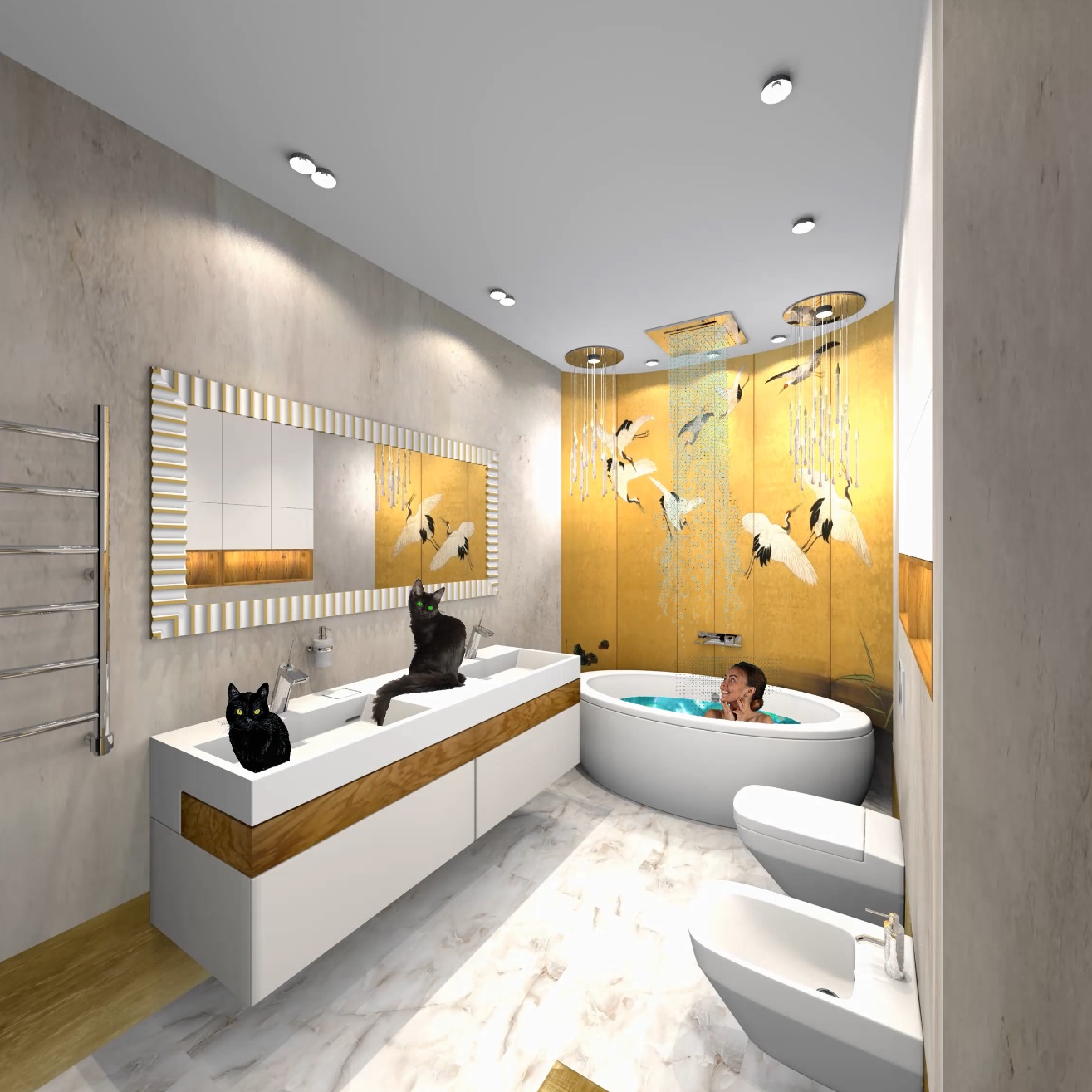
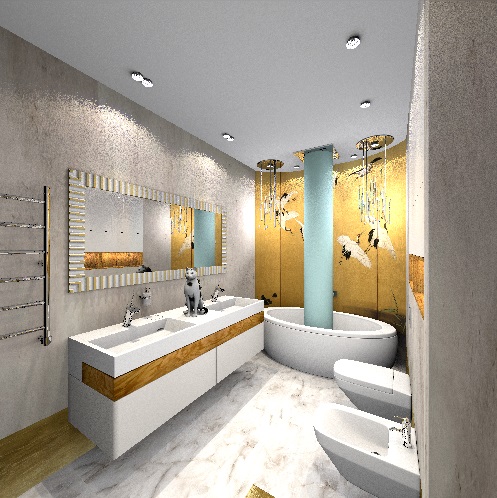
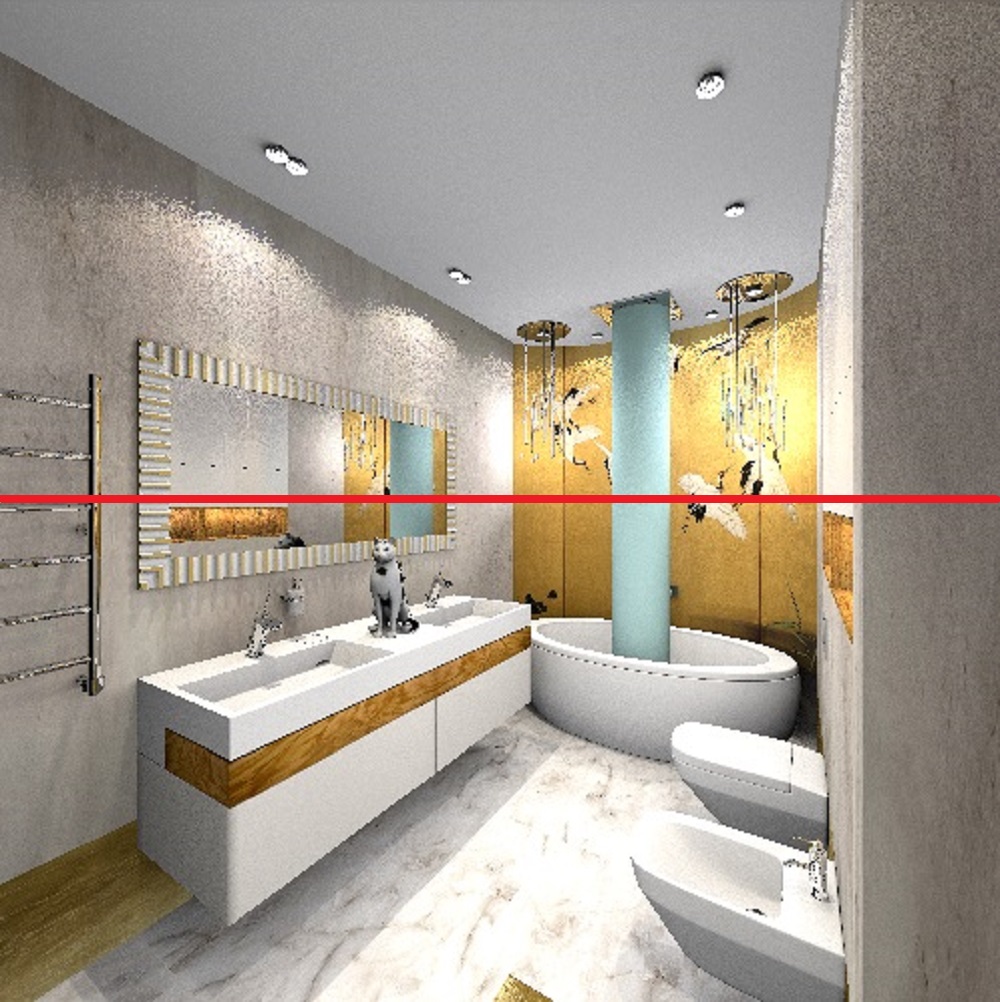
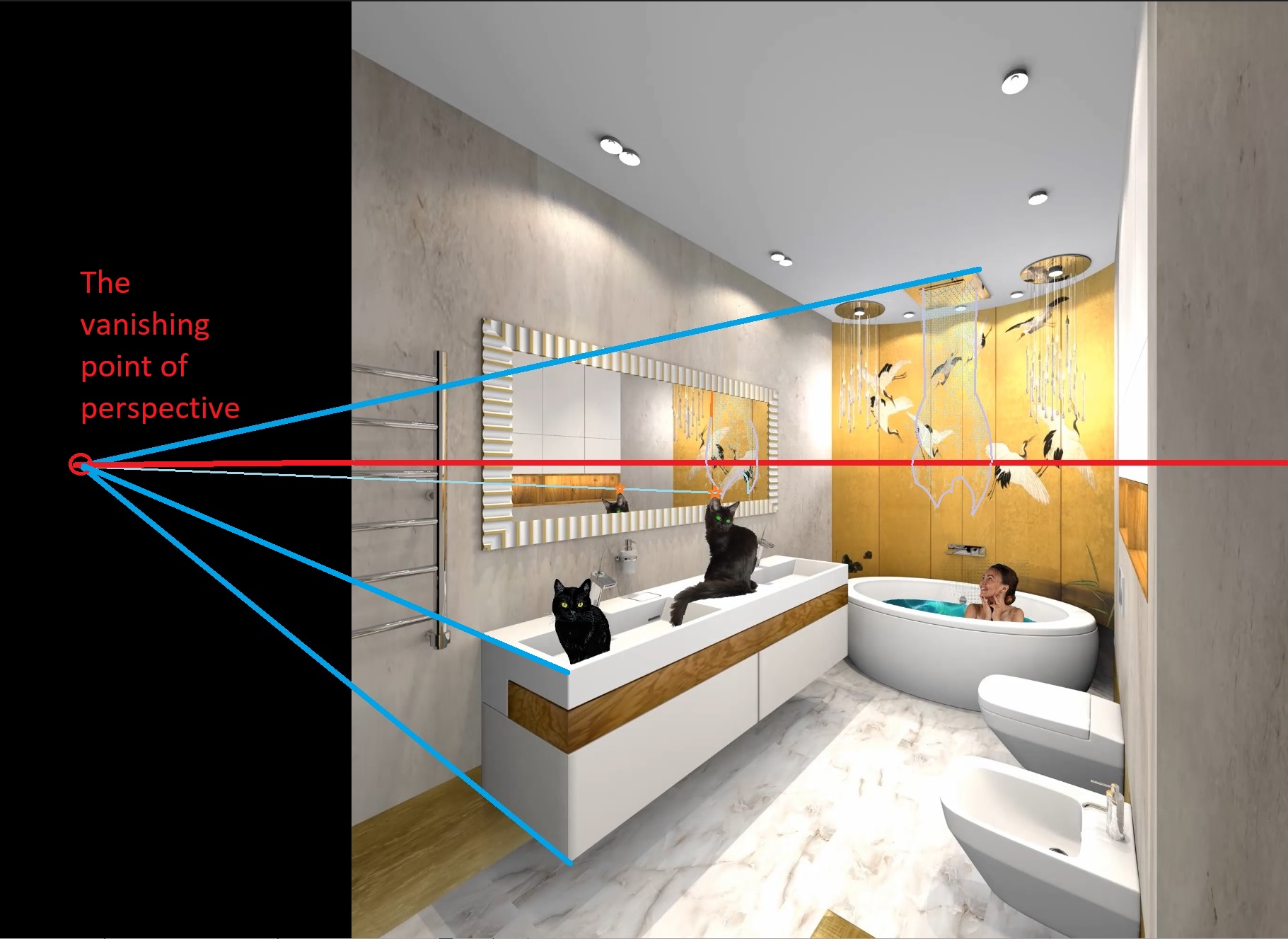
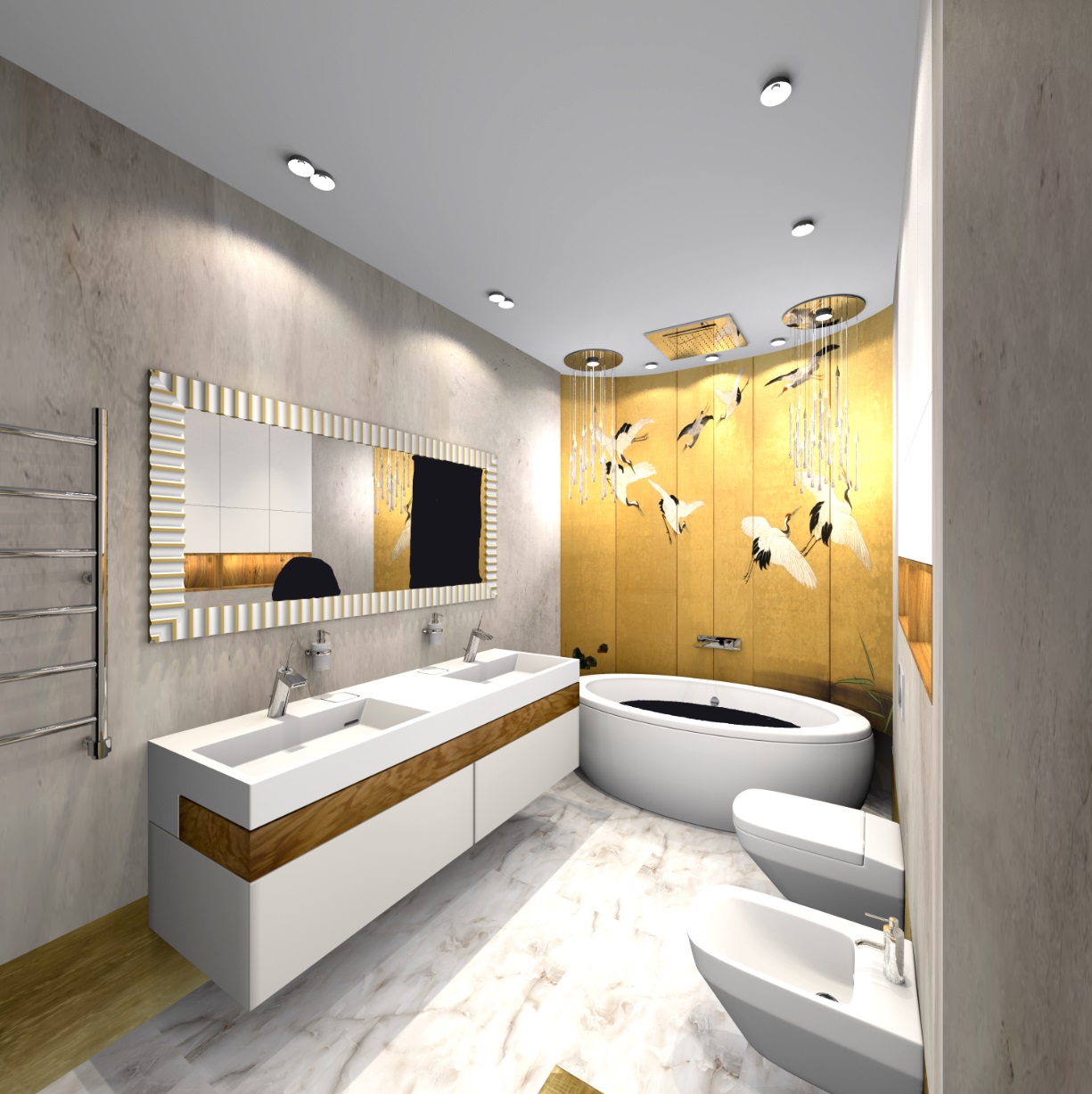
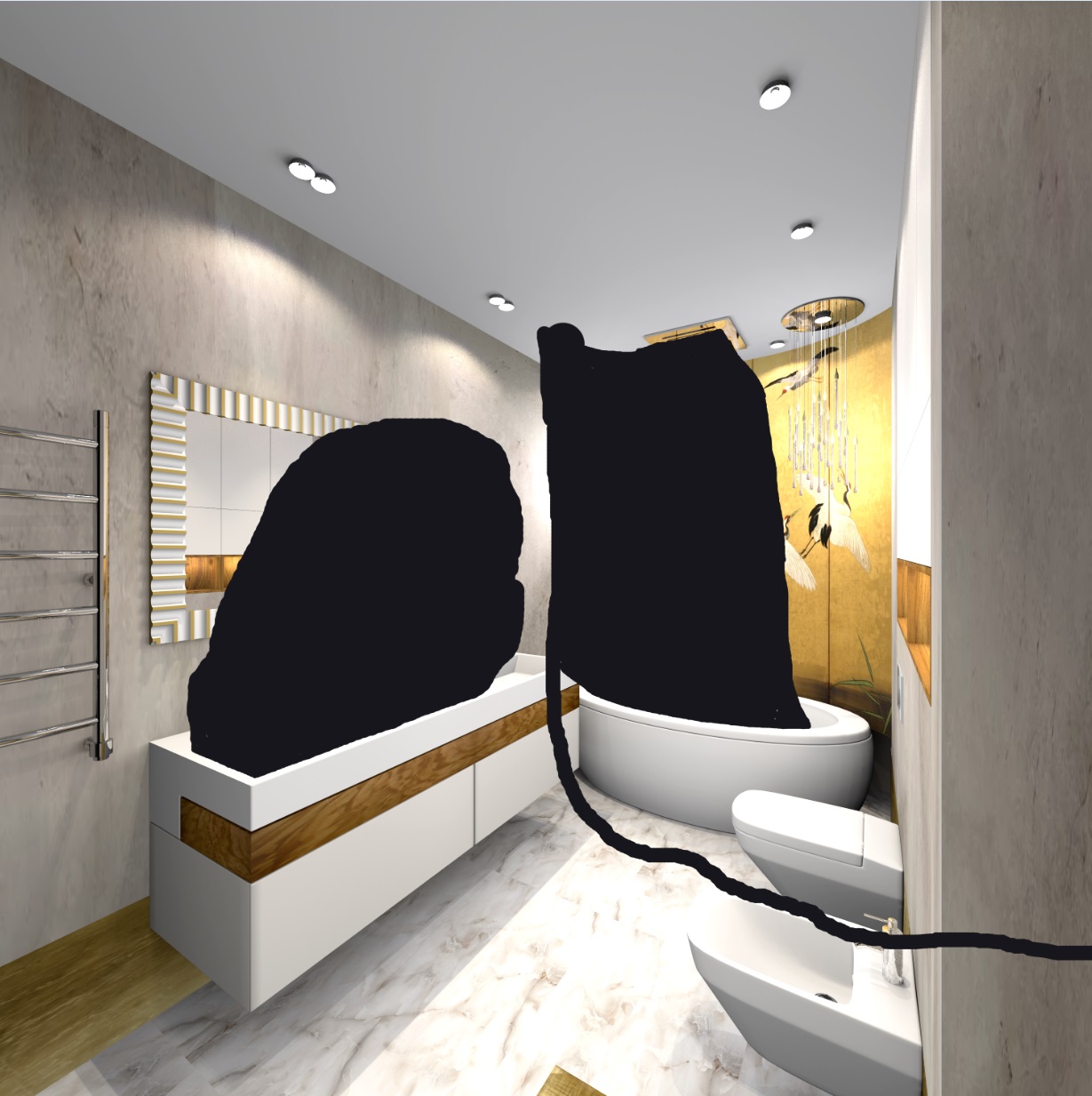
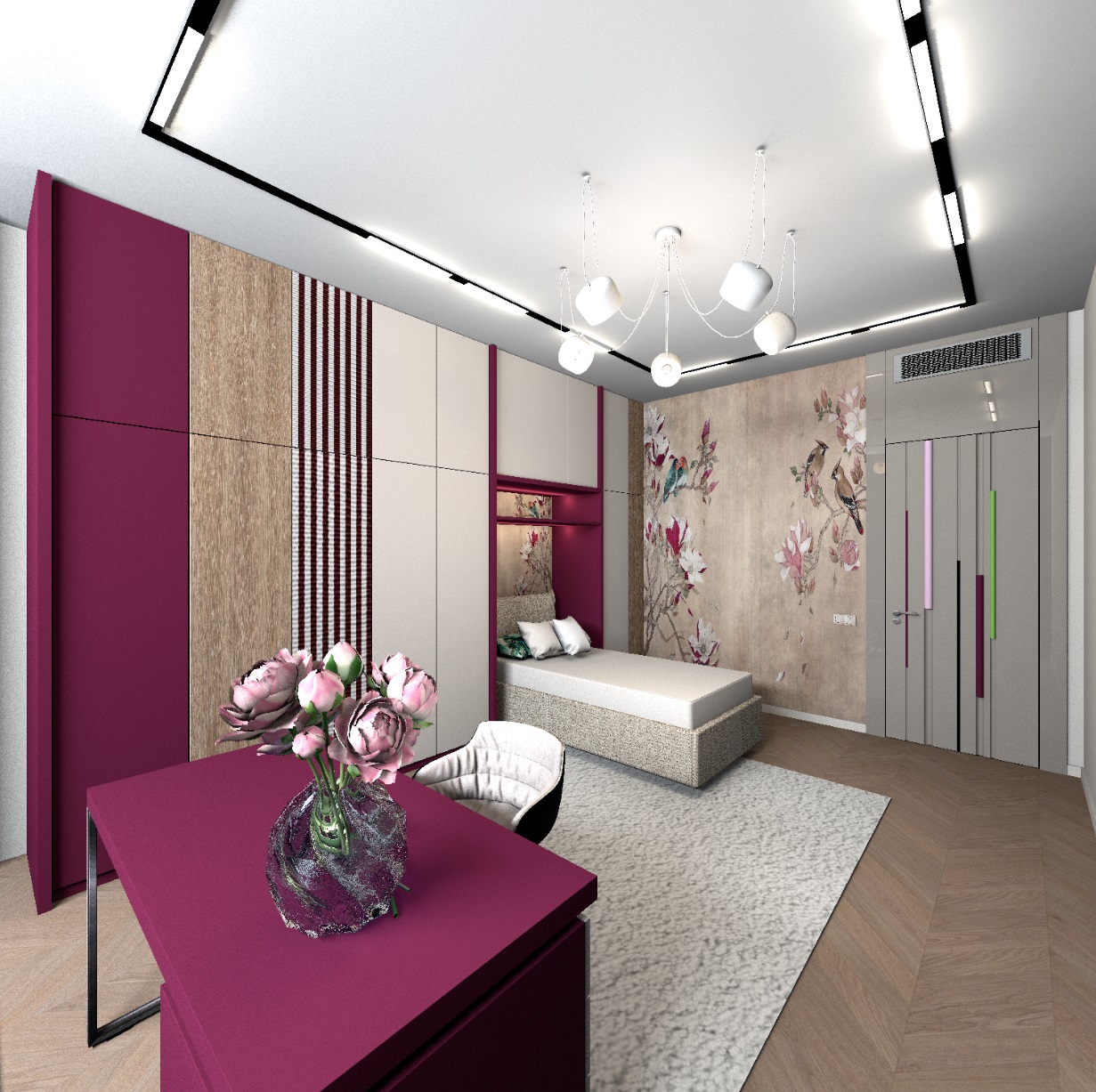
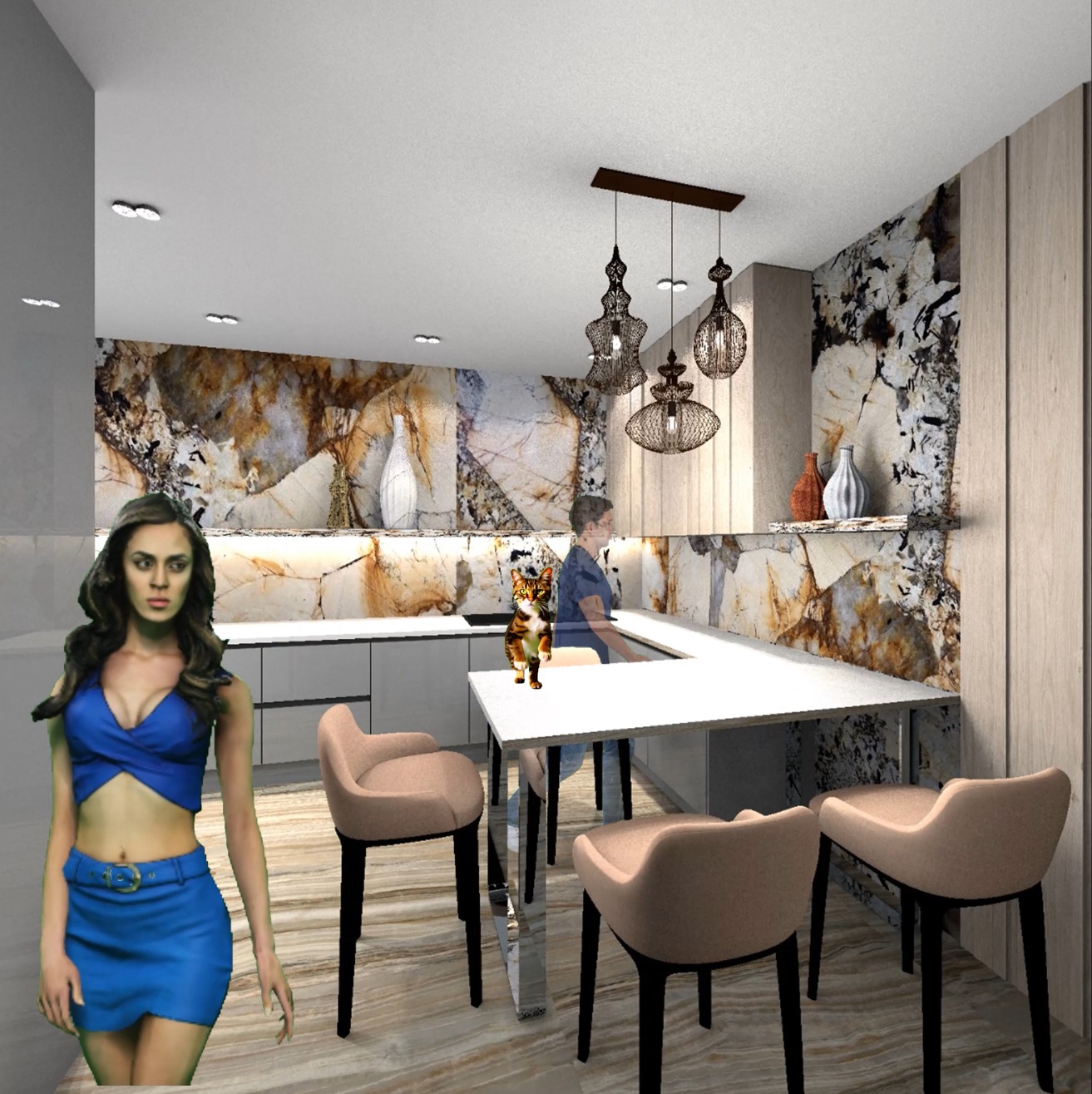
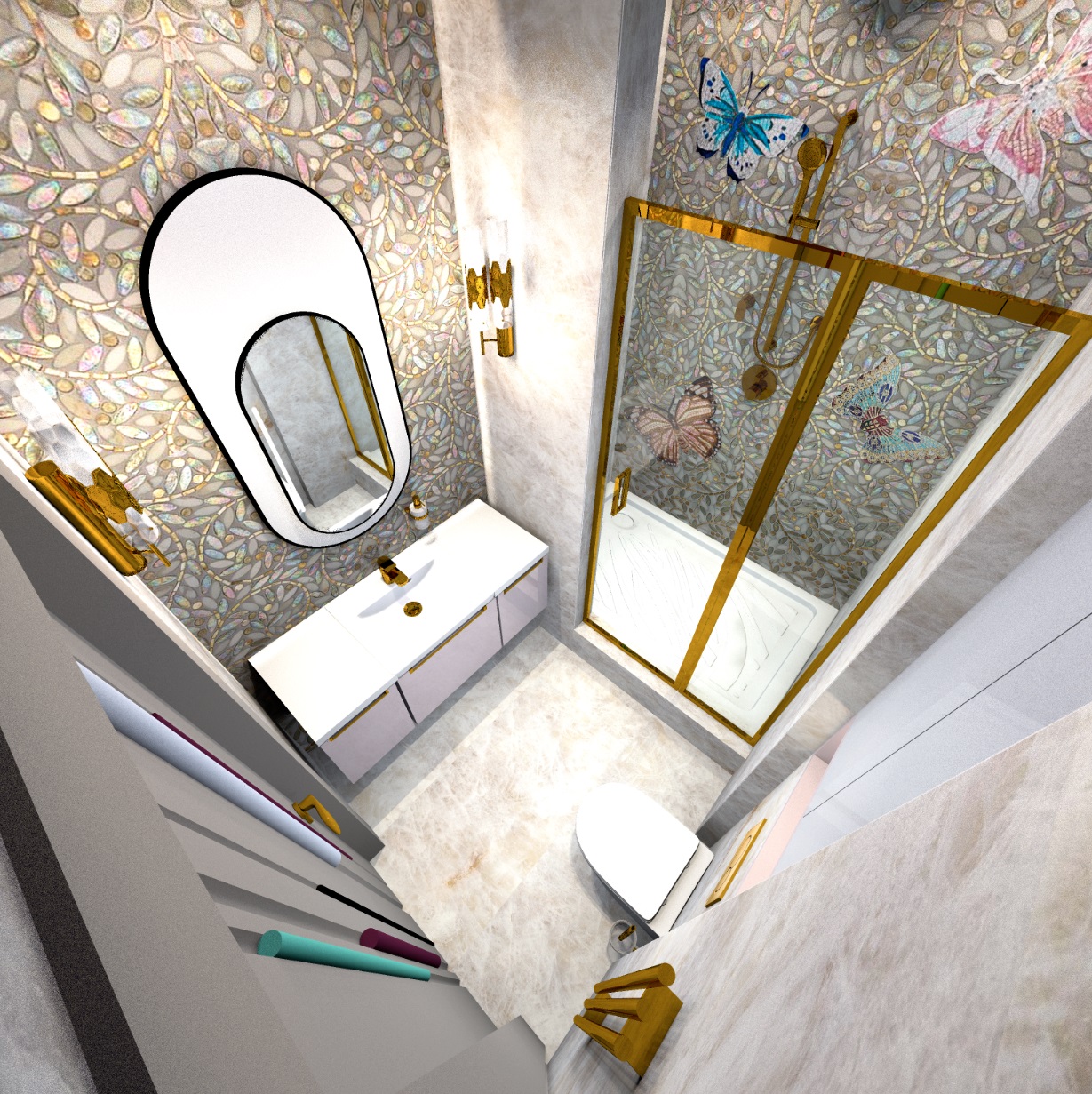
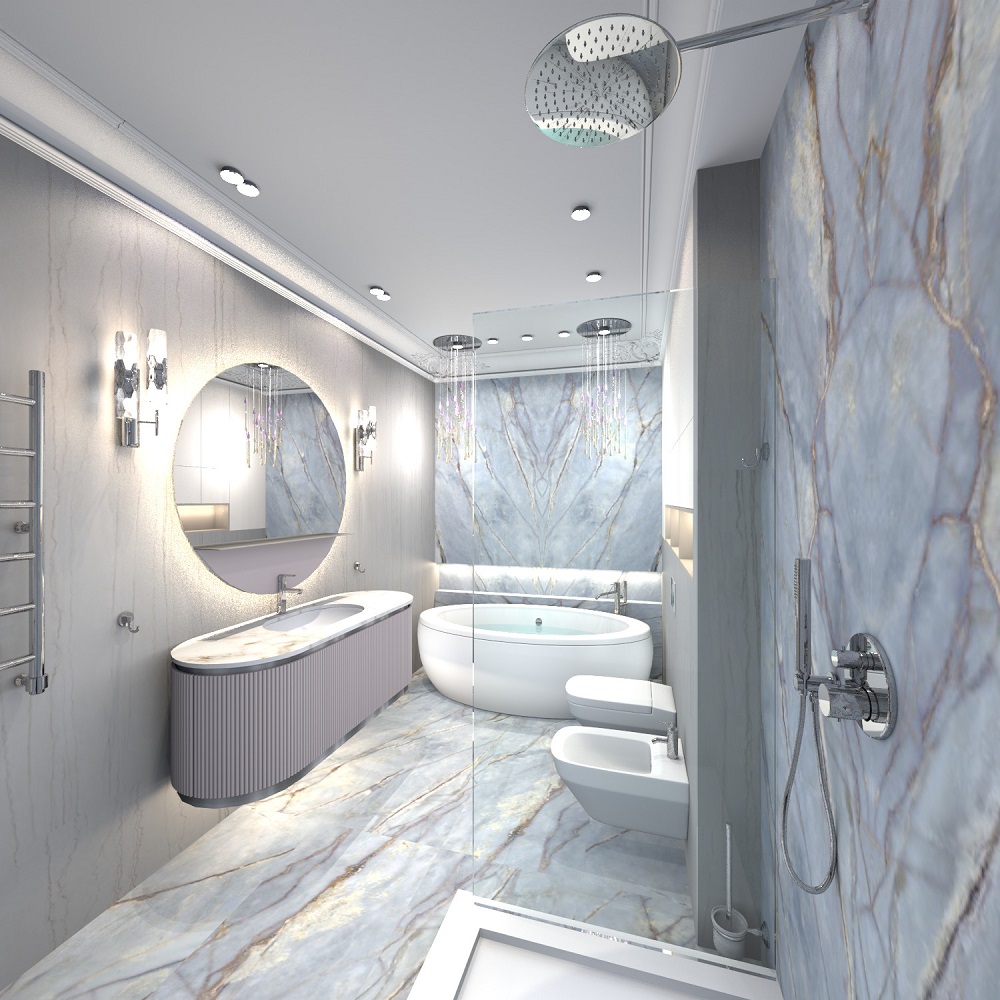
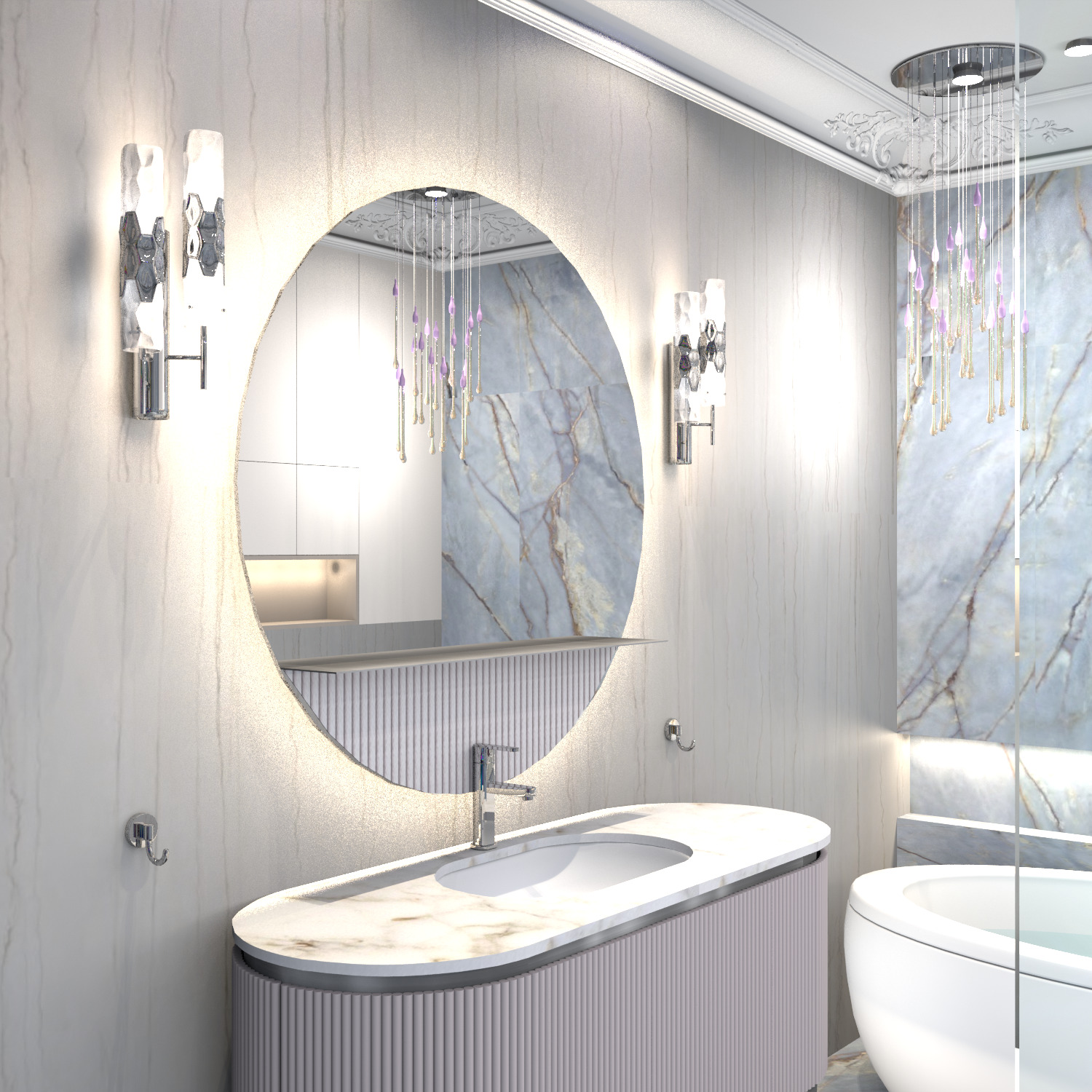
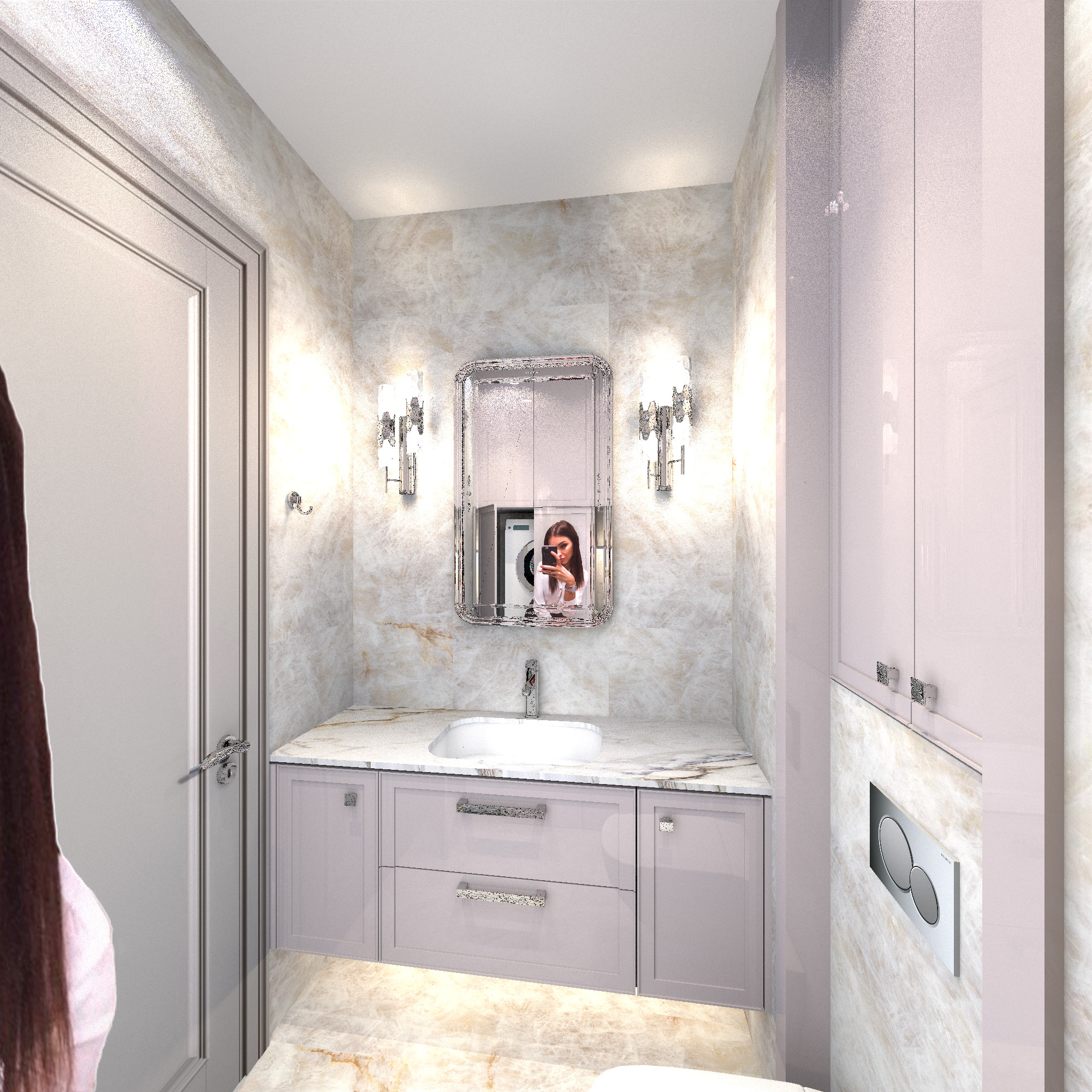
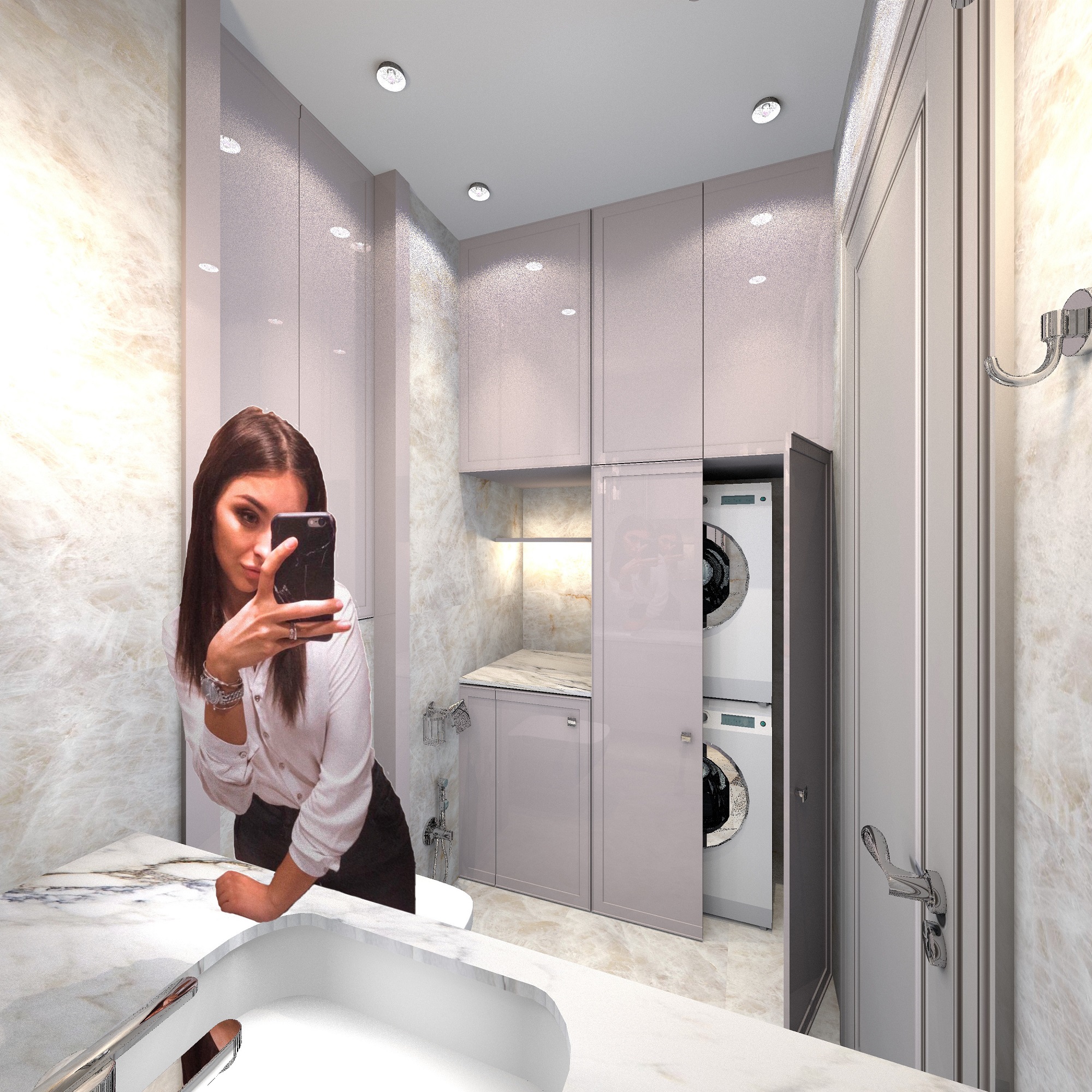
hi. I continue experimenting with reflections. In the next topic, there was a conversation about people in the interior, about the fact that people turn out to be some kind of ugly. Resembling zombies. And that if you use other super realistic models, then the choice is limited and they are very heavy, rendering in SH3D becomes pointlessly long. My idea is to abandon 3D models altogether. This method is not always possible to use. But if a reflective surface is designed in the interior - glass in the closet, lacquered kitchen doors, a window with glass or a glass door - then it can be useful. The idea is to get a reflection of a PHOTO of a person on the wall. If everything is done correctly, there will be a truthful effect of reflecting the viewer, as if the viewer accidentally got into the frame in the reflection. I am currently working on a bathroom that has a glass shower enclosure. The walls are tiled in light colors, this is a difficult case, because the reflections will be minimal in brightness, they will almost disappear in reality. But we still need to show a bright interior, there's nothing we can do. I placed the camera in the corner of the room, and behind the camera on the wall I posted a photo of a pretty girl on a light, even background. A smooth background is important, because it will also get into the reflection and may look strange if it is mottled. The most important condition for a good result is to position the photo so that the eyes in this photo are exactly at the eye level of the camera (virtual visitor in SH3D). I set the camera to 140cm, and posted the photo the same way. Therefore, the reflection is also obtained at the viewer's level, as in reality. In order for the reflection to appear in my bright bathroom, I specially illuminated it with a unidirectional invisible panel of 30%. This is a very powerful light, but it is necessary to defeat the light tone of the walls, otherwise the reflection will not appear. If the walls are darker, then less power is needed for illumination, 3-10%.

please note - initially the photo is like this, and in order for this image to be reflected, you need to make a mirror photo on the wall. Or do not, and then the reflection will turn over.

the girl's eyes are exactly at the level of 140 cm, this is important for realistic reflection. It doesn't matter at all if the whole figure is there, the main thing is the eyes. If the figure is not complete, there will be a feeling that the person leaned closer to the glass, and that's it.


I see great prospects for this idea. I will try to put thin glass walls in the interior and place photos of people behind the camera. Then translucent, very realistic PHANTOMS may appear in the interior. Now choosing a realistic person becomes much easier. There are millions of photos on the Internet. If something interesting turns out, I'll post the result here.

Posted by GaudiGalopin3324 at Jan 18, 2024, 11:02:45 AM
applause   Re: Apartment project with lighting by invisible hemispheres. I continue advertising
I also want to say something. Now you can take a photo of yourself!! Or a photo of the customer and put it in his own interior! This is already ethical, there will be no strangers on private territory))

Posted by GaudiGalopin3324 at Jan 19, 2024, 1:53:34 AM
biggrin   Re: Apartment project with lighting by invisible hemispheres. I continue advertising
I invited Obelix and his dog to visit. I took his photo first. In Paint, I carefully smeared everything around him and the dog in black. Why black? Because only the black color is not reflected in the glass in any way. Anything lighter than black is visible in the reflection, and black works as transparent. And the lighter the color in the photo, the more opaque the effect will be. The white dog will be the most opaque. And Obelix's mustache is transparent.

Now we need to put everything in its place. First, I put a viewer with an eye height of 140 cm, put up a picture of the room. Obelix will appear from the doorway. A 27 cm wide glass was placed between the camera and the doorway, the edges were precisely aligned with the edges of the doorway so that the glass was masked (view from the viewer's eyes). I put the glass parallel to the walls. He also put it up on top of the doorway. So it's almost invisible. The minimum glass thickness is 1 mm. To expose the transparent glass accurately, there is a way. First, you need to make a large glass, then create a box of the same thickness of 1mm and combine it with the glass at the top. Expose the box, pull its dimensions to the desired size, give the desired height and excess. Then repeat all its parameters on the glass, combine with the box. And make the box invisible, leaving only the glass. Now, although the glass is not visible, it stands exactly in its place. Well, put up a group of two boxes for the Obelix. The bottom box has a height of 190 cm, and an Obelix image is stretched over it. The top is an additional one from a lower height box, under the ceiling. The background color on it is black. These two boxes need to be grouped and find a position for them in the room so that there is a correct reflection in the glass. The image should be illuminated with an invisible panel, the power is 20%, it is important to position it so that it does not illuminate the walls. The plan shows where everything is.

the result was this picture. I like that all the minor flaws of the figure are well hidden due to the transparency of the reflection. And through the figure you can see all the details of the interior from behind. After all, the main thing in the picture is the interior, not the Guest)).

the method is certainly not easy, but you do not need to look for a high-quality model that will then take forever to load. And you can choose a very interesting photo that will look much cuter and more fun.

Posted by Tutmozis at Jan 19, 2024, 8:03:11 AM
Re: Apartment project with lighting by invisible hemispheres. I continue advertising
Awesome and very useful thoughts, thanks.
But, Obelisk and the dog have like 40% transparency on the final image.
Also, can you with this made a shadow for them ?

For me, I would probably insert a picture after rendering using Photoshop. But, your technique is a professional approach.

Posted by Keet at Jan 19, 2024, 11:57:41 AM
Re: Apartment project with lighting by invisible hemispheres. I continue advertising
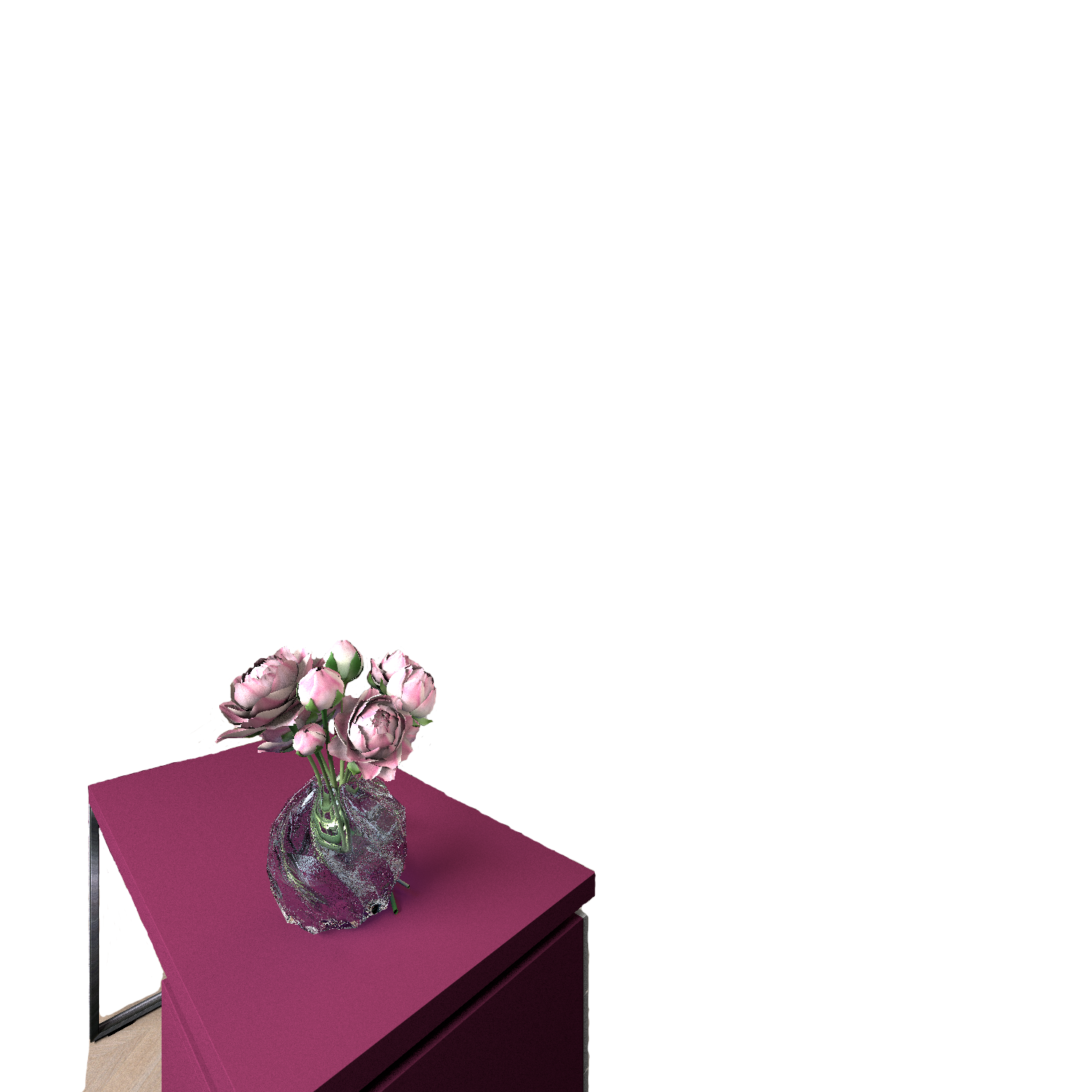
Try this model for placement in a photo.

I first prepared a photo: make the background transparent and resize it to the actual left over image (remove excess space around the subject itself). The removal at the bottom is important so the person stands on the ground and doesn't float.

Size the box so the front has the pixel dimensions of the image.
Set the texture of the front to the image you prepared.
Make all other sides invisible.
Check "keep proportions" and resize the box to a 1.65 height giving a perfectly proportioned model.
After export/import there's a model with only a single face with the picture left which you can use in your project.

This results in a model size of 200kB which is about the size of the image-file itself. (The single face of the box (obj+mtl) is just 420 bytes.)

It does take some work to prepare the image but you can use any position for which you can find a picture. You're in luck if you can find pictures where the background is already transparent. Saves a lot work.

Want a celebrity in your home? Find a photo you like!

ETA: A very important fact I forgot: The model produces a real shadow when lights are shining from the back!
----------------------------------------
Dodecagon.nl
1300+ 3D models, manuals, and projects

Posted by GaudiGalopin3324 at Jan 19, 2024, 4:04:56 PM
Re: Apartment project with lighting by invisible hemispheres. I continue advertising
Tutmozis thank you! I wanted to solve this problem only with the help of SH3D tools, I decided to go the hard way)). Using the right programs like Photoshop for shapes is of course a logical way out, I do not argue, and much more productive.

Keet thanks for the idea! Everything is working out fine, I made a transparent background for the first time and am delighted with the new skills)). Very useful communication. I don't know yet how to put all these movie stars in a chair and on a sofa, but I need to come up with something)). And sometimes the images in the interior are very overexposed and I don't know how to fix it. But it's still great that you can put a person anywhere. And there is a shadow!! Not like my hologram))

Posted by Tutmozis at Jan 19, 2024, 4:07:28 PM
Re: Apartment project with lighting by invisible hemispheres. I continue advertising
Wow, clear image and has shadow on my test rendering, great idea !

Posted by Keet at Jan 19, 2024, 5:35:59 PM
Re: Apartment project with lighting by invisible hemispheres. I continue advertising
A person sitting in a chair will be difficult. You could find a picture of a person sitting in chair and use the same method with a box but it won't look the same. There's too much depth missing. It will only work if you can set the point of view (camera) exactly in front of the picture-box, so no side deviation. That it works with a (standing) person is because there's very little depth to a person if seen from the front. There you have a little leeway in the camera angle.
----------------------------------------
Dodecagon.nl
1300+ 3D models, manuals, and projects

Posted by GaudiGalopin3324 at Jan 19, 2024, 9:43:54 PM
Re: Apartment project with lighting by invisible hemispheres. I continue advertising
Yes, I understand. But I'm already thinking about how I'm going to deceive the viewer. I hope to show you the result in a couple of days.

Posted by Tutmozis at Jan 19, 2024, 10:15:17 PM
Re: Apartment project with lighting by invisible hemispheres. I continue advertising
I tried using AI Generative Fill from Photoshop to put a woman in chair, but the results was quite bad.
I managed better, just to find image from net where a person sit at that direction and put it there, mask it.

It would be very hard to manage that on 3D...

Posted by GaudiGalopin3324 at Jan 20, 2024, 9:00:15 AM
biggrin   Re: Apartment project with lighting by invisible hemispheres. I continue advertising

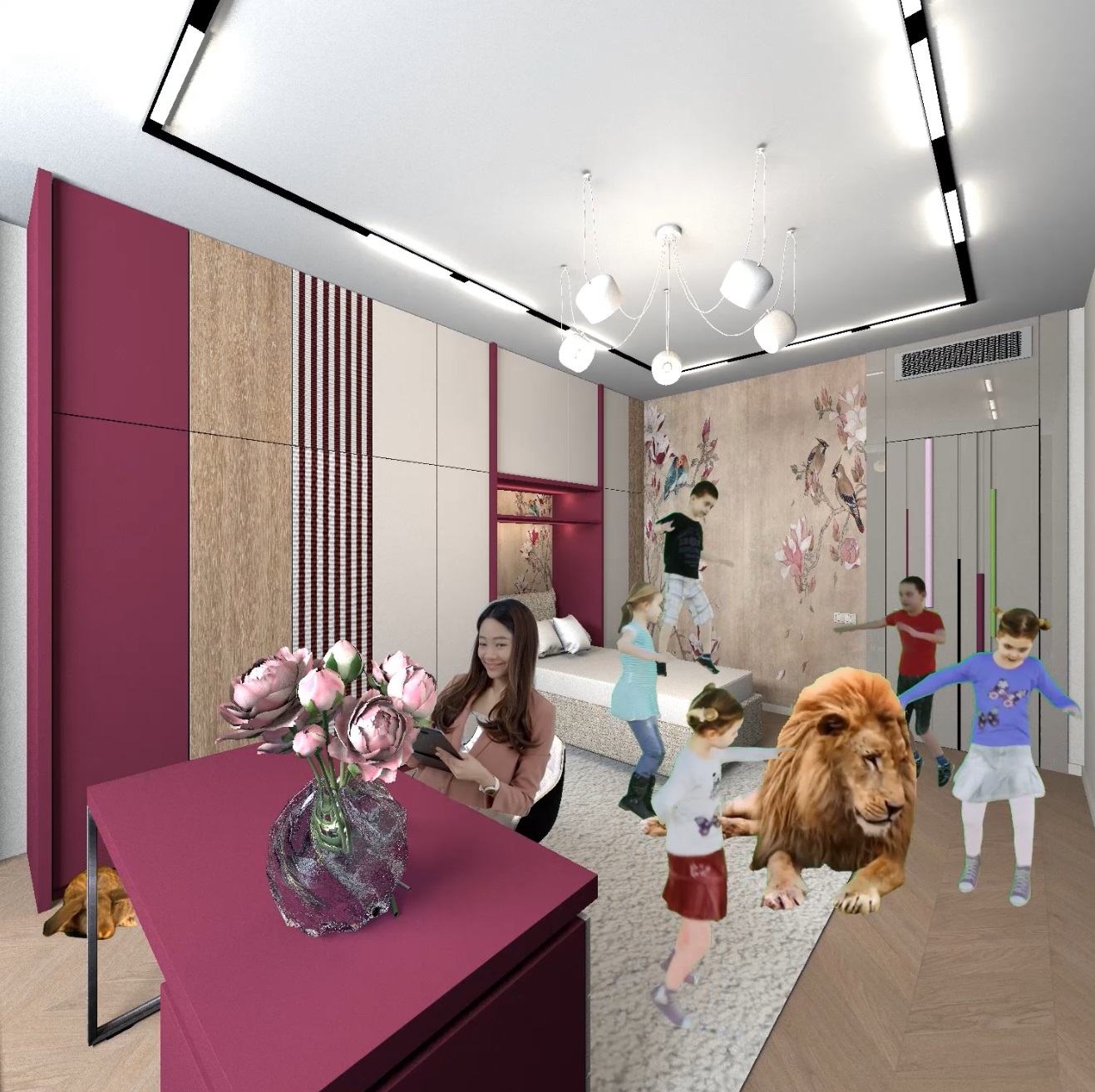
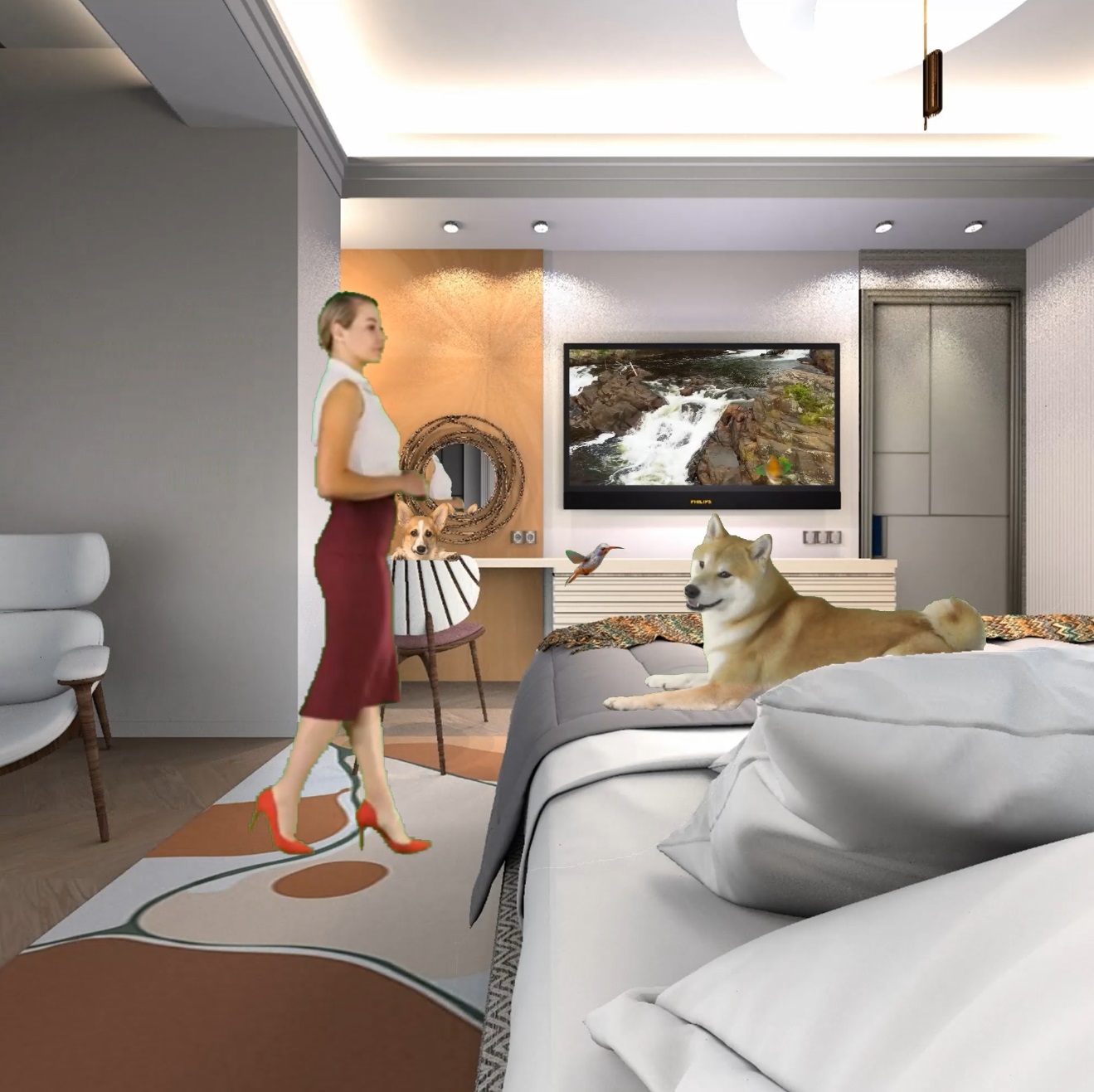
The star party is in full swing, the guests are arriving. I think it is very important to put the image in its place in strict accordance with its shadows. For example, Uma Thurman with a sword in her right hand and she was lucky that the window was on the right side, otherwise she would have to be left-handed and mirrored. Chiaroscuro is more important. John is illuminated by the overhead light, a place under the built-in lamps will suit him, and so on. Nothing can be done with a thin white outline, it is strongly visible on black suits, people immediately turn into life-size figures on foam board. But there's nothing to be done.. I still don't know how to deal with heavily overexposed places (Uma Thurman's face is at the window), I've already turned and tilted, it doesn't help. Everything is fine in the original photo. But the reality effect itself works great. Thanks again to Keet for the idea. Yes, I also realized that the shadows are not so pronounced and they come not only from the shapes, but also from the entire field of the transparent frame, so you can crop the image more compactly in advance. Sitting figures at work, fighting))

Posted by Keet at Jan 20, 2024, 9:12:04 AM
Re: Apartment project with lighting by invisible hemispheres. I continue advertising
The white outline should be solvable by simply making them darker. That will require a lot of work in Gimp or Photoshop and besides that you will still need the original image for display on brighter backgrounds. It probably comes down to finding and preparing pictures for every photo you want to create. That's a lot of work but it will make it look very good.
Better shadows probably require specific lights just to create those shadows. That might disturb the normal lighting for the room.
Good point about the shadow on Uma's trousers, I didn't notice it until you pointed it out. Another thing to keep in mind when searching for pictures.

Overall I think the method is a good alternative for those users with computers that can't handle rendering photo's with 3D models for people.
----------------------------------------
Dodecagon.nl
1300+ 3D models, manuals, and projects

Posted by GaudiGalopin3324 at Jan 20, 2024, 10:19:51 AM
Re: Apartment project with lighting by invisible hemispheres. I continue advertising
so far, I see that the white outlines appear only when rendering. It seems to me that this is a feature of the processing of the box model, and not the contour in the image initially, which can be corrected. That's why I don't know what to do. He's everywhere!!! Or am I wrong? Do you have this outline in your renderers?

Posted by Keet at Jan 20, 2024, 1:33:35 PM
Re: Apartment project with lighting by invisible hemispheres. I continue advertising
Did you make all sides of the box except the front invisible before exporting?
After export/import the 'box' should have a depth of 0 so I don't see how the renderer can process that.
Also, the box is square and the white line is around the person so I don't see how the box itself can be the cause of the white line. My guess is that it is the fading to transparent in the picture.

Try it with a picture of a black square on a transparent background. The square shouldn't have a fading outline but go directly from black to transparent from one pixel to the next. Then see if the white line persists. If not then the fading to transparent is the cause of the white line.
If the fading is the problem then the picture must be edited to eliminate that fade. The picture on its own will look a little strange but once on the box and in the project the white line should be gone.
----------------------------------------
Dodecagon.nl
1300+ 3D models, manuals, and projects

Posted by GaudiGalopin3324 at Jan 21, 2024, 7:53:07 AM
sad   Re: Apartment project with lighting by invisible hemispheres. I continue advertising

as expected, sitting people turn out to be difficult. I realized that this model works like a film stained glass window, so the figure on the windowsill is very bright from the lamp from the street. I couldn't remove this extra brightness. On the contrary, the man in the chair turned out to be too dark at first. I placed a 10% elongated sphere behind his back, highlighted it too brightly. The problem with space was solved simply - I made an additional left leg of the foot-knee separately and moved it forward with a slight increase. But at first, for some reason, it turned out to be very dark. I also had to highlight it from behind with a vertical sphere and did not guess the power . I put a "prosthesis" out of the box behind the sphere so that it would give shade to the chair, as if from the foot. But something didn't work out. In general, I am not happy with the result at all, there are many different incomprehensible effects that cannot be easily solved. But you can put people on chairs, only they will look worse than those standing next to them.

Posted by GaudiGalopin3324 at Jan 21, 2024, 8:17:01 AM
confused   Re: Apartment project with lighting by invisible hemispheres. I continue advertising

I must have done something wrong. I just took your model with the name box-women and opened it in my file in the program. There are no sides of the box, there is one position that can be changed to its own texture. Initially, the thickness of the model is 0. If you change the dimensions, the thickness changes and it can be reduced to 0.1, but not to 0. If you make the thickness larger, the location of the image in space does not shift, remains in the same place. It's like she's still thin. The model works. Should I do something about it?

Posted by Keet at Jan 21, 2024, 9:33:32 AM
Re: Apartment project with lighting by invisible hemispheres. I continue advertising
That's what I mentioned in my previous post: Create the box so it's front size is the same as the pixel-size of the photo you use. Place the photo on the front and make the other sides invisible. Making the other sides invisible is important because invisible parts are not exported which means only the front face is exported. Then when you import again you have a model without sides that can cause reflection. I edited the obj and mtl files to change the material name to "Woman". After import you can resize the model by checking "Keep proportions" and change the height to the persons height. Then export/import again to have a model with the correct size for re-use.

Because it's only the front face its depth is 0.
You can increase the depth of the imported model but when you look at it in the 3Dview you will see that the image itself is still 0 and centered in the box. Since there is nothing on the sides of the box it's just the bounding box you increased, not the model itself.

Make sure to use a .png image. With a .png the backside of the face displays the mirrored 'backside' of the photo like in my model.

I have to say your tests display very promising results, much better than I thought was possible. With the correct picture, one that fits the needed shadows, the result is very close to life like. It's still much easier to use a 3D model but very few 3D models of people are real life like.

The box-photo method has one huge advantage: you can use a photo of anything you want. You can place your own family in a house including the cat, the dog, and the kids toy car.

I created a second model for testing: I used a slightly curved wall instead of a box. I had to edit in Blender to remove all faces except the front because you can't do that with a wall in Sweet Home 3D. wall-woman.zip
----------------------------------------
Dodecagon.nl
1300+ 3D models, manuals, and projects

Posted by GaudiGalopin3324 at Jan 21, 2024, 10:24:50 AM
biggrin   Re: Apartment project with lighting by invisible hemispheres. I continue advertising
I'm sorry! I just realized that this is not a special magic model, but a simple box))). Your curved model is interesting, but has a very important drawback. On a curved surface, the proportions of the width are greatly distorted, for example, the fingers on the right are stretched and greatly shortened on the left. It is better to use a straight box. And I also realized that the white contour is my poor image processing, not a problem with SH3D, I will try in another version and in other ways to make a transparent background.

Posted by GaudiGalopin3324 at Jan 24, 2024, 9:27:52 AM
Re: Apartment project with lighting by invisible hemispheres. I continue advertising

I found a rare option - a couple of photos of the figure from the front and back. My case is with a reflection in the mirror above the sink, so the reflection will only be up to chest level, there will be no reflection below. This is very good, because it is almost impossible to find a full-length figure with a complete match along the contour of two photos from the front and back. I divided these two images into two separate ones with the same field sizes, cleaned the background to transparent, retouched the watermarks a little)) in Paint. I created two boxes with a thickness of 2mm and with the proportions of the photo field, height 170 cm. On the first box, I placed a photo from the face on the front, and made all other sides invisible. On the second box, I placed a rear view on the back side. I combined these two boxes, moved the front photo to the maximum match with the back photo. The sandwich turned out to be 2 mm thick. If you make the gap less than 1mm, then sometimes when moving the group, the images changed places. I had to increase the gap to 2mm. Such a gap is not visible on the render almost. As expected, I couldn't completely combine the two images, especially my legs and arms suffered. But I decided to make it easier. I cleaned the front figure from below to the level of the abdomen and slightly pursed (narrowed) the remaining arms. It looks creepy, but you remember that the PNG image is mirrored on both sides, and thin handles when superimposed on the rear mirror image will be perfectly lost against the background of the same normal hands. But the main image from the back will be without additional fragments coming out. He placed a sphere in front of his face-a lamp with a power of 7%. Overall, I am satisfied. It is unrealistic to get such an image even with a high-quality 3d Model, in SH3D difficulties with uniform lighting in a confined space. And the photo is already perfectly illuminated. The effect is very natural. I couldn't solve a very important task. For this arrangement of the viewer, I needed to make a mirror image on the boxes. For some reason, such a mirror image on the render turns out to be completely black. Everything looks fine on the 3d view, only everything is black on the reader. I'll figure it out later.


Posted by Keet at Jan 24, 2024, 10:23:29 AM
Re: Apartment project with lighting by invisible hemispheres. I continue advertising
Incredible! You've taken this much further than I thought was possible. Finding two photo's front and back that match is indeed rare, unless you create them yourself. There are (online) watermark removers that might give you fast and good results. Nowadays they use AI which should work better than just replacing the watermark color with Paint or GIMP.

The end result is stunningly realistic. Only because I know it's a flat photo I can recognize it (right shoe) but someone who isn't looking for it wouldn't notice.

выдающееся достижение!
(marvelous achievement!)
----------------------------------------
Dodecagon.nl
1300+ 3D models, manuals, and projects

Posted by GaudiGalopin3324 at Jan 24, 2024, 10:59:51 AM
smile   Re: Apartment project with lighting by invisible hemispheres. I continue advertising
Thanks Keet! Moving on!)

Posted by Vinci68 at Jan 24, 2024, 5:03:41 PM
Re: Apartment project with lighting by invisible hemispheres. I continue advertising
Superb work, you don't give up and the result lives up to your ambitions. Bravo, you've opened up new horizons for SH3D production.

Posted by GaudiGalopin3324 at Jan 24, 2024, 6:35:53 PM
smile   Re: Apartment project with lighting by invisible hemispheres. I continue advertising
Thanks to Vinci68! I have a small petting zoo almost ready, tomorrow I want to share it with you. A lot of new thoughts.

Posted by GaudiGalopin3324 at Jan 25, 2024, 4:26:50 PM
smile   Re: Apartment project with lighting by invisible hemispheres. I continue advertising

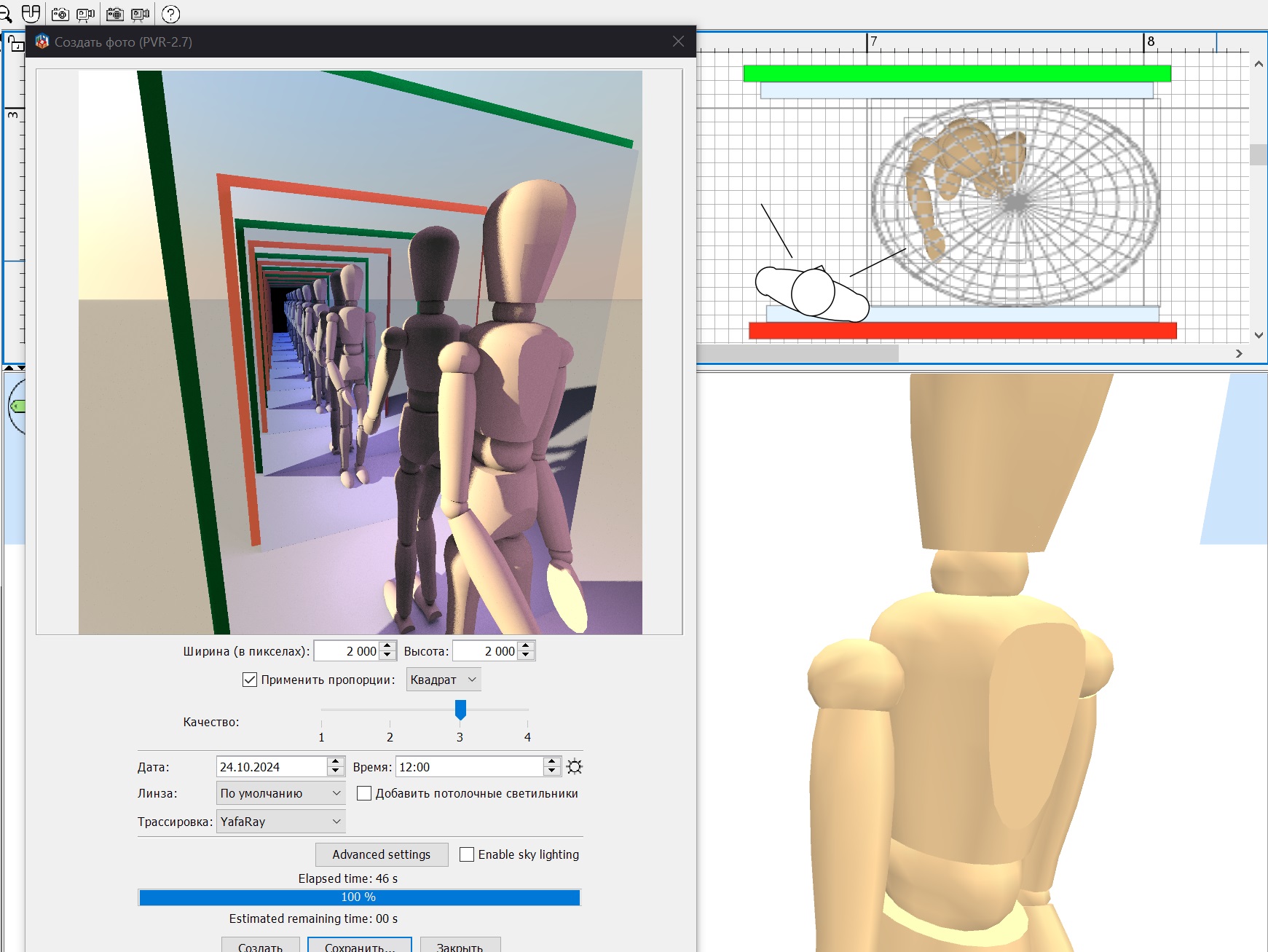
Smile). Meet Alice, the Cat, the Dog and the white Goat with a green twig in his mouth (you can see it in the mirror), the picture through his eyes. When the render was half loaded, I realized that this picture was a good test for graduates of the police academy. The test is to find the criminal in the photo. What can an attentive viewer say? A dog is a holy soul. He is in love and is ready to die immediately for his Queen. It's simple here. Alice, like all cute pretty girls, cannot pass by the mirror, she is kind, smiling and always surrounded by fans. But take your time.. A goat with a fresh twig in his mouth - it is clear that he got into the bathroom right from the street and was in a hurry, there was some important reason. But what happened?! And now the most important thing. No cat will be able to climb on this shelf. Claws won't help, the towel rails are smooth, and there are no other ways up. Was he forcibly placed there? And there are a lot of questions at once. Who! Why? And most importantly, how will he get back? From such a height, only an unintelligent young cat can jump onto the tile, and our Cat is clearly not young. Is this really a punishment for a crime? Ate all the sour cream, stole a sausage from the stove? But every animal has the right to hunt. And there's only one character who can put a cat on a shelf, and that's Alice. So sweet and so devious?! Putting a cat in a desperate situation is heartless. I'm sure the Goat showed up here for a reason, he's an undercover agent. The secret services introduced him into the family to help the investigation. There's probably a more serious unsolved crime, and we need leads. And here is the direct evidence. In front of us in the photo is a potential criminal, Alice prepares obedient assistants for a daring robbery. The dog has been ready for a long time, the Cat will soon submit. It is difficult to sit on the shelf for a long time, you will want to eat. Oh, if a long scarf had been tied to the towel rail, the girl would have had an ironclad alibi. But now the girl needs to be watched very carefully, the crime is close. The goat did well, took a picture in time, helped the cops. But in fact, I am proud of something completely different. I learned how to hang a towel on any crossbar of a half-heated towel rail. In the next topic, I will tell you how this can be done. The towel here is also not a model, but a box with a photo. I turned Alice over in a mirror using a photo editor, not using SH3D, it turned out to be more reliable. If the image is not superimposed, then you can flip the box 180 degrees. But the sandwich method gives an error, if you sharply rotate a group of two thin boxes with a small clearance, they may stick together unexpectedly, there is some kind of bug in the program. Therefore, it is better to prepare the image in advance and put the photo in its place, do not twist or mirror it.

Posted by GaudiGalopin3324 at Jan 25, 2024, 5:35:18 PM
rose   Re: Apartment project with lighting by invisible hemispheres. I continue advertising
to hang a towel on the crossbar, you need to find a towel on the Internet from an angle. They're almost all like that, just above and to the side. You need to save such an image in a graphic editor (I use Photoshop online) using the Deformation tool to stretch the image so that the top becomes strictly horizontal. After that, you need to make three copies of this image. The first is a full-fledged towel, you need to clean the background on it and save everything in PNG.

The second picture is the front of the towel along with a piece of chrome crossbar.


The third picture is the entire back without the chrome piece, you also need to make the background transparent.


Now, if you need to hang a towel on the lowest crossbar, you can take the first full-fledged picture, as I had before. If you need to hang the towel above, then use two boxes - one in front of the crossbar with the front of the towel, the second behind the crossbar with the back of the towel.


The back box can be stretched in width to remove the gap between the parts of the towel.

When you move everything and combine it as needed, you can group these boxes. And now you can raise and lower this group to any level of the crossbars. Everything will be perfect.

And as a bonus, a light shadow will most likely appear against the wall from the towel. This method has a huge advantage over the model - there are very transparent shadows (as in the photo), there are no dark places at all near the wall and in the folds of the fabric, the perfect picture.

Posted by Keet at Jan 25, 2024, 7:15:29 PM
Re: Apartment project with lighting by invisible hemispheres. I continue advertising
You'd be surprised at the impossible places a cat reach :D
Great work with the towel. If you had not told it I wouldn't have noticed that it is a photo too. The possibilities seem to be endless and open up a way to add furniture for which there is no 3D model. The dog and cat look great, not fading lines around it and you fixed the line around Alice too or did you just turn the image around?

Great trick with the towel and it works very, very well.

A little present for all your efforts, since you are the light expert: a photo-box with Tinkerbell and a lighting wand.

Here's the zip with the obj/mtl, image, and .sh3f library: https://dodecagon.nl/upload/Tinkerbell/Tinkerbell.zip

If it wasn't obvious: that's a real Sweet Home 3D light for which you can change the color and light intensity.
----------------------------------------
Dodecagon.nl
1300+ 3D models, manuals, and projects

Posted by GaudiGalopin3324 at Jan 25, 2024, 10:34:53 PM
Re: Apartment project with lighting by invisible hemispheres. I continue advertising
Dear Keet, my magic wand is not burning.. In the settings, there is only a fairy and a light color setting. There is no brightness setting... what to do? The wand is very necessary.. I put a red sphere on the light, but that's not it... sad

Posted by Keet at Jan 25, 2024, 11:00:09 PM
Re: Apartment project with lighting by invisible hemispheres. I continue advertising
Because it has a light you have to import the .sh3f library and not the obj/mtl otherwise the light is 'lost'. Just importing the obj/mtl will have a property 'Sparkle' but it won't do anything.
The Furniture Library adds the property for the light. Import it and then use the object from the Catalog, then you can set the light power and it will function as a light for photo rendering.

By-the-way, this is just a proof-of-concept. I know how to create a light but that's pretty much where it ends for me. Members like enkonyito will probably be horrified with how I created the light and can most likely create a much better light source than I did.
----------------------------------------
Dodecagon.nl
1300+ 3D models, manuals, and projects

Posted by GaudiGalopin3324 at Jan 26, 2024, 9:43:58 AM
applause   Re: Apartment project with lighting by invisible hemispheres. I continue advertising
Yes! Now I understand and it turned out! Thanks for the great tool and new features) Thank you for sharing such an unusual development! On the other hand, I am very glad that everyone can solve the problem in their own way, it's great! I will continue advertising hemispheres again)))) Here in the picture there are only hemispheres and nothing else. I am sure that it is possible to make this picture in a completely different way with other tools.


Posted by Keet at Jan 26, 2024, 10:28:09 AM
Re: Apartment project with lighting by invisible hemispheres. I continue advertising
As usual you know how to take a little idea much further. That's a lot more than the simple image of Tinkerbell I gave you to play with!
I'm sure a lot of members will study our little back-and-forth play with photo-boxes. And have proven once again that hemispheres are a great tool for lighting, even with a flat photo.
----------------------------------------
Dodecagon.nl
1300+ 3D models, manuals, and projects

Posted by GaudiGalopin3324 at Jan 26, 2024, 10:15:25 PM
cool   Re: Apartment project with lighting by invisible hemispheres. I continue advertising
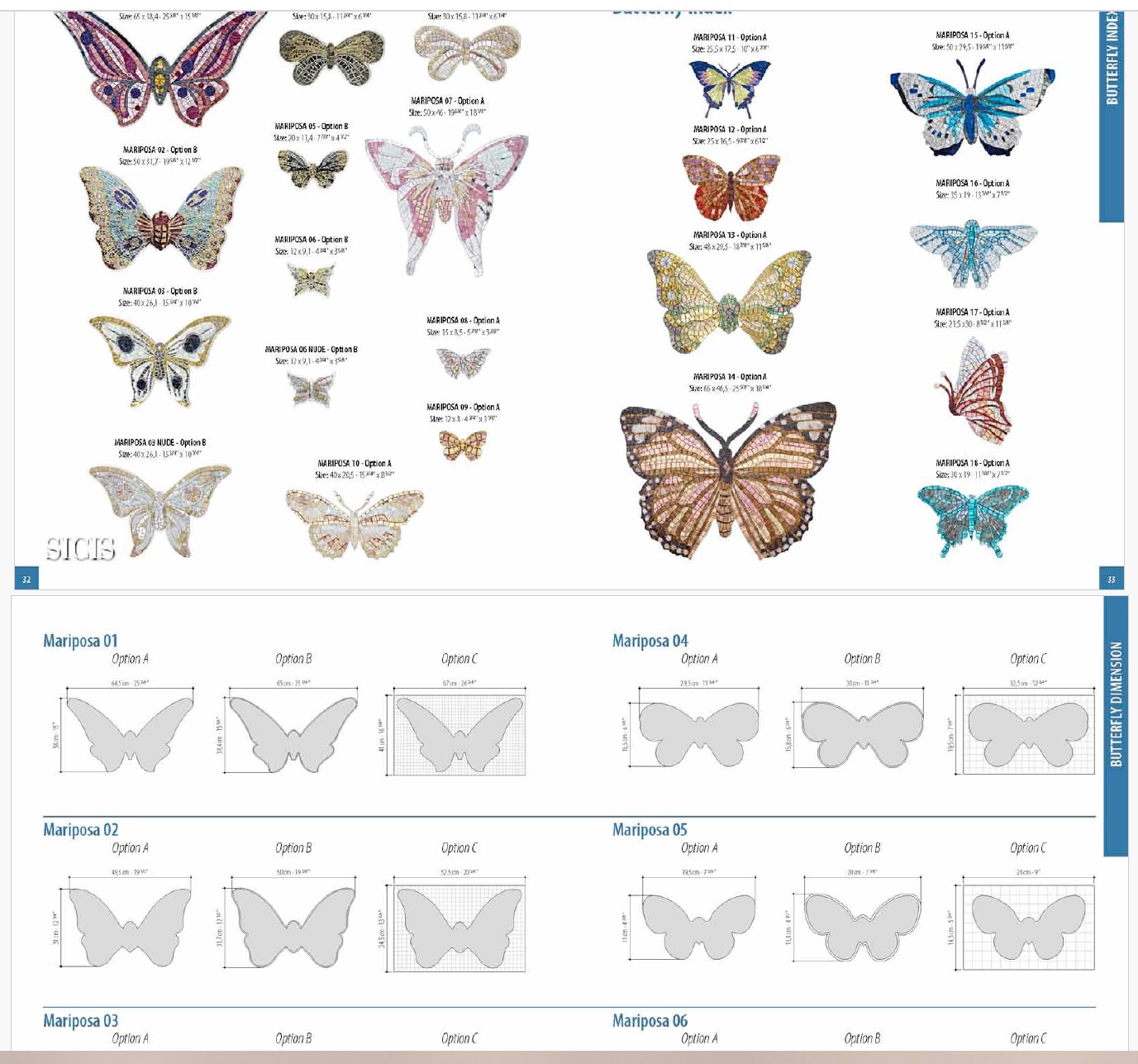
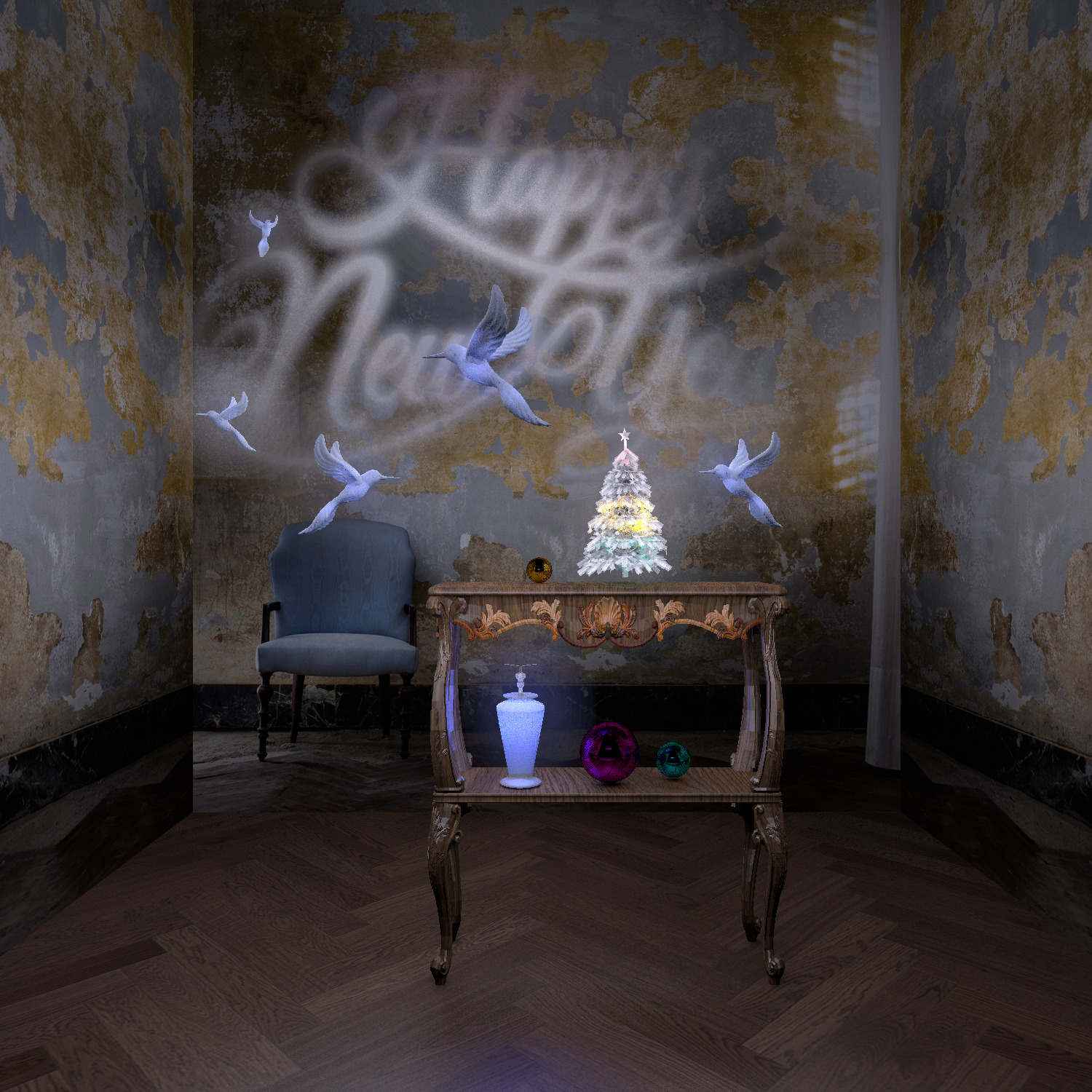
I cleaned the background of the butterflies and placed 300 butterflies in the field, just like real fairies)). There are 7 sites with different areas, I used both the top surfaces of the cylinders (I made the rest of the surfaces invisible, and familiar boxes. There are 50 butterflies on each one, something did not get into the frame. The cylinders were lifted off the ground by 6-9 cm. Under them are invisible panels pointing upwards, cherry and white, 3-6%. The backlight from above did not work out, you need to figure out how to highlight images on a transparent background better. It doesn't work very well from below either. As soon as the new lights started, the whole effect of the contrasting night illumination was smoothed out, but now 300 butterflies are flying))).


Posted by VeroniQ at Jan 26, 2024, 10:53:45 PM
Re: Apartment project with lighting by invisible hemispheres. I continue advertising
Bravo, GaudiGalopin and keet! This is a very interesting and now poetic thread...

Posted by GaudiGalopin3324 at Jan 26, 2024, 10:55:28 PM
rose   Re: Apartment project with lighting by invisible hemispheres. I continue advertising
Thank you VeroniQ!

Posted by Keet at Jan 26, 2024, 10:59:11 PM
Re: Apartment project with lighting by invisible hemispheres. I continue advertising
I am sure that it is possible to make this picture in a completely different way with other tools.
You said it in a previous post. Who needs Photoshop? Sweet Home 3D is the tool! And even in Sweet Home 3D this could be produced in different ways. I would need a good dose of your artistic touch though :D
I bet Emmanuel never imagined that such art work would be produced with Sweet Home 3D. Once again: great work!
----------------------------------------
Dodecagon.nl
1300+ 3D models, manuals, and projects

Posted by GaudiGalopin3324 at Feb 4, 2024, 8:38:01 AM
biggrin   Re: Apartment project with lighting by invisible hemispheres. I continue advertising
I was called in to help fix a broken hatch. The hinge bent, one tile fell off. As dear Keet said, the box method allows you to insert whatever you want into the picture. In this house, the main pet is the puppy Stasi. Of course he ended up in the project)). Stasi helps to fix the whole bathroom! I did not set the task to completely repeat the existing interior, so there are differences, do not scold.


Posted by GaudiGalopin3324 at Feb 10, 2024, 8:39:38 AM
confused   Re: Apartment project with lighting by invisible hemispheres. I continue advertising


Hi. I was interested in a vase with flowers in the bathroom interior. I downloaded it as a completely opaque model with several groups of textures inside. Petals, stems, stamens-pistils, glass, water. All this had to be changed individually with the help of changes in the MTL file. I spent a lot of time on experiments and did not get what I wanted in full, I really look forward to your advice. First of all, I realized that in order to get the effect of glowing delicate petals, you need to set the transparency coefficient "d" for them to an average value (range of values 0-1). If you leave the "1", then there will be ugly black shadows inside the buds, this does not happen in reality. And it is necessary to achieve a balance between the necessary transparency of the material and the absence of blackness inside the mold. I took the most difficult case, the white petals, for the purity of the experiment. So far, I am satisfied with the value of d 0.6. It turned out like in a watercolor drawing - green leaves are slightly visible, but in general the illuminated surfaces look snow-white. And of course it should be noted that the bouquet is illuminated by a group of two hemispheres facing inward, they form an irregularly shaped sphere and illuminate the buds from all sides evenly. I am happy with the result here. But then the experiments on glass went on. There are 4 parameters that need to be changed for the desired result. "d" should be set to 0.1. Then there is a mysterious coefficient Ks, which is probably responsible for the mirror effect of the material. I studied the mirror model in the SH3D library and saw that it was set to 0.5. Next comes the Ns coefficient, which is also responsible for mirroring, I did not understand which one.. It needs to be put up more, in the end I put up 1000 at all, this is probably the maximum, and I didn't notice much. And I would like to get a translucent MIRROR ball. The reflection becomes clearer when magnified, but there is no mirror effect. I'm waiting for your advice, I'm at a dead end. Then there is the Ni coefficient, it is responsible for the optical density, I set the model in the water group 1.7, the higher the value, the larger the stems under water, here we must not overdo it. I placed a small flashlight upside down on the back of the stems inside the vase. A very good tool, if all the details are made invisible, then it continues to work after death. It shines perfectly in the right direction, the power has been set to 50%. And if Ni changes, then the effect of the flashlight changes greatly. Sometimes it is very bright, sometimes it disappears from sight. I caught his desired effect at Ni 1.7. There is a hare sitting in the basket on a box with the rest of the sides invisible, with a flat sphere illuminated in front. There is an imperceptible reflection of the background with a sunset photo in the glass of the vase, but I could not achieve a strong mirror effect. What needs to be done for this? The mirror in the SH3D library has an Ns coefficient of 96, I tried the same, the effect is weak. Increased it to a maximum of 1000. I'm not happy anyway. What else can be done for mirrored glass?


Posted by GaudiGalopin3324 at Feb 10, 2024, 8:52:15 AM
Re: Apartment project with lighting by invisible hemispheres. I continue advertising
the lighting for the vase is set like this. There are two hemispheres around the petals in the shape of a ball of 12 and 10% each. The upper illumination is a hemisphere of 15%. The hare with a front light is 8%. There are several weak high hemispheres around for the general illumination of the room by 3%.


Posted by Keet at Feb 10, 2024, 1:36:11 PM
Re: Apartment project with lighting by invisible hemispheres. I continue advertising
Great experiment as usual.

You might find this pdf I created usefull. It explains the values used in a MTL file. It's got references at the end if you want to dive deeper into it.
----------------------------------------
Dodecagon.nl
1300+ 3D models, manuals, and projects

Posted by GaudiGalopin3324 at Feb 11, 2024, 9:28:02 AM
confused   Re: Apartment project with lighting by invisible hemispheres. I continue advertising
Thanks Keet! A very useful article, I learned a lot of new things. But I still didn't get any closer to the goal.. The maximum result was obtained only due to the maximum gloss in the glass settings inside the model. The mirror amalgam on the glass does not work.


I decided to take a different approach. I took a mirror from the SH 3D library and transferred the parameters of this mirror to the vase glass in the MTL file. The parameters for the mirror are as follows: Illum 2 (recommended for mirrored surfaces), Ks 0.5-0.5-0.5 , Ns 96. I set these parameters for the vase glass and removed the transparency from the glass. And still it's not a mirror at all!!! It turns out ceramics with highlights. And there is a real mirror next to it. What should I do now? Is it really possible to make a mirror only on straight surfaces? Is the ball destined to be just brilliant? Discrimination of balls!)). Help!!!


Posted by Keet at Feb 11, 2024, 10:40:45 AM
Re: Apartment project with lighting by invisible hemispheres. I continue advertising
Did you add the sweethome3d_window_mirror_ prefix to the group?
----------------------------------------
Dodecagon.nl
1300+ 3D models, manuals, and projects

Posted by GaudiGalopin3324 at Feb 11, 2024, 12:34:12 PM
confused   Re: Apartment project with lighting by invisible hemispheres. I continue advertising
I do not know where to insert this prefix correctly. I copied all the parameters from the MTL for the mirror completely. It did not bring any result. I inserted it like this, and I also inserted it in different places)) No use.


Posted by GaudiGalopin3324 at Feb 11, 2024, 1:31:07 PM
Re: Apartment project with lighting by invisible hemispheres. I continue advertising
here is the MTL file in full, for the mirror. What should I do with another file of another model to get a mirror on its curved surface? It doesn't seem difficult, there should be a simple algorithm. But nothing works out. If anyone can just make a mirror ball, I'll take off my hat. I've been wearing a hat for the second day..(


Posted by Keet at Feb 11, 2024, 2:21:41 PM
Re: Apartment project with lighting by invisible hemispheres. I continue advertising
Nope, you add in the OBJ file after the g. Just like adding the deformation strings but now the mirror prefix:
g sweethome3d_window_mirror_myvase_1
v ...

----------------------------------------
Dodecagon.nl
1300+ 3D models, manuals, and projects

Posted by GaudiGalopin3324 at Feb 11, 2024, 7:22:22 PM
biggrin   Re: Apartment project with lighting by invisible hemispheres. I continue advertising
Hurray! it turned out to make a mirror vase)) Thanks a lot to Keet, great advice and huge new opportunities.


Posted by GaudiGalopin3324 at Feb 15, 2024, 8:27:17 PM
Re: Apartment project with lighting by invisible hemispheres. I continue advertising
I started using the mirror prefix in the OBJ file for chrome surfaces (as advised by dear Keet, at the beginning of the desired chrome group, write g sweethome3d_window_mirror_...). It turns out perfectly. You can adjust the color in the model settings, for example nickel, or gold, or copper. But so far only the polished version. I have assigned a light gray color for the faucet, door handle and hygienic shower according to the necessary groups. It turns out to be pure glossy chrome. If the color is dark gray, it turns out to be nickel. I don't have a model of the bottom valve, so I just took a photo of the temple from an angle and pulled it over the top of the cylinder. Also great. The photo with highlights should be rotated depending on the position of the viewer, it turns out like a real model with reflections. And I also found that if the mirror sphere is flattened, then there are no normal reflections on the render, the entire surface is covered with black pixels. I thought it was from a small size, I increased it 10 times. But everything remained as before, with a defect. So it is difficult to widely use mirror spheres, it is better to replace them with something else.

this is what a mirror sphere looks like in place of the bottom valve in the sink


and here is the photo on the top of the cylinder. Not to be distinguished from a real traffic jam))


Jack looked in for a visit). I realized that the white outline appears depending on the size of the original photo. If it is initially small and then stretches to human height, then the contour will be thick, if the photo is for a small box size, then the contour will be completely invisible. We need to come up with something simple..
Towels are a photo on a transparent background, not a model. It is very convenient to select them - there are millions of different colors on the Internet.


Posted by GaudiGalopin3324 at Feb 15, 2024, 9:03:35 PM
Re: Apartment project with lighting by invisible hemispheres. I continue advertising
it is very important that such realistic chrome is obtained at the third level of quality, not at the fourth maximum. The third level has more advantages - for example, there are clear reflections in glossy surfaces and together with chrome, you can show glossy tiles or lacquered furniture, they will look more realistic. At the fourth level, chrome is preserved and unnecessary noise is removed, but it is impossible to show reflections in shiny surfaces, and parasitic reflections of all lamps appear, which is not necessary at all. So this way of prefixing and the third level is the right one for a realistic picture.

Posted by Keet at Feb 15, 2024, 9:24:36 PM
Re: Apartment project with lighting by invisible hemispheres. I continue advertising
I never thought about using the mirror effect for chrome. But I will start using it now!
Thank you for that great idea.
----------------------------------------
Dodecagon.nl
1300+ 3D models, manuals, and projects

Posted by GaudiGalopin3324 at Feb 15, 2024, 9:30:52 PM
applause   Re: Apartment project with lighting by invisible hemispheres. I continue advertising
Moving on!)

Posted by GaudiGalopin3324 at Feb 15, 2024, 11:09:54 PM
Re: Apartment project with lighting by invisible hemispheres. I continue advertising
gold, chrome, copper, made with color, not texture. The quality level is third)). Medium gloss for tiles.


Posted by GaudiGalopin3324 at Feb 16, 2024, 7:00:05 AM
Re: Apartment project with lighting by invisible hemispheres. I continue advertising
strong gloss on furniture doors and tiles. The third level of quality.


Posted by GaudiGalopin3324 at Feb 16, 2024, 11:55:39 PM
Re: Apartment project with lighting by invisible hemispheres. I continue advertising
I think I've figured out how to defeat the white outline around the figure. It's thin and thick, although I do everything the same every time. The contour I assume is the noise from pixels on the border of the transparent background and the image. The sharper the border, the less noise there is. I did it radically. First, I enlarged the photo in Paint to a very large size of 5000 pixels in height. The photo quality remained the same, but the old pixels were fragmented into smaller ones. And with this smaller set of pixels in Photoshop, I started cleaning the background with an eraser. The eraser should be made as rigid as possible in the settings, then a sharp border is obtained. " The magic wand" cannot be used, it cleans the background very roughly. When everything is ready, you need to save it to PNG and export it to SH3D without reducing pixels. Then the contour turns out to be very thin, almost disappears. This is the easiest way, it works. Next time I'll completely enlarge the original photo, up to 10,000 in height, see what happens.
I made everything glossy to show the reflections in the walls. Once again, this is only possible at the third level of quality.


For comparison, a render with the same settings in the fourth quality level. Yes, the metal turns out perfectly, there are no random broken pixels of an incomprehensible color, but there will be no reflections in glossy materials (except for the mirror, of course) at all. So if you weigh all the cons and pros, then the maximum level is only good for shiny spoons and forks. He does not solve general problems with materials, everything turns out to be primitive. And it loads at 4!! twice as long.


Posted by GaudiGalopin3324 at Feb 25, 2024, 12:57:55 AM
Re: Apartment project with lighting by invisible hemispheres. I continue advertising
I started to build my own library of chrome products. I have created a separate polygon with green grass and a blue sky with clouds, I am testing corrected models with chrome, mirrors and glasses there. I realized that for chrome, you do not need to change the MTL file, you only need to register prefixes in the necessary groups in the OBJ file formats. I changed the MTL only if I needed to get glass, an example for working with a shower cabin, if the model was originally with opaque groups. Otherwise, MTL files are not important. Only the prefix *******d sweethome3d_window_mirror_******** works. First, I write out on paper all the necessary names (and numerical values) for the necessary groups that need to be turned into chrome or a mirror. Then I export this "wrong" model in OBJ format and open it in a text editor, enter the mirror prefix in the right places. And I'm rediscovering it on my grass range. There I already have a whole army of faucets, washing machines, towel rails, hooks, paper holders and brushes)). Sconces, chandeliers and furniture with chrome legs will appear soon. In my project, I am now continuing to work on the bathroom and filled it with new chrome items from the landfill. Now a new optical experiment. In a cramped space with mirrors, it is impossible to accommodate a viewer without a very wide angle of view. Otherwise, you will not be able to show the entire interior. I set 97 degrees for the camera, which is a lot, a normal person without turning his head will not cover such an angle. I also tried to make the effect of turning the viewer's head during inspection. Today, my audience is the star of "Pirates of the Caribbean" by Keira Knightley. The camera is almost pressed into the corner of the room, so that the two figures of the actress are practically stuck to the walls immediately behind the camera. Why are there two figures and not one? Because I need to get two reflections - turning my head to the left and a reflection in the mirror above the sink and turning my head to the right with a reflection in the glass of the shower cabin. Figures in this position are obtained in the reflection of a very small size, they are unnaturally small. To add realism, I increased Kira's height to 200cm, but lowered the box with her figure below floor level, so that her eyes exactly matched the camera's 160cm level. Kira seemed to take a step forward from her unnatural position, she is now bigger in the mirror. Therefore, she looks more natural now, as if she is the one who looks and captures the picture with her own eyes, she and the camera are now one. Another important observation. I modeled a mirrored cabinet out of walls and cylinder boxes. I assigned mirror prefixes to the cylinders and boxes in the OBJ file, I did not do any new values for the MTL file to get transparent mirror material (the indicators for the mirror from the SH3D library are very complex, Ks, d, Ni..). This is not necessary at all! Just a prefix in OBJ. The mirror turns out to be perfect. And most importantly, the overall download speed has not increased at all!! Mirrored surfaces in such a large number did not increase the rendering time. A complex multi-model image at the third quality level was loaded for 2 hours and 45 minutes. This is a great result for me!! The main thing is to give the computer a rest for a couple of hours before such work. This is now my secret to fast loading. If the computer (mine, old, dusty, buzzing) does not rest, then it can load the same thing for 50 hours, I used to just sigh and be silent, now I give it a rest for a couple of hours and enjoy a fast render. Don't laugh)))). But this is now my most important secret, I'm sharing it with you.


the figures of people in the room illuminated by panels, even if they are not visible in the frame, work perfectly together with chrome objects, there are more complex reflections in metal, metal surfaces turn out to be more interesting, with colored highlights.

Posted by GaudiGalopin3324 at Feb 27, 2024, 10:38:43 AM
Re: Apartment project with lighting by invisible hemispheres. I continue advertising
How do I add sharpness to an image? Setting up the viewer helps. The tilt of the head is 0, the rotation is a multiple of 90 degrees. Then vertical and horizontal thin slits, borders between different colors will be without a "ladder", sharpness in the lines will appear. It was the first time I tried to make a sharp vertical frame. There are many options for horizontal frames in the program settings, but sometimes a vertical format is needed. Then you can set the maximum angle to 110 and larger pixels (I used 4000x4000). Then, after loading, the square frame can be cut to width in the editor. For chrome-plated parts, a brightly lit human figure is useful, colored highlights have appeared. And only at the third level of quality do complex reflections appear in glasses, I advise you to use this level, not the fourth maximum.


Posted by GaudiGalopin3324 at Mar 1, 2024, 1:16:48 AM
Re: Apartment project with lighting by invisible hemispheres. I continue advertising
I continue to study the properties of transparent materials. I made a testing ground for the dispenser model. There are two groups in this model, which I changed in the OBJ file and assigned the mirror prefix for the first group (it turned out to be chrome), and for the second group in the MTL file I added the transparency coefficient "d" with different values. I made three options - a dispenser jar with a maximum transparency of 0.1, a jar with an average transparency of 0.5, and an almost opaque jar of 0.95. I set it out in pairs and assigned two different textures - transparent and opaque in each pair of jars. I took transparent textures here, on the advice of dear Keet https://www.transparenttextures.com /.
What did I understand? The fact that transparent textures do not react in any way to the transparency parameters of the material in the MTL file. All the jars turn out to be exactly the same, similar to the parameter 0.5. Therefore, the use of transparent textures still seems to be an uncontrollable process. In the second picture, I added my favorite hemisphere inside each jar-a small tower with a power of 12%, of different colors. The task of this luminous hemisphere is to illuminate the white-painted surface of the jar from the inside. A hemisphere differs from a sphere in that it shines down and sideways. Therefore, the effect of colored smoke in the bottom of the jar is obtained in the jar. The second advantage of such illumination is the effect of a fluorescent soap solution, which removes unnecessary dark edges on the jar. This is how it turns out on real plastic shampoo cans, there are never dark edges, everything glows from the inside. I see the best effect for the average values of the transparency of the material 0.5. The coefficient 0.95 can also be highlighted, but it is necessary to increase the power of the hemisphere, otherwise the light does not penetrate outside. It turns out to be an imitation of white plastic. Transparent white textures (TR) are installed on dispensers 1,3,5. Opaque white textures (OP) are installed on dispensers 2,4,6.


The backlight inside the jar with texture, not color, solves two tasks - it simulates an opaque liquid and removes unwanted dark edges on the shape that are not visible in reality. If you make the backlight very powerful, you get a bright lamp, you don't need to overdo it. If you assign a color to a jar, you get just a transparent glass, so you need to assign the texture of the desired color.

Posted by GaudiGalopin3324 at Mar 1, 2024, 7:23:19 PM
Re: Apartment project with lighting by invisible hemispheres. I continue advertising
I learned how to make natural matte bright light bulbs in lamps. Often models have such ready-made light bulbs, sometimes they are opaque, sometimes transparent. Based on the experience of studying the dispenser, I assigned a transparency coefficient of 0.1 for the bulbs in the MTL file. Now you need to carefully place a sphere of the desired shade of color inside the bulb, I left 50% power. I wrote the Mirror prefix in the OBJ file to the metal parts of the lamp and assigned the dark brown color in the model settings. The render turned out to be polished bronze. The light bulb got a white texture and became a matte white. If the light bulb is opaque in the initial model, then you can not correct it in MTL, but assign a transparent white texture in the model settings. It's basically the same thing. The light bulb will have a shape and will look white matte. And most importantly, it will shine like a real one! Bright and powerful, casting shadows through glass pendants.


Posted by Keet at Mar 1, 2024, 8:27:59 PM
Re: Apartment project with lighting by invisible hemispheres. I continue advertising
You might find this site helpful: https://www.colorhexa.com
It has all color codes for use in your objects. You can enter a name like "gold" or "ivory", or a #hex code in the search box to find your color.
It also supplies the XYZ codes for the color, the codes as used in MTL files. No need to convert a #hex code to those numbers if you want to enter a color code directly in a MTL file for the Ka value.
The site also provides alternatives, colors that are slightly different but could be a better fit for your objects. And finally it also shows scales with different shades, tints, and tones for a color.
----------------------------------------
Dodecagon.nl
1300+ 3D models, manuals, and projects

Posted by GaudiGalopin3324 at Mar 1, 2024, 8:38:33 PM
applause   Re: Apartment project with lighting by invisible hemispheres. I continue advertising
Thank you very much! I'll try to apply it.

Posted by GaudiGalopin3324 at Mar 3, 2024, 7:02:00 PM
Re: Apartment project with lighting by invisible hemispheres. I continue advertising
fake Swarovski again.) The strongest effect of the rainbow background is in the background light, but in the interior it is very difficult to make such lighting so that it does not interfere with the overall picture. You have to do only the back position and brightly highlight the rainbow background pattern.

If you shift the drawing a little, rotate, shift, then the reflections of the highlights change very much, each time everything is different. The process is unpredictable, and a lot of trial renderings are needed.

what is not included in the frame is the background behind the viewer's back, with illuminated panels.


Posted by GaudiGalopin3324 at Mar 4, 2024, 1:12:36 PM
rose   Re: Apartment project with lighting by invisible hemispheres. I continue advertising
the goldfish is the most beautiful). All the fish on the boxes are highlighted with their small hemispheres (pointing up or down). The main thing is to choose photos that are similar in their shadows to their location relative to the lamp. Then they look like real fish next to the lamp.


Posted by Keet at Mar 4, 2024, 2:44:12 PM
Re: Apartment project with lighting by invisible hemispheres. I continue advertising
Those fish look amazing! If you didn't tell they were pictures on a box nobody would know. You have taken the simple idea of the photo-on-a-box to a whole new level. They look like real 3D models. Very good work!
----------------------------------------
Dodecagon.nl
1300+ 3D models, manuals, and projects

Posted by GaudiGalopin3324 at Mar 4, 2024, 5:21:07 PM
biggrin   Re: Apartment project with lighting by invisible hemispheres. I continue advertising
Ha ha!)) Thanks Keet! Now the main task is not to bring this great idea with boxes to the point of absurdity). We must remember that there must be at least one normal 3D model). Surrounded by beautiful phantoms))

Posted by Keet at Mar 4, 2024, 5:34:55 PM
Re: Apartment project with lighting by invisible hemispheres. I continue advertising
No such thing as absurdity, it's just another tool in the toolbox. Seeing how well you manage to integrate this I'm most definitely going to use this for a project where I need a crowd of 500+ people. That would be impossible with real 3Dmodels, it would take a few years to render laughing
You have proven that the photo-on-a-box concept works very good and when done right you can't see the difference. It takes away the limit for integrating things for which there is no 3D model AND (and this is important for me) the result is a very small object compared to what a real 3D model would be.
----------------------------------------
Dodecagon.nl
1300+ 3D models, manuals, and projects

Posted by GaudiGalopin3324 at Mar 9, 2024, 10:22:29 PM
cool   Re: Apartment project with lighting by invisible hemispheres. I continue advertising

tomorrow morning I will gather my strength and post an article about people in the interior. I really want to tell you everything that I understood.

Posted by GaudiGalopin3324 at Mar 10, 2024, 6:45:50 AM
Re: Apartment project with lighting by invisible hemispheres. I continue advertising
The main idea is that people are not fish, hares or butterflies. If you stretch or flatten the fish, you will get an eel or a flounder, a rabbit will turn out of a hare in the worst case. You can't do that to people in any way. They require very careful attention to themselves. Because each photo of a person is a specific real person with their rights, and this person requires at least respect for himself. Therefore, working with photos should follow the rules and I propose an algorithm for such sequential actions.
How do I choose a photo from the many on the Internet? I advise you to look first of all from a variety of media personalities. For example, these are TV series characters, singers, famous athletes. The photos of these people are recognizable and already colored by the attitude of society towards itself. You will not encounter a situation when a random stranger suddenly appears in the interior of your project. Believe me, it's important. An unknown person in the house is perceived with a sense of anxiety. A stranger may appear on public territory, this is normally perceived. He has come and will soon be gone forever. The personal private area of the interior is much more sensitive to the feelings of the viewer. It is important not to spoil the impression by rash actions.
It is better to search for photos in high quality, it is better to get them directly from photo studios. Lighting specialists have already worked there. There are well-balanced light sources, there will be a backlight that gives a feeling of reflexes. Random street photos will play out. It is better to consider advertising posters for movies or pictures from a person's portfolio, everything will be fine there. In other words, use high-quality material in your work.

Posted by GaudiGalopin3324 at Mar 10, 2024, 7:20:27 AM
Re: Apartment project with lighting by invisible hemispheres. I continue advertising
so the algorithm.
1. You have selected a photo. I advise you to cut it to the minimum size immediately. It is important to precisely trim the bottom edge of the shoe so that the figure does not hang in the air later. I'll show you everything using the example of Daenerys Targaryen.

then in Photoshop (I use the free simple version of Photoshop online) you need to carefully clean the background with an eraser. You can not use the "magic wand" tool, it is a very rude and sloppy tool. just an eraser. The eraser should be with the maximum stiffness setting. Carefully remove all the crumbs and dashes along the edge of the background, they will then hang like gray flies on the render.
when everything is ready, you need to export the photo in PNG format. During this operation, you will have information about the size of the field in pixels. Put these numbers in the name right away, they are very important.


Posted by GaudiGalopin3324 at Mar 10, 2024, 8:09:38 AM
Re: Apartment project with lighting by invisible hemispheres. I continue advertising
now you can proceed to the next step. 2. Create a box with dimensions from the name. Height 1207 cm, width 409 cm, depth 5 cm. Don't be confused by the huge size. Assign our photo to the front surface, make all the others invisible. In the size settings, check the box "keep proportions" and set the height to 180 cm. The remaining sizes will decrease in the right proportion. It is very important for us to maintain the initial proportions so that the beautiful Daenerys remains so truthful and continues, and does not turn into a flounder or a rabbit because of our negligence.
The height of the image will be approximate for now, we will be able to adjust it. The human figure has growth parameters, but for example, if a person has a headdress with feathers, a crown on the king, if a hand with a sword is raised up - how to set the correct height? It's very simple!) There are reference points, and these are human eyes. They are located exactly minus 13cm from the top of the head. Therefore, you can always confidently set the correct size of the figure at eye level. For simplicity, you can take the universal height for girls of 163cm (eyes minus 13cm = 150 cm). For men, the height is 178cm (eyes minus 13cm = 165cm). For a person sitting on a chair, the eye level can be set at 115cm. This level may be lower, depending on the furniture and the person's posture. He can sit straight or lean back on the sofa, then you can adjust the eye level to a smaller side (110cm). How do I set this level? It's very simple!) You need to make a reference box of the right height and cut it into the figure without pity. The 150cm high box will be a template for adjusting the size of the box with the image of Daenerys. Keep the proportions of the box and carefully lower the height of the box with the photo so that the eyes are exactly on top of the standard at the level of 150cm. Everything is very simple.

for seated figures, this size needs to be meaningfully adjusted. The height of the furniture may be different, for example, for expensive sofas and armchairs, this seat height may be lower than the height of the chair. A chair has 47 cm, an armchair or sofa can have 40-42 cm. The girls on the couch are of different heights. The girl on the left is sitting on her own leg, so she is sitting taller than an ordinary person. This needs to be adjusted with understanding.

Posted by GaudiGalopin3324 at Mar 10, 2024, 8:35:10 AM
Re: Apartment project with lighting by invisible hemispheres. I continue advertising
I forgot to say that it is very important to arrange our selected photos correctly. If Daenerys has a light source on the left hand side, then you need to put her in the right place relative to the light source in the room. In my interior, it's a chandelier. If you put Daenerys to the right of the chandelier, then there will be an unnatural lighting of the figure. If everything is done correctly, it will be as similar as possible to the real human figure in the interior. You can go even further and use more accurate information. For example, in Wikipedia, you can often find information about the true height of an actor, and then the figure of a real artist will be as realistic as possible. For example, the height of the wonderful actor Peter Dinklage is 132cm (eyes minus 13cm = 119 cm). If everything is done correctly, everything will be as it really is, without distorting the growth of a real person. The height of actress Emilia Clarke, who played Daenerys in the series, is 157 cm. So I was a little mistaken, in reality Emilia's eyes will be at a height of 144cm, but we can assume shoes with heels, I probably wasn't much mistaken)).
It is also important to monitor the skin tone of people if they are nearby. For example, the girls on the couch have clearly just come from a southern resort, and the rest have not been there for a long time and look pale next to such southern beauties. This can be taken into account in the selection of photos and their location in space, so that they do not argue with each other in such small things.
To make the photos look attractive under a light source, I covered each figure with a compact 5-8% hemisphere hood, it illuminates the head and shoulders. This gives a sense of overhead lighting and a more complex image. I tried to correct different skin tones, for example, I covered pale-faced beauties with an orange cap, corrected the situation a little, but it didn't work out at all.


Posted by GaudiGalopin3324 at Mar 10, 2024, 8:50:07 AM
Re: Apartment project with lighting by invisible hemispheres. I continue advertising
another important point. If the angle of view for the render is set as very wide (more than 70), then from the edge of the picture, photos of people will stretch out in width, they will look distorted. You can slightly correct the proportions of the box in width (slightly reduce this size) so that the person looks prettier.

Posted by GaudiGalopin3324 at Mar 10, 2024, 9:39:12 AM
Re: Apartment project with lighting by invisible hemispheres. I continue advertising
another important addition. Try to place the box with a photo of a person as perpendicular as possible to the direction of view from the viewer, if the photo is at an angle, it will be distorted.

Posted by GaudiGalopin3324 at Mar 15, 2024, 6:11:45 AM
Re: Apartment project with lighting by invisible hemispheres. I continue advertising
the fire was made on transparent curved walls, previously exported them to OBJ. Flames on a transparent background. Firewood and coals from the finished model. Everything else is in boxes. Backlighting with colored hemispheres.


Posted by GaudiGalopin3324 at Mar 15, 2024, 8:40:24 AM
confused   Re: Apartment project with lighting by invisible hemispheres. I continue advertising
you can make the picture more expressive and colorful if you locally use hemispheres to dot the photos on the boxes. The right hand, which is closer to the fire, the face, the back of the chair, the muzzle of the horse. The main thing is the different color of the hemispheres. But I am close to despair. This white outline appears again. The fact is that he is NOT in the original photo. Not at all. And it is very difficult to expel a black cat from a black room, especially when it is not there. I don't know what to do anymore.. The contour appears when there is a light source nearby, and the contour partially disappears when the light source is away. But I would like to get rid of it completely. Sometimes it does not interfere and even emphasizes the shape, as if there is a backlight. But I would like to fully control this effect... What to do?


the photo is on a black background to make it clear. There is no white outline.


Posted by GaudiGalopin3324 at Mar 17, 2024, 12:42:58 AM
rose   Re: Apartment project with lighting by invisible hemispheres. I continue advertising
I've been on various forums. Yes, Photoshop has this problem. There is a two-pixel-wide layer of translucent pixels along the border of the image on a transparent background. They give a white thin stripe in a high-quality engine like Yafaray. We need to remove these translucent pixels and that's it. Until I learned all the techniques. I did it very roughly, enlarged the original photo to a gigantic size of 10,000 pixels. And I cleaned the background with a hard eraser on such a small-pixel field. It works with a creak, but of course you need to learn simpler techniques.

I liked the settings for YafaRay, which can be changed using the EnkoNyito plugin. There you need to put zeros for the first two Antialiasing settings. The render loads faster and there is no loss of quality.

Thanks to Keet for the advice in the next topic.

Posted by Keet at Mar 17, 2024, 7:56:37 AM
Re: Apartment project with lighting by invisible hemispheres. I continue advertising
Great result!
----------------------------------------
Dodecagon.nl
1300+ 3D models, manuals, and projects

Posted by GaudiGalopin3324 at Mar 18, 2024, 8:41:18 AM
shock   Re: Apartment project with lighting by invisible hemispheres. I continue advertising
I tried different ways with the settings inside photoshop and settled on another way that gives the best result. After all, my initial method is more effective. You need to enlarge the original photo of any size to 5000-6000 pixels on the larger side. You can't zoom in anymore, then SH3D refuses to accept such a texture, freezes. In Photoshop, I clean the background with a hard eraser. Then, with a magic wand, I select the entire empty background and make an outline with an external offset of 4 pixels in a neutral color (I take a dark shade from the general color of the figure). All very small translucent pixels on the border are covered by this opaque outline. It turns out as well as possible. Interestingly, even with the complete absence of translucent pixels in YafaRay, some dashes slip in places. A difficult case, but now it has become clearer)).


Posted by GaudiGalopin3324 at Mar 18, 2024, 9:34:13 AM
Re: Apartment project with lighting by invisible hemispheres. I continue advertising
in the illumination of the hemisphere with a power of 3-15%, different colors, orange, yellow, blue, purple.


Posted by GaudiGalopin3324 at Mar 22, 2024, 7:25:00 AM
Re: Apartment project with lighting by invisible hemispheres. I continue advertising
If the photo does not exactly match the viewer's perspective, it is permissible to specifically change the position of the chair for this photo. I pulled out and turned the chair a little so that the person "sat" on it as correctly as possible. The photo on the box itself is not on the chair itself, but in front of it, the hand is hanging in the air, but it seems to be leaning on the back of the chair. All photos of people are as perpendicular as possible to the viewer's view.


Posted by hansmex at Mar 22, 2024, 11:58:51 AM
Re: Apartment project with lighting by invisible hemispheres. I continue advertising
and thus we are fooled :-)

H
----------------------------------------
Hans

new website - under constuction
hansdirkse.info

Posted by GaudiGalopin3324 at Mar 22, 2024, 3:09:14 PM
smile   Re: Apartment project with lighting by invisible hemispheres. I continue advertising
The doors of my noisy Harmless Liars club are always open. But it's very quiet here so far.:-) I'm still hoping.

Posted by GaudiGalopin3324 at Mar 23, 2024, 3:56:26 PM
Re: Apartment project with lighting by invisible hemispheres. I continue advertising
It's calmer without people. I modeled an interesting chandelier for myself. I took a model of opaque curved plates and exported them to OBJ. In the MTL file, I changed the transparency to d 0.5. You can also make a more transparent model d 0.1-0.3, there will be a more airy effect. I made a base out of a cylinder, exported it to OBJ, registered all the groups with the mirror prefix in the OBJ file, and got the base of the chandelier in chrome. Around the perimeter and inside a large group of petals (I placed them in the form of a large cloud), I placed 10 small hemispheres of 8% facing down. Different colors - white, blue, orange, purple. I have assigned a white skin texture for the petals (you cannot assign a color, you will get transparent glass). And it turned out to be a chandelier with small pendants made of frosted white glass. Translucent material is needed to remove black shadows, which will definitely be there if the material is opaque. The result is a translucent group, illuminated from the inside. You can do better.


Posted by GaudiGalopin3324 at Mar 27, 2024, 12:25:42 AM
rose   Re: Apartment project with lighting by invisible hemispheres. I continue advertising
I'm currently working on a room for a teenage girl. In the furniture part there is a niche with upholstered upholstery so that you can sit there with a girlfriend and discuss guys. I decided to put a girl with a smartphone there. How do I make sure that the human figure sits in its place and is the right size? I propose a one hundred percent algorithm. Everything is in order.
1. You have selected the desired photo, the girl is sitting with her feet on the couch, the light is on her left side, everything is as we need, the window is also on this side.
2. The photo should be cropped as much as possible along the outer edge, in Paint or in another program, set the height of this field to 4000 pixels.
3. In Photoshop, you need to carefully clean the entire background with a hard eraser, you can not use a magic wand. After that, select a transparent background with a magic wand and use Photoshop tools to cover the outer edge of the photo with a thin contour 3 pixels wide, the contour color is flesh color. This outline will hide the unnecessary translucent pixels that give a white stripe in YafaRay. With this outline, everything will be without a white edge when rendering.
4. Now is the time to think. Look at the photo and determine where the person in the photo has a fulcrum. If a person is sitting and his foot touches the floor, then the fulcrum is at floor level.If a person is sitting and both feet are on this surface, then the fulcrum is at the seat level.
5. If the feet of the person in the photo do not touch the floor, then sit on the floor. Try to take exactly the same position, tilt your head towards your smartphone, or vice versa, lean back and lean against the wall. Your pose should be very similar to the photo. The position of the hands is not important, the position of the body and head is important. Carefully measure the distance from the fulcrum to the level of your eyes with a measuring tape measure. This is the most important information, do everything without mistakes.
6. With my height of 176cm, I got a size from sitting to my eyes of 75 cm. The girl in the photo is of course shorter than me, so I assumed that I needed a size 69cm, or even smaller.
7. If the feet in the photo touch the floor, you need to sit on a chair and measure from the floor to the eyes.
8. Now you need to make a box with the size as in the saved PNG file after Photoshop. My photo is 4000 high and 4368 wide. You need to create a box with these dimensions and a thickness of 10cm. Check the Keep proportions box and reduce the height of the box to 90cm. All other sizes will decrease proportionally too. Place the photo on the front side, make the other sides of the box invisible. Make the excess approximately like the seating in your project. In my project it is 58-60 cm.
9. Now make a thin bright green box 69cm high and carefully place it on the seat. It should be exactly in the place where the girl's head will be (if viewed from above). It's like there's going to be a spatial model. But in fact it will be a flat photo and it will be shifted forward, otherwise the hand will be cut because of the pillow.
10. Now you need to place the photo exactly on the seat. Rather, it is necessary to touch the edge of the seat photo, or even go down a little by 2cm, as if the person pushed through the upholstery and sat deeper. If you did not guess correctly and the top of the bright green template does not match at eye level, then keeping the proportions (!!!) carefully change the size of the box without changing the height above the floor level. The proportions should be the same as they were in the beginning! The eyes in the photo should match the top of the template. I did a little less, because it's a teenager.
the box with the photo should be placed perpendicular to the viewer's view, the elbow of the right hand will slightly protrude beyond the plane of the niche, as it will actually be. A bonus on the render will be the shadow of this hand on the furniture facade.
This method allows you to accurately create an image of a person in the right proportions, it will look very natural. He will not be a giant or a dwarf.
I will be glad if someone makes their project in SH3D with such a human figure and shows it to everyone. It's not as difficult as it seems. You just need to do everything point by point. I'll be waiting. And of course, all the lighting in the room is made by invisible hemispheres of 1%, there are 20-25 of them here.


Posted by Keet at Mar 27, 2024, 4:18:21 PM
Re: Apartment project with lighting by invisible hemispheres. I continue advertising
3. In Photoshop, you need to carefully clean the entire background with a hard eraser, you can not use a magic wand. After that, select a transparent background with a magic wand and use Photoshop tools to cover the outer edge of the photo with a thin contour 3 pixels wide, the contour color is flesh color. This outline will hide the unnecessary translucent pixels that give a white stripe in YafaRay. With this outline, everything will be without a white edge when rendering.
Thank you for this clear explanation on how to get the best result using photos. But it raises some questions for me.

I assume that the thin contour is around the straight sides of the photo. As I understand it, it is just so that the outline is not transparent because that causes the white line with YafaRay. Right?

Why 3 pixels wide for the contour line? Shouldn't 1 pixel be enough to avoid a transparent outline?

Is there any particular reason for the flesh color? Or could any color resembling the background do the same?

How do you keep the outline from being visible in the end result? Just by color?
----------------------------------------
Dodecagon.nl
1300+ 3D models, manuals, and projects

Posted by GaudiGalopin3324 at Mar 28, 2024, 1:49:29 AM
smile   Re: Apartment project with lighting by invisible hemispheres. I continue advertising
Thank you Keet for your interest and questions. I'll try to answer, I'm not sure I understood everything correctly with straight lines.. In the following pictures, I will show what is on the border of the transparent background after processing with a hard eraser in Photoshop. There's a strip of translucent pixels, I've circled them in green. This is a layer of 2 pixels wide. If you cover them with 1 pixel on top, then a translucent strip will remain, you need to cover them with a margin and completely. Therefore, 3 pixels is better. In the picture, I showed what happens after creating a 3-pixel contour. Everything is covered with flimsy pixels. Therefore, Yafaray does not get white outlines around the perimeter of the photo. Once again, using the example of an apple, I showed how a white contour is obtained if you do not cover the translucent border of the photo with an additional contour. And the very last picture where everything is covered and there is no white outline in Yafaray. It's a simple way, but it works very well. I also realized that it is necessary to enlarge the original photo to a large size of 4000 X before processing in Photoshop... It turns out a very thin problematic border around the photo, which is easy to hide with a contour. With smaller photos, it turns out much worse, the contour in Photoshop works worse. The color of the contour in Photoshop can be average in color, you can completely remove it, but I did not understand from all these complex forums how easy it is to do, I got confused and gave up. My method is primitive, but it works well.


due to the fact that the large size of the original photo is used, the border on the external shape of the image is very thin and the color of the contour in Photoshop does not matter very much. it is very thin. But it is better to take a neutral color from the picture itself. I don't even know how to make different colors in different areas)))

Posted by GaudiGalopin3324 at Mar 28, 2024, 11:46:10 AM
Re: Apartment project with lighting by invisible hemispheres. I continue advertising
""""""I assume that the thin contour is around the straight sides of the photo. As I understand it, it is just so that the outline is not transparent because that causes the white line with YafaRay. Right?"""""

if you are talking about the outer rectangular border of the field of the processed photo, then it remains without a contour. I am using a 3 pixel contour setting with an EXTERNAL offset, the 3 pixel contour is shifted inside the photo from the selection line. And the outer rectangular frame remains without a contour, because the contour shifts into the void, outward from the field. Is that what you were asking?

Posted by Keet at Mar 28, 2024, 12:41:54 PM
Re: Apartment project with lighting by invisible hemispheres. I continue advertising
if you are talking about the outer rectangular border of the field of the processed photo, then it remains without a contour. I am using a 3 pixel contour setting with an EXTERNAL offset, the 3 pixel contour is shifted inside the photo from the selection line.
Yes, I hoped that the contour line was around the outer edge of the photo but now I understand it's around the non-transparent part (person) itself. A border between the transparent and non-transparent parts of the image. I'll have to figure out how to do that in GIMP.

That also clears up why the 3-pixel border: a 1-pixel curved border is not a closed boundary as you explained.
----------------------------------------
Dodecagon.nl
1300+ 3D models, manuals, and projects

Posted by GaudiGalopin3324 at Mar 28, 2024, 12:58:14 PM
Re: Apartment project with lighting by invisible hemispheres. I continue advertising
and once again I want to clarify. If you are using Sunflow, then you do not need to make colored strokes. Unlike YafaRay, this trace does not show anything on translucent pixels. Only YafaRay processes these pixels in a white stripe.

Posted by GaudiGalopin3324 at Mar 28, 2024, 7:35:45 PM
rose   Re: Apartment project with lighting by invisible hemispheres. I continue advertising
The fox is a vegetarian. Offtop sorry)


Posted by GaudiGalopin3324 at Apr 16, 2024, 7:12:31 PM
Re: Apartment project with lighting by invisible hemispheres. I continue advertising
I continue to walk along the paths of my fabulous forest and enjoy the solitude. No one bothers to study nature. This time I am interested in transparent and snow-white shapes. Everyone knows that it is very difficult to show white in SH3D, it turns out to be gray and dirty, unlike white pillows and sheets in the bedroom after washing with chlorine. I started experimenting with translucent groups, trying to smooth out the effect of black shadows in deep cracks, turn a pillow into a lamp. This direction is quite promising, but as it turned out, it is poorly suited for such complex models as textile white pillows. Modeling masters are in no way similar to master tailors. Inside such forms there are a huge number of forgotten curved patches, some ribbons, curved strips, there are huge gaps. They are not visible from the outside, but everything appears in the light and it is impossible to get a neat white pillow. Therefore, my advice is not to do stupid things and just add local lighting in places of white surfaces. It is difficult for a complete picture of the light in the room, but it is still effective in the end. You can get a pure white bright textile color. It is much more interesting to work with lamps and make them shine through white milky glasses. This effect is easily obtained by adding the MTL file to the desired groups of future glasses prefix d 0.1-0.8. And assign a texture of the desired shade for these groups (not a color!). Now I want to tell you (or rather, just shout loudly in my empty forest) important thoughts. if you put a bright light source in any transparent shape with a designated texture, then magically it will light up like a real lamp. But in fact, this is the greatest illusion!! To begin with, I will show you in the diagram what the human eye sees when looking at a transparent ball To begin with, I will show you in the diagram what the human eye sees when looking at a transparent ball with a bright light bulb inside. He sees the BRIGHTLY LIT INNER surface of the ball, which is located behind the light bulb, within the boundaries along the outer edge of the figure. The surface that is located in front of the light bulb remains transparent and is NOT ILLUMINATED. It's just that you can view the bright white surface through the transparent part of the ball. But it seems to you that it burns like a fireball. But this is an illusion. If you place a bright light source on the OUTSIDE of the ball between the eye and this ball, then there is a chance to get a bright white surface through which the back illuminated area of the inner surface of the ball WILL NOT BE VISIBLE. Try to hear this important gibberish. Because now you're almost the Lord of the rings. Or almost Harry Potter with a wand. Here is the diagram.


I cite as an example a bedroom that has pendant lights above the bedside tables made of white translucent glass. From this point, the hemispheres are very weak from the viewer's side, so the white texture of the lamps looks gray and cloudy, not white and bright in any way.


Posted by GaudiGalopin3324 at Apr 16, 2024, 7:39:36 PM
Re: Apartment project with lighting by invisible hemispheres. I continue advertising
the big problem looks like this. Although I have placed a cocoon of two hemispheres around the lamps, the brightness of this cocoon does not allow the outer surface of the lamp plates to be brightly illuminated.


if these hemispheres are made brighter, then the wall next to the lamps will light up strongly, this is not necessary. What should I do? There is a way out, it is necessary to locally illuminate the leading edge of the plates from the viewer's side. Then the gray unpleasant color of the shape will become the desired saturation, but it will still remain a little transparent. That's how I arranged this group of hemispheres, each 3%.


The hemispheres lie on their sides and shine in the direction of the lamp plates. This light compensates for the lack of illumination of this part. And it doesn't change the overall picture in the room. It hardly changes). Local bright illumination
I want to say separately about the pillows! It is necessary to spend time and carefully push very thin long hemispheres on the side into the narrow slits. These pencils do a great job with blackness and get full-fledged reflexes, just like in real pillows on sheets. It is better to spend time on these micro-fingers, and get white linen. As a result, the problem has been fixed in a big way, it looks like this. The lamps are white, the pillows are more or less white, But no longer dirty))


the reclaimed room


The method of meaningful local illumination of transparent surfaces is very good and beneficial. If the backlight is done with an understanding of what remains transparent in reality, and what looks opaque and bright. It's all about the point of view and the location of the light sources relative to the viewer and the shape.

Posted by Keet at Apr 16, 2024, 8:54:47 PM
Re: Apartment project with lighting by invisible hemispheres. I continue advertising
Amazing what you achive with the carefull placement of lighting. This whole thread has grown into a master class in the use of lights to get photo realistic results. Thank you for sharing all your experiments and explaning how you got things done.
----------------------------------------
Dodecagon.nl
1300+ 3D models, manuals, and projects

Posted by GaudiGalopin3324 at Apr 16, 2024, 9:04:55 PM
Re: Apartment project with lighting by invisible hemispheres. I continue advertising
Thanks Keet, I'll take a walk in the woods and collect something else. There is silence here, but for the forest dwellers it is only a joy) smile

Posted by GaudiGalopin3324 at Apr 17, 2024, 9:41:18 AM
Re: Apartment project with lighting by invisible hemispheres. I continue advertising
the picture changes dramatically if you stick a hemisphere finger into a black hole under the pillow. A pleasant reflex appears there and immediately everything turns white. You should stick it in more often.


Posted by GaudiGalopin3324 at Apr 21, 2024, 7:55:19 PM
Re: Apartment project with lighting by invisible hemispheres. I continue advertising
if you don't have a 3D model of the right thing, then you can use the magic Keet method as always. You need to take a photo, clean out the background and use a box with the only visible front side to make a substitution. This time I showed the customers how specific suspensions of a certain brand will look above their table. I took a photo from the factory's website. He accurately completed the dimensions of the life-size photographs of the ceiling lights. I put a 5% invisible hemisphere cap on top. First, of course, I built a row of five cylinders, for which I wrote the mirror prefix sweethome3d_window_mirror_ after "g" in the OBJ file. Such mirror prefixes are necessary for realistic details in objects where there are shiny metal surfaces. The wire is also a thin cylinder with a diameter of 0.3 cm, but not mirrored, light gray. Without a mirror appearance, such surfaces turn out to be gray and not spectacular. I also used the mirror prefix for the table supports that I made from the walls. The supports are made of polished stainless steel, with reflections of chairs and parquet. Boxes with photographs of ceiling lights must be placed strictly perpendicular to the line of sight from the viewer. Then ellipses of round shapes in the lampshades-the photo will look correct and without distortion.


In the same room, I showed the sconces on the wall. I took a photo from the site and cleaned the background. I placed this photo on a box with 5 invisible sides with an indentation of 8 cm from the wall. I placed bright flat spheres behind the photo. Everything is simple and you don't have to look for 3d models of specific lamps. All sizes correspond exactly to the actual fixtures.


You have to be honest. This method is not quite simple, but it perfectly replaces real 3D models. Especially if they are not at all or not very expensive. But there are photos.

Posted by GaudiGalopin3324 at Apr 21, 2024, 8:01:05 PM
Re: Apartment project with lighting by invisible hemispheres. I continue advertising
I forgot to tell you!! You can use photos of the oven, microwave oven for the kitchen. Any household appliances (front photo from the website) are placed on the front side of the box, the sides are painted gray. And pay attention - if you set the maximum gloss for the side of the box, then the oven and microwave begin to reflect the entire interior, as in a shiny black glass!!! You just need to restrain your ego and work at the third level of quality, not at the maximum fourth. There are no reflections at all on the fourth level, but there are on the third! smile

Posted by GaudiGalopin3324 at Apr 21, 2024, 8:56:24 PM
Re: Apartment project with lighting by invisible hemispheres. I continue advertising
for the first picture with suspensions, the illumination with hemispheres looks like this


Posted by GaudiGalopin3324 at May 1, 2024, 12:25:59 AM
Re: Apartment project with lighting by invisible hemispheres. I continue advertising
I continue to walk in my remote forest. I came across an information billboard. There is a serious study of the phenomenon of a sagging chain. This concept has agitated the minds of the most prominent scientists for many centuries. The shape of a chain (rope) sagging under its weight turns out to be very difficult to describe mathematically.
I kept thinking it was a parabola. But no. The brilliant Antonio Gaudi was not a mathematician, but he built his famous structures precisely on the basis of a sagging chain. He was just looking at the rope and that was it. Without formulas. The rope shows what the shape of the arch and vault should be. You just need to turn everything 180 degrees.


The whole force of nature is here. I also decided to recharge with this power.))After carefully reading the scientific study from the billboard, I realized that no one could tell me the exact line of the sagging chain. You need to take a parabola line and not torture yourself. It is as similar as possible to the natural sagging line of the chain. I decided to model a lamp of a well-known brand, where there are conductive tapes hanging freely from the lamps. They are not available in ready-made models, there are only the lampshades themselves. I had to make these tapes myself. By the way, the article is here, read it, it's interesting.
The text on the billboard in the forest

so I placed the background image of the parabola graph, set it to a size of 80cm wide and surrounded part of this graph with a wall. The wall thickness is 0.5 cm, the wall height is 2.5 cm. It's just like in the life of the tape. Then I saved it to OBJ and imported it back as a model. I turned it on the X-axis by 90. The result is a natural ribbon that sags. It remains to place the lampshades above the table and carefully manipulating the width and height to glue my tapes to these lampshades. This is a graph of a parabola, but you need a graph of a cosine hyperbola or something else. I still don't get it. The parabola is quite suitable in appearance)).


as a result, we got such a lamp. Inside each lampshade, I placed a small white sphere with a power of 100%. To have the illusion of a white glow through the glass with the parameter d 0.5. I assigned a white TEXTURE for the glass, not a color. It turned out to be a white frosted glass with a light bulb inside the ceiling. An illusion, of course, but it looks like the truth.


blushing

Posted by GaudiGalopin3324 at May 2, 2024, 9:36:48 PM
Re: Apartment project with lighting by invisible hemispheres. I continue advertising
more about using the photo on the box. I took a photo of a designer clothes hanger on the factory's website. They don't have a 3D model. There is only a photo, in black.


I took this photo, repainted it in Photoshop in terracotta color, cleaned the background. Of course, it was possible to suffer and make a 3d model yourself, there are balls of different sizes and a stick-cylinder at an angle, but I was too lazy))). I placed the new PNG photo on the front of the box, removed all other sides, and set the dimensions of the box as needed for this hanger. On the back of the flat image, I placed a ball of bright color so that it forms a dense shadow behind the base of the hanger. Without this sphere, you get a stupid thin shadow line, not like from a massive ball. The ball is green. so that you can move it and notice where it sticks out in the frame. You can't see the green edge, so it doesn't stick out)). Depending on the viewer's perspective, this box can be rotated, it must be perpendicular to the direction of view.


I put hemispherical caps on the image for illumination. They help to show the shape of the ball more voluminously.

as a result, here is a picture with a hanger on the floor of the desired color. If you twist it behind the viewer and put the green ball behind, then you can't see that it changes position)))). Mindfulness test))


I will tell you about the mirror with a mosaic frame separately

Posted by GaudiGalopin3324 at May 2, 2024, 10:06:03 PM
Re: Apartment project with lighting by invisible hemispheres. I continue advertising
there is also only a photo on the factory's website, there is no 3D model. A mirror of complex shape. With a blue mosaic finish. I decided on a difficult job. First, I prepared a drawing, outlined the photo very accurately, and outlined the way to create walls along the axis of the frame.


in the photo with the mosaic, I carefully cleaned the background outside and inside the frame. then I created walls in the background image in SH3D along the path of thick pink sections of the drawing. I bent the walls 90 degrees. The result is a smooth geometrically correct model. On top of it, I placed a thin 2mm box with a prepared PNG photo of the mosaic. Without such a complex overlay, I could not accurately place the texture on the upper surface of the model wall, everything was crooked. This method of superimposing the box works, but you need to do everything exactly. I made a mirror again from two walls at an angle to each other and assigned the prefix g sweet home 3d_window_mirror in the OBJ model_. this is enough to get a great mirror, nothing else is needed in the MTL file.

Posted by GaudiGalopin3324 at May 6, 2024, 9:11:13 AM
rose   Re: Apartment project with lighting by invisible hemispheres. I continue advertising
There are no people in the forest, but there are many beautiful birds! Ouch. In the mirror, a white cockatoo has grown legs on its back, what an embarrassment. Be careful with the reflections of the photos on the box, they are the same on the back side. By the way, the toilet button was made using a photo, this is not a 3D model. All photos of birds are highlighted with small bright caps-hemispheres, without them they will be very dark under the ceiling, there is almost no light. For all CHROME groups, I have written the prefix after the letter g sweethome3d_window_mirror_ in the OBJ file. Chrome is great. The third level of rendering quality is important. There are all reflections in the glass from the washing machine and from the shower system. A very good mode for realistic renderers. The fourth level loses heavily, there will be no reflections. Don't use it. Spend your time on prefixes.


Posted by GaudiGalopin3324 at May 7, 2024, 12:47:15 AM
Re: Apartment project with lighting by invisible hemispheres. I continue advertising
how do I put birds on the edge of the glass? I took a photo of two birds on a branch. In Photoshop, I cleaned the background and tinted the branch in the color of feathers. We got two birds with legs without a branch, one sits with its back, the other with its belly towards us.


Now you can put them anywhere. There are two ways for one bird to sit in front of the glass and the other to sit behind the glass. 1. You can divide the picture into two parts and place them in space as needed with a slide. The second way is to carefully rotate the whole picture with two birds by 1-2 degrees so that one bird is in front and the other is behind the glass line. To do this, turn off the magnet mode. That's what I did. The shiny edge of the glass is visible only in front of one bird.


Posted by Keet at May 7, 2024, 5:05:56 PM
Re: Apartment project with lighting by invisible hemispheres. I continue advertising
I'm always looking out for a new post in your thread. I really enjoy the way you present solutions to solve problems. Thank you for the time and effort you place into creating new solutions.
I like the beautiful birds!
----------------------------------------
Dodecagon.nl
1300+ 3D models, manuals, and projects

Posted by GaudiGalopin3324 at May 8, 2024, 10:33:41 AM
smile   Re: Apartment project with lighting by invisible hemispheres. I continue advertising
Thanks Keet! These words save me from despair)). Now I've started researching a topic that seems very promising.I hope you will agree. So. I am sure that all visitors to this forum regularly attend open concerts of all rock bands. Otherwise, we would have met more often in the woods.Have you noticed how much smoke special machines are releasing onto the stage? Everything is in smoke. The floodlights barely penetrate it.


But why all this? And why do all the photographers in the world strive to capture the most beautiful landscape at dawn? When it's still foggy. There are several reasons for this. If the air is transparent, then the light beam remains invisible. With smoke and fog, the picture turns out in a new way, a ray of light becomes material, it manifests itself and begins to influence the shape of things. A magical halo lights up around bright sources, the contrasts of black and white soften. In other words, the eye gets more comfortable conditions.


And it is more pleasant for the viewer to enjoy the spectacle. More comfortable! For the same reason, in professional photo studios, huge diffusers are put on the spotlights to remove sharp contrasts and soften shadows. Eye comfort helps to sell the image more expensively. smoke generators work both in the theater and on the film site. Wherever the viewer should be fascinated by the picture. And where the viewer has to buy an expensive ticket. To charm and sell, everything is quite cynical. But in my forest everything is free, thank heaven)). I decided to try in this direction. The problem is that you can't fill a 3D scene with real fog, you can only make the illusion of smoke. So I made a simple blurred white ball-spot in Photoshop. Reduced the transparency of the layer. Saved it in PNG and created a texture for SH3D.


then I found a picture of a cake with candles. I cleaned the background. It all took 8 minutes.


Then, in front of the lamp above the table, I installed a vertically square thin box 90x90 cm with the texture of a white transparent blurred spot on the front surface, I made the other sides of the box invisible. It is impossible to work with such a transparent box in 3D, I first assigned a white color to the front side, set everything correctly, then replaced it with a transparent texture. It's more convenient to work this way. I put the cake on the table. In front of each candle, he again placed a small box with the texture of a white spot. 6x9 cm . I illuminated the lights with tiny spheres of 20%. Again, I faced the problem that a flat photo on the table casts the wrong shadow, not like from a real cake. I pasted a ball on the back for the massiveness of the shape so that it does not get out beyond the dimensions of the photo. And I highlighted the cake with new tools for myself. Flashlights from the library of light. First, you need to make 15 cm out of the real size, tilt them properly, set a high power of 40-60%. And now the most important thing is to keep the proportions to reduce the size of the flashlight to the size of a mosquito. 0.2 cm . Do you notice a mosquito in the room when it flies? So it is here. The flashlight is not visible, but it works!! I plan to use this secret illumination technique more often. Sometimes this is the only option to make accent lighting in a confined space. the result is this picture of an evening birthday. I am very satisfied. The lamp above the table turned out to be soft and comfortable, with a halo of golden light around it. The air seems to be slightly smoky from the smoke of candles. And the candles themselves do not look sharp, they are haloed. Beauty))). But everything is free! And you don't need tickets, it's always nice)). I continue to walk through the forest.


The halo around the lights can be made from different photos. There are St. Vitus lights, rainbow halo rings. All these halos can be saved in Photoshop with a little transparency in PNG and used as transparent textures for masks in front of lamps. I will definitely use it. love struck

Posted by CinemaWalls at May 9, 2024, 2:57:56 PM
Re: Apartment project with lighting by invisible hemispheres. I continue advertising
Hello. Can you tell me why, even after updating to 7.3, I can't find these lights sources?

Posted by GaudiGalopin3324 at May 9, 2024, 3:38:27 PM
Re: Apartment project with lighting by invisible hemispheres. I continue advertising
Hello. This library of furniture and light can be downloaded from here. Version 7.0
https://www.sweethome3d.com/blog/2022/07/13/sweet_home_3d_7_0.html

Posted by GaudiGalopin3324 at May 11, 2024, 12:11:53 PM
rose   Re: Apartment project with lighting by invisible hemispheres. I continue advertising
Interestingly, there are two similar physical phenomena. Rainbow and Halo. A rainbow is obtained from the refraction of sunlight through water droplets. The sun is always behind the viewer. The red color is always outside the circle.


The halo occurs as a result of refraction of rays through ice crystals in high clouds. Such a rainbow circle is obtained around a bright light source, the Sun, the Moon, and a night lantern.


It is impossible to get a Halo in the room, but nothing is impossible in my forest)). Let there be a Halo around the brightest lamp above the table. I made this mask first in Photoshop using a huge brush, dripped drops of different colors into one point in turn, gradually reducing the size of the brush, the edges of the brush are blurred. Then he cleaned the center with a huge soft eraser. Then I dripped white paint with a medium soft brush to get a central misty halo on the lamp. So, I'm showing you my Halo on a black background, because the finished transparent mask is almost invisible.


I also made transparent white beams for the lamps. Like this, they dissolve at the end, losing their power. I also show them on a black background to see them.


I carefully combined all these rays and Halos with the lamps. As always, these are the images on the front side of the box, the other sides are invisible. The boxes are located away from the fixtures themselves so that I can illuminate them without disturbing the overall lighting scene in the room. They are not even above the table, but closer to the viewer. There are two pictures for comparison. Daytime and evening versions, with smoky air. The smoke does not allow you to get a rainbow, so the picture is a deception, but sometimes it is more interesting than the truth)). And the room becomes like a landscape in the mountains. Subconsciously))


Posted by GaudiGalopin3324 at May 17, 2024, 9:39:02 PM
Re: Apartment project with lighting by invisible hemispheres. I continue advertising
a very big rainbow theme. The rainbow perfectly complements the element of waterfalls. A duet of beauty and the elements. Where do such associations arise in the house? Of course there is such a place. This is a shower cabin in the bathroom. It's almost Niagara there sometimes. I decided to make such a beauty there. First, I studied photos of real shower systems with falling water. And I realized that water droplets are simple balls. It's just that the human eye sees a jet in such a column of drops, but it's not there, it's an optical illusion. The eye is imperfect. there is a trickle at the beginning, but I decided to ignore it


and now I want to tell my thriller about creating jets of water from a watering can. First, I made a row of identical 1.1 cm balls. I placed the balls horizontally along the same line at about the same distance, aligned all the balls along the top using the Furniture tool. I made a chain of identical balls 214 cm long. I exported this group to OBJ, then imported it back and, while saving the model, rotated the group 90 degrees so that the row stood vertically. I got a column of falling drops. But they were still opaque. Then I lined up these columns in a circle and repeated these circles five times, reducing the size of the circles, but maintaining the height of the group. It turned out to be an epic army of drops from a tropical watering can. And now the thriller has begun. I tried exporting this army of droplets to OBJ and distinctly heard the grinding of gears in my computer. The process took 7 minutes. The OBJ file appeared, but the SH3D scene was hopelessly frozen. The file size with drops turned out to be 2.18 GB. It's obviously too much for SH3D. It didn't even work out to import back, everything stopped forever.
But surprisingly, there was a way out. I saved only one circular contour of the columns in OBJ, and wrote the transparency coefficient d 0.1 in the MTL file. The program mastered this move. Imported as a group with transparency. And now I was able to copy this transparent group inside the scene three times, I was allowed to do it!
He made an army of drops in this way, deceived the guards of SH. I think the full effect of falling water is still more complicated, I did it somehow unnaturally. It was necessary to make different intervals and change the sizes a little. Otherwise, some very regular rings of Saturn turned out. There's more fun and splashing in the shower, I'm wrong about that. But back to the rainbow. The red color in the rainbow is always outside the arc, this is the rule.


I made a Photoshop drawing of a rainbow sector on a square field. Now I'm showing you this drawing on a black background so that it can be seen, but in fact I saved a semi-transparent texture on a transparent background in PNG.


As always, according to the method of dear Keet, I placed this texture on the front side of a thin 100x100 cm box, making the other sides invisible. I slightly illuminated the center of the rainbow with a hemisphere.


The legs of the cockatoo in the mirror are not visible on the back. I'm working on myself)). The illusion is improved in small things)) smile

Posted by Keet at May 18, 2024, 11:17:39 AM
Re: Apartment project with lighting by invisible hemispheres. I continue advertising
Ah, shower water! I did some experimenting with that a while ago. Water is one of the most difficult things to create. One reason is that water is almost always moving. That's difficult to represent in a static image.
I had to laugh at your 2.18GB object. Been there, done it, got the T-shirt laughing But I have some experience with down-sizing objects because in most of my large projects that is essential.
There are some tricks you can use. As you can see the left example is 2 objects of only 163kB, the center 2 objects of 191kB, and the right is 2 objects of 560kB.


Now how these were created. Your choice of balls was a very bad choice considering the object size of a sphere. I didn't even try that.
The left two examples are both simple cylinders. One long cylinder per water line. That certainly limits the number of objects needed to get a rain shower idea. But of course those are not real water drops although shower water tends to be more of a stretched water line than a series of drops.
Taking that idea I tried the same but with little pieces of different lenght of cylinders and organizing them like you did the stretches of balls. That was still too big for me, I think one set of lines was a little over 3000kB.
So how is the right object constructed? Boxes. Yes, plain simple boxes 0.5 cm square and with 3 different lenghts stacked and those multiplied to get a long line. The circles were created as 80cmx80cm but the imported end-result was reduced to 35cmx35cm to give a denser result and thinner water lines. Another trick to reduce size is to make unnecessary faces invisible before export. I made the top and bottom invisible and that worked out great!
The right example shown uses a texture instead of a color. I created the texture by processing a screenshot exactly like you proces the photos for the photo-boxes you created. There's not that much difference in size if you use a color or a texture.

Some processing is needed to get the end result. First I changed all material names of the boxes to Water. Then I ran the object through Blender to group the many g groups into a single object group. At that time I also smoothed everything. After export from Blender I edited the mtl file to set a transparency of d0.4. The smooting makes the boxes look like cylinders. The result is shown in the image.

These were experiments. To create a final 'perfect' object you shouldn't need two objects to display what is in the images. A single object with twice as much waterlines still ends up with the same size as two of the shown objetcs. Then more experimenting with colors, tranparency, and shininess. Maybe a different texture because the one I created is a little too dark.

Objects size is probably less of a problem for you so you might try my boxes experiment with cylinders and maybe a greater differentiation in lenghts you use. I simply turned every second line up-side-down to avoid horizontal gaps but a greater variation would be better. Do make the top and bottom invisible because that enhances the water effect: you can see through the top/bottom as if the inside is not there and it will show the next water lines. The added benefit is less faces to render.

(The woman is a free model, Misaki, from cgtrader.com.)

Edit: I just had weird thought: what would it look like if the inside of the cylinders was made a mirror? Sigh, so much to do, so little time...
----------------------------------------
Dodecagon.nl
1300+ 3D models, manuals, and projects

Posted by GaudiGalopin3324 at May 18, 2024, 6:51:24 PM
Re: Apartment project with lighting by invisible hemispheres. I continue advertising
Thank you for sharing your experiment, it's very interesting. I really liked these solid jets, especially in the company of a pretty girl). Yes, the method with cylinders is more similar to what the human eye sees. Although I am still sure that physically they are balls)). It's just that only balls are obtained on the render, not as in real life solid jets. It's all about the movement of droplets and blurring of glare when viewed. I will try to make a more complex chain of spheres and cylinders. So that there is a game of highlights. A mirror inside such miniature shapes seems to me an unrealistic idea. Because in a small size, the mirror loses its function, due to the large pixels of the render. You need to make a picture in very high quality to see the operation of the micro-mirrors. But I'll try and post the result here. Not soon, if possible. Earlier, I tried to make a jet using a landscape generator. I made a round room of 10 meters and stretched the top for a kilometer. But for some reason, with a transparency coefficient and a white color, glass did not work, the jets turned out to be gray and did not please. The balls are more cheerful and elegant, although they do not look like solid jets. I made them larger than a drop in reality so that the balls look like balls with highlights, the render also requires an increase in shapes, small shapes are not readable. I'll post the new result here later. smile

Posted by Keet at May 18, 2024, 7:41:12 PM
Re: Apartment project with lighting by invisible hemispheres. I continue advertising
For my shower water I studied multiple images of shower heads with water. The thing is, when the water comes out of the head it starts as a solid line of water and the further it falls down the further it breaks up in shorter parts. The parts get shorter and thicker the further they get down. They have to be almost down before they resemble a droplet. That is because of the cohesiveness of water. The result is that what started as a thin line becomes at least three times thicker once it gets down. To make it even more difficult is that usually the spray spreads out to a wider pattern.

Basically that is the problem with creating shower/jet water: it changes on the way down. You would have to create many different stretches and drops to get something that resembles real water.

Most on-line tutorials are for lakes and oceans, not for shower water.
I have thought of using the photo-on-a-box method but that has it's own problems. Maybe it's an idea to try an AI and let that produce a Wavefront obj file.

The author of this shower on sketchup had the right idea but he failed to execute it realistically.

----------------------------------------
Dodecagon.nl
1300+ 3D models, manuals, and projects

Posted by GaudiGalopin3324 at May 18, 2024, 7:53:54 PM
Re: Apartment project with lighting by invisible hemispheres. I continue advertising
Yes, that's what water looks like in a freeze frame, that's right.


Posted by Keet at May 18, 2024, 8:08:01 PM
Re: Apartment project with lighting by invisible hemispheres. I continue advertising
Yes, that's what water looks like in a freeze frame, that's right.
I think the water in your image is computer generated or created by a 3D artist and not real water. A shower pushes the water through the tiny holes which results in a longer line of stretched water before it falls apart. The water in your image looks like it just falls out of the shower head and is not pushed out. A rain shower might come close because it's purpose is to let water fall but even that has some push behind it otherwise nothing would come out.
Nice image though and if we could create that I'd be happy with it.
----------------------------------------
Dodecagon.nl
1300+ 3D models, manuals, and projects

Posted by GaudiGalopin3324 at May 19, 2024, 10:14:06 AM
smile   Re: Apartment project with lighting by invisible hemispheres. I continue advertising
Dear Keet. You and I need to seriously figure out how to search for the truth, it's easy to get lost here)). The whole point is that we are surrounded by deception, especially when faced with the sale of goods. Sellers are very resourceful and hire specialists to mislead us, to slip a sparkling illusion of quality instead of truthful information. And here, the more expensive the product, the more qualified the visualizer is. Therefore, I suggest looking for the truth where there is no seller's interest)). I searched for a very cheap product, a garden watering can. The Internet is filled with amateur photos from their favorite flower beds. That's where you can find the truth, that's where the photo is blurry and the horizon is littered, but everything is there without deception). In addition to watering cans, I scored such a thing as onion dressing, i.e. I generally removed the danger of deception, the process has no commercial value. And here's the result. The jet of water is solid at the initial moment, and after a short flight time it breaks into IDENTICAL drops, then there are no beautiful pulsations, sticking and deformations with volume increases. Just the same drops. It's an ugly truth. And I agree that all this drama with the flight of a lonely and unappreciated jet by mankind is invented by marketers so that the shower system can be sold dearly. And feeding onions from watering cans hinders the sale of expensive plumbing, because it does not lie. I did everything, I even got something similar to advertising lies, modeled all these pulsations, tried myself as a 3D artist for the presentation of the shower system and decided that this was a dead end. Feeding onions is closer to me. I'm uploading my version now, it seems interesting and simple to me. In the meantime, photos of garden watering cans. if you have amateur photos with alternative information, I will be happy to study it, it is interesting.


and here is the onion dressing wink


Posted by GaudiGalopin3324 at May 19, 2024, 11:25:06 AM
Re: Apartment project with lighting by invisible hemispheres. I continue advertising
Of course, global processes with water can be very complex. At one time, I was interested in paragliding. At that moment, everyone was discussing the famous case of Ewa Wiśnierska, who ended up in a thundercloud and survived. At an altitude of 10km, hailstones the size of an orange biggrin , water in different sizes and conditions. But below, drops fall out of the cloud, which reach the ground exactly the same size as at the exit from the cloud. Give or take. This refers to the issue of deformations of the water jet in the shower head at the top and near the floor. The scales and distances are incommensurable.

Posted by Keet at May 19, 2024, 11:25:19 AM
Re: Apartment project with lighting by invisible hemispheres. I continue advertising
You and I need to seriously figure out how to search for the truth, it's easy to get lost here.
You hit the nail on the head. It's very difficult to find examples that are truthful. It's very good that you can see the difference between your two last pictures. The second obviously has a little more pressure behind it because the can is tilted deeper. You can see the difference in the start of the water. In the second picture the closed line at the start is a little longer and the drops keep closer together because of the higher pressure.

We both work from different points-of-view though. My goal is the best result in the 3Dview/HtmlView while I think your goal is the best result in a rendered photo.
For a rendered photo I would start with a single drop and try to make that as real as possible. Then try to make it as small as possible in object size because you are going to need a lot of them! You will probably have to use Blender and try to eliminate as much faces of the drop as possible without destroying the general look. To get a smooth surface without hundreds of faces use the Blender Smoothing tool. It creates an illusion ('shadow') of curves where the angles are actually a little sharp. Try it by creating a sphere in Blender and reduce the number of facets. Find the optimal point where you use the least number of faces that still show curves when smoothed. Luckily a water drop is never a perfect sphere so rough curves are no problem. Maybe a little bean form as if it is about to break into two drops. You will be surprised about the low number of faces you need compared to the sphere in Sweet Home 3D.
----------------------------------------
Dodecagon.nl
1300+ 3D models, manuals, and projects

Posted by CinemaWalls at May 19, 2024, 12:03:17 PM
Re: Apartment project with lighting by invisible hemispheres. I continue advertising
Thanks for the link, saved me))
I needed to render in a dark room with a projection screen. So the light had to come out exactly as reflected from the screen (softbox). I decided to use “Invisible Light Panel”. One turned towards the screen, the second towards the room.
It turned out quite well, but there are some nuances.
First of all, “grains” appeared on the image. Secondly, despite the very thin light panels, they give a thin light around the perimeter (floor, walls, ceiling). Thirdly, the brightness there is very small 1-5%
Can you by virtue of your experience suggest some other type of lighting for my case?


Posted by GaudiGalopin3324 at May 19, 2024, 12:29:02 PM
Re: Apartment project with lighting by invisible hemispheres. I continue advertising
hi. I try not to use the panels to light up the TV or the screen. I use a group of multicolored light bulbs so that they cover the area of the screen, but slightly smaller than the screen. The illumination from such a curtain of balls goes to the sides, but it even better simulates the reflected light from the screen in the room. And there are no sharp stripes like the panels.


sphere lights can be of different sizes (I set 3-8% power). They can be white or of very different colors, then the imitation of reflected light from the screen will be more interesting, colored in different classrooms, as in a real cinema.

Posted by CinemaWalls at May 19, 2024, 1:05:32 PM
Re: Apartment project with lighting by invisible hemispheres. I continue advertising
I can't agree with that decision.
The light from such bulbs goes in all directions, which is not the case in life. If the light is reflected from the screen, it can not hit the same wall that is located around the screen. You can bring them as close to the screen surface as possible, but then they may overlight it too much. If you reduce the light of the bulbs to a minimum, the reflected light will not come from the screen itself in the correct amount. Which is also unnatural.
Try to make a render of your own room, but as if at night, where the light goes reflected only from the screen.

Translated with DeepL.com (free version)

Posted by GaudiGalopin3324 at May 19, 2024, 1:14:27 PM
Re: Apartment project with lighting by invisible hemispheres. I continue advertising
Great. I like your critical approach. Then there is another option for night mode. Instead of spherical lamps, use hemispheres directed towards the screen (the hemisphere must be rotated around the axis, I don't remember which one)) by 90 degrees, experiment). Hemispheres can be small in size and also arranged randomly, and have different colors. This illumination option is more unidirectional and will shine less to the sides (depends on the height of the hemisphere). The size of such hemispheres also needs to be determined empirically. First, make all the hemispheres of the same size, group them, and then, at the initial level of rendering quality, figure out what needs to be fixed. It is possible to move the bases of the hemispheres further away from the screen so that sharp circles of illumination do not appear. Try it yourself))). wink

Posted by GaudiGalopin3324 at May 21, 2024, 6:25:41 PM
rose   Re: Apartment project with lighting by invisible hemispheres. I continue advertising
I haven't eaten well for three days and haven't slept much. The water from the shower head turned out to be a difficult problem for me. My conclusions are as follows. The program does not allow you to compete with complex visualization programs for very complex processes. Therefore, it is necessary to analyze the impression of falling water and try to give just such an impression, not to repeat physics in its pure form. To understand the physical meaning of water, you need to look at all these jets and drops under a microscope, and as a result, the entire interior is always shown from afar to cover the entire space. The drops don't work here, like on a Coca-Cola commercial. The main thing in our work is the whole interior as a whole, so water should also be shown as a general impression, not as a central element of the work.
What is the most important thing from watching the falling water from the watering can?
1. It is perceived as a dense cluster of silvery dashes, lines, sometimes dots, but the movement of drops is always blurred and the eye sees sparkling drops as lines, not as balls. The water balls are visible only in the freeze frame in the photo. Therefore, the lines!
2. This array is transparent, through it you can always see what's behind. This is the biggest problem for visualization. Simultaneous density and transparency of the drip flow. How can I show it??
3. Gravity! The lines of falling water are always under the influence of gravity and are directed towards the earth. But the water from the holes may not come out strictly vertically. Here you need to adjust the line.
4. Water tends to collect in puddles. Oh no, you can also make puddles, because they are also moving. Horror.
Well, stop whining. I decided to take a familiar tool - an invisible hemisphere from the library of light (it and other wonderful lamps can be downloaded from version 7.0). I imported it into OBJ and examined the MTL file. hmm, the transparency coefficient of this hemisphere is d 0.0. That is, it is completely transparent. I started changing the values of d and realized that the most beautiful thing is obtained on the most transparent version. I have assigned my new hemisphere d=0.01. Yes! Yes! I was not mistaken, one hundredth. Nowhere less. But it turned out to be better this way.
now the hemisphere will be a jet of water, a new cat's life. I have assigned dimensions at the base of 2cm, height 220 cm, just under the bottom edge of the rain shower watering can. I put a blue cylinder with a diameter of 25cm on the floor (this is the size of the watering can in the model). And I placed these needles evenly along the edge with the same gap. About of course. The result was a fence of vertical needles. I also made a second and third circle inside the fence of needles of a smaller size of 1 cm. The result is an array in the dimensions of the watering can diameter. I didn't see anything when I was working. After all, the transparency is d 0.01))). But there are squares there, everything is clear on the plan. Then I started working with opaque jets and then exporting to transparent ones, it's more convenient this way.
that's the composition I got. The blue circle is the dimensions of the watering can, the squares of different sizes are hemispheres. Very sharp peaks. Nothing sticks out anywhere, it's important for beauty.
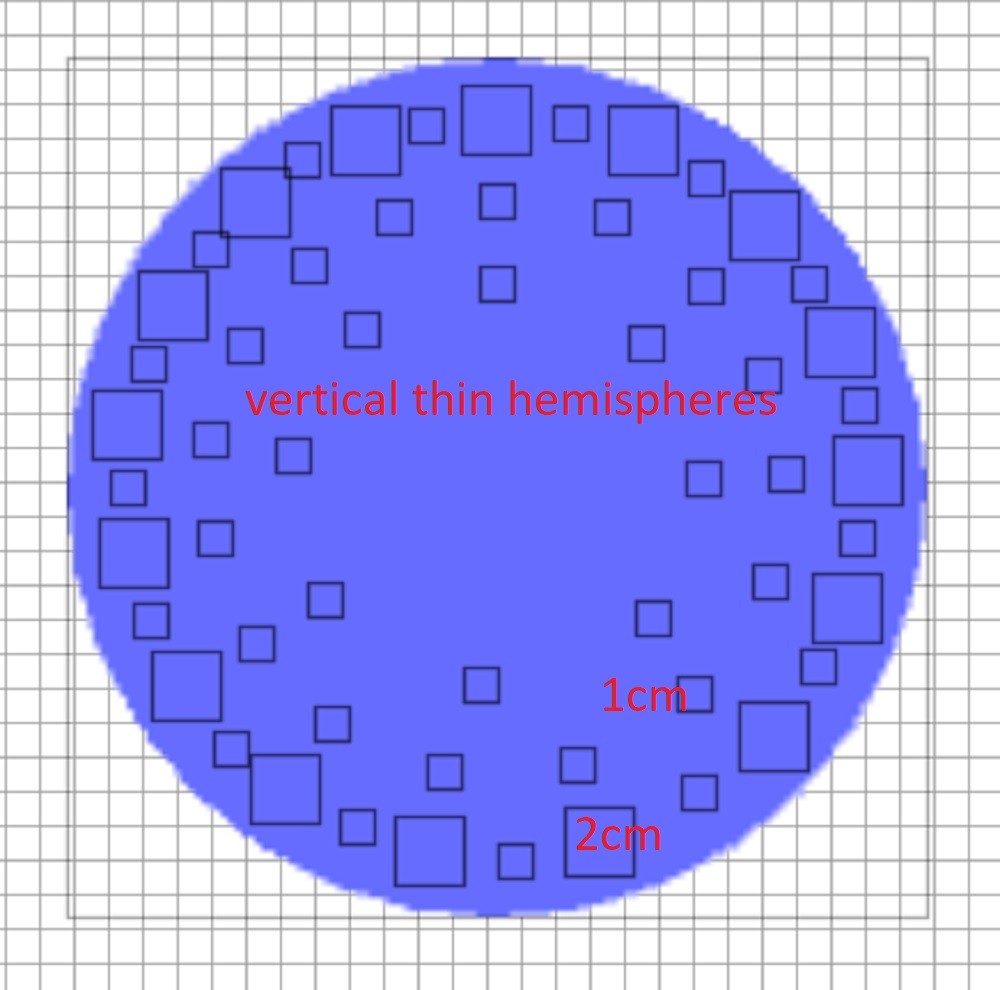


next, I grouped these toothpicks and made a copy, combined the Furniture with the help of a tool, it turns out very accurately and conveniently. I ungrouped one group and began to tilt one hemisphere at a time. The outer tier is 2 degrees. I needed the second group as a background image, I was guided by it. Yes, you need to turn off the magnet. Each hemisphere should not be moved from its place, but rotated, pointing the vertex exactly to the center of the circle. One at a time. It takes 2 minutes of time. Then I pulled the outer circle apart carefully so that the vertices, when viewed from above, coincided with the boundary vertical hemispheres. The peaks are the beginning of the stream, here you need not go beyond the boundaries of the watering can. It turned out to be such a beautiful star of tilted hemispheres. I left the central thin hemispheres vertical, they do not participate in the illusion, they are extras.
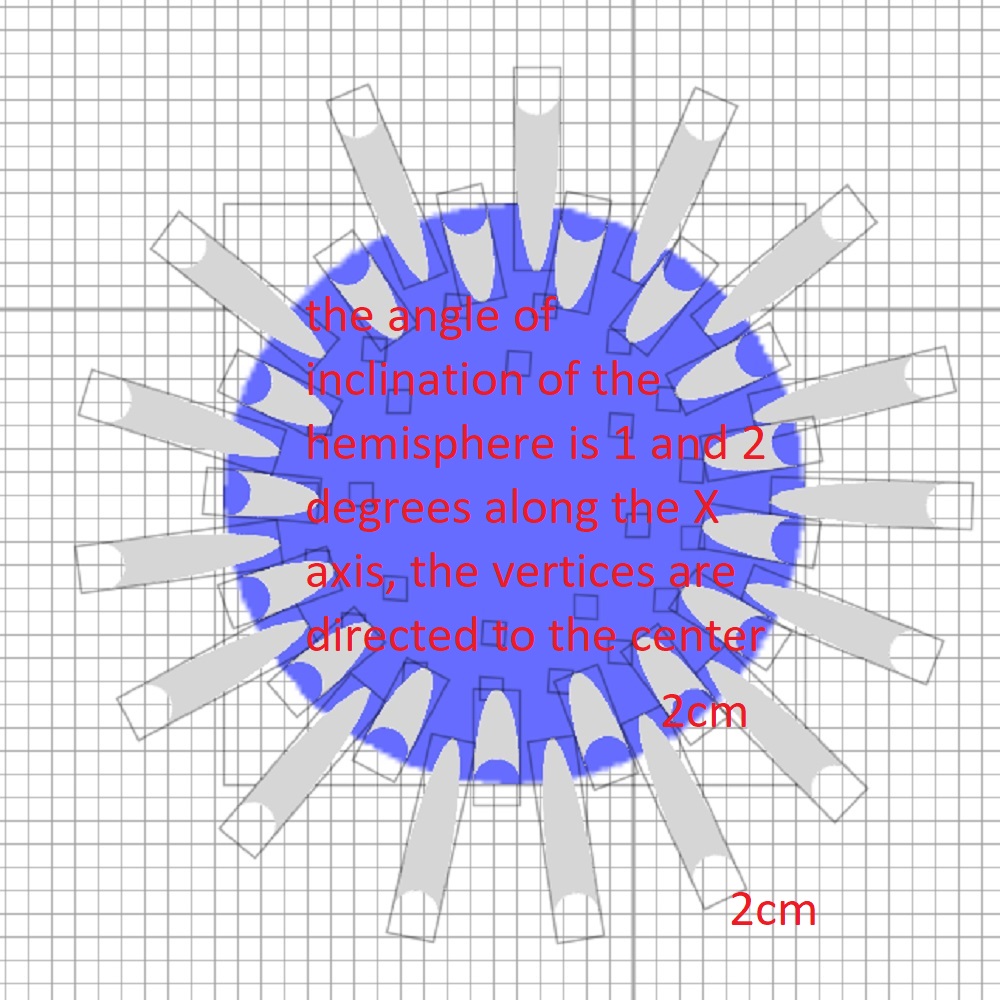


Then I remembered about the background group, observing the proportions of the group, increased its dimensions to the base of 60 cm (a small puddle!), ungrouped and assigned a height of 2 cm to all hemispheres. It turned out to be a pair of diverging circles of water, as if from a thrown stone. Well, almost certainly. I couldn't think of another option). As a result, I grouped everything and imported this group. I made two groups completely opaque and with a transparency of d 0.01. I imported the two groups again, gave them different names so as not to confuse them, and COMBINED them! I grouped them again. And now with this visible array of needles and puddles, I started placing it under a real chrome watering can. I combined everything exactly, removed the opaque clone. Now, as in the laboratory of a photographer with a red lamp, miracles began))) There is nothing on 3d, but an image appears on the render))). My conclusion is that it is best to use textures, not color. My conclusion is that it is best to use textures, not color. needles from hemispheres - glass does not work in any way, there are random black and gray strokes everywhere. So just the texture. It's working out. The array of hemispheres is transparent, behind it all the drawings on the wall and the chicken are visible. That's what you need. And the water from the watering can is pushed a little to the sides. Of course, there are large tropical watering cans where the water falls strictly vertically. This requires a different model, vertical hemispheres.

smile

Posted by Keet at May 21, 2024, 7:39:22 PM
Re: Apartment project with lighting by invisible hemispheres. I continue advertising
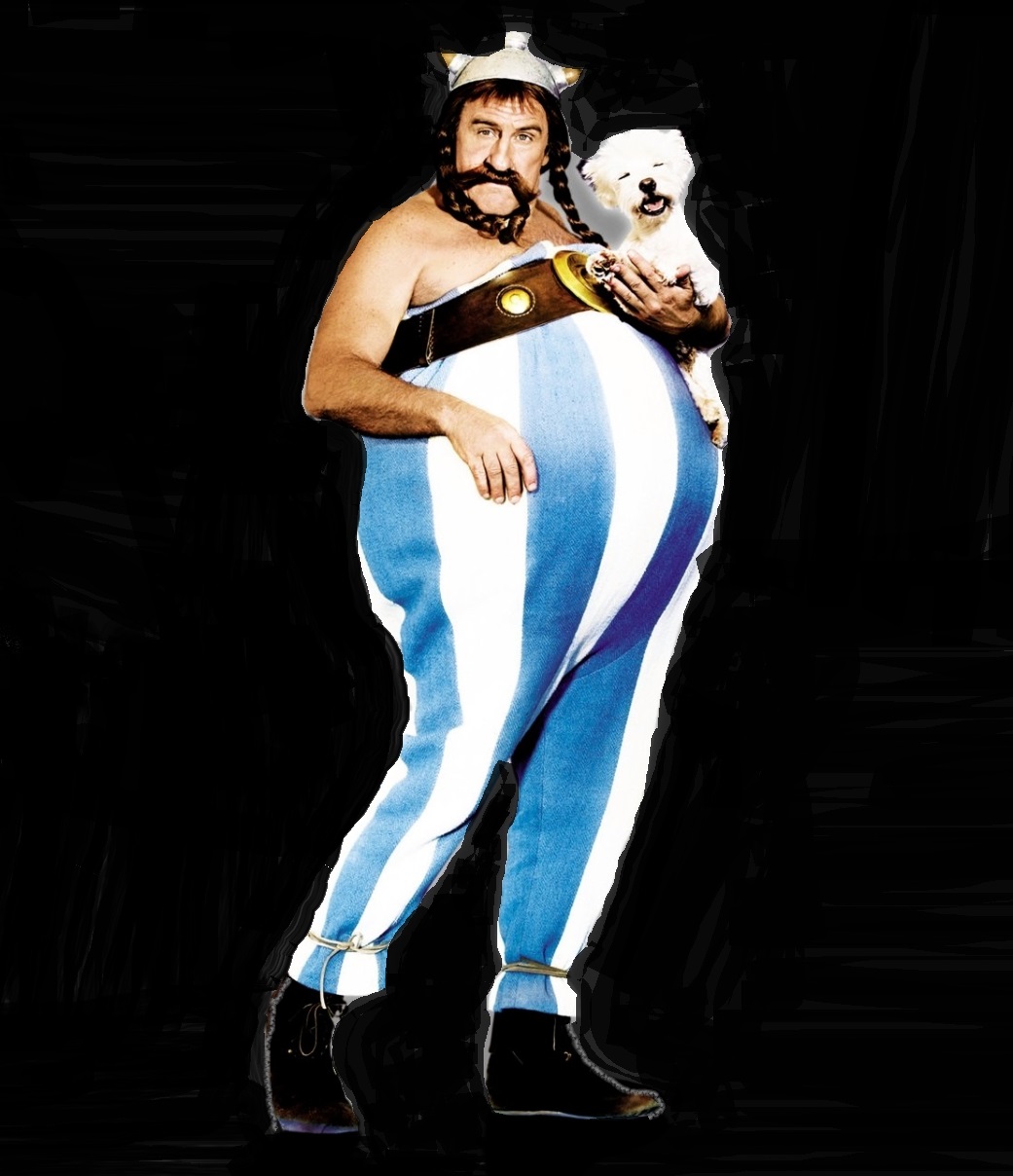
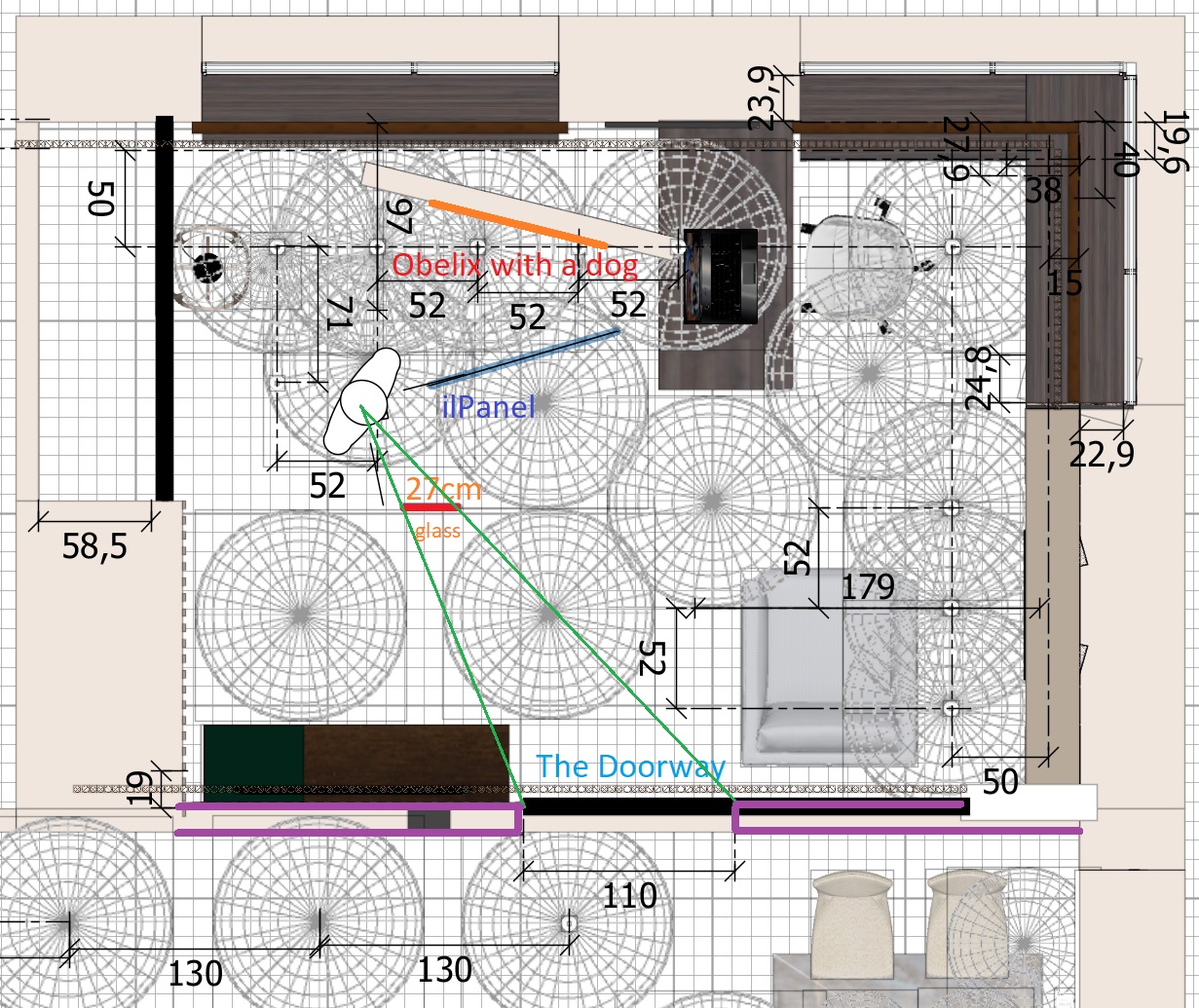
That looks very good in a photo render! Too bad you can't see it in the 3Dview.
The tilting is a very good idea. I'm going to revise my shower water with such a tiny tilt. Your spray with the tilt looks much better than my experiments with the straight lines.

(Now get some food and sleep. There are a few things more important than sweet Home 3D!)
----------------------------------------
Dodecagon.nl
1300+ 3D models, manuals, and projects

Posted by GaudiGalopin3324 at May 21, 2024, 9:00:15 PM
Re: Apartment project with lighting by invisible hemispheres. I continue advertising
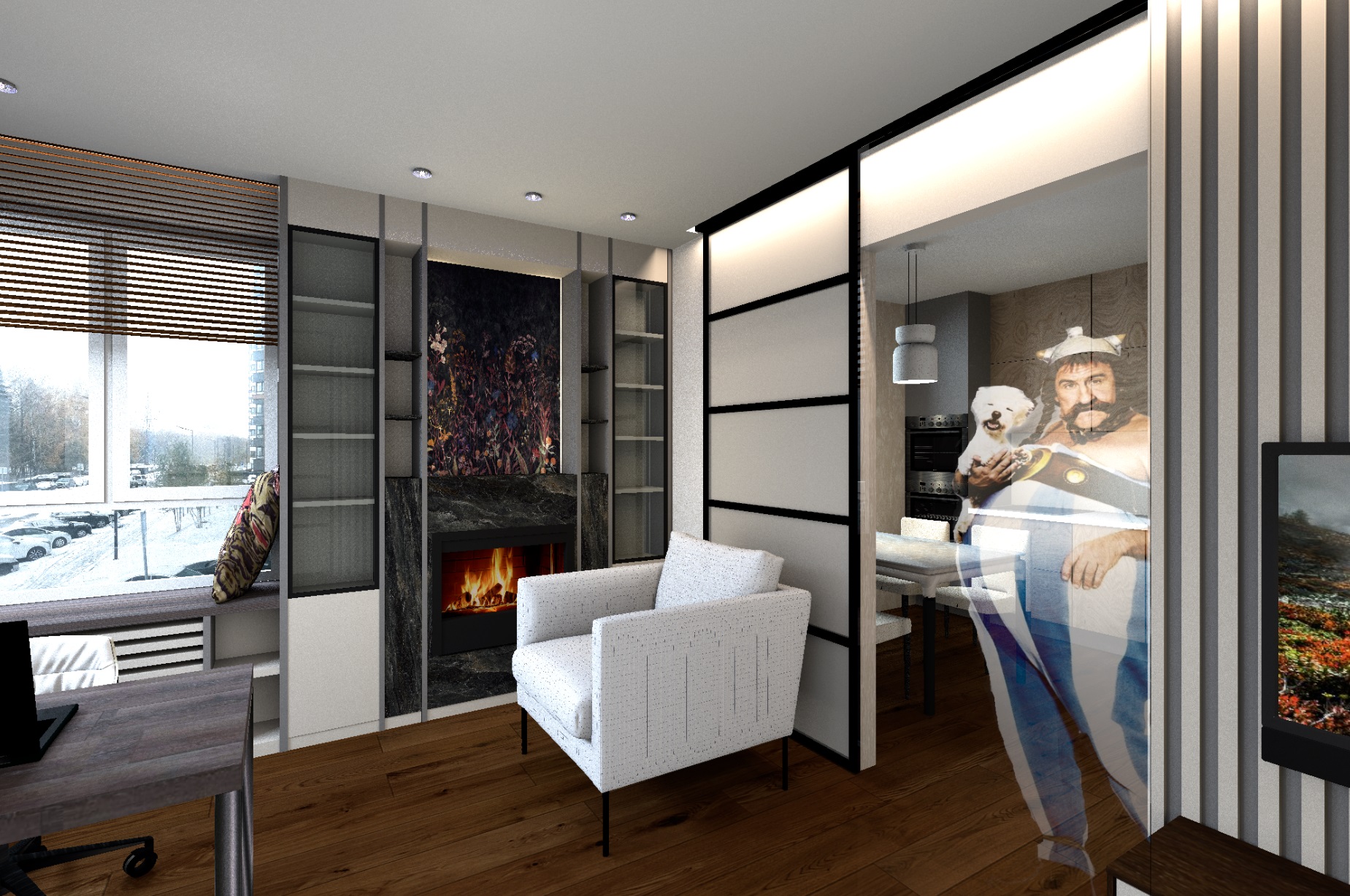
Thanks Keet!))) blushing

Posted by GaudiGalopin3324 at Jun 6, 2024, 10:50:22 AM
rose   Re: Apartment project with lighting by invisible hemispheres. I continue advertising
hi. I got a Chalet-style house. The task is to make a zoning for two girls. There was already an established design on the attic floor, a lot of stone and wood, it was necessary to leave all this and not do construction. People live there all the time. There are two interesting solutions in this project for me.

1. I applied dear Keet's invisible box method to create an uneven upper edge of the masonry. To do this, I took a photo of the masonry, cleaned unnecessary stones from above along an uneven line, and cut vertical fragments. Saved all the pieces in PNG format.


I prepared simple white walls and put a thin box 2cm thick and 110-130cm high on each side, according to the relief appearance of the existing cladding. It's about the same. This thickness of the box mimics the thickness of the stone in the cladding, +-. Made all sides except the front invisible. It turned out to be very similar to the real cladding, with the thickness of the material. But there is a drawback, after all, a thin dark border appears along the upper edge of the invisible box, it is visible against the white background of the wall. But you can ignore this)), it is convenient to make the lining with a thick box. There is an option to reduce the thickness to zero. but then it is inconvenient to glue such a box to the walls on the wall.

2. I was convinced again that the best way to make luminous shades is to assign a transparency factor of 0.5 to the sphere in the MTL file and assign a white texture after re-exporting. Place a small 50% light bulb inside the sphere in the center. The lampshade will light up brightly and over the entire visible surface. And a bonus - it will illuminate everything around, give shadows from objects, give bright spots on the walls and ceiling nearby. Very natural effect.


Posted by VeroniQ at Jun 6, 2024, 12:11:39 PM
Re: Apartment project with lighting by invisible hemispheres. I continue advertising
Nice design, I like this bed!

Posted by GaudiGalopin3324 at Jun 6, 2024, 1:07:25 PM
Re: Apartment project with lighting by invisible hemispheres. I continue advertising
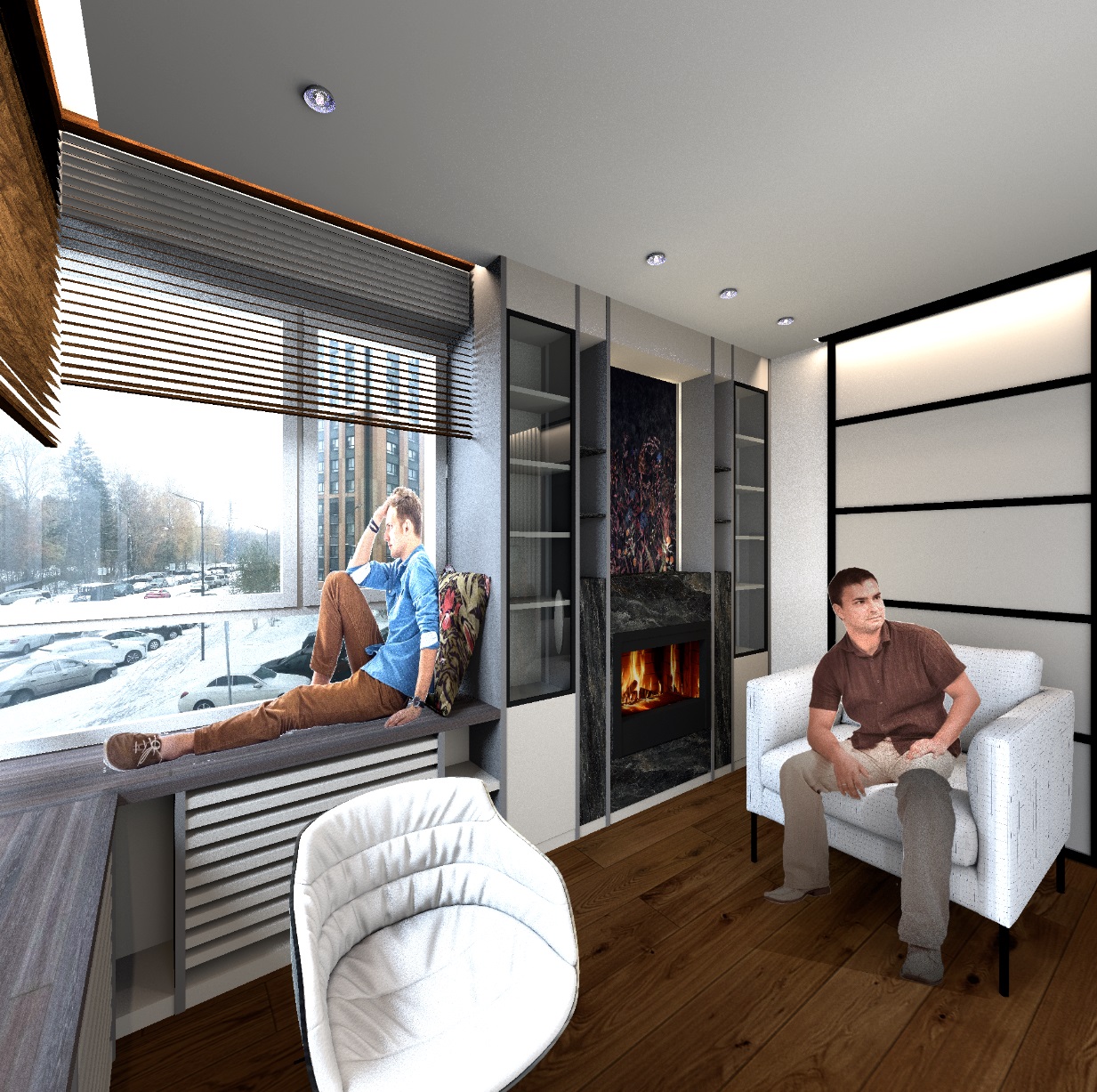
Thanks VeroniQ! blushing I'm sure you'll agree with me. The most difficult task for an architect is to place two girls on the same territory)). And then you need to pour the minimum amount of gunpowder for these two sparks. Everything will be calm if the solutions are exactly the same, so in my module there are two absolutely identical beds and a design))). Otherwise, it will be a disaster. But there is still a danger of explosion. One girl has a fireplace, and the other has a small kitchen. I am seriously concerned for the safety of the village))). biggrin

Posted by Keet at Jun 6, 2024, 3:32:11 PM
Re: Apartment project with lighting by invisible hemispheres. I continue advertising
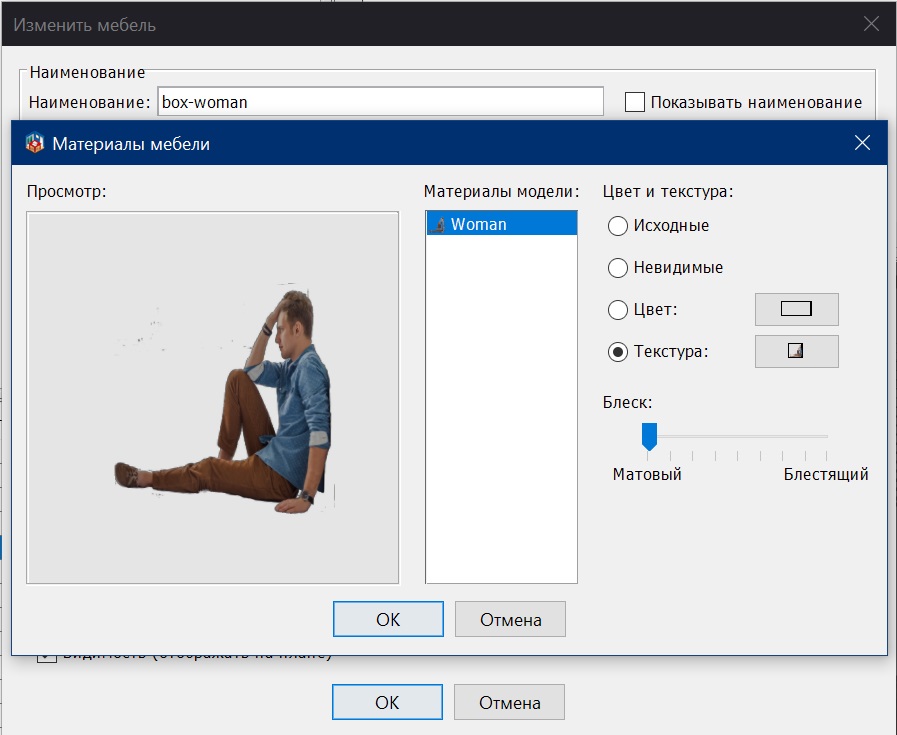
If they fight over it force them to switch rooms every week. They will soon cease any hostilities because switching rooms every week is more trouble than they want laughing

You can get rid of the black line at the top of the box by making the box as high as the wall. (Increase the canvas size, align the original at the bottom, export). You will probably have to that for each part separately considering the sloping walls.

By-the-way, I like the bed too! Good sound proofing. wink
----------------------------------------
Dodecagon.nl
1300+ 3D models, manuals, and projects

Posted by GaudiGalopin3324 at Jun 6, 2024, 7:45:04 PM
Re: Apartment project with lighting by invisible hemispheres. I continue advertising
biggrin Dear Keet, don't wish me dead)). I don't want to get hit on the head at the same time with a frying pan from a small kitchen and a birch log from the fireplace. No! No! But thanks for evaluating the bed)). blushing

Posted by GaudiGalopin3324 at Jun 18, 2024, 7:48:15 PM
rose   Re: Apartment project with lighting by invisible hemispheres. I continue advertising
I am impressed by the video of the train in the next branch. My experiments are not that impressive. I can't place animations in a 3D scene yet. I could only put ready-made GIFs and the Internet on top of the render in the video editor. This can only be done in front of and between the objects in the interior. For the objects, I do not yet know how to make moving figures.

https://www.mediafire.com/file/v861wl323fnpbu...0%2598%25D0%25A7.avi/file

Posted by Keet at Jun 18, 2024, 8:40:08 PM
Re: Apartment project with lighting by invisible hemispheres. I continue advertising
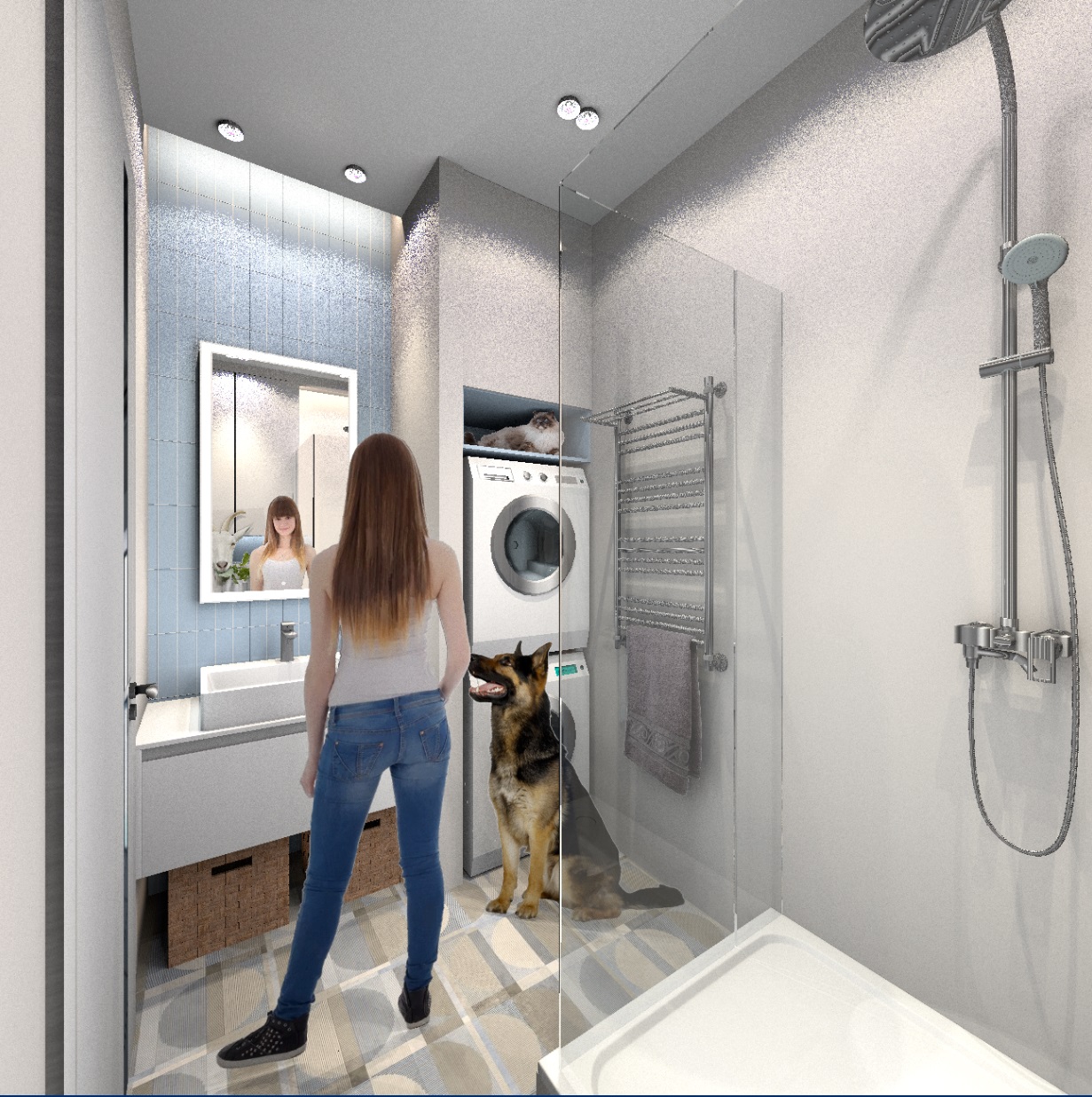
My experiments are not that impressive.
I disagree, your experiments are very impressive in their own way. That's the beauty of Sweet Home 3D, everyone can have their own specialties and do the things he/she likes to do with it. And become very good at it!
----------------------------------------
Dodecagon.nl
1300+ 3D models, manuals, and projects

Posted by GaudiGalopin3324 at Jun 20, 2024, 1:04:43 AM
rose   Re: Apartment project with lighting by invisible hemispheres. I continue advertising

I figured out how to insert GIFs into the SH3D program so that they look natural, so that the shapes overlap with the objects of the room. This is the same method of the invisible box, only it must be used in the video editor. First, I took a basic rendering of the room, picked up the gifs, thought about how these figures on the gifs would be located in the space of the room (which objects would overlap these figures, which would be blocked by the figures themselves). As a result, I made 4 layers. The first one is the basic render. The second one is the same render, only with the fireplace window cut out, where I placed a gif with fire. The third layer is a table, a sofa and a doorway (there will be butterflies flying in the kitchen, a couple of dancers appear from the opening, a girl is standing at the table). And the fourth layer is just the sofa. I made these changes in the photo editor, made a transparent background around the objects. Then you need to arrange these layers in the video editor in the order of overlapping. And place layers with GIFs between the layers. Creating a video clip is interesting because you can split the gif file at the moment when, for example, the hand begins to overlap the wall and at this moment part of the gif is transferred to the layer above. The image starts to overlap what it didn't overlap before. As a result, the figures become almost real in space, although they are not in the scene itself. This is an attempt to depict space on a flat render. These are the layers I made:


The video editor differs from the render in Yafaray in that you can make the borders not very carefully, when superimposed in the video everything will connect without traces (in Yafaray there are white contours). The main thing is to keep the exact dimensions of all layers (this is obtained automatically). And then they connect into a single whole without shifts and contours.
The video is not recommended for people with a weak mind to watch, sorry. I didn't find any other more decent GIFs. cool https://www.mediafire.com/file/culwyodjwmh736...25BD%25D0%25B3_3.avi/file

Posted by VeroniQ at Jun 20, 2024, 12:32:34 PM
Re: Apartment project with lighting by invisible hemispheres. I continue advertising

Interesting! What kind or video editor do you use?

Posted by GaudiGalopin3324 at Jun 20, 2024, 12:43:47 PM
rose   Re: Apartment project with lighting by invisible hemispheres. I continue advertising
Hello VeroniQ. I use the free version of the Videopad video editor. It has very simple controls, even I understand. The only limitation is that in the free version, you can export to a video file only in AVI format. Other formats are not supported, only in the paid version.

Posted by GaudiGalopin3324 at Jun 26, 2024, 11:09:05 AM
smile   Re: Apartment project with lighting by invisible hemispheres. I continue advertising
I made two masks from my render. With a hole for water in the bathtub and a corner of the sink for a cat. I arranged them in the order of overlap and placed GIFs between the layers. I'm trying to make a stream of water from a watering can, but it doesn't work out yet, a difficult task with falling water.


Please note - you can not do it very carefully, everything will be smooth when applied, the boundaries of the layers are not visible. The main thing is to make the edge of the hole smooth, the rest is not important.

The animated picture is here https://www.mediafire.com/file/d2ls9gm7bi2aw9...1%2583%25D0%25B7.avi/file

Posted by GaudiGalopin3324 at Jun 28, 2024, 11:49:56 PM
Re: Apartment project with lighting by invisible hemispheres. I continue advertising
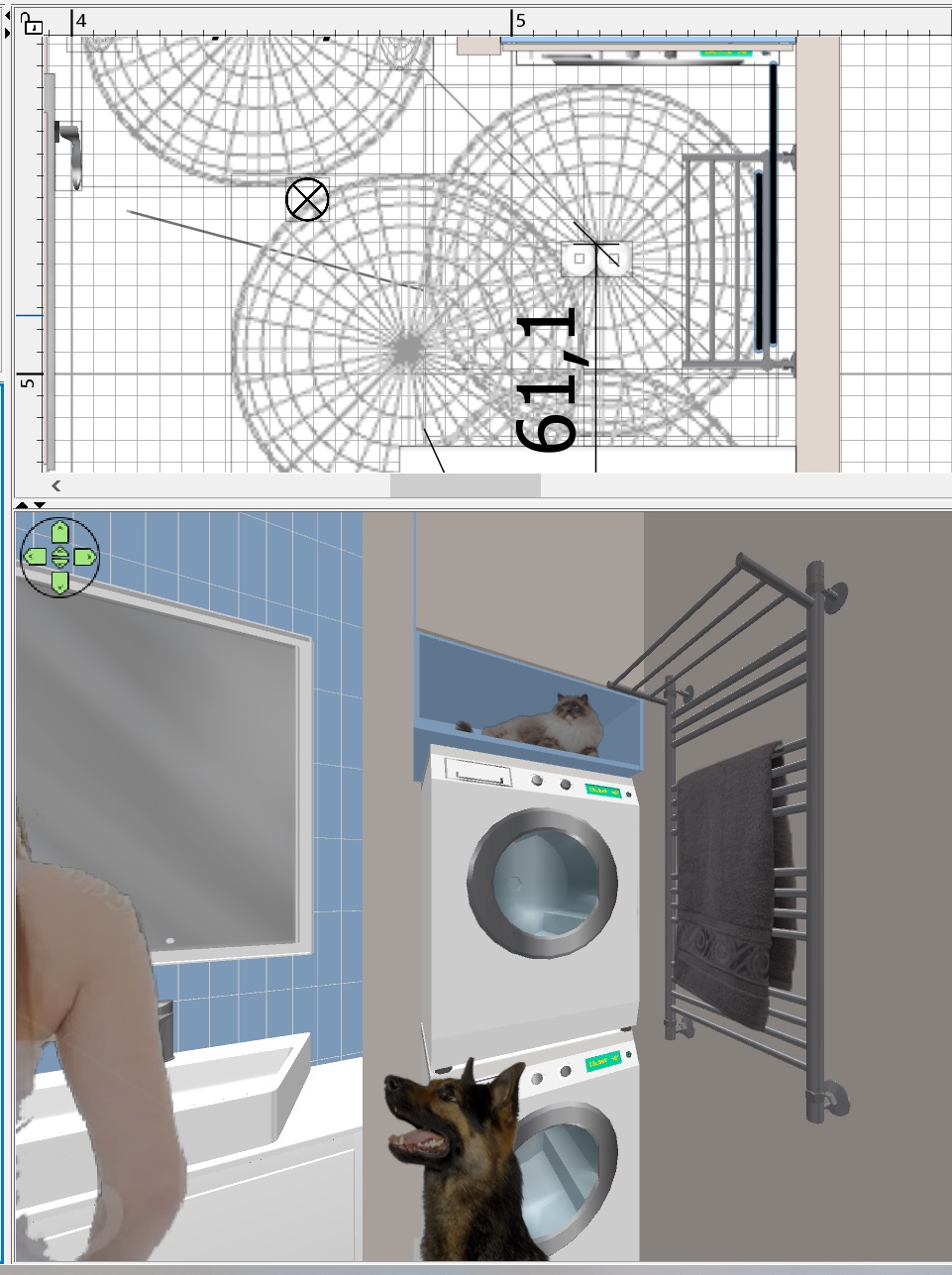
I made water from the overhead shower. It is a difficult task for me, I continue to experiment.. crying

https://www.mediafire.com/file/omb0hmnbchkpu7...0%25BE%25D0%25B9.avi/file

Posted by Keet at Jun 29, 2024, 12:07:56 AM
Re: Apartment project with lighting by invisible hemispheres. I continue advertising
That water would look great for a waterfall!
----------------------------------------
Dodecagon.nl
1300+ 3D models, manuals, and projects

Posted by GaudiGalopin3324 at Jun 29, 2024, 9:34:57 AM
Re: Apartment project with lighting by invisible hemispheres. I continue advertising
This is the case when you are trying to create a hyperrealistic picture. And one mistake spoils everything at once. There is no such failure in the traditional SH3D visualization system, because there is no such task initially. Visualizations in ordinary SH3D do not cause such criticism, because there is no task of hyperreality. The most annoying thing is that I made transparent water, it is in the working file!! But there's no way I can keep it like this, I'm doing something wrong. All the time, opaque colored water is obtained, as if foamed.

Posted by GaudiGalopin3324 at Jun 29, 2024, 9:42:41 AM
Re: Apartment project with lighting by invisible hemispheres. I continue advertising
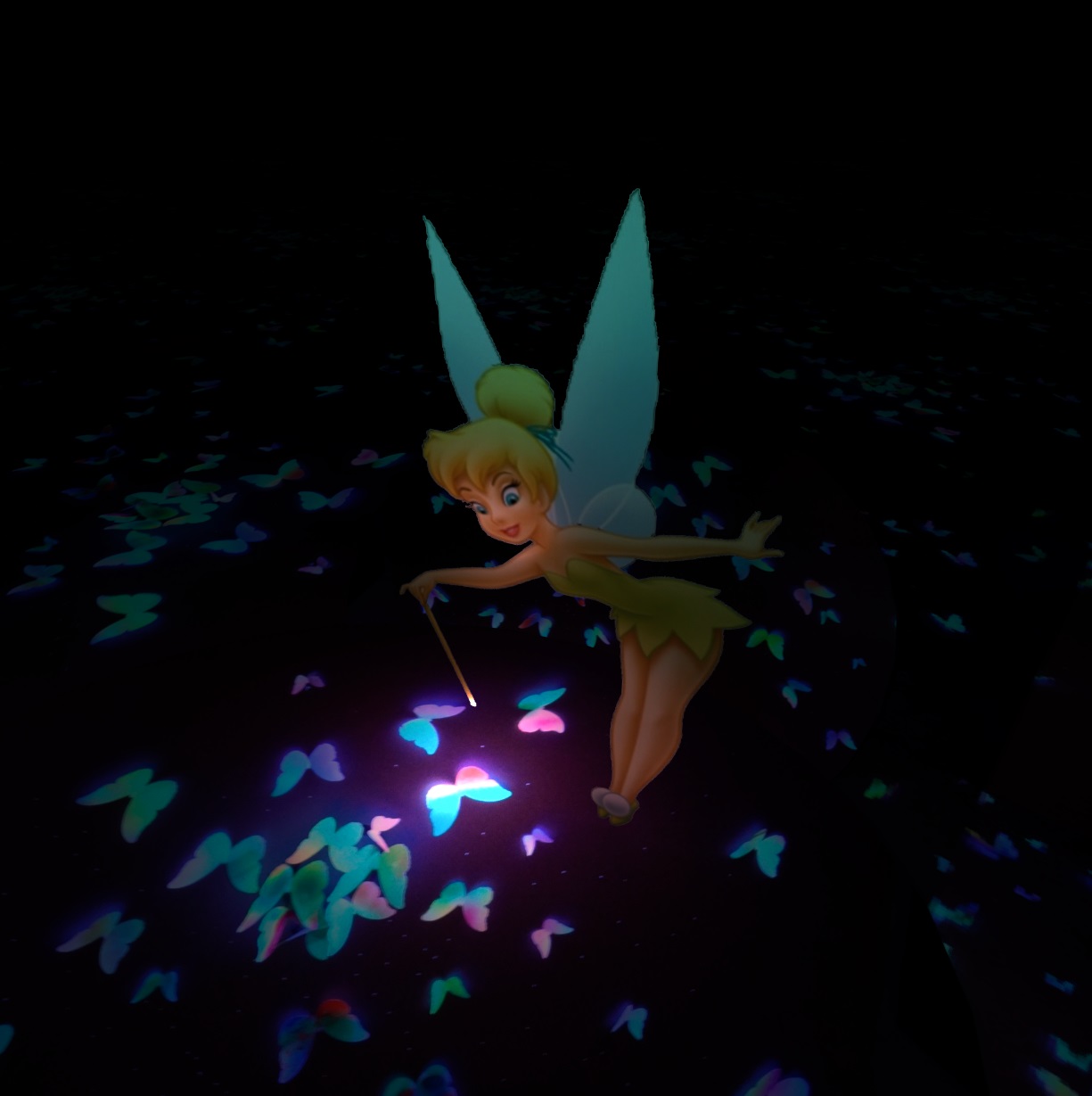
Partially, the situation with the failure is saved by the frivolity of the author's attitude, humor. If you try not to smile, it's harder. biggrin

Posted by Ceciliabr at Jun 29, 2024, 11:34:10 PM
Re: Apartment project with lighting by invisible hemispheres. I continue advertising
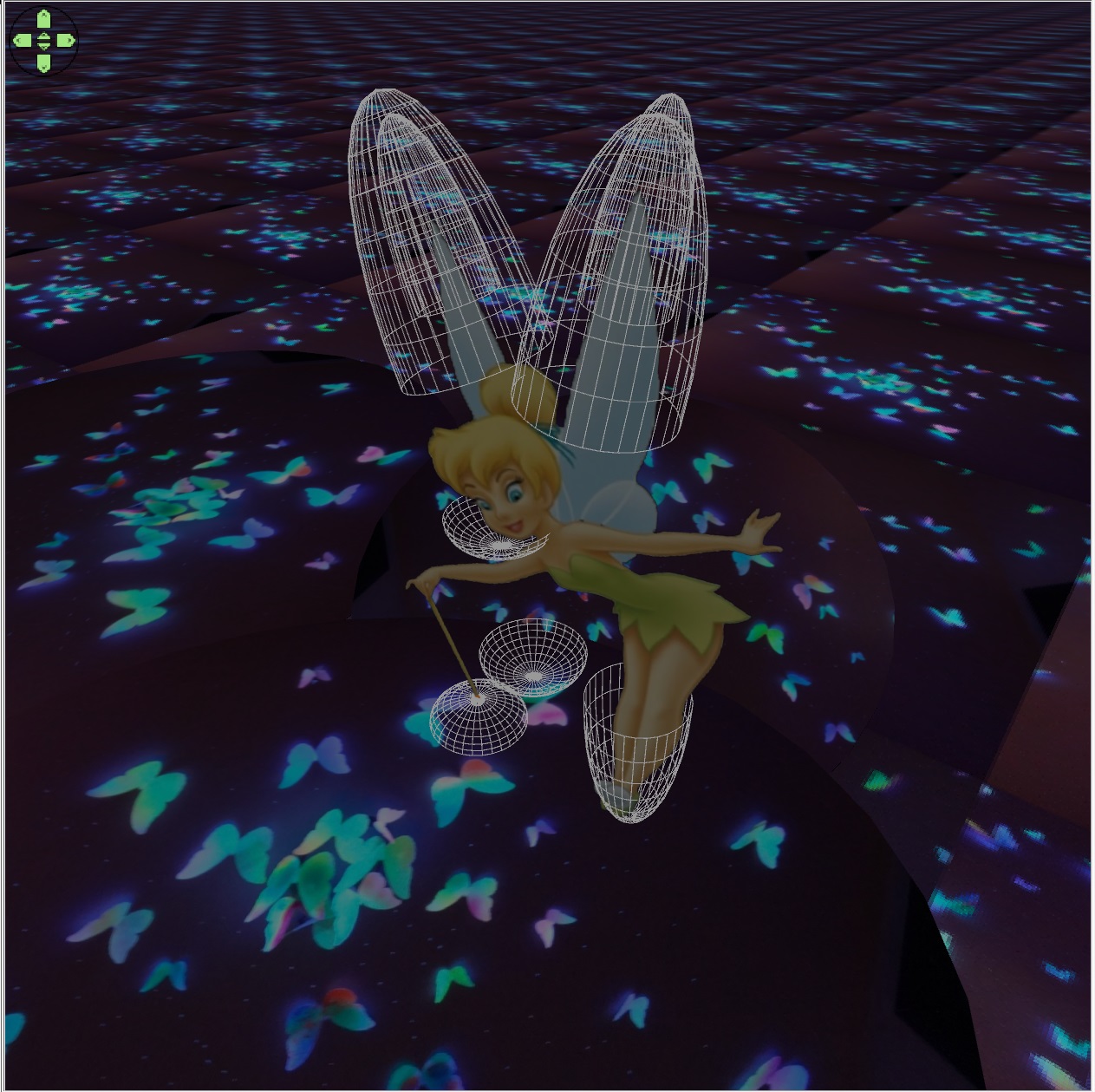
Hi!
Watched your video. Nice idea.
Let me give you a little tip:
When you want to insert gifs, you should first import some models of people in the right size and render it. That way you get the right size and perspective on you gifs. Try that and you will be amazed how real it can look.

Cecilia

Posted by GaudiGalopin3324 at Jun 29, 2024, 11:55:20 PM
Re: Apartment project with lighting by invisible hemispheres. I continue advertising
I am happy and very impressed by your attention!! Thank you, very good correct advice. I will definitely use it. Please, I really look forward to your advice. You are my ideal in the world of illusion. Your achievements are beyond my desire, thank you again. love struck

Posted by GaudiGalopin3324 at Jun 30, 2024, 12:00:34 AM
rose   Re: Apartment project with lighting by invisible hemispheres. I continue advertising
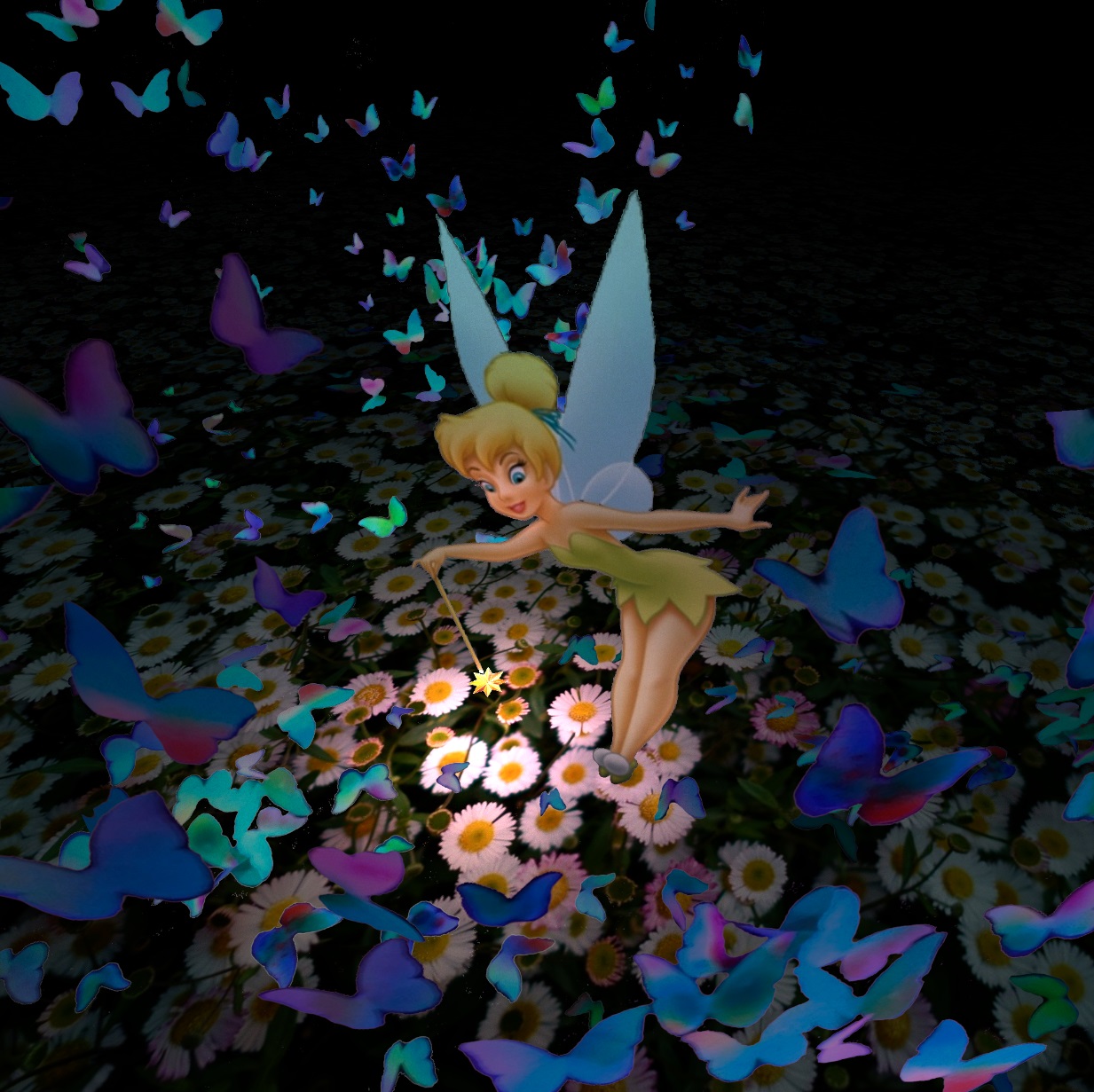
I read an article about how old cartoons were filmed. The people in these cartoons are incredibly realistic. The secret was exactly as you said. First, real actors were filmed on black-and-white film, then their figures were outlined and a cartoon was made from drawings. That is, first, a real movie, where everything is true and without mistakes, just like that.

Posted by GaudiGalopin3324 at Jul 1, 2024, 2:29:45 AM
biggrin   Re: Apartment project with lighting by invisible hemispheres. I continue advertising

Bingo. I made clear water.

https://www.mediafire.com/file/w5dn3v8jkpu536...25BC%25D0%25B8_3.avi/file

Posted by Keet at Jul 1, 2024, 8:08:02 AM
Re: Apartment project with lighting by invisible hemispheres. I continue advertising
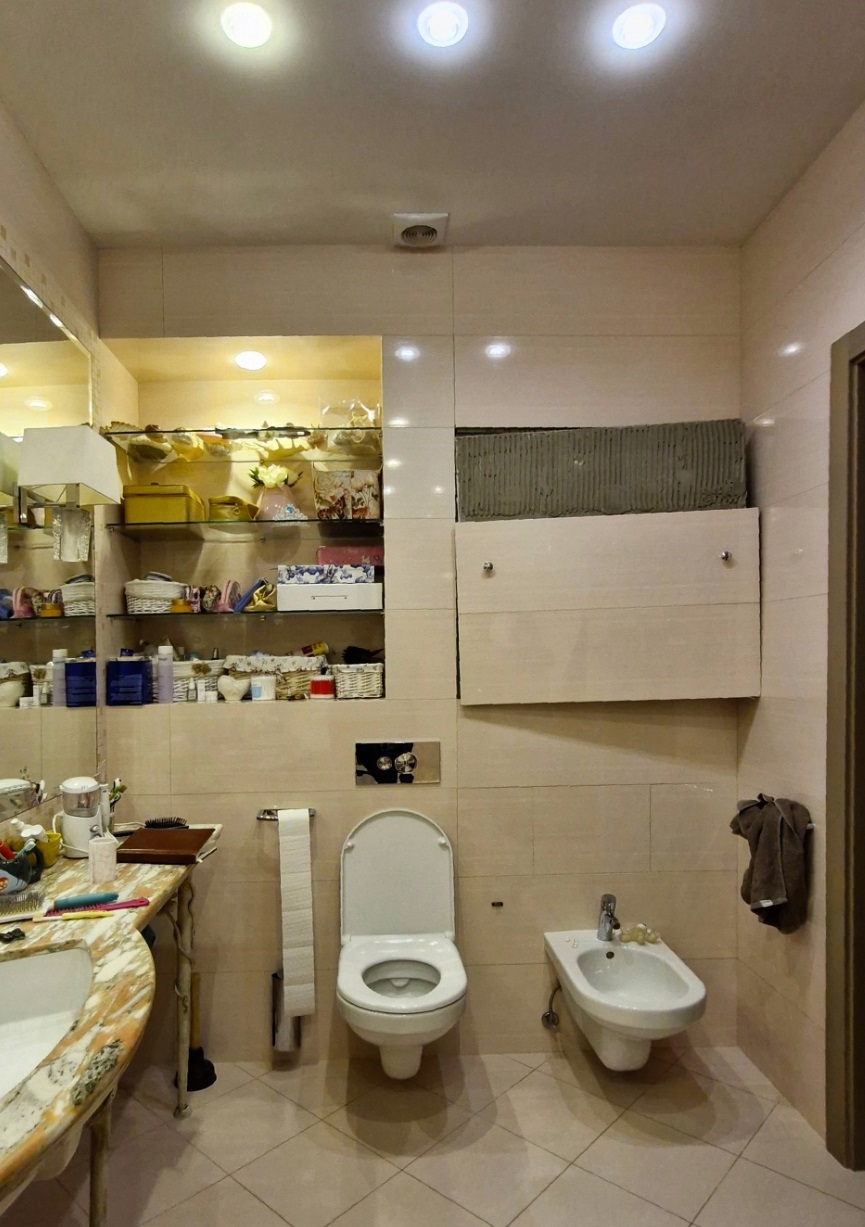
wow, that really does look great!
I'm almost afraid to ask, but could you create a manual about how to create this? Creating and preparing the images, creating the layers, assembling in a video editor, etc. I am very sure more members will be very interested in trying out what you accomplished. It really does look great. Could you share the water gif?
----------------------------------------
Dodecagon.nl
1300+ 3D models, manuals, and projects

Posted by GaudiGalopin3324 at Jul 1, 2024, 10:28:19 AM
Re: Apartment project with lighting by invisible hemispheres. I continue advertising
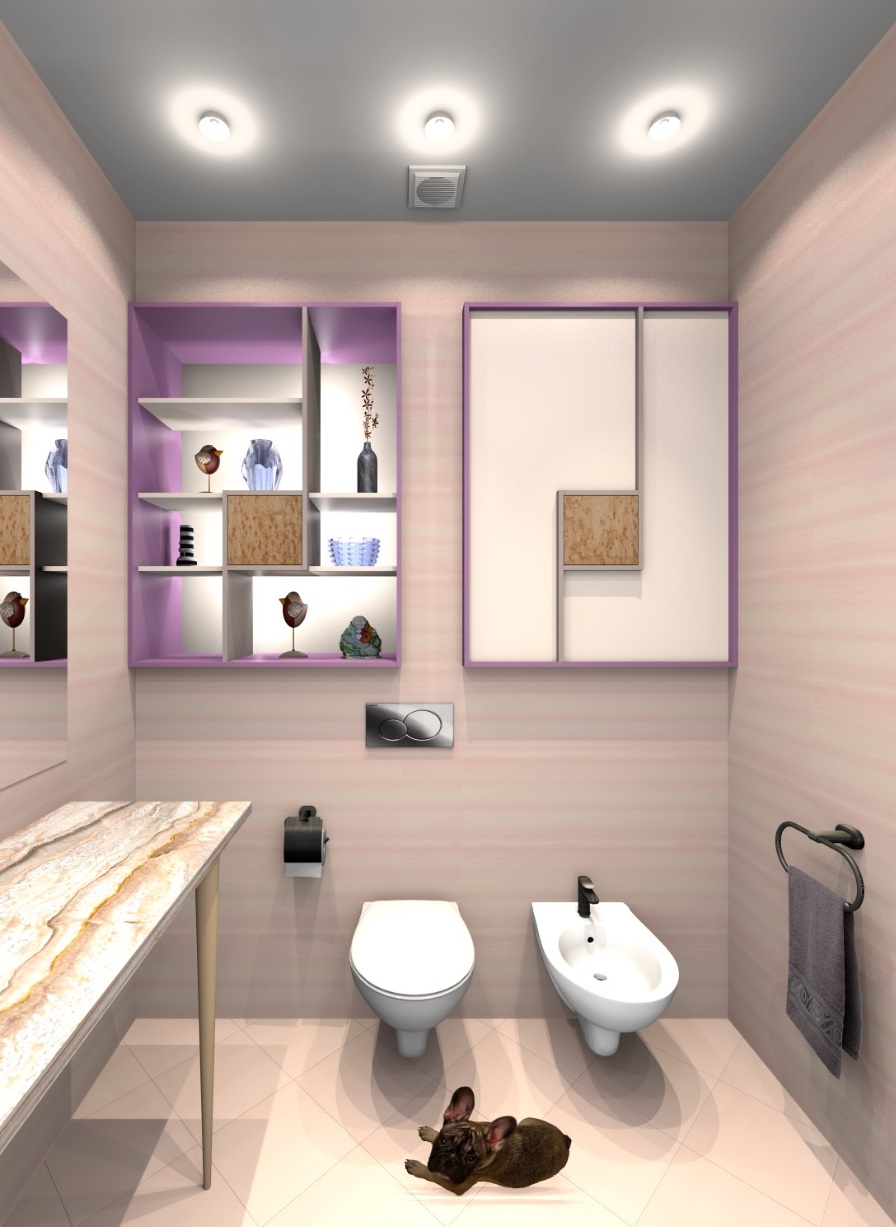
Dear Keet. I will be happy to try to tell you about the whole process. I'm not worried that this goes beyond the scope of the topic of this forum. He's still talking about the SH3D program. First of all, I want to talk about the phenomenon of free software. I must say right away that my thoughts do not relate to our holy cow in any way, everything is transparent and clean here, like in glacial water. SH3D stands aside. But the entire information field that fills the Internet is fraught with difficulties and even dangers. Because to catch a large fish, a fisherman must first throw small fish and even a simple worm into the river. And this big fish is you and me. The most important and exciting task is to eat a worm and not get into the frying pan. Yes, yes. Unfortunately, we are not fishermen on this safari. I use the video editor in the free version of Videopad, as well as the free online version of Photoshop. It has all the functions I need. But all the time I feel like they are trying to drag me into a frying pan, limiting my desires and possibilities. This is normal, I understand that fishermen need to live with pleasure, but I prefer my not the widest river and try to stay there, it's calmer for me there. Developers specially insert a banner in the most interesting and important place of work - "you will not succeed now, click on the payment link to get additional features. Give up." Yes, this is the easiest way to my goal. But someone else's frying pan does not please in any way, it does not give pleasure from winning in the end. That's why I prefer to suffer and not take the bait. It's more interesting this way, although it's more difficult, and it takes more time. I'll start giving out my explanations in separate portions. Because here it is really difficult to tell in a nutshell about the process of eating worms in the river. biggrin blushing blushing blushing biggrin

Posted by Keet at Jul 1, 2024, 11:13:55 AM
Re: Apartment project with lighting by invisible hemispheres. I continue advertising
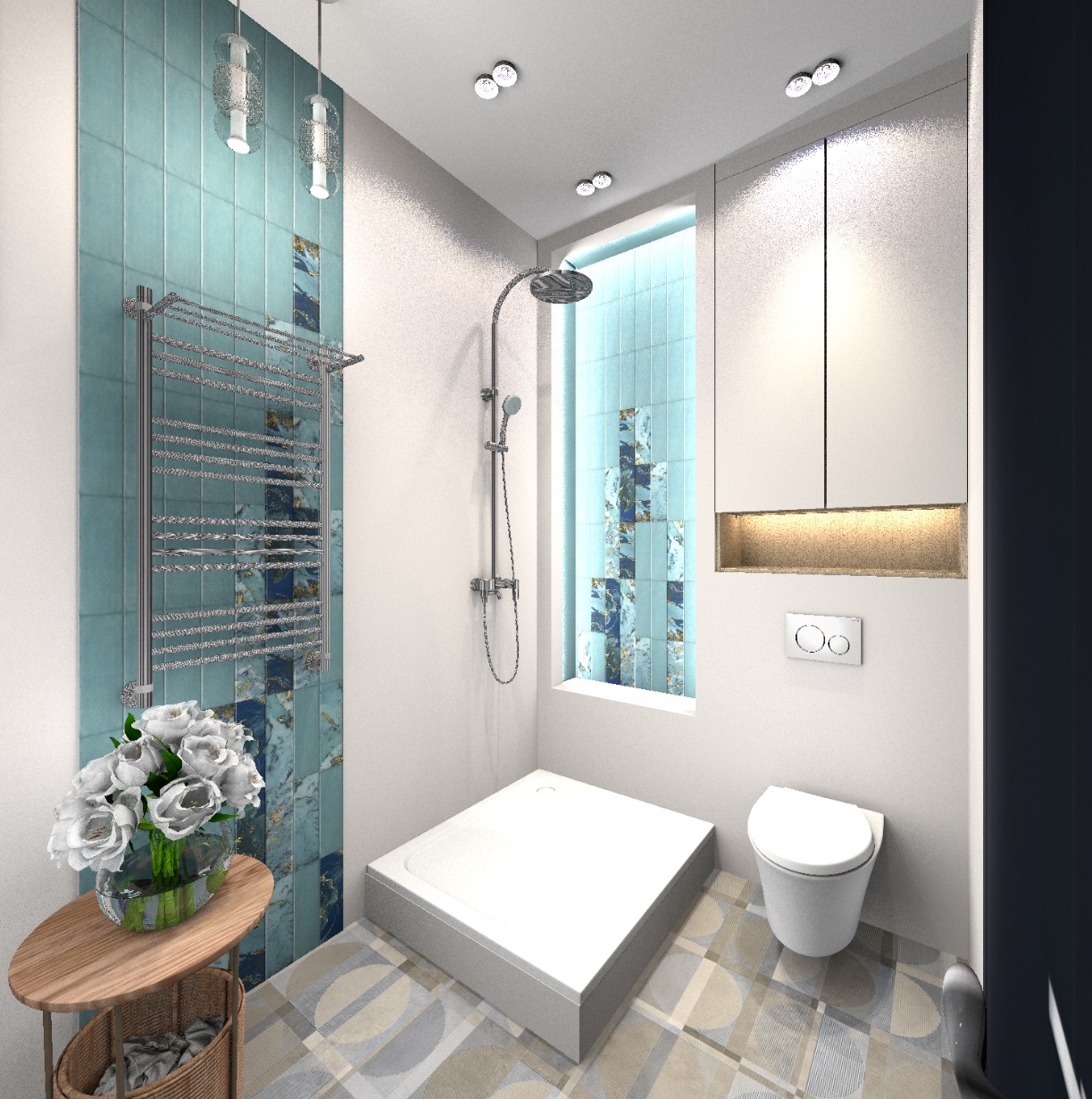
Andrei, you are right. I religiously stick to open source software. Partly because I'm 100% on Linux where most of the available software is open source. A very good alternative for Photoshop is Gimp. With that I have never needed someting like Photoshop. It works on all operating systems so a description of a function is beneficial to users independent of what OS they use. And concerning open source, I "pay back" a little with the dodecagon.nl site where I have put everything available in the public domain.

OpenShot and Flowblade are open source video editors that are very easy for beginners but I have no experience with them. Openshot depends on Blender and the versions of both have to be kept in sync. Since I already use Blender in addition to Sweet Home 3D for model creation that's no problem. Flowblade is only available for Linux and avaialable in most repositories (Openshot is also in most Linux repositories).
Shotcut is a kind of advanced version of OpenShot. Much steeper learning curve but it does support 4K video creation. And there are lots of video tutorials for it.

(If you want I can compile your partial explanations when they appear into a manual.)
----------------------------------------
Dodecagon.nl
1300+ 3D models, manuals, and projects

Posted by GaudiGalopin3324 at Jul 1, 2024, 2:07:43 PM
Re: Apartment project with lighting by invisible hemispheres. I continue advertising
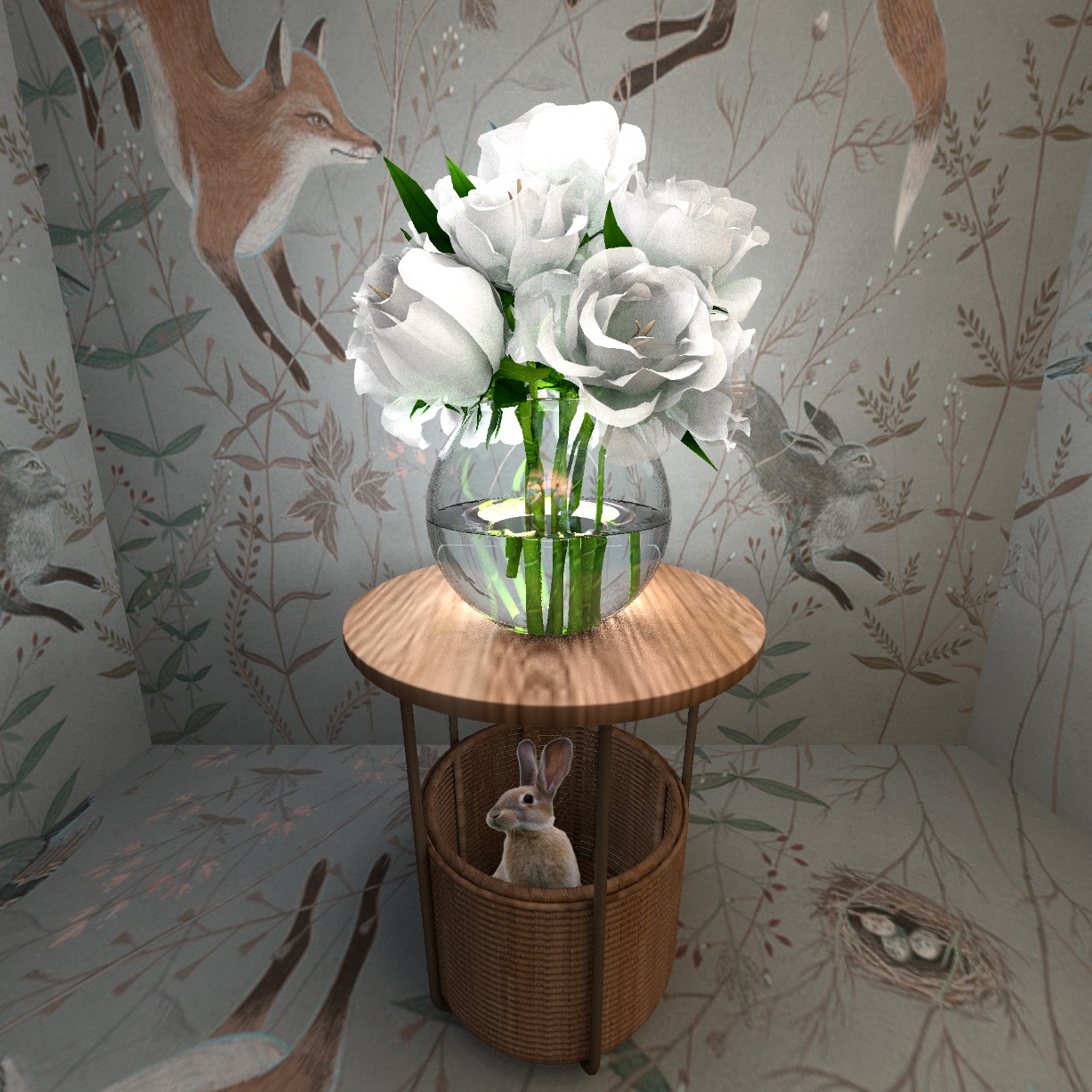
Keet, thanks for the offer of help! Let's start slowly. Before starting work, you need to collect all the material so that everything is at hand. This is primarily a rendering of the room in SH3D, on the basis of which the final video product will be created. I made a render like this. As usual, I promote the hemispherical lighting system in this topic, they make the picture as realistic as possible.


the final render


All chrome products are made by changing the OBJ files in the corresponding groups, after g the prefix sweethome3d_window_mirror is inserted_ , The render is made at the fourth quality level, the resolution is 3000x3000 pixels. The maximum level gives the best result for chrome surfaces, without dots and noise. But it does not reflect in glossy and glass surfaces. There are no such people here, so I made a render at the fourth maximum level.

Posted by GaudiGalopin3324 at Jul 1, 2024, 2:39:59 PM
Re: Apartment project with lighting by invisible hemispheres. I continue advertising
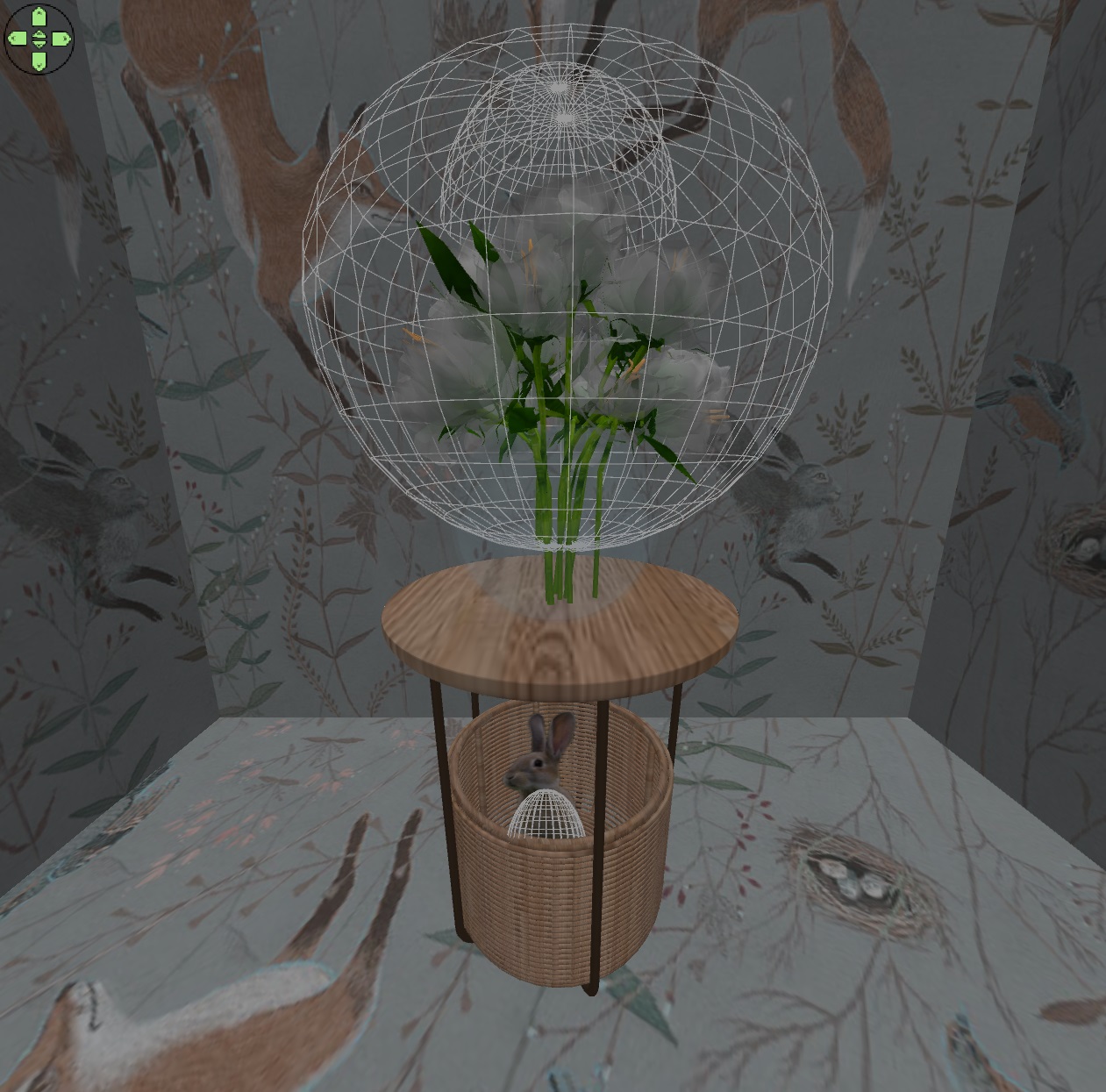
now I have found several gif animation files and MP4 video files: two cats on a ready-made transparent background (GIF), a girl on a green background chromakey (MP4), falling water on a black background (GIF), a shimmering surface of water (MP4). For further work in the free versions of editors, the size of these files is important, because the free versions work with large files with great reluctance)))). Two cats are the simplest and lightest (40 KB and 5 MB). The girl turned out to be heavy (391 MB), waterfall (17MB), water surface (47MB). For processing in the photo editor, lighter files are needed, I managed to re-export through Videopad with a reduced resolution. For example, the girl turned out to be 1.3 MB now, but through the free version only in AVI format, which is not readable in the online photo editor!! Stay calm. There are free online converters to get GIFs from AVI again

Posted by GaudiGalopin3324 at Jul 1, 2024, 3:04:13 PM
Re: Apartment project with lighting by invisible hemispheres. I continue advertising
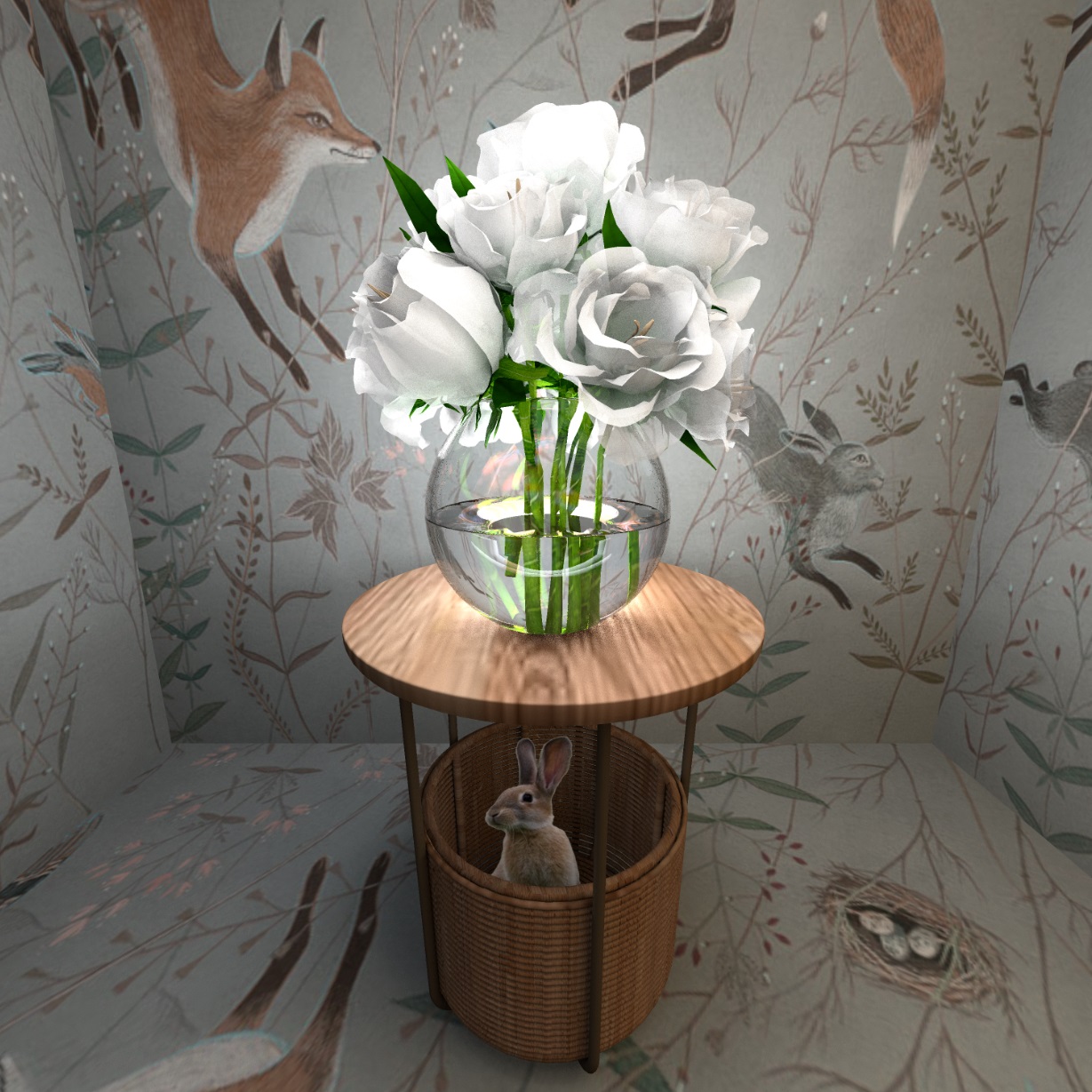


and a rainbow on a transparent background, I made it myself


Posted by GaudiGalopin3324 at Jul 1, 2024, 3:15:57 PM
Re: Apartment project with lighting by invisible hemispheres. I continue advertising
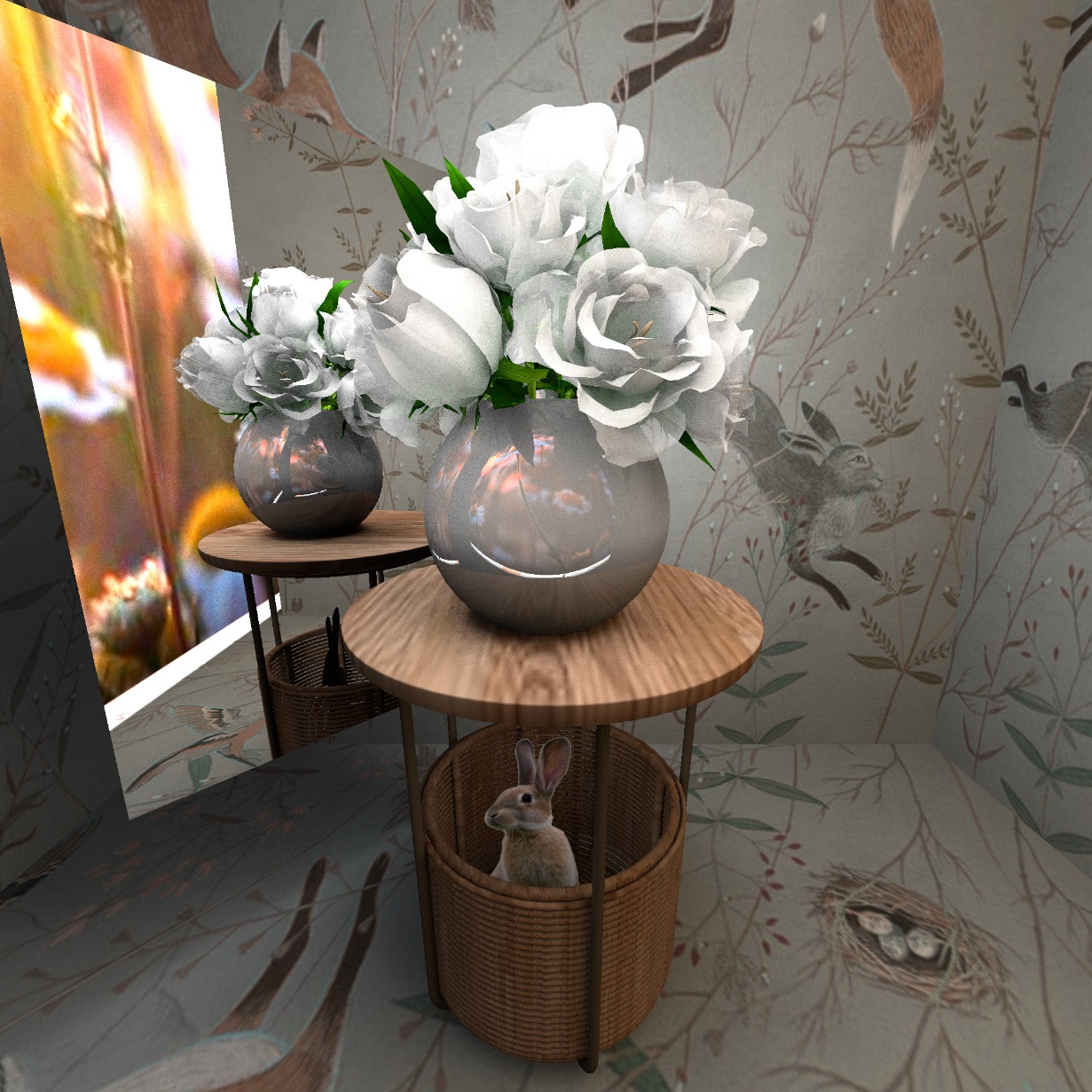
We have two files that need to be edited and the background removed. This is a girl on a green background and the most difficult thing is the waterfall. For the effect of falling water, it is necessary to clean all the black places around and inside the jet very efficiently. This is best done in Photoshop, clean every frame. I probably don't know how to do it fast yet, so it took me almost all day to clean such a video.. You also need to export to GIF format with a transparency of 25%, so that the water appears to be transparent water, and not colored foam. I ended up with something that didn't quite look like a wish, but I gave up and used what I got.. With the girl, it turned out to clean the background in another photo editor VS DC Free Video Editor. There is a special background removal function, but it cleans roughly, leaving crumbs and light spots in places. If the figure in the frame is small, then it's fine. Better background cleaning needs to be studied, there are lessons and recommendations, I have not mastered yet.

Posted by GaudiGalopin3324 at Jul 1, 2024, 3:49:17 PM
Re: Apartment project with lighting by invisible hemispheres. I continue advertising
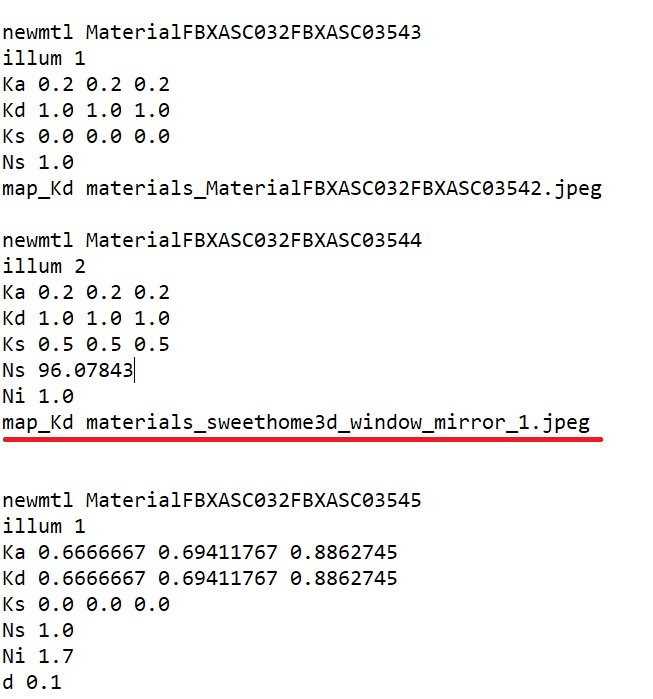
now you can open the video editor. You should feel like Steven Spielberg (no less) and think everything through in advance. I decided that the cats would sit on the sink, one inside the bowl, the other outside, part of the front edge of the sink would overlap the front cat. The bath will be filled with water with a video texture of the surface of the shimmering water. Water will not flow out of the upper tropical watering can at the very beginning of the clip. A girl will sit in the bathtub and look at the rain shower. What needs to be done to make all the figures appear as if in the real space of the bathroom? You need to prepare the layers from the SH3D renderer. I made three such layers.

the hole for the water in the bathtub (I showed it in black, in fact it is a transparent place), this hole must be made as smoothly and accurately as possible, it will be the edge of visible water, a very important job. the prepared picture with a hole must be saved in PNG format. I marked the most important borders in red, they should be smooth.


the second layer needs to be made for the cat and for the girl with the waterfall, this is the front edge of the bowl sink and the front edge of the bathtub. You also need to make these edges very carefully and smoothly, they are important. Other places that do not participate in the contact with the figures can be done less carefully. In the video editor, all the layers will be combined into one whole image without visible borders. I made a long curved hole on purpose to show you that in the end, when you combine the layers, nothing will be visible.


Posted by GaudiGalopin3324 at Jul 1, 2024, 4:21:10 PM
Re: Apartment project with lighting by invisible hemispheres. I continue advertising
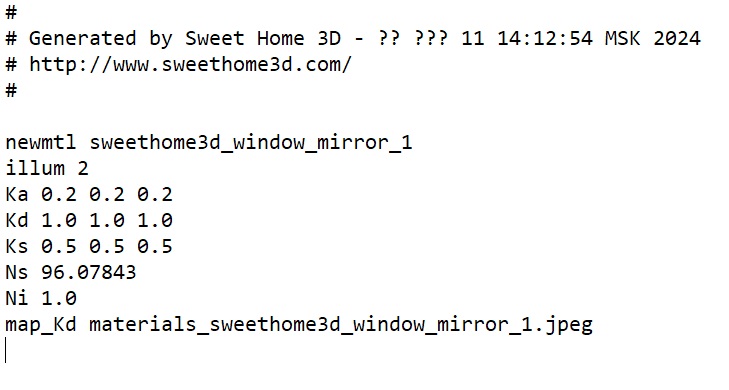
Now you need to arrange these layers in the order of overlapping. The lowest layer in the row will be the most overlapped, the lowest. This will be the main render, a full-fledged picture. Then it will be blocked by a layer with a hole for water in the bathtub. the topmost layer of the picture will be a layer with holes for the cat, the edge of the bathtub for the waterfall and the girl. All the shapes (cats, water, girl, waterfall) must then be inserted between these three layers. I inserted the rainbow at the very end of the clip on top of all the layers, beautifully developed it out of the darkness.


the lowest layer is a solid render, then track No. 4 is shimmering bath water. Then No. 5 is a render with holes for water in the bathtub. Then No. 10 is a girl, she is blocked by the edge of the tub. Then No. 6 is the cat that sits in the bowl of the sink. Then there are two paths that depict a waterfall. I will talk about the waterfall in more detail separately in the next post. Then No. 7 is a render with holes for a cat in the sink and with the edge of a bathtub for a girl and a waterfall. Then No. 12 is covered by a rainbow on a transparent background. And everyone is blocked by a cat with a tail, even a rainbow)). He's at the top of the list.
Now all this layer cake needs to be exported in AVI format and named beautifully. Open it again in the video editor and put music on, everything is beautifully decorated with manifestations-fades. That's it, the movie is ready.

Posted by GaudiGalopin3324 at Jul 1, 2024, 4:42:55 PM
Re: Apartment project with lighting by invisible hemispheres. I continue advertising
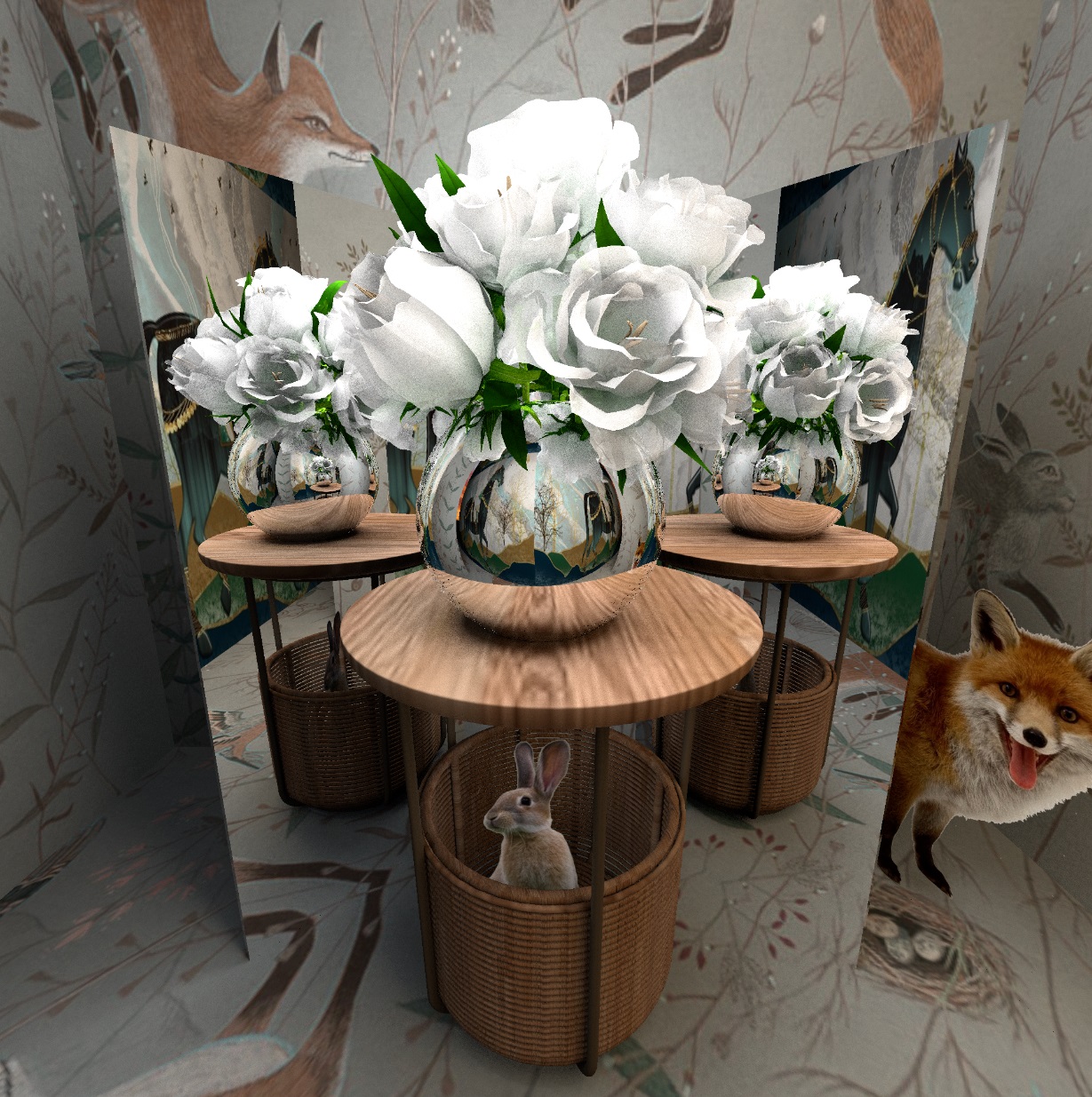
I prepared the water in online Photoshop, cleaned the background in each frame (there were 61 pieces) as much as possible, set the transparency of all frames to 25%, made two variations with color - light green, and a denser blue. Such a different color gives the water a play, it looks more lively, shimmers a little like a real one. I made two tracks with different colors, and superimposed the first most complete animation on top of each other without offset. Then I copied and cut off a small piece of smooth water from each part. Changed the video speed of these pieces to 45% and 50%. And I scored 13-14 pieces in a row of such pieces. The boundaries between these pieces were made with an overlap of 1 second so that there would be no sudden jumps in the video. Due to the fact that the speed of the waterfall sections is slightly different, the overlap turned out to be without visible sharp repetitions, the water flowed really!)) Without cycles.


these are tracks No. 11 and No. 9, they connect into a stream of living water. I showed the difference in the speed of these pieces in different arcs.

once again, the final video file is here
https://www.mediafire.com/file/w5dn3v8jkpu536...25BC%25D0%25B8_3.avi/file

Posted by GaudiGalopin3324 at Jul 1, 2024, 5:03:18 PM
rose   Re: Apartment project with lighting by invisible hemispheres. I continue advertising
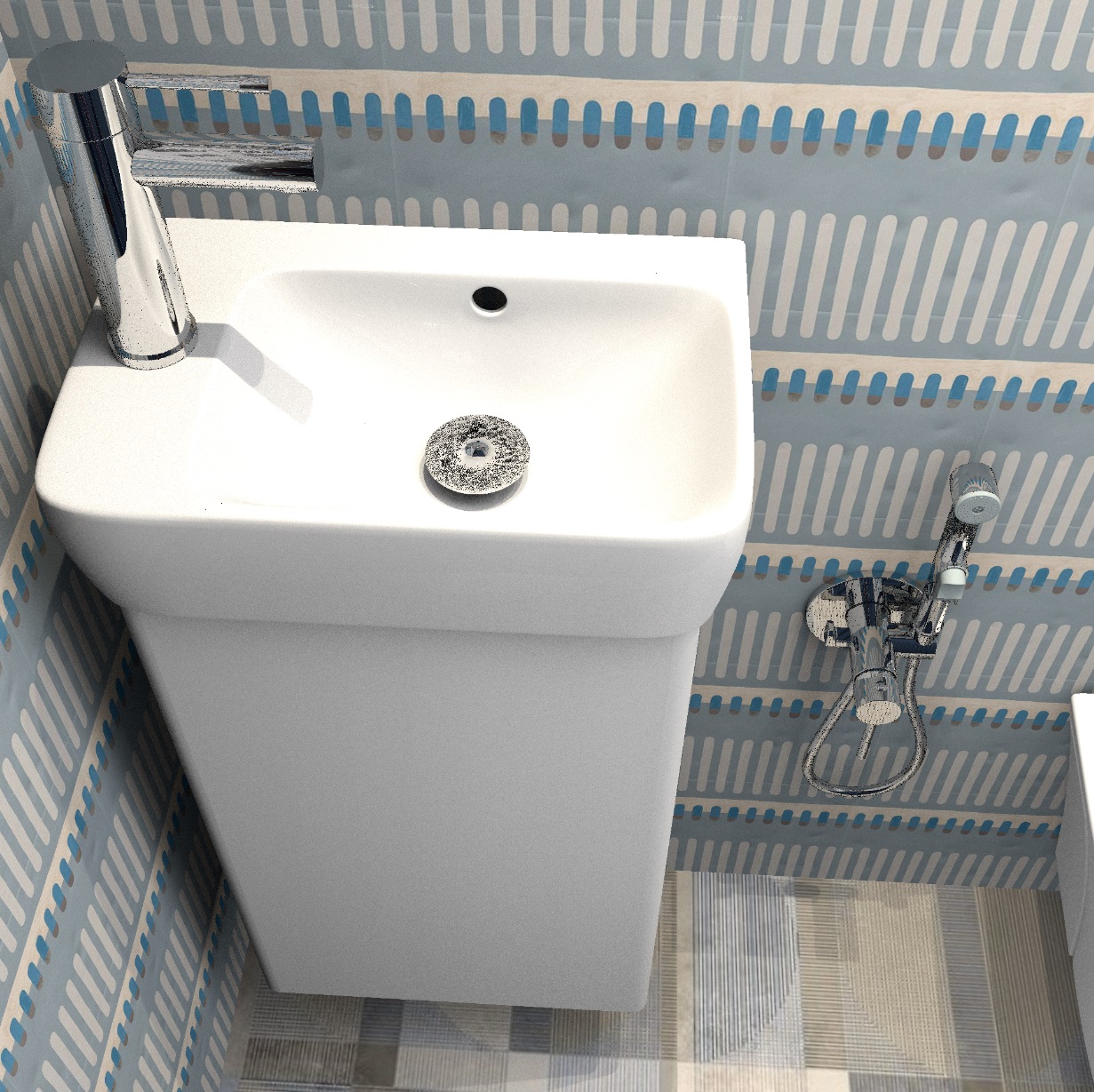

Posted by GaudiGalopin3324 at Jul 1, 2024, 5:18:46 PM
Re: Apartment project with lighting by invisible hemispheres. I continue advertising
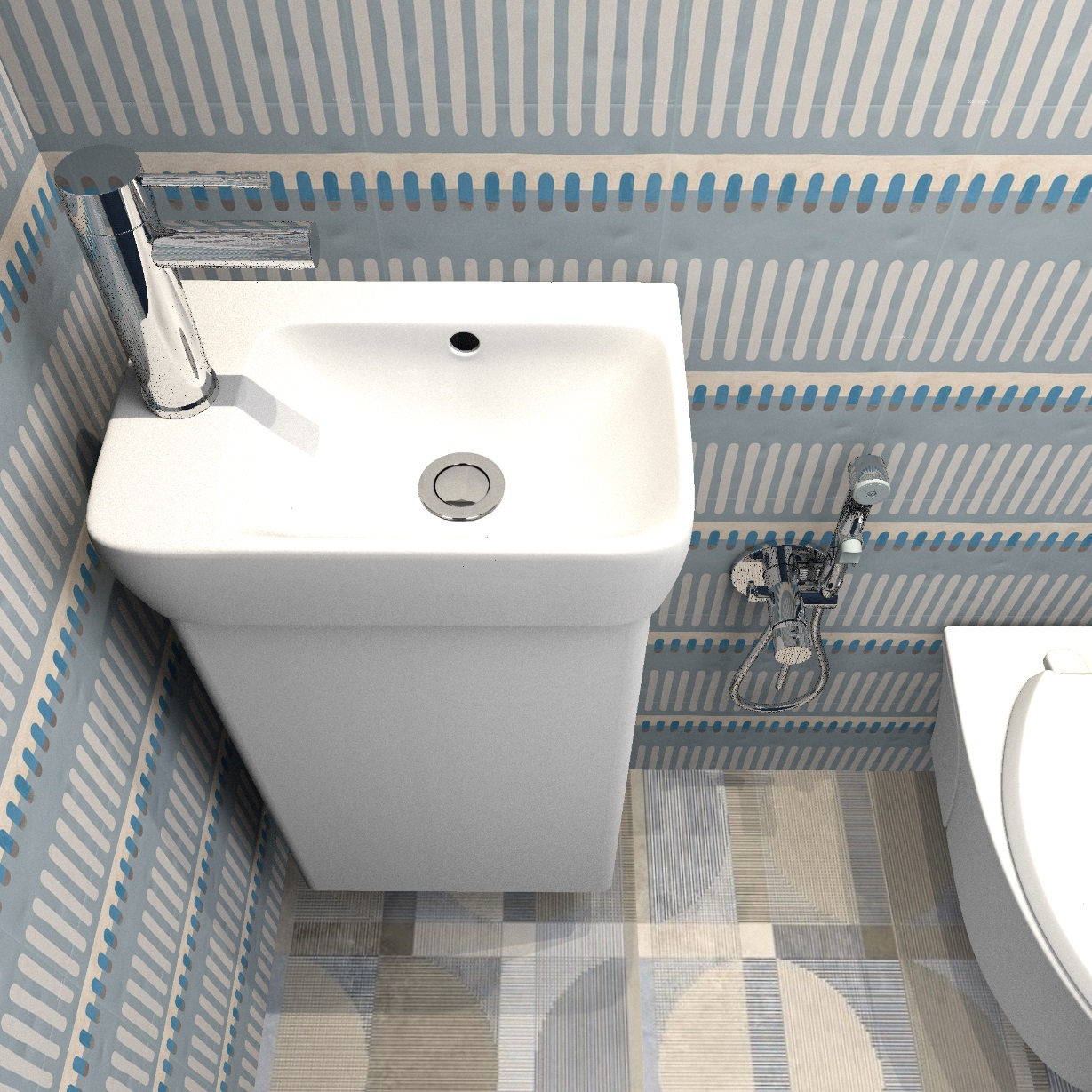

Posted by Keet at Jul 1, 2024, 5:22:02 PM
Re: Apartment project with lighting by invisible hemispheres. I continue advertising
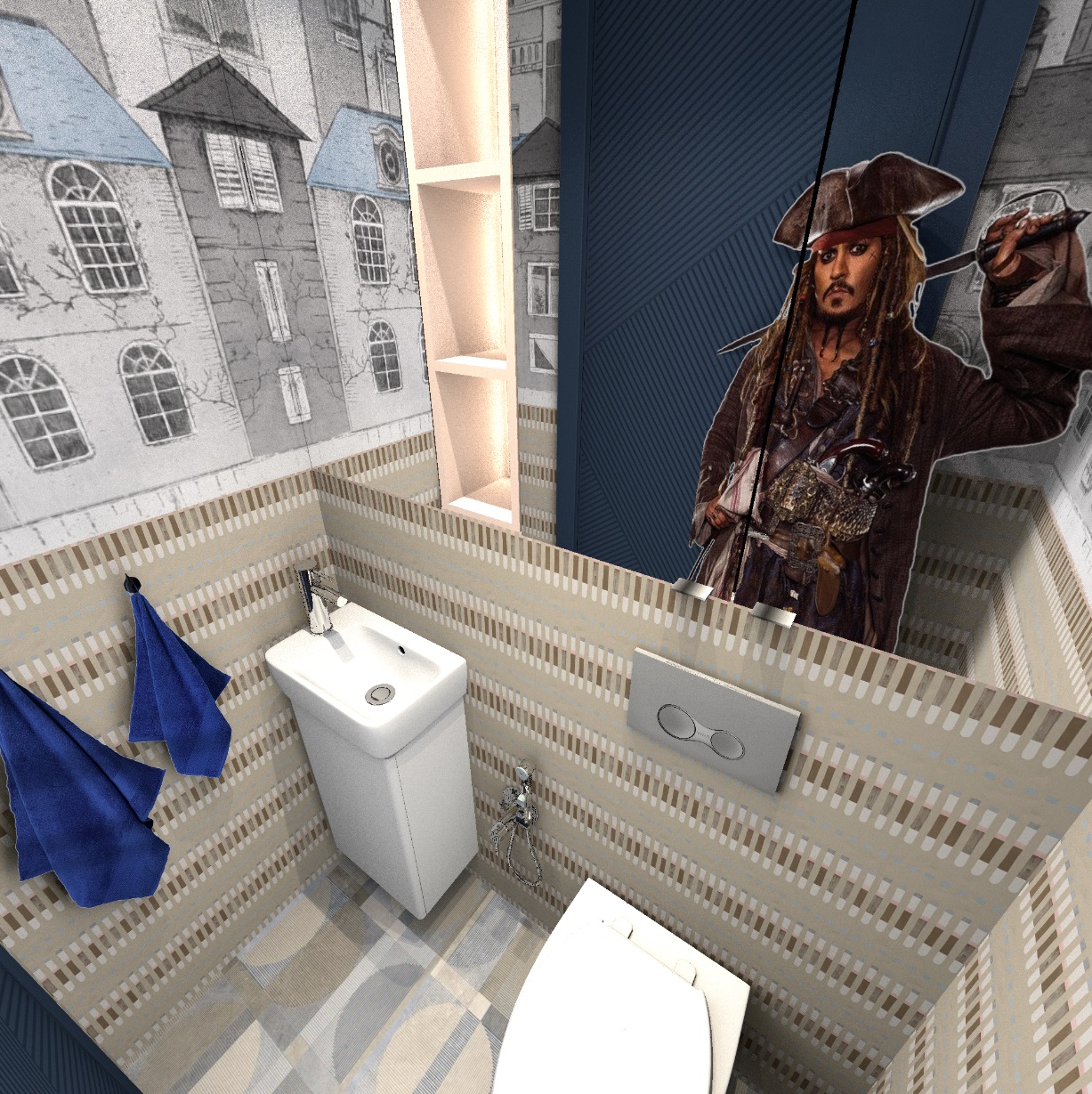
Wow, that must have been a lot of work! Did you really edit 61 frames (pictures) of the waterfall ?!
I think I understand everything although I can't try it myself for a few weeks. The Russian language in the video editor does not make it any easier laughing
That trick to make the water flowing is genius. The overlapping different time delays really make it flow without repetition. Amazing work!
I'll compile everything into a pdf manual you can review. (Tomorrow, now first up and go to a musical my 12 year old grand son is playing in.)
----------------------------------------
Dodecagon.nl
1300+ 3D models, manuals, and projects

Posted by GaudiGalopin3324 at Jul 2, 2024, 11:42:53 AM
shock   Re: Apartment project with lighting by invisible hemispheres. I continue advertising
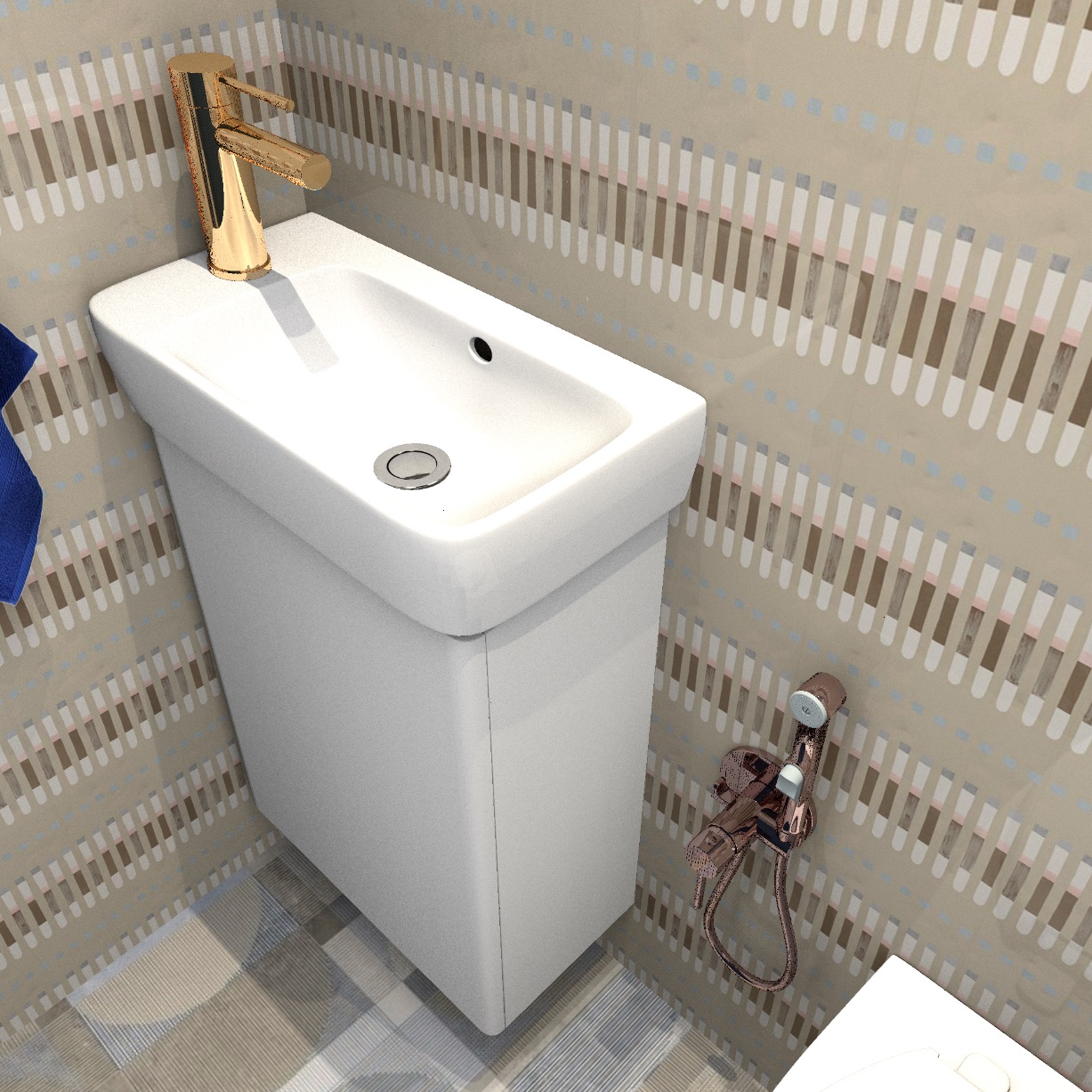
How was your grandson's performance? I'm sure there was a standing ovation! And I have a mistake on a mistake again. I completely forgot about the mirror!! There will be reflections of the waterfall and the cat!! Oh horror, they are all moving ((( But the moment has come to take the advice of the magnificent Cecilia. I managed to lure the actor-cat off the street, and even managed to put him on the sink for a minute in the same place as the black cat in the video. I made the waterfall only in the form of a cylinder, but that's enough. Now I'm starting to understand how the reflections in the mirror should be, I'm starting to fix my video, it's wrong!!


when I manage to fix the video, I will post the result later.

Posted by Keet at Jul 2, 2024, 1:27:50 PM
Re: Apartment project with lighting by invisible hemispheres. I continue advertising
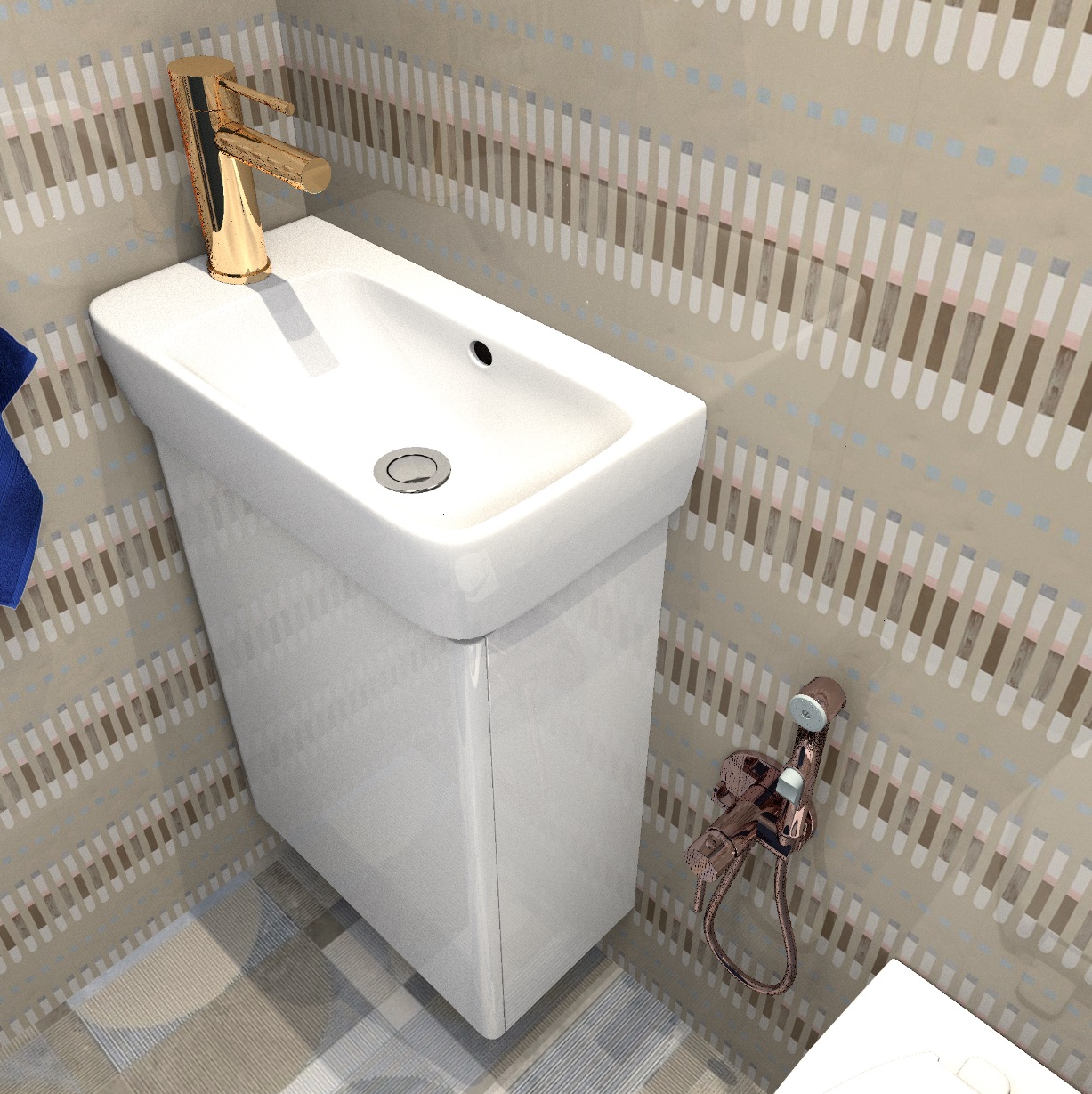
There was a standing ovation! Amazing that 22 12 year old's can put up an almost 2 hour performance they had to learn in 3/4 of a school year. It was in the local theather with over 300 people in the audience. All very official with dressed up ushers and real theather tickets. A great success.

I'm not sure that the cats need a refelection in the mirror, they seem too low to be seen in the mirror. Hoewever, knowing how to get moving reflections in the mirror would be great! Especially if that also results in the correct reflections on the chrome parts. But how to get a reflection from an image that is not there at the time of rendering...

Tonight (my local time) I will sent a PM with a download url for a preliminary version of a manual for you to review.
----------------------------------------
Dodecagon.nl
1300+ 3D models, manuals, and projects

Posted by GaudiGalopin3324 at Jul 2, 2024, 1:42:08 PM
applause   Re: Apartment project with lighting by invisible hemispheres. I continue advertising
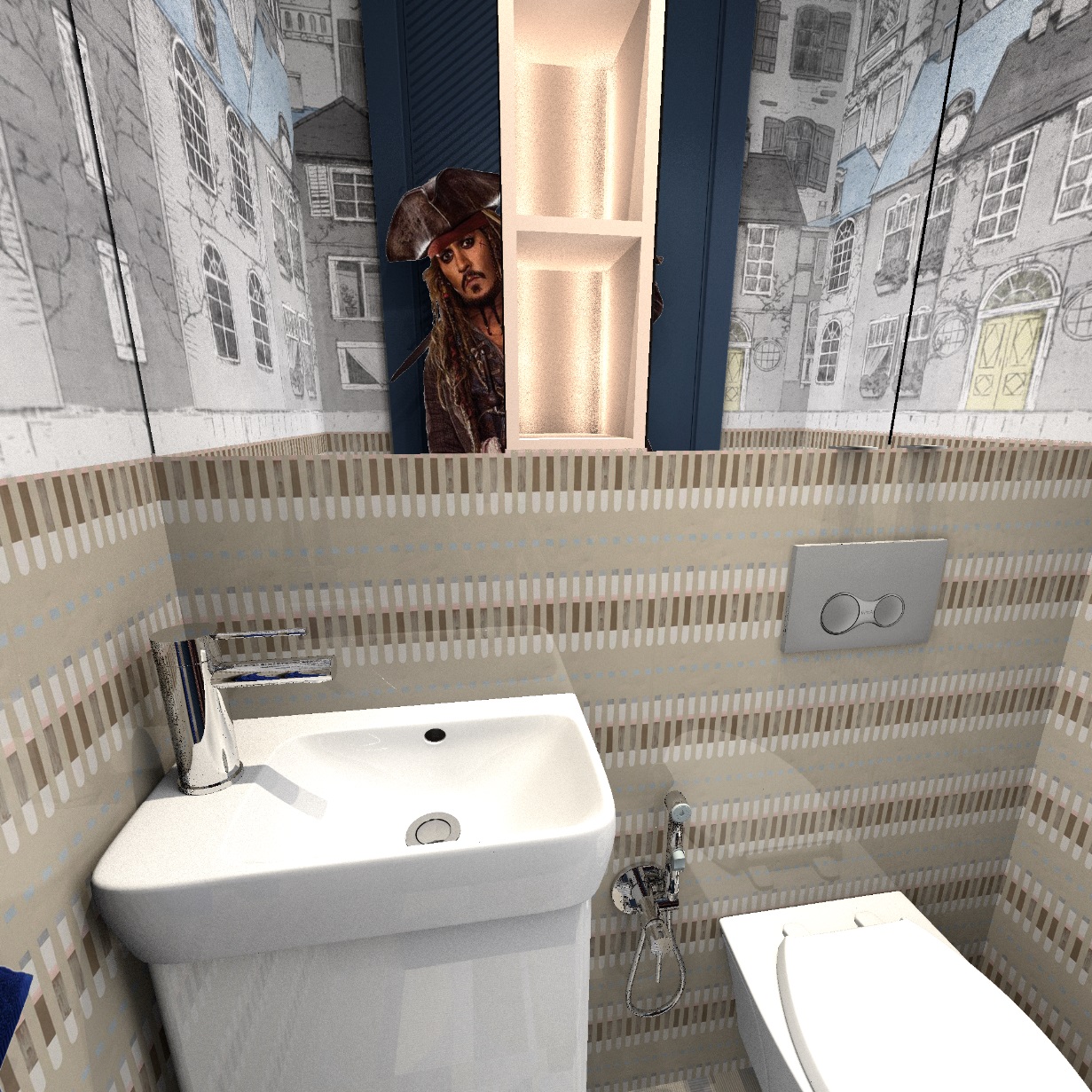
Please accept my congratulations! It's always nice when children show their talents. We need to keep up!))))) They pull us up all the time, they don't let us rest. My son also played in the people's theater and I was also terribly proud of him. Acting is a very serious job. If we return to the video, then the reflection in the chrome faucets is beyond my powers)))). I'm not sure I can handle the mirror and I won't turn gray at all. But brilliant children make you risk your health)). laughing

Posted by GaudiGalopin3324 at Jul 3, 2024, 2:50:33 PM
Re: Apartment project with lighting by invisible hemispheres. I continue advertising
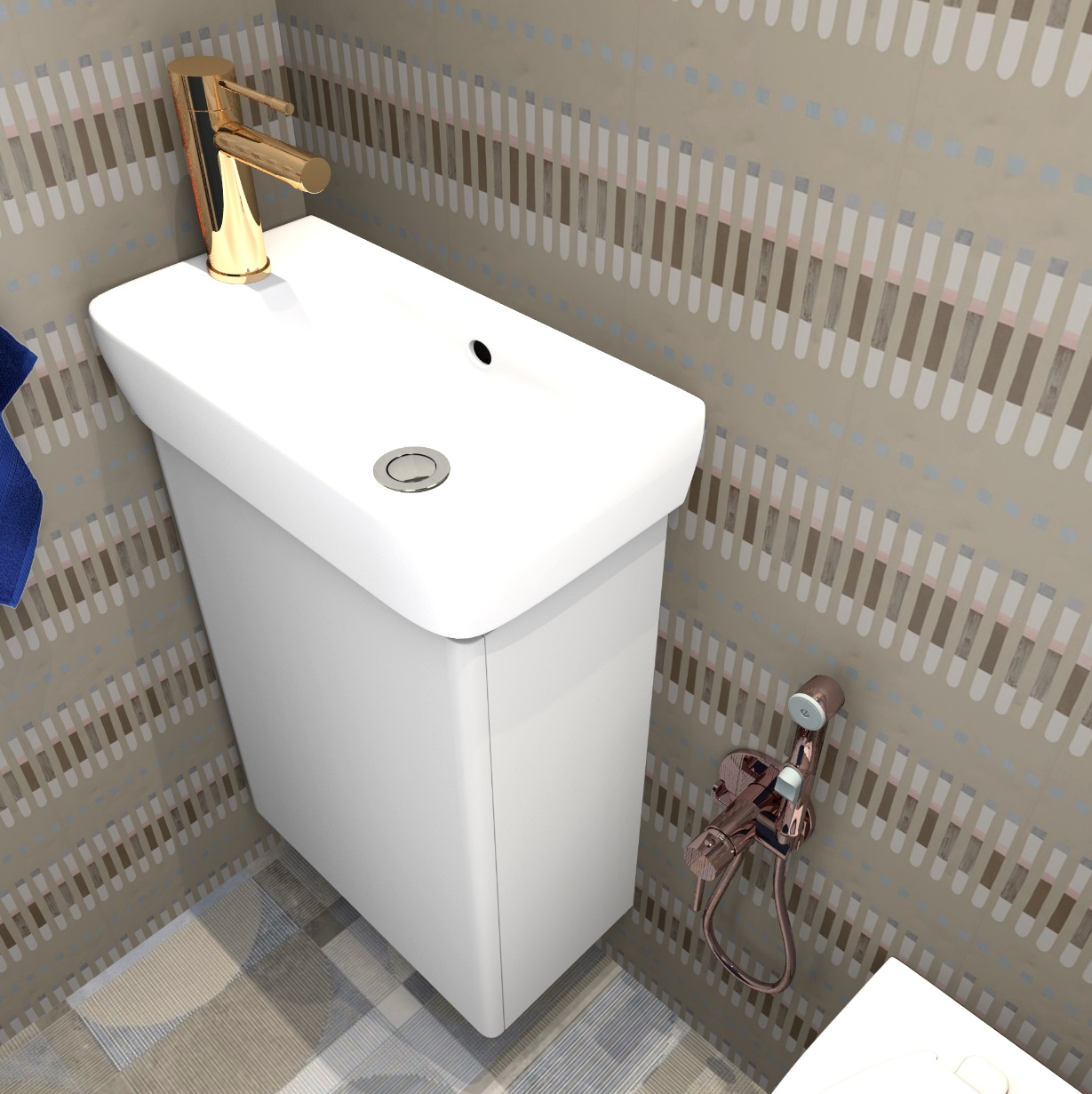
I made a video with reflections in the mirror. A cat with a tail (ears and eyes) and a waterfall are reflected there. To get a more realistic correct reflection, I made a mirror copy of the waterfall and the cat in a free converter. And most importantly, I made myself a hint in the form of a render with similar-sized shapes, otherwise it is impossible to guess what the reflection in the video looks like. Thanks to Cecilia.

In order for the waterfall in the mirror to be properly synchronized with the real waterfall in the bathtub, I found out how the horizon line runs. It takes place at the viewer's eye level.


Now I've taken a freeze frame just as the water reaches the horizon line. And the reflection (a mirror gif with reduced dimensions) was also positioned exactly along the horizon line in the lower part of the water at the same moment). I precisely synchronized two waterfalls - the real one in the bathtub and the small one in the mirror. I looked to make the reflection look like a hint-render, where there is a real reflection of the cylinder in the mirror, I placed a small waterfall exactly in the place of the reflection in the hint-render. I did the same with the cat. Reflection in the mirror is the most difficult, it requires accuracy and precision. Otherwise, there will be a lie that will be visible. Now everything is more or less true. With the exception of the cat's eyes, the back of the head will be reflected in the real mirror, but I only have a mirror copy of the gif. This is not quite the right picture, but there is no other way.

https://www.mediafire.com/file/z19jqfarn9781h...0%25BD%25D0%25B0.avi/file smile

Posted by GaudiGalopin3324 at Jul 3, 2024, 3:23:55 PM
Re: Apartment project with lighting by invisible hemispheres. I continue advertising
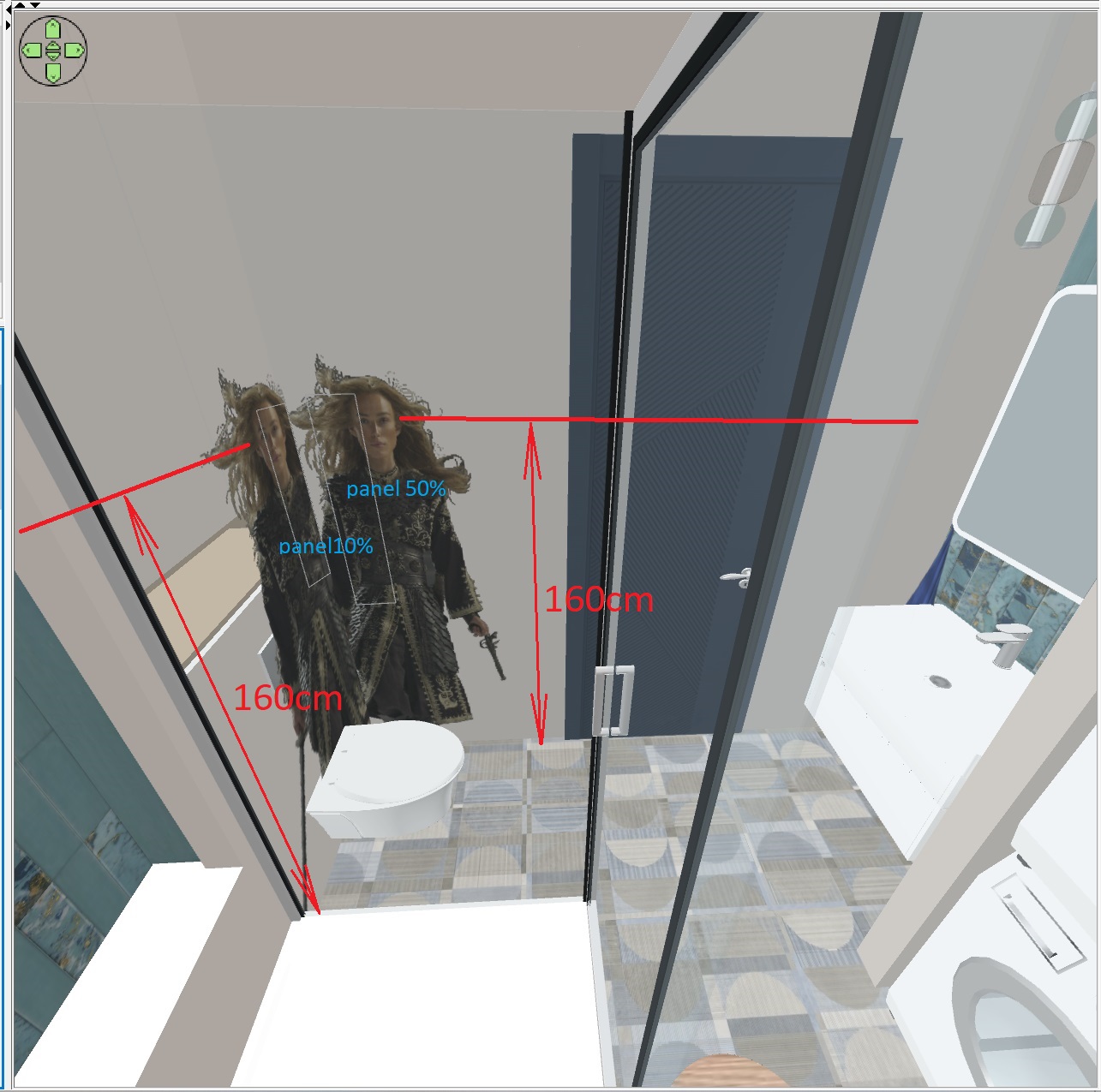

Posted by Keet at Jul 3, 2024, 6:34:20 PM
Re: Apartment project with lighting by invisible hemispheres. I continue advertising
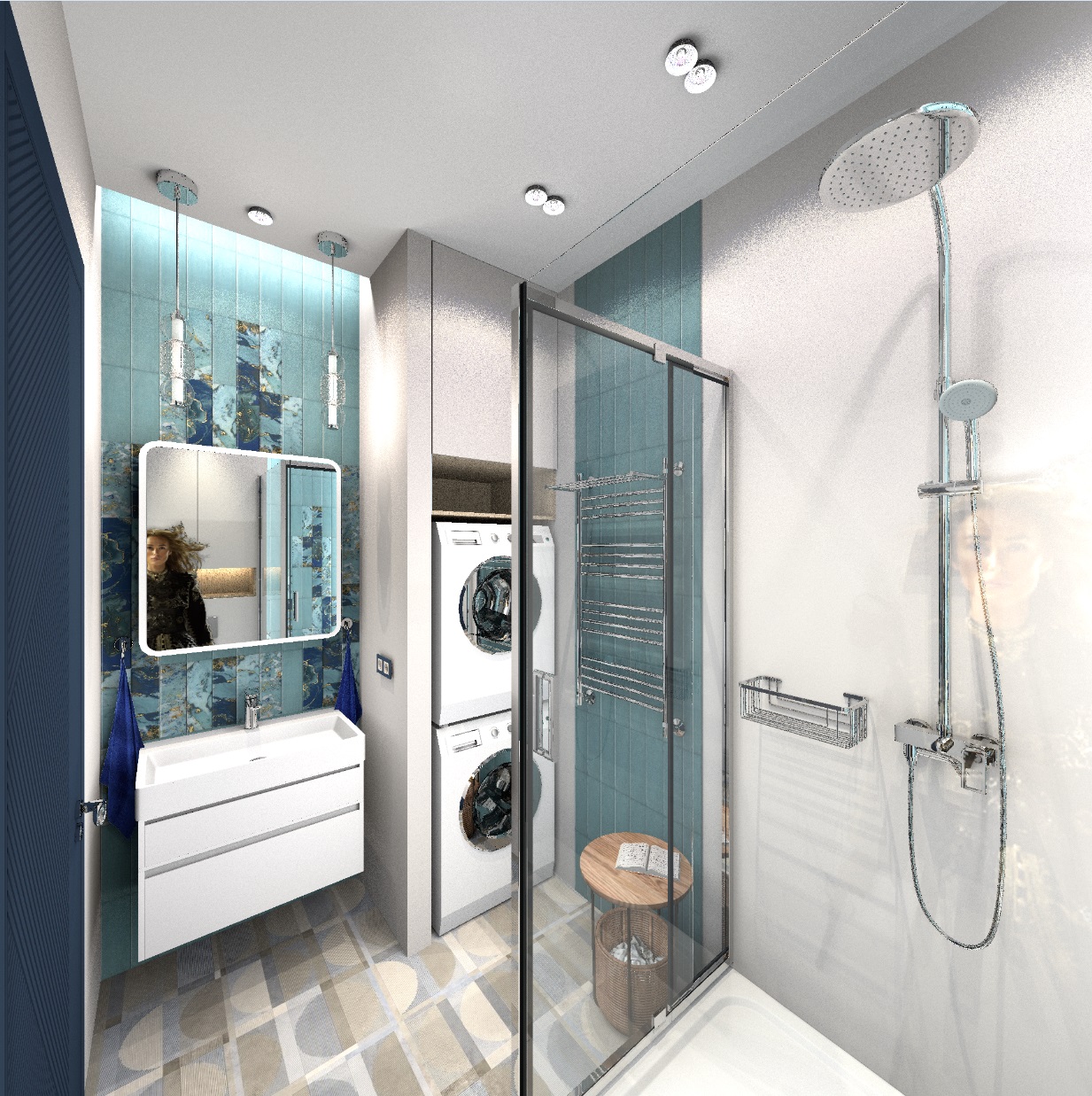
You did it! Yes, the reflection of the cat should have been the back of the head. But what matters most is that the process works.
You just have to remember that if you have a reflection, that you need the backside of the same image as well.
----------------------------------------
Dodecagon.nl
1300+ 3D models, manuals, and projects

Posted by GaudiGalopin3324 at Jul 3, 2024, 6:51:23 PM
Re: Apartment project with lighting by invisible hemispheres. I continue advertising
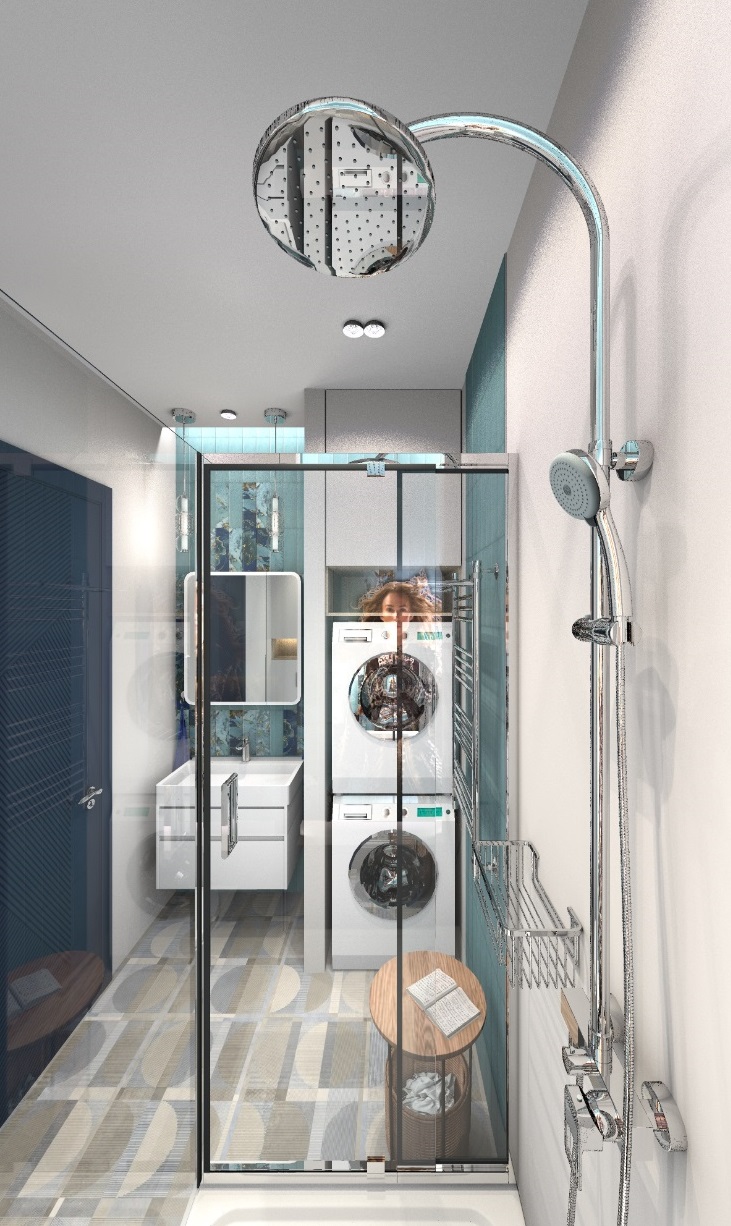
To get images in the mirror, another mask layer was needed. Gif files with a mirror-scaled waterfall and a mirror-scaled cat were placed under it.


The second mask is needed to leave the reflection in the mirror visible, there is a big hole for this.

Posted by Keet at Jul 3, 2024, 8:33:04 PM
Re: Apartment project with lighting by invisible hemispheres. I continue advertising
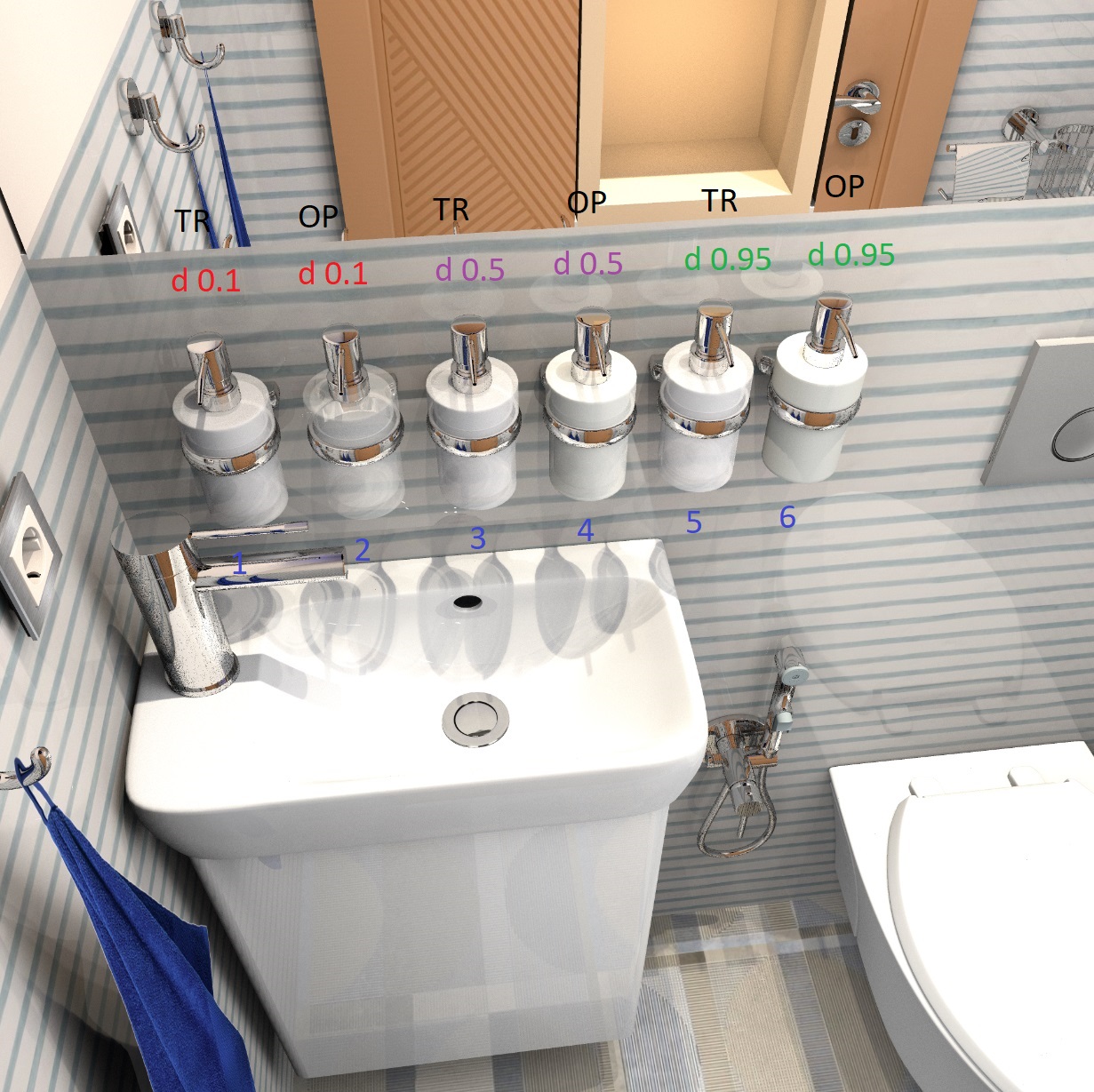
The excellent work of GaudiGalopin3324 about adding animated gifs in a Sweet Home 3D video is now available in a single pdf manual: AddGifsInVideo
----------------------------------------
Dodecagon.nl
1300+ 3D models, manuals, and projects

Posted by GaudiGalopin3324 at Jul 3, 2024, 8:44:11 PM
applause   Re: Apartment project with lighting by invisible hemispheres. I continue advertising
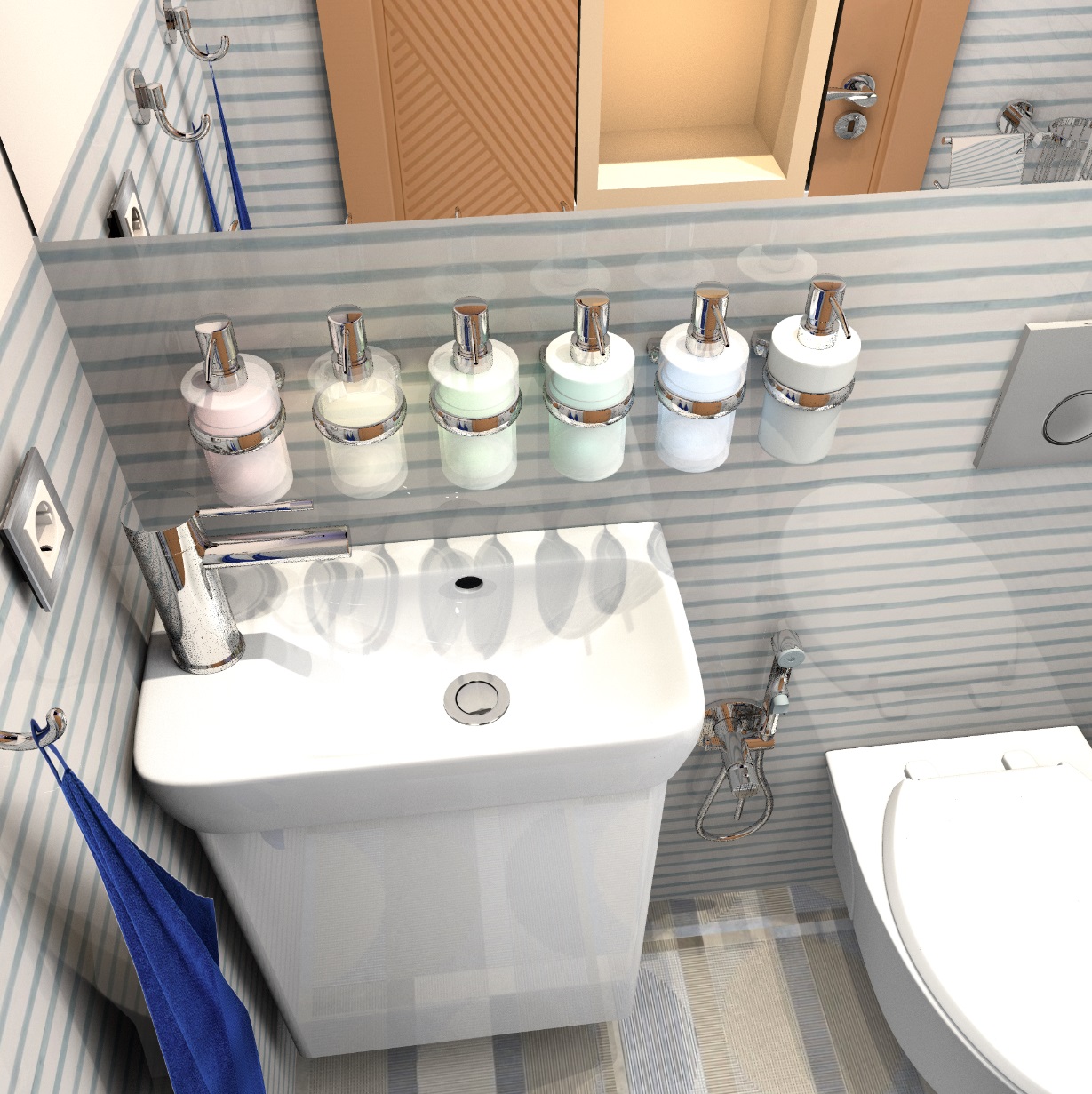
Excellent qualified work, Keet! I hope these experiments will be useful! Thank you for your patience!! We will continue.

Posted by VeroniQ at Jul 4, 2024, 1:31:32 PM
Re: Apartment project with lighting by invisible hemispheres. I continue advertising
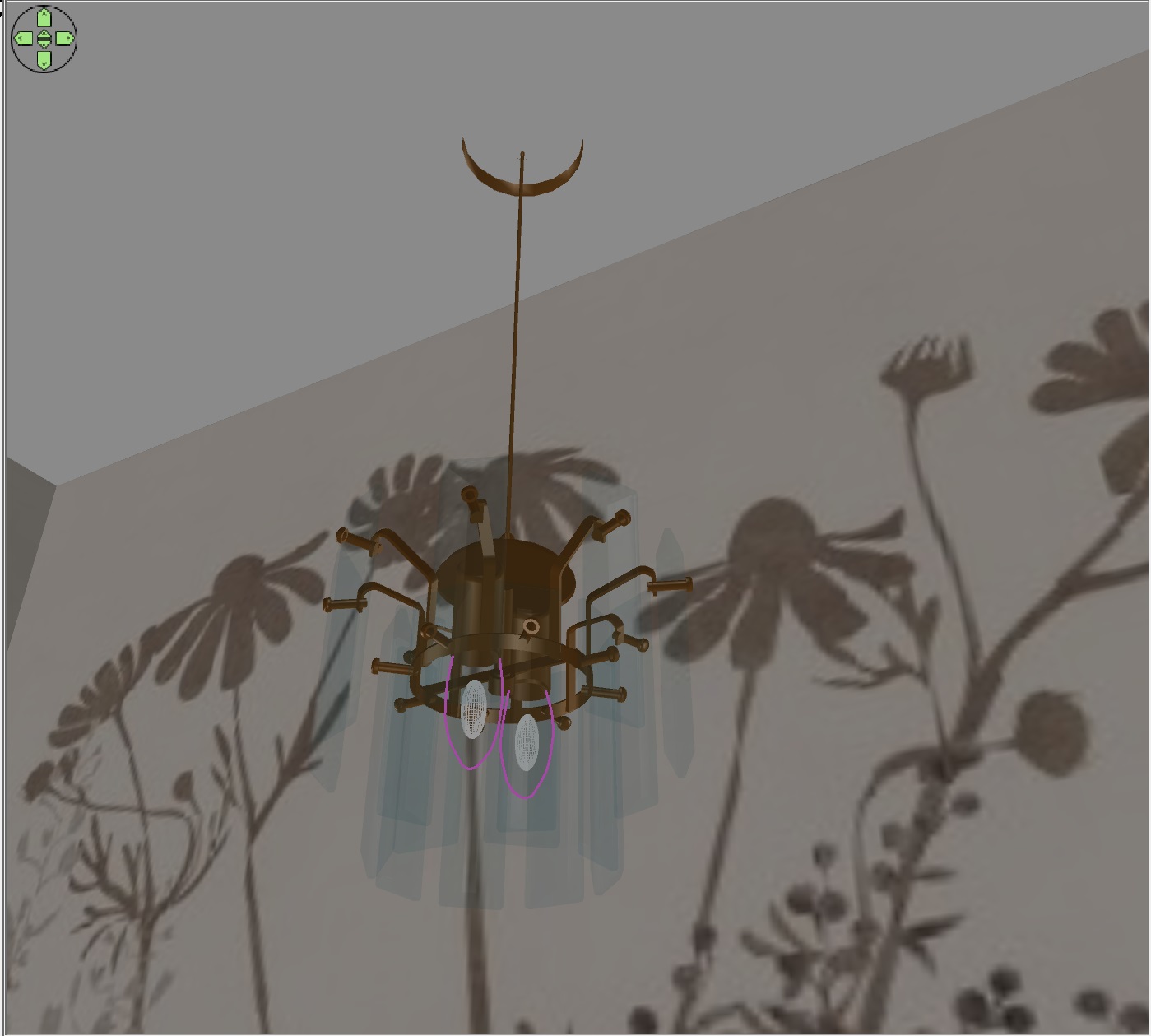
Thank you very much to both of you. The manual is very clear.

Posted by GaudiGalopin3324 at Jul 4, 2024, 1:44:35 PM
rose   Re: Apartment project with lighting by invisible hemispheres. I continue advertising
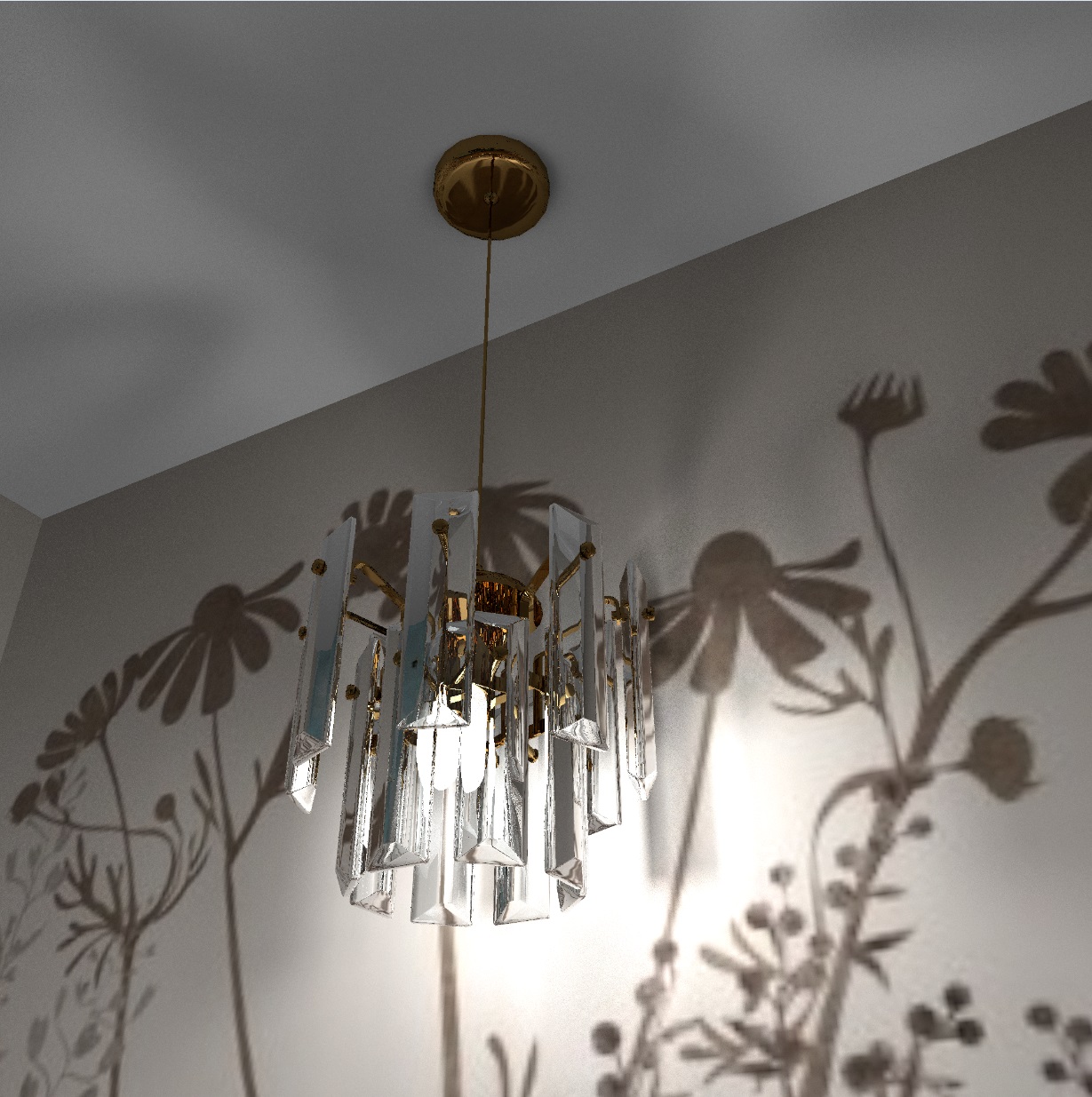
Thank you very much VeroniQ, but without the help of dear Keet, this would not have been possible. Thanks to him too!

Posted by GaudiGalopin3324 at Jul 6, 2024, 9:47:42 PM
biggrin   Re: Apartment project with lighting by invisible hemispheres. I continue advertising
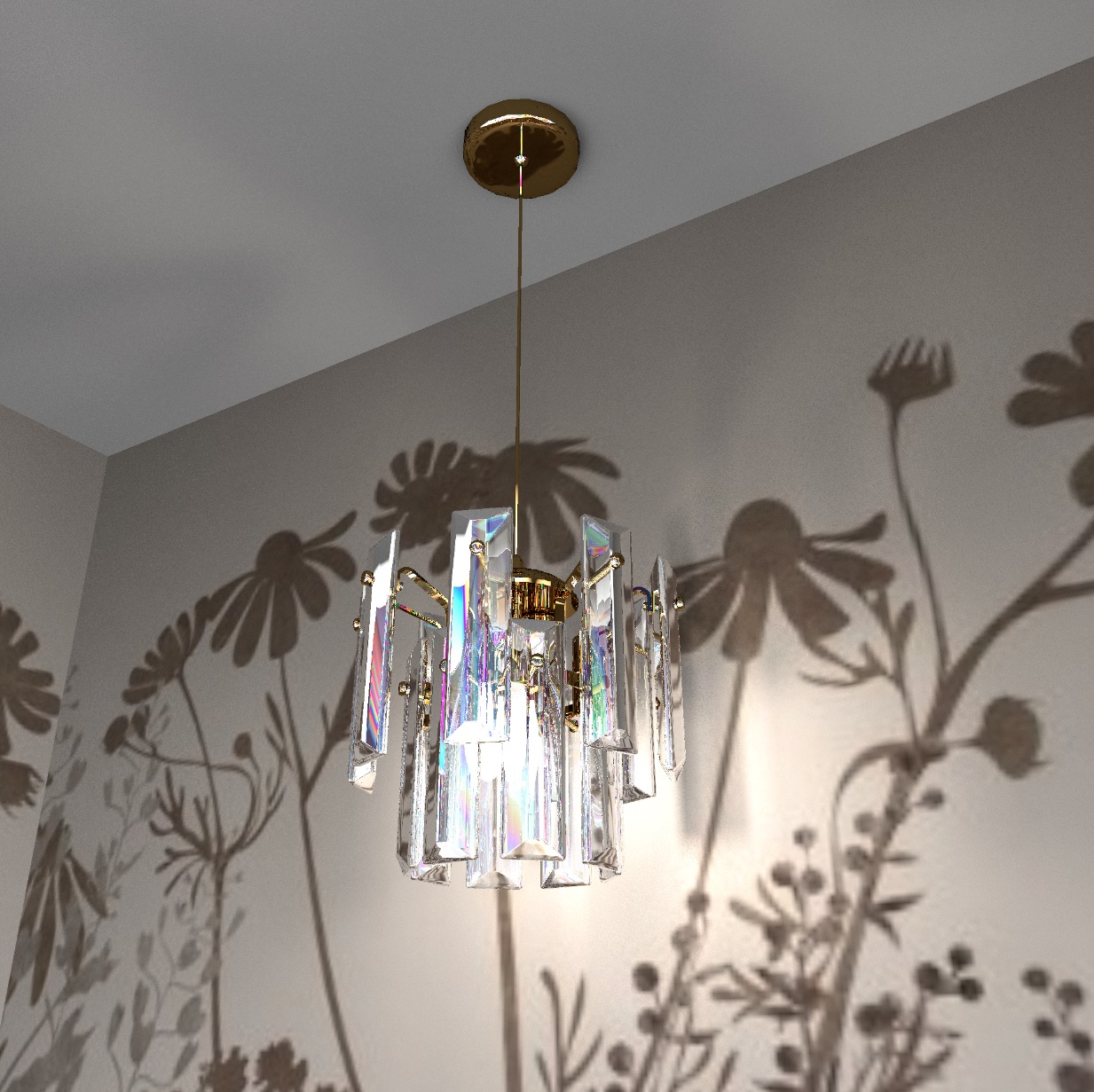
Please believe me. It's very simple. You just need to master removing the background from the video. There are a huge number of these gif files and video files. The first frame is a SH3D render. The second frame is a freeze frame from the final clip. There's only one layer-a mask to sit the girl down at the table and put the rabbit on the floor.


https://www.mediafire.com/file/eoxty0mx8rynw9...25BE%25D0%25BC_2.avi/file

Posted by GaudiGalopin3324 at Jul 7, 2024, 1:22:51 AM
Re: Apartment project with lighting by invisible hemispheres. I continue advertising
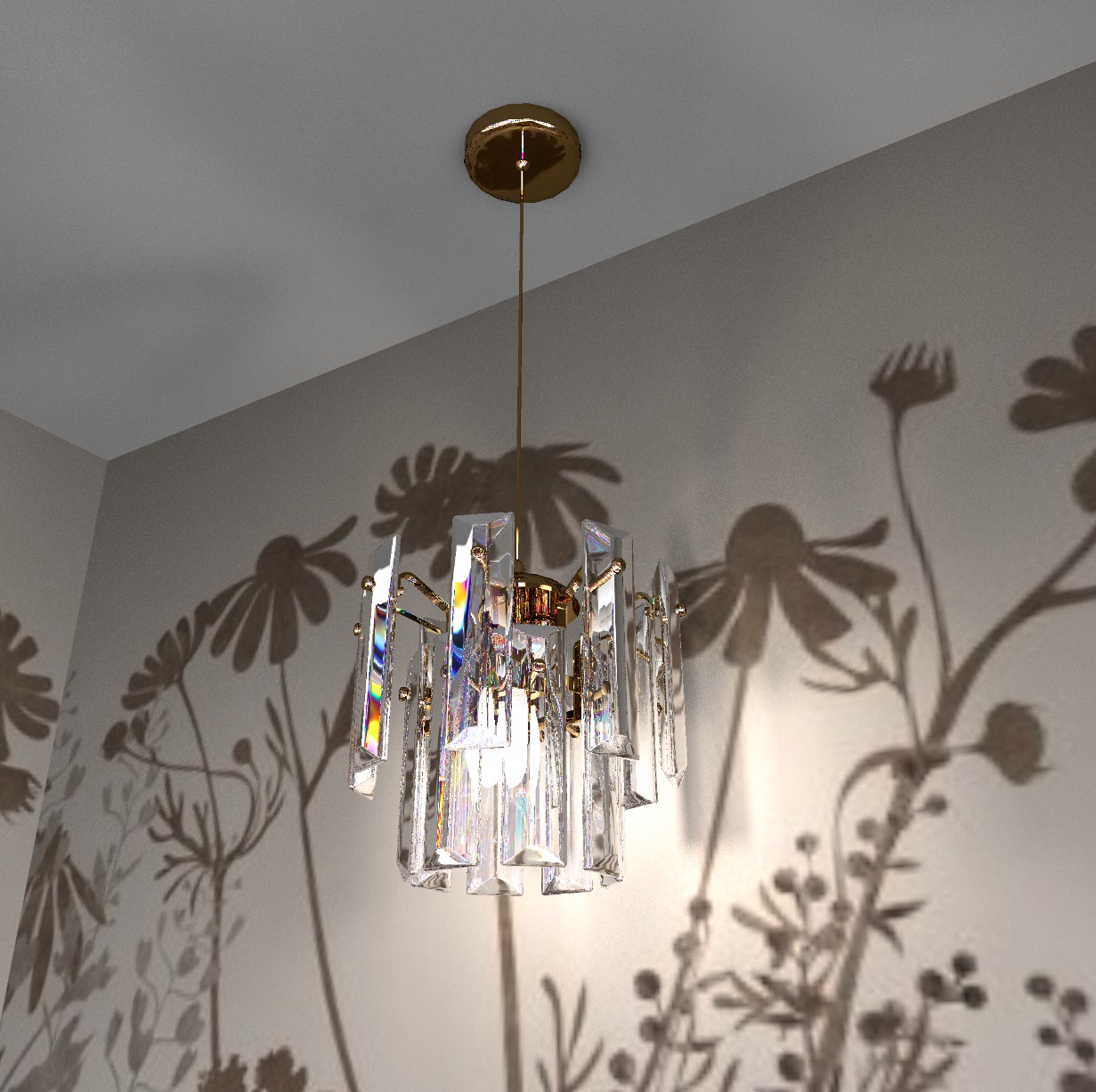
you can adjust the color

https://www.mediafire.com/file/4yol7c8vxdyzzj...0%25B5%25D0%25B9.avi/file

Posted by GaudiGalopin3324 at Jul 8, 2024, 9:45:30 PM
cool   Re: Apartment project with lighting by invisible hemispheres. I continue advertising
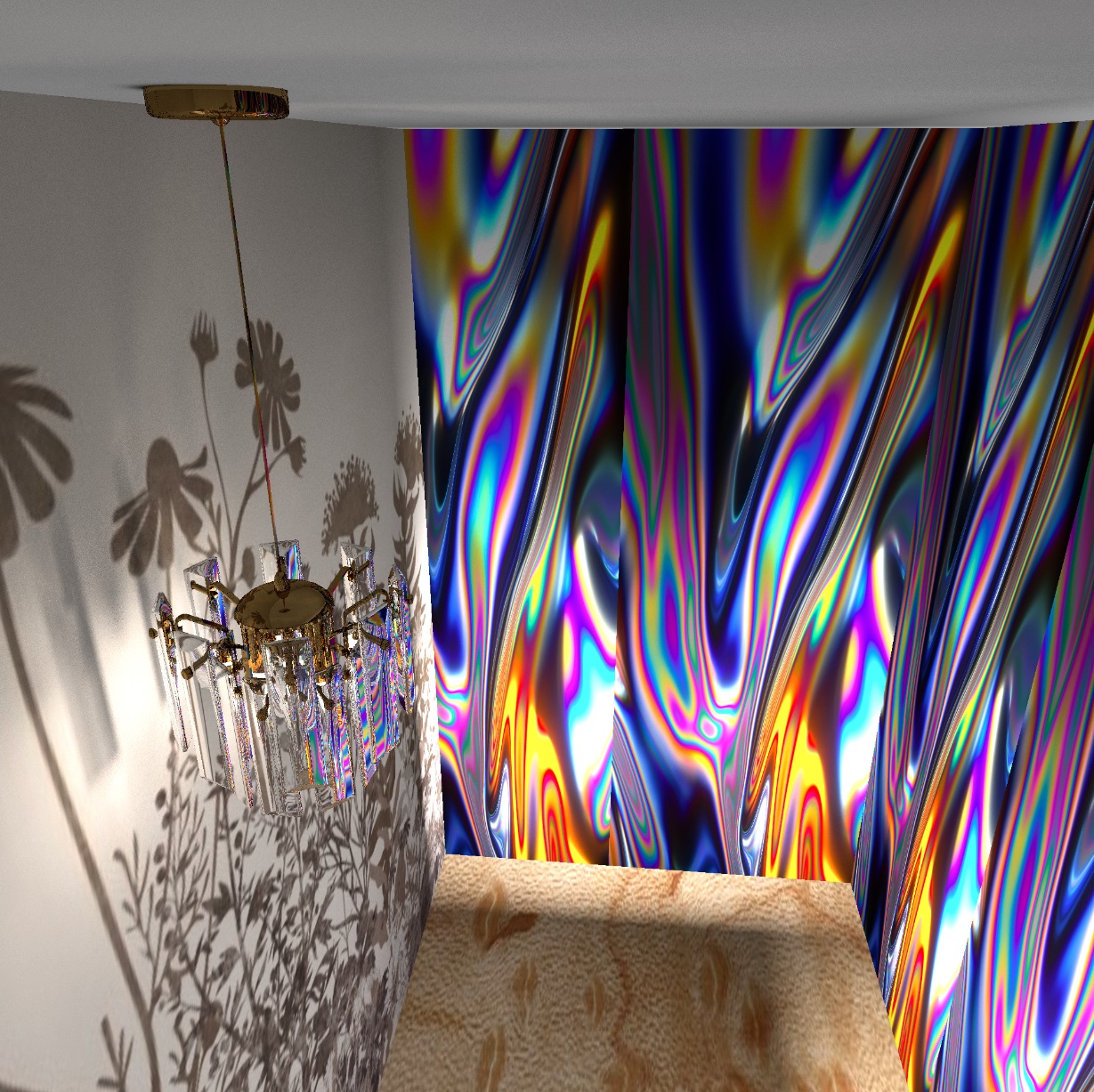
You can watch a movie on the TV screen!! You can even do it all, from beginning to end. A real movie in the render. I like it)). The photo editor has the ability to deform the video card in the future. And it will be like on a real screen, from the angle, from the side. biggrin

https://www.mediafire.com/file/bt5l7mqhdgycow...25BD%25D0%25BE_6.avi/file

Posted by GaudiGalopin3324 at Jul 11, 2024, 11:22:53 PM
smile   Re: Apartment project with lighting by invisible hemispheres. I continue advertising
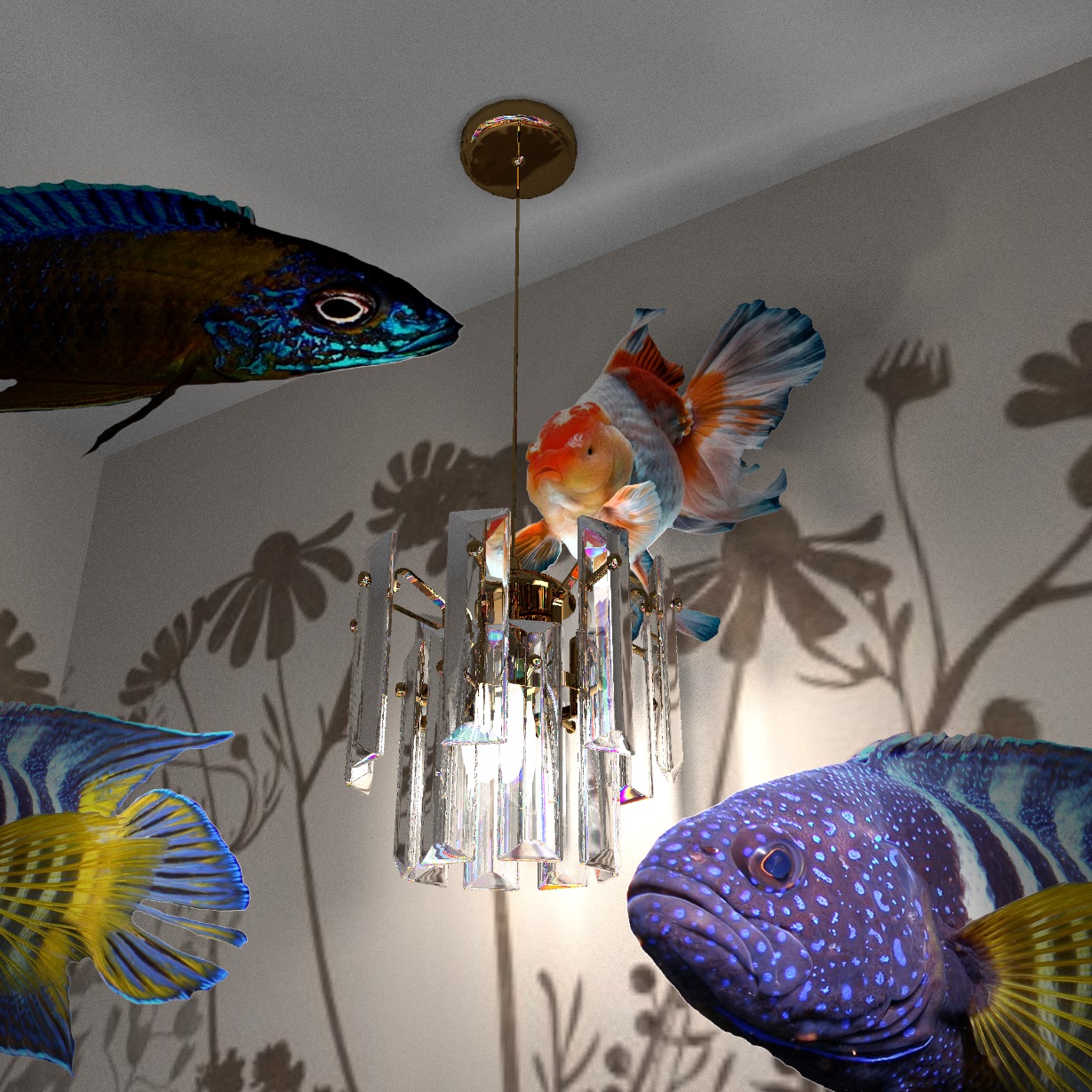
the view from the window. This is a very promising topic. For a live image, you need to search for a Timelapse video on YouTube. It is necessary that the camera be on a tripod, not moving. There may be landscapes with trees, city views, water with yachts. I took this video of the city, superimposed a flock of birds flying over it. But first I made a mask with holes from the SH3D render. I cleaned everything inside the windows, inside the TV and inside the fireplace.


For the convenience of cleaning the background, I made a render with bright green inserts in these places, then in Photoshop you can work with a magic wand, everything is cleaned in a few clicks. But I still made a big mistake, I didn't remove the glass in the windows. Interior reflections make cleaning much more difficult. It is better to completely remove the glass in the windows. To place a video of a landscape, it is very important to determine the horizon line. It is located at any view from the window exactly at the eye level of the viewer, I showed this line in red. Buildings in the city (the lowest boundary of buildings and the sky in the picture) will always be slightly above this line, the sea is exactly along the line, the field is also like that. This time I put a cartoon on the TV for 10 minutes in full. The free version of VideoPad has done it! more than 500MB, and that's okay. I made the deformation of the video for TV through the VSDC video editor, it's more difficult with perspective, but you can still change the angle a little. But this editor can work with large amounts of video.

The final cartoon in the room

Posted by GaudiGalopin3324 at Jul 12, 2024, 12:13:46 PM
cool   Re: Apartment project with lighting by invisible hemispheres. I continue advertising
night city blushing

Posted by Keet at Jul 12, 2024, 12:40:35 PM
Re: Apartment project with lighting by invisible hemispheres. I continue advertising
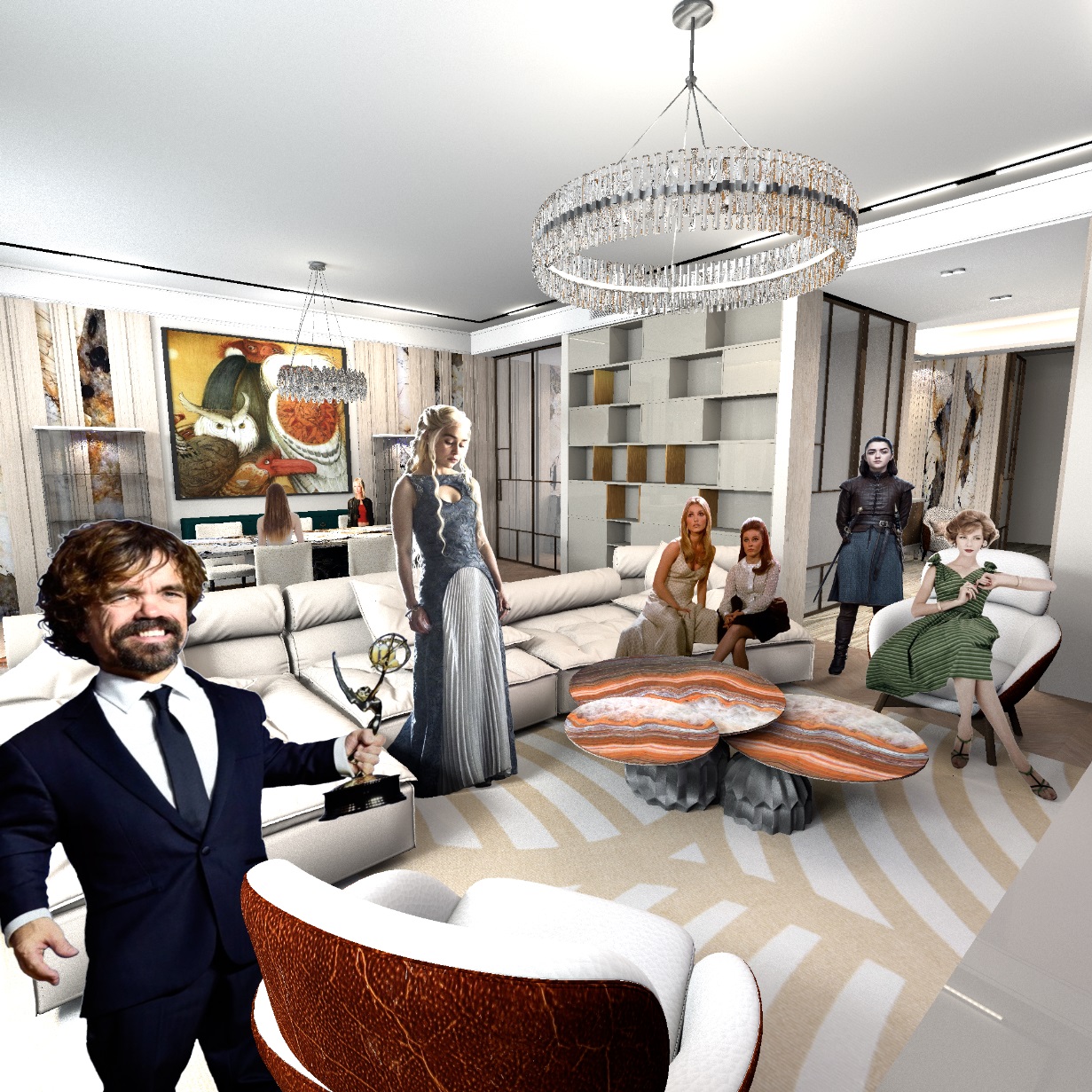
Wonderful! You're getting really good at this.
----------------------------------------
Dodecagon.nl
1300+ 3D models, manuals, and projects

Posted by GaudiGalopin3324 at Jul 12, 2024, 12:48:11 PM
Re: Apartment project with lighting by invisible hemispheres. I continue advertising
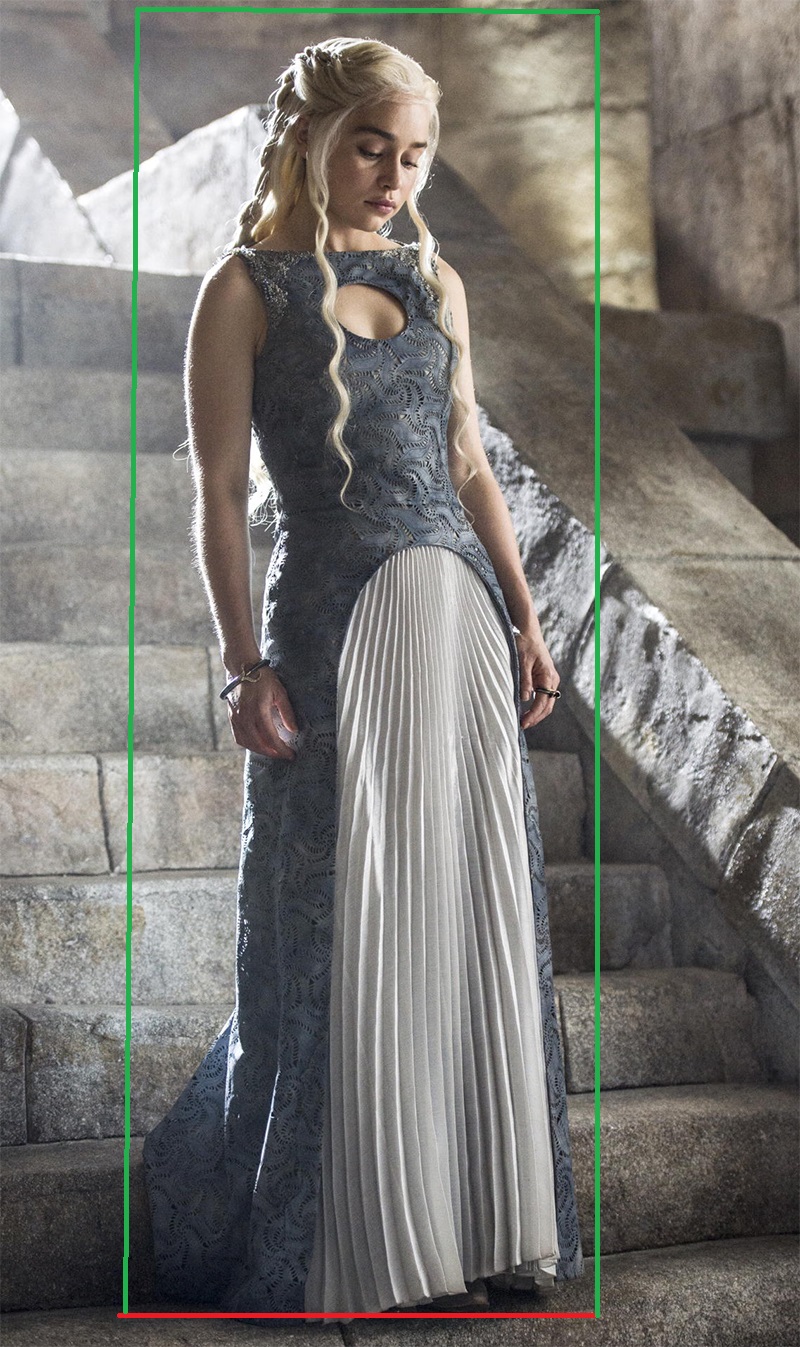
Thanks Keet! I have an idea to make translucent curtains for animated views from the window. I will try to make an example and post the result. This method of combining render and video has huge possibilities. And most importantly, it's not difficult at all!!

Posted by GaudiGalopin3324 at Jul 12, 2024, 11:09:46 PM
love struck   Re: Apartment project with lighting by invisible hemispheres. I continue advertising
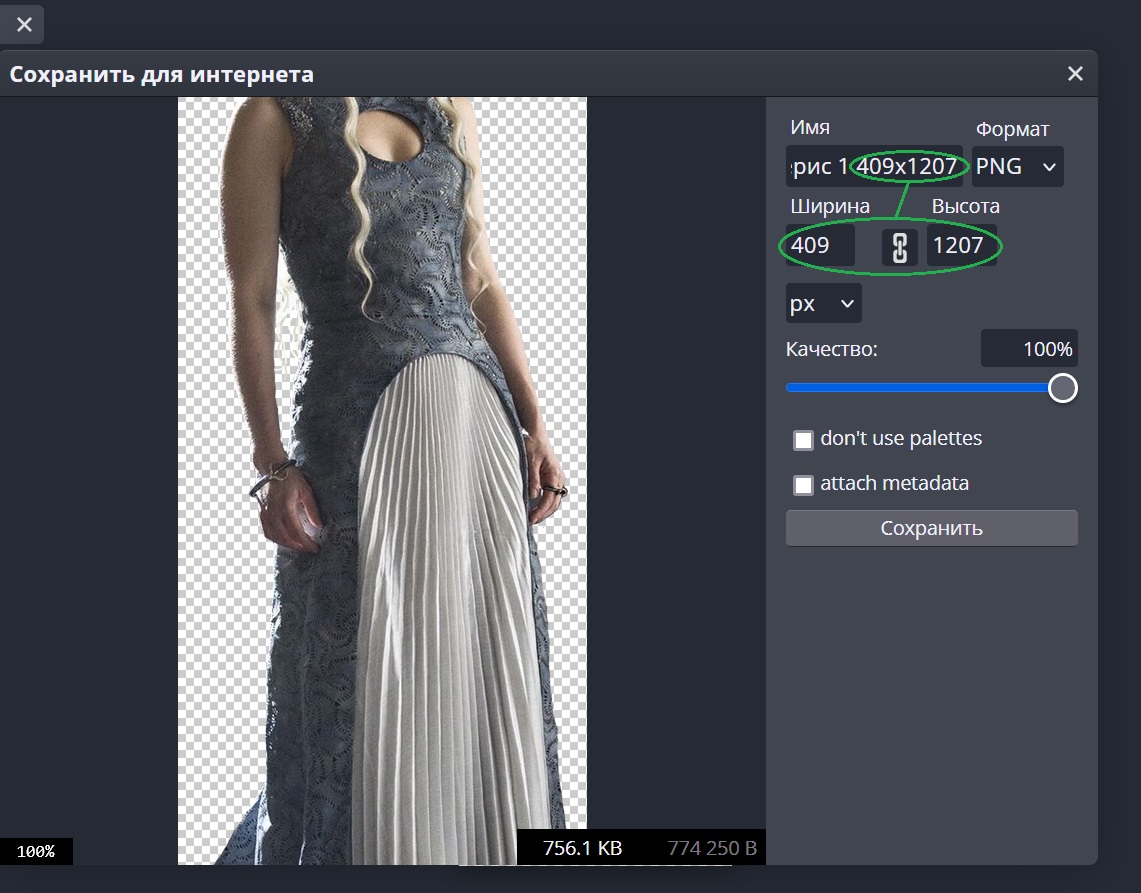
It turned out to make transparent curtains. First, I made a render in SH3D, outside the window (removed the glass!) I placed a green background, highlighted it with an invisible 20% panel. I started cleaning the backgrounds in the photo editor. The method of a bright green background is very good - only this rare color is qualitatively removed, everything else is not affected.


The first mask is all the holes in the windows.


The second mask - removed the back covers, leaving only the inner frames in the room.


The third mask is a hole behind the sofa and a hole for a step in the ceiling for curtains. So that the curtains come out of the illuminated pocket from above and are covered by the sofa from below.


now in the video editor, the lowest layer is a video of a landscape with mountains and clouds. Then, in the middle of the clip, a flock of white birds. Then there is a doe on the balcony, and on the balcony there is a video of transparent organza on the right. There's another video of another piece of organza in the room again. The fabric video simulates the movement of the fabric and the sun spot lighting. But I can still make such curtains for the front camera, if the picture is in perspective, then there are many difficulties.


the final clip with sound

Posted by GaudiGalopin3324 at Jul 12, 2024, 11:31:15 PM
Re: Apartment project with lighting by invisible hemispheres. I continue advertising
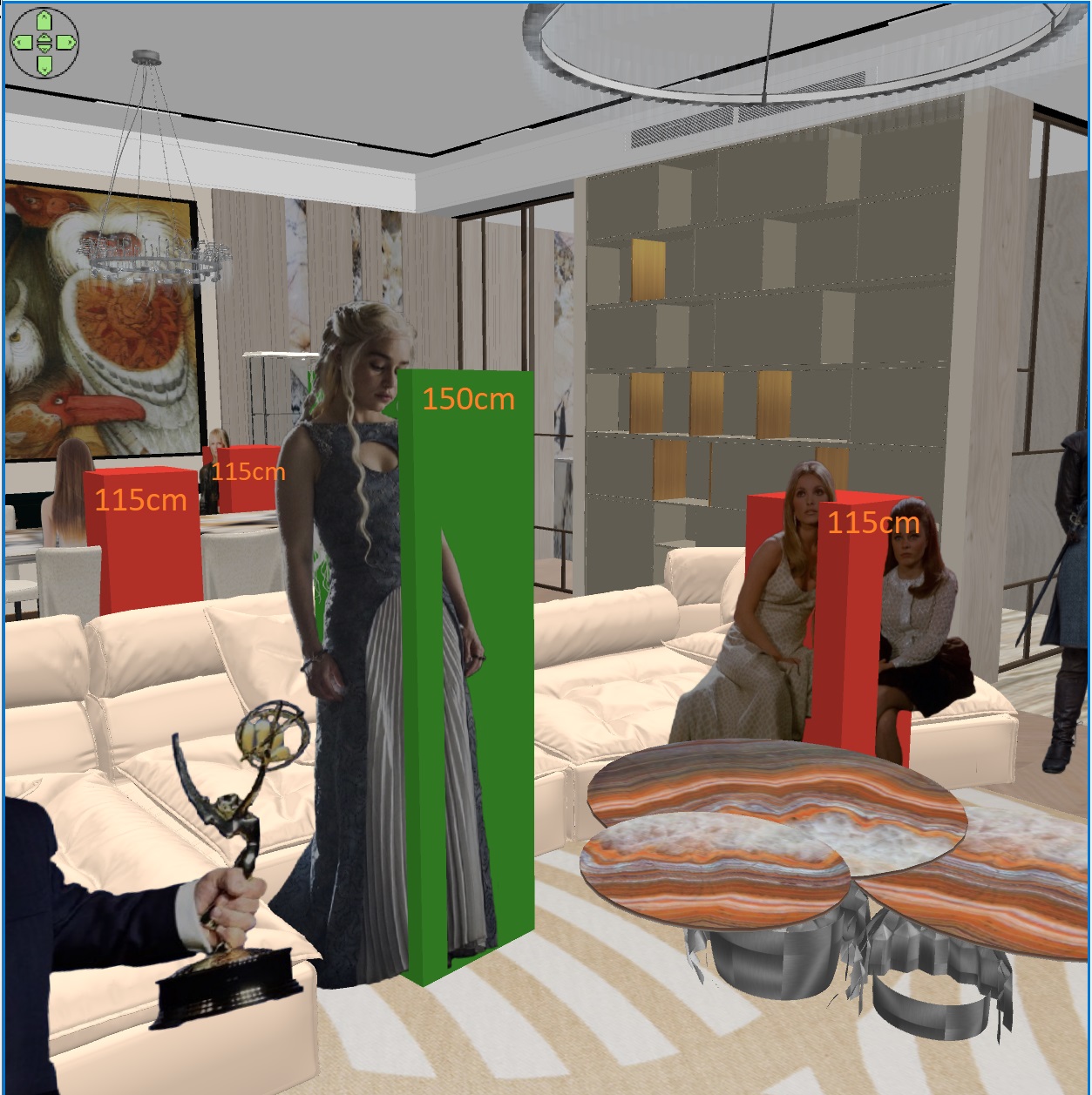
I forgot to show you what I made transparent curtains out of. This is a video with black curtains, but in the photo editor you can make them of any color and transparency. I first made them white, then saved the entire video with 50% transparency. It's all done in the VSDC photo editor.


I cut two narrow videos with transparent margins from the video image. We got two pieces of curtains on the windows of the desired width.

Posted by Vinci68 at Jul 14, 2024, 1:31:56 PM
Re: Apartment project with lighting by invisible hemispheres. I continue advertising
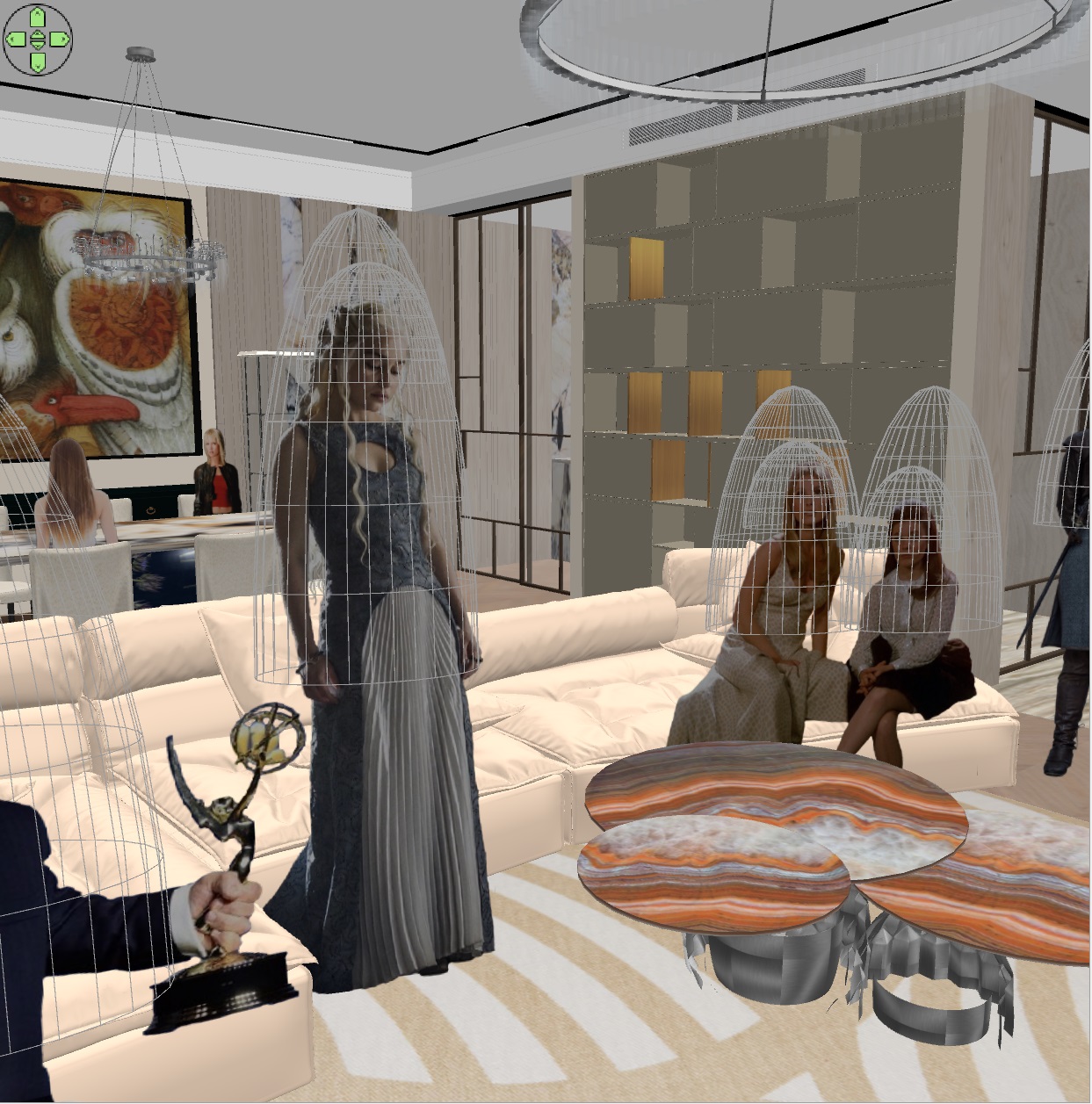
Bravo l'Artiste, there's a lot of experience behind this result.

Posted by GaudiGalopin3324 at Jul 14, 2024, 6:43:22 PM
Re: Apartment project with lighting by invisible hemispheres. I continue advertising
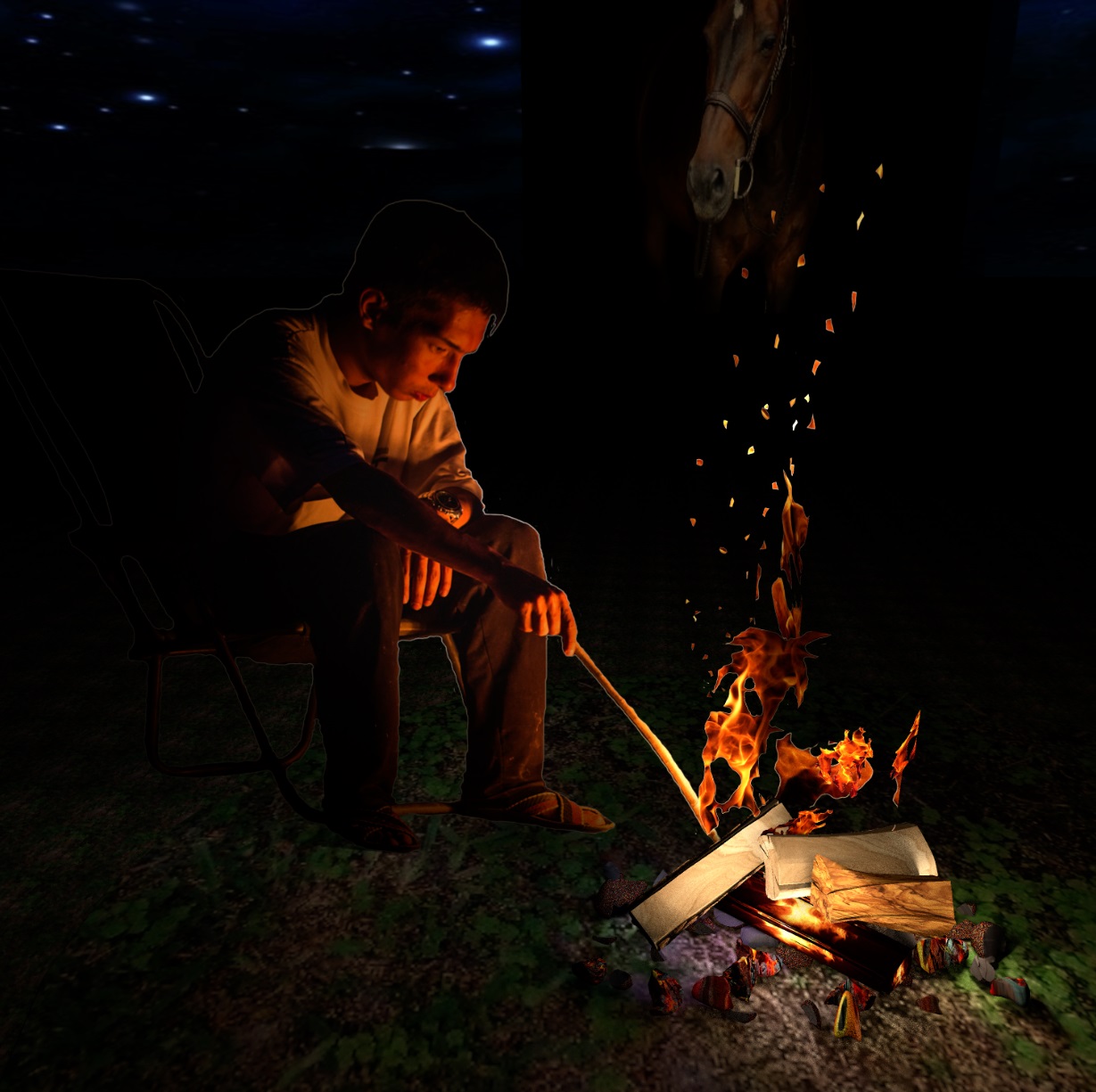
Thanks to Vinci 68! I'm now trying to get people and animals to walk along different trajectories, it's not easy yet)). Cats are the most naughty so far)).


a cat in the kitchen blushing

Posted by GaudiGalopin3324 at Jul 15, 2024, 4:03:37 PM
love struck   Re: Apartment project with lighting by invisible hemispheres. I continue advertising
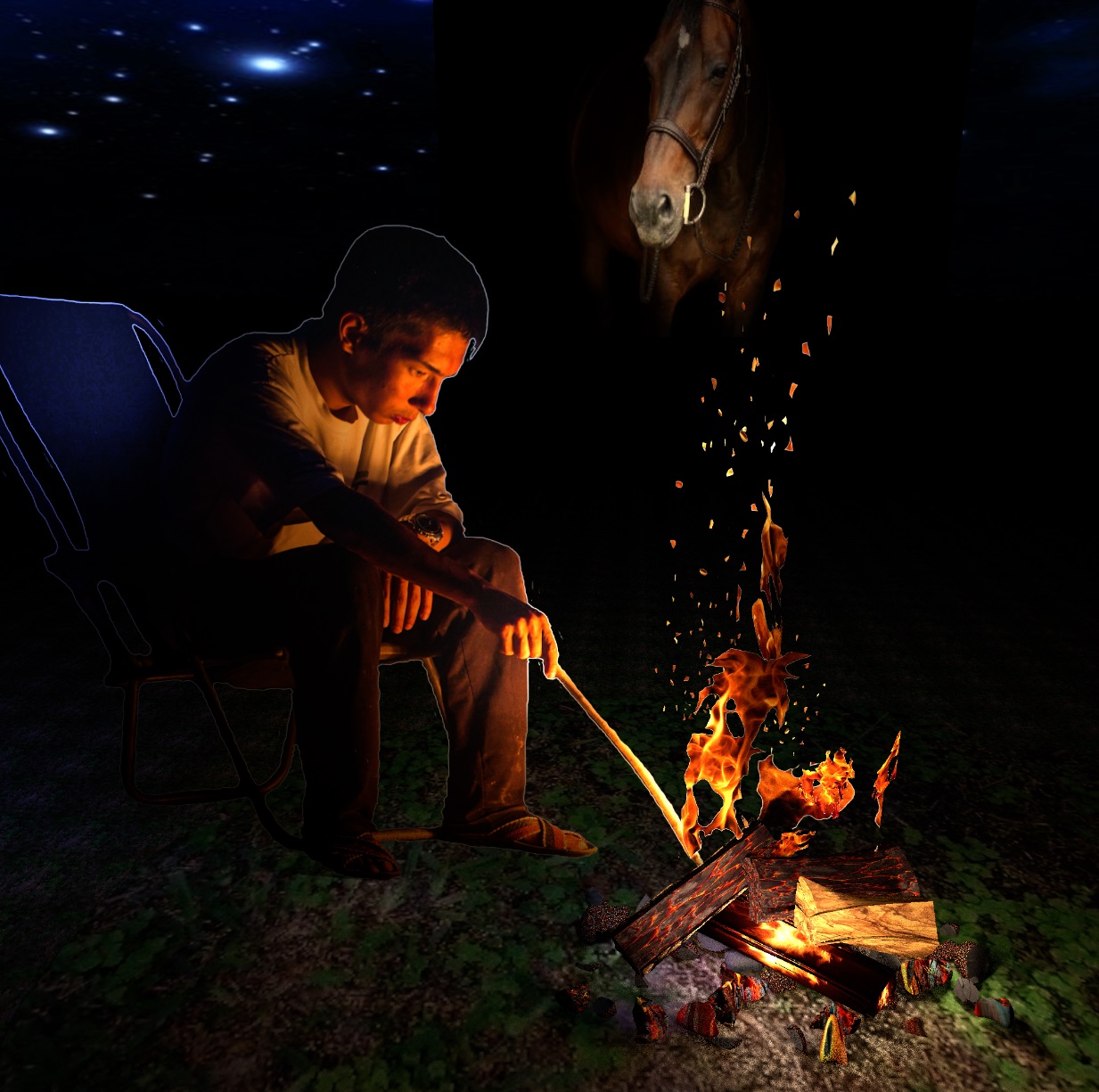
reflections in mirrors enliven the room well. There are two reflections here, from the dog and from the girl. Reflections are of course an imitation, this is a scaled-down copy of the video with the correct location, along the horizon line.


bedroom with hummingbird blushing

Posted by Keet at Jul 15, 2024, 5:49:26 PM
Re: Apartment project with lighting by invisible hemispheres. I continue advertising
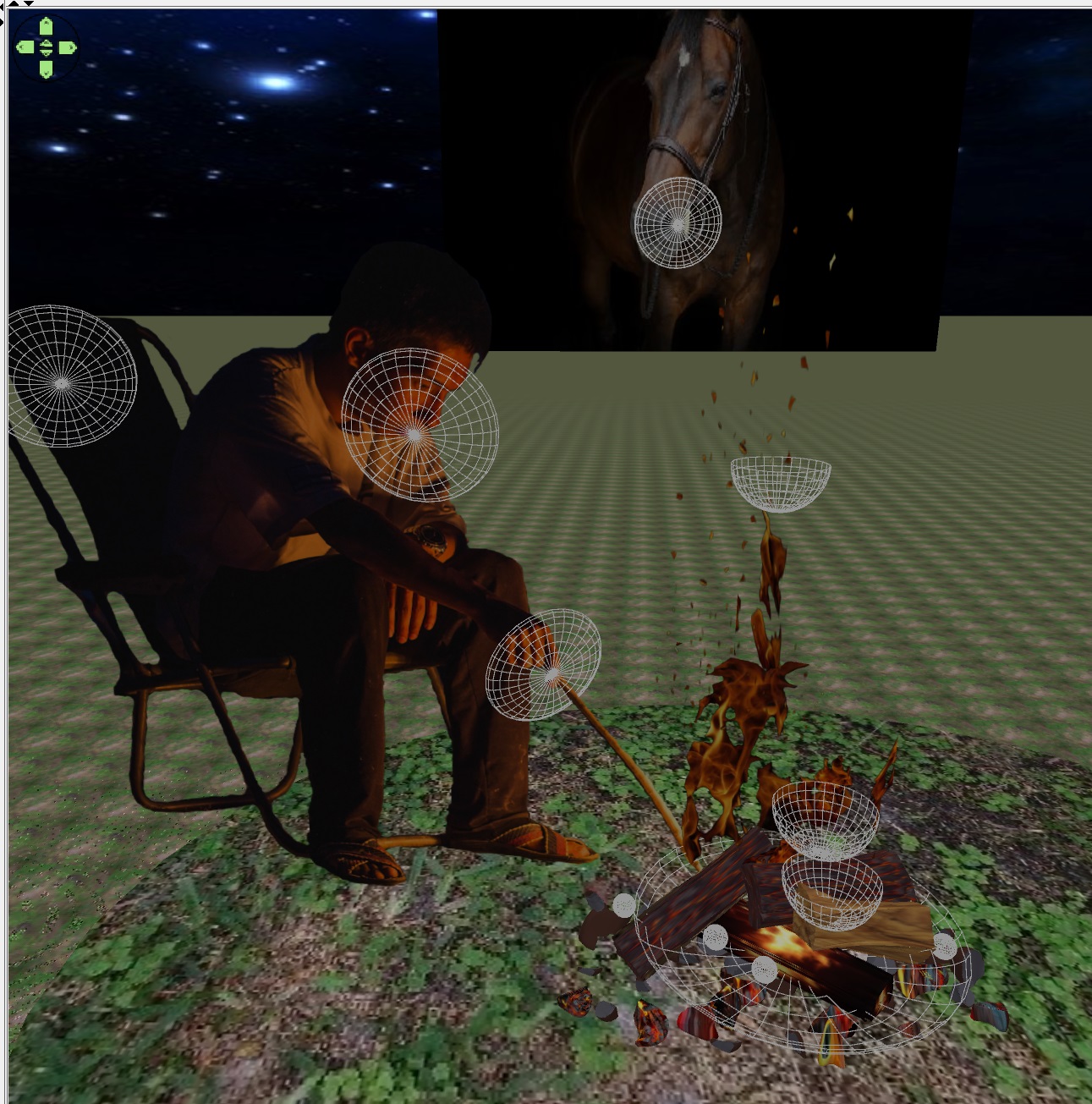
Andrei, I saw this and immediately thought this is something you would like. Searching for the source I found this site: https://luxarts.net/sea-animal-showers/ where there are more examples but they are not real products, the images are AI generated. Some inspiration for your bathroom video.

----------------------------------------
Dodecagon.nl
1300+ 3D models, manuals, and projects

Posted by GaudiGalopin3324 at Jul 15, 2024, 8:43:31 PM
biggrin   Re: Apartment project with lighting by invisible hemispheres. I continue advertising
Wow wow! )) biggrin I think that the strongest effect of such ideas will be in only one case. If all these sea creatures move quietly. Then a complete immersion in the element of the sea))). I liked the shark's mouth in the shower the most. Very much!! Although there is a feeling that you can only wash there once, a one-way ticket)). Yes, a good selection for people with strong nerves)). The second place in my rating is the toilet in the refrigerator. Practical, reliable, but such a bathroom will always be occupied for a long time, you need a double on the floor.. Everything else, yes, should be kinematic. I hope the urinal plays the classics.) biggrin

Posted by GaudiGalopin3324 at Jul 17, 2024, 1:31:52 AM
Re: Apartment project with lighting by invisible hemispheres. I continue advertising
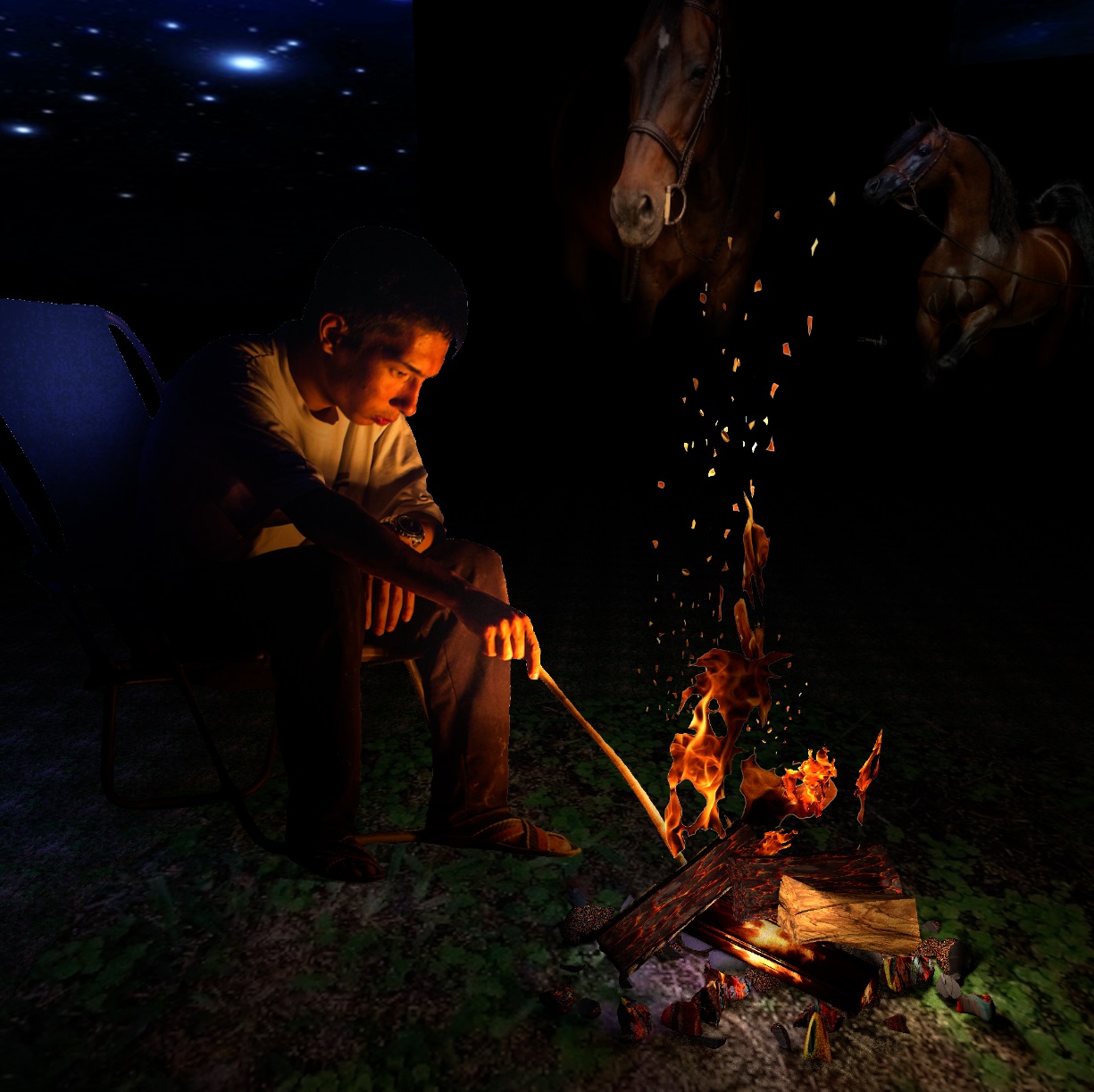
designed the barnhouse bathhouse cool

Posted by GaudiGalopin3324 at Sep 6, 2024, 8:02:39 AM
Re: Apartment project with lighting by invisible hemispheres. I continue advertising
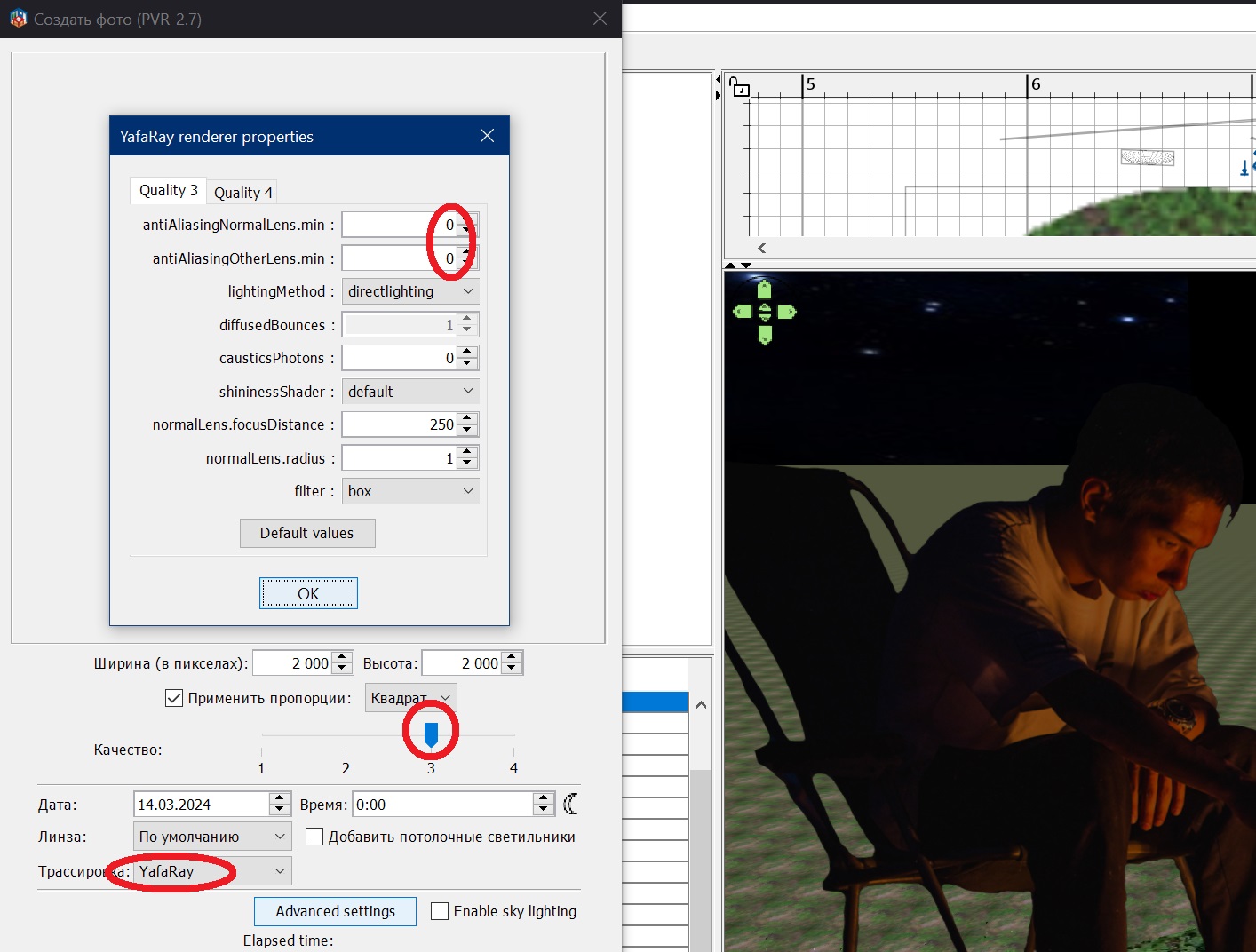
another example of how to insert an item without a suitable model. I liked two large wall lamps in one project. I could not find them on the Internet by searching for a picture and did not find a suitable model. Then I cut out each wall lamp in online Photoshop, placed it on a transparent background, and saved it in PNG. In the SH3D scene, I placed these images on a box with 5 invisible sides, with an offset from the wall of 6 cm. In that place. where the lamps are located, I inserted flat powerful orange hemispheres of 20-25% from behind, turned them up. In this way, you can use any lamps that do not have models. But of course you need to observe the correct shooting angle. The ventilation grilles on the ceiling cornice are made in the way described in the topic . Thanks to Keet and Captaincook


Posted by captaincook at Sep 10, 2024, 8:37:32 PM
Re: Apartment project with lighting by invisible hemispheres. I continue advertising
Bonjour GaudiGalopin.

Comme toujours, vos réalisations sont absolument magnifiques.
Et même s'il n'y avait pas eu les grilles d'aération de la corniche, ça n'aurait rien enlevé à cette dernière image. smile
Et puis en plus, je vois que vous avez adopté un renard.
J'espère qu'il est très calin laughing

A suivre donc.

Posted by GaudiGalopin3324 at Sep 10, 2024, 10:13:55 PM
Re: Apartment project with lighting by invisible hemispheres. I continue advertising
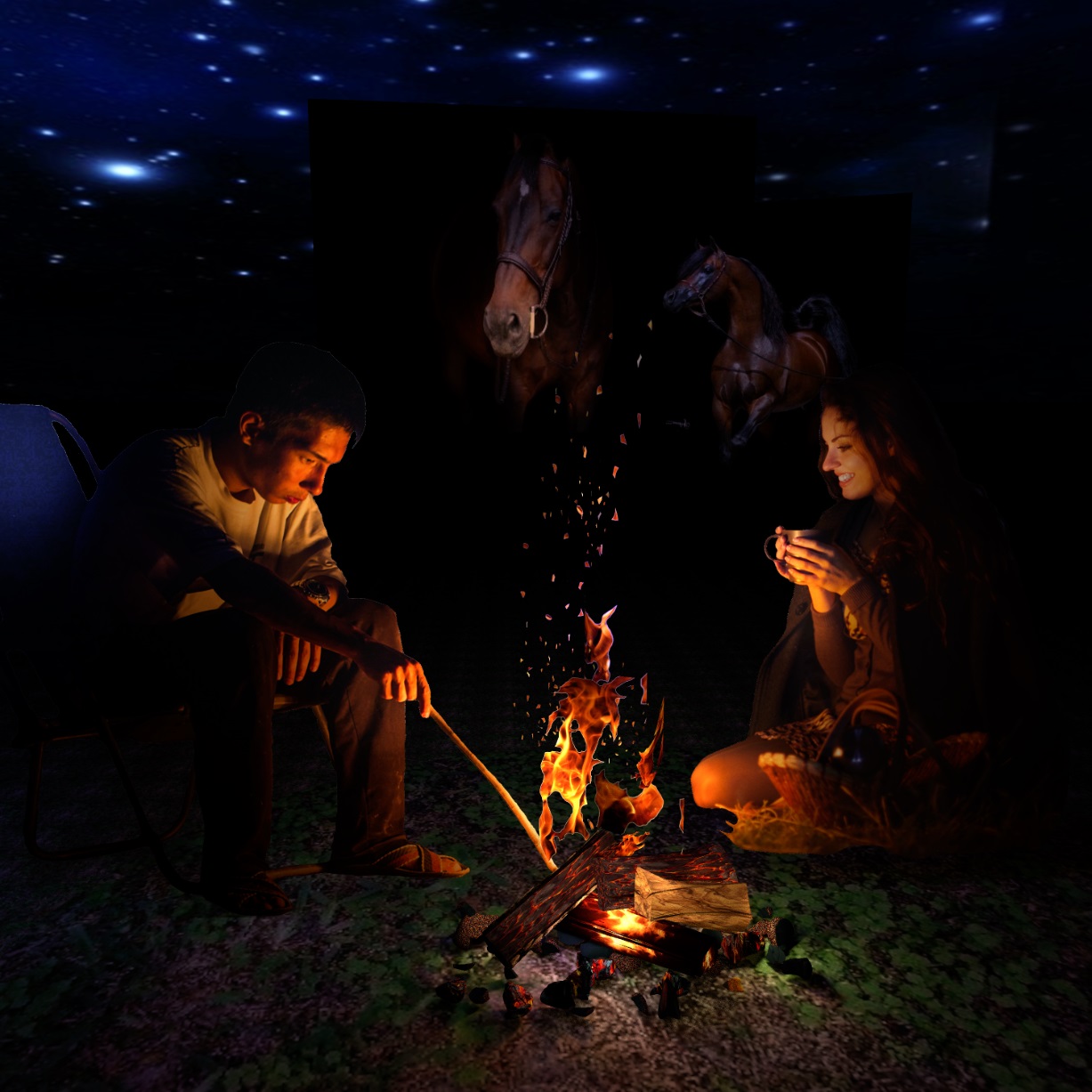
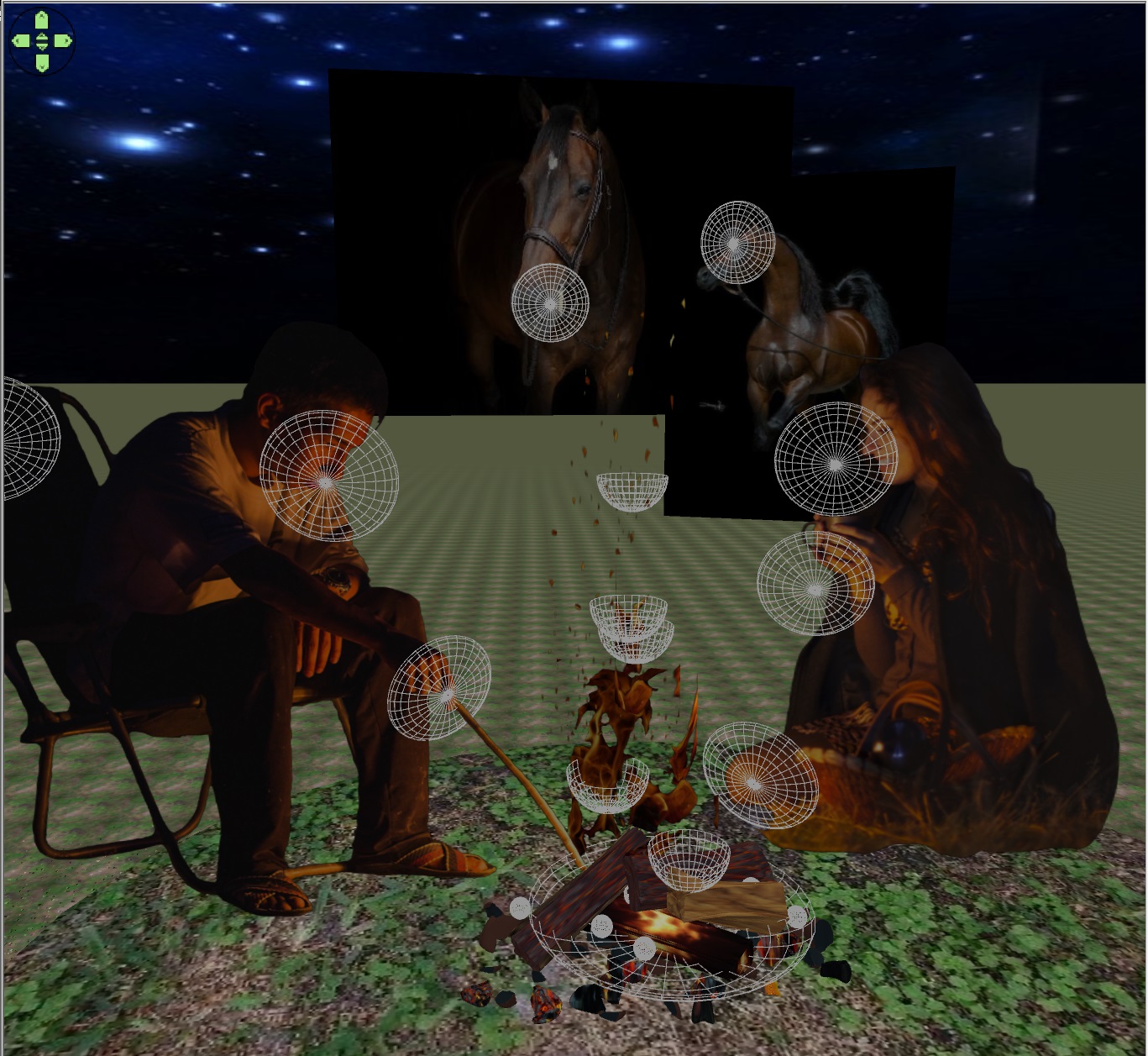
Je suis d'accord) le renard s'est avéré être le Meilleur))). Je travaille dessus tout le temps). biggrin

Posted by GaudiGalopin3324 at Sep 19, 2024, 3:09:57 AM
Re: Apartment project with lighting by invisible hemispheres. I continue advertising
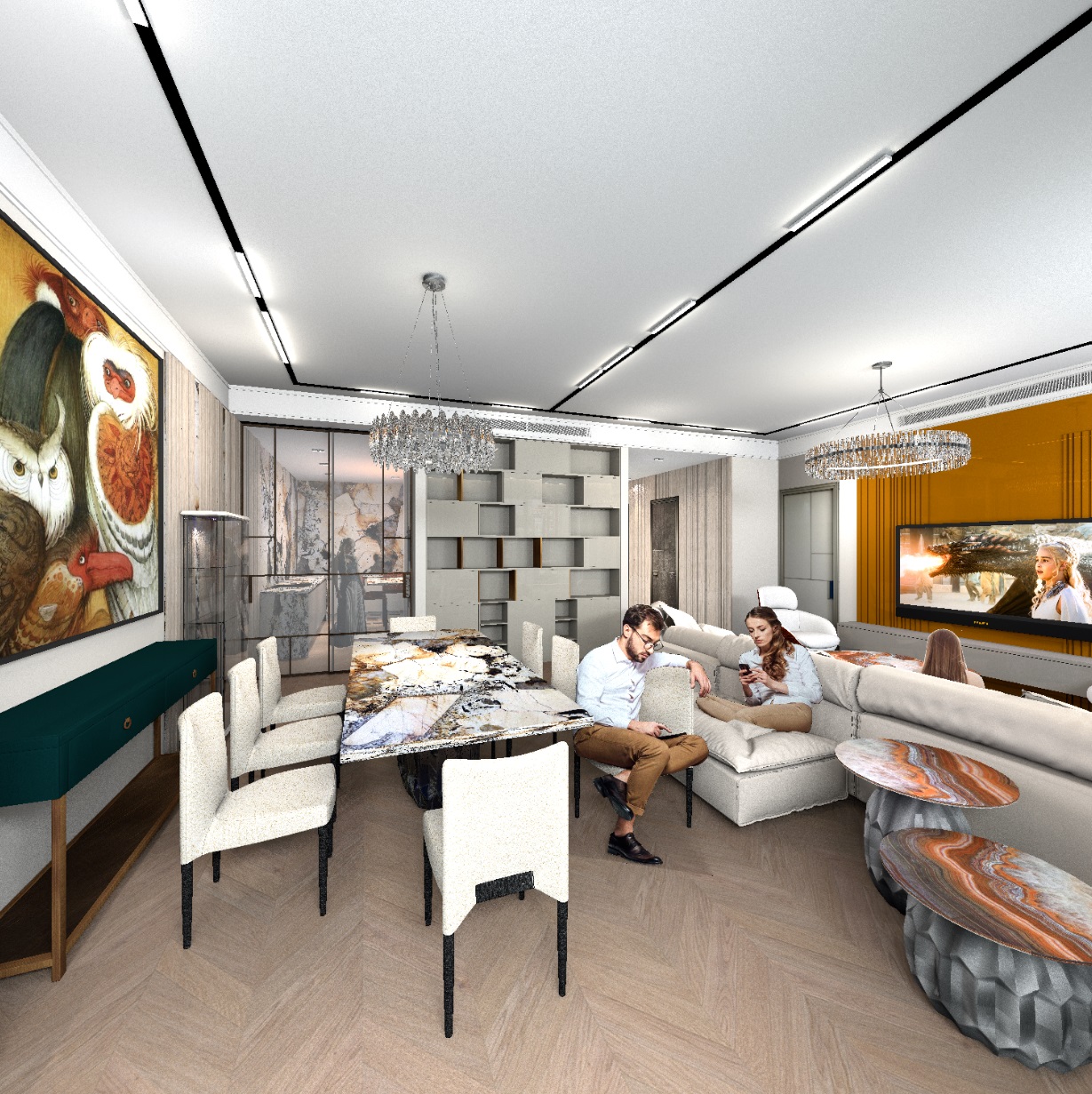
I made a complicated tile. I took a drawing of the module from the catalog of the Italian factory Sicis, placed it as a background image (Olson).


Then, using the background image on the seams of the parts, I exposed walls 250 cm high, 3 cm thick. I assigned the white color of the upper surface to the walls. Inside, between the walls, I put up thick walls with a height of 248cm and 247 cm. Two colors - blue and pink. The result is a module that the tile factory produces in order to lay out large areas.


In red, he showed where he removed the seam walls so that there would be no seam lining when connecting the modules. Then I added an orange box, which has a height of 246 cm, it fills the round mosaic elements. Such a high altitude is very useful. If you then make a model of such a high height flat (0.3 cm in reality), you will get an image like on paper, but all the different shapes will remain and they can be changed in texture. I saved it all in OBJ. As a result, the difference in heights in a thin model turns out to be several microns, of course it is not noticeable to the eye!


This model, assembled into a large carpet, unfortunately stops the computer if this model is placed in a complex room scene in SH3D. But I found a simple and effective way to get the computer to work with such a complex object. You need to make a virtual visit and place the viewer exactly in the center of the tile carpet. The tilt of the head should be done as highlighted in colored ovals, the height should be selected experimentally. Then the camera's view will be strictly vertically downwards. It will be a perfect square. And make a printscreen, save it. Then you need to crop this image at the edges in Paint. You will get a carpet with smooth edges from a complex mosaic. It weighs almost nothing and the computer works fine.


please note that round details are not repeated, I have set personal values for each module. The scale of the onyx texture for the top of the orange box is 350-800%, the shift along the axes is individual, and as a result there are no repetitions of the texture, as in a real stone.

The final image is in no way inferior to a complex wall model. Only it doesn't weigh anything and the rendering is fast in the end.


Posted by GaudiGalopin3324 at Sep 19, 2024, 3:21:24 AM
Re: Apartment project with lighting by invisible hemispheres. I continue advertising
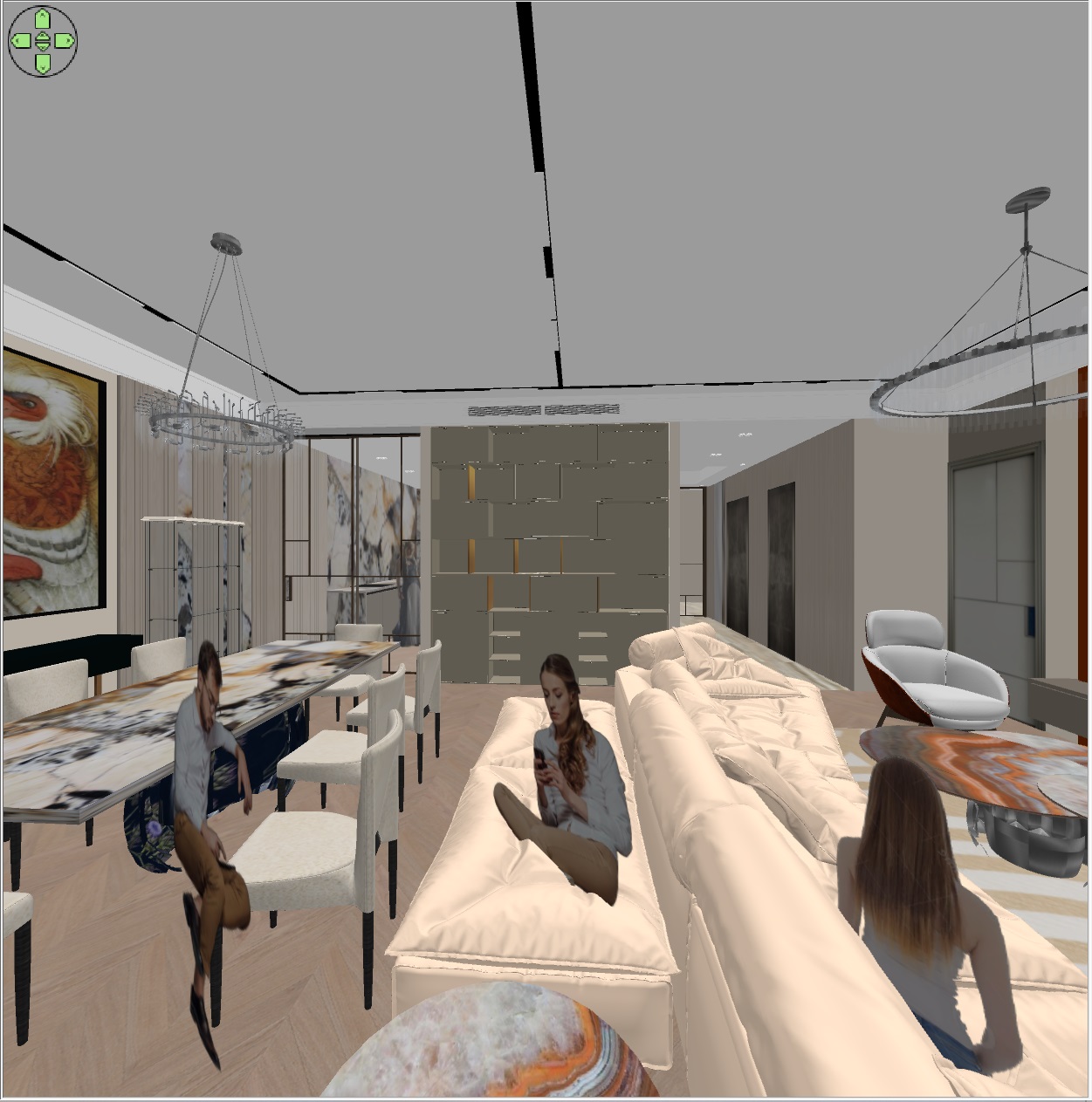
In the following picture, I used real Sicis butterfly mosaics, with real sizes. I processed the image in Photoshop, made it on a transparent background and placed it on boxes with invisible sides. With turns. The thickness of the boxes is 0.1 cm.


an easy way to embed a complex shaped image in the background.

Posted by Keet at Sep 20, 2024, 11:26:20 AM
Re: Apartment project with lighting by invisible hemispheres. I continue advertising
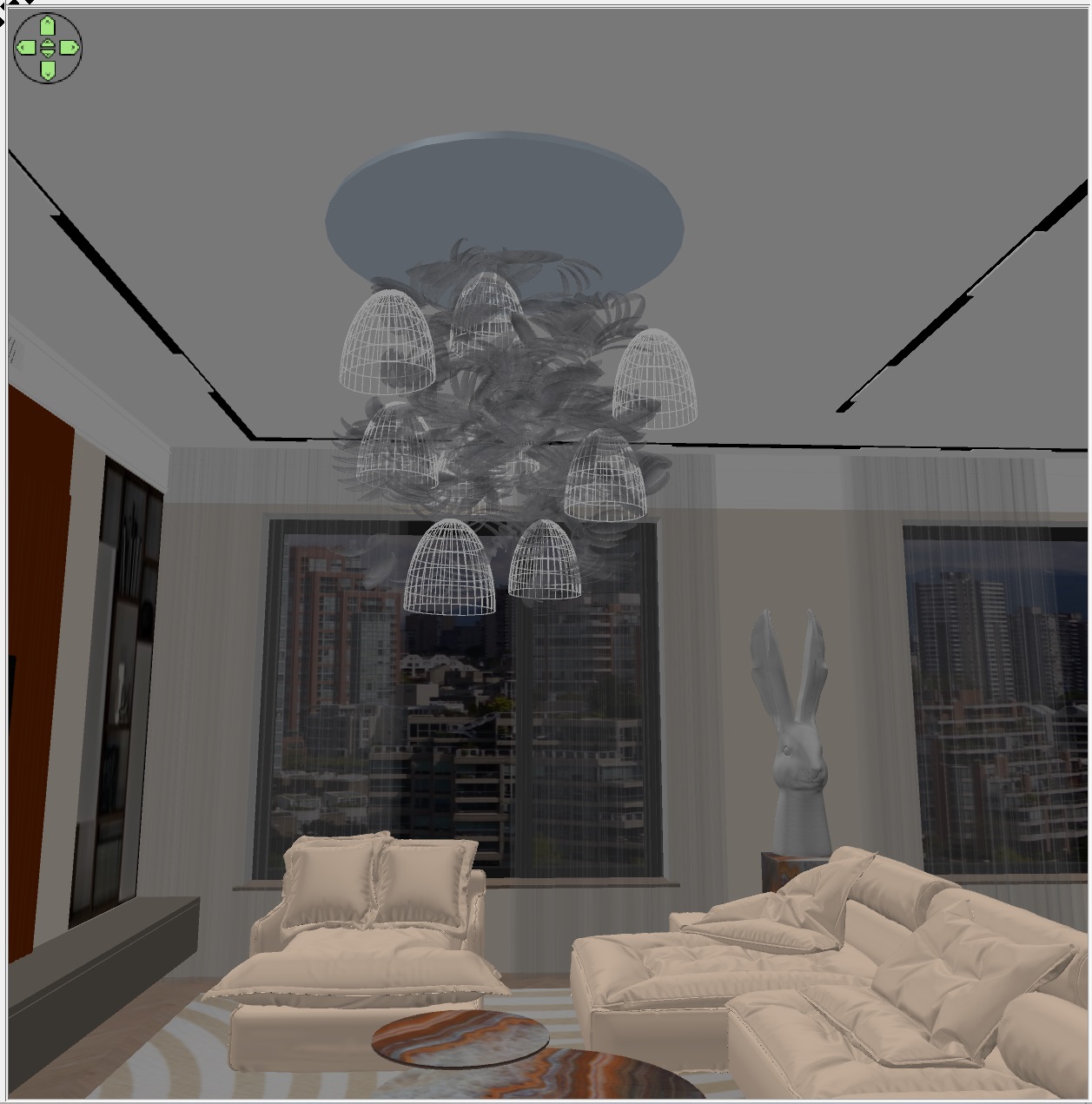
I like these butterflies. Not to difficult to create for someone making the first try on using the image-on-a-box system.

What material definitions did you use for the shower doors? I like the bronze/gold color you used and the clarity of the glass.
----------------------------------------
Dodecagon.nl
1300+ 3D models, manuals, and projects

Posted by GaudiGalopin3324 at Sep 20, 2024, 5:28:48 PM
Re: Apartment project with lighting by invisible hemispheres. I continue advertising
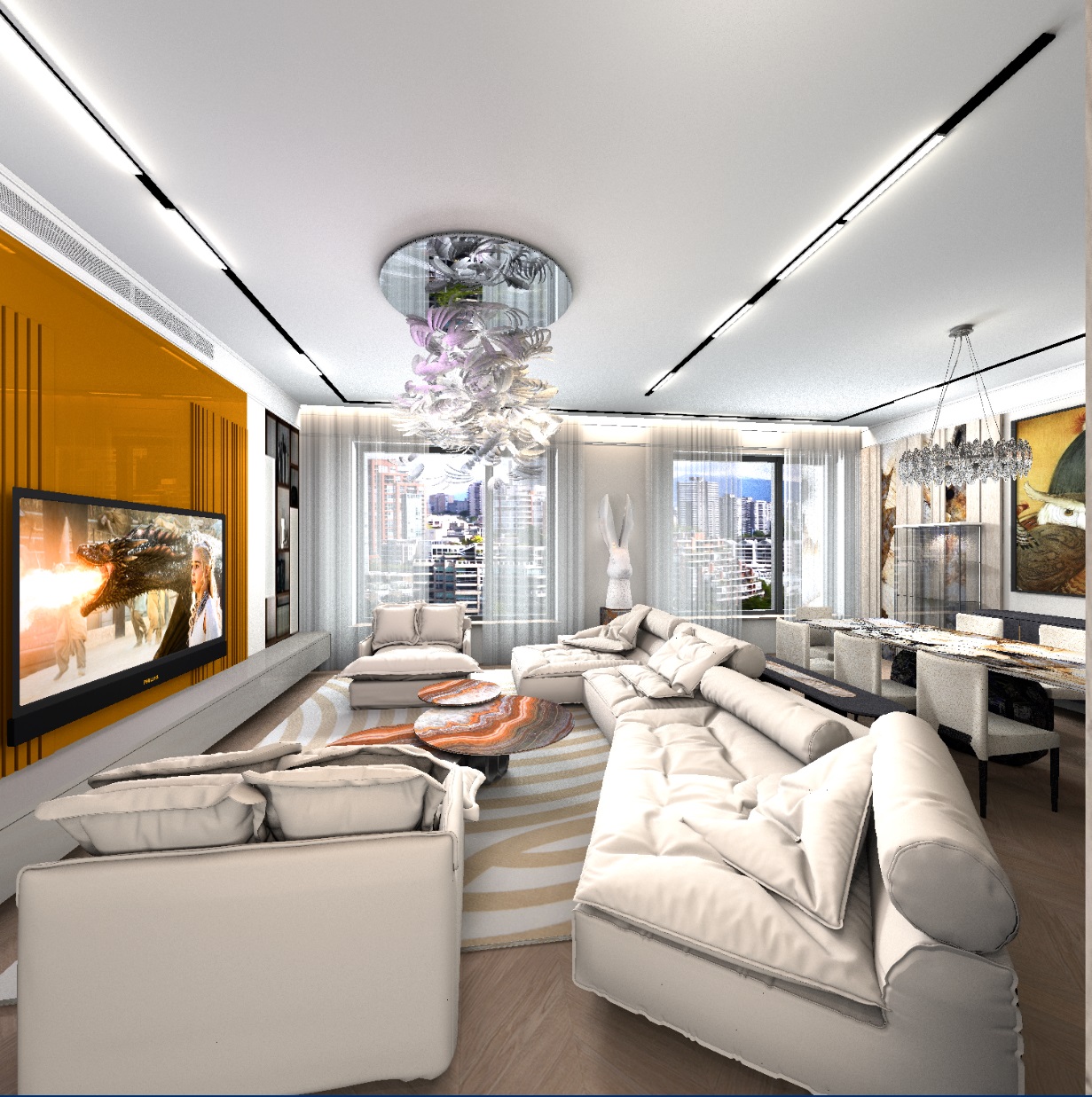
the shower doors around the perimeter are made of boxes. For all sides in the OBJ file, after the g group, I put the prefix sweet home 3d_window_mirror_ . The color for gold was chosen dark brown with a yellow tinge. This color may have a different shade, for example, redder, there will be red gold, or more cold red, with a purple tint, there will be copper. You need to experiment here. I also made the glass out of the box and added d 0.2 in the MTL file, assigned a blue-green color in the model, like real glass. If you assign a color texture to the glass in the model, you will get a translucent frosted glass.

Posted by GaudiGalopin3324 at Sep 20, 2024, 5:44:22 PM
Re: Apartment project with lighting by invisible hemispheres. I continue advertising
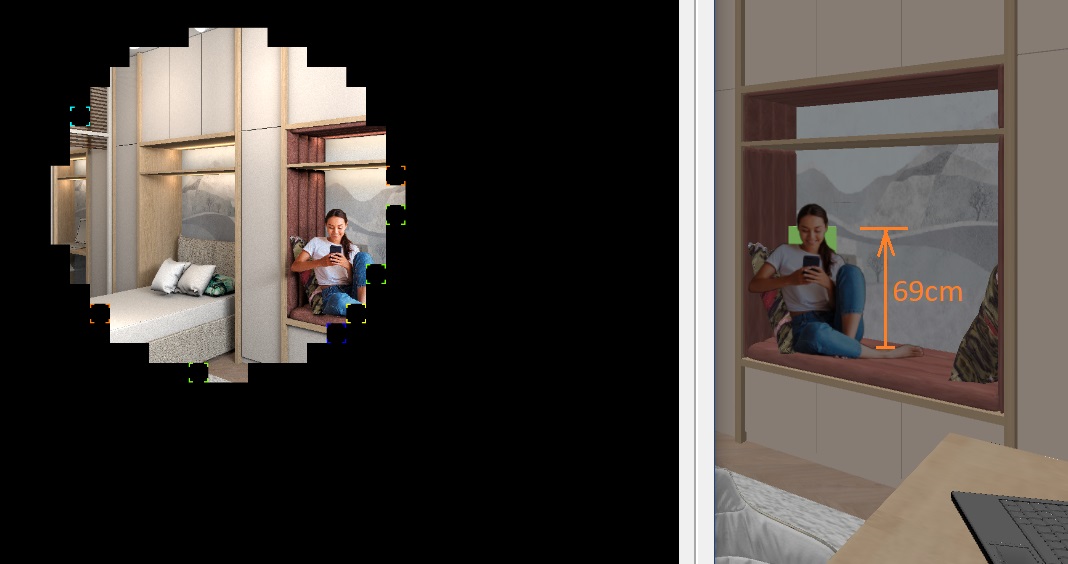
There is also a mirror prefix for the box in the shower door, but the color is gray. It turns out chrome. It is assigned to all mirror models (faucets, sconces, door handle, heated towel rail made of cylinders, parts in the sink). The gray color is chrome. Yellow-brown is gold.


it is very important for a more realistic image to render at a quality level of 3, not 4. Then all mirror surfaces are exactly the same, but there are reflections in shiny surfaces. For example, the lacquered doors above the toilet have reflections of sconces, sinks and showers. When rendering at level 4, they will not be there, although there will also be reflections in the glass.

Posted by Keet at Sep 20, 2024, 6:34:23 PM
Re: Apartment project with lighting by invisible hemispheres. I continue advertising
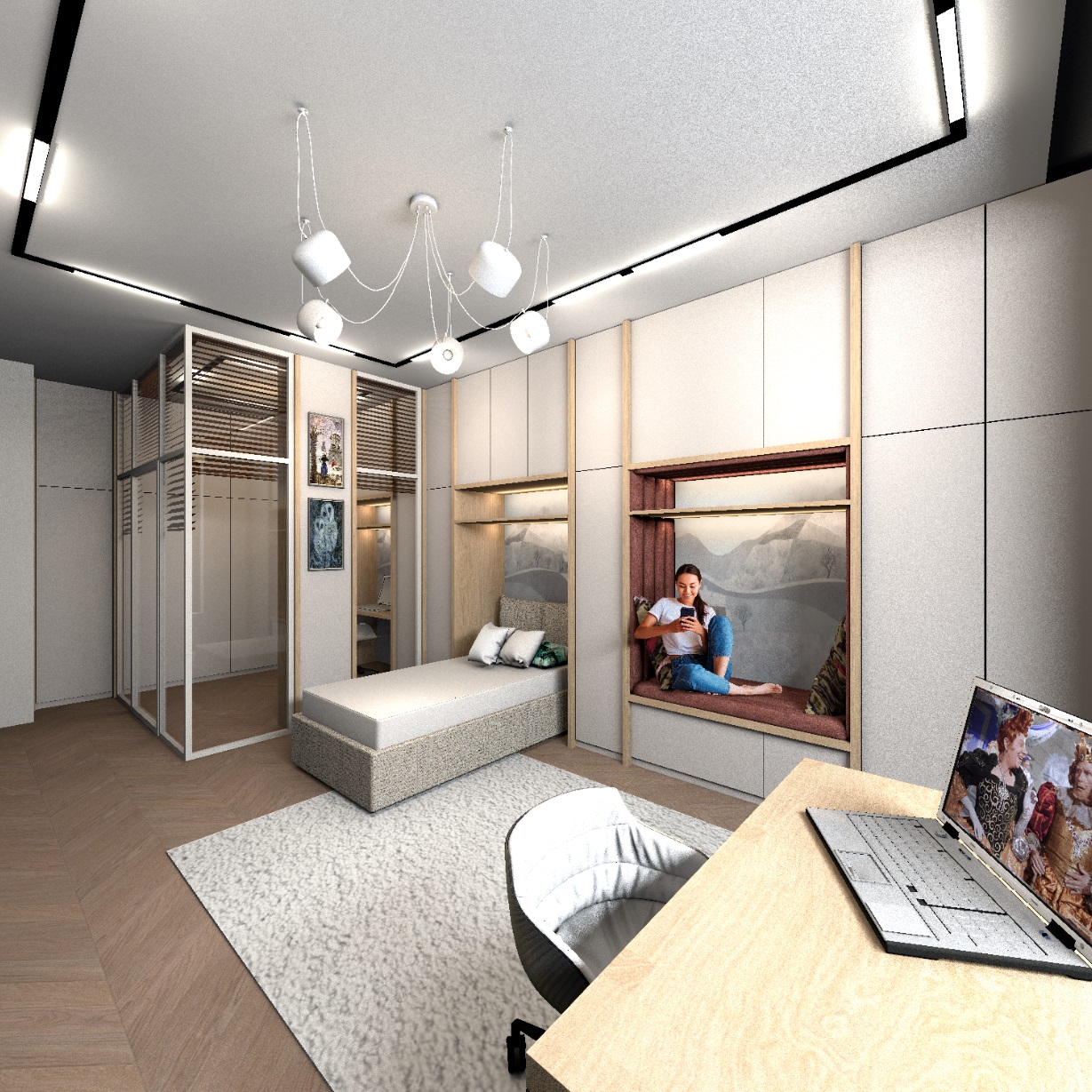
I suspected the mirror prefix on many elements but what is the glass? Like I said in my previous post, I like the clarity of the glass so I would like to know what the MTL definition for the glass is and if you added any prefixes to the glass group (sweethome3d_window_pane?).
----------------------------------------
Dodecagon.nl
1300+ 3D models, manuals, and projects

Posted by GaudiGalopin3324 at Sep 20, 2024, 11:29:20 PM
Re: Apartment project with lighting by invisible hemispheres. I continue advertising
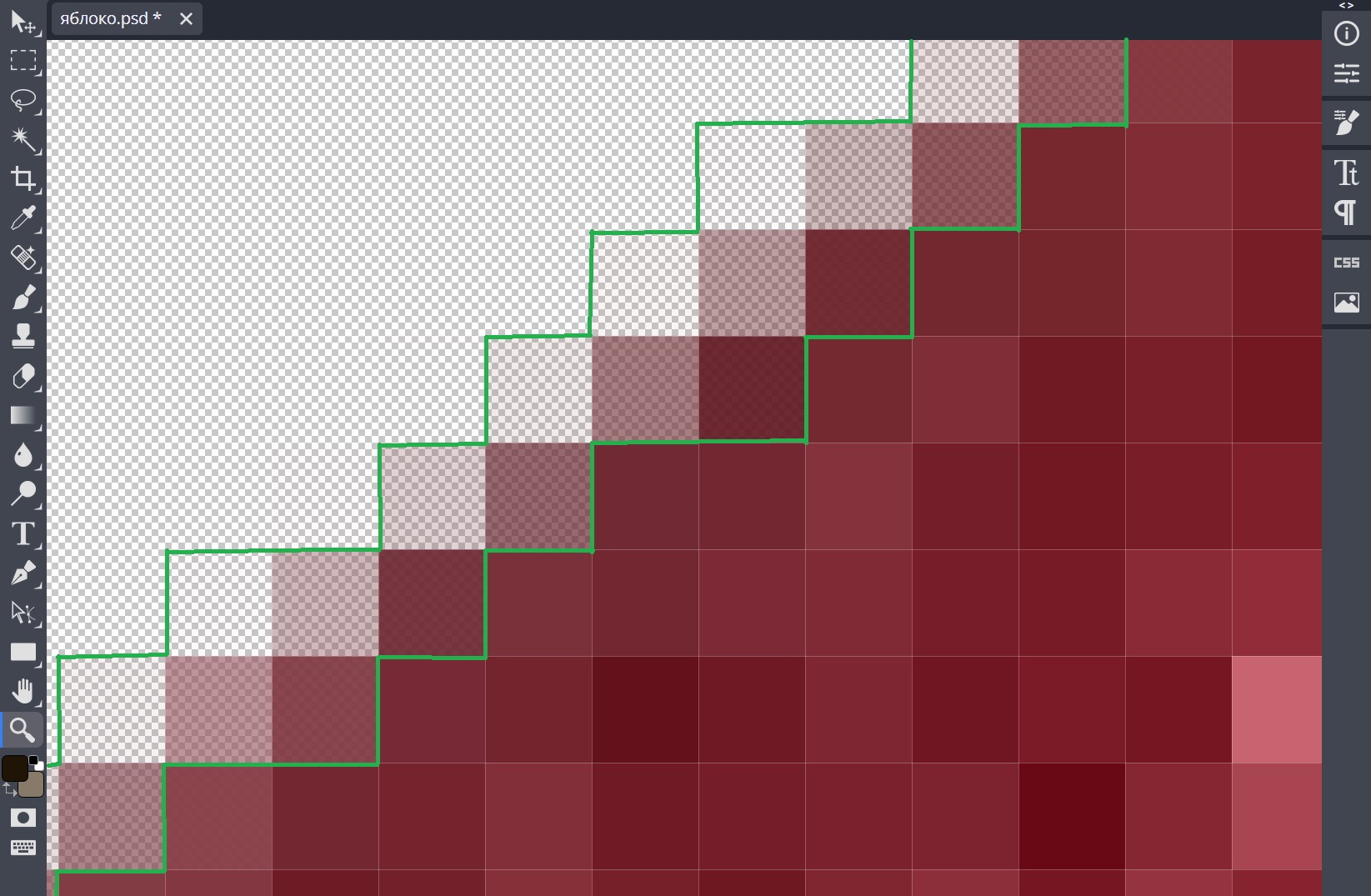
I apologize for the late response. Here is the MTL file for this glass.


Posted by GaudiGalopin3324 at Sep 20, 2024, 11:41:44 PM
Re: Apartment project with lighting by invisible hemispheres. I continue advertising
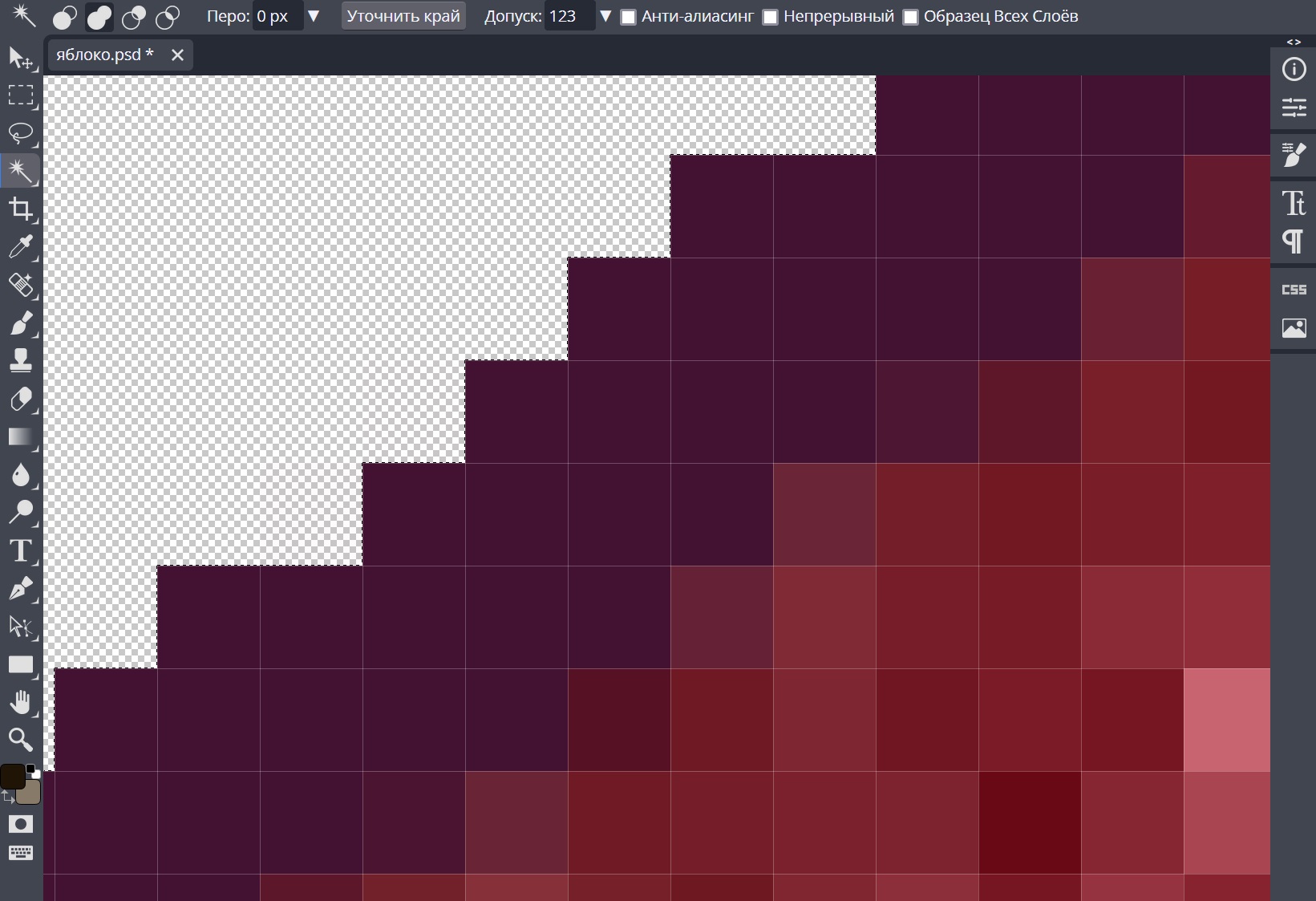
The OBJ parameters are ordinary, without any special features. 6 groups for the sides of the box. I noticed that in SH3D there are no subtleties in various parameters, everything is quite rough, without nuances in the final render. It's probably different in other programs. I don't consider this a disadvantage, on the contrary. There is no extra complexity in the settings, just shine and light. This is enough for normal visualization.


Posted by Keet at Sep 21, 2024, 12:06:10 AM
Re: Apartment project with lighting by invisible hemispheres. I continue advertising
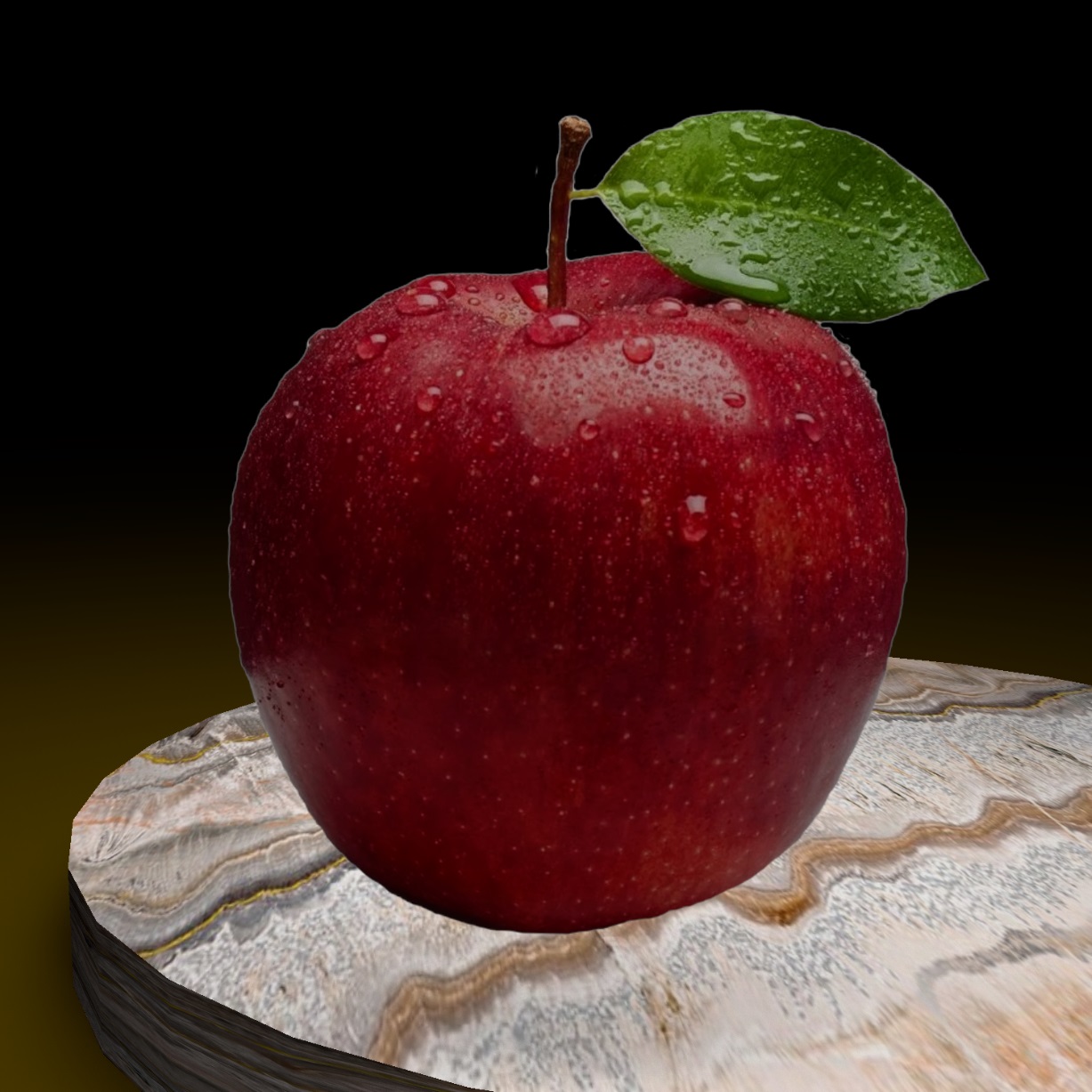
Thank you. I see that you have a very low value for transparency (0.145), maybe that is why the glass is so clear. I will experiment with these values for glass in cupboard doors. I was never happy with how glass looked, close, but not 'the real thing'. I hope this will look better.

By-the-way, why use a wall for the glass and not a box? A box is much more efficient in both object size and rendering time. A wall uses almost twice as much vertices and faces as a box. Not much difference with just one wall but with many walls you will notice the difference.
----------------------------------------
Dodecagon.nl
1300+ 3D models, manuals, and projects

Posted by GaudiGalopin3324 at Sep 21, 2024, 12:42:50 AM
Re: Apartment project with lighting by invisible hemispheres. I continue advertising
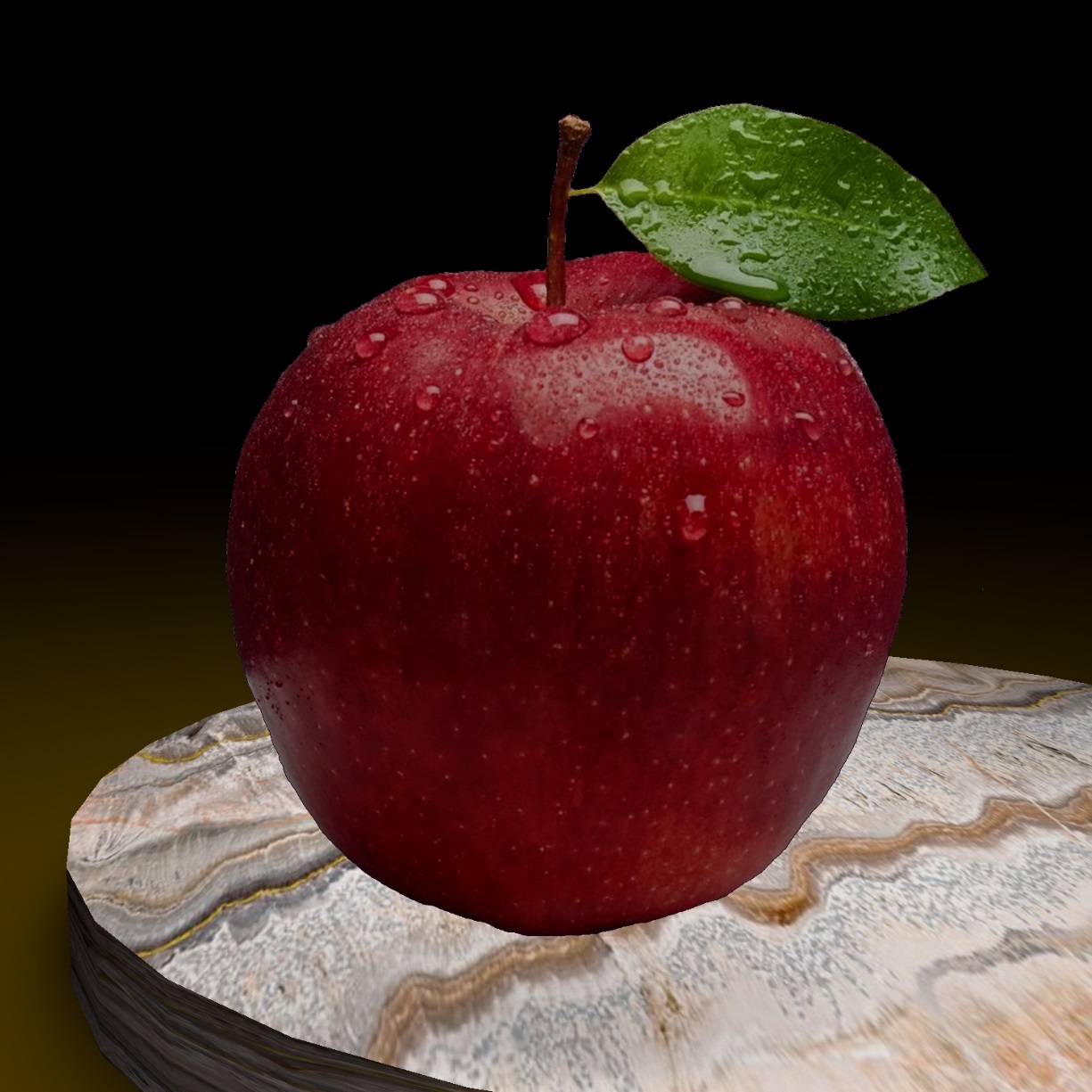
I made a glass out of a box with parameters d 0.15 for all 6 sides. After downloading the render, I will post it for comparison. Glass from the wall and glass from the box.

Posted by GaudiGalopin3324 at Oct 3, 2024, 12:40:09 AM
Re: Apartment project with lighting by invisible hemispheres. I continue advertising
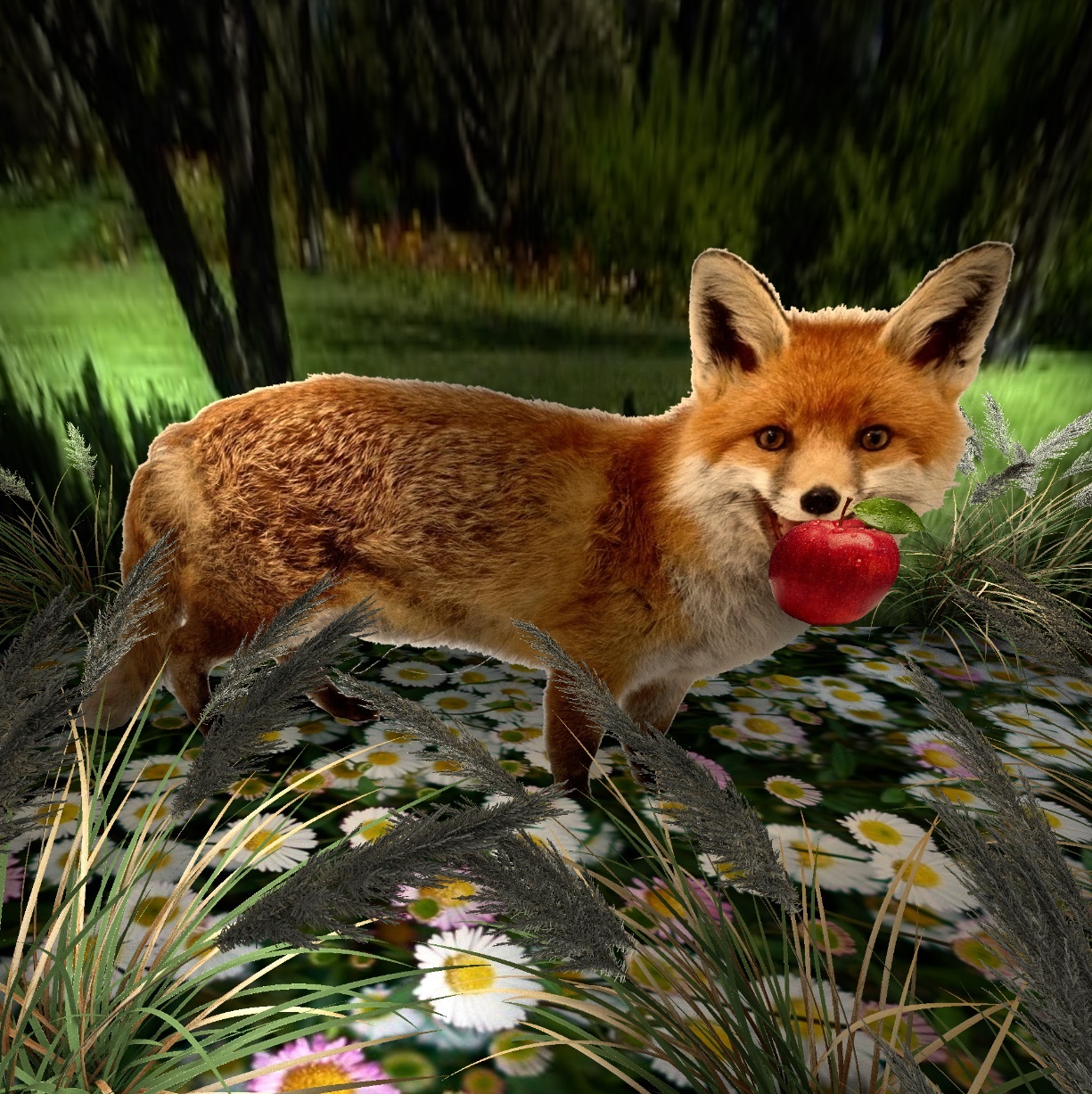
I decided to make corrugated art glass. You don't need to have a complex texture to do this. It is enough to find a high-quality photo of such glass on the Internet. And save it as a texture in SH3D. My glasses are inserted into the cover of the partitions. I made these bindings from walls 3 and 2 cm high. 3cm is the outer perimeter. 2cm is a thin inner binding. I assigned a dark color to all sides of these walls. Now how to make glass. There are at least three ways. 1. You can fill the space between the walls with other lower walls (height 0.5 cm). And assign the top to all the pieces as a color. Then, in the OBJ import, this group will be a single group inside the binding. 2. Fill everything with a set of boxes of the same color. Also, when importing OBJ, it will turn out as a single piece of material inside each binding. Rectangular boxes are very good for textures - everything is predictable and there will be no gaps, there will just be a stretching of the texture along the shape of the sides of the box. 3. And the easiest way is to create a room by double-clicking inside the outline of the wall bindings. You'll get a room. Change the room. Be sure to remove the visibility of the ceiling there. Otherwise, there will be a white material in place of the glass. And assign a TEXTURE, not a color. If you assign a color, then any texture in the export will look like rain, not like a picture. It may also look like glass)), but the view of natural glass from the photo is better. If you assign a texture, then immediately achieve an even filling of the room without cuts. Before importing to OBJ. This method allows you to make realistic glass)), and the rendering time is minimal for such a complex scene. You do not need to make a transparent material, it is better to think about how to simulate reflections and translucent background. To do this, rotate the photo texture and find the right position. Pre-make a low-quality trial render, improve it by rotating the texture in different places. Yes, you need to make your own groups for all sections, not combine them into large arrays. Then the glass will be more interesting and without repetition.


Here the rooms have a color assigned before import, it turns out an elongated "rain" on the render, the vertical structure of the glass. It's fine too.


and here the texture for the rooms is assigned everywhere. It turns out like in the glass photo. It's not raining.

biggrin

Posted by GaudiGalopin3324 at Oct 6, 2024, 9:13:45 PM
Re: Apartment project with lighting by invisible hemispheres. I continue advertising
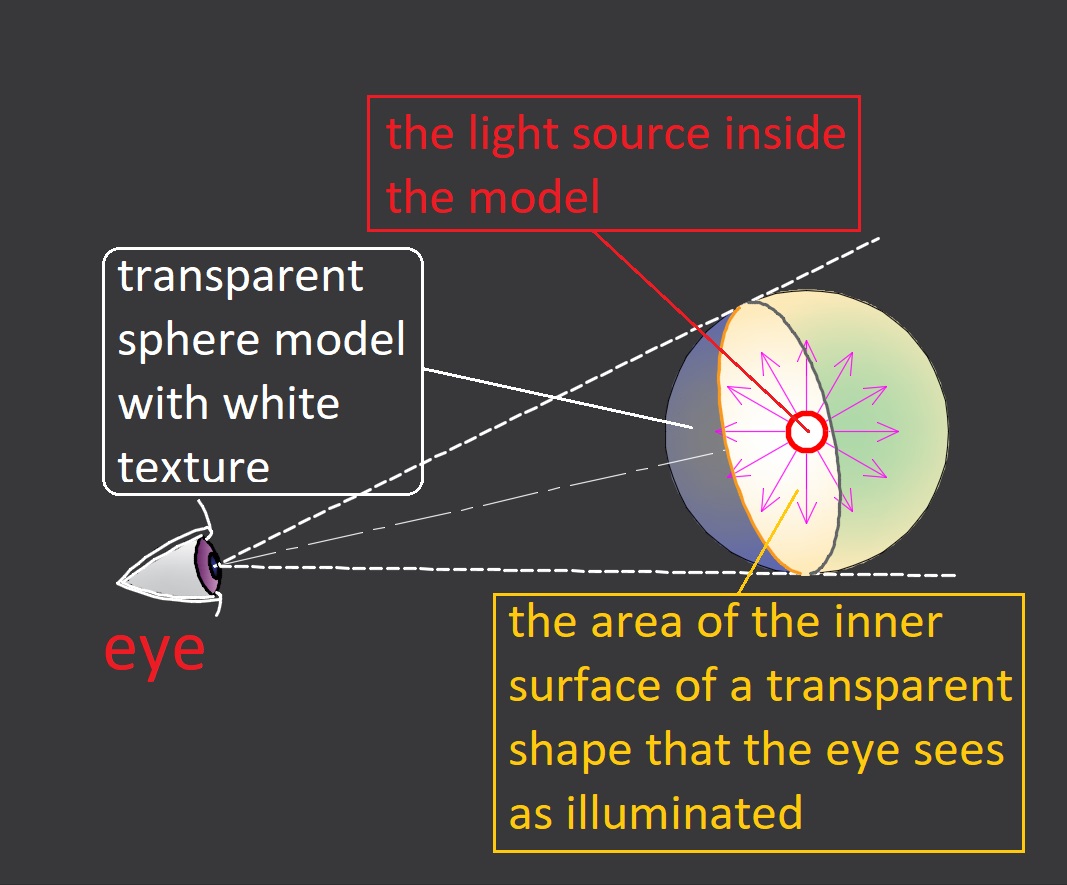
a few more "glass" partitions.


and now I'm back to the render settings again. I have inserted the SILK parameter in the standard level 3 setting. The texture of the parquet is made with the maximum gloss setting, but the "silk" setting gives an imitation of matte varnish with reflections. So far, I can only do this effect in this way.


for comparison, standard render settings, glossy parquet varnish. There are no moire reflections, there are sharp reflections.


Posted by GaudiGalopin3324 at Oct 10, 2024, 11:56:31 AM
Re: Apartment project with lighting by invisible hemispheres. I continue advertising
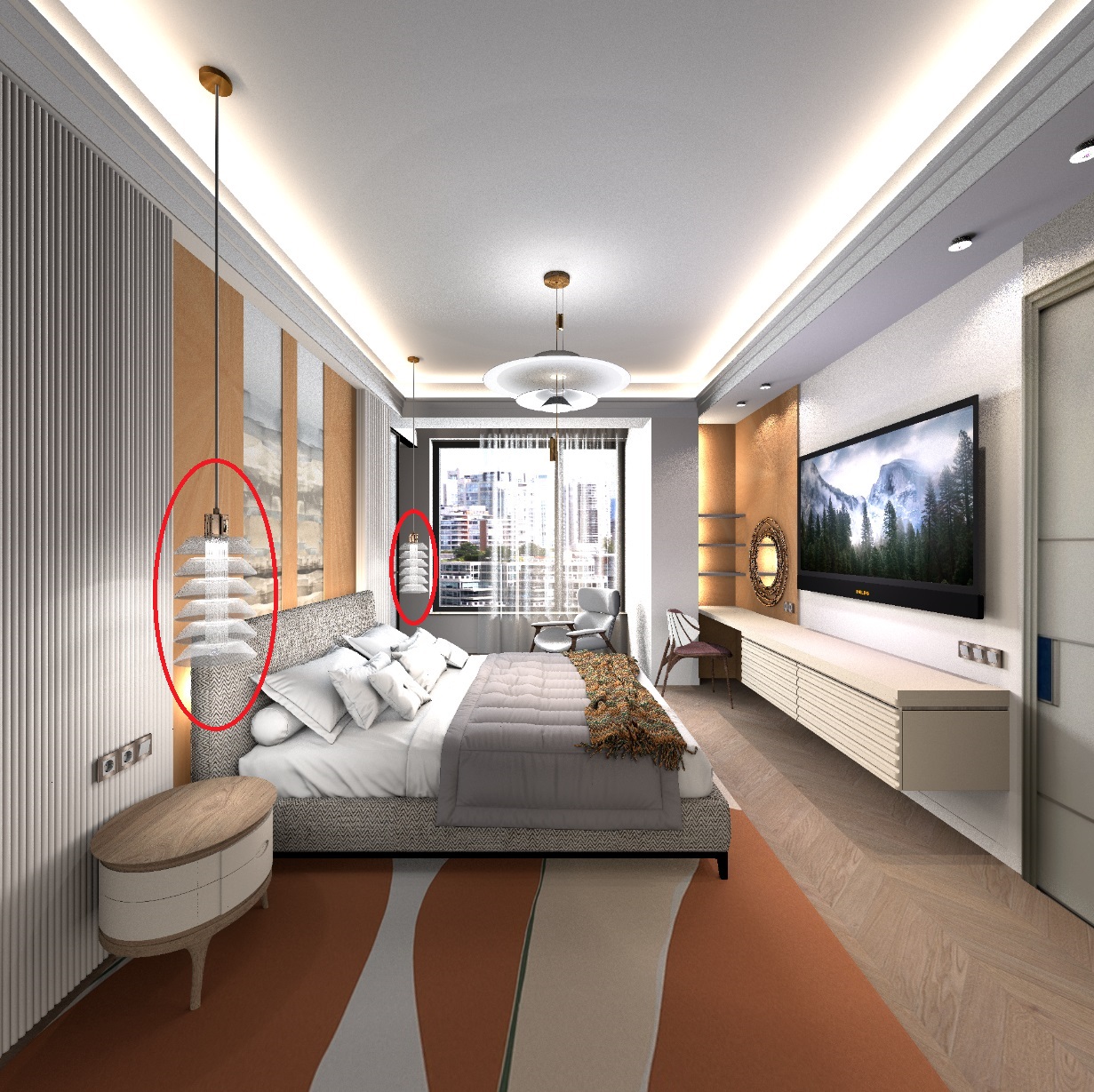
another attempt to use the "silk" setting. The texture of the parquet is adjusted with maximum gloss, SILK gives an IMITATION of the reflections of bright places in a matte varnish. But as I said before, these are reflections of non-light surfaces. These are reflections of LAMPS and light sources. In my scene, these are spheres and hemispheres, they are reflected in the gloss of the parquet and give a light moire on the floor. Therefore, there is no coincidence of light walls with reflections in the parquet. The walls are not reflected as they should be in reality. Therefore, SILK is most effective in the angle against the window. Then Bright light sources imitate the moire light spots on the parquet most vividly. I don't use sunlight from the program. I make artificial light outside using bright sources. They give reflections in the floor. But still, SILK makes the picture more complicated and interesting than the standard setting. There is no time increase in the rendering time (this picture was loaded for 15 hours, mainly due to the weight of the models, not from the fixtures). And most importantly, there is no change in the mirrors, they look the same with the new settings. Faint reflections in shiny surfaces disappear completely, and objects become opaque. But there is an effect for parquet, although the effect of matte varnish cannot be used subtly, everything is rough.


reflections of light sources are highlighted in red


Posted by sjb007 at Oct 10, 2024, 3:46:07 PM
applause   Re: Apartment project with lighting by invisible hemispheres. I continue advertising
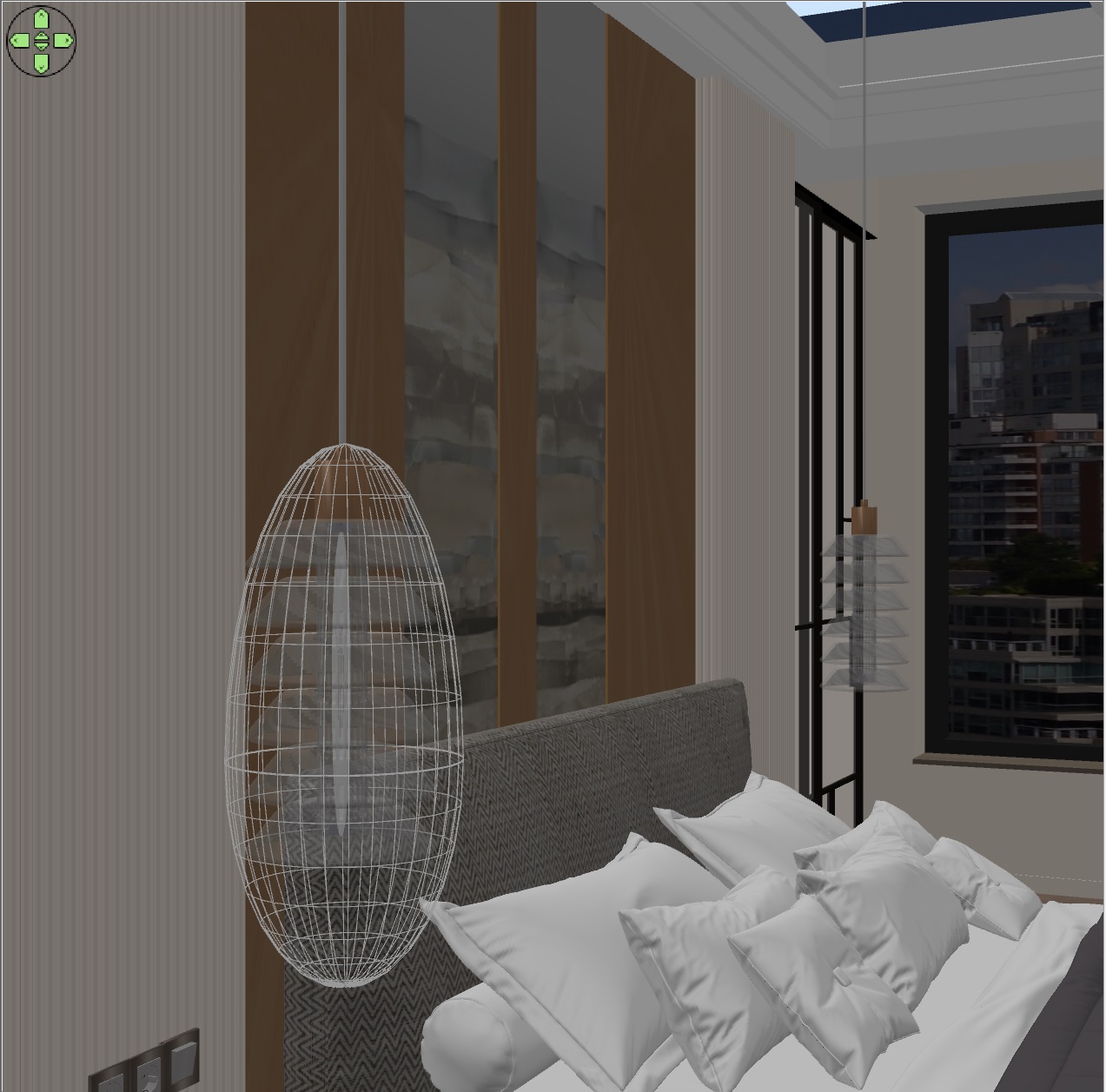
GaudiG. you really should be working in Hollywood... your skills of trickery and fakery of what the camera sees are remarkable. It is a huge level of perseverance, determination and patience. Well done.

Posted by GaudiGalopin3324 at Oct 10, 2024, 4:09:40 PM
Re: Apartment project with lighting by invisible hemispheres. I continue advertising
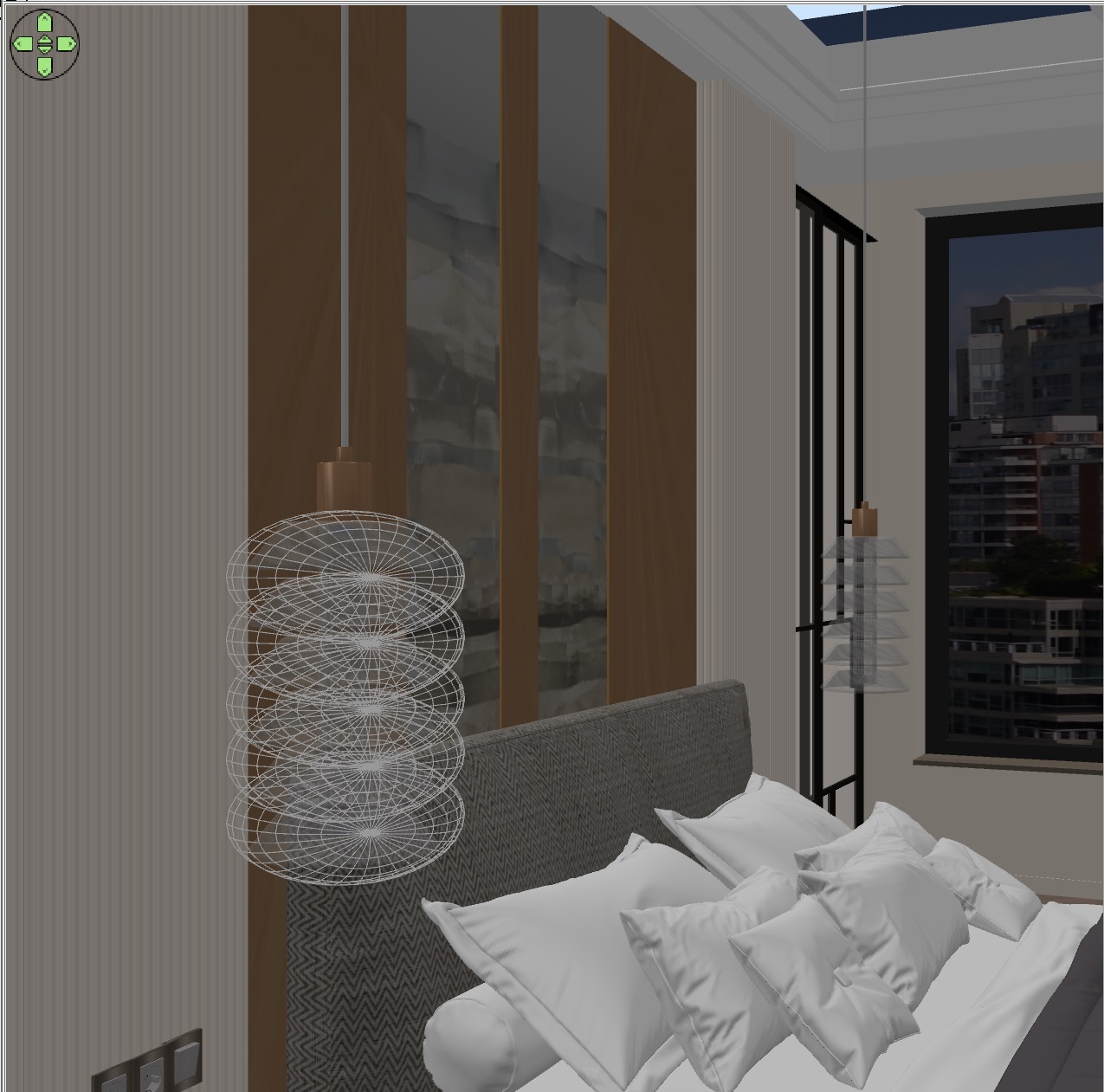
biggrin Thanks sJb)). Your assessment is much more pleasant than a call from Hollywood))). If they ever call, I'll hide and not answer. I don't have that much health for this big meat processing plant. I like my little home-made GGpictures studio better, it's quieter here. biggrin

Posted by Keet at Oct 10, 2024, 5:03:06 PM
Re: Apartment project with lighting by invisible hemispheres. I continue advertising
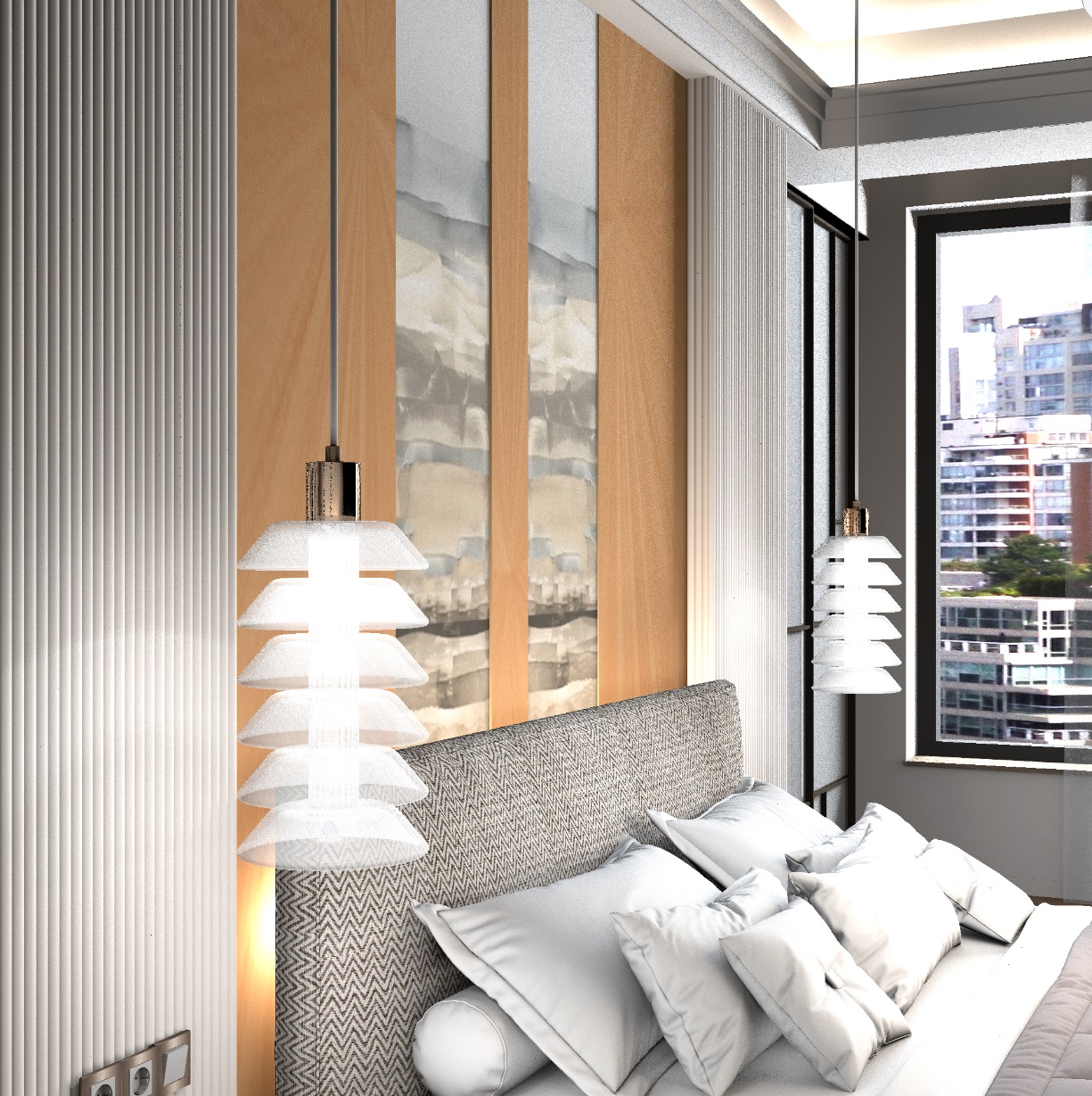
I totally agree with sjb. You do amazing things with light sources that shine a different light on scenes (pun intended laughing )
----------------------------------------
Dodecagon.nl
1300+ 3D models, manuals, and projects

Posted by GaudiGalopin3324 at Oct 19, 2024, 11:11:26 AM
Re: Apartment project with lighting by invisible hemispheres. I continue advertising
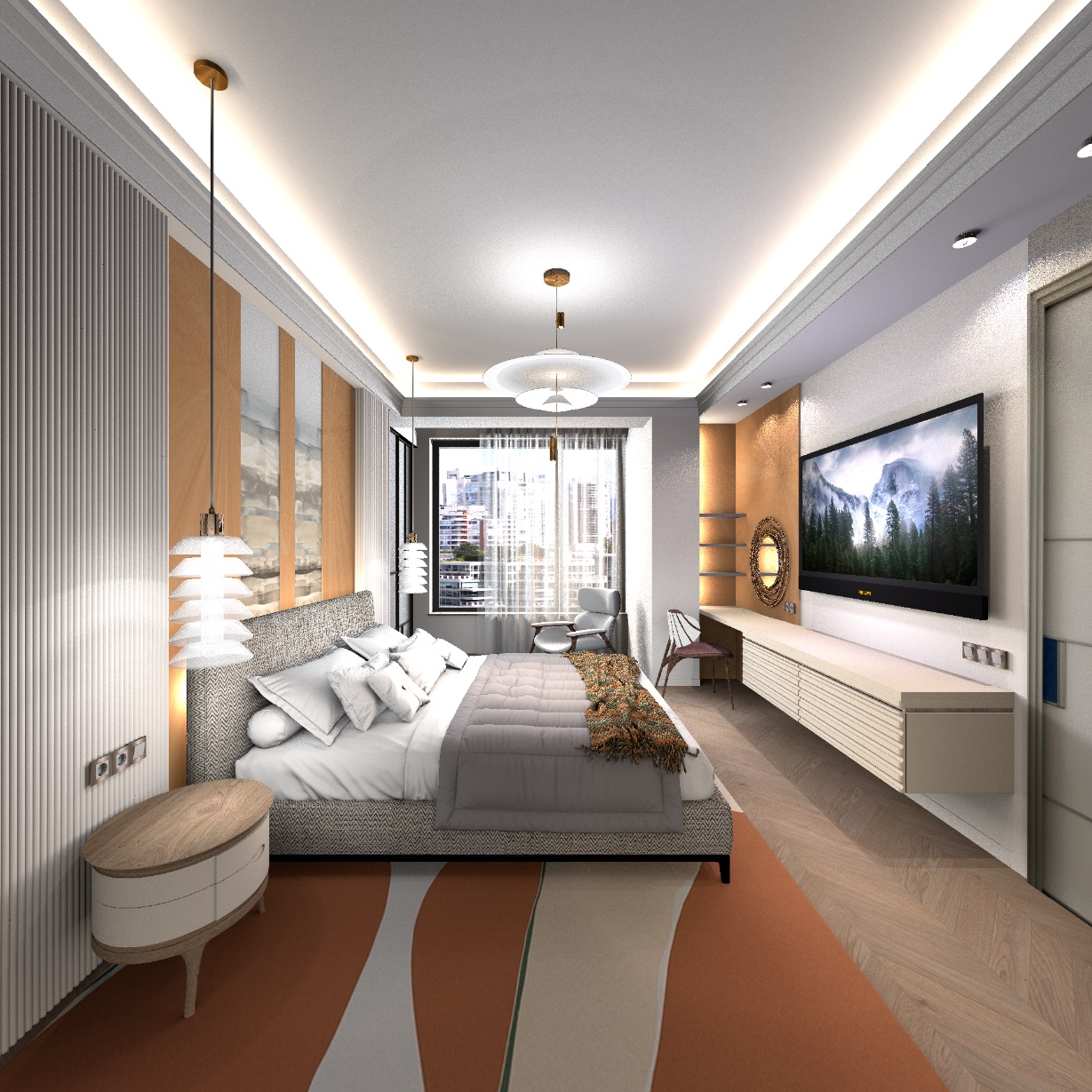
I have small victories. I want to share some secrets with you. If you don't have a model of a cabinet with a sink, you can do everything yourself in SH3D. The main thing is that there are no complex curved volumes, but if the shape of the furniture consists of primitives such as boxes and cylinders, everything is OK. Some surfaces can be made using spheres. But in my case, this was not necessary. I took the Oasis factory furniture, the Naxos collection, for work.


the dimensions of the furniture are 146cm x 56cm, height 55 cm. First, I prepared a composition of walls with smaller dimensions, these will be steel vertical walls of furniture. The facades consist of thin 1.5 cm cylinders that touch each other. It is necessary to turn off the magnet and carefully place these chains of cylinders on the surface of walls 47 cm high. The cylinders are 42cm high, do not forget about the gaps that the doors have. You will get furniture. Assign the same color to the cylinders. For interior walls, the texture. Now you need to place the oval shell model exactly in the center, I found it on the Free website 3d.io


now you need to make a countertop with an oval cutout, exactly repeating the shape of the sink. The advice of the Captaincooc wizard is great for this. You need to create a room right on top of all the objects, be sure to turn off the magnet in curved places. This needs to be done carefully, but if something is crooked, you can fix it later by moving the bad points to the right places. You should get a room like this, assign it a texture, remove the ceiling check box. Copy the room, drag it to the side and turn on the Terrain Generate tool. You need to give some point in the middle a height of 2 cm. You will get a countertop with textures on all surfaces. The generator outputs slightly different heights along the edge, but this can be ignored, it looks fine.


Put it all together and save it in OBJ. From below, then you need to add walls 5 cm high, with the same texture and at the same texture scale as high walls. I have assigned a metal texture, you can make pure chrome, now I will tell you everything about chrome.


You can use any models (almost all!!!) that are not loaded in the usual way in SH3D. I take this model and unpack it. It is necessary to find a suitable file inside that the program can open. If there is such a file, fine. You need to save the gray model in OBJ. If there are no such files, but you need to try to convert, for example, the FBX format to OBJ, converters often refuse and act up, but there are some who do it. After saving, you need to make a magic transformation of ALL G groups into mirrored ones, you need to add the prefix sweethome3d_window_mirror_


in this huge array of strings, the necessary string of group G is always between F and V, you need to fix everything, it takes time. Save this text file and import the OBJ model again with the necessary changes. If you can figure out which group is not chrome, but for example rubber, fine, you need to skip it and not fix it with a mirror prefix. But if you make all the groups mirrored, it's also good. It is necessary to assign an average gray color in the final model. You'll get great chrome on the render. If you need gold, you need a yellow-brown color. Polished metal is obtained even at the third level of rendering quality. But chrome is best obtained at the maximum fourth level, there is no noise at all. The final render at the fourth quality level is like this. The fourth level slightly darkens the whole picture and there are no reflections in glossy surfaces, but chrome chrome turns out best. This picture was loaded for 14 hours (1500x1500), level 4. At the third level, you need to set a resolution higher (3000x3000) in order to remove noise in chrome as much as possible.

blushing

Posted by Keet at Oct 19, 2024, 4:25:26 PM
Re: Apartment project with lighting by invisible hemispheres. I continue advertising
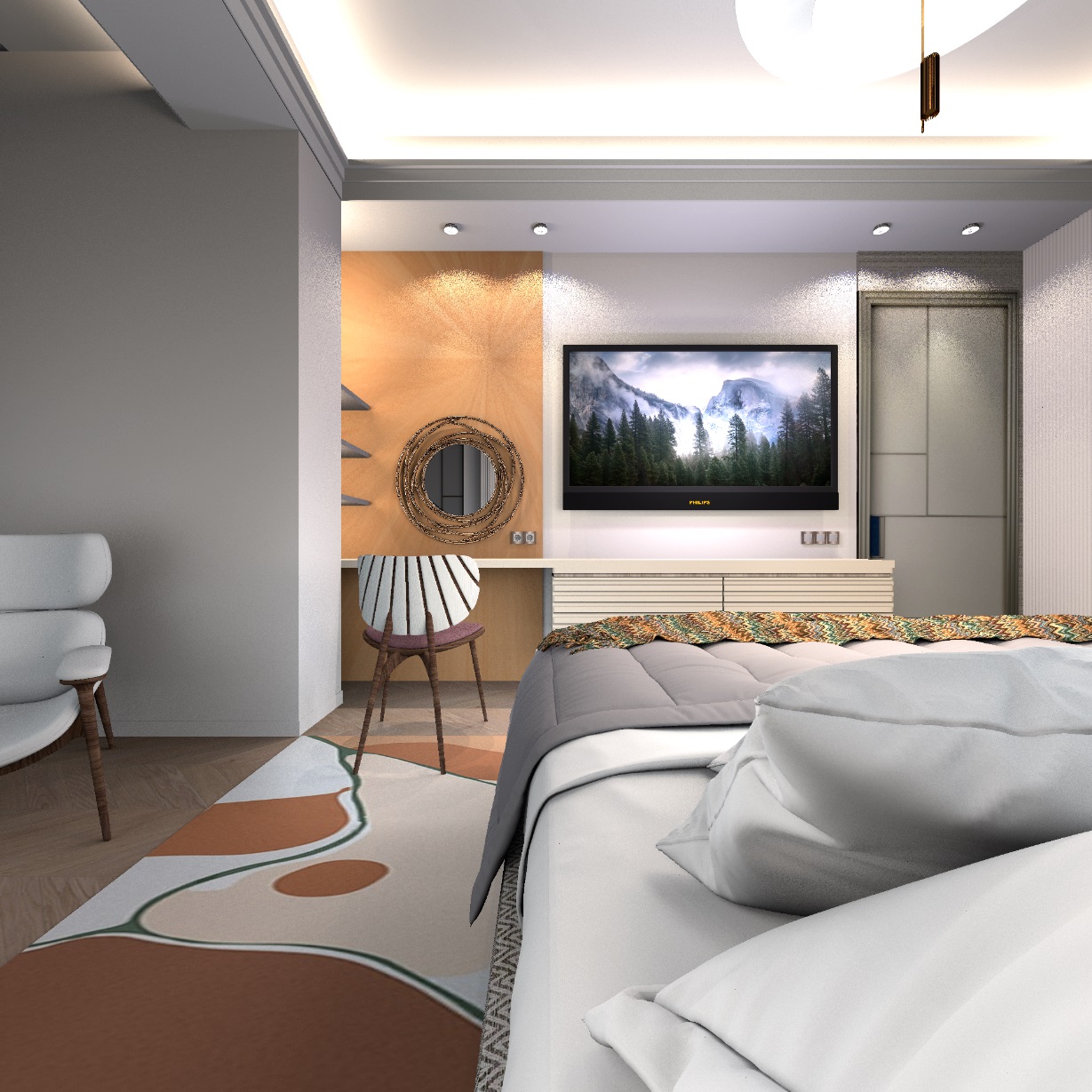
There is an easy trick to merge multiple g groups into a single g group using Blender:

method 1 when you want to merge ALL g groups in an obj file into a single group:
Import the obj in Blender as 'object' and with 'groups' turned off. This will import the object as a single object. Export to obj as an object, not groups. Import/Export in Sweet Home 3D and you get an object file with a single g group.

method 2 when you have multiple groups in a model you want to merge:
Import the object in Blender as groups. Select the groups you want to merge and choose the join function to merge them into a single group. With this method you can merge multiple groups into one or more merged groups in one go. Export to obj as groups.

Merged groups have several advantages. It is easier to add strings like window_mirror because you only have to add it to a single group. Maybe even more important is that the object is also much more efficient for display in Sweet Home 3D and photo rendering.


Did you know that you can remove all g lines from an object file and still have a valid object? Try it with a box. Export it and remove all g lines except maybe the first one although it is not necessary. You can also change that single g line into a o line. Name that one 'box'. Also remove all usemtl lines except the first one which you can rename to 'Box'. Import in Sweet Home 3D and you get a box with a single material 'Box'. If you leave all usemtl lines Sweet Home 3D will recreate the g groups if you export it because Sweet Home 3D creates a group for each material.


You don't need the terrain generator to get a room with a thickness > 0. Just make sure you have the room on a second level. It will export with the floor thickness as set on the level but of course you can change that thickness after you imported the model.

But mentioning the terrain editor and then seeing the sink made me realize that you could easily create a sink with the terrain editor! Draw a room with the outside border of the sink. With the terrain editor lift everything to the the depth of the sink you want. Then lower from the center to get a bowl form. You can then export/import as staircase and use it to create a hole in the room you use for the cabinet top. Import again but now not as staircase and insert it into the top with the hole.


You can use the multiplier plugin for positioning the cylinders. It can multiply objects in a curve. You just have to figure out the correct numbers but the result is perfectly placed cylinders.

Never mind al the above, you created some beautiful models!
----------------------------------------
Dodecagon.nl
1300+ 3D models, manuals, and projects

Posted by GaudiGalopin3324 at Oct 19, 2024, 6:05:40 PM
applause   Re: Apartment project with lighting by invisible hemispheres. I continue advertising
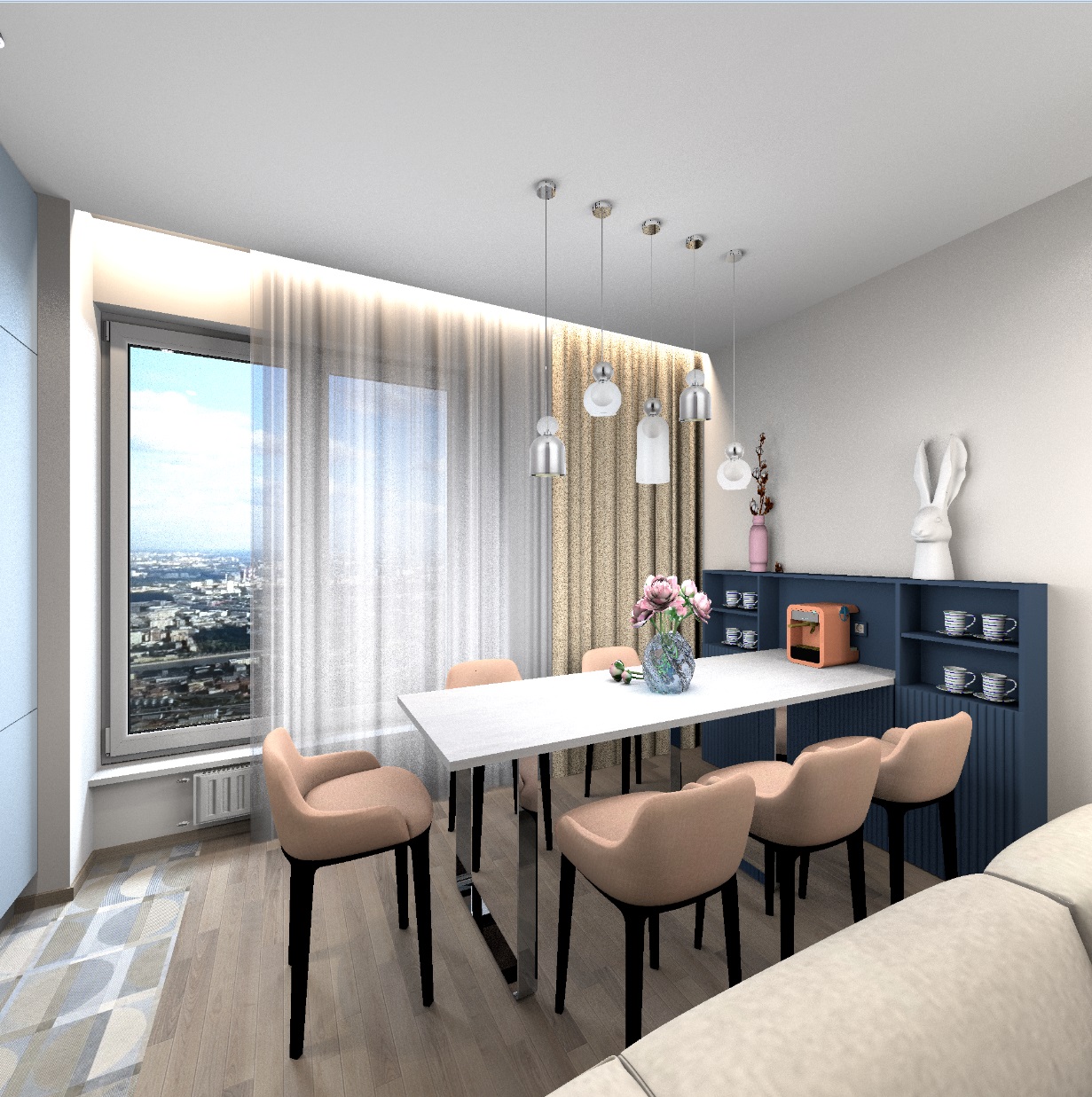
Thanks Keet. Your advice is great as always. I knew that the countertop should be made from the room in another correct way, but I did not come up with how))). Therefore, I adapted the landscape generator)). Now I can probably do it without him. I also probably figured out how to make the lower curved part on the mirror, with a decor of cylinders. I'll show you later. blushing

Posted by GaudiGalopin3324 at Oct 19, 2024, 8:10:26 PM
confused   Re: Apartment project with lighting by invisible hemispheres. I continue advertising
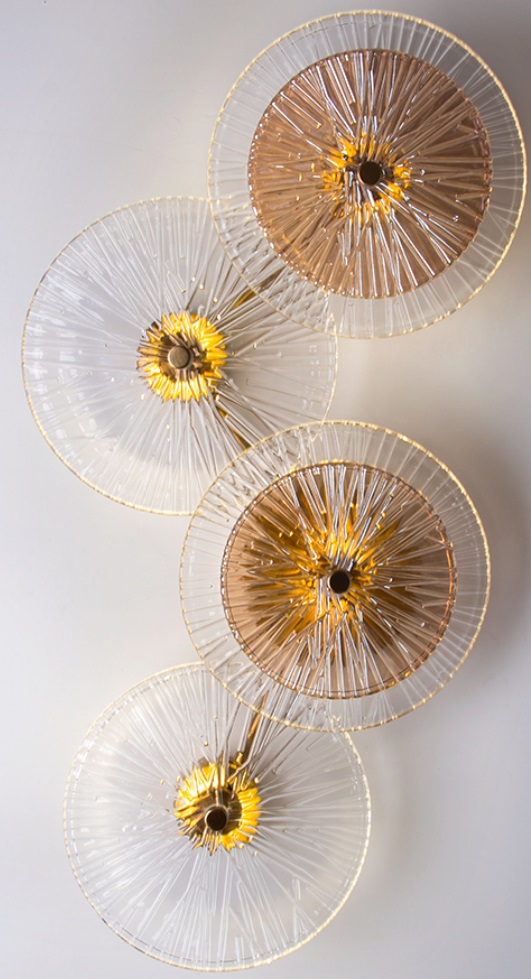
I've been wanting to ask for a long time. And what other important prefixes can be used in the OBJ file? The mirror prefix is very important. But what else can be used? confused

Posted by Keet at Oct 19, 2024, 9:09:08 PM
Re: Apartment project with lighting by invisible hemispheres. I continue advertising
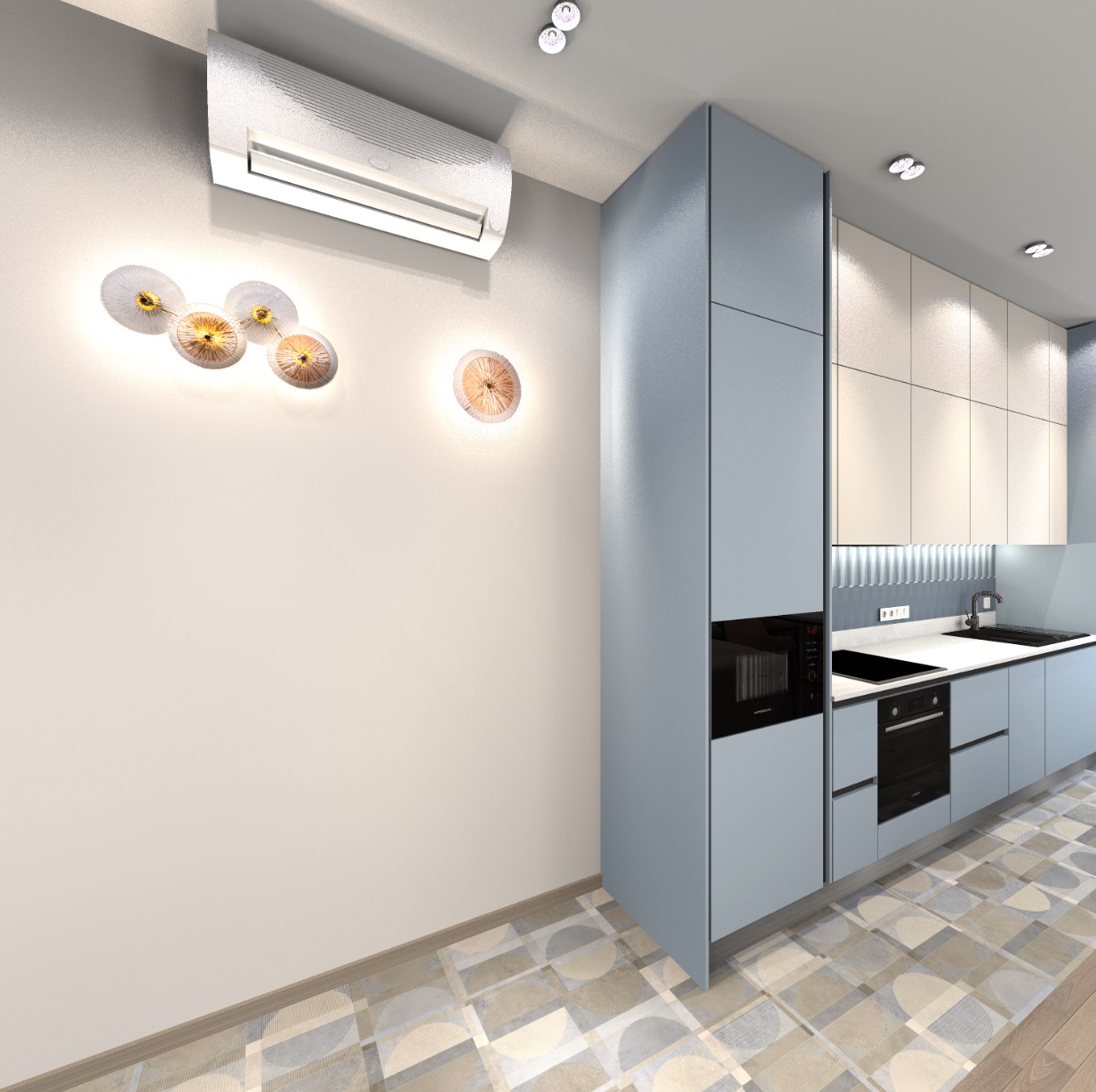
As far as I know all prefixes are listed here: http://www.sweethome3d.com/javadoc/constant-values.html
----------------------------------------
Dodecagon.nl
1300+ 3D models, manuals, and projects

Posted by GaudiGalopin3324 at Oct 21, 2024, 3:23:50 PM
Re: Apartment project with lighting by invisible hemispheres. I continue advertising
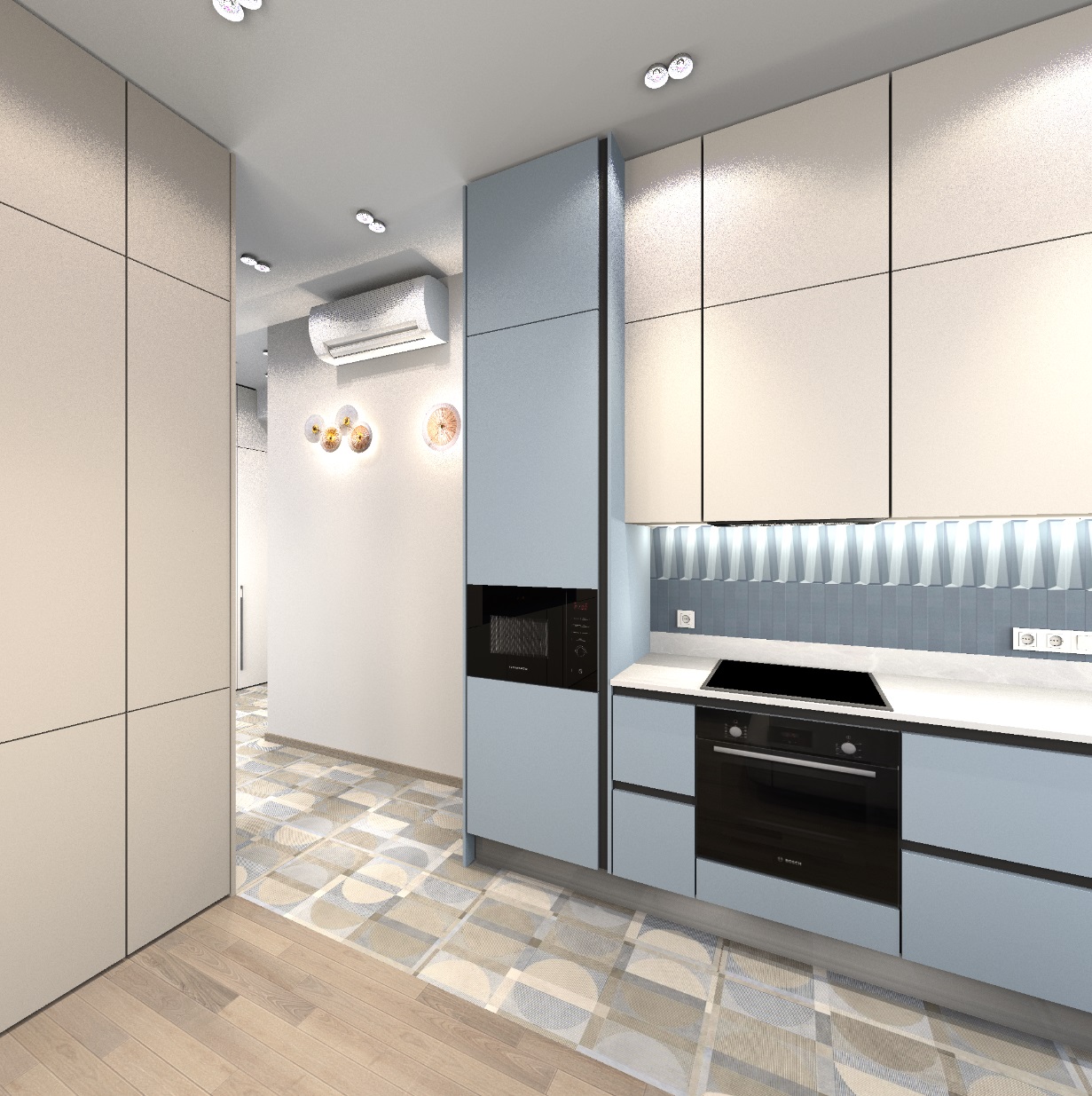
Thanks Keet! It takes a long time to study and experiment, I will definitely do it. While I don't see what can be applied with effect from these prefixes, I need to try and combine them with different rendering modes. I made a relief insert on a semicircular part under the shelf on the mirror. There are two ways. This part is made of several walls of the same color and parameters, in the model after exporting to OBJ it is one group. Method 1 - you need to make a viral visit and set the viewer's head tilt to 0, go down to the bedside table. Make a printscreen. And in the JPG image, cut out only ONE fragment of the cylinder. Why only one? Because when assigning a texture to this group, this fragment will be replicated and all cylinders will be the same. The scale of the texture in the model turned out to be 10%, it looks like the decor of the facades of the cabinets next to it. There are differences in color in the final render. The detail on the mirror and on the bedside table is of different shades. But this must also be taken into account to prepare a lighter color option for the printscreen, raise the color selection cursor strictly vertically up by 50% (HSV). Without this adjustment, I got this kind of render, there is a difference in color. But this method is good because it does not need to be adjusted in other photo editing programs - everything turns out to be done in SH3D.


the second method is more interesting. You also need to adjust the viewer with a head tilt of 0, but light up the relief a little from the side, make a render, convert to JPG format. And again, select only one cylinder, immediately select the lightest area of all the cylinders (on my right, closer to the light source). Now the texture on the render will have a very similar color of all the furniture. If there are lamps of different colors in the main stage, then two lamps can be used - white and yellow. It will turn out quite correctly. I didn't do that - as a result, there is a slight cold shade. But it can be fixed in advance, now I understand how.


Posted by Keet at Oct 21, 2024, 4:09:55 PM
Re: Apartment project with lighting by invisible hemispheres. I continue advertising
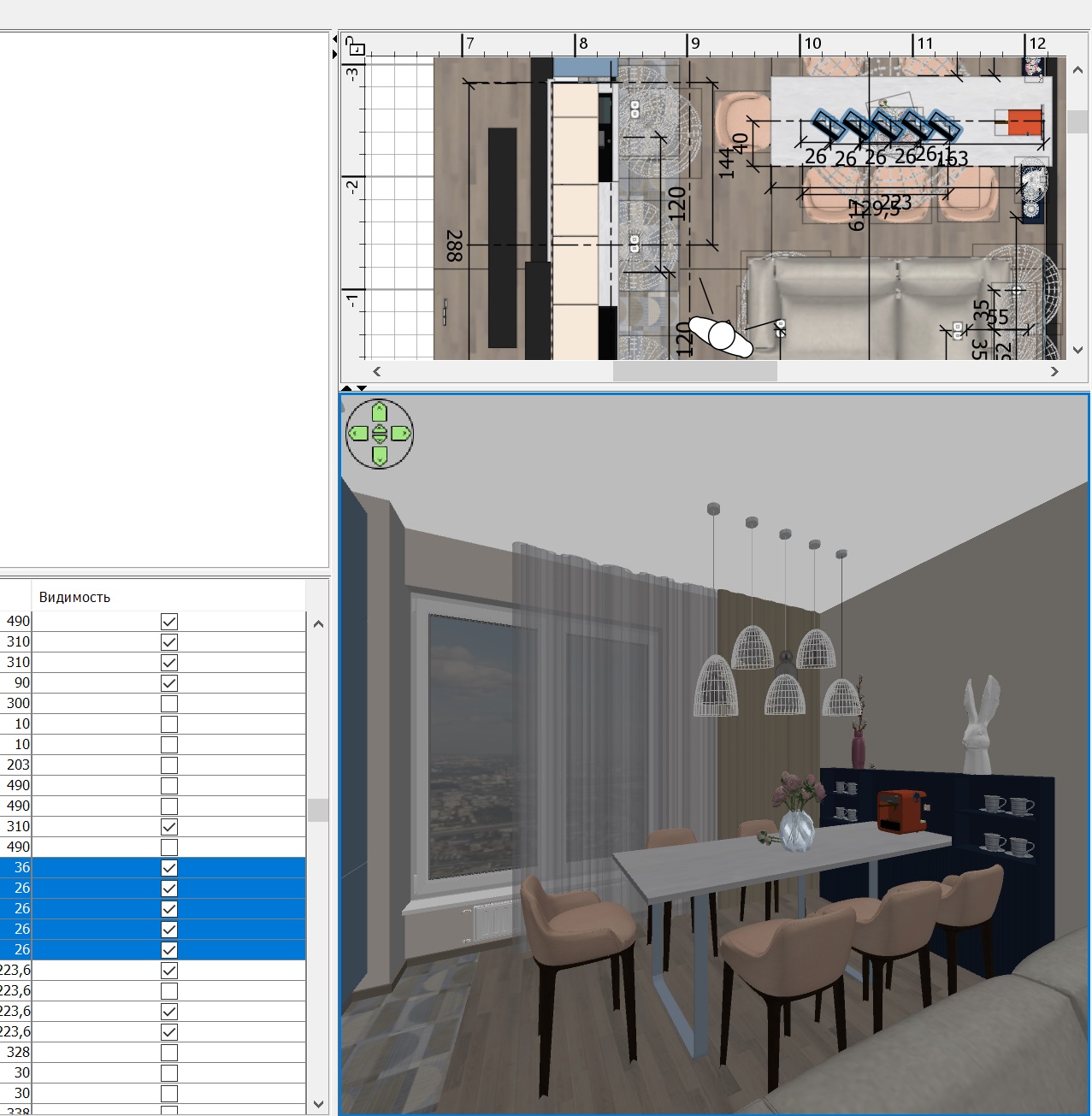
Concerning the prefixes.
Most prefixes are for deformations (hinge,rail,ball,mannequin parts).

What remains are:
EDGE_COLOR_MATERIAL_PREFIX (edge_color)
LIGHT_SHAPE_PREFIX (sweethome3d_light)
MIRROR_SHAPE_PREFIX (sweethome3d_window_mirror)
WINDOW_PANE_SHAPE_PREFIX (sweethome3d_window_pane)

We already know what the sweethome3d_window_mirror does, it creates a mirror effect when you render a photo. We can also use it to simulate a chrome texture.

The sweethome3d_window_pane changes the material defined for the group into a window. It adds a "d 0.5" value to the materials of the groups with that prefix. In other words, it sets a 50% transparency. We can just add the d value in the mtl file and have more control over the percentage value.

A noticeable difference: There are extended prefixes for a mirror or pane on a hinge or rail (sweethome3d_window_mirror_on_hinge_, sweethome3d_window_mirror_on_rail_, sweethome3d_window_pane_on_hinge_, and sweethome3d_window_pane_on_rail_) but NOT for a mirror or pane on a ball.

I don't know what the edge_color and sweethome3d_light prefixes do. The edge_color might be an internal constant. The sweethome3d_light prefix doesn't change the object into a light, at least not with a power setting and not as a light source. Maybe Emmanuel can explain these.
----------------------------------------
Dodecagon.nl
1300+ 3D models, manuals, and projects

Posted by GaudiGalopin3324 at Oct 24, 2024, 9:39:13 AM
rose   Re: Apartment project with lighting by invisible hemispheres. I continue advertising
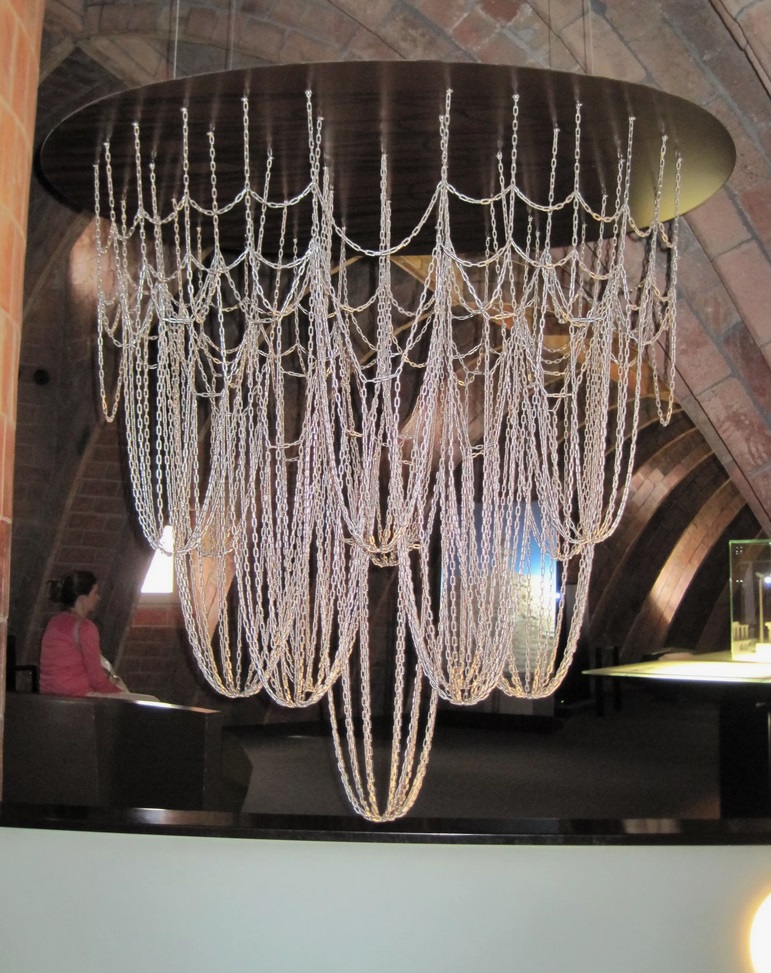
Selfie in the laundry room)) The main task is to ensure that the model does not interfere with the interior. The interior is the main one.))) I learned how to highlight the texture on the box correctly! It should not be illuminated from the front, as usual for opaque textures, but only from the end, putting a flattened hemisphere on the edge. Then a bright glow begins


please note that the reflection of the girl in the lacquer door is double - a reflection from the mirror in front of her, the second reflection in the glossy lacquer of the door behind. Unfortunately, this is not true, the varnish should have a larger reflection from the back first. But I don't have such an image, and the PNG texture on the box looks the same on both sides. Therefore, it will not be true. It is not so noticeable in the varnish, but if there are two mirrors, then the lie is immediately visible. And I found out earlier that the endless corridor of reflections in the program is limited to repetitions, after the sixth there will be a black square. This is done specifically so as not to overshadow the processor's work during processing. It is not very critical for glossy varnish, only for two mirrors. love struck

Posted by GaudiGalopin3324 at Oct 24, 2024, 11:04:20 AM
Re: Apartment project with lighting by invisible hemispheres. I continue advertising
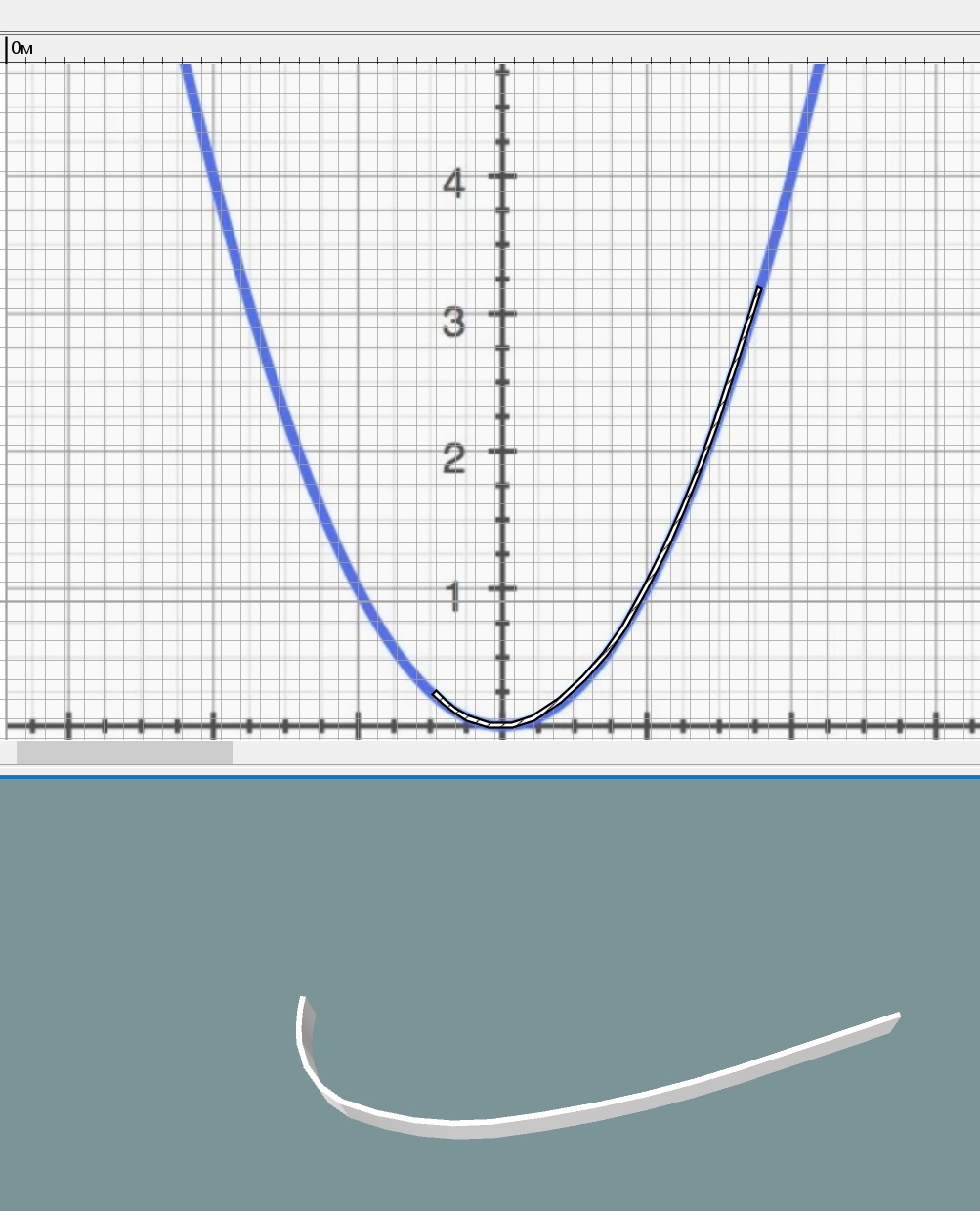
7 cycles of reflection in two mirrors, and then a black square.


one cycle of reflections in glossy varnish, then it is not relevant.


Posted by captaincook at Oct 24, 2024, 12:14:54 PM
Re: Apartment project with lighting by invisible hemispheres. I continue advertising
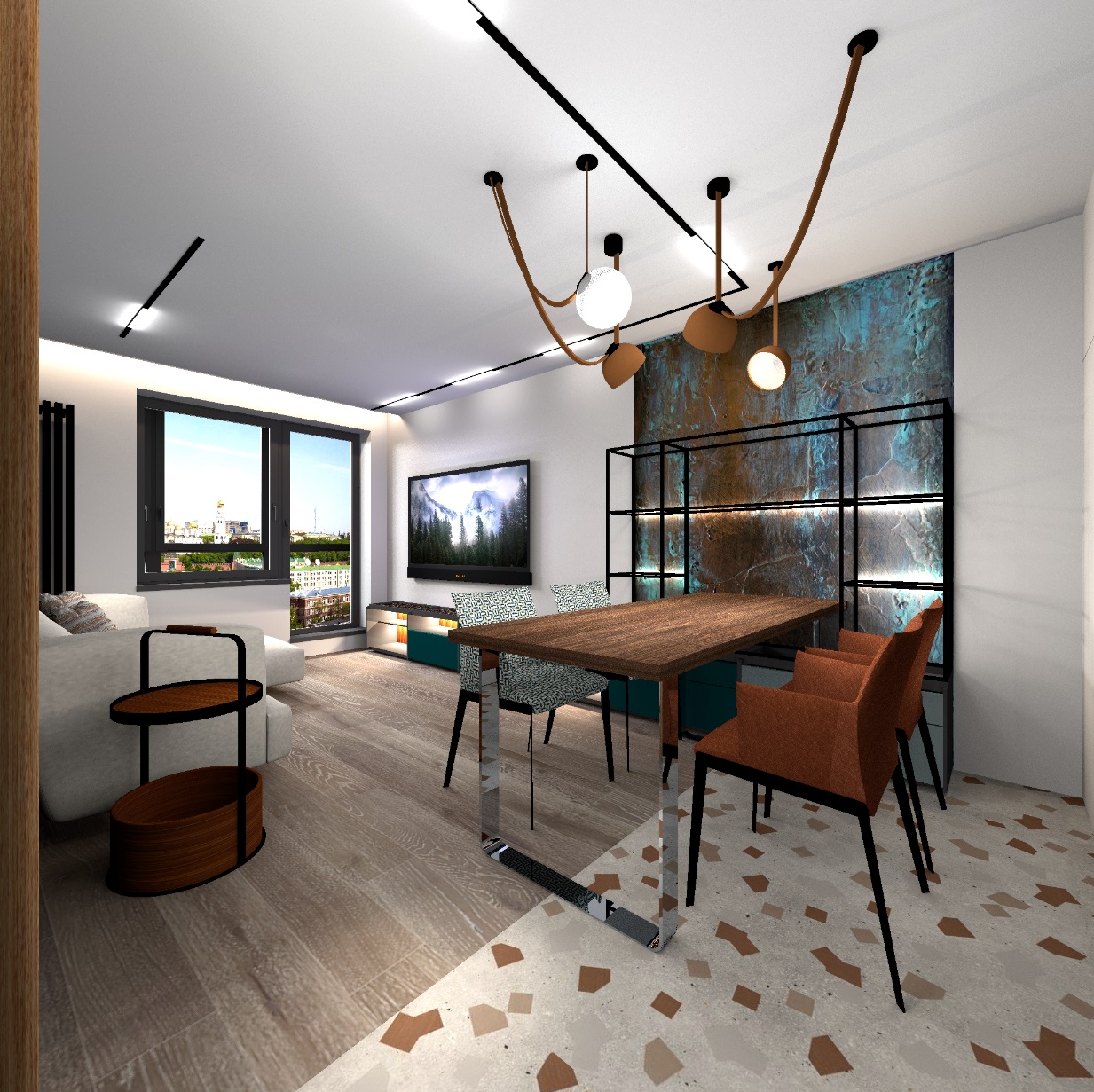
Je reste toujours extrêmement impressionné par l'originalité et la qualité de vos réalisations et des images obtenues.
On dirait de vraies photos.
Encore bravo à vous, GaudiGalopin.

Seul regret sur les images avec la jeune fille. On ne voit pas ce qu'elle regarde sur son téléphone laughing laughing

Posted by GaudiGalopin3324 at Oct 25, 2024, 9:18:14 AM
Re: Apartment project with lighting by invisible hemispheres. I continue advertising
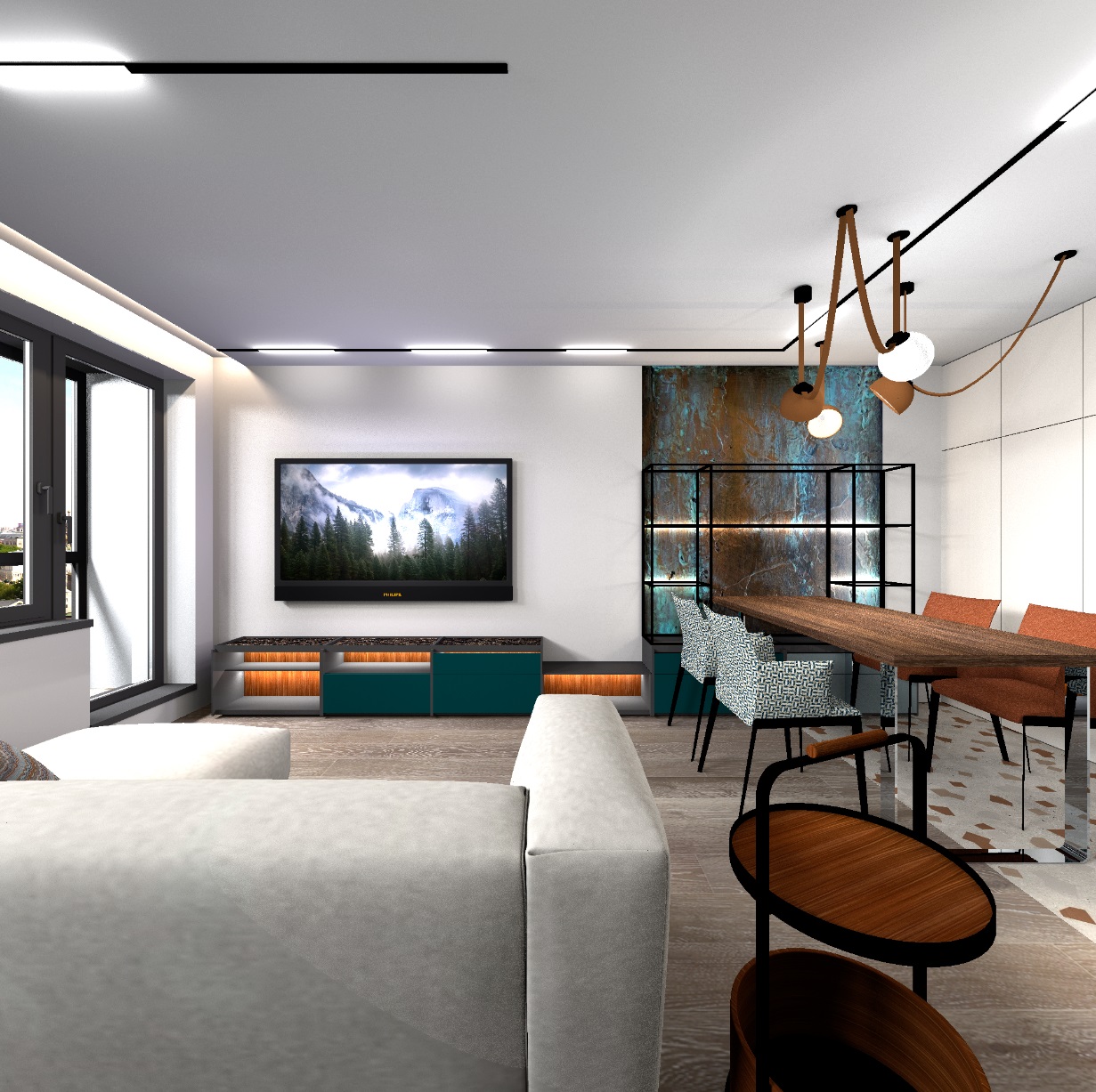
Thanks Captaincook!
On ne voit pas ce qu'elle regarde sur son téléphone laughing laughing

I plucked up the courage and asked what was on the phone)). Unbelievable. She follows all the top topics of the forum!!! I'm shocked. But now we have a lot to talk about. biggrin biggrin biggrin

laughing

Posted by captaincook at Nov 5, 2024, 1:20:31 PM
rose   Re: Apartment project with lighting by invisible hemispheres. I continue advertising
Eh ben, si j'avais imaginé être si célèbre blushing blushing blushing

Et intéresser cette charmante jeune femme.

Merci à vous, GaudiGalopin.

Posted by Xiste at Nov 8, 2024, 11:06:49 AM
Re: Apartment project with lighting by invisible hemispheres. I continue advertising
This morning I’ve read this fantastic post from start to finish, and I can clearly see an impressive development, both in terms of technique and creativity. I’m truly impressed, and I admire your willingness to share. I would love to leave you more comments, but I’m so tied up with projects that my free time is limited. Let me just end by saying that you are a true asset to this forum.

Xiste

Posted by GaudiGalopin3324 at Nov 8, 2024, 10:45:30 PM
Re: Apartment project with lighting by invisible hemispheres. I continue advertising
Thank you very much for the kind words! I am very pleased. We need to move on) blushing

Posted by GaudiGalopin3324 at Dec 24, 2024, 1:32:45 PM
Re: Apartment project with lighting by invisible hemispheres. I continue advertising
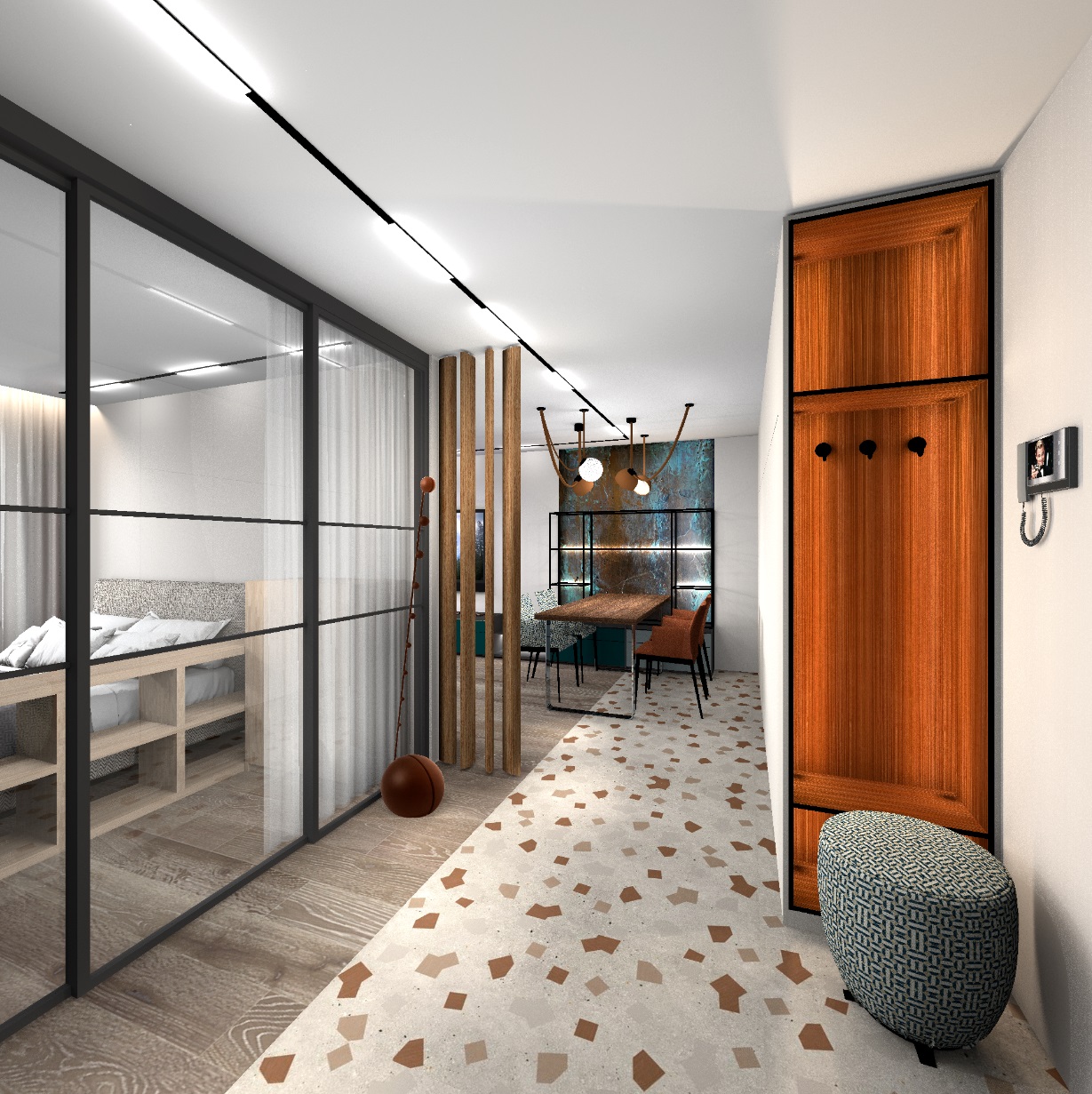
I'm continuing to experiment with semi-transparent PNG textures. I put transparent chairs and a chandelier in the kitchen. All the furniture is made using SH3D tools. The plates in the buffet are thin cylinders with the image of a plate (photo). All household appliances are also made. These are photos of specific models of the oven, hob, and microwave oven on the front side of the box. The maximum gloss is set - then there are reflections on the image and these surfaces look like black glass. The rendering time for all the images is not very long, about 2 hours. Because there are almost no heavy models. For chairs and chandeliers, I used a texture with a transparency gradient. The scale in the model of this texture is 4000%. The most important thing is to select the desired texture fragment by shifting along the Y axis. We need to look for the correct transparency of this fragment of the PNG texture using the Y shift. For me, it's 50-80%. There are small multicolored spheres in the chandelier, they give brightness to the ceiling lights and there are colored spots of light on the surfaces around the chandelier (ceiling, walls, furniture). biggrin


Posted by GaudiGalopin3324 at Dec 25, 2024, 10:20:44 PM
love struck   Re: Apartment project with lighting by invisible hemispheres. I continue advertising
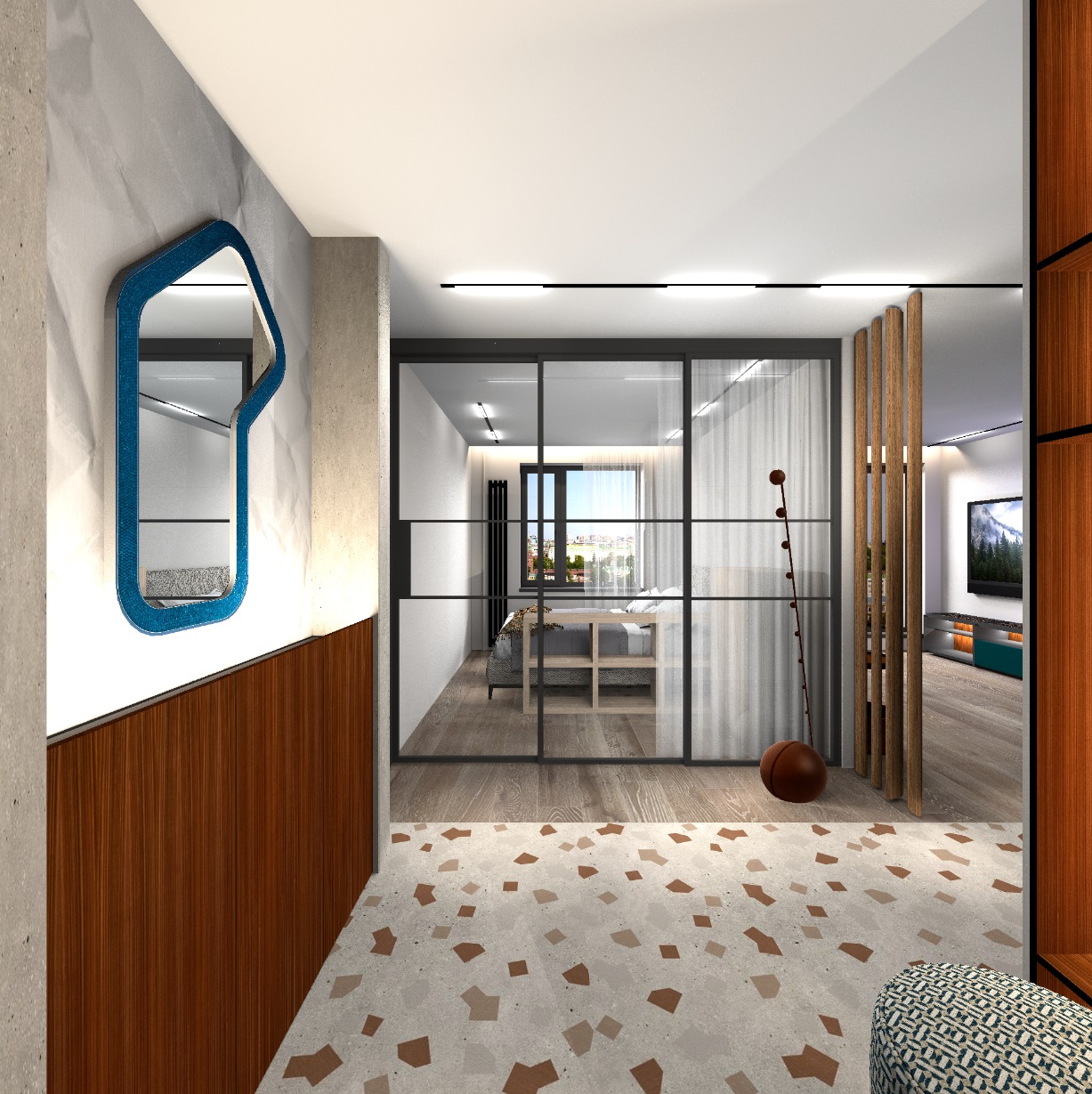
everything is done here with transparent PNG textures.

Happy New Year! love struck


File here

Posted by captaincook at Dec 26, 2024, 11:13:25 AM
Re: Apartment project with lighting by invisible hemispheres. I continue advertising
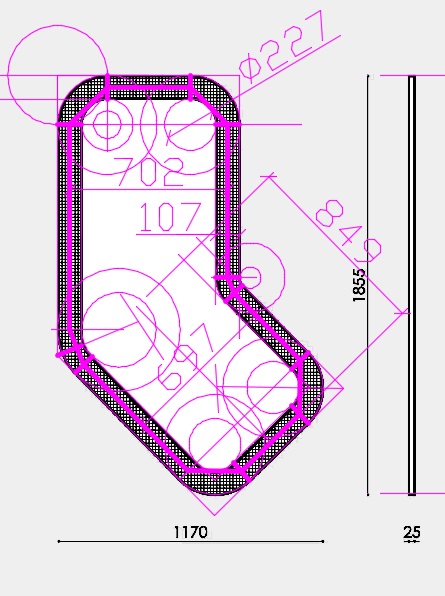
Bonjour GaudiGalopin.

Une fois de plus, une superbe réalisation.
J'imagine qu'il a fallu un peu de temps pour créer l'image. applause applause applause

Bonne année à vous aussi.

Posted by GaudiGalopin3324 at Dec 30, 2024, 8:17:35 AM
Re: Apartment project with lighting by invisible hemispheres. I continue advertising
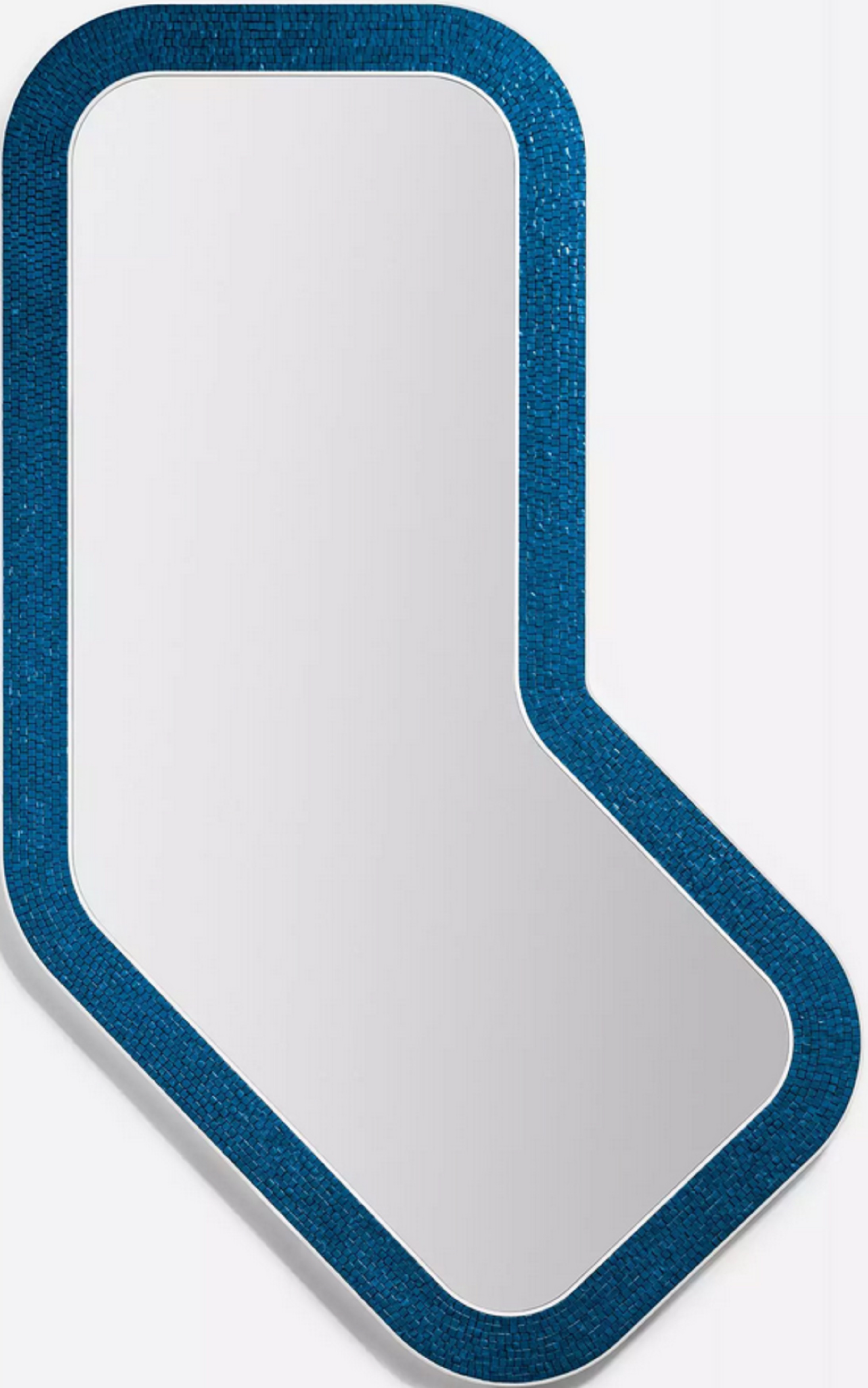

Posted by GaudiGalopin3324 at Feb 10, 2025, 11:01:17 AM
Re: Apartment project with lighting by invisible hemispheres. I continue advertising
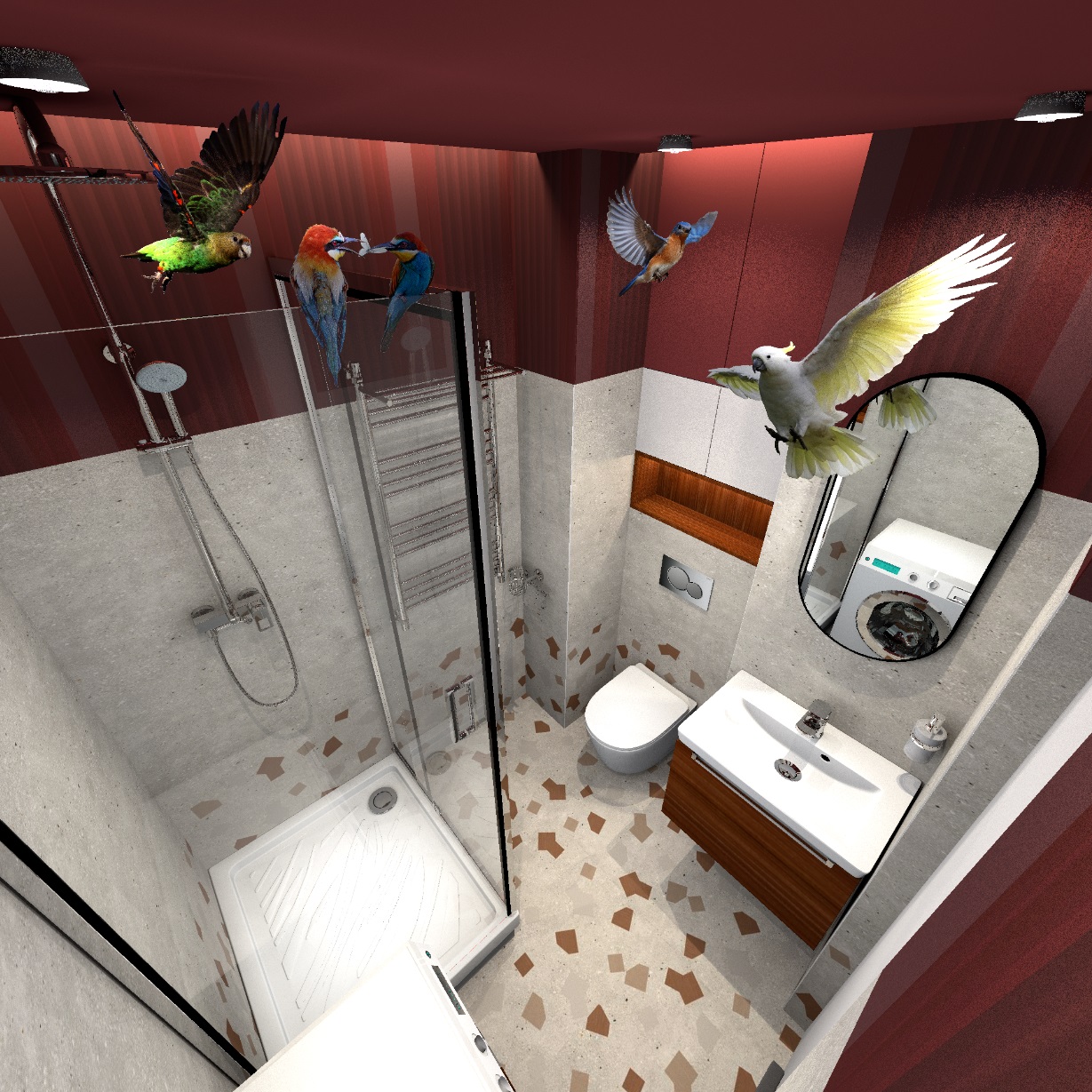
It is very effective to use photographs on boxes instead of heavy models. The rendering time is greatly reduced. I'm making presentations with lamp options right now, the photos are helping! For example, with a lamp model, the rendering time is 12 hours, with a photo on a box with invisible sides it is 7 hours. You need to take a photo of the desired lamp on the Internet on a flat background, remove the background. Save it in PNG format and apply it on the box as a texture. Use the templates to stretch the box to the desired dimensions, and raise the box with the image to the ceiling level. This photo should be highlighted with small flat hemispheres from the ends of the box. Unfold it perpendicular to the viewer's gaze so that there is no distortion. Round lamps without strict geometry work well. If the chandelier is on a hanging cord. it is easy to make it out of cylinders, you can turn it into a mirror and assign the desired color, this will turn our photo almost into a real spatial model.


you can make cabinets of the desired design on boxes. You only need to cut out the photo of the door and place it on the front side, paint the rest in the desired color. You will get a cabinet that weighs very little. It looks like a real model.


if you combine such imitations of real objects and full-fledged models in a project, you can get a very real look of the interior, which can be easily processed by the SH3D program. I will try, on the advice of dear Keet, to optimize all the elements as much as possible, to remove the invisible sides altogether. When I get the result, I will definitely share it with you. I hope to find out the real difference in time of this optimization method. In my interior, everything is built on boxes, there are hundreds of them, they almost always have only one side visible. I'll try to remove everything unnecessary.

Posted by Keet at Feb 10, 2025, 12:29:32 PM
Re: Apartment project with lighting by invisible hemispheres. I continue advertising
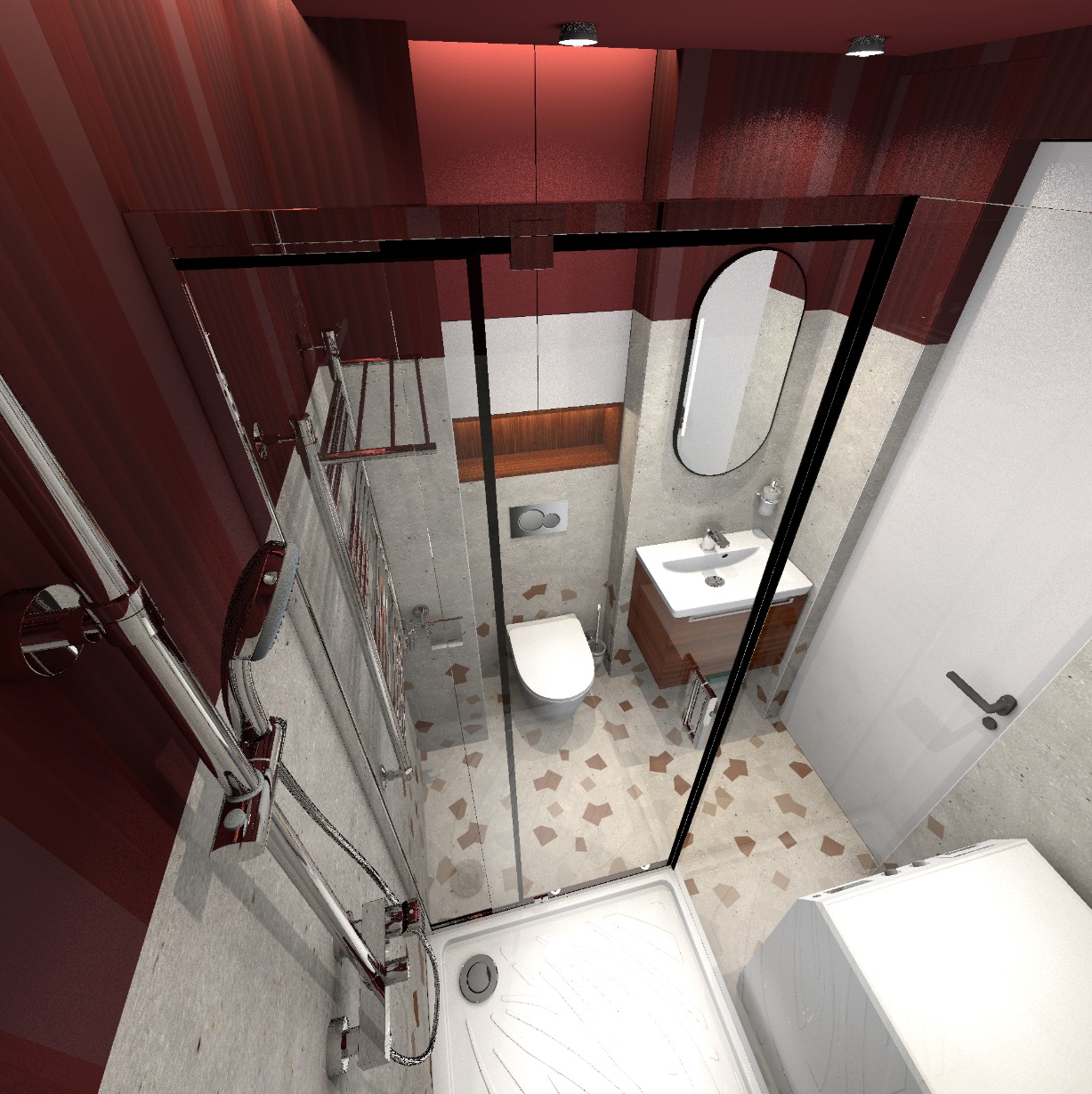
I hope to find out the real difference in time of this optimization method. In my interior, everything is built on boxes, there are hundreds of them, they almost always have only one side visible. I'll try to remove everything unnecessary.
Removing all invisible sides on hundreds of boxes will certainly decrease the overall size of your project.
The difference in rendering time depends on how smart the renderer is. A very good renderer will not render faces that are not visible but I think most just render everything that is in the objects, thus rendering visible faces over invisible faces. In that case the rendering time should also decrease significantly.

By-the-way: great usage of the photo-on-box for the chandelier!
----------------------------------------
Dodecagon.nl
1300+ 3D models, manuals, and projects

Posted by GaudiGalopin3324 at Feb 13, 2025, 10:17:43 AM
Re: Apartment project with lighting by invisible hemispheres. I continue advertising

Here I decided to do almost everything with the help of photos on the boxes, the 3d model is just the bed. All the lamps, bedside tables, and armchair are PNG photos. For example, a chandelier. I prepared three lamps on a transparent background from the general photo, I needed to arrange them in a different order. The main volume of each lamp is a round glass shade with a diameter of 30 cm. C arranged the green template spheres in the right order at their heights. I put up boxes of photographs in front of them, stretched these boxes while maintaining the proportions so that the photos exactly match the green templates in terms of the dimensions of the ceiling lights. I lifted the boxes to the required height. After that, I prepared a group of a sphere and a thin cylinder (these will be 3D details of a cup and cord for each lamp, they create the impression of a real spatial model of a chandelier). The sconce also consists of a 3D base element and two separate photographs of a lampshade and a vertical stick with a hanging ball are attached to it. The real wall lamp model, for example, weighs 256MB, horror. And this imitation doesn't weigh anything. And the wall lamp can be viewed from different angles, because there is a 3D element that creates the appearance of a spatial model. The photo boxes are highlighted with narrow colored hemispheres at the ends, so you get bright photos from the right edge. To make the bedside tables and the armchair cast shadows on the walls, I placed bright green real cylinders behind the boxes of photographs, carefully reduced them so that they were not visible in the frame behind the photographs. They cast shadows as if from bedside tables and armchairs. This picture with a complex heavy bed model took 5 hours to load, with heavy lamp models it probably wouldn't have started at all, and I didn't try. I made a mistake, I had to flip the mirror photo of the chandeliers, the light comes from the window. But for me, on the contrary, I did not notice.


Here, too, the chandelier and sconces are made with the help of photographs. I realized that if you combine 3D spatial details and objects with photographs, you can imperceptibly create very complex interiors that can be processed by the SH3D program.


blushing

Posted by GaudiGalopin3324 at Feb 27, 2025, 12:02:26 PM
Re: Apartment project with lighting by invisible hemispheres. I continue advertising
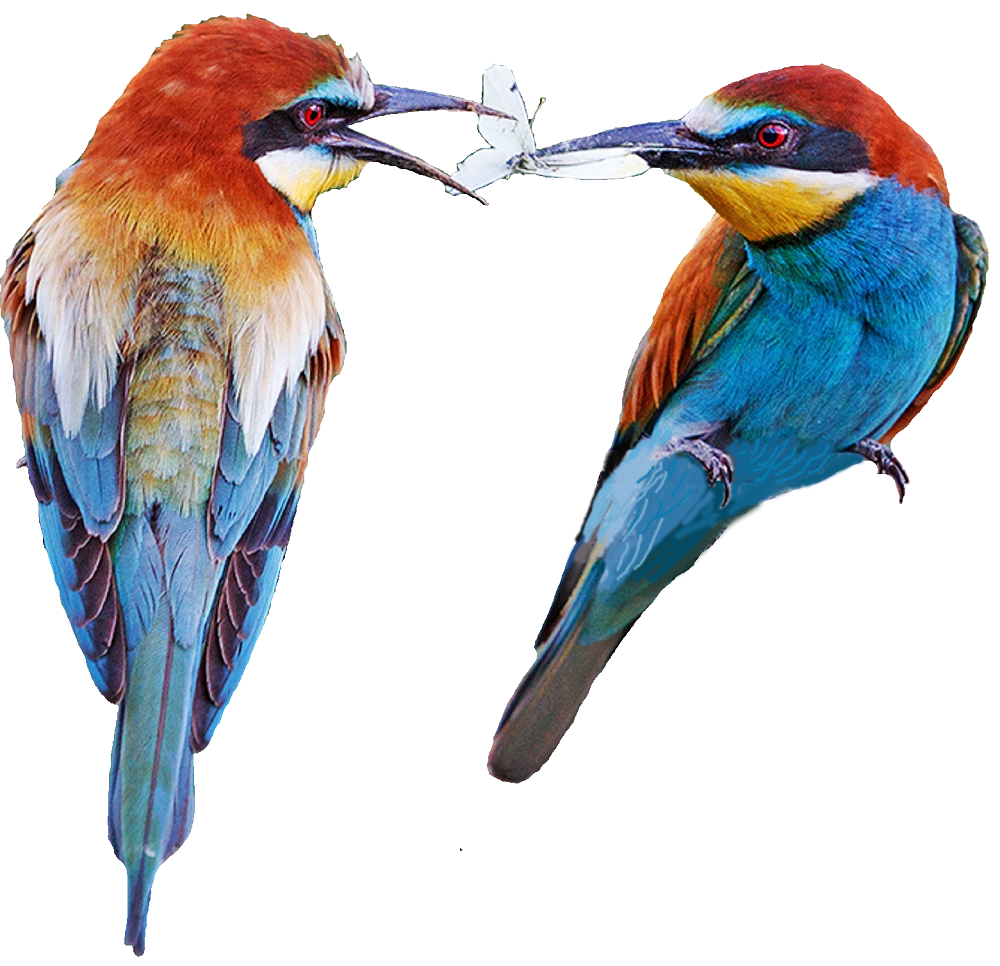
I made a complicated glass chandelier, but I couldn't find a 3D model for it. applied the photo. and I also tried to make shadows on the ceiling. I took a drawing with leaves, made a blurred edge and reduced the transparency to 10%. I placed everything under the ceiling.


blushing

Posted by captaincook at Feb 27, 2025, 4:43:22 PM
Re: Apartment project with lighting by invisible hemispheres. I continue advertising
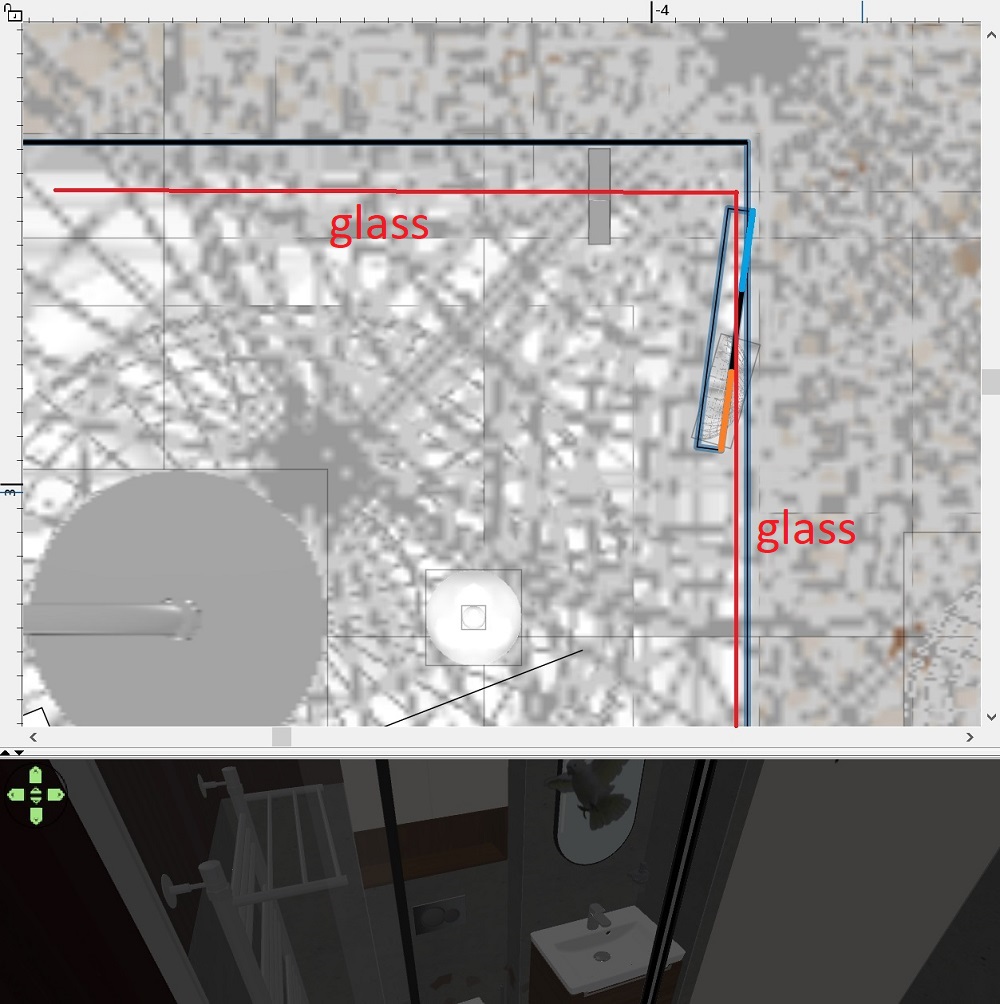
Comme d'habitude, ce que vous réalisez est vraiment magnifique.
Et l'idée d'utiliser des feuilles d'arbre pour créer le lustre est excellente.
Les divers modèles de végétaux offrent parfois des possibilités inattendues dans des domaines très différents comme celui de pouvoir créer l'écume de vagues par exemple.


En tous cas, je ne me lasse pas de découvrir vos créations.

Posted by GaudiGalopin3324 at Feb 27, 2025, 10:05:32 PM
Re: Apartment project with lighting by invisible hemispheres. I continue advertising
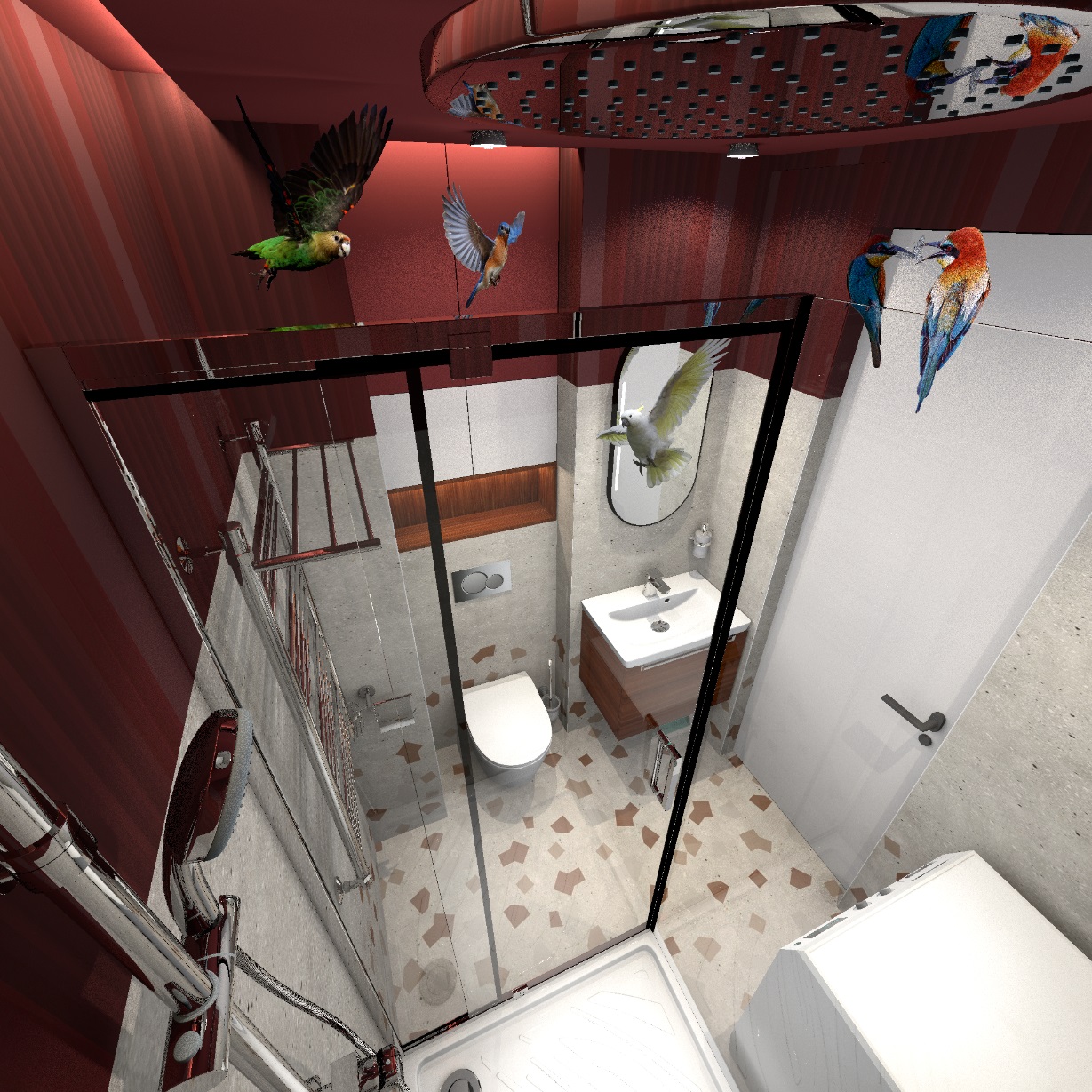
Merci beaucoup captaincook. blushing Je dois avouer que votre travail est hors de portée pour le moment. Je ne comprends même pas beaucoup comment vous le faites. Je vais continuer à apprendre de vos emplois, merci!! C'est merveilleux qu'il existe un tel programme où vous pouvez faire de la créativité. j'attends vos nouveaux travaux. Il y a une minute, Le Cam a sifflé. blushing

Posted by GaudiGalopin3324 at Mar 6, 2025, 3:17:51 PM
Re: Apartment project with lighting by invisible hemispheres. I continue advertising
I'm thrilled with this way of taking photos on boxes. No need to look for models. I took two Cattelan coffee tables. Divided it into two separate images. I'll show you how to do it using the example of the table on the right. Its dimensions in reality are 29x29x54cm.


I cleared the background around the table and saved it in PNG. Now you need to create a bright colored cylinder as a template, put it in the place where the real table should be. The dimensions of the cylinder are like those of the table 29x29kh54.


create a thin box with aspect ratios like a PNG image. I have it 30x54cm. Make all sides except the front invisible. The box should not be very close to the cylinder template, on the contrary. The further away from the template and higher above the floor, the better. Less unnecessary shadows from the box and PNG. carefully combine the image and the template.


now, in place of the cylinder, you need to create a group of primitives that more accurately repeat the real table. Such primitives are available on the Dodecagon website, there are hemispheres, half-cylinders, and cut cones. Thanks Keet. All of this is great for creating a duplicate in rough form. The task of this group of figures is to cast shadows on the walls and floor. Combine this set and the PNG so that nothing sticks out over the edges of the image. And of course now we don't need a cylinder.


with this method, you can fill the interior with very complex and beautiful objects without 3D models. The program can handle it! And the rendering time will decrease significantly. For example, with such boxes it is 4 hours, and if you use models, it is 25-30 hours. And sometimes the program even refuses to render. Now I can do anything I want!! In these renderings, I have marked with orange circles those objects that are made with the help of boxes. These are not 3d models. A great way!! Try it!! I'm using it more and more often.


blushing

Posted by captaincook at Mar 7, 2025, 11:44:00 AM
Re: Apartment project with lighting by invisible hemispheres. I continue advertising
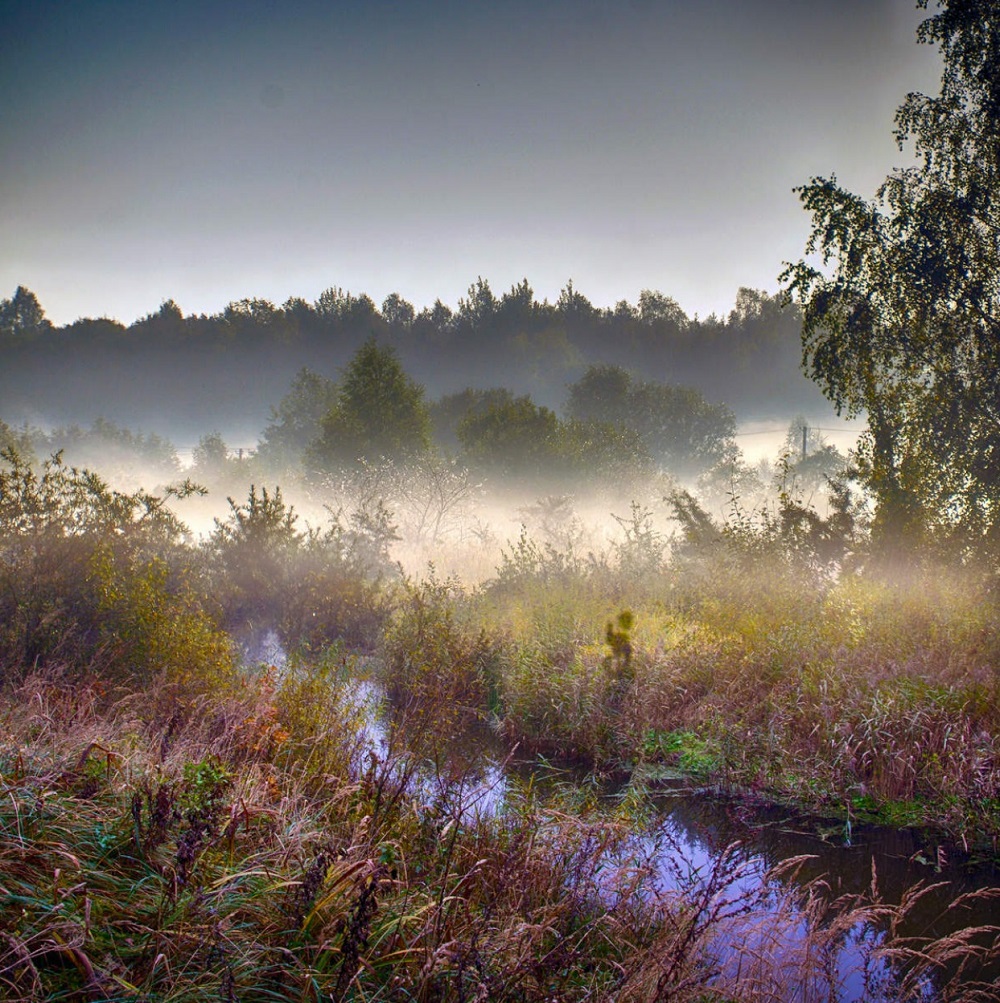
Bonjour GaudiGalopin.
Une fois de plus, je suis admiratif de ce que vous arrivez à réaliser.
Votre imagination et les explications de la façon dont vous procédez pour obtenir de tels rendus sont incroyables.
Grace à vous, j'en apprends tous les jours un peu plus.

Merci et bonne continuation.

Posted by GaudiGalopin3324 at Mar 8, 2025, 10:15:03 AM
Re: Apartment project with lighting by invisible hemispheres. I continue advertising

Merci beaucoup, capitaine Cook. J'ai continué à compléter les tables basses, j'ai Ajouté des supports métalliques en titane. Avec l'aide d'un modèle 3D dans SH3D, ce type est impossible à obtenir, et avec l'aide d'une photo sur la boîte, tout se passe. Je vois dans cette méthode l'avenir du rendu SH3D. il est Très efficace de combiner des formes 3D simples et des photos de pièces complexes.


blushing

Posted by Keet at Mar 8, 2025, 11:34:51 AM
Re: Apartment project with lighting by invisible hemispheres. I continue advertising

Avec l'aide d'un modèle 3D dans SH3D, ce type est impossible à obtenir, et avec l'aide d'une photo sur la boîte, tout se passe. Je vois dans cette méthode l'avenir du rendu SH3D. il est Très efficace de combiner des formes 3D simples et des photos de pièces complexes.
Ce modèle n'est pas trop difficile à créer, mais malheureusement pas avec Sweet Home 3D. Du moins, pas les détails les plus fins.

Je ne suis pas sûr que ce soit l'avenir du rendu 3D de Sweet Home. Je pense plutôt qu'il s'agit d'un ajout exceptionnel aux possibilités existantes. Il est certainement plus efficace en termes de temps de rendu, mais vous ne pouvez pas vous "promener" dans le modèle comme vous le feriez avec un modèle réel. Et bien sûr, c'est une excellente alternative pour les situations où il n'y a tout simplement pas de modèle.
Mais pensez au temps que vous avez dû passer sur l'armoire classique. Le résultat final est excellent, mais si vous disposiez d'un modèle réel, il serait beaucoup plus rentable de laisser l'ordinateur prendre beaucoup de temps pour effectuer le rendu que de passer de nombreuses heures coûteuses. Il est également beaucoup plus facile de modifier les couleurs ou les textures avec un vrai modèle.

Il s'agit donc d'une excellente alternative, parfois la seule disponible, mais s'il existe un modèle ou si je peux le créer, c'est la solution que je préfère. Je pense que cela vaut pour la plupart des utilisateurs qui ne se concentrent pas principalement sur le rendu de photos.
Traduit avec DeepL.com (version gratuite)

[English]
With the help of a 3D model in SH3D, this type is impossible to obtain, and with the help of a photo on the box, everything happens. I see this method as the future of SH3D rendering. It's very efficient to combine simple 3D shapes with photos of complex parts.
That model is not too difficult to create but unfortunately not with Sweet Home 3D. At least not the fine details.

I'm not sure it's the future of Sweet Home 3D rendering. I think more of it as an exceptional addition to the existing possibilities. It certainly is more efficient in terms of rendering time but you can't "walk around" the model like you can with a real model. And of course it is a excellent alternative for those situations where there simply is no model.
But think about the time you had to spend on the classic cabinet. The final result is great but if you had a real model it would be much more cost-effective to let the computer take a long time to render than to spend many expensive hours. Changing colors or textures is also much easier with a real model.

So an excellent alternative and sometimes the only one available but if there's a model available or I can create it than that would remain my preferred way. I think that goes for most users who do not mainly focus on photo rendering.
----------------------------------------
Dodecagon.nl
1300+ 3D models, manuals, and projects

Posted by GaudiGalopin3324 at Mar 8, 2025, 12:08:26 PM
Re: Apartment project with lighting by invisible hemispheres. I continue advertising
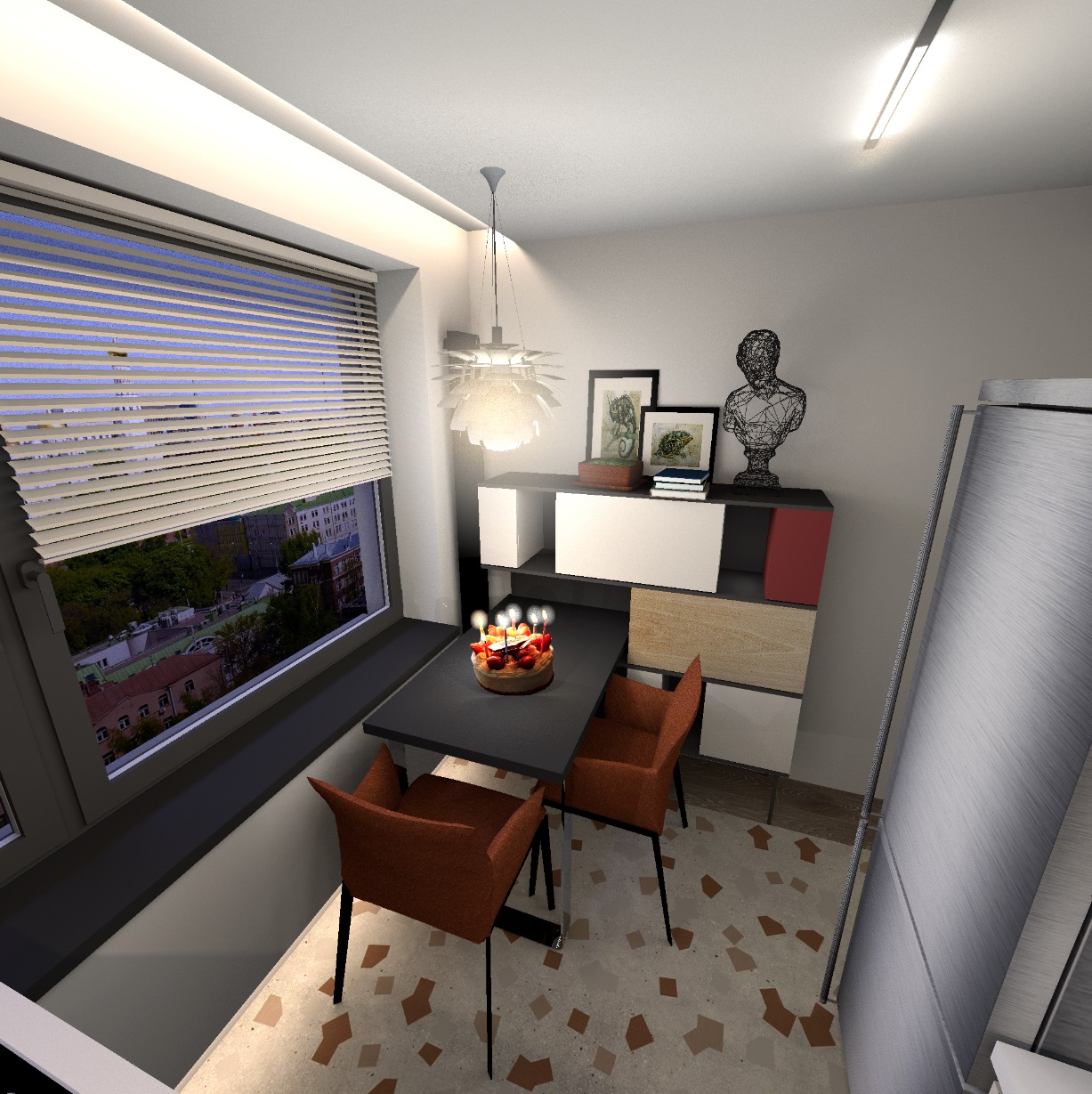
So an excellent alternative and sometimes the only one available but if there's a model available or I can create it than that would remain my preferred way. I think that goes for most users who do not mainly focus on photo rendering.


Yes, of course, it's all about the need to do the exact rendering. Not everyone needs it as the main result of their work. I use the SH3D program for exactly this purpose, just for visualization, so I'm exploring these possibilities. They are important to me, of course. I want to say once again that SH3D has a volume limit that is very difficult to go beyond in the render. And such photos as a replacement for models help to fill the interior with objects and continue to use this wonderful program. Yes, there are other excellent visualization programs that are certainly better and more productive than SH, but I'm trying to be faithful))) his first love. The 3D model in SH3D does not allow showing many types of materials - unpolished metal, for example, with its complex reflexes and reflections. Unfortunately, my experiments with complex rendering settings have no real benefit (although some hidden features can be used locally). Photos of some parts can help replace this flaw without compromising the standard rendering. For me, this is a very good way to work at the right level of visualization. And do not use other special programs. This is a top-level sport for me))). blushing

Posted by captaincook at Mar 9, 2025, 5:58:22 PM
Re: Apartment project with lighting by invisible hemispheres. I continue advertising
Bonjour.

Je me suis amusé à essayer de créer le modèle de table visible sur les images de GaudiGalopin, mais en le créant avec SH3D.
J'avoue que ça m'a pris pas mal de temps avec un résultat moyen.
Il a fallu aussi que je me serve de Sketchup pour modifier le cône et en obtenir qu'une petite portion visible sur le côté gauche du cône principal.


Sur cette deuxième image, je ne me suis servi que de Sweet Home.


Posted by GaudiGalopin3324 at Mar 9, 2025, 11:08:00 PM
Re: Apartment project with lighting by invisible hemispheres. I continue advertising
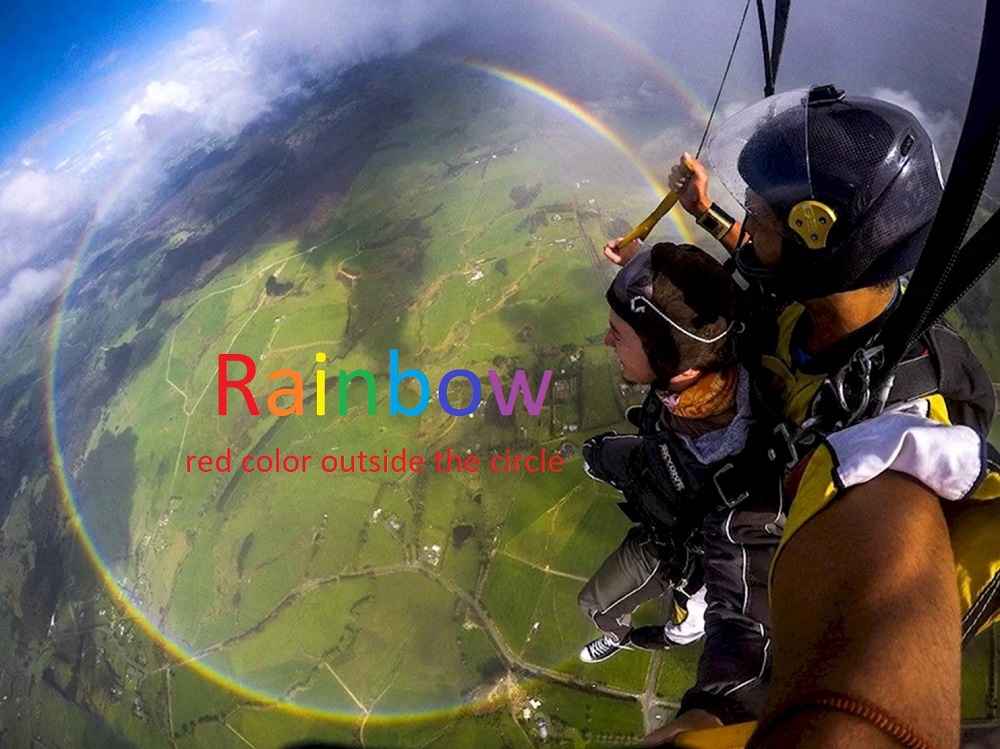
Oui, tout le temps, vous devez vous tourner vers d'autres programmes pour la modélisation ou autre chose. Certaines questions ne peuvent être résolues que par SH. Malheureusement, je traite d'abord l'image dans Photoshop, sans cela ne fonctionne pas. Mais ensuite, je rentre timidement à la maison, dans la petite cuisine. Jusqu'à ce que le programme me pardonne, ne me jette pas sur le gel. Ici, vous devez observer un équilibre soigné pour continuer à vous amuser et ne pas vous sentir traître. biggrin cool

Posted by GaudiGalopin3324 at Mar 10, 2025, 4:52:29 PM
Re: Apartment project with lighting by invisible hemispheres. I continue advertising
mais vous ne pouvez pas vous "promener" dans le modèle comme vous le feriez avec un modèle réel.


I managed to walk around the room a little bit with the help of artificial intelligence. It's very artificial, of course, but.. biggrin biggrin biggrin laughing AI