Note that in the version 5.5, an option was added in the preferences to let you choose the size in pixels of furniture icons in the plan. Larger icons will help to get more detailed images in plans copied to the clipboard or exported at SVG format, but also will give better results for lateral / side views created with the suggestion mentioned by Okh, as shown in the following images.
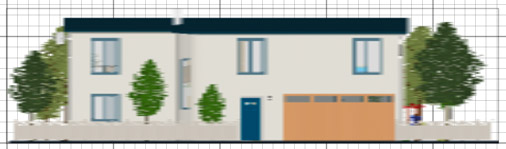
Sweet Home 3D Example 7 side view with plan icon size 128x128
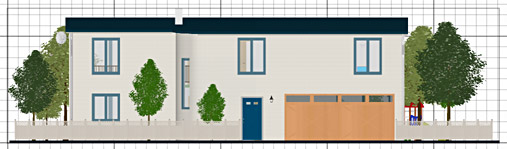
Sweet Home 3D Example 7 side view with plan icon size 1024x1024
But keep in mind that larger icons will consume more RAM, so you may have to change the size of furniture icons back to a smaller value when your plan contains many pieces.
----------------------------------------
Emmanuel Puybaret, Sweet Home 3D creator
