It's normal. Even if You use AOI.
Here is my acceptable practices:
1. Download a model from 3DWarehouse (in my sample this ) BUT the Collada file format)
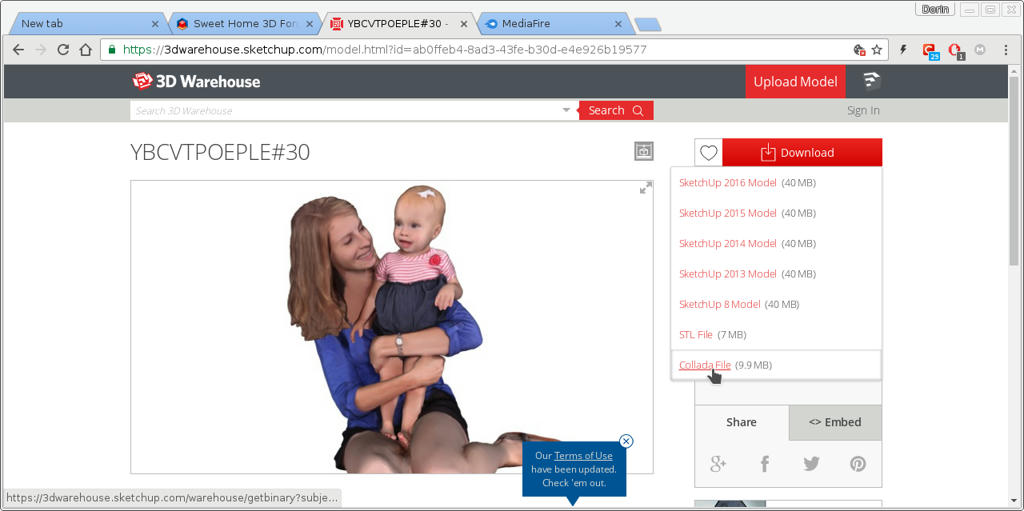
2.In a empty SH3D file: Menu ->Furniture->Import furniture (choose the model)
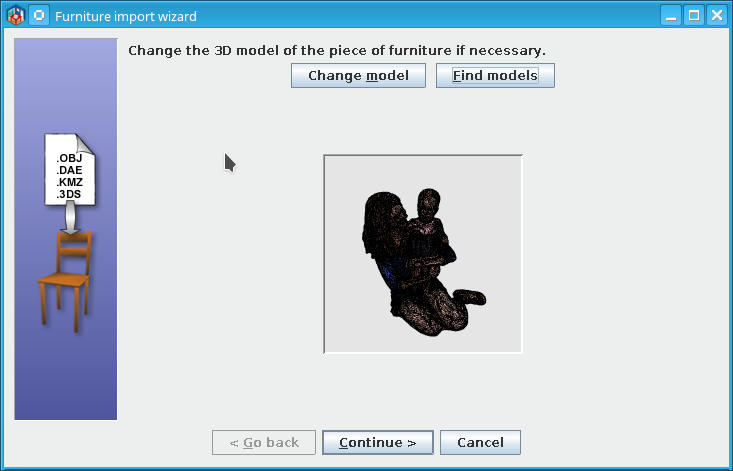
look ugly but continue
Change name and save
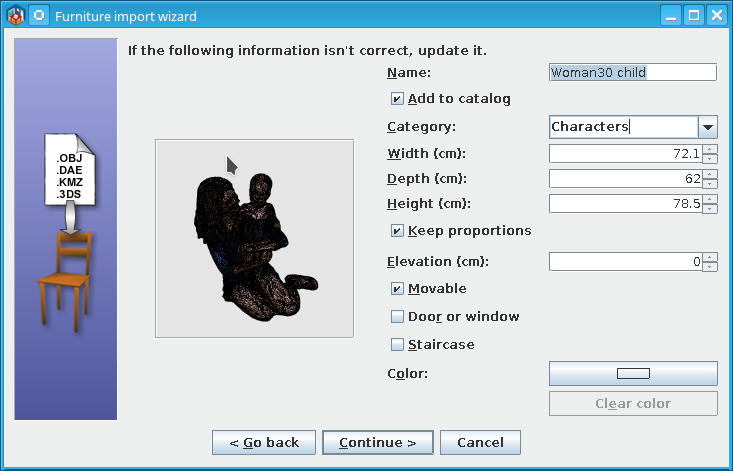
In SH3D will look like this (ugly)
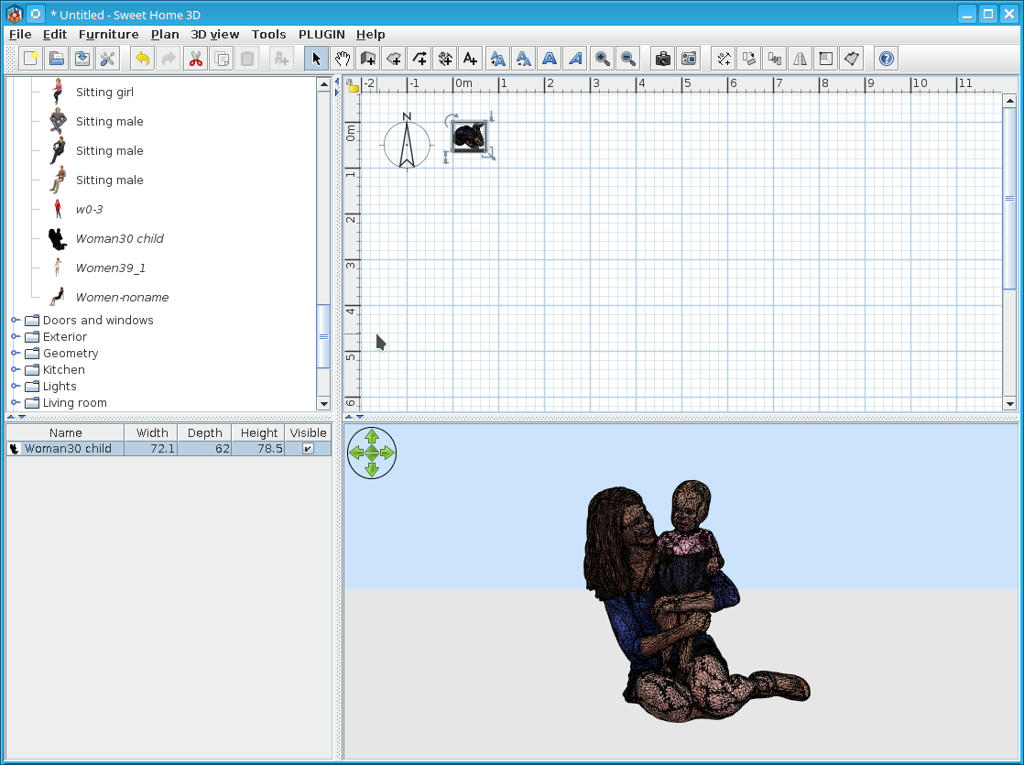
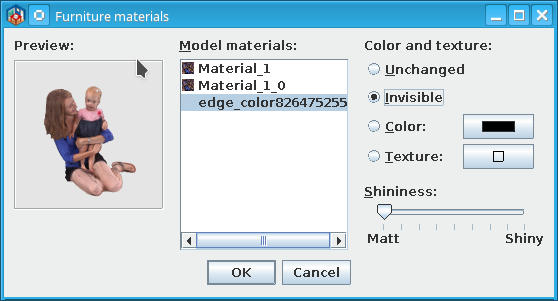
3.Select and right click to modify furniture -> Materials
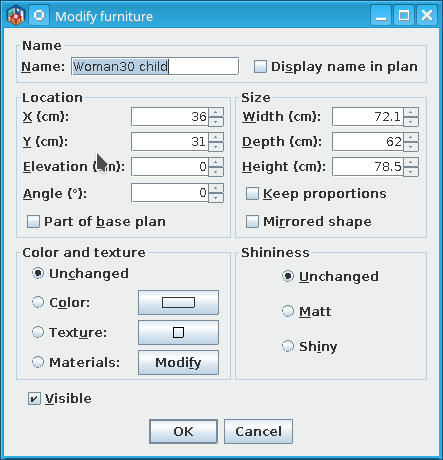
Some of models have some edge components usually in black; select and mark as invisible and OK
4. Save the modified furniture:Menu->3D view->Export to OBJ format...->Selected furniture;
5.Open a new file or clean the previous and Menu ->Furniture->Import furniture
Select the saved furniture and import it under characters (or whatever)
Will look like this
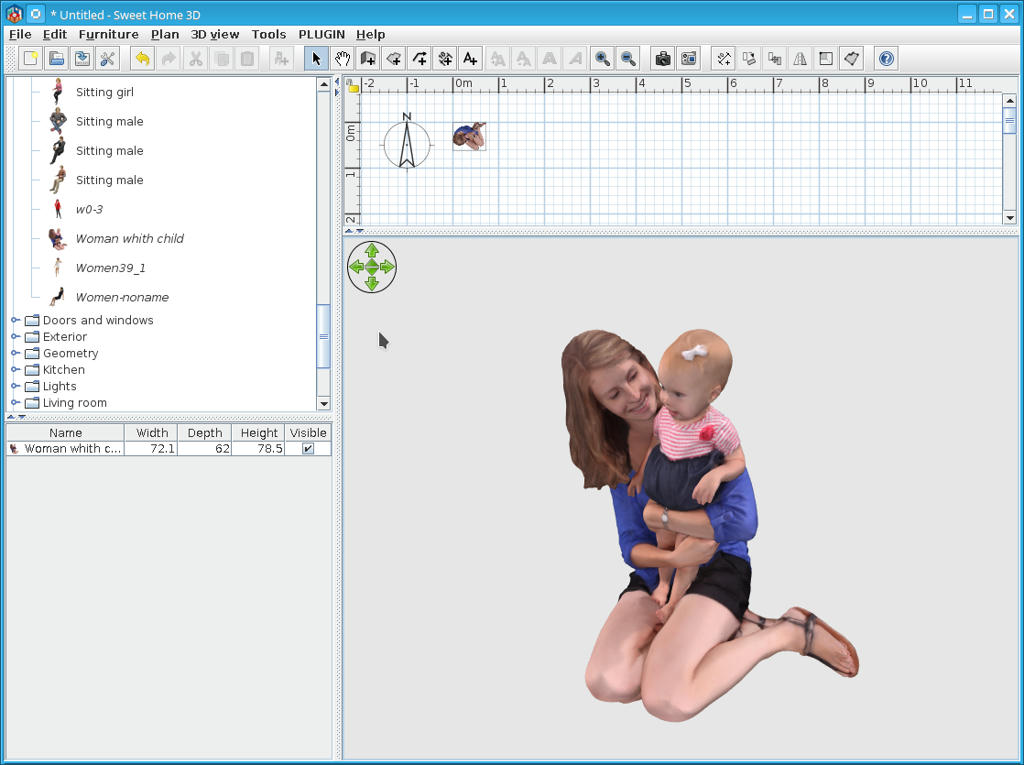
Hope is useful for someone.
----------------------------------------
A computer program does what you tell it to do, not what you want it to do. Murphy's Law
When all else fails, read the instructions. Murphy's Law
If you don't like "AS IS", DIY. Dorin's law
