Odkryj główne funkcje oferowane przez Sweet Home 3D
Odkryj główne funkcje oferowane przez Sweet Home 3D, bezpłatną aplikację do projektowania wnętrz dostępną na stronie www.sweethome3d.com.
Sweet Home 3D to potężne i przyjazne dla użytkownika oprogramowanie do projektowania wnętrz, które pomaga tworzyć szczegółowe plany pomieszczeń i stylowe aranżacje wnętrz z łatwością.
Niezależnie od tego, czy jesteś profesjonalnym projektantem wnętrz, czy po prostu chcesz wypróbować różne pomysły na aranżację, to narzędzie ma wszystkie funkcje potrzebne do efektywnego projektowania układów pomieszczeń.
Rysuj ściany i twórz dokładne plany pomieszczeń
Draw straight, round or sloping walls with precise dimensions using the mouse or the keyboard.
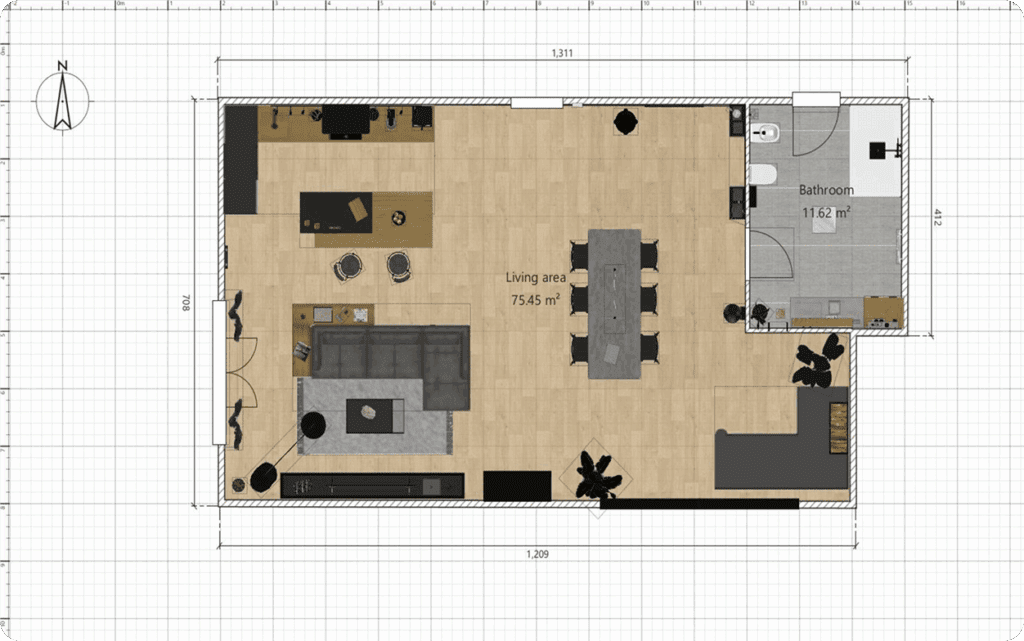
Annotate the plan with room areas, dimension lines, texts, arrows and show the North direction with a compass rose.
Wstawiaj drzwi, okna, meble i dostosowuj każde pomieszczenie
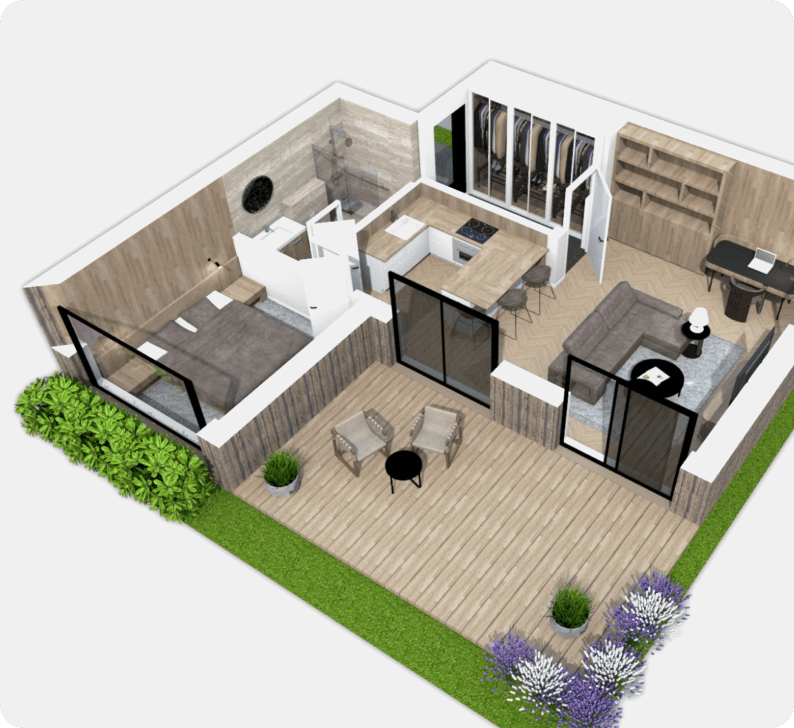
Insert doors and windows in walls by dragging them in the plan, and let Sweet Home 3D compute their holes in walls.
Add furniture to the plan from a searchable and extensible catalog organized by categories
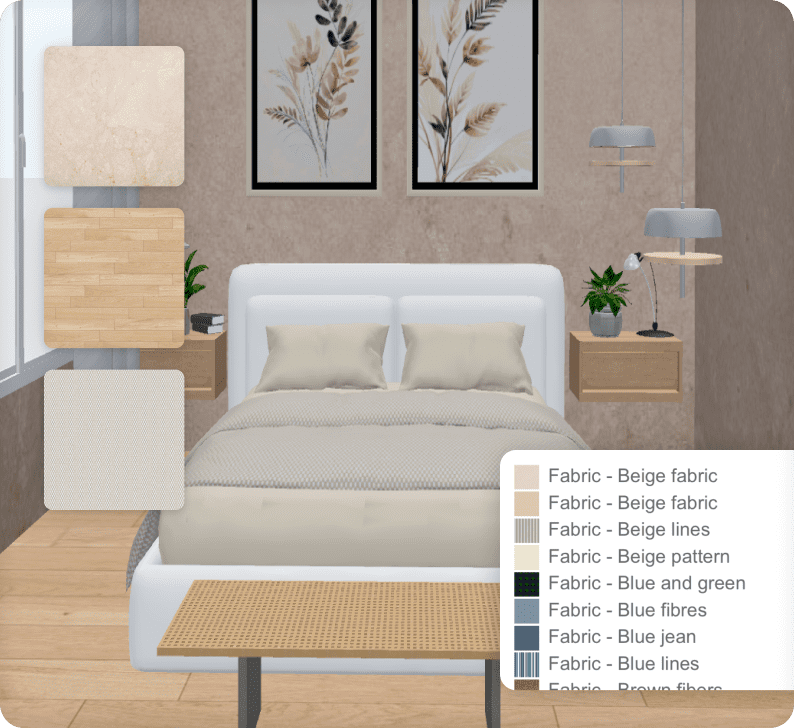
Change color, texture, size, thickness, location and orientation of furniture, walls, floors and ceilings.
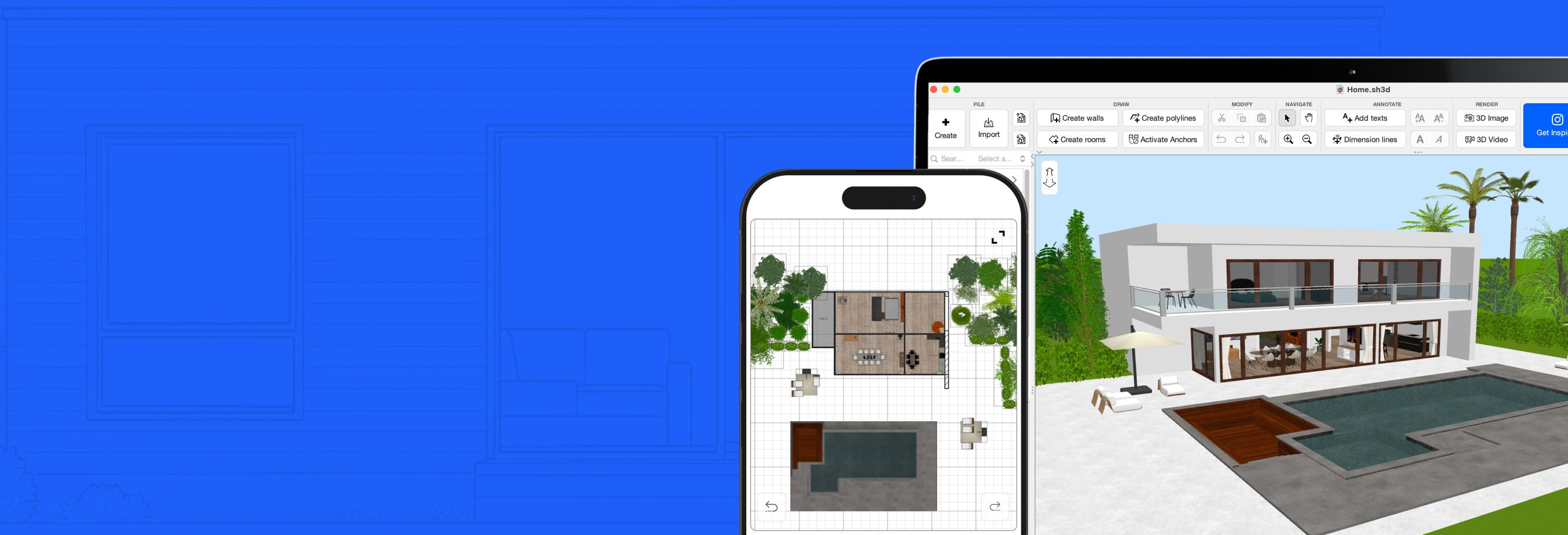
Przeglądaj projekty w 2D i 3D
While designing the home in 2D, simultaneously view it in 3D from an aerial point of view, or navigate into it from a virtual visitor point of view.
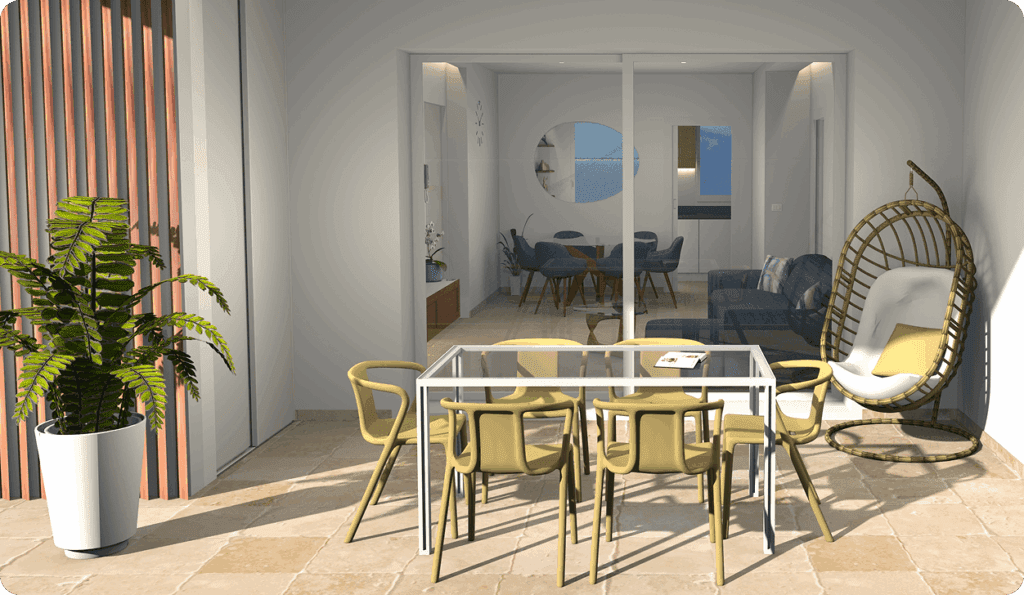
Import i eksport
Import home blueprint to draw walls upon it, 3D models to complete default catalog, and textures to customize surfaces.
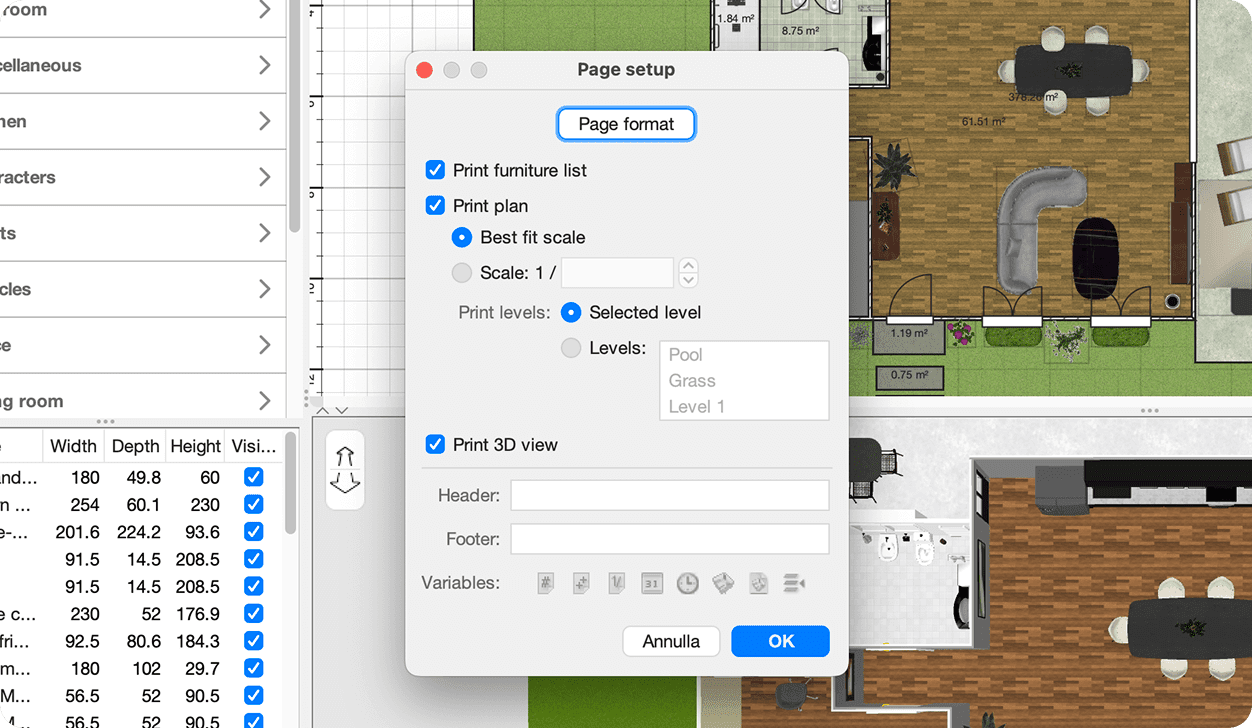
Inne informacje

Extend the features of Sweet Home 3D with plug-ins programmed in Java, or by developing a derived version based on its Model View Controller architecture.
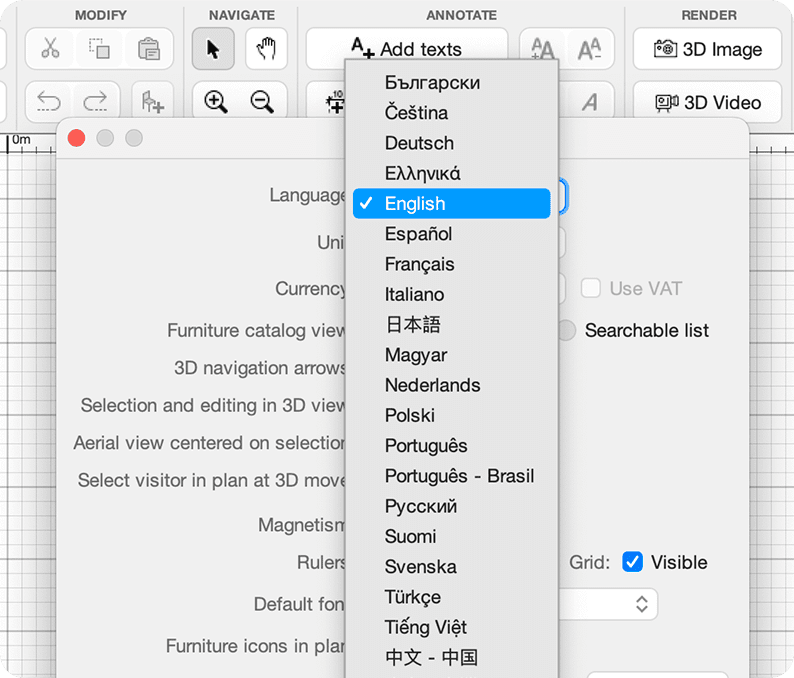
Choose the language displayed in the user interface of Sweet Home 3D and its rich help from 29 languages.
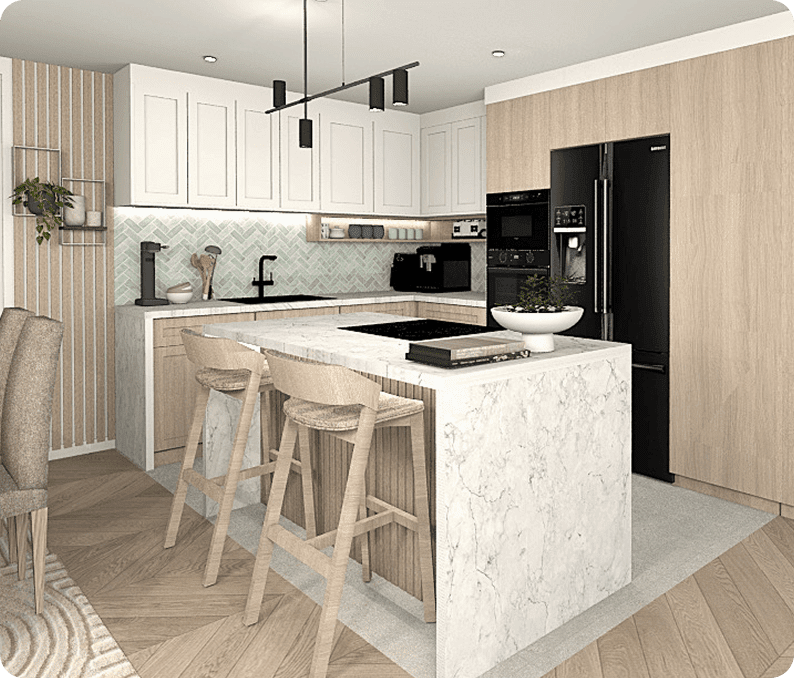
Zacznij korzystać ze Sweet
Home 3D już teraz
You may download Sweet Home 3D to install it on your computer, smartphone or tablet and/or use it online within your browser:
dla Windows/macOS/Linux/iOS/Android
z dowolną przeglądarką obsługującą WebGL


