And you, how do you use your Sweet Home 3D? Episode 13
Sébastien Canet is a teacher who helps students to create a Sweet Home 3D plug-in for home automation. He kindly answered to our questions.
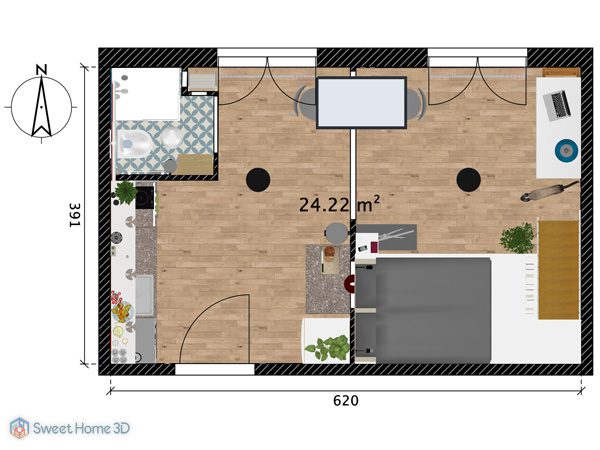
Sébastien Canet is a teacher who helps students to create a Sweet Home 3D plug-in for home automation. He kindly answered to our questions.
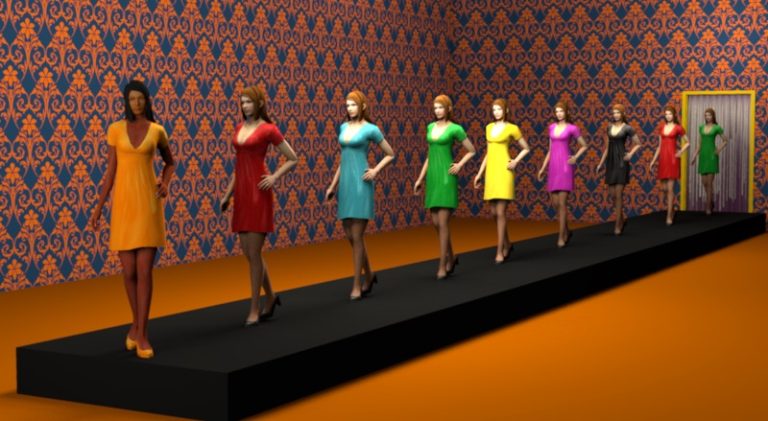
Philip Van de Gehuchte builds amazing virtual museums with Sweet Home 3D. He told us how.
Sweet Home 3D 5.2 was released yesterday with a few improvements, bug fixes and… a new logo!
Furniture libraries were updated today with 180 new free 3D models.
This tip shows how to change the colors of a texture with Gimp.
Discover the main Sweet Home 3D Facebook pages or groups.
Anh Đinh is one of the winners of the Sweet Home 3D 10th birthday contest. Here’s his interview.
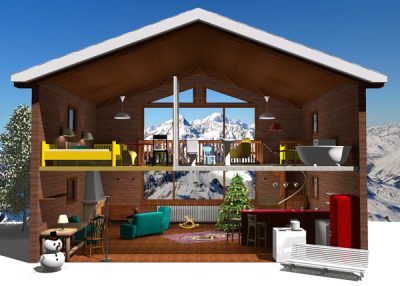
This tip shows how to display an image as a scenery around your home.
Marcin Jakubowski created the Global Village Construction Set open source platform and uses Sweet Home 3D for his aquaponic greeenhouse plans. He kindly answered to our questions.
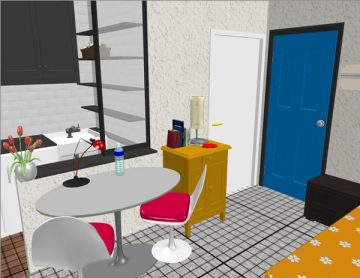
This three-in-one tip shows how to print a grid under your home and also how to display a grid in the 3D view.

You may download Sweet Home 3D to install it on your computer, smartphone or tablet and/or use it online within your browser:
for Windows/macOS/Linux/iOS/Android
with any WebGL browser
