Available Sources of 3D Models
To import models, this page lists some sources of free 3D models that you may import in Sweet Home 3D, either one by one or by group of models, and web sites that propose 3D models.
Included 3D model library
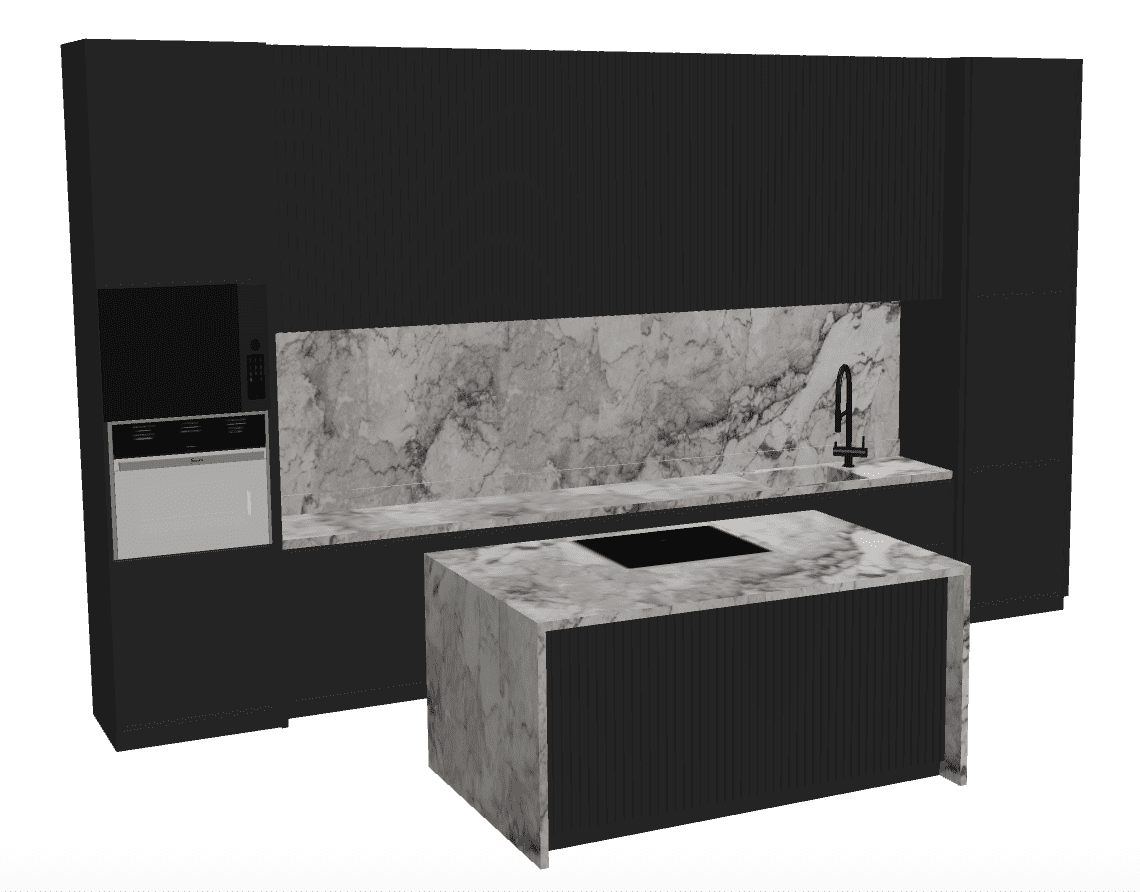
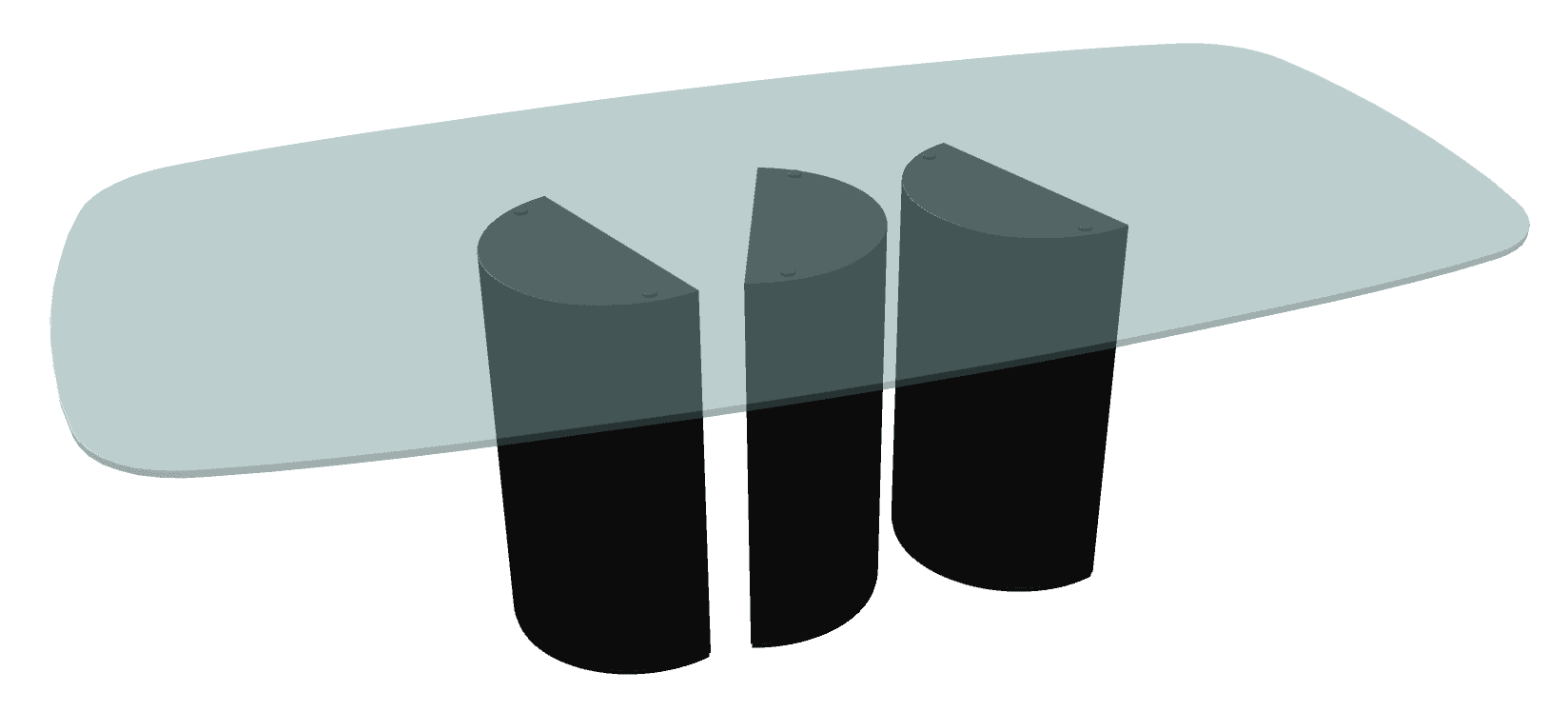
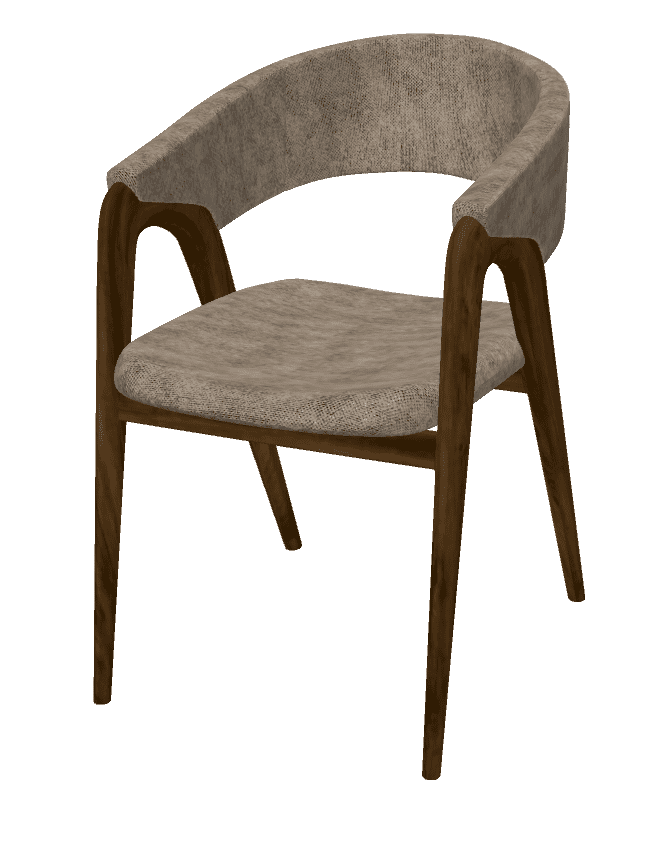
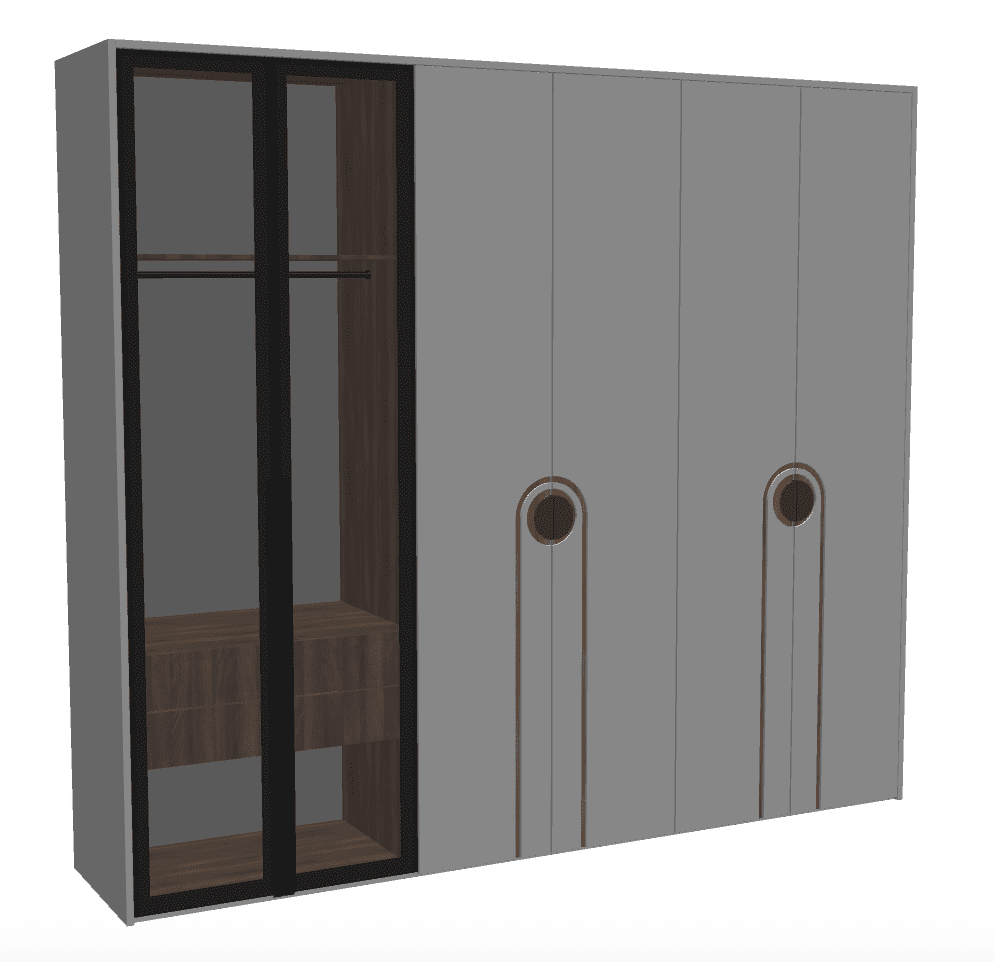
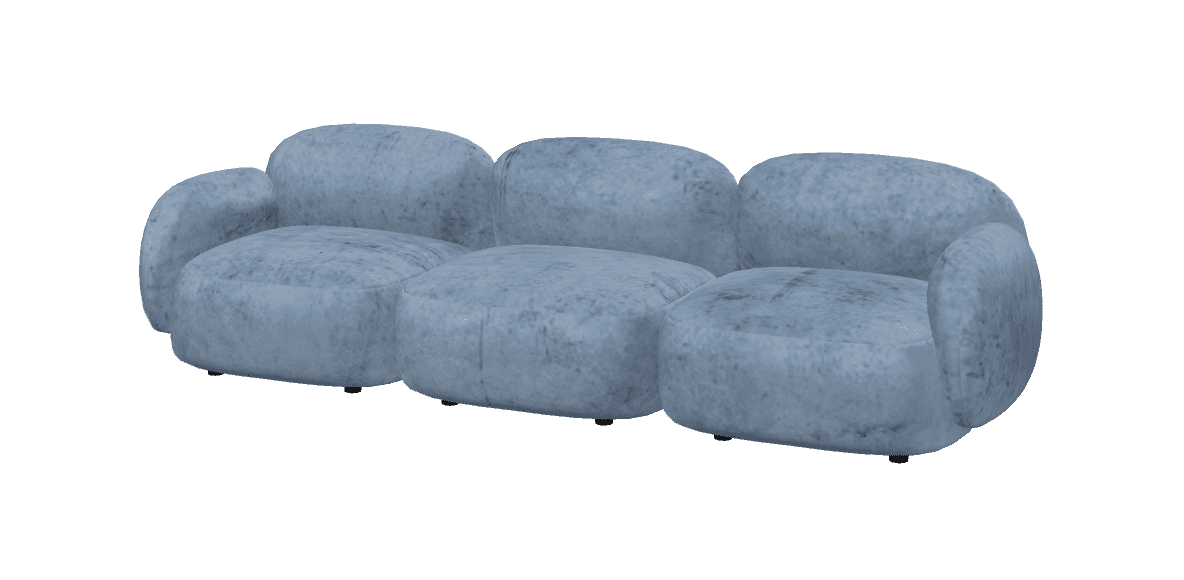
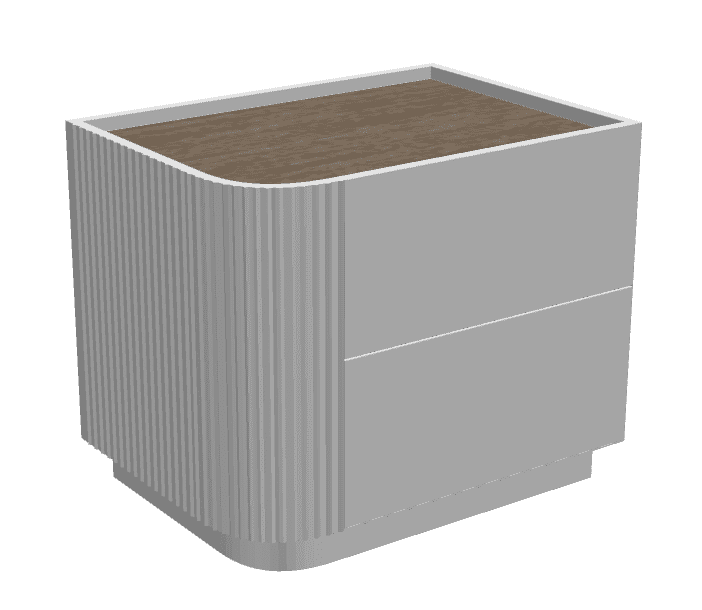
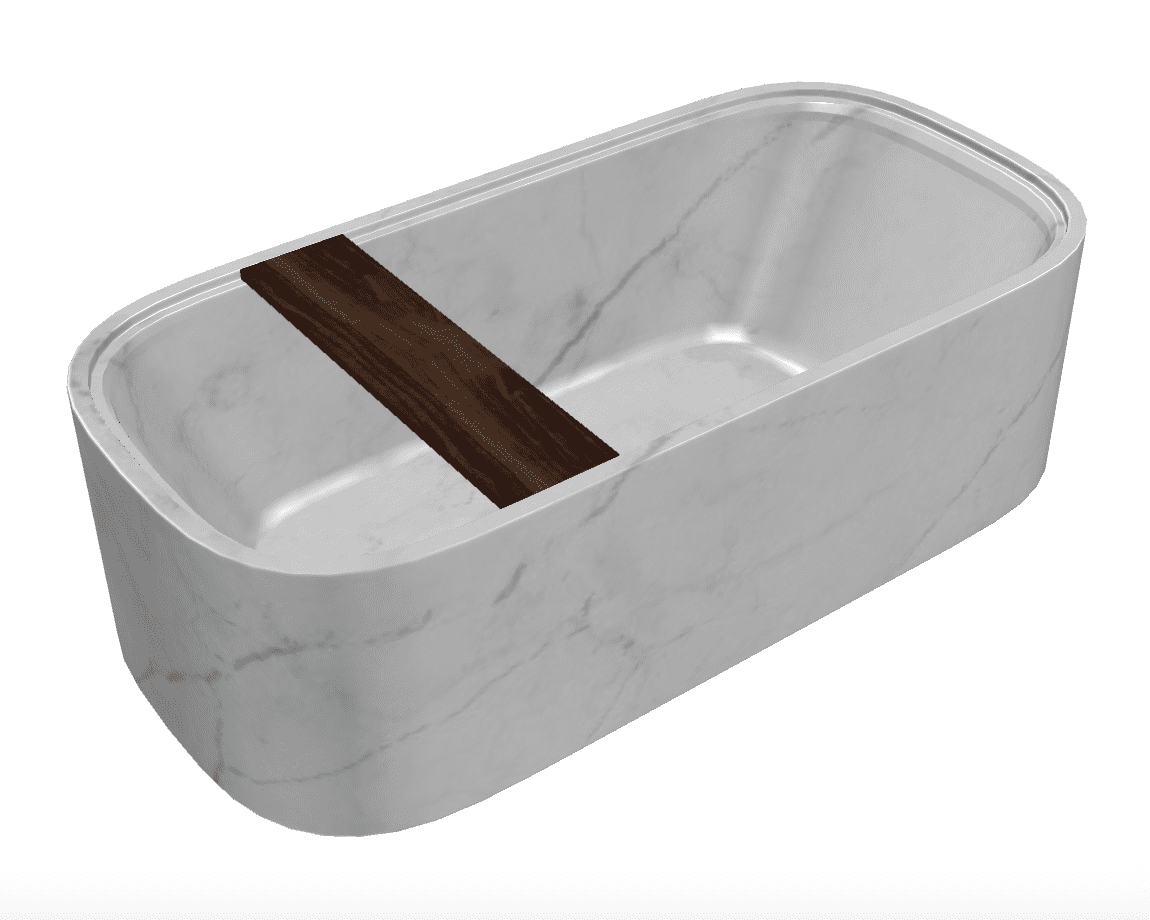
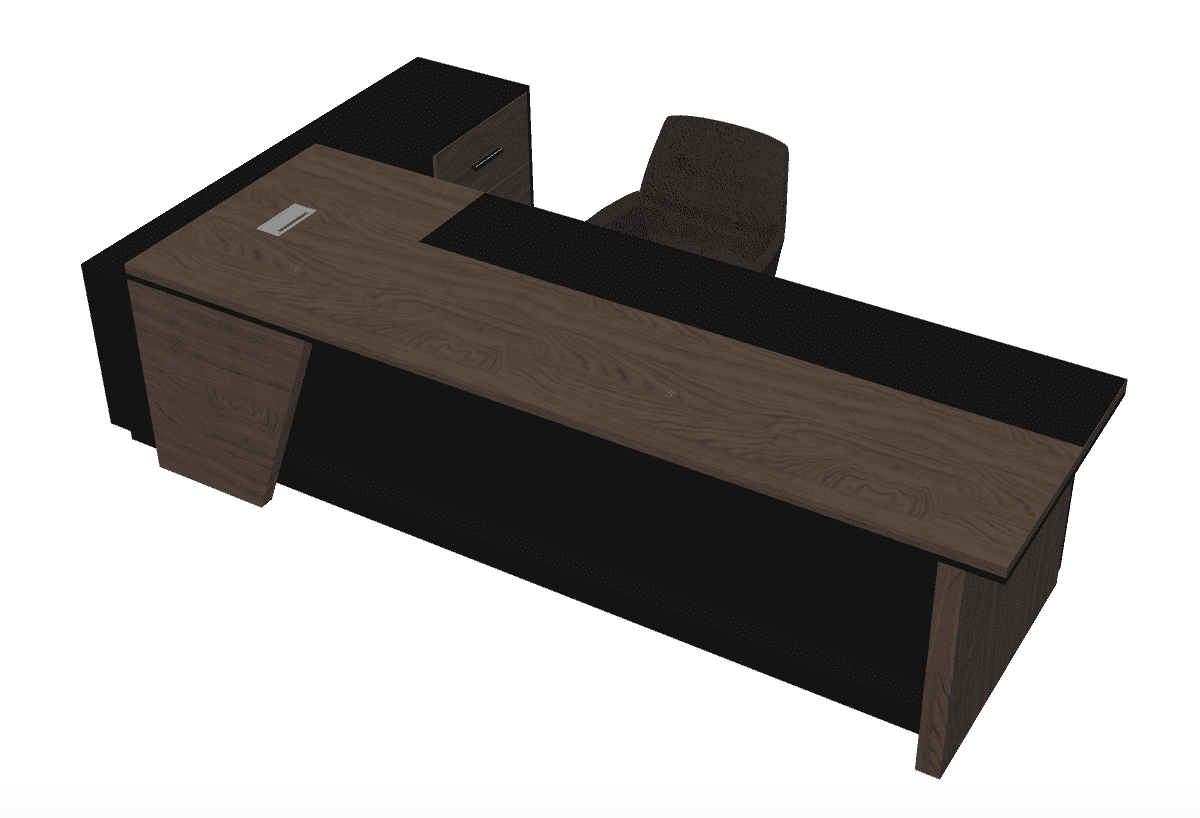
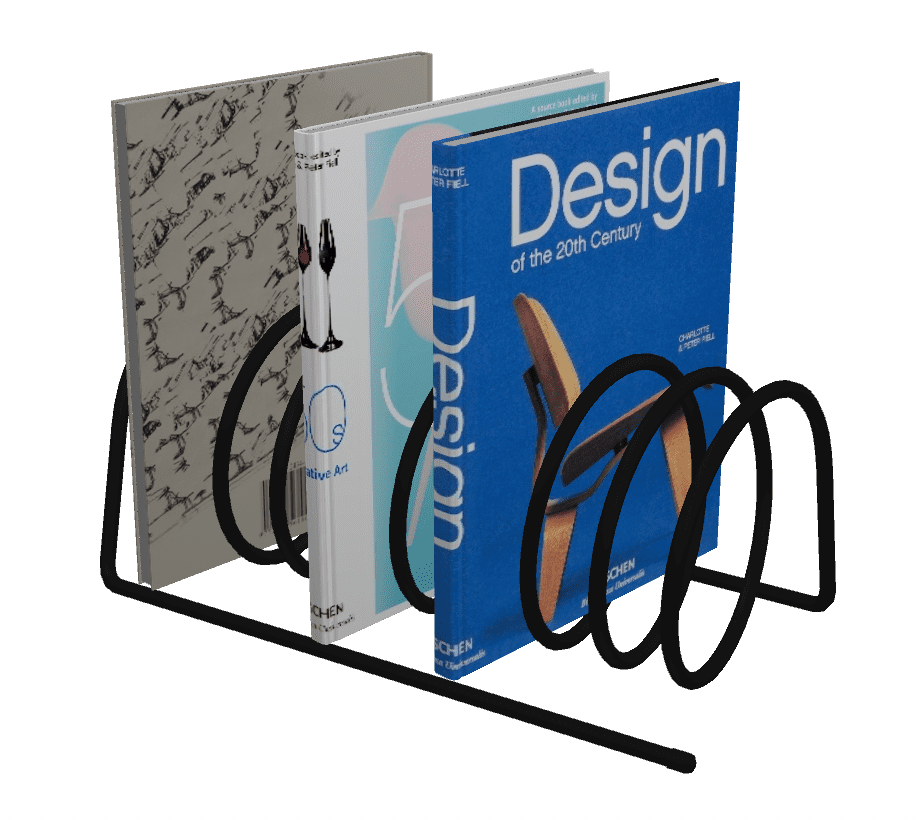
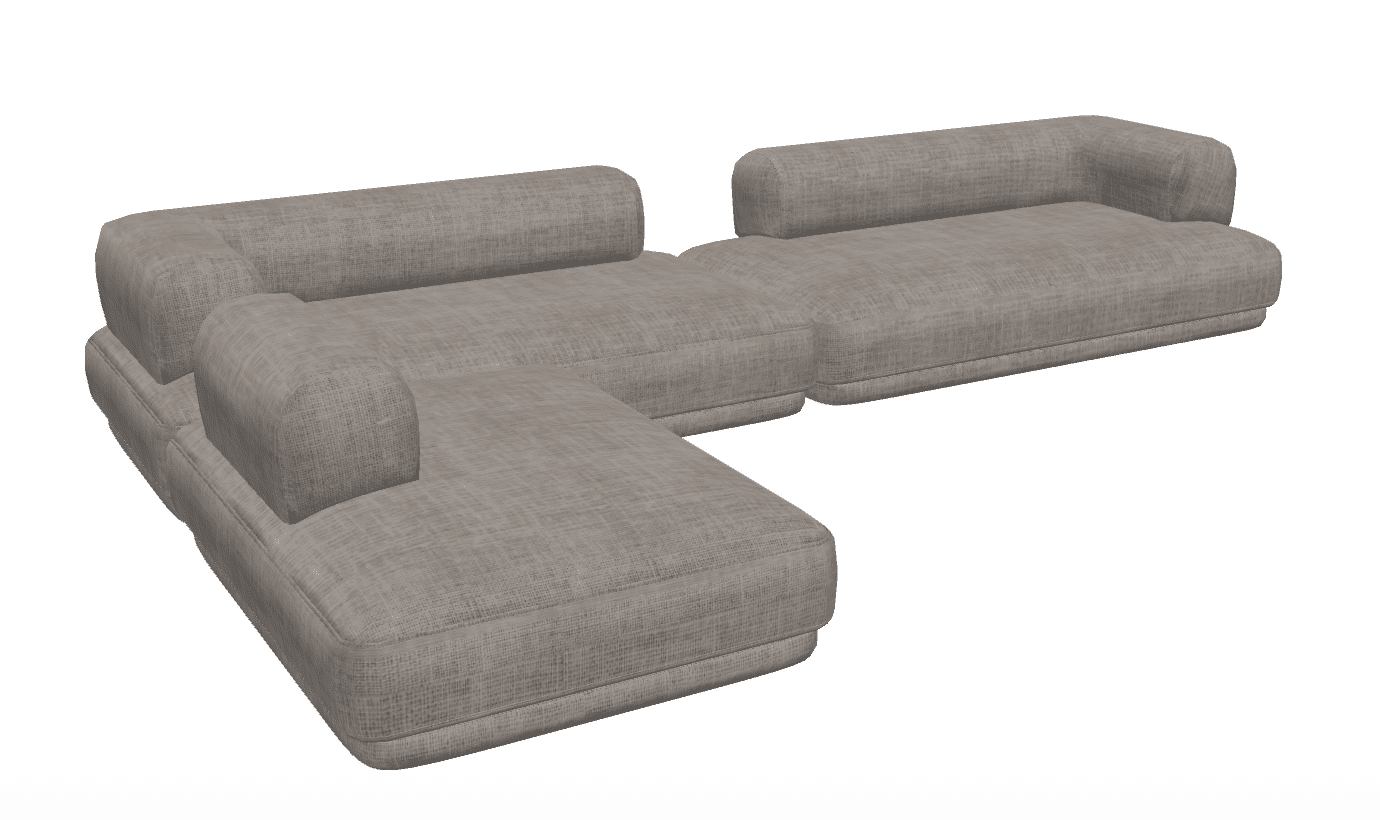
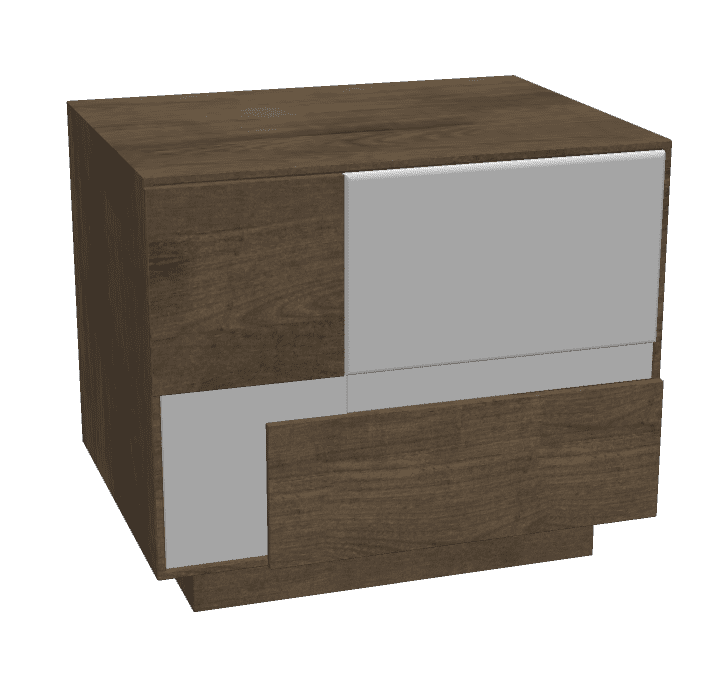
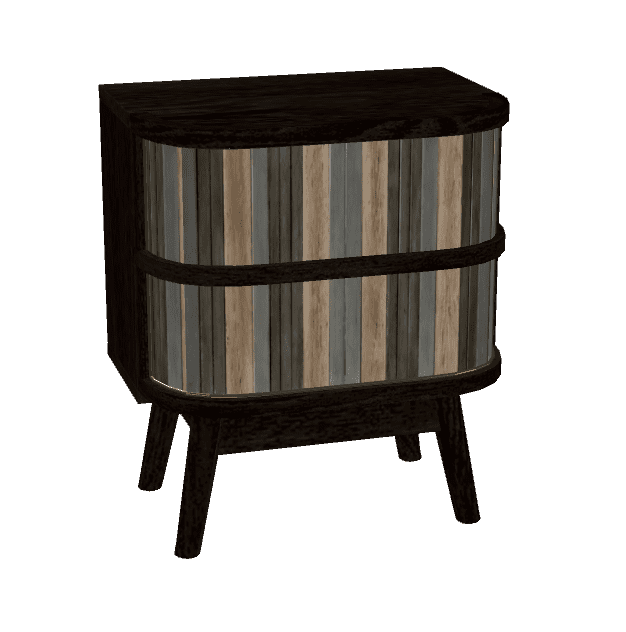
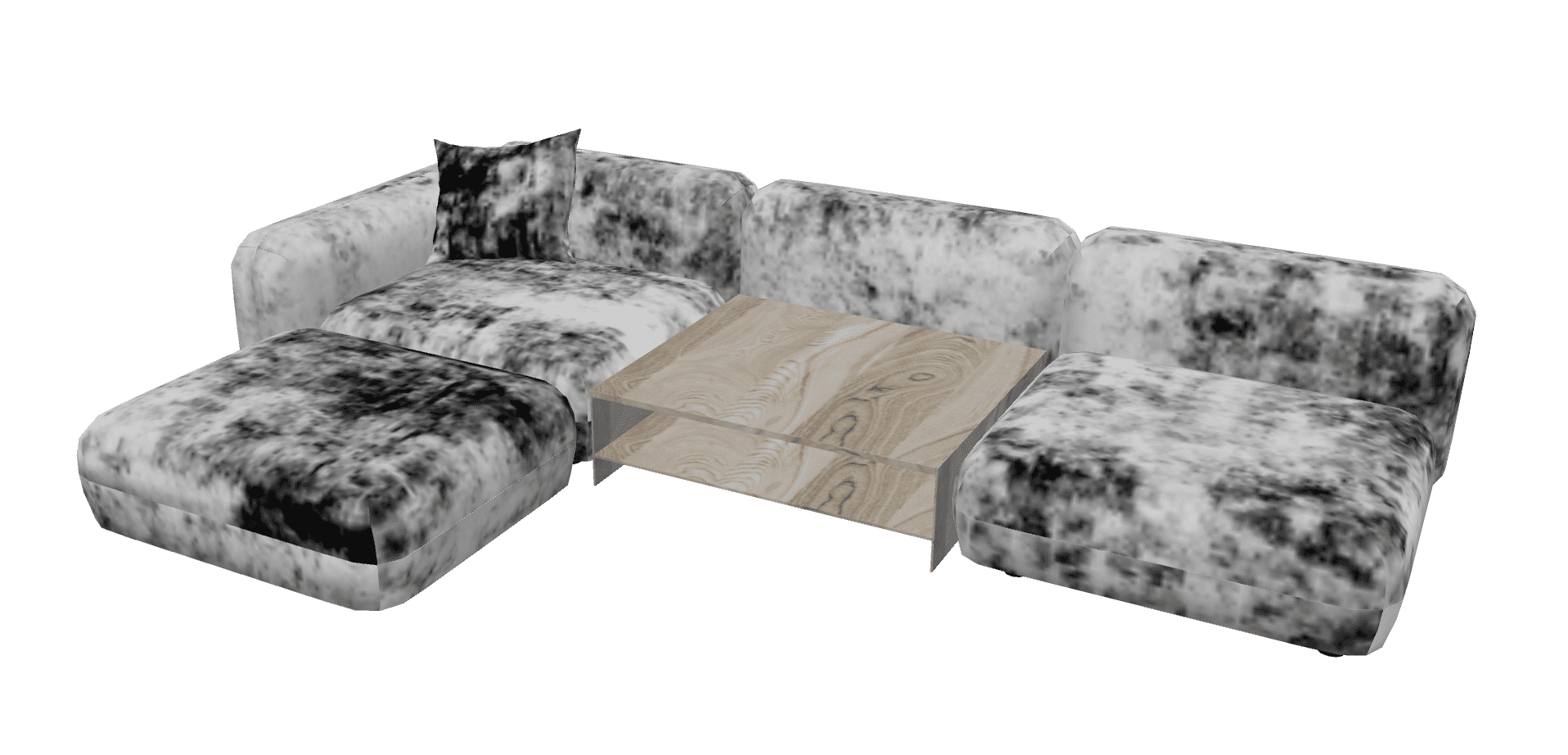
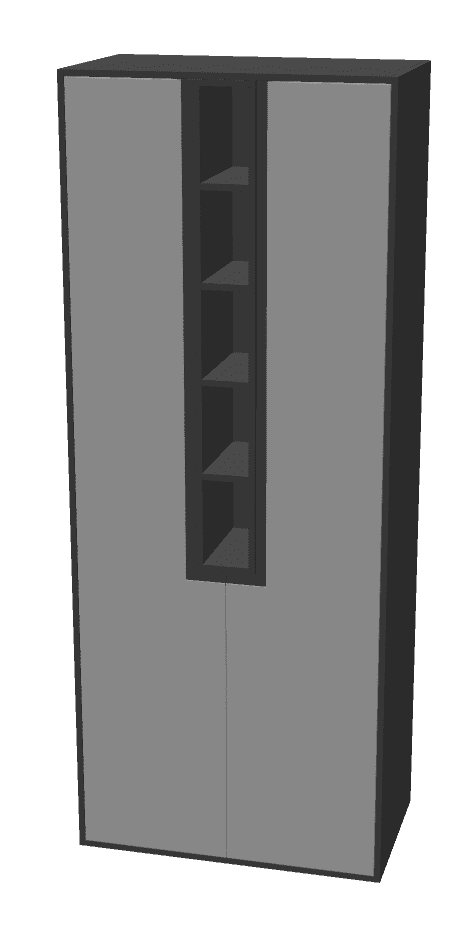
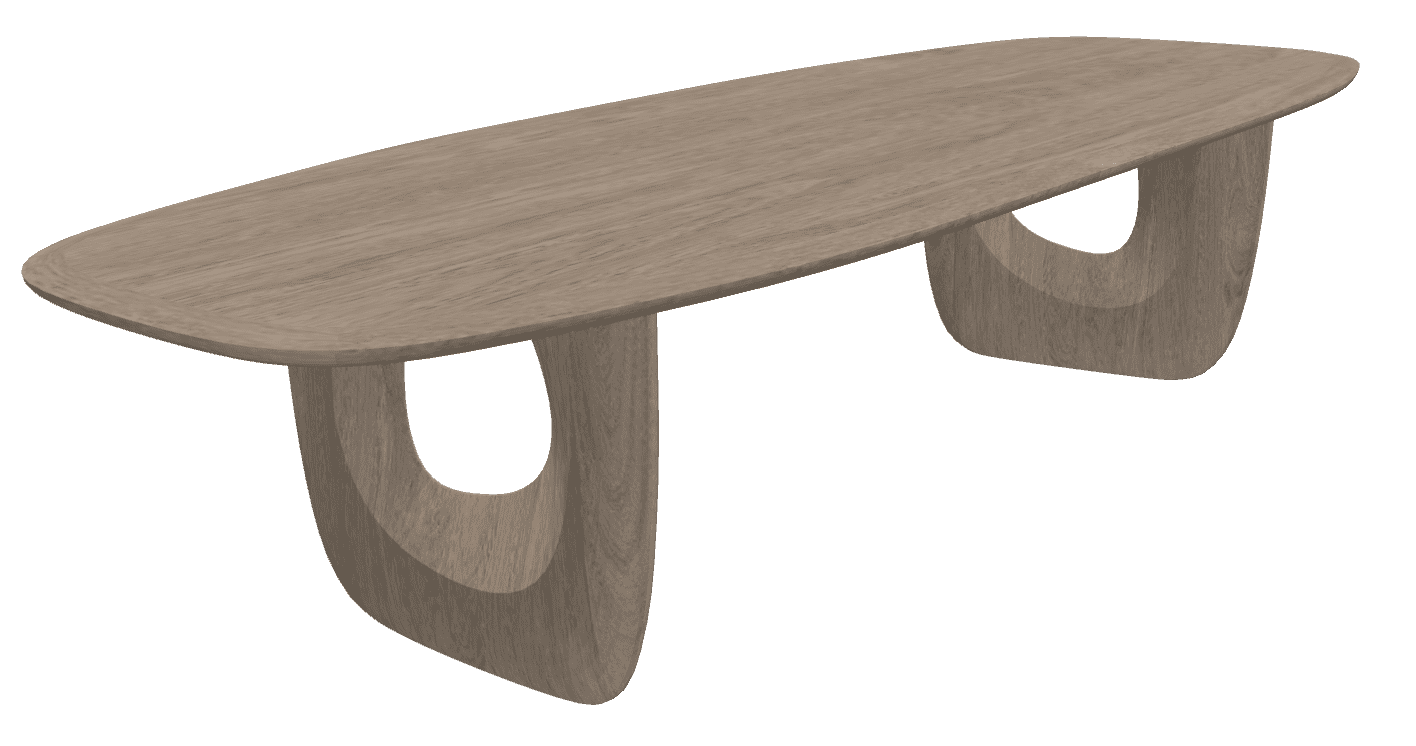
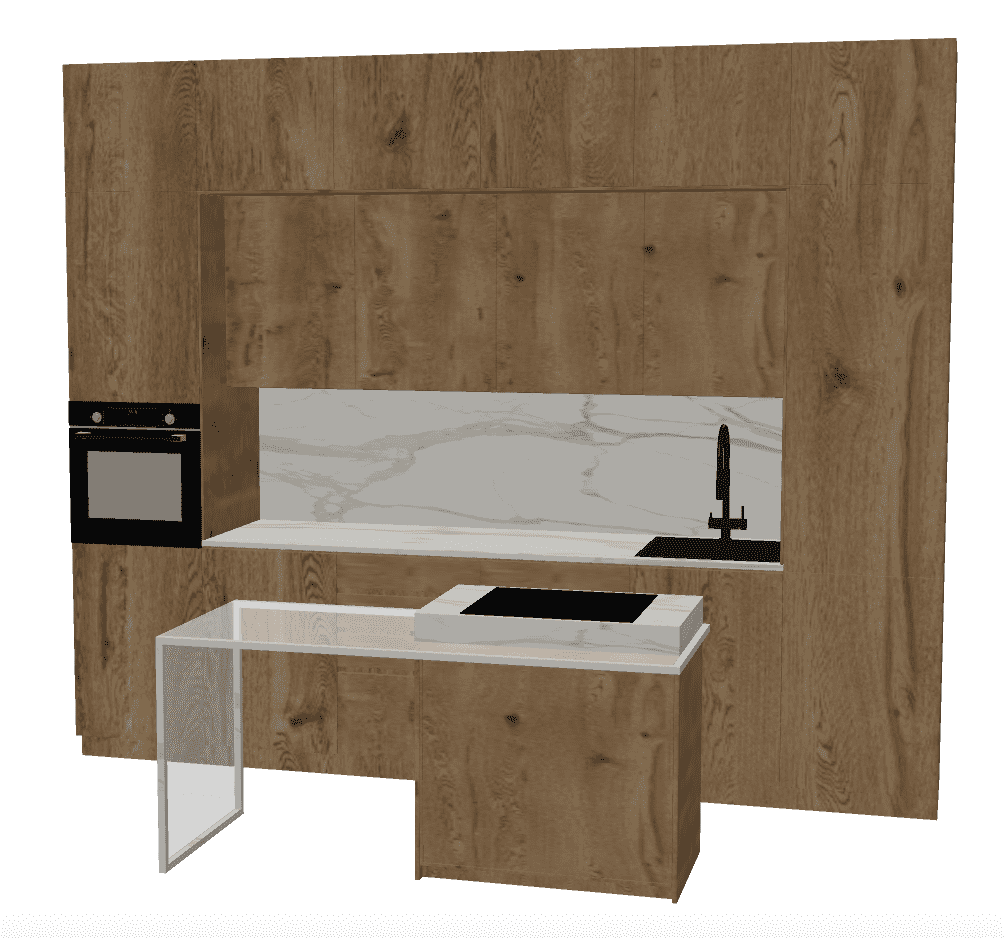
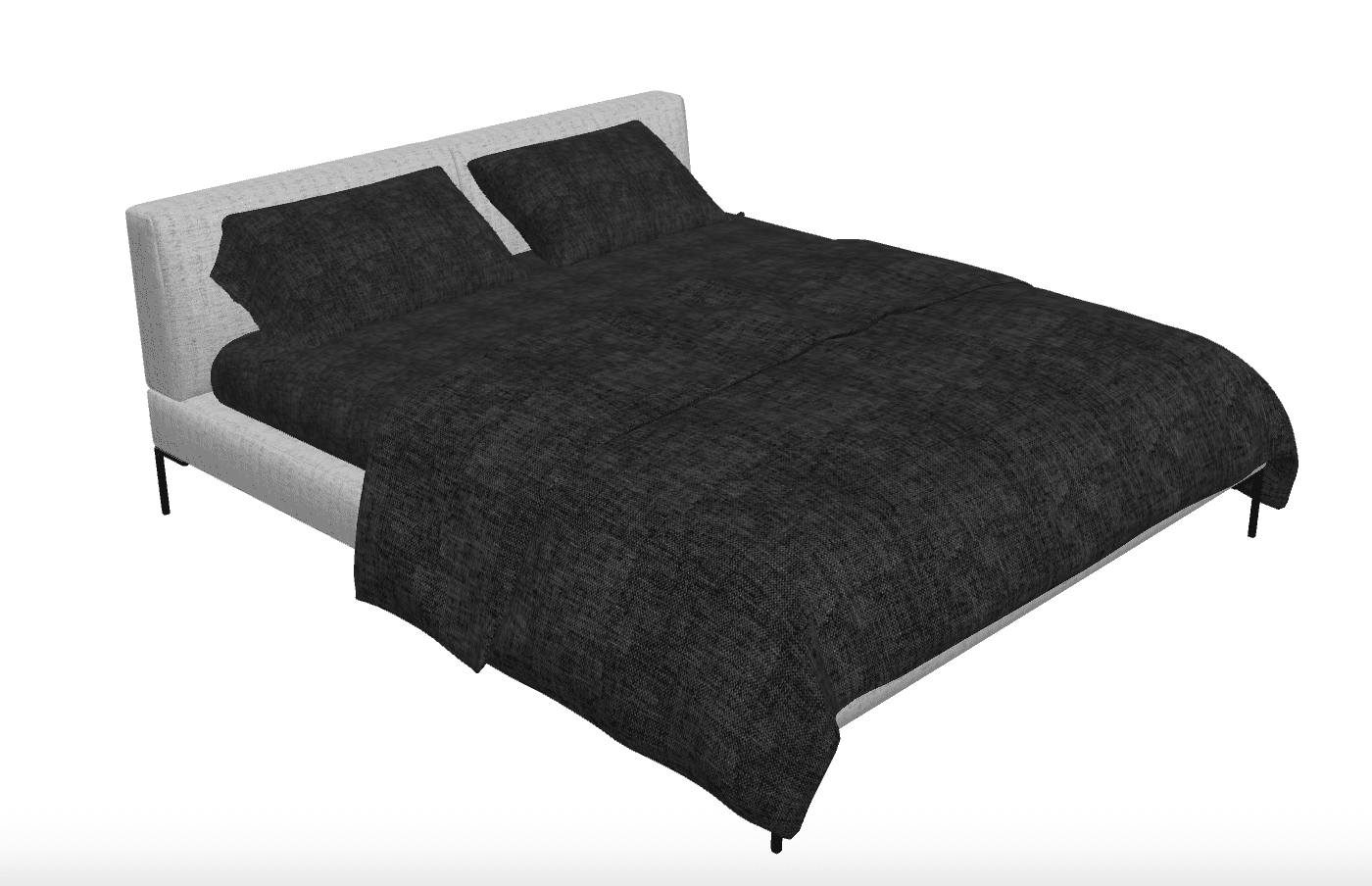
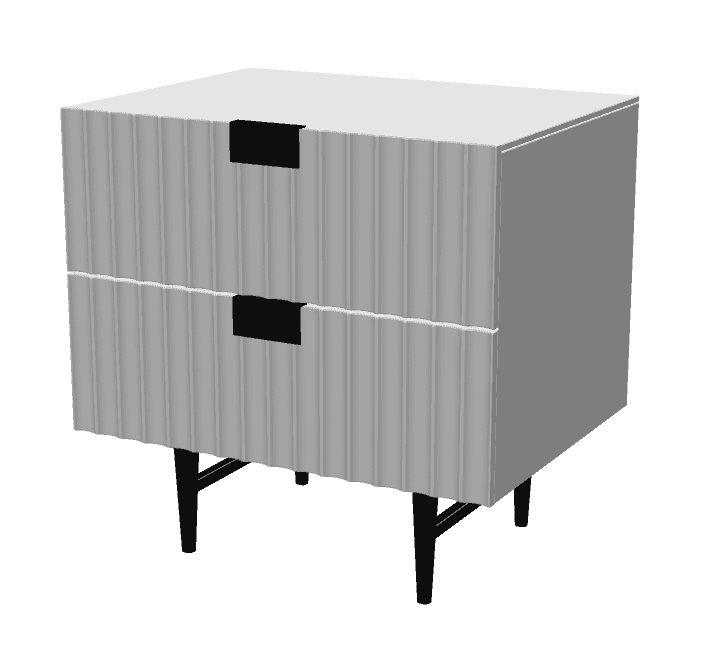
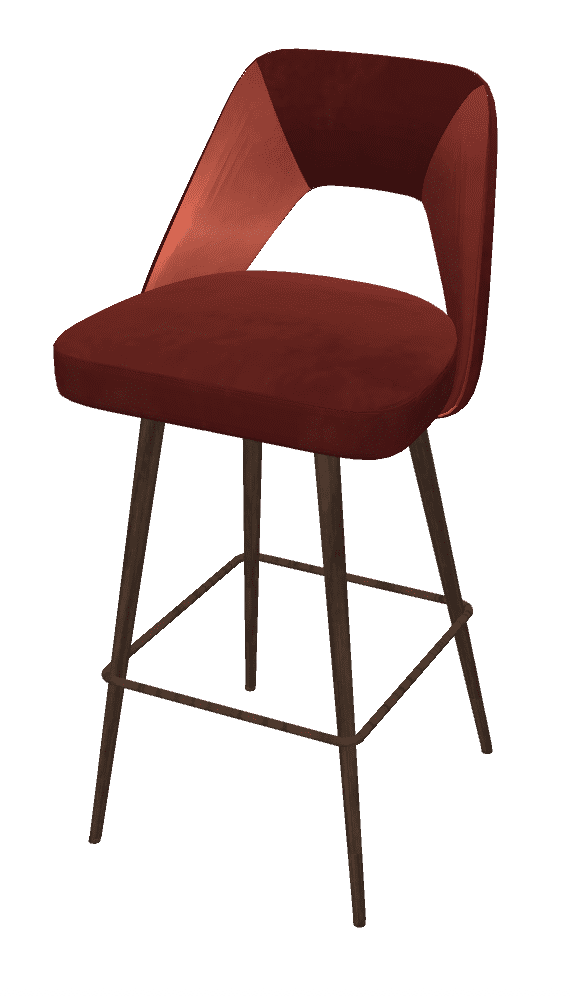
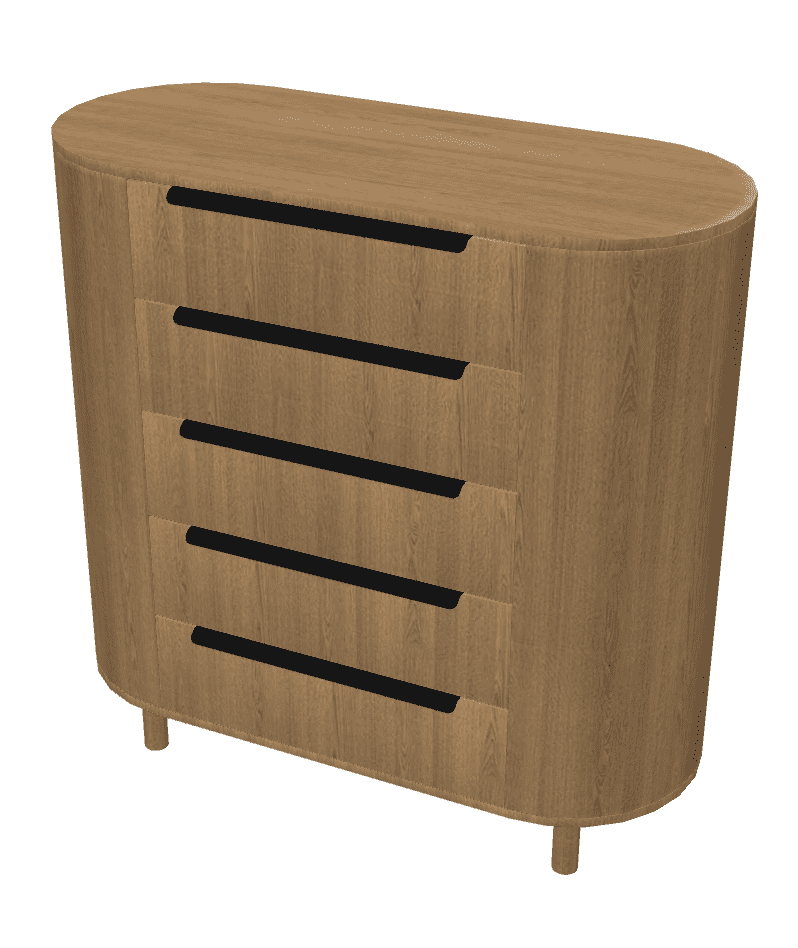
You can download the full version of Sweet Home 3D with a library that includes over 10,000 3D models and 400 textures already included
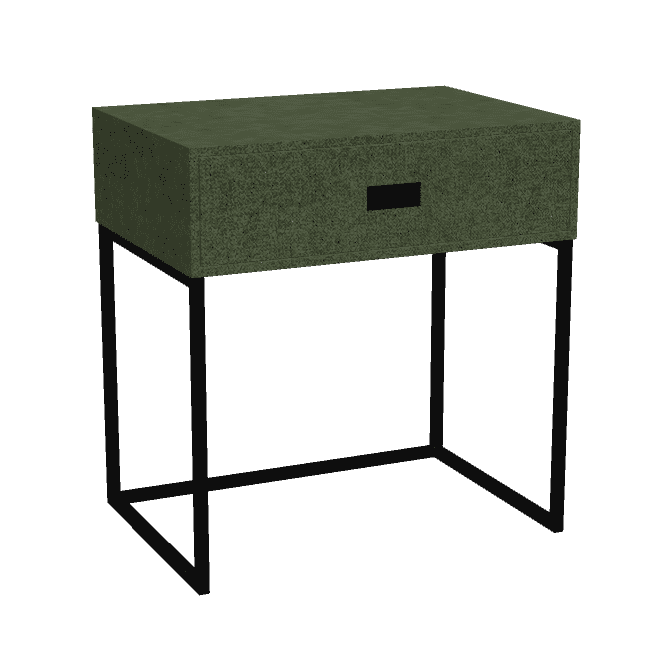
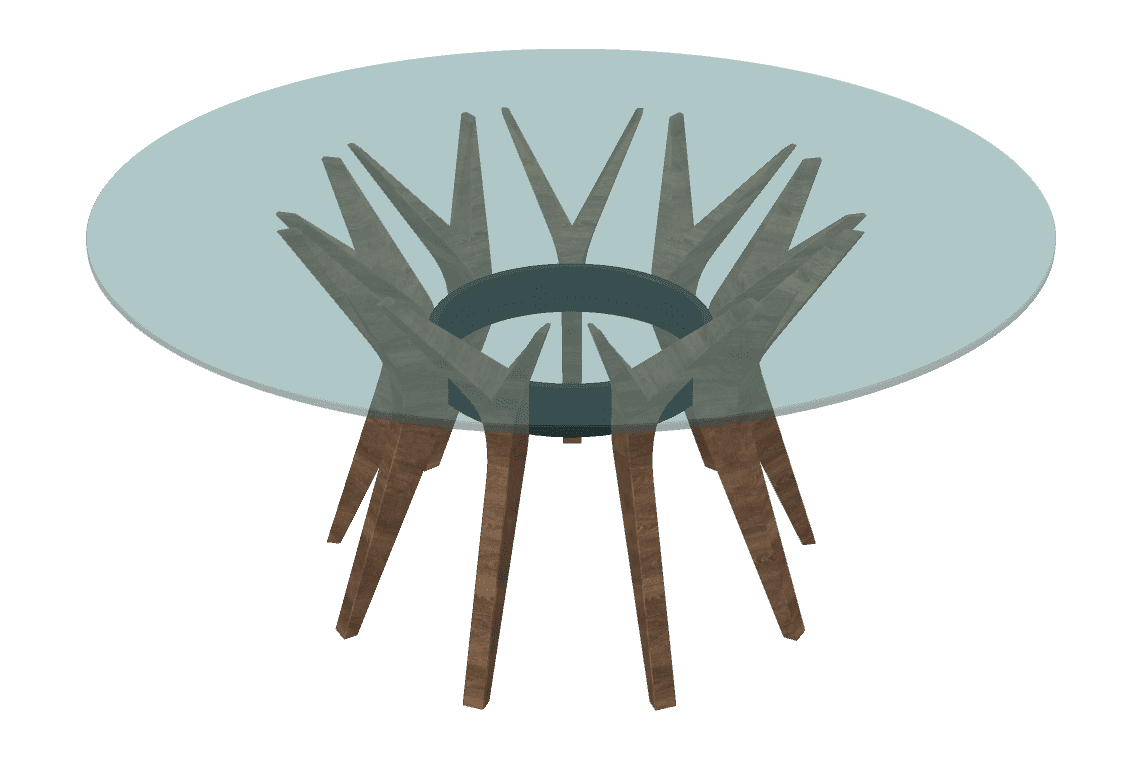
 Download Sweet Home 3D
Free 3D models created by contributors
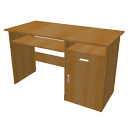
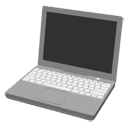
The free 3D models page proposes more than 1.600 additional 3D models created by contributors and supported in the furniture import wizard of Sweet Home 3D.
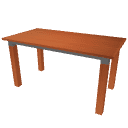
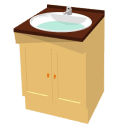
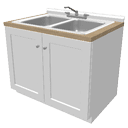
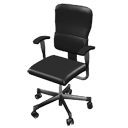




Libraries of 3D models
Sweet Home 3D lets you also import models (libraries of 3D models) stored in SH3F files. A SH3F file groups some models with their description, and can be easily installed by double-clicking on it or by choosing Furniture > Import furniture library menu item in Sweet Home 3D.
The following ZIP files contains a SH3F file you can import in Sweet Home 3D. These libraries contain the 3D models available at the free models page.

3DModels-Contributions-1.9.3.zip (29 MB – 511 models – Free Art License)
3DModels-LucaPresidente-1.9.3.zip (3.7 MB – 64 models – Free Art License)
3DModels-Trees-1.9.3.zip (6.7 MB – 10 trees models – Free Art License)

3DModels-Scopia-1.9.3.zip (69.5 MB – 500 models – CC-BY License)

3DModels-KatorLegaz-1.9.3.zip (8.9 MB – 90 models – CC-BY License)

3DModels-BlendSwap-CC-0-1.9.3.zip (23.8 MB – 175 models – Public domain)
3DModels-BlendSwap-CC-BY-1.9.3.zip (23.9 MB – 135 models – CC-BY License)

3DModels-Reallusion-1.9.3.zip (10.7 MB – 25 human models – CC-BY License)
You might also be interested by the blog article Additional contributors libraries which lists other special libraries of models designed by some Sweet Home 3D contributors (2D symbols, plumbing, roof parts,…).
Create your 3D models
To create your own models, you may use any software able to generate files in OBJ, DAE / Collada, KMZ or 3DS format, like Blender free software. If needed, you may also create your own SH3F files with the downloadable Furniture Library Editor.
If you want to share your models or propose them in the free 3D models page, please post them in 3D Models Contributions Tracking System.
Other web sites with 3D models
The following sites offer also some free 3D models in OBJ, DAE, KMZ or 3DS formats supported by the furniture import wizard of Sweet Home 3D:
 | Trimble 3D Warehouse (a big choice of models in KMZ and Collada format) * |
| Resources.blogscopia (free well designed models shown also here) |
| Dodecagon (various furniture libraries released in Public Domain) |
| ArchiBit Generation (various well designed models) |
| Free the models (furniture tested in Sweet Home 3D) |
| Archive3D (many models but some of them can’t be imported in Sweet Home 3D) |
| Kolo (bathroom furniture) |
| Klicker (a few chairs and trees) |
* Note that downloading models from Trimble 3D Warehouse requires to sign in with a Trimble ID as of the end of 2019. Pay also attention to dowload there 3D models in Collada or KMZ formats, available among the list of formats displayed after a click on the Download button on the page showing a 3D model. Models available in SKP/SketchUp format can be edited and converted to DAE/Collada format with SketchUp.
If Sweet Home 3D refuses to import some of the ZIP files proposed on these sites, please unzip them first.
Please respect the license of the models that you may download on these web sites.


