|
Sweet Home 3D Forum » List all forums » » Forum: Features use and tips » » » Thread: Water inside the boat - how to get rid of it? |
|
| Print at Dec 19, 2025, 6:10:43 AM | View all posts in this thread on one page |
| Posted by SeppoV12 at Nov 29, 2019, 6:15:11 PM |
|
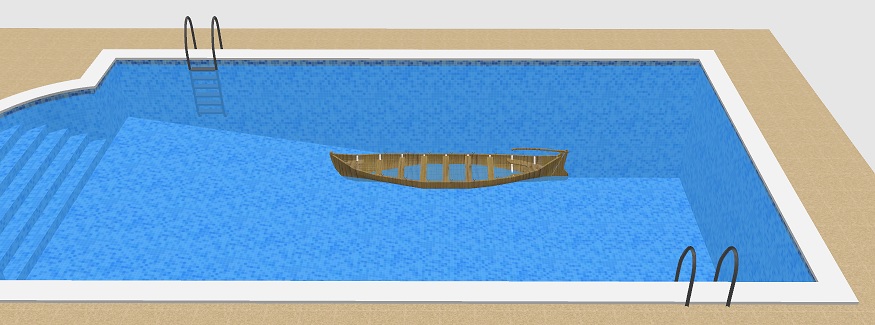
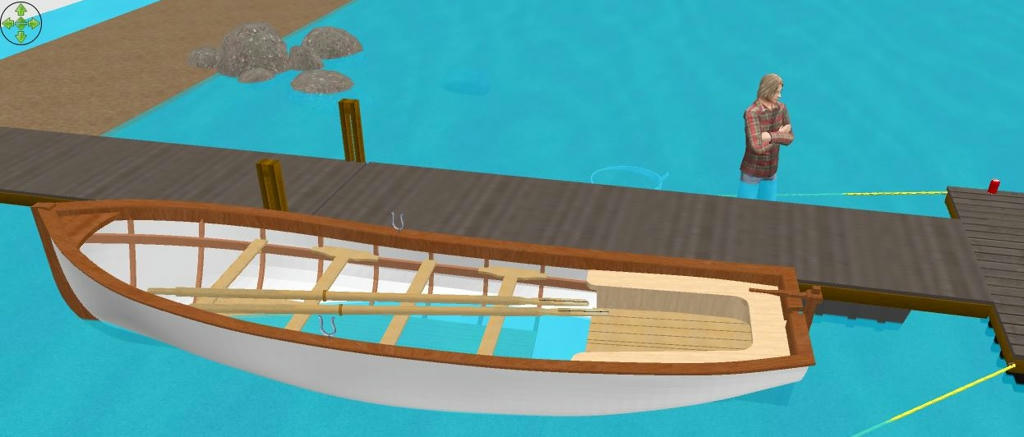
Water inside the boat - how to get rid of it? When the boat floats in the water, there is also water inside the boat. Is there a way to get rid of water? In this screen capture 'water' is transparent glass and texture. So far I've also tried to use levels and imported boat as staircase. This creates an opening in the floor ('water') but opening is of course rectangle. Water should also be transparent but of course it is not by that method. |
| Posted by bdfd at Nov 30, 2019, 6:59:48 AM |
|
Re: Water inside the boat - how to get rid of it? Hi Seppo, Sorry but in sea, lake, or swimming-pool, there is no easy solution ! A hard solution would be to create a kind of 'hopper' around and nearest of the form of the boat. SH3D's effects are not yet like in the real life… . ---------------------------------------- Evil progresses when good people do nothing! --- SH3D 7.1 and nothing else - W11 64b in 4K |
| Posted by hansmex at Nov 30, 2019, 9:47:43 AM |
|
Re: Water inside the boat - how to get rid of it? Two methods: 1 - draw a wall and insert the boat, then rotate 2 - draw a room with water texture around the boat ---------------------------------------- Hans new website - under constuction hansdirkse.info |
| Posted by Puybaret at Nov 30, 2019, 1:52:04 PM |
|
Re: Water inside the boat - how to get rid of it? SeppoV12, trying to import your boat as a staircase is a good idea but you'll have to go further to get a not rectangular hole. You'll have to include your boat in a SH3F furniture library and a staircaseCutOutShape# property in its properties file to define that shape, or add the right property in the Home.xml entry of your SH3D file. Please, read this thread and this document about SVG paths for more information. ---------------------------------------- Emmanuel Puybaret, Sweet Home 3D creator |
| Posted by Gildaniel at Dec 5, 2019, 2:18:14 PM |
|
Re: Water inside the boat - how to get rid of it? Very interesting brainteaser, thank you! http://regard-house.ru/3dplan/test/boat-no-water.html 1. Draw room with hole around your boat, make it water texture. Level thickness should be large, as the depth of your sea. 2. Make walls half transparent for a while (Modify 3D view/Walls transparency), and your sea becomes also transparent 3. "Copy as a furniture" (this is plugin) the sea and any smallest furniture together (you cannot copy this way only room without furniture) and paste it. Export to OBJ and import furniture may also work, I did't check. 4. Make walls nontransparent back. Yours, Daniel |
| Posted by SeppoV12 at Dec 6, 2019, 7:15:12 PM |
|
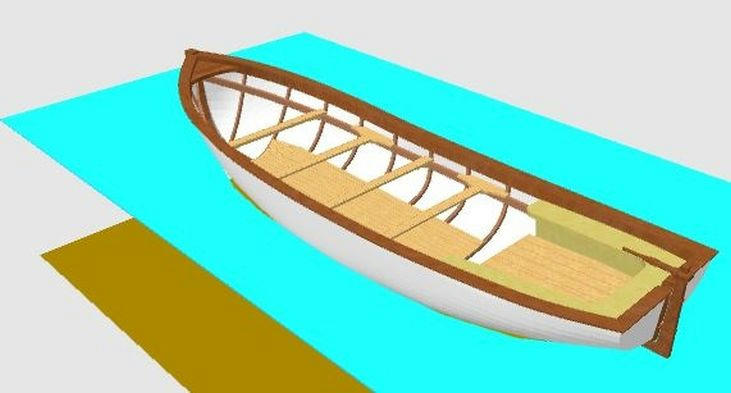
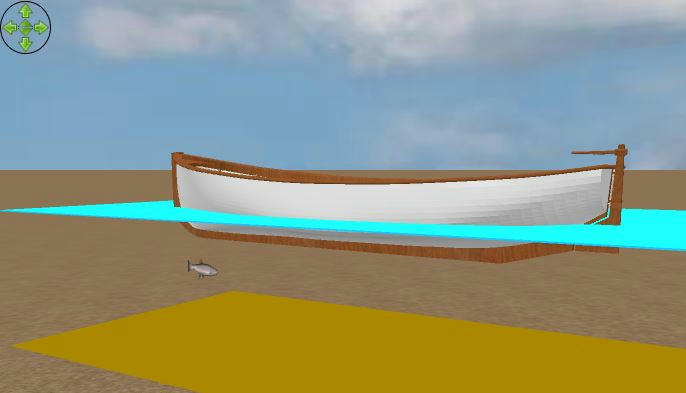
Re: Water inside the boat - how to get rid of it? After reading replies from bdfd, hansmex and Puybaret I tried to use staircaseCutOutShape# property and SVG path to create waterline-shaped cutout of boat on ‘water’ surface.Results can be seen in screen captures below. My SVG cutout is not perfect and bottom can be seen between the boat and water on right side. ![]() and from another angle ![]() SVG became familiar in some extent but my "water" (=floor) is not transparent as I want. Now Daniel presented elegant solution for transparent water. I will try that Export to OBJ and import as furniture too. Thank you Daniel (and all others)! |
|
|
Current timezone is GMT Dec 19, 2025, 6:10:43 AM |