|
Sweet Home 3D Forum » List all forums » » Forum: Sweet Home 3D bar » » » Thread: Photo rendering test |
||
| Print at Feb 2, 2026, 8:39:04 AM |
|
|
| Posted by Mike53 at Mar 16, 2019, 1:29:29 PM |
|
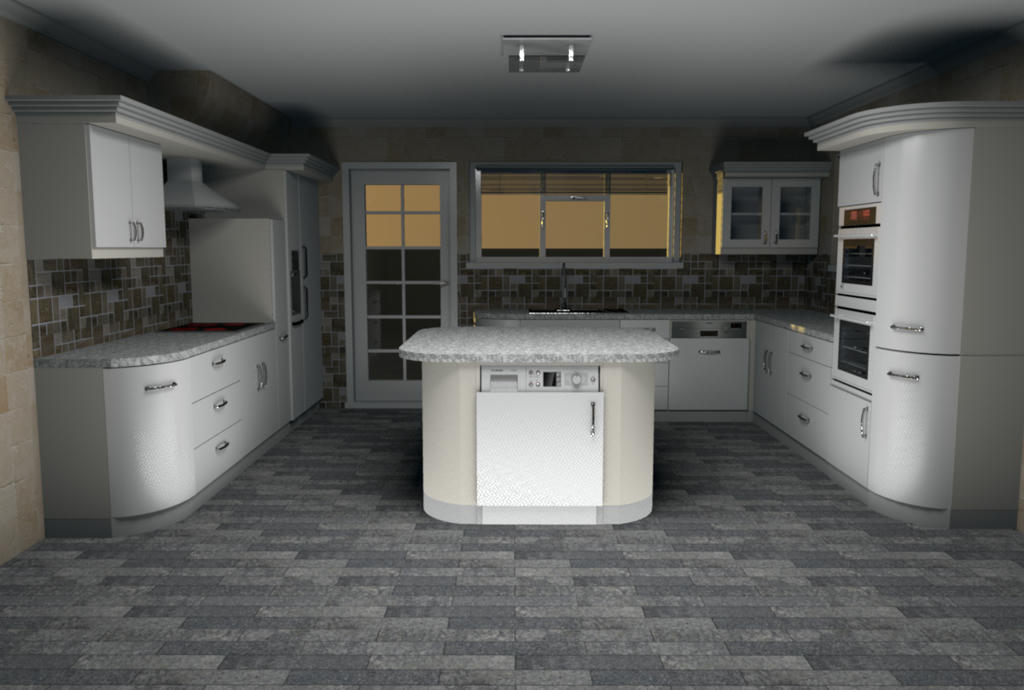
Re: Photo rendering test Ran a test render myself and found that this is quite good. For me its a bit bright at floor level and therefore casts rather heavy shadows up onto the ceiling. Adding lights at ceiling level. in this case molding level, did improve this, but that would negate the need for the ambient element. ![]() I will experiment with other combinations and inform you of my findings. Excellent work enkonyito, thankyou Mike |
| Posted by enkonyito at Mar 18, 2019, 3:21:08 AM |
|
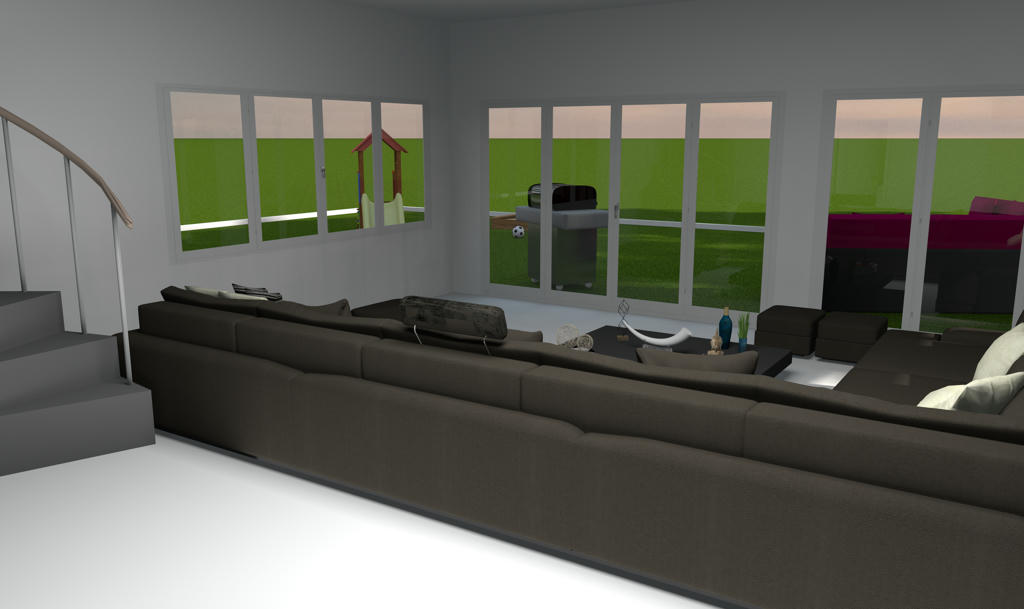
Re: Photo rendering test Hans, Mike, Thank you for your feedback! Here is a beta version with ambient lighting adjustment. ![]() Keep in mind that ambient lighting replaces the ceiling light in each room. [Note to moderator: the update of the attached file PVR-1.7betaTest2 to add a second instead of replacing the first in this post] ---------------------------------------- EnkoNyito |
| Posted by UbuntuBirdy at Mar 18, 2019, 6:00:53 AM |
|
Re: Photo rendering test ...feels like rendering-heaven! ---------------------------------------- Pascal SH3D 6.6 / Ubuntu 22.04 (Mainline-Kernel) / Radeon RX580 / Ryzen 7 5800x |
| Posted by hansmex at Mar 18, 2019, 2:47:53 PM |
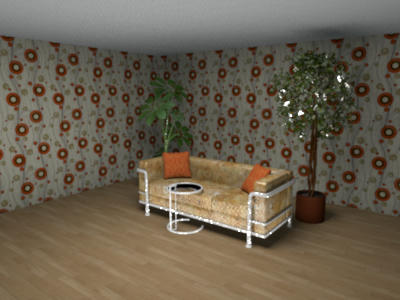
Re: Photo rendering test![]() 1 - The white line along the ceiling is now gone. It was caused because I had several versions of the plugin in the same directory. Even though I disabled the unwanted versions by renaming them, SH3D kept seeing them and offering them as possible tools. Only by completely deleting these older versions from the plugin-directory, did SH3D agree that they were gone. With that, several kinds of unwanted behaviour disappeared. 2 - It has always been my hope that someone (wink, wink, Enko) would re-program the 4 quality settings in SH3D. - Q1 is quick and dirty, comparable to current Q1 or Q2. - Q2 would be comparable to current Q3: fast and good - Q3 would be a standard, high quality rendering nearing photo-quality. If this quality setting offers additional settings, they should be self-explanatory, e.g. slider 1 = sharper-unsharper, slider 2 - brighter-dimmer, slider 3 glossy-matt, etc - Q4 would offer access to all kinds of settings for those interested in that kind of thing, comparably to what the plugin now offers, but which, for simple people like me, is far too complex to use. 3 - The current version of the plugin is very nice, the slider works well. Unfortunately there's still not enough light. The plant behind the couch is almost invisible, even though the slider is set at 100%. Thanks Enko, keep up the good work. Hans ---------------------------------------- Hans new website - under constuction hansdirkse.info |
| Posted by bdfd at Mar 19, 2019, 7:19:57 AM |
Re: Photo rendering test3 - The current version of the plugin is very nice, the slider works well. Unfortunately there's still not enough light. The plant behind the couch is almost invisible, even though the slider is set at 100%. Tottaly agreed with Hans on this 3rd point (after realized my own tests). Hans Enko, keep up the good work, I know that it's not easy. . ---------------------------------------- Evil progresses when good people do nothing! --- SH3D 7.1 and nothing else - W11 64b in 4K |
| Posted by enkonyito at Mar 21, 2019, 4:37:12 AM |
|
Re: Photo rendering test In this version, all panels have the same power but their brightness is related to their surface. It's the best I can do. Enko ---------------------------------------- EnkoNyito |
| Posted by UbuntuBirdy at Mar 21, 2019, 11:02:22 PM |
|
Re: Photo rendering test For me it works absolutely great! Together with Enhance external brightness it generates beautful results ![]() @Hans I can not agree with your point 2: the Q1-Q4 are perfect as they are, because Q3 has to have the absolute same setting as Q4 to be a "quick" preview for Q4. ---------------------------------------- Pascal SH3D 6.6 / Ubuntu 22.04 (Mainline-Kernel) / Radeon RX580 / Ryzen 7 5800x |
| Posted by hansmex at Apr 9, 2019, 2:34:58 PM |
|
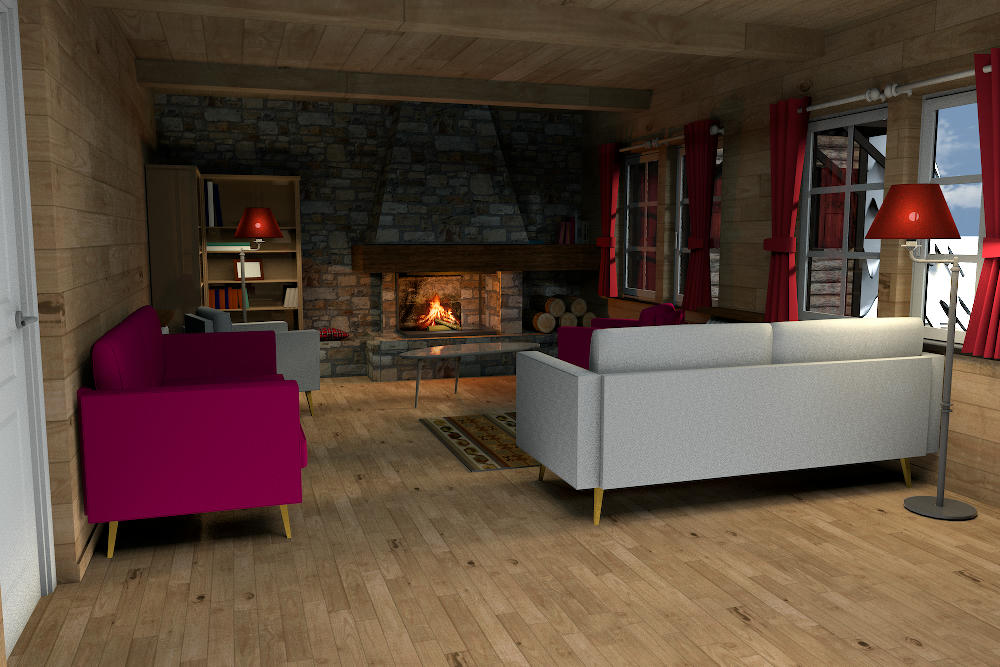
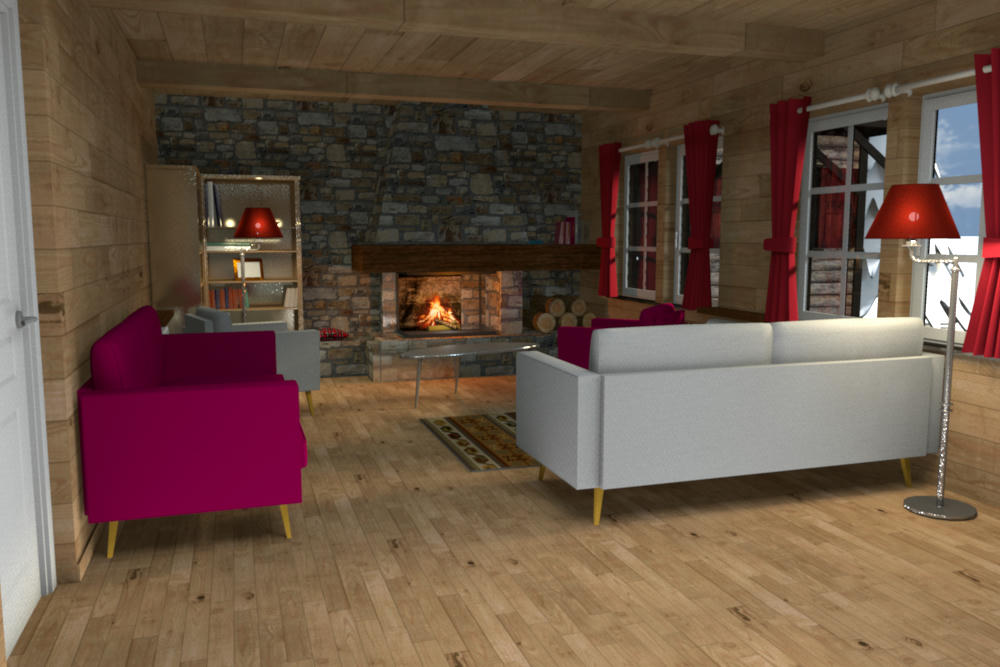
Re: Photo rendering test This is a test render with v1.7beta, settings: - Q4 - enhanced external brightness - ambient ligthing 75% - anti-aliasing min-max 2-3 - caustic photons 2 mln - shininess glossy - filter lanczos - smapler bucket (settings are from Cecilia's file in THIS post) ![]() This is a test render with v1.7beta, settings: - Q4 - default settings - enhanced external brightness - ambient ligthing 75% ![]() I prefer the second one: - it's made with standard settings - it's slightly lighter, looks a bit better. Great work, Enko! Thanks! H ---------------------------------------- Hans new website - under constuction hansdirkse.info |
| Posted by Mike53 at Apr 9, 2019, 4:32:23 PM |
|
Re: Photo rendering test Very nice results Hans, though i prefer the first, seems to have more atmosphere, how long did they take m8? |
| Posted by bdfd at Apr 9, 2019, 7:49:51 PM |
|
Re: Photo rendering test Hi Hans, Like Mike, I prefer too the first, we don't see the defaults of shineness... . ---------------------------------------- Evil progresses when good people do nothing! --- SH3D 7.1 and nothing else - W11 64b in 4K |
|
|
|
Current timezone is GMT Feb 2, 2026, 8:39:04 AM |