Print at Dec 15, 2025, 8:58:23 PM View all posts in this thread on one page
Posted by Yanoda at Jul 30, 2016, 7:22:50 PM
How to add any picture to the wall ?
Hi there :)

Is there a possibillity to put a jpg or any image file on the wall ? I don't want to fill the entire wall, just put a logo on it.

Regards

Posted by Miker777 at Jul 31, 2016, 7:26:27 PM
Re: How to add any picture to the wall ?
Hi Yanoda
Might be simplist to add the image to one of the frames already in the library the position as normal, i did similar here,
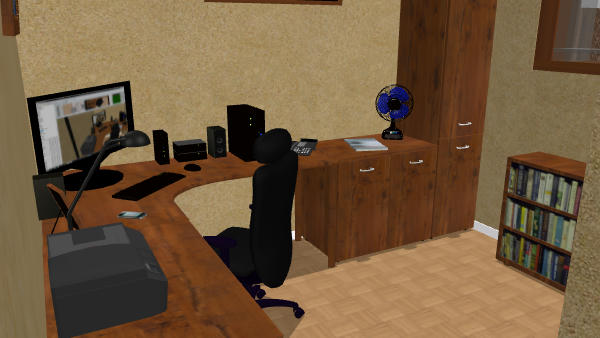
with the screen and the bookcase, i did find it easier to import both the screen and the box as objects and lie them flat to apply the image.
Hope this helps.
Mike

Posted by Puybaret at Aug 1, 2016, 12:45:22 AM
Re: How to add any picture to the wall ?
Add a box found in Miscellaneous category to your plan, change its size to make it thin and in its modification dialog box, click on Materials to change the front side with the texture of your choice.
See also this tip.
----------------------------------------
Emmanuel Puybaret, Sweet Home 3D creator

Posted by Yanoda at Aug 1, 2016, 4:59:06 PM
Re: How to add any picture to the wall ?
Thanks gays for reply.
Puybaret - it works perfectly !