|
Sweet Home 3D Forum » List all forums » » Forum: 3D problems » » » Thread: Unable to render |
|
| Print at Dec 18, 2025, 6:32:17 AM | View all posts in this thread on one page |
| Posted by sanjoyp at Sep 28, 2010, 2:08:11 PM |
|
Unable to render Hi, I recently upgraded to 2.6 and since then have been unable to render properly. I simply get a red cross appear after about 30 seconds of the circle revolving. Can you point me towards the log files to aid debug ? Cheers S |
| Posted by Puybaret at Sep 28, 2010, 7:45:29 PM |
|
Re: Unable to render The red cross generally appears when there's problem of memory. I guess you're trying to render a project that contains trees at the second quality level. It miserably fails in that case. Use an other quality level or... remove the trees. ---------------------------------------- Emmanuel Puybaret, Sweet Home 3D creator |
| Posted by sanjoyp at Sep 29, 2010, 3:11:00 PM |
|
Re: Unable to render You are indeed the man, fixed in an instant. Thank you. |
| Posted by sanjoyp at Sep 29, 2010, 3:33:09 PM |
|
Re: Unable to render I am running Win 64bit Quad core with 2GB of RAM with an ATI X1950 GPU. Are there any performance tweaks I could make to suit the system betteR ? |
| Posted by sanjoyp at Oct 7, 2010, 1:33:37 AM |
|
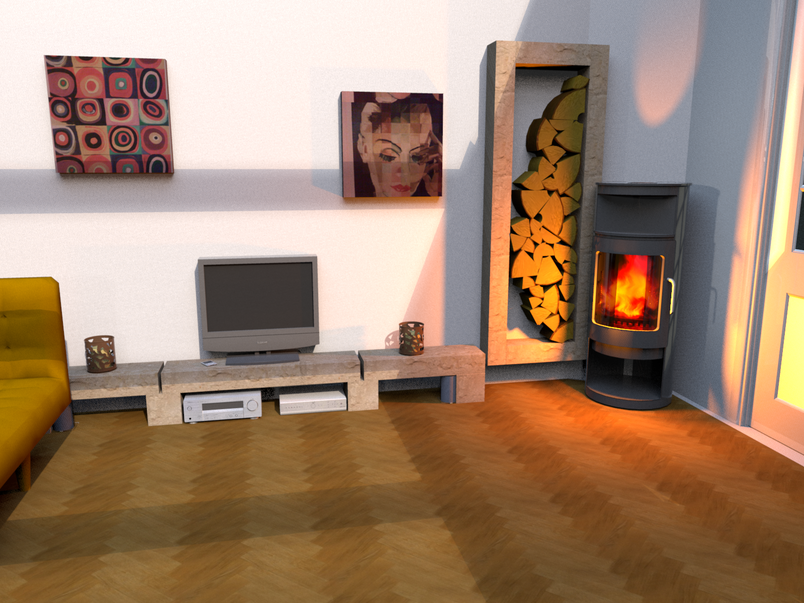
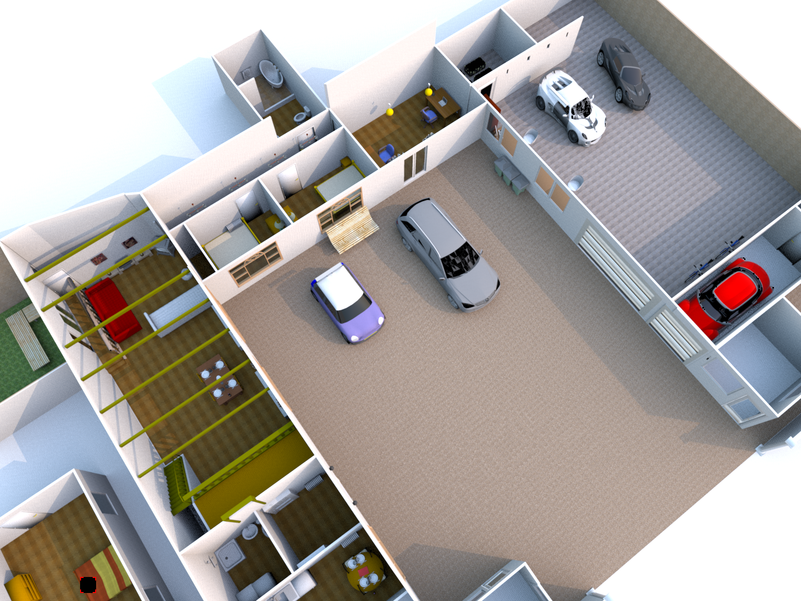
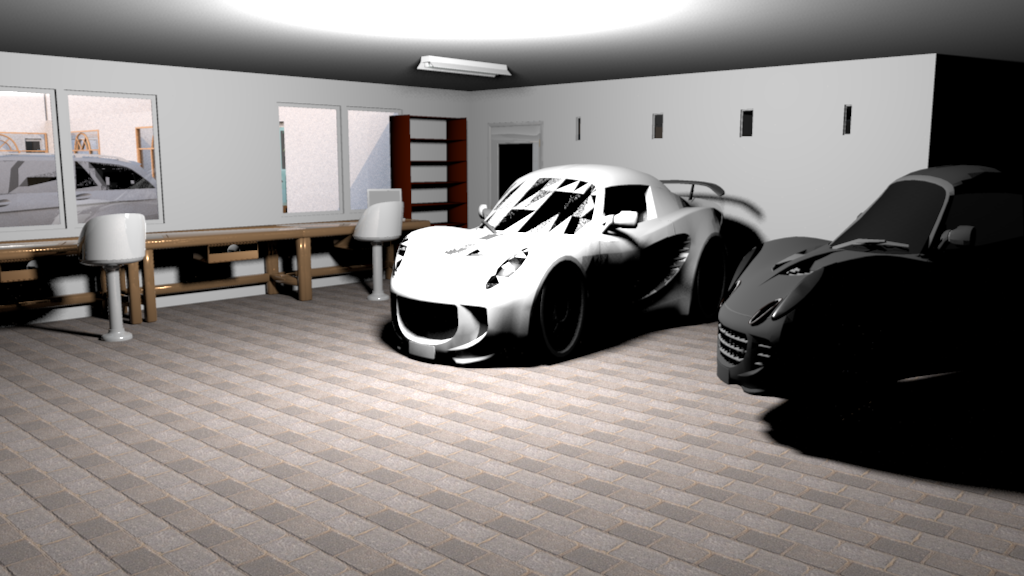
Re: Unable to render Hi back again as unable to render again getting the red cross. No trees, few more objects in there and was rendering find last night. Have removed the paintings I had made as I thought the high res jpeg textures might have caused it to no avail. I have tried rendering just a close up of the floor hoping that the other objects not in the room would be ignored to no avail. These are some of the renders from the file. Been working on the lights for this one and patience got the better of me as it would take hours and then bomb on me when rendering it, must be the cars and the reflections ? ![]() |
| Posted by sanjoyp at Oct 7, 2010, 1:38:05 AM |
|
Re: Unable to render Sorry! Windows 7 64 bit 2gb RAM Quadcore ATI Rage x1950 SH3D 3.0 beta 4 Java 6 update 21 build 1.6.0_21-b07 |
| Posted by hansmex at Oct 7, 2010, 1:56:45 AM |
|
Re: Unable to render Sanjoy, Maybe you made this model using v2.6? Then made changes in v3.0? Then made the render in v3.0? If so, the light settings from v2.6 (angle) will cause lights t obe far too strong in v3.0 (in %). If that's not the solution, consider sharing your file, so we can have a look at it. Hans ---------------------------------------- Hans new website - under constuction hansdirkse.info |
| Posted by sanjoyp at Oct 7, 2010, 3:25:35 AM |
|
Re: Unable to render Ah I did move between version on this file. I will delete and recreate all the lights and see if that helps. If part of the scene is not lit at all would the other lights still cause an issue ? |
| Posted by hansmex at Oct 7, 2010, 3:27:24 AM |
|
Re: Unable to render Sanjoy, You don't need to remove the lights. Just turn the angles to zero degrees and adjust the strength percentage. Hans ---------------------------------------- Hans new website - under constuction hansdirkse.info |
|
|
Current timezone is GMT Dec 18, 2025, 6:32:17 AM |