|
Sweet Home 3D Forum » List all forums » » Forum: 3D models and textures » » » Thread: How to use 3D models with several items? |
|
| Print at Jan 28, 2026, 5:01:52 AM | |
| Posted by Strux at Mar 18, 2025, 11:13:49 AM |
|
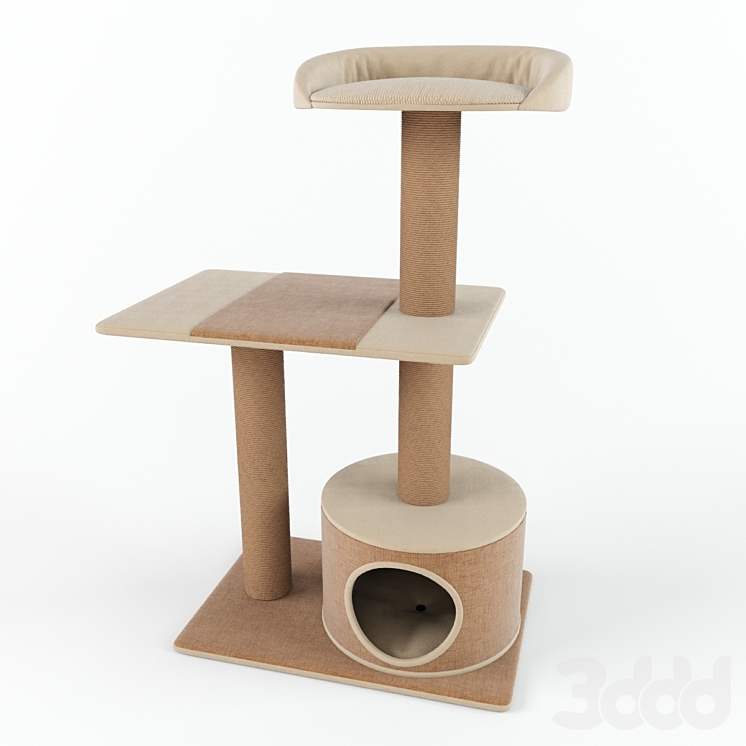
How to use 3D models with several items? Hello, I, like many others, am trying to make a 3D model of my house. At the kitchen section, i have challenges. When searching the recommended sites for 3D models, i often stumble upon models with several kitchen cabinets, doors and so forth, in one model. For example this: https://3dwarehouse.sketchup.com/model/749b98...dde3/IKEAKitchen-Cabinets How can i pick one of the items in this model and import it into my house model? Also, in my mission of being as precise as possible, i have (of course) found a lot of furniture that is not present as 3D models, for example cat furniture or other furniture that is old or very local. I have no experience with creating 3D models of any kind. Can anyone point me in the direction of the best-fitted guide for this? I see that if i search youtube for videos of creating 3d models of furniture, a whole plethora comes up with different approaches, use cases, 3D rendering programs and qualities of their result. I was hoping for a guide more specified towards users that are creating 3D models of their furniture, simply for the 3D model of their house and using 'Sweet Home 3D' - i don't know if that is asking for too much. Thanks in advance |
| Posted by Keet at Mar 18, 2025, 12:19:50 PM |
|
Re: How to use 3D models with several items? For the kitchen there are several possibilities: 1. The Sweet Home 3D catalog already has individual cabinets to create a kitchen 2. There are individual cabinets in some of the other Furniture Libraries (i.e. Scopia) 3. On my site Dodecagon.nl I offer two kitchen libraries. Import them and you can create your own kitchen. 4. You can create your own cabinets For other furniture, Very recently our friend GaudiGalopin3324 experimented with AI to create 3D models from a photo. It depends on the photo but the results are very promising. Otherwise you have to keep searching. Sweet Home 3D can import multiple different formats so you are not limited to the OBJ/MTL format. Often 3D models are available in DAE or 3DS format. Of course you can always create your own furniture. ---------------------------------------- Dodecagon.nl 1300+ 3D models, manuals, and projects |
| Posted by GaudiGalopin3324 at Mar 18, 2025, 2:21:03 PM |
|
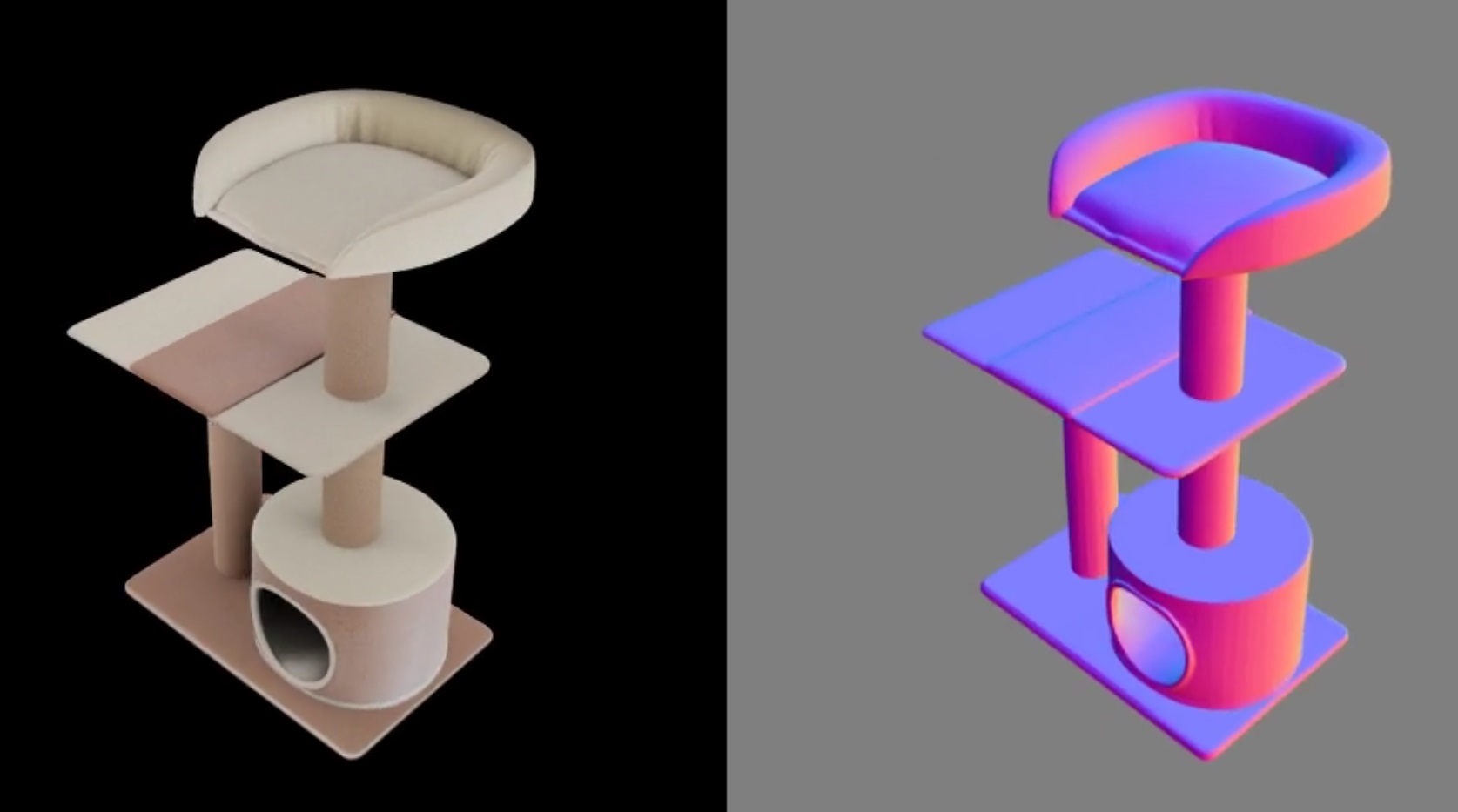
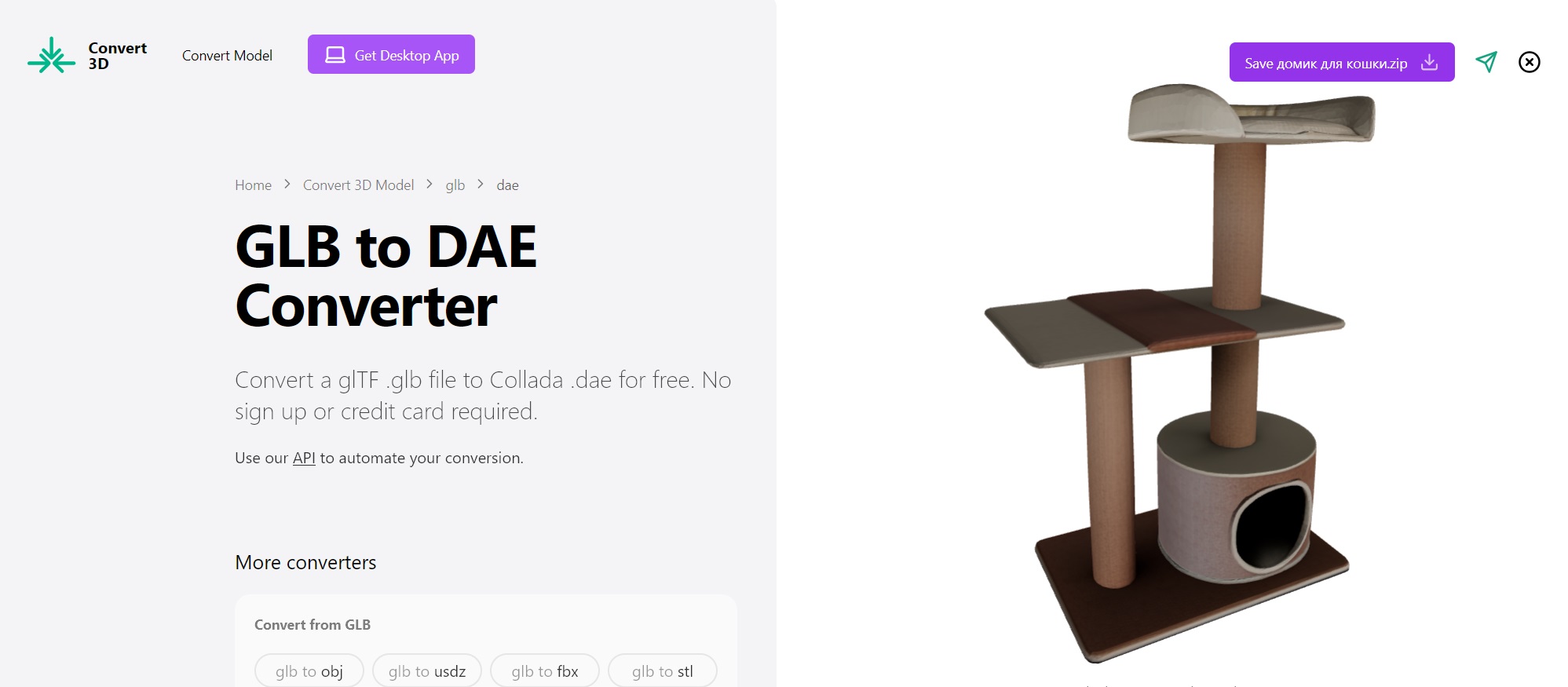
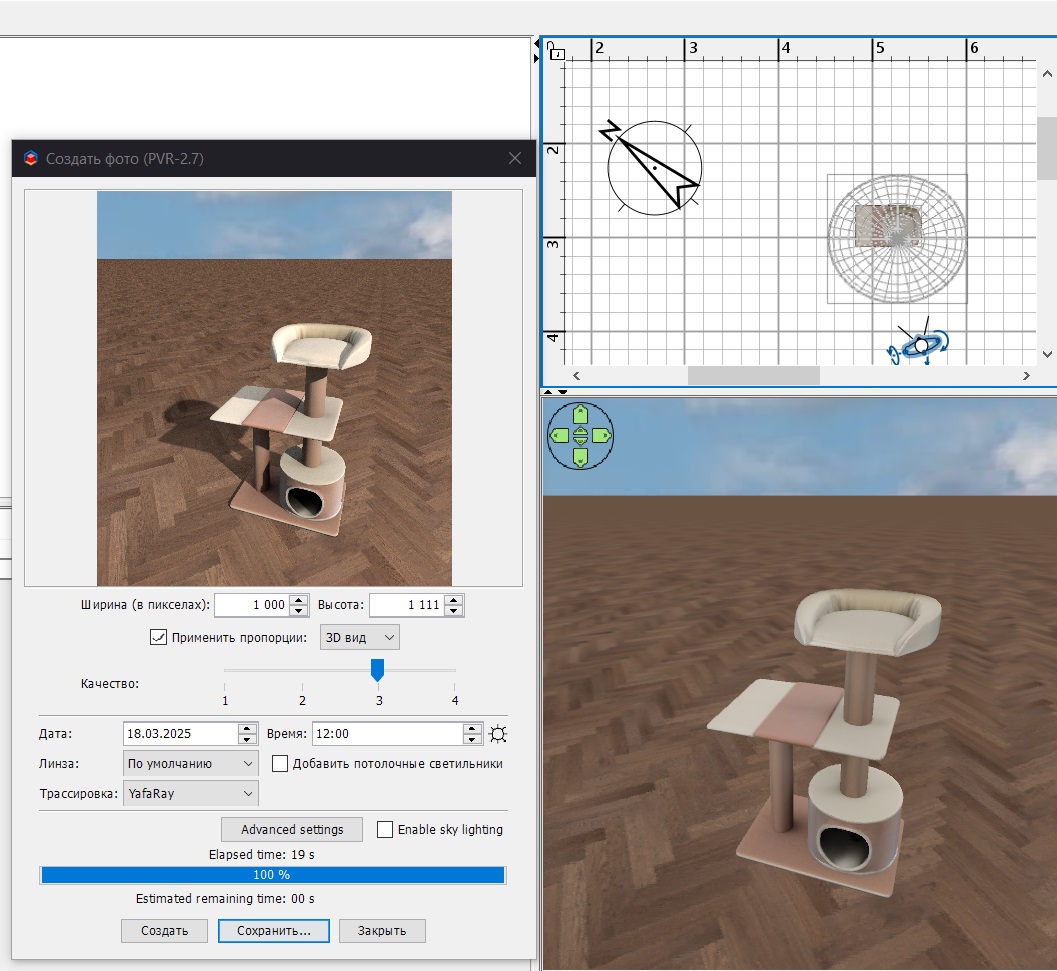
Re: How to use 3D models with several items? hi. The easiest and most effective way to create a model is by using a photo. You need to find a photo on a white background. There are usually a lot of them on sellers' websites. And now here you need to upload this photo. As a result, you will receive a GDB file that our SH3D program does not read. But there are many free converters, you need to transfer this file from GLB to DAE. This whole operation took me 6 minutes, and as a result, I have a great, very detailed model for SH3D. It's very simple! You just have to try. It took me 8 minutes from the found photo to the rendering in SH3D. The result is very good in quality. It's really very simple. |
| Posted by Strux at Mar 20, 2025, 6:53:27 AM |
|
Re: How to use 3D models with several items? Thanks for your reply! I've looked at a lot of 3D models, but some i've had trouble finding, except in these "bundled" 3D models of several cabinets, so i thought i would ask how others use them. Do you know how to and can you explain it to me? I have already imported a lot of libraries and even though they cover a lot, it's not all. Additionally, it's not only kitchen furniture, it could also be other, usually IKEA furniture, like clothes cabinets, that are part of these larger 3D models of multiple cabinets and cabinet doors. It would be a big help to know how to utilize these. I also tried creating my own, which did not go well, but with the method described from @GaudiGalopin3324 i will give it another go with some of my more unique furniture, like the cat furniture. Thanks for the tip! :) |
| Posted by GaudiGalopin3324 at Mar 20, 2025, 2:41:29 PM |
|
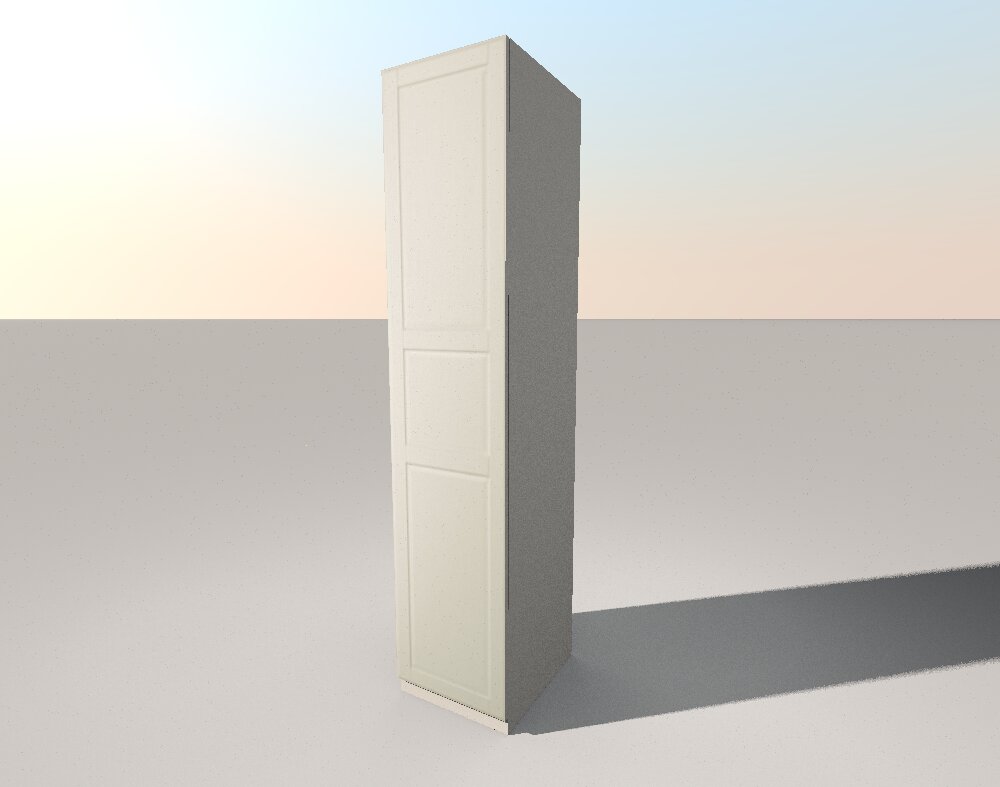
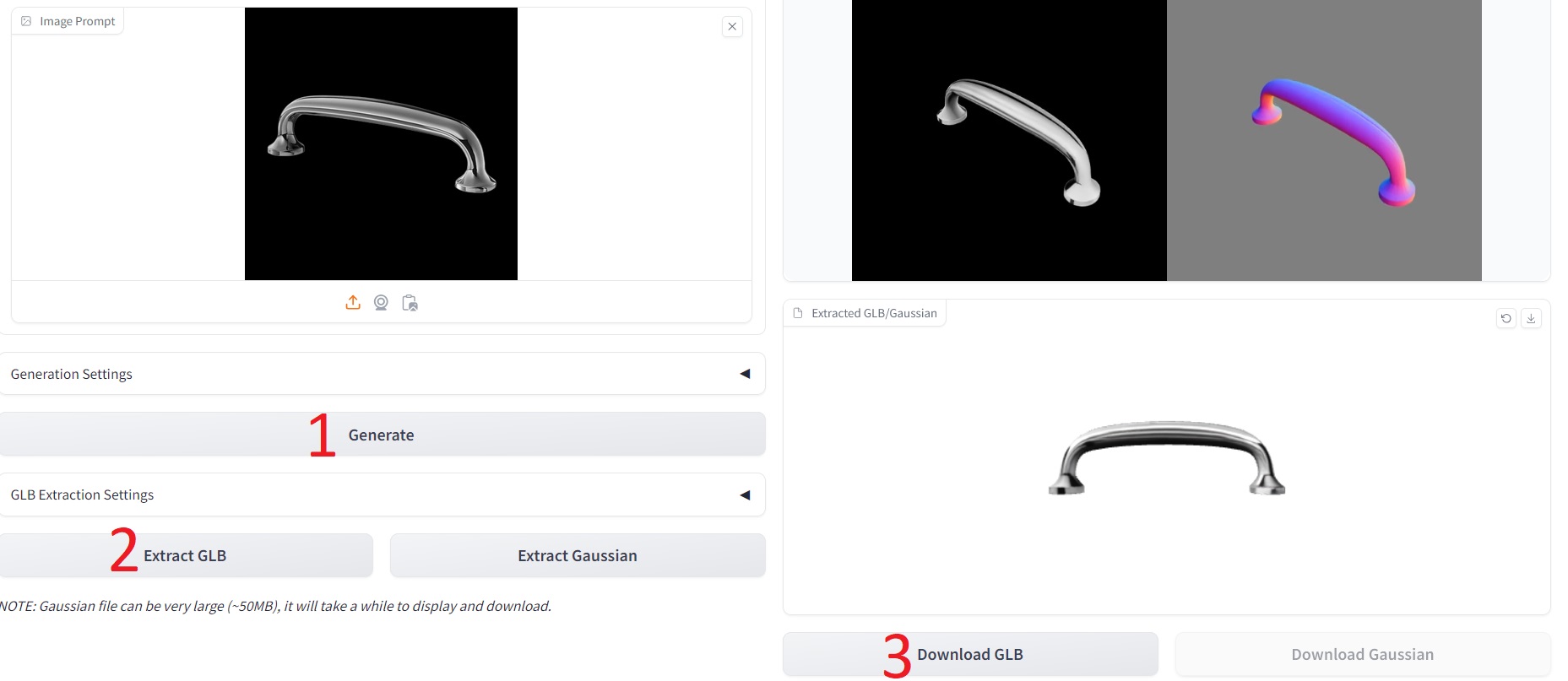
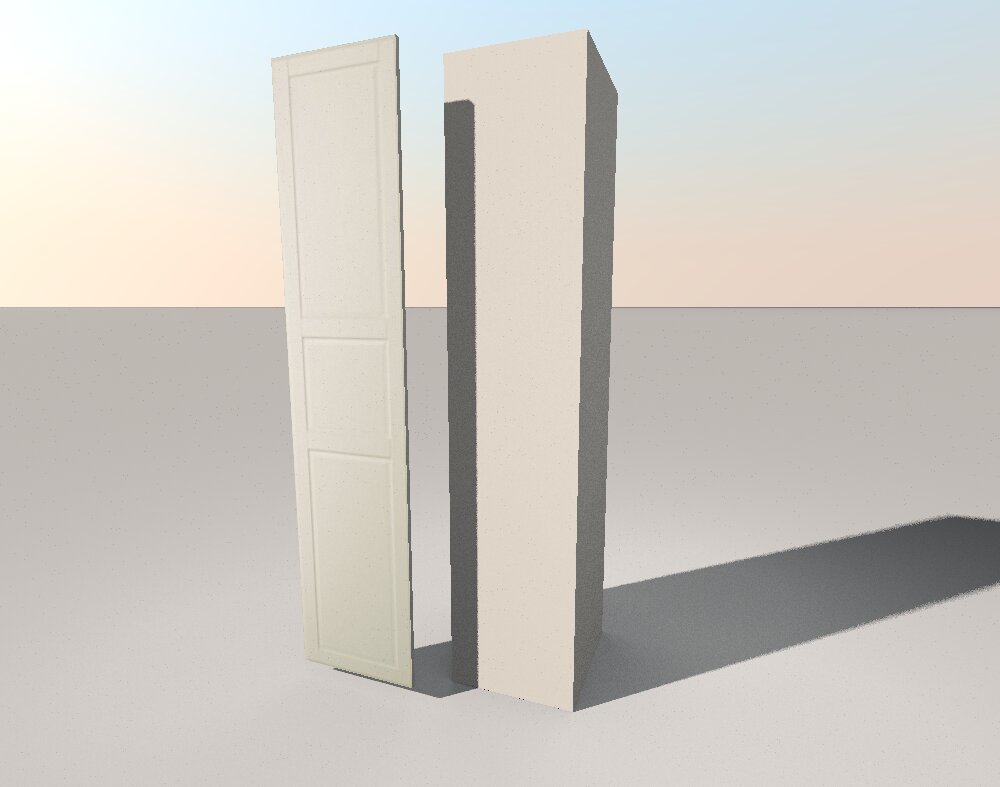
Re: How to use 3D models with several items? I do not know how to divide someone else's model into parts. But I can tell you how to make any rectangular model yourself. This is done using the "BOX" shape from the SH3D kit. There are two methods. . A very simple one and the second one is more complex. For example, you need to make an IKEA PAX cabinet. We need to study the dimensions of this cabinet. For example, the size of a case without a door is 50 cm wide, 58 cm deep, and 236 cm high. Make a box with these dimensions. Then select the type of door. For example, this one. Download the image from the front view. not from the side. Crop this image exactly along the edge in the program. I use Paint. So that only the door remains without a background. Save it as a texture in SH3D. Now you need to make a box 50 cm wide, 2 cm deep and 229 cm high. Lift this box 7 cm above the floor. On the front side of the box, stretch the texture with the image of the door, make all the sides gray. You'll end up with a closet like this. It's an easy way. The second way is to make the cabinet look like a real one, with thin walls and all the internal shelves. Then you can open the door a little and see its contents. Everything is done using boxes. A little longer. You only need to draw a dimensional diagram on paper and make this cabinet without haste. You've already spent a lot of time building a house. We spent time looking for other people's beautiful, but not quite necessary models. Now you can start making your own models. And spend your time on this job. That's my advice to you. but what about the furniture handle by the cabinet? AI will come to the rescue here. Take a photo of the desired pen from the website on a white background. Upload it to the website (see the link above, Trellis). Click in order. You will get a great pen model in an obscure GLB format. Convert it to the DAE format. I'm using This Converter here. ![]() |
| Posted by Strux at Mar 21, 2025, 11:14:27 AM |
|
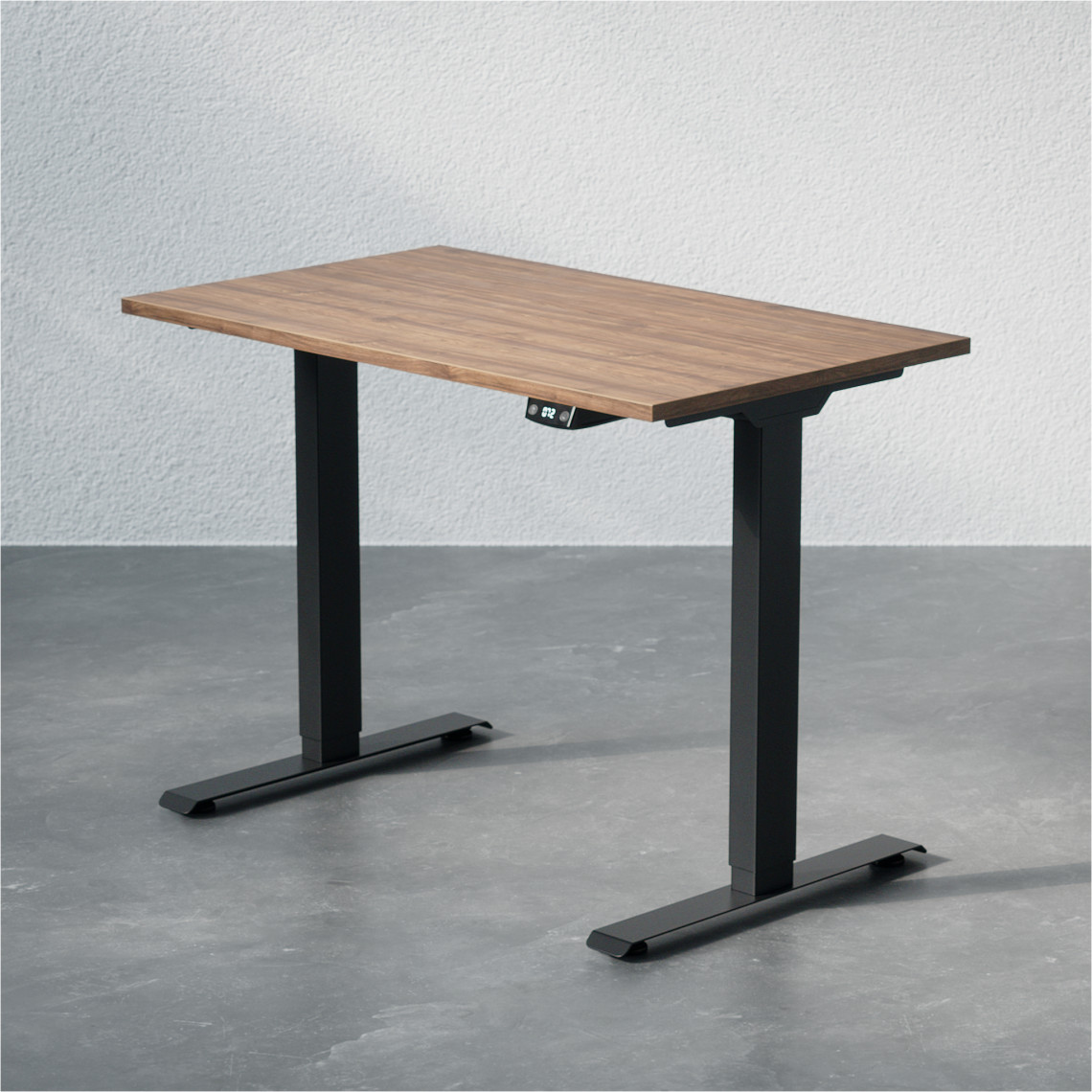
Re: How to use 3D models with several items? Hello again @GaudiGalopin3324, You have really resparked my interest and my hope to finish this project, thank you! I tried to run through your manual with pictures of a office desk from this website: https://www.dpj-workspace.com/dk/haeve-saenke.../2566-storrelse-100x60_cm Ran it through the website and got a beautiful 3D model in the correct colors and all! The only thing is the legs, specifically the feet of the legs, where it has taken some of the background with it, it seems. I also converted it with a free online converter and got a zip file. When unzipping the file and then uploading the .dae file, i got an error, but when i uploaded the whole zip file i got a success. However... There are no colors on the model. Do you know what went wrong? I was hoping that i could fix it by modifying the materials of the model, and providing the tabletop with one color and the frame with another, but the whole model is one piece. Can you help me proceed with this? |
| Posted by Strux at Mar 21, 2025, 11:16:51 AM |
|
Re: How to use 3D models with several items? It seems something went wrong with my second picture, here it is: ![]() |
| Posted by GaudiGalopin3324 at Mar 21, 2025, 12:51:09 PM |
|
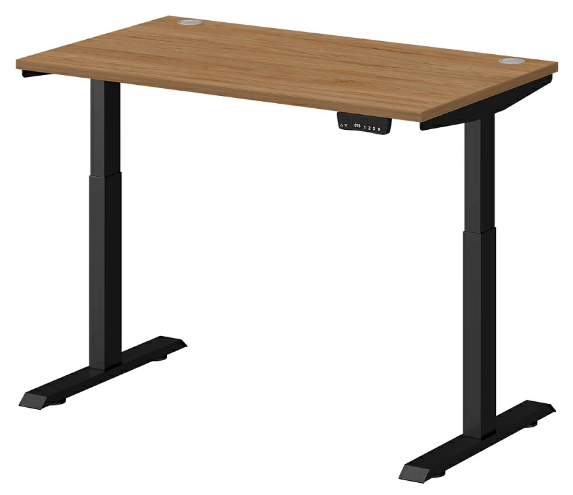
Re: How to use 3D models with several items? hi. Great, everything is starting to work out! The first condition for success is to find a picture on a white background, if the background is mottled or uneven, then the AI will not be able to cope. I found this table on a white background by searching. It will be better with this picture. In order for the color to appear on the model in the program after downloading the ZIP archive, you need to slightly shift the runners in the gloss line in the texture settings, a little. The color will appear immediately. ![]() |
| Posted by GaudiGalopin3324 at Mar 21, 2025, 1:00:20 PM |
|
Re: How to use 3D models with several items? Table look at this option, it's a ZIP. Slightly shift the texture setting towards the gloss. |
| Posted by Strux at Mar 28, 2025, 7:16:40 AM |
|
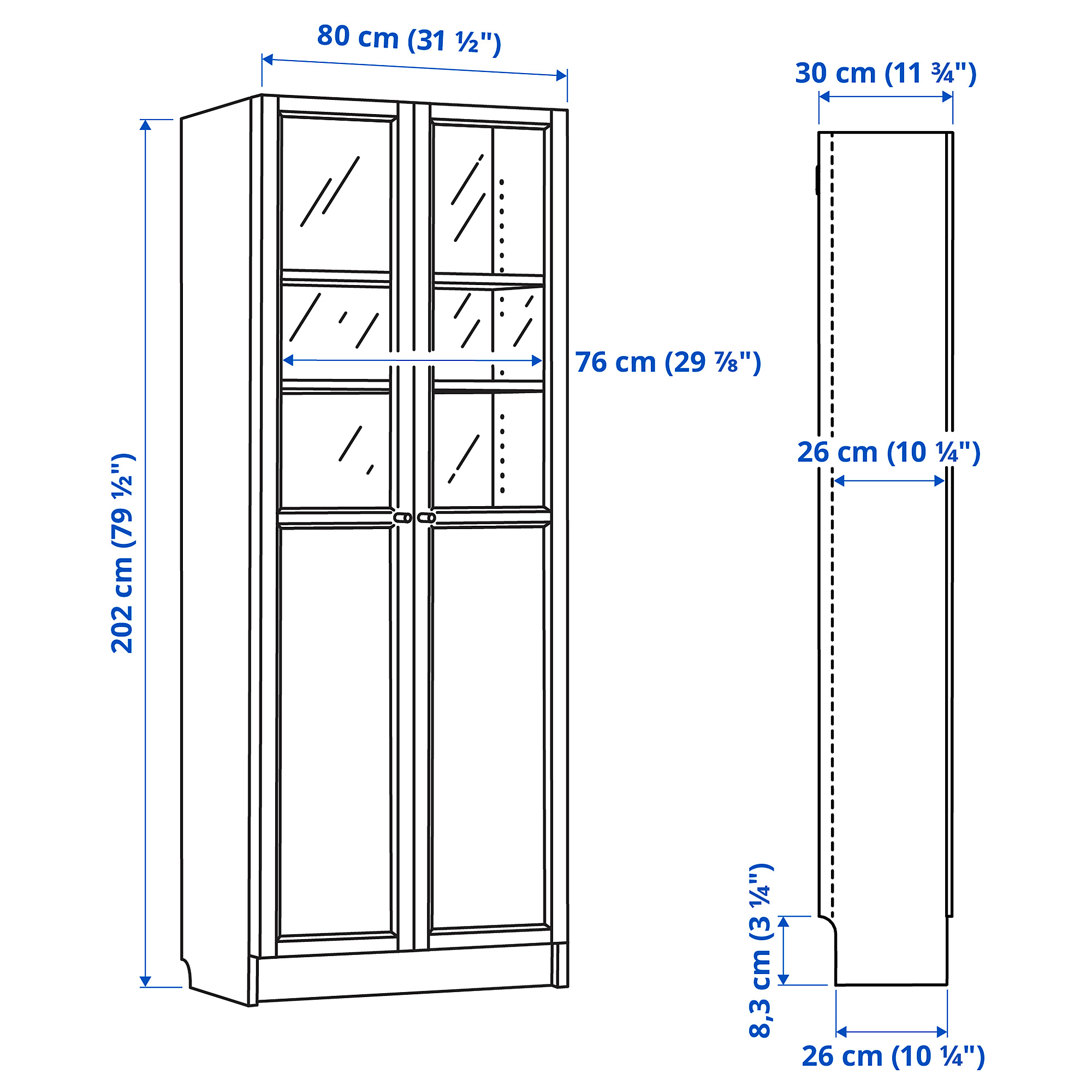
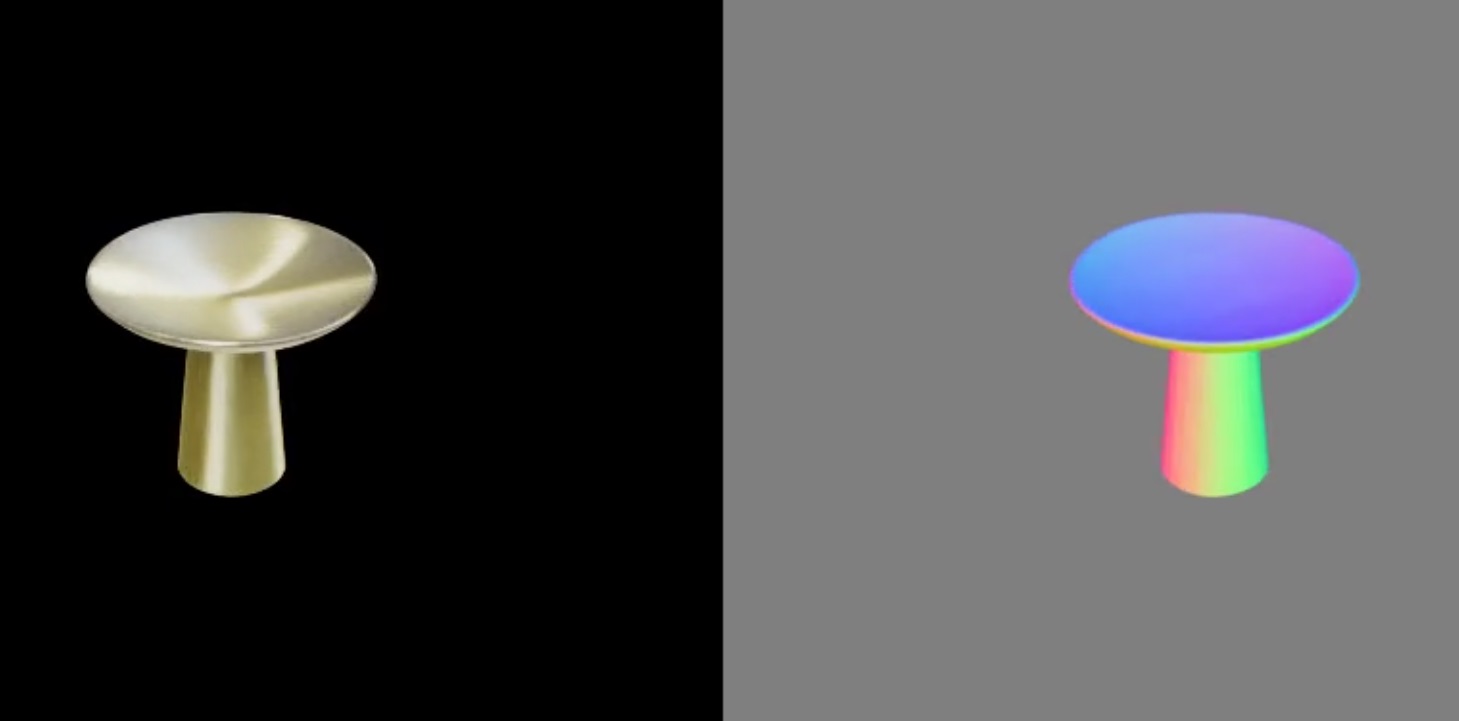
Re: How to use 3D models with several items? Hello again @GaudiGalopin3324, Thank you very much for your wisdom, your time and your patience. I am very grateful. For some reason, i (SH3D) wasn't able to read your zip file, but i managed to get a good 3D model of the desk after some time. Thanks! Straight to another challenge: Like many others, i have a lot of IKEA furniture. For instance, we just bought some IKEA BILLY Bookcases. There are several versions, so i attached (hopefully correct!) a picture of the exact version. Measurements are W80xD41xH202. ![]() Now to the challenge: As you can see on the attached picture, with the furniture follows small white handles. My wife didn't want those, instead she bought golden handles. exactly these (danish website): https://copenhagenhomedesign.dk/collections/a...i-borstet-massiv-messing# the 30 mm kind. I have also attached a picture of them below. ![]() ![]() How would you change out the handle, when there is already one on the picture? Again, thank you very much for all your help |
| Posted by Keet at Mar 28, 2025, 8:21:00 AM |
|
Re: How to use 3D models with several items? That is the one main disadvantage of the models created with AI: the result is a single object with a single texture. There is little to nothing you can do to change it. You can't add deformations to open the doors and you can't change the color/texture of individual parts. But, the AI gives very accurate results and does it very fast! I see two possible solutions you can try: 1. Edit out the handles from the initial picture with an image editor before running it through the AI. If the AI doesn't add handles your problem is solved. You can run a gold handle through the AI and then add the resulting object to the the generated cabinet object for each missing handle. Export them together and import again to get a single cabinet object with your gold handles. 2. Generate the cabinet picture as is and remove the handles with Blender. You only have to flatten a few faces to remove the most of the original handles. Then add the AI generated gold handles. The gold handles should display over the texture part of the original handles. You can also try this option if the AI insists on generating a cabinet with handles. Your best hope is option 1. With option 2 there is a possibility that the cabinet texture distorts a little where you removed the original handles. ---------------------------------------- Dodecagon.nl 1300+ 3D models, manuals, and projects |
| Posted by GaudiGalopin3324 at Mar 28, 2025, 12:14:53 PM |
|
Re: How to use 3D models with several items? Hi! I want to say that AI is not an ideal tool at all today. He is also often naughty and does not want to do high-quality work. For example, my closet turned out to be completely uneven, shelves with a bend, one glass sash with a tilt and opaque. You can't idealize a stupid car here. It's better to do everything yourself. Everything that consists of rectangular elements can be made independently in SH3D. This closet, too. First you need to study the drawing of this cabinet. And make all the details from the boxes, according to the dimensions of the drawing. It will take some time, but in the end you will get a magnificent wardrobe without flaws. I made the glass out of a box and then exported it in OBJ format. In the MTL file, I added D 0.2 to all 6 groups, saved this file, and returned the modified model back to SH3D. Glued the glass to the door. I managed to make a pen with Trellis on the second attempt, the first attempt was completely unsuccessful and the AI gave me a shell of three bowls. It is necessary to treat his failures philosophically. So far, it's a stupid machine that often makes mistakes. You need to repeat it and you will get the desired result. It won't be long before this stupid car becomes a terrible unmistakable monster. There's still time to smile. And do everything yourself as soon as possible. Learn and gain mastery without AI. File Ikea Oxberg Keet, but there is a problem. If you add a pen made by AI to the model from the boxes and export-import it back, then SH3D refuses to return it as a model (although it is an OBJ). Can't read this format. I couldn't figure out what the problem was. That's what Captaincook was talking about. |
| Posted by Keet at Mar 28, 2025, 12:28:13 PM |
|
Re: How to use 3D models with several items? Keet, but there is a problem. If you add a pen made by AI to the model from the boxes and export-import it back, then SH3D refuses to return it as a model (although it is an OBJ). Can't read this format. I couldn't figure out what the problem was. That's what Captaincook was talking about. That's strange. Can you upload an example so that I can examine the obj file? If I can find what the problem is it might be possible to fix other files too.---------------------------------------- Dodecagon.nl 1300+ 3D models, manuals, and projects |
| Posted by GaudiGalopin3324 at Mar 28, 2025, 12:44:31 PM |
|
Re: How to use 3D models with several items? I couldn't bring this OBJ model back to SH3D. Earlier, I uploaded the entire SH3D file. There's this pen in DAE format that I made through AI. And all these AIDA E models (and all the others, I've tried) can't be returned back through export-import. When exporting, everything is listed as OBJ. He doesn't come back. Model Oxborn |
| Posted by GaudiGalopin3324 at Mar 28, 2025, 12:53:17 PM |
|
Re: How to use 3D models with several items? furniture handle model |
| Posted by Keet at Mar 28, 2025, 12:57:01 PM |
|
Re: How to use 3D models with several items? Your model didn't include the mtl file but I think I found part of the problem even before you uploaded this model. In the mtl file "newmtl" for the knob doesn't have a material name. Change "newmtl " to "newmtl Knob". Of course the same problem is in the obj file (g 152). The usemtl line for the knob is "usemtl ". Change that to "usemtl Knob". That still doesn't solve the problem. Blender can import the model without problem and an export from Blender can be imported in Sweet Home 3D. But that's not what we want. Export the knob from Sweet Home 3D. Change the scale of the texture to 256 because the 1024 resolution is rediculous for a small knob. You will not see the difference but it decreases the overal object size tremendously. Import the knob and use that for the cabinet. Now you can export the parts and import a complete cabinet. Apparently you have to first export/import the AI model before you can use it as a part in Sweet Home 3D. So far I didn't find what the problem is in the obj file, aside from the missing material name. Blender doesn't have a problem with it so it might be a problem in the obj importer of Sweet Home 3D. ---------------------------------------- Dodecagon.nl 1300+ 3D models, manuals, and projects |
| Posted by Keet at Mar 28, 2025, 1:19:25 PM |
|
Re: How to use 3D models with several items? The DAE file indeed can't be imported. Unfortunately my Blender can't import DAE files so I can't check if that works. So how did you get the obj/mtl file for the knob? Online converter DAE>OBJ? The knob in the project file still caused problems but after export/import of only the knob everything worked. ---------------------------------------- Dodecagon.nl 1300+ 3D models, manuals, and projects |
| Posted by GaudiGalopin3324 at Mar 28, 2025, 2:01:45 PM |
|
Re: How to use 3D models with several items? I'll tell you everything in order. First, I created a pen model based on a photo in GDB format, then converted it to DAE format. If I converted to OBJ format right away, then I had problems with the original single texture that was in GLB. This ZIP with DAE inside opens perfectly in SH3D, you just need to move the gloss slider a little bit in the texture setting, just a little bit, the texture immediately appears. Now, if I export this model from the SH3D scene as an OBJ, then this OBJ model and MTL appear on my computer. But she can't go back, SH3D won't let her in, refuses. I thought the reason might be DAE, but I couldn't convert GRB to OBJ, they were all the same color. So I settled on DAE. ![]() |
| Posted by Keet at Mar 28, 2025, 2:31:22 PM |
|
Re: How to use 3D models with several items? My Sweet Home 3D refuses to import the zip with the DAE. But if you could import it then export it as obj and import it again. Only that single model. That should work. And that re-imported model should be fine to do the rest because it is now a "Sweet Home 3D obj". ---------------------------------------- Dodecagon.nl 1300+ 3D models, manuals, and projects |
| Posted by GaudiGalopin3324 at Mar 28, 2025, 3:22:09 PM |
Re: How to use 3D models with several items?Something's not right here.. Let's simplify the task. I have created a new SH3D file, in it my ZIP (inside DAE) opens. I can export this furniture pen as an OBJ. Now the computer has both OBJ and MTL. But I can't bring it back as a new model. Now I don't understand - why can I open my ZIP with DAE, but you can't? This is not the first time I've read this, that my SH3D file opens, everything is visible there, but the ZIP itself is not read separately. But why does everything open for me? Riddle.. Knob |
| Posted by Keet at Mar 28, 2025, 3:29:26 PM |
|
Re: How to use 3D models with several items? Using your knob.sh3d file I exported the knob in the project to obj/mtl. That knob can not be imported. But after fixing the missing material names I can import it! ---------------------------------------- Dodecagon.nl 1300+ 3D models, manuals, and projects |
| Posted by GaudiGalopin3324 at Mar 28, 2025, 4:13:46 PM |
|
Re: How to use 3D models with several items? It worked!!!! However, not immediately)) From the fourth time. But it worked. Thank you very much!!! ![]() |
| Posted by Strux at Mar 29, 2025, 8:22:59 AM |
|
Re: How to use 3D models with several items? @GaudiGalopin3324: Again, thanks for all your time. What do you mean by pen? You wrote: "I managed to make a pen with Trellis on the second attempt, the first attempt was completely unsuccessful and the AI gave me a shell of three bowls" do you mean handle / knob? Did you create the billy bookcase in SH3D? I dodn't know you could create furniture in SH3D. I am very fascinated by your magnificent work and your attention to detail. Have you considered making a walkthrough video of how you create the furniture? What considerations you make and what to pay attention to? I would love to see such a video! I understand and share your fascination of - as well as your frustration of - AI. I just wanted to build a copy of my house and have found that it requires a lot of knowledge and detailed work. I hoped that Trellis could help, but between the "trial and error" method and the limitations of Trellis, i haven't had much success yet. @Keet, can you explain to me what the two of you were discussing? I'm not sure what the problem is. |
| Posted by Keet at Mar 29, 2025, 12:23:22 PM |
|
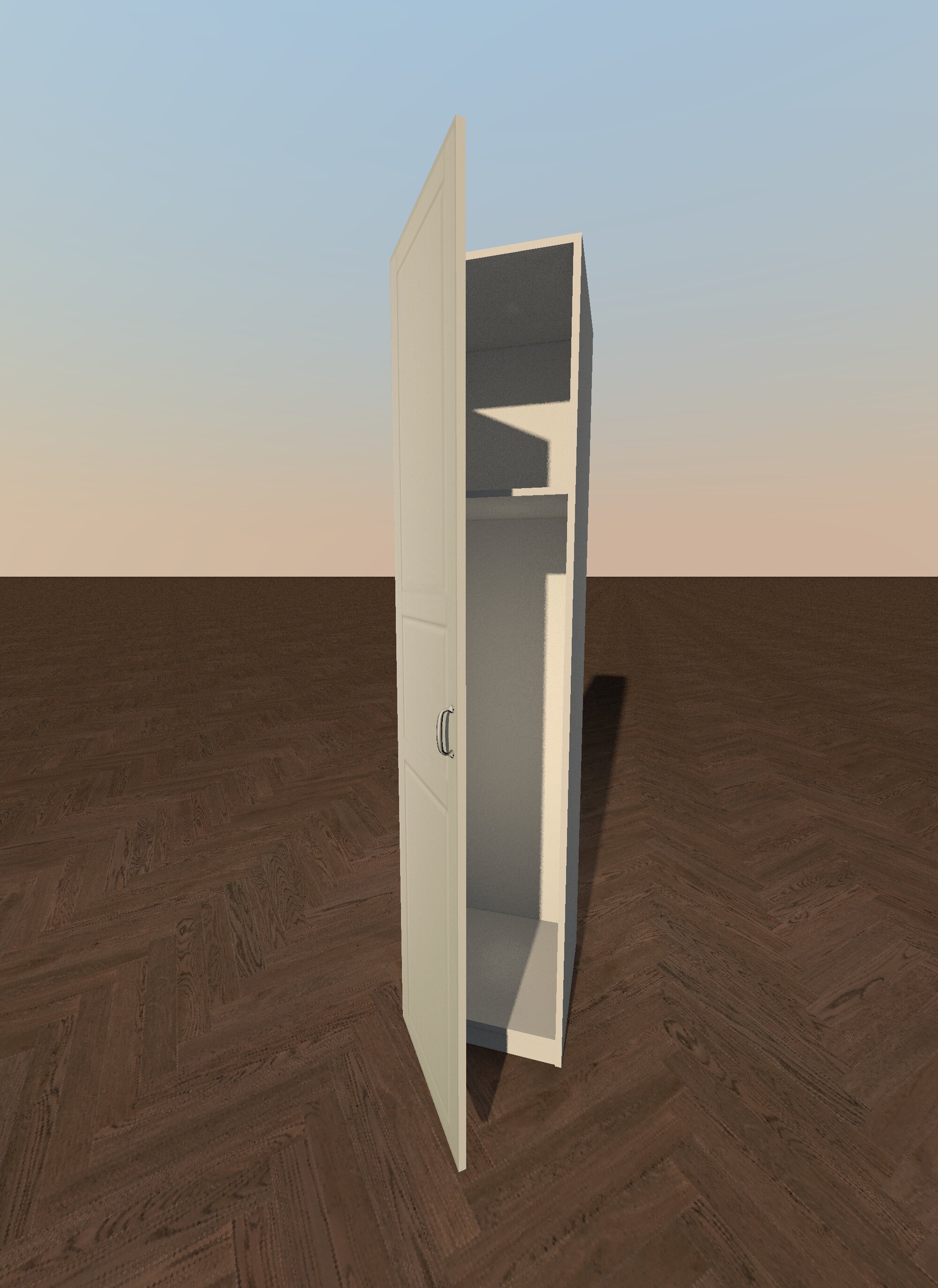
Re: How to use 3D models with several items? @Keet, can you explain to me what the two of you were discussing? I'm not sure what the problem is. Our friend GaudiGalopin used an AI to create an object of the knob. The AI creates results in the GLB file format. Only conversion to the DAE format worked correctly but Sweet Home 3D can import that too. The problem was that the DAE object was difficult to import. Once imported you can export it to the default Sweet Home 3D OBJ format. Now the problem was that the exported OBJ couldn't be imported again. I investigated the problem and it appeared that the OBJ and MTL files were missing a material name for the knob. OBJ and MTL files are plain text files so they are easy to 'read'. By manually adding the missing material name the object could be imported and added to the cabinet.Problem solved.Watch out for the next post because I will prove that you can create a much, much better Ikea Oxberg cabinet with Sweet Home 3D than any AI can do. ---------------------------------------- Dodecagon.nl 1300+ 3D models, manuals, and projects |
| Posted by Keet at Mar 29, 2025, 12:39:48 PM |
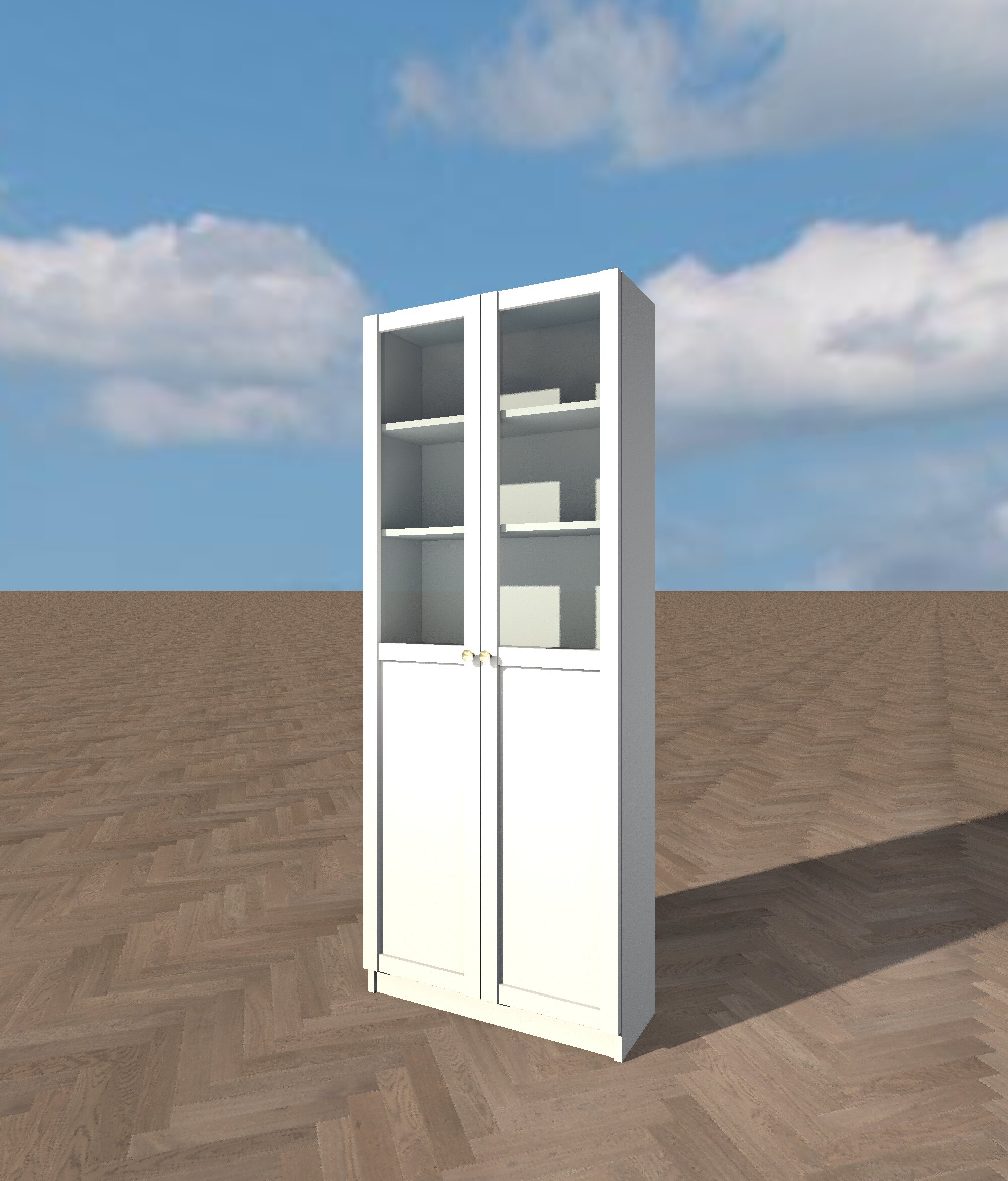
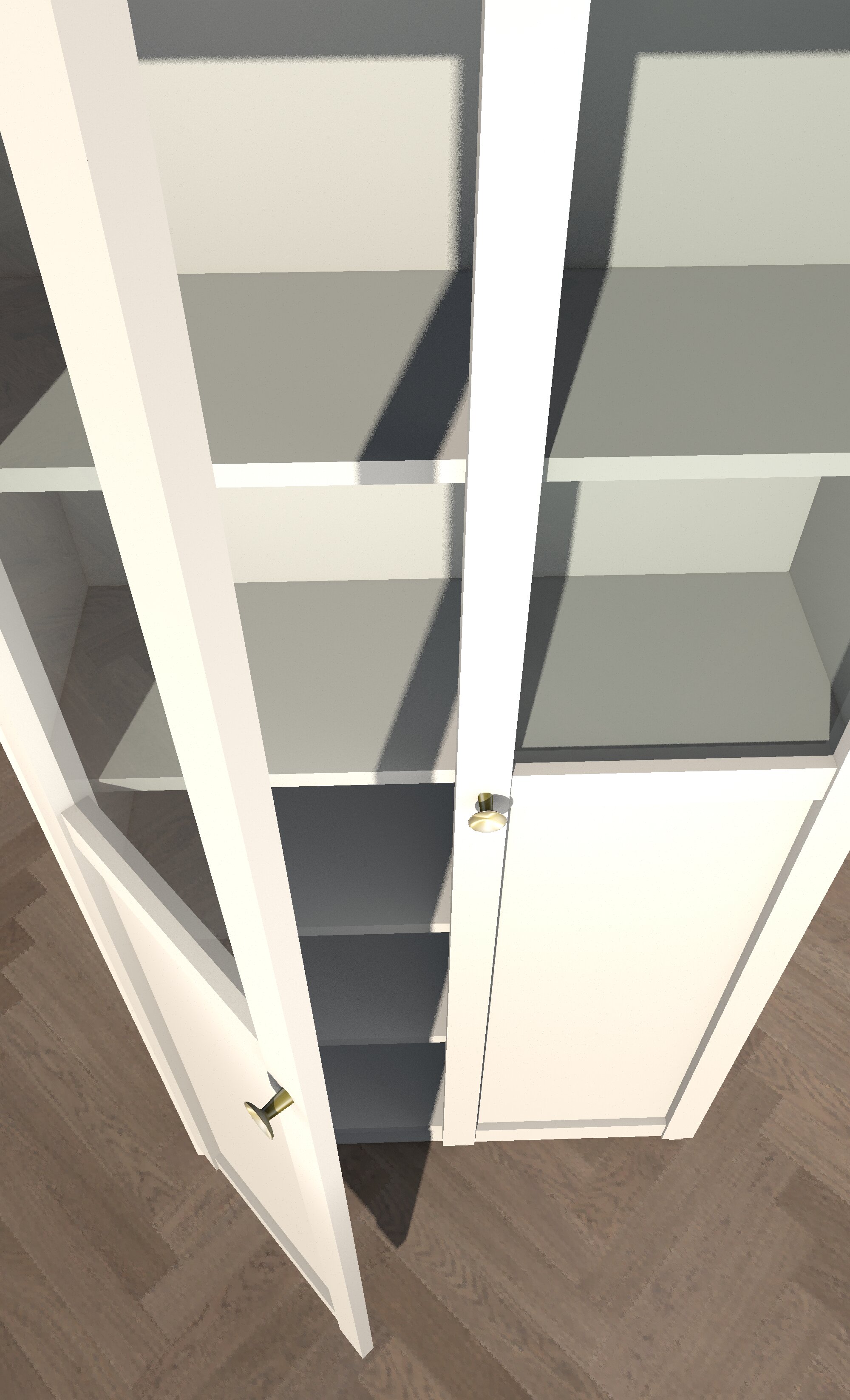
Re: How to use 3D models with several items?![]() Ikea Oxberg OffWhite Ikea Oxberg Oak The Ikea cabinet has some design flaws that are replicated in the model. For example the top of the door has little gaps that exist in the real cabinet. Except for the changed knob the complete cabinet is 100% created with Sweet Home 3d to prove that it can be done. If an original knob was used then that too could be done in Sweet Home 3D. Notice the small bevels around all sides. These are to simulate the slightly rounded edges of the real cabinet. With Blender these could be smoothed to make them really look smoothly rounded. That is on thing Sweet Home 3D unfortunately can't do. And because the model was created in Sweet Home 3D the doors can open For now the individual models can be downloaded but for future visitors: if the download of the zips fails that is because the models are integrated in the furniture model library. It will be a few weeks/months before that happens. ---------------------------------------- Dodecagon.nl 1300+ 3D models, manuals, and projects |
|
|
Current timezone is GMT Jan 28, 2026, 5:01:52 AM |