 Complex-shaped objects in SH3D, using PNG textures.
Hi. I keep saying that almost everything in SH3D can be done using only boxes. But often you need to deal with objects that have complex shapes. For example, in a kitchen design project, I need to show a tile backsplash, but the tiles aren’t rectangular and look like fish scales. Of course, with a lot of effort and time, you can create this shape in SH3D (I’ll say right away that it will be a simplified version with sharp edges—the program doesn’t allow for complex modeling), but it’s much easier to use a box and a PNG texture. To start, I found a photo of these tiles with side lighting, in the right color.
I cropped the image to the dimensions of the tile, fitted it into a rectangle, used a free graphics program to remove the unnecessary corners of the background and make them transparent, and saved the cropped tile image in PNG format.
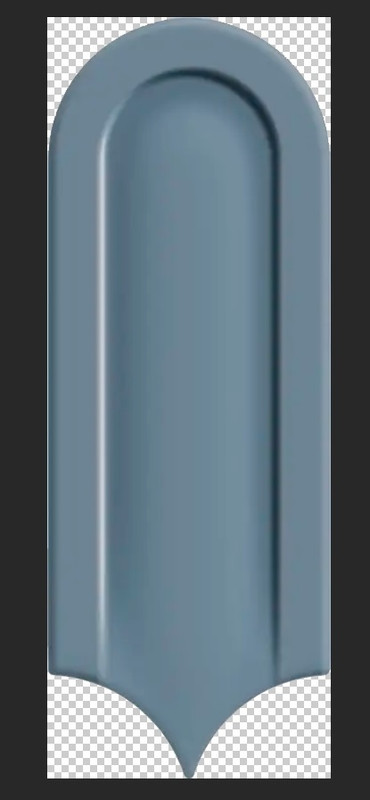
I also created two halves (the right and left sides of the same tile) to ultimately form a module consisting of a group of tiles. You need to determine right away whether the shadow on the shape in the photo is correct, and where the window or main light source is in your room, so that there is no confusion in the volumes and shadows in the render. If necessary, make a mirror copy of the textured tile in advance and edit the background on that copy.
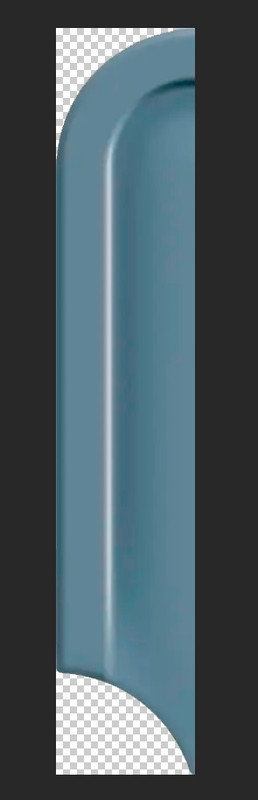
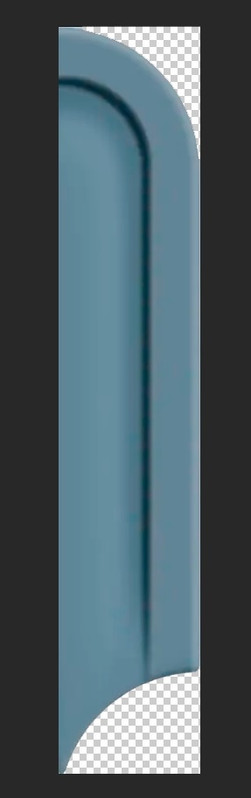
The tile size (dimensions) is 8 cm x 21 cm. I created a box with these dimensions and a height of 2 cm, placed it on the floor, and assigned a PNG texture of a single tile to the top surface; I made all other sides of the box invisible. Using the magnet tool, I grouped ten of these tiles together and aligned them at the bottom using the alignment tool (found in the Furniture column menu). I made the next row out of nine tiles and attached half-boxes on the left and right with PNG textures of half-tiles on top. I aligned everything again. And the third row is the same as the first. You need to slide these rows-groups until the edges of the tiles connect, just as they would in a real tile layout.
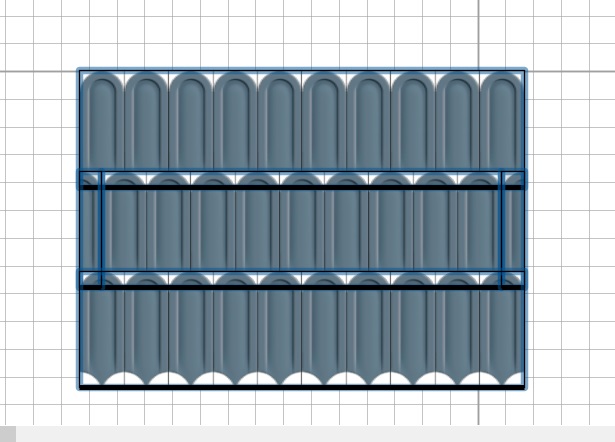
Now, here’s a very important point. The SH3D program sometimes (not always) struggles with single-layer PNG texture overlays, resulting in irregular black or white patches. This doesn’t happen every time or everywhere; there’s no clear pattern. To convert this module to OBJ format and use it on a wall, you’ll need to make several attempts, adjusting the height of the problematic tiles. For example, I made the top tier 2 cm, the second tier 1.9 cm, the side halves 1.8 cm, and the bottom tier 1.7 cm. This helps eliminate overlaps, and the conversion to OBJ format comes out clean, without errors or bugs. Once you have a high-quality OBJ model in a vertical orientation, you can connect these modules into long groups and place them on the wall without a magnet. If you use a magnet, defects may occur again; you need to slightly detach the modules from the wall plane.
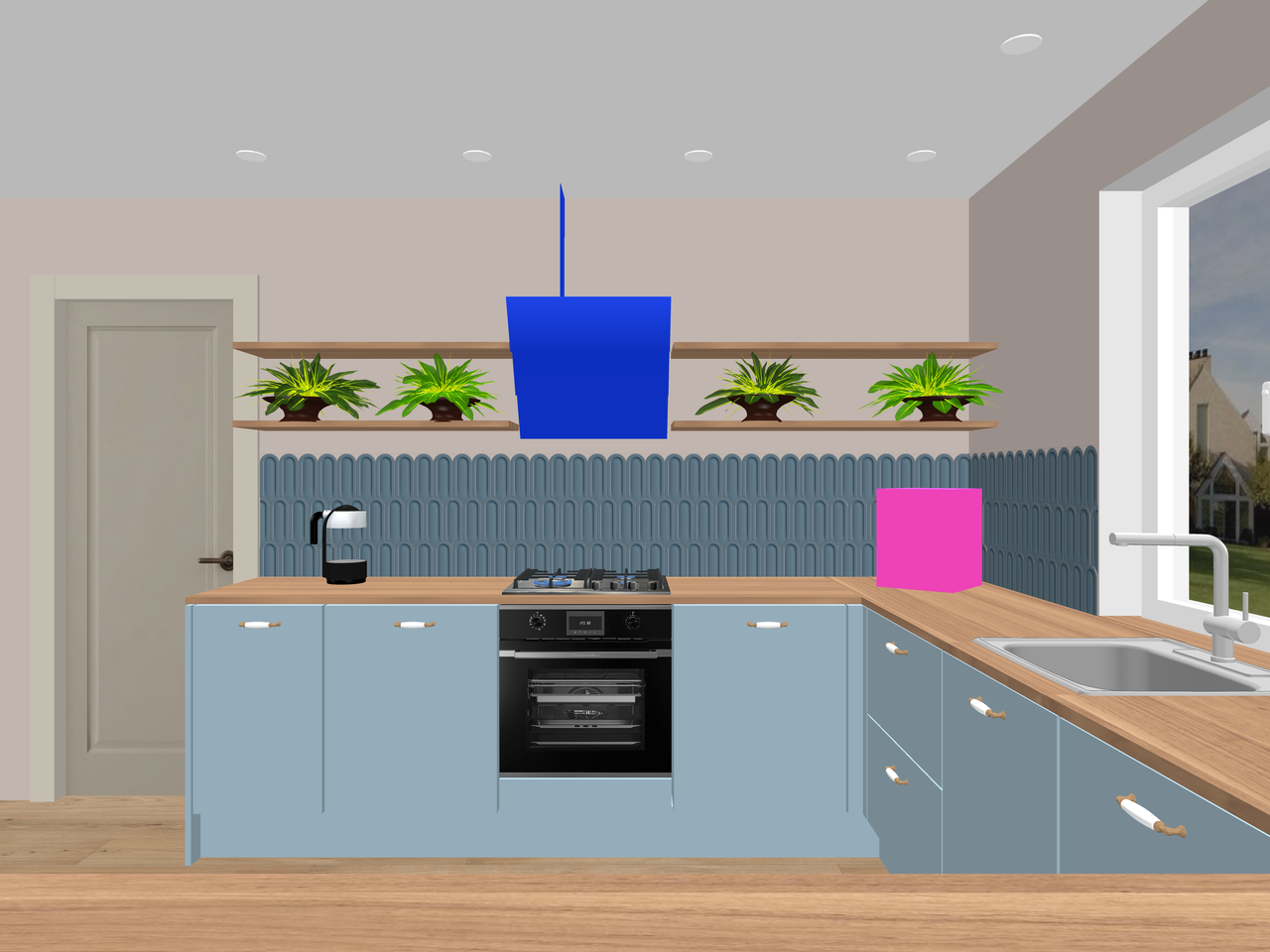
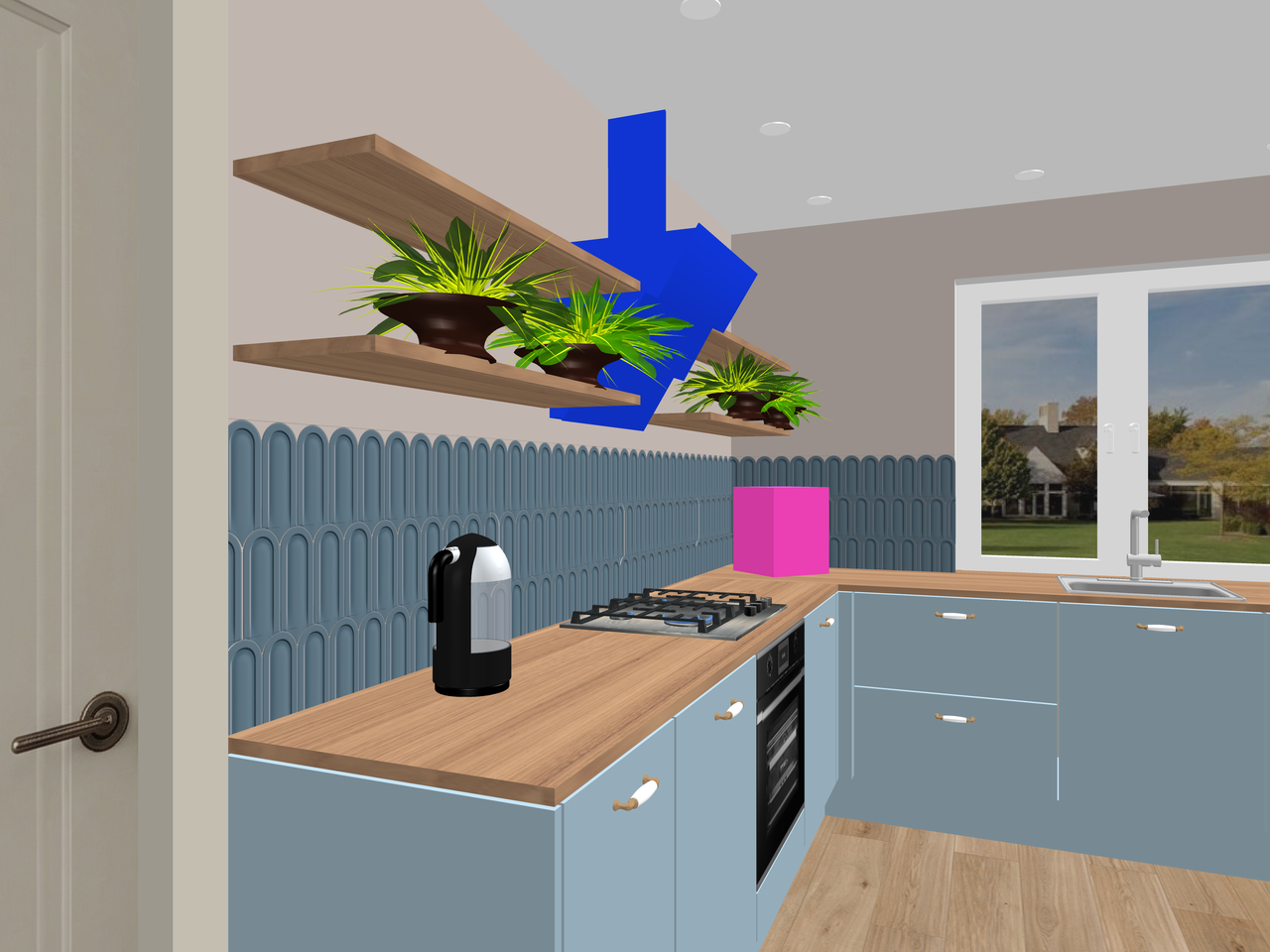
Almost everything is ready for the final render: the furniture has been fully modeled using boxes, the tiles have been laid, and there’s a model of a kettle and a gas cooktop on the countertop. I don’t have a model of the air fryer, but I have a photo; I placed a pink box of the right dimensions in its place. The AI will handle the rest later. I’ve also made the range hood bright blue for now, with a shape somewhat similar to the model I need. I have a photo of the model I need; that’s enough. In the text description, you need to specify that the tile surface is glossy. The render in SH3D will serve as the basis for further processing in AI. The quality is at the first level without lighting, with a resolution of 4000x3000 pixels.
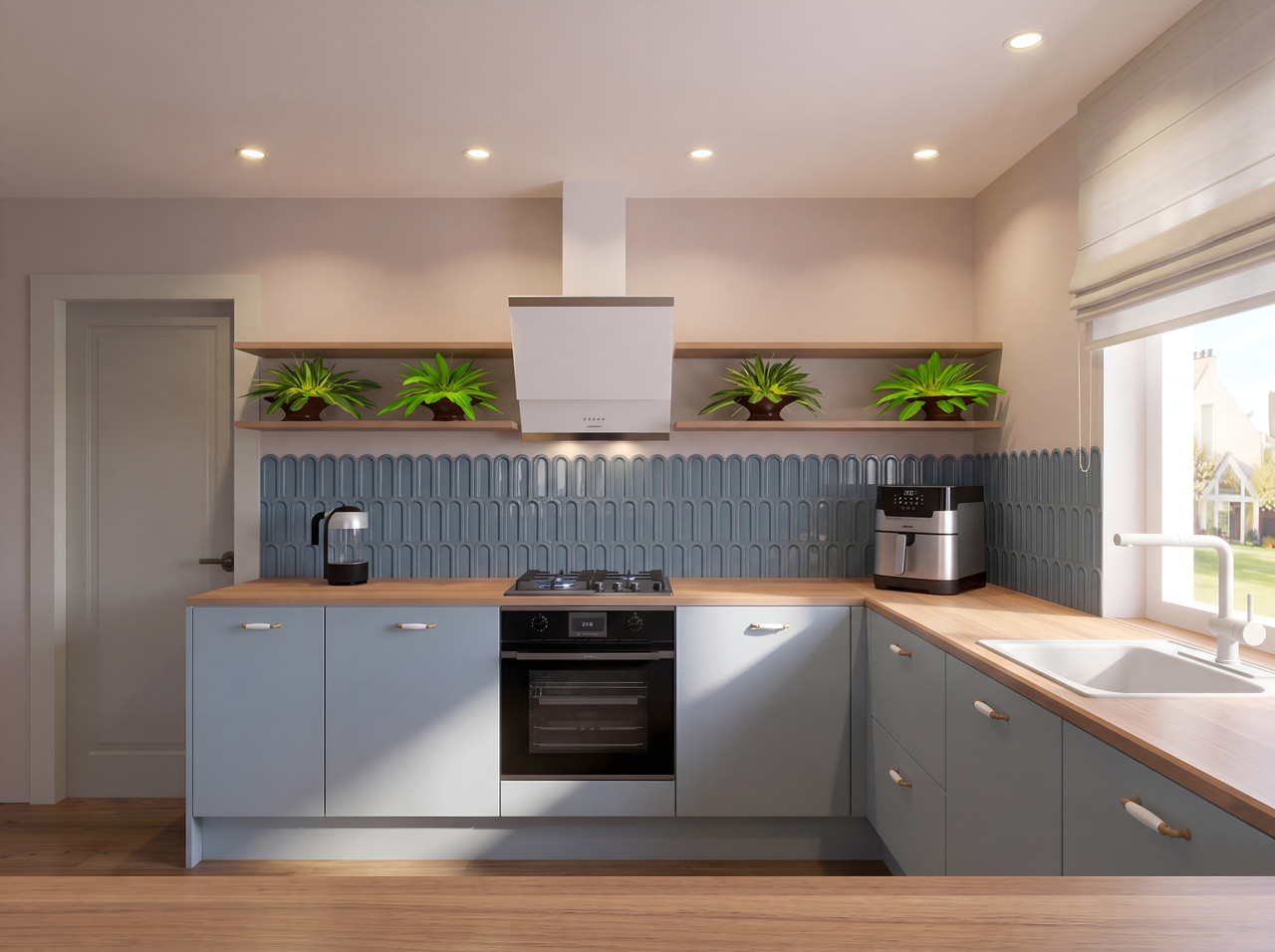
This AI-processed rendering beautifully showcases the tiles with striking highlights on their surfaces.
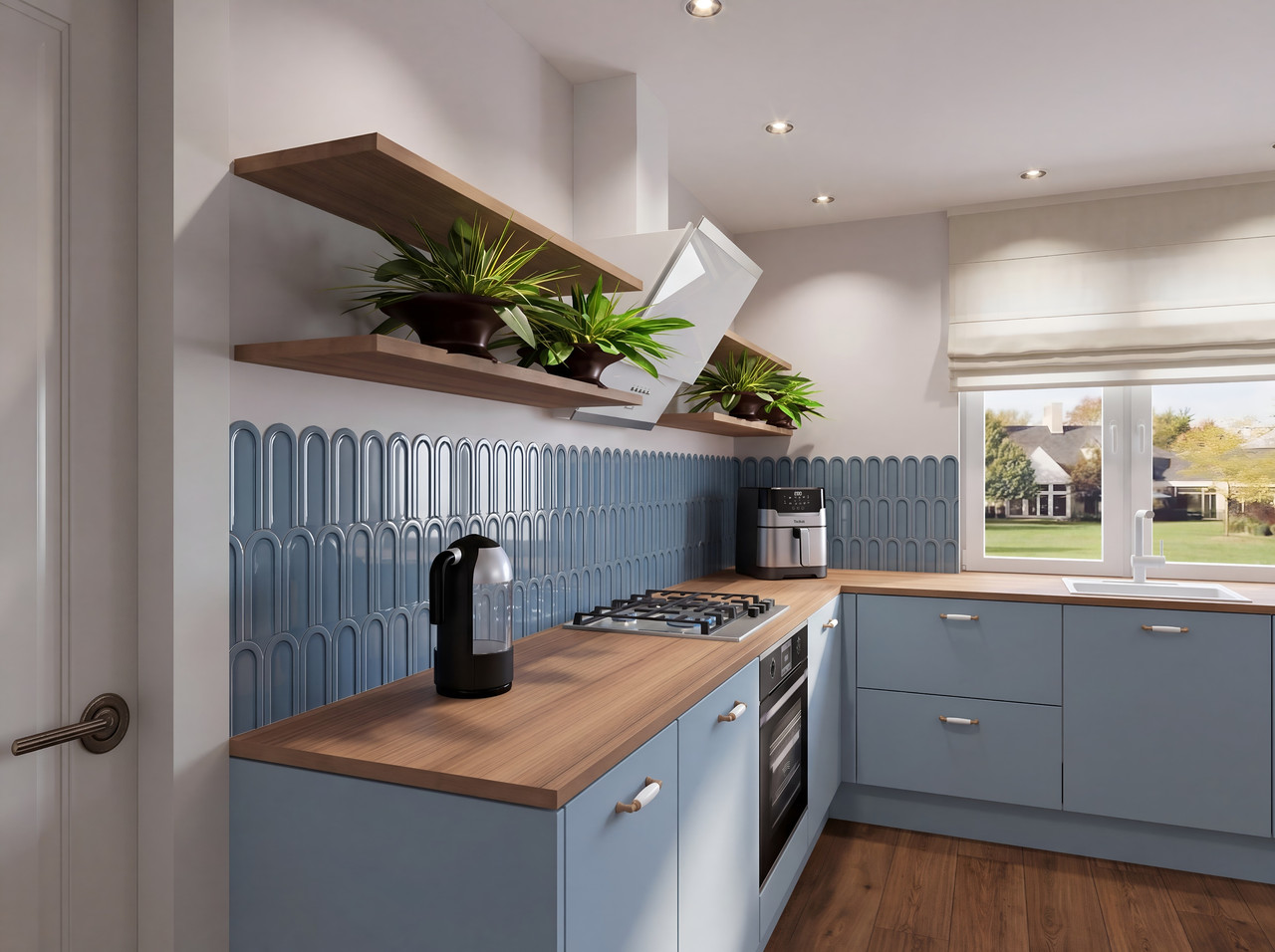
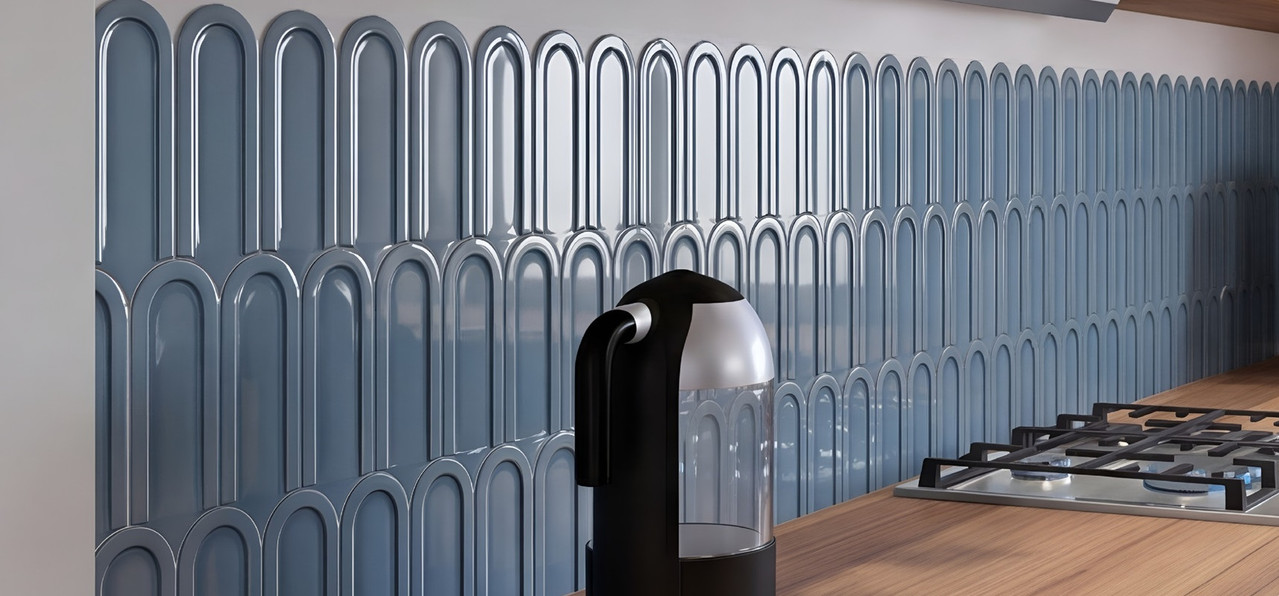
But first, everything is done in the best software available, SH3D.

