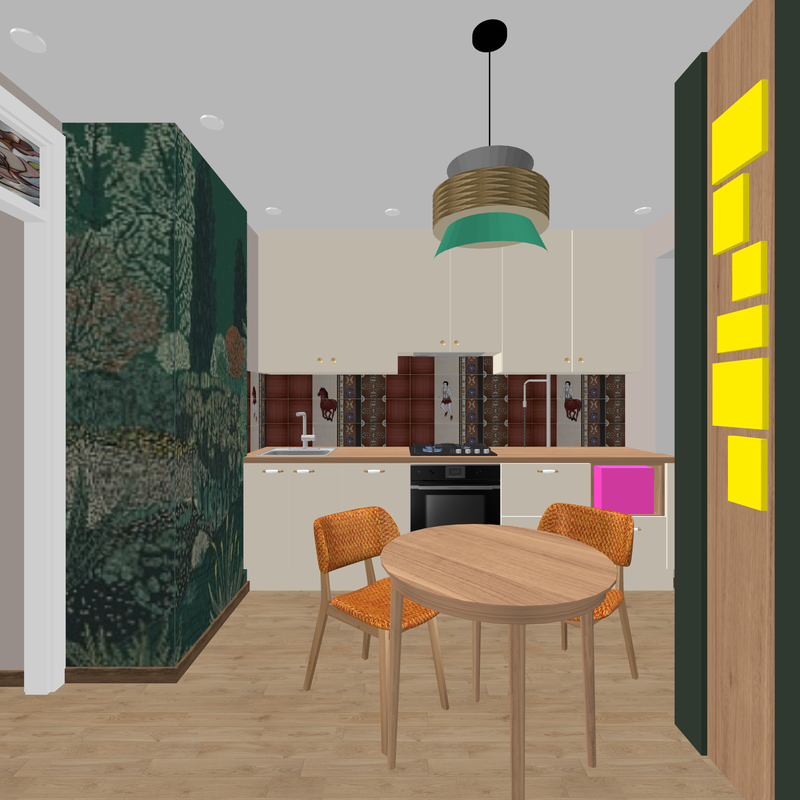
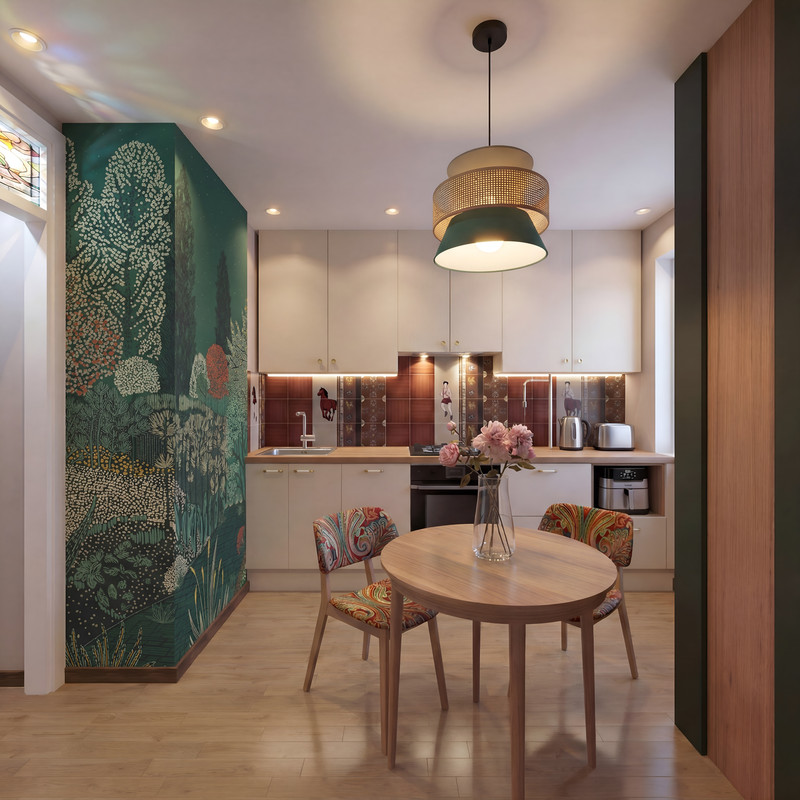
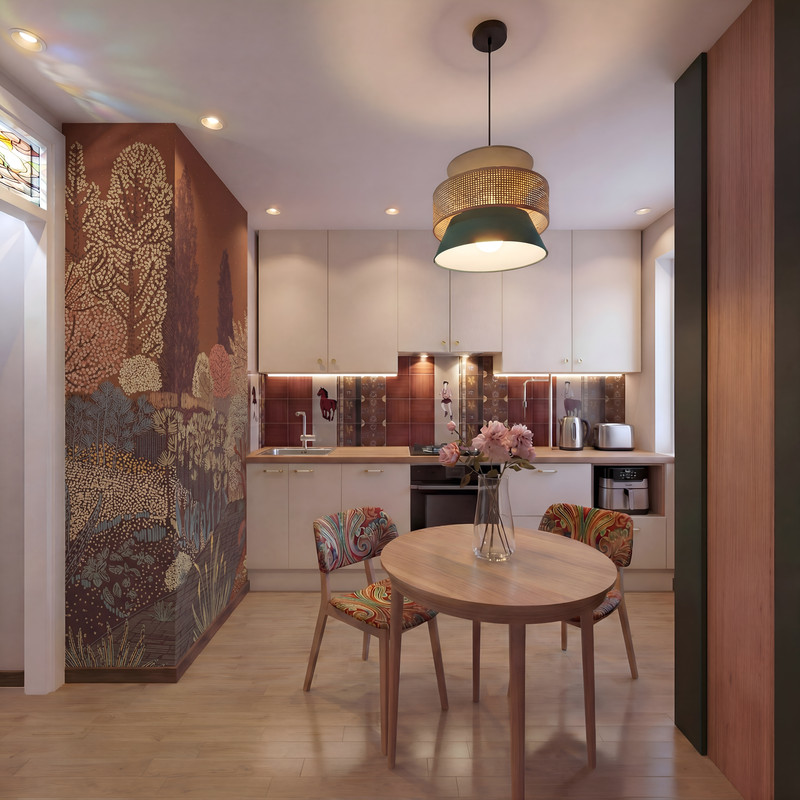
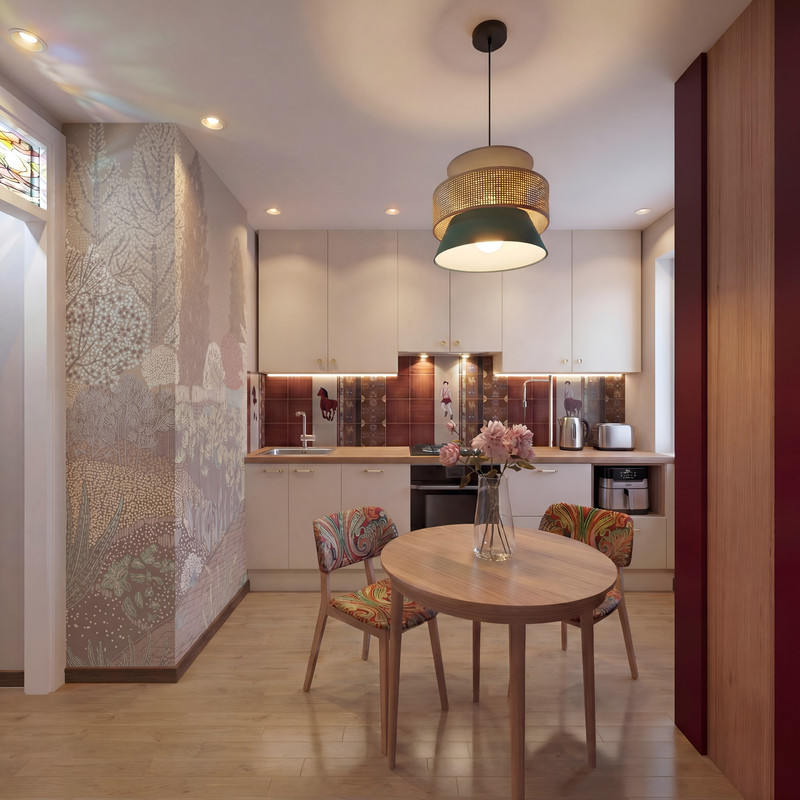
Another benefit of AI: if you need to test a complex texture on a wall in different color combinations, this is possible. First, you need to create an initial version in SH3D. For two surfaces separated by an outside corner, I always prepare two texture sections from a single piece, cutting along the wall’s corner line. This is a complex procedure that takes a lot of effort. Each section of the wall is assigned its own texture section. The result is a pattern that’s cut off at the corner of the wall, just like when you hang patterned wallpaper. Using AI, I get a realistic look like this with lighting. But here’s the thing—if you have texture options in a different color, the AI can replicate this wallpaper application with a new color scheme; you just need to ask it to combine everything. Ask firmly and without hesitation. Let it work without any fuss.
SH3D
AI
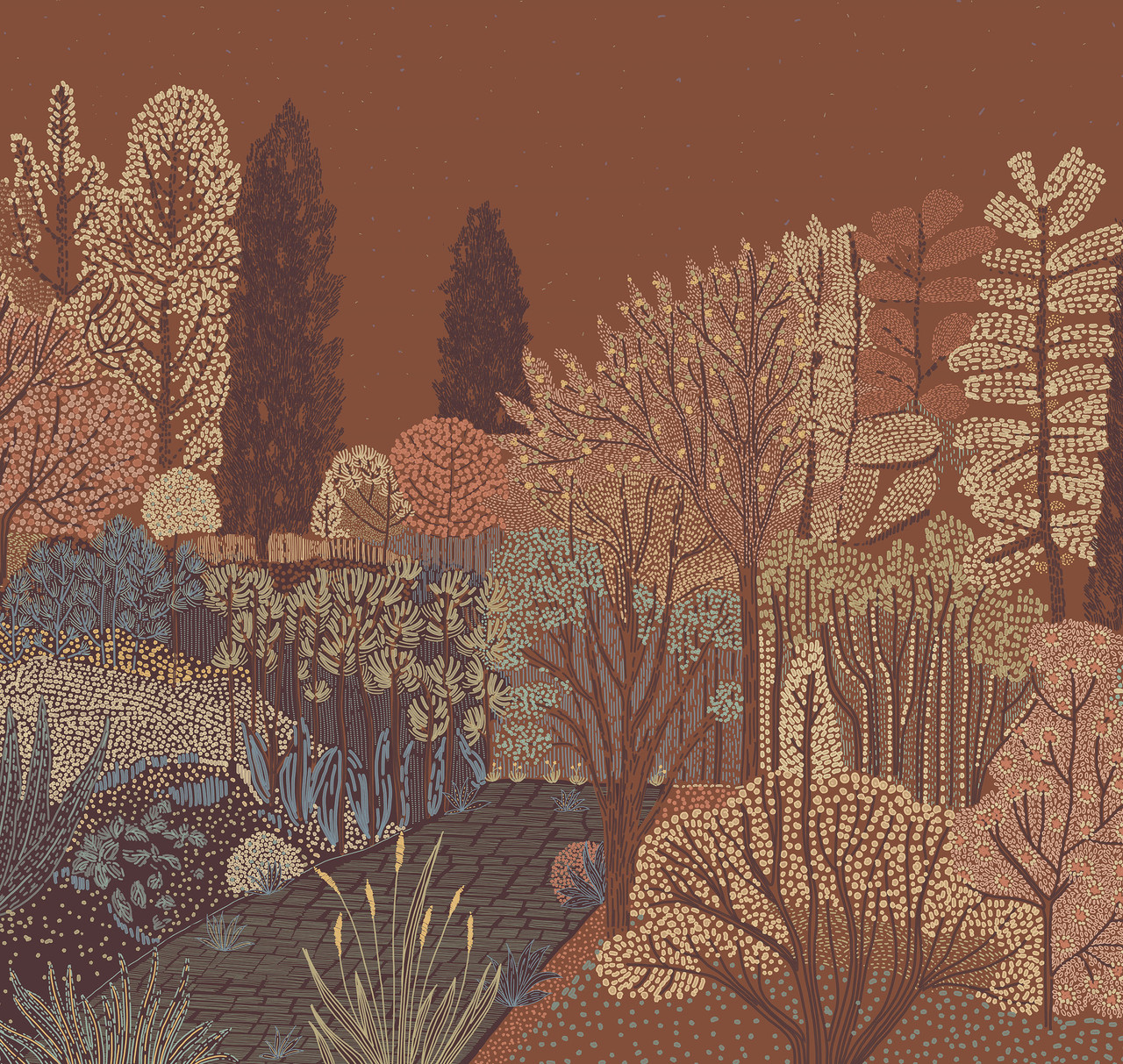
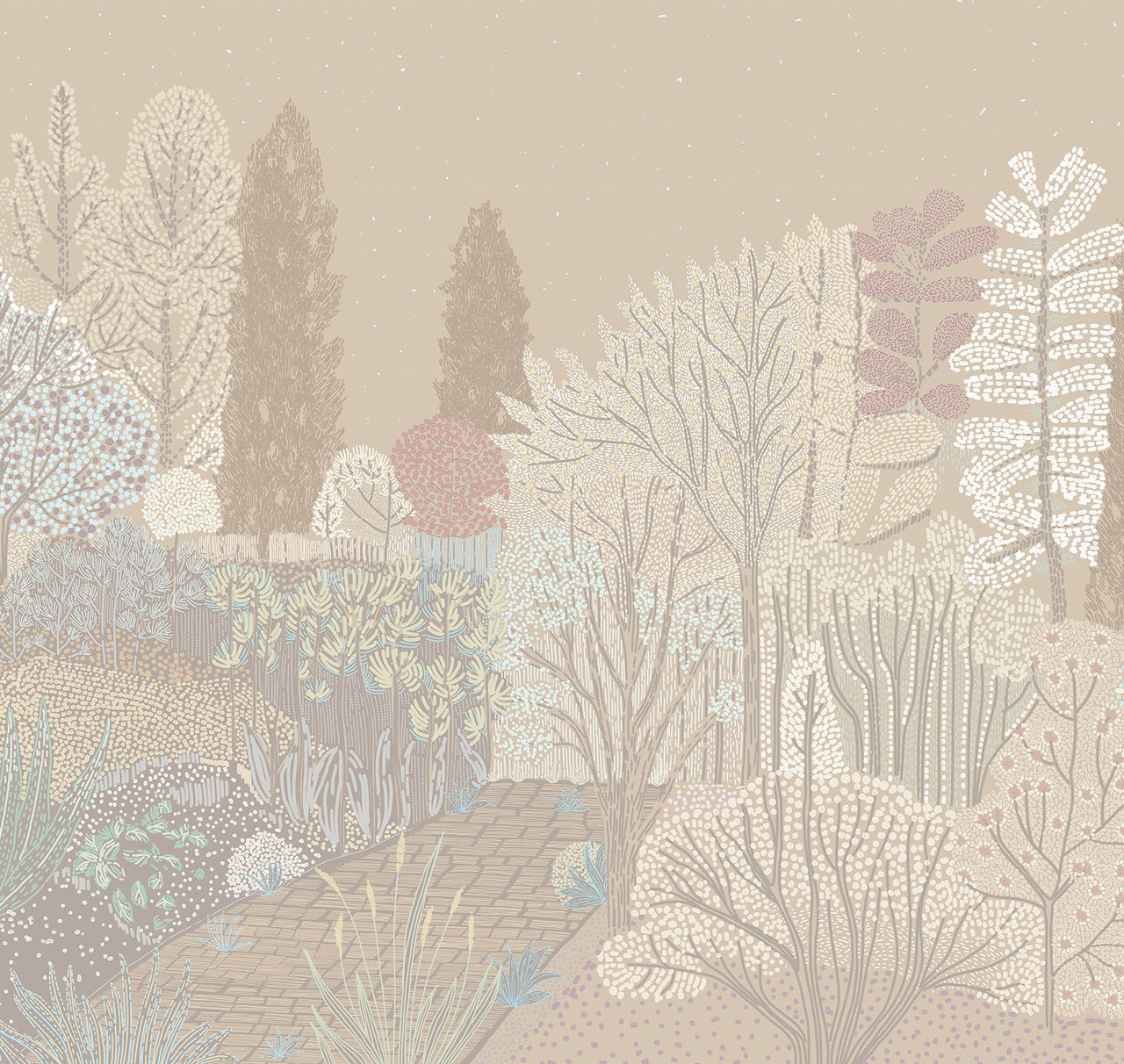
Other color options for this texture.
Get to work, you lazybones.

Translated with DeepL.com (free version)
Translated with DeepL.com (free version)
