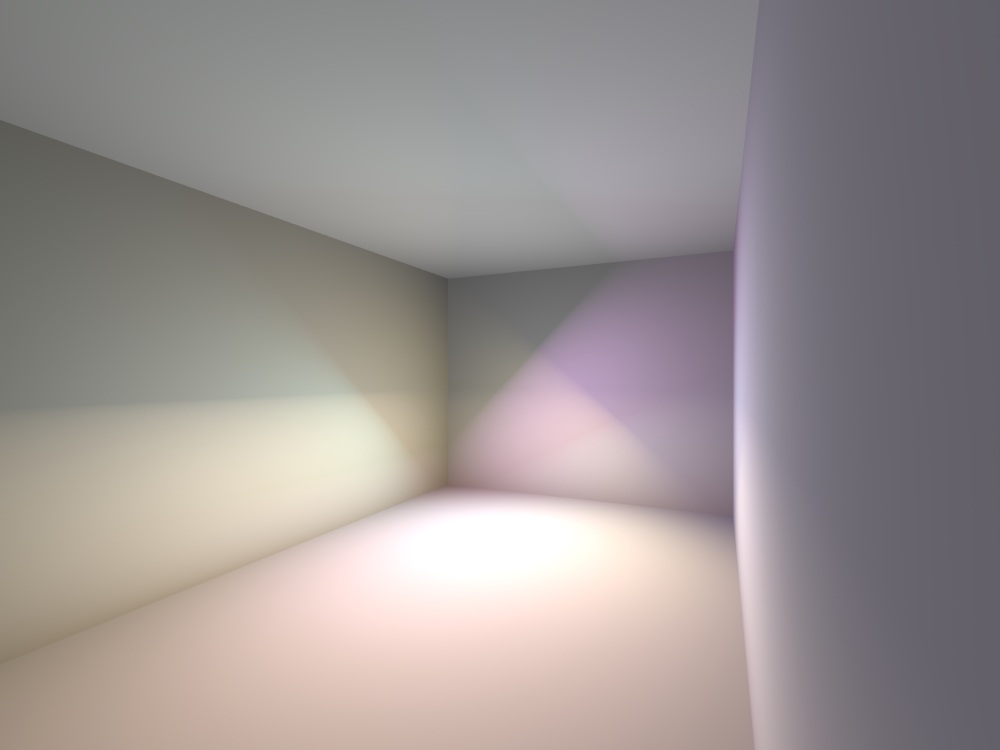
Thanks MarioSambol! It's a very interesting way and really much faster. The panels have one big disadvantage - if the panel is close to the wall, it will give an undesirable border of light and shadow to the surface. I showed you an example of several colored panels in a room. All of them do not touch the walls, are located at different angles, and have different color.
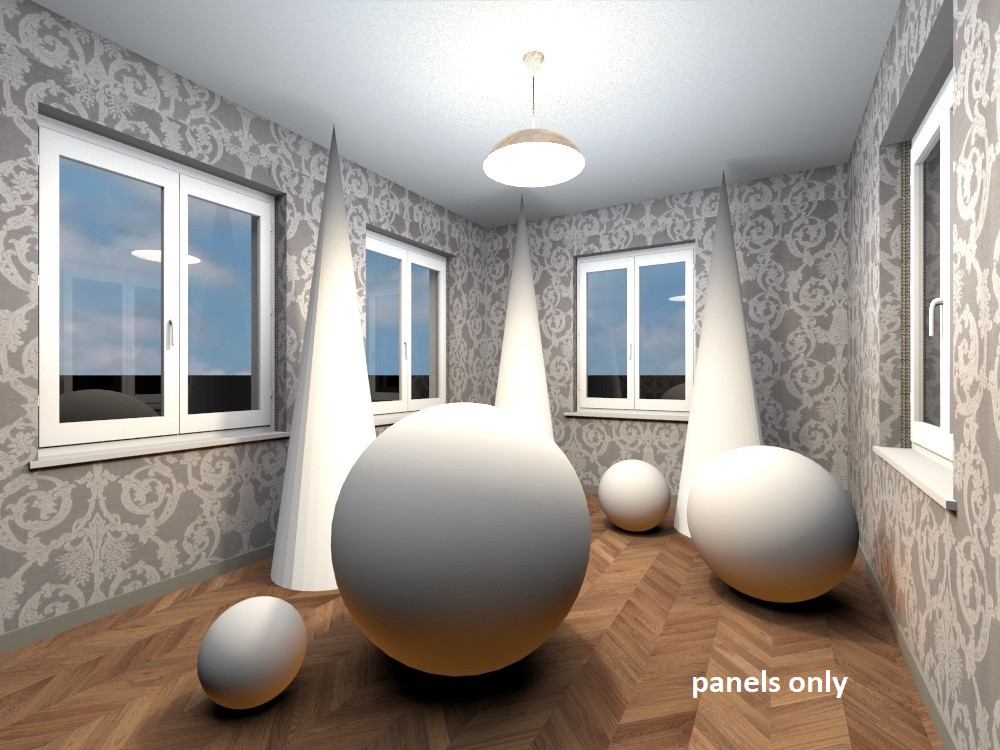
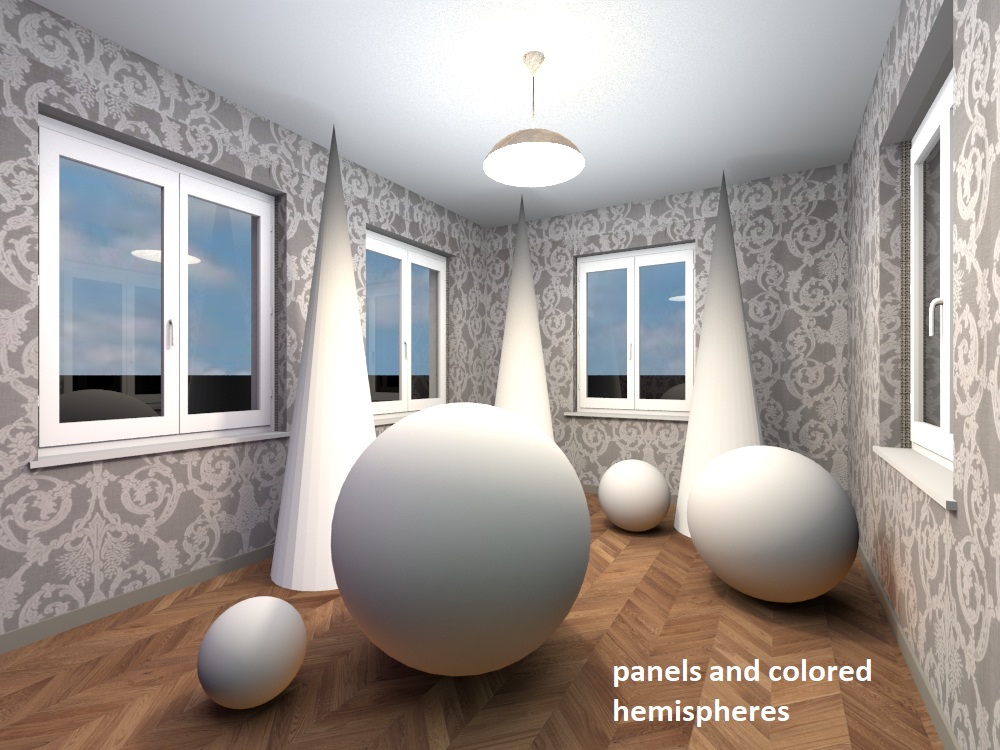
I think the panels can be used locally and personally for small areas near objects to make a reflex in the right place, trying not to bring them close to walls and other objects. And of course you can make them the size of the whole room (floor and ceiling). I tried to make a simple interior for an example with only panels, and the second example is a combination of panels and hemispheres. For example, I illuminated the ceiling above the balls with a flat hemisphere to remove the effect of the light border on the walls. And he filled the whole room with weak hemispherical towers of different colors. I like using hemispheres because they are the best at making the light look like the real light in the room. But if you partially use panels (for example, all the balls below are highlighted with small brown panels of 5%), you can significantly reduce the time of a long render. The first picture is only with panels for 6 minutes, the second picture is a mix of hemispheres and panels for 34 minutes. The difference between these pictures is not very visible, but if you make the light more difficult, then it ends up being very similar to the truth, without spurious effects. You have to pay for everything with time, of course, but thanks again for the advice to use a faster light tool. A great way to speed up the process is to apply it in the right places in a dosed manner.