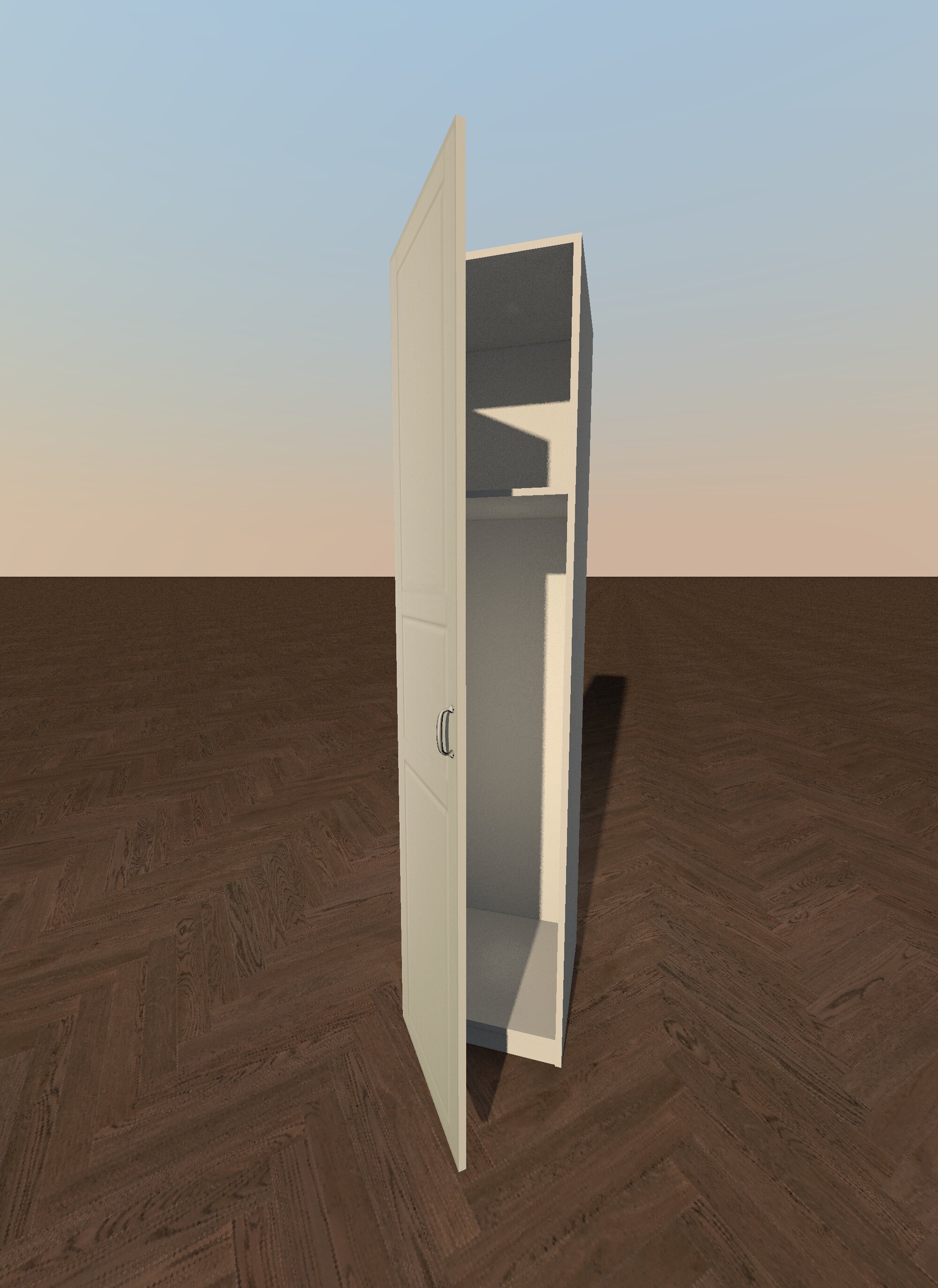
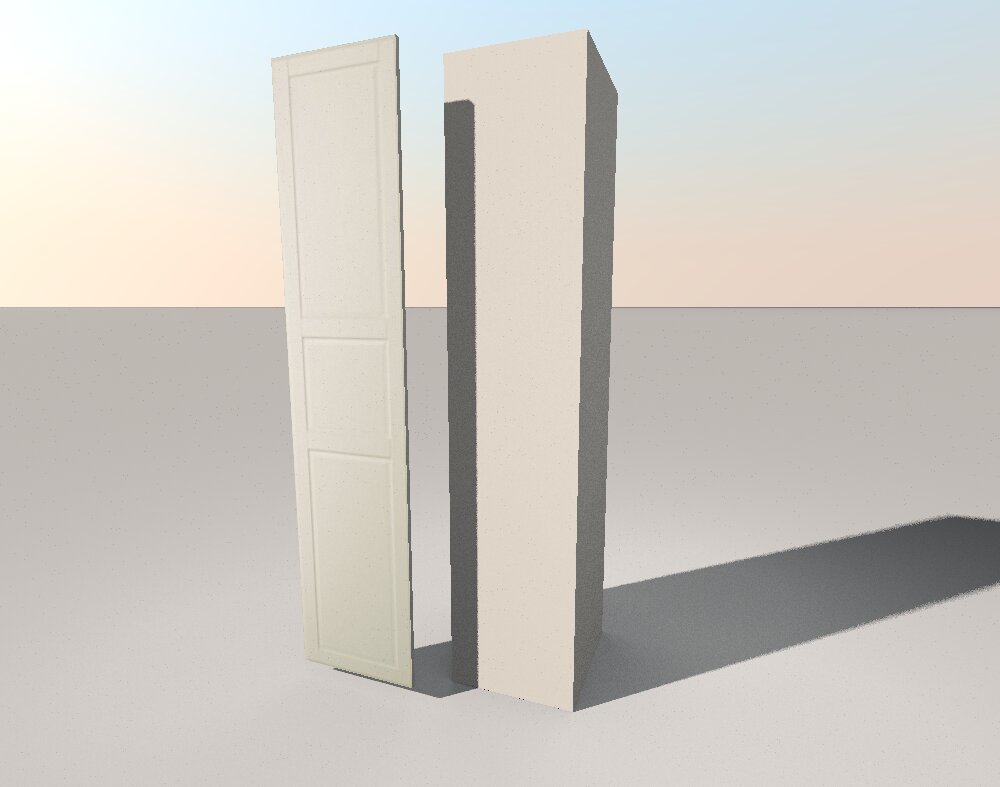
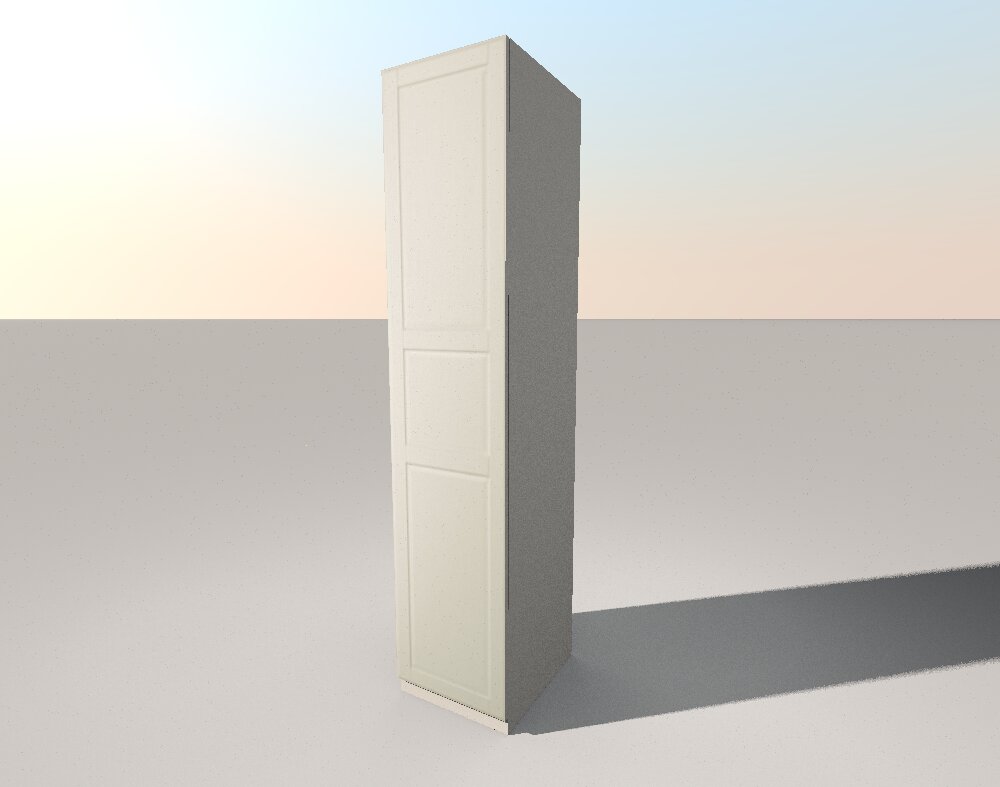
I do not know how to divide someone else's model into parts. But I can tell you how to make any rectangular model yourself. This is done using the "BOX" shape from the SH3D kit. There are two methods. . A very simple one and the second one is more complex. For example, you need to make an IKEA PAX cabinet. We need to study the dimensions of this cabinet. For example, the size of a case without a door is 50 cm wide, 58 cm deep, and 236 cm high. Make a box with these dimensions. Then select the type of door. For example, this one. Download the image from the front view. not from the side. Crop this image exactly along the edge in the program. I use Paint. So that only the door remains without a background. Save it as a texture in SH3D. Now you need to make a box 50 cm wide, 2 cm deep and 229 cm high. Lift this box 7 cm above the floor. On the front side of the box, stretch the texture with the image of the door, make all the sides gray. You'll end up with a closet like this. It's an easy way. The second way is to make the cabinet look like a real one, with thin walls and all the internal shelves. Then you can open the door a little and see its contents. Everything is done using boxes. A little longer. You only need to draw a dimensional diagram on paper and make this cabinet without haste. You've already spent a lot of time building a house. We spent time looking for other people's beautiful, but not quite necessary models. Now you can start making your own models. And spend your time on this job. That's my advice to you.
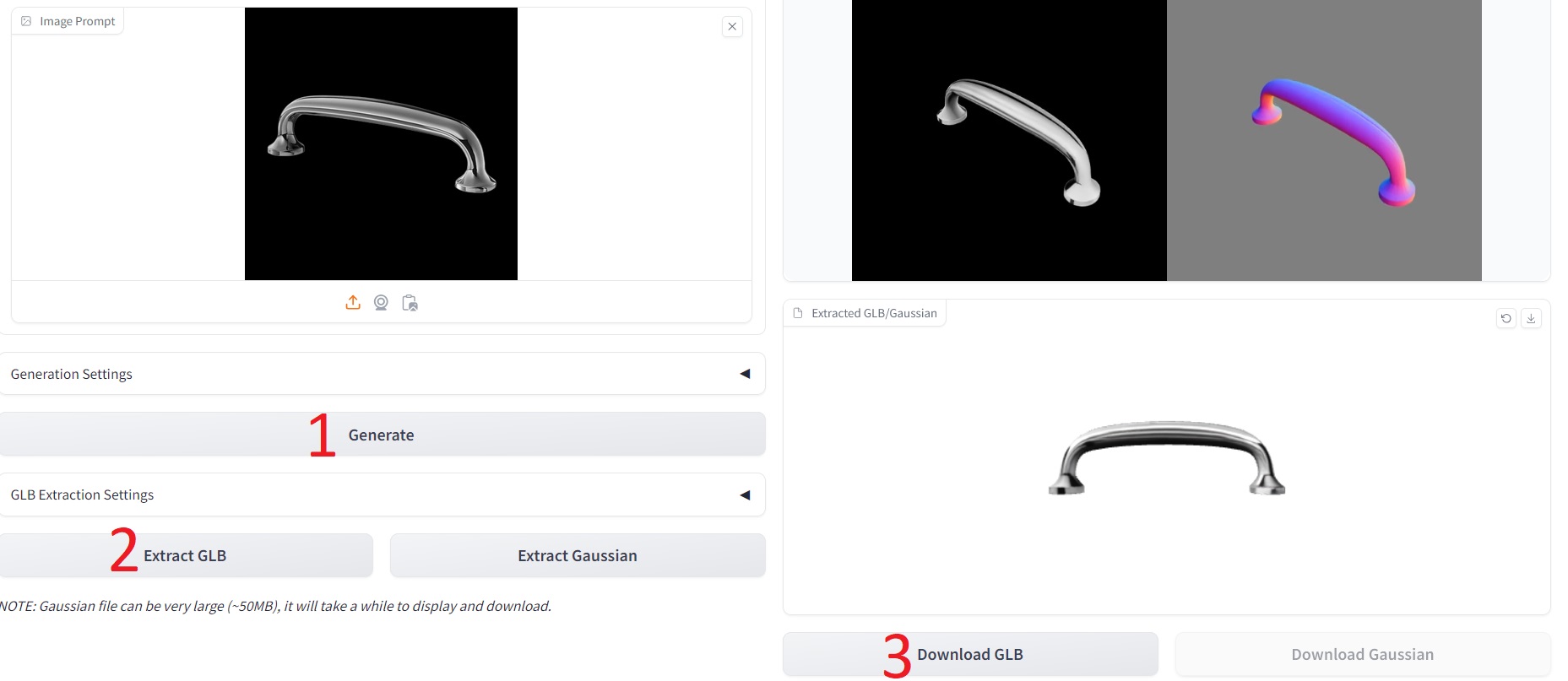
but what about the furniture handle by the cabinet? AI will come to the rescue here. Take a photo of the desired pen from the website on a white background. Upload it to the website (see the link above, Trellis). Click in order. You will get a great pen model in an obscure GLB format. Convert it to the DAE format. I'm using This Converter here.