In same series YAUP first official Moulding version 1.0 .
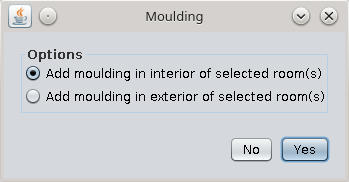
Add selected moulding around the selected room(s) in interior or exterior.
Recommend to use with new Moulding furniture library .
About plugin:
While the alpha version have more than 300 downloads and the library have 360,
I decide to make public this first version.
Is not what you expect and I'm out of inspiration so you'll have to be satisfied with as is.
1. For interior look at this post because is not much differences.
2. For exterior moulding I add few pictures
-Some possible error messages
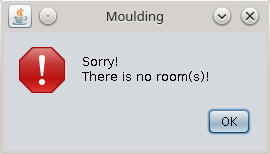
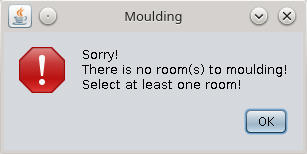
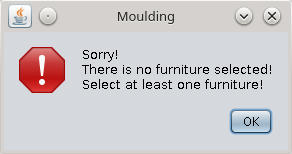
-The plugin options
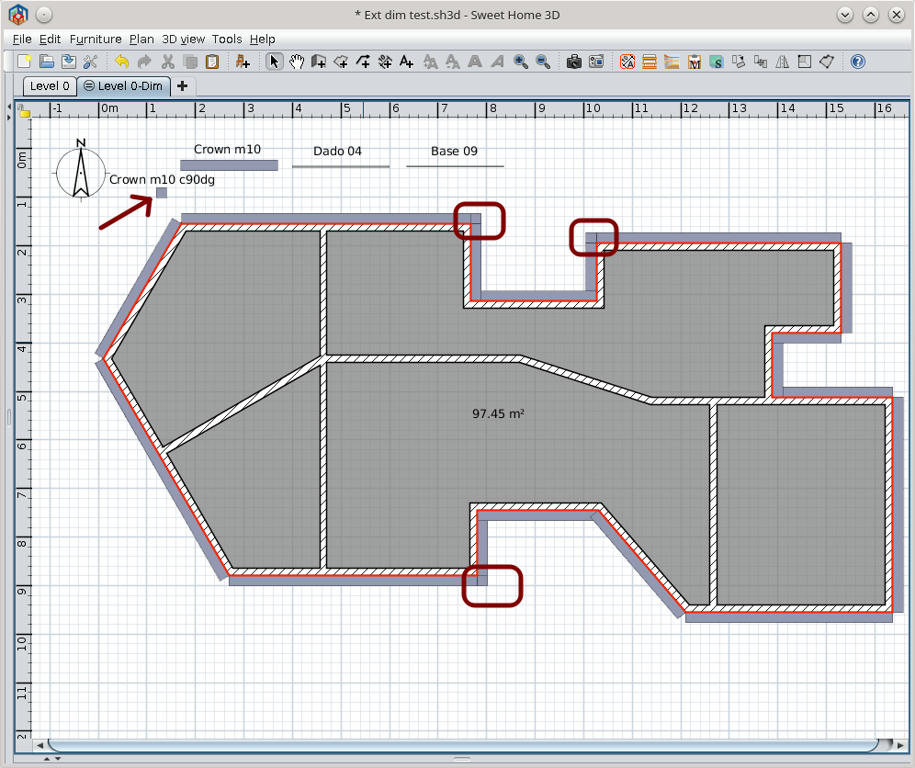
The plan
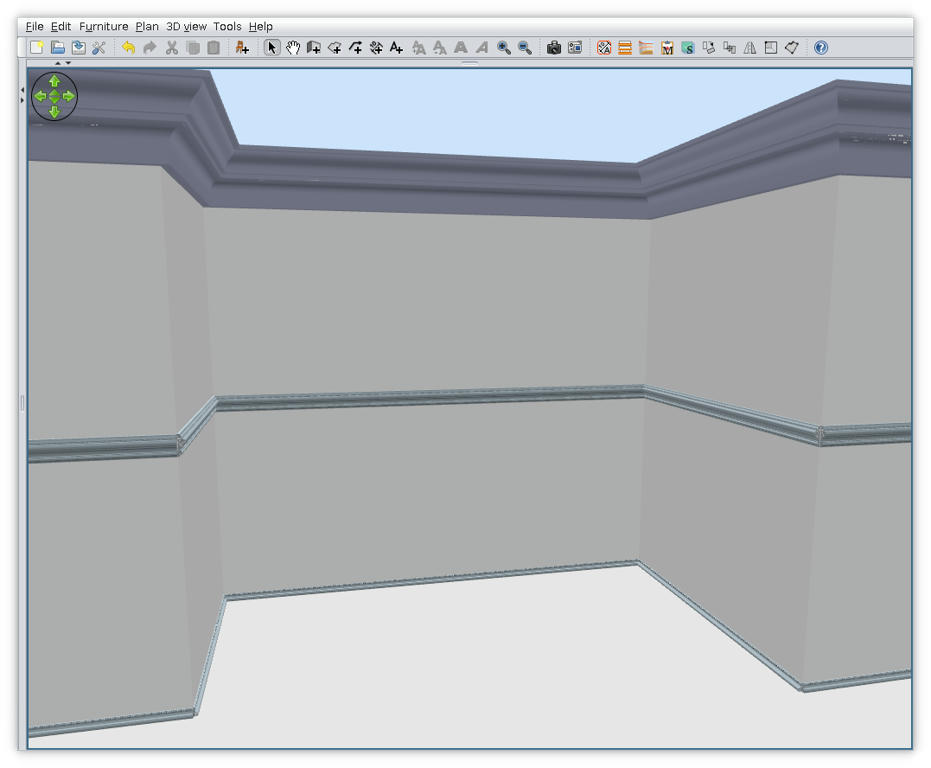
The result
Some explanations
1. To add moulding on exterior of the building I use AutoDimensionig to add build area and than I use it as room.
2. For interior angles is not a problem with moulding connection BUT
3. For exterior angles you'll need to add manually some corners and adjust their angle and position.
(I've mark it on plan with rounded squares)
In library I've made few of them for some crown at 90 degrees but is not enough if your building are not regular.
I've made also some kind of french translation.
As usual the source code are inside.
Also on Source Forge .
----------------------------------------
A computer program does what you tell it to do, not what you want it to do. Murphy's Law
When all else fails, read the instructions. Murphy's Law
If you don't like "AS IS", DIY. Dorin's law
