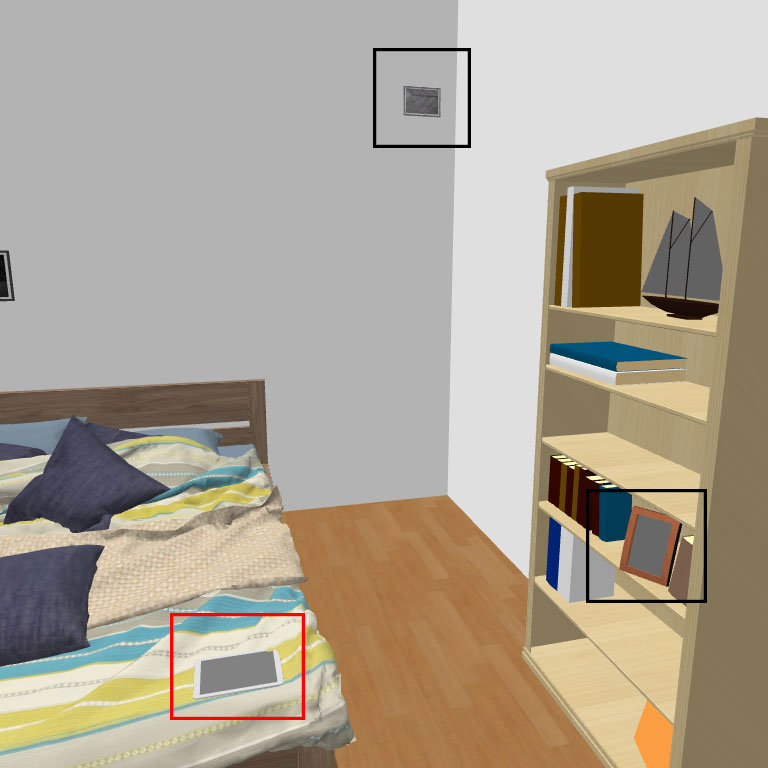
Hi, everyone, I am trying to use the software to create a set of pictures for my visual search experiment. I want the distractors to have the same shape but different color or have the same color but different shape as the target.
For the shape, I don't need the same shape/different color to be exactly the same shape, I only need it to look the same size as the target.
But due to the distance and lighting, I can't have the same shape or same color unless I use my owe eye to adjust it.
I attach a picture to illustrate, the tablet in the red rectangular is the target and the two frames in the black are the distractors.
Any suggestions about how I canget the same shape/color in a more systematic way, so I don't have to writhe "use my own eye" in my paper? Thanks in advance.