@Mike53
I've made this Moulding-plugin and this moulding furniture library .
It's an alpha stage but is all I can do at that moment.
USE IT WITH CARE!!
Few indications:
1. The furniture MUST have a horizontal orientation (0 or +/- 180 dg) at time when are inserted (from furniture library).
2. The room(s) and the moulding must both be selected (use Shift+click).
3. At that moment the plugin add moulding around room in interior and depend of how is room created (clockwise or counter clockwise).
Now few images:
-Create room(s);
-Insert mouldings somewhere in the plan;
-Set the elevation for them.
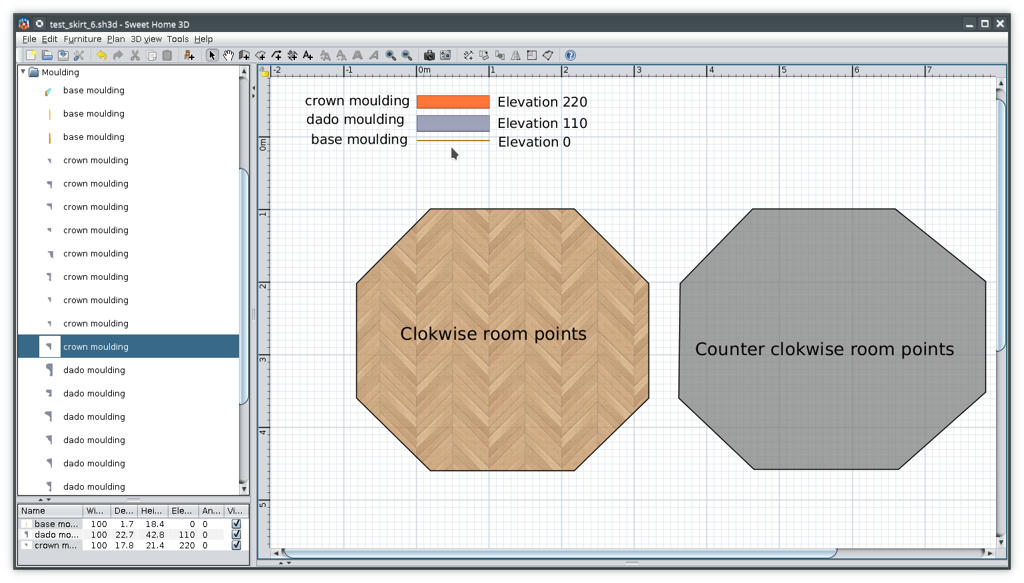
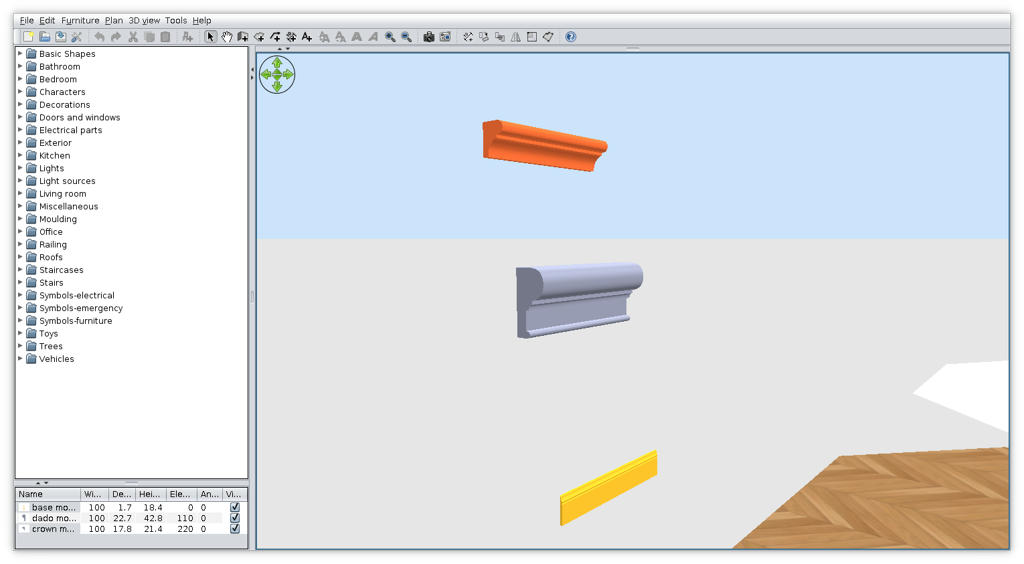
-Select room AND the moulding (in that case the base);
-Tools->Add moulding around room(s)
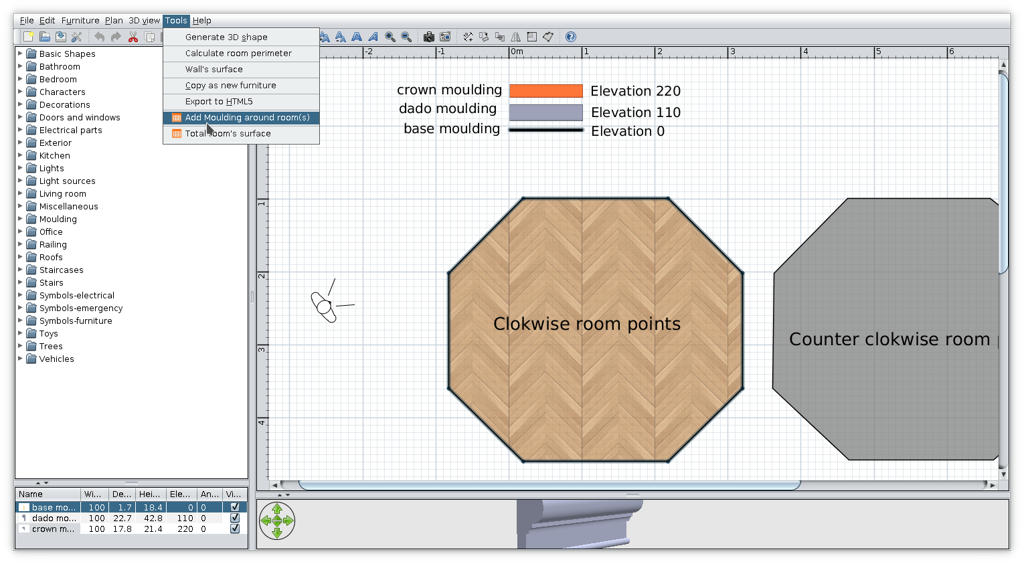
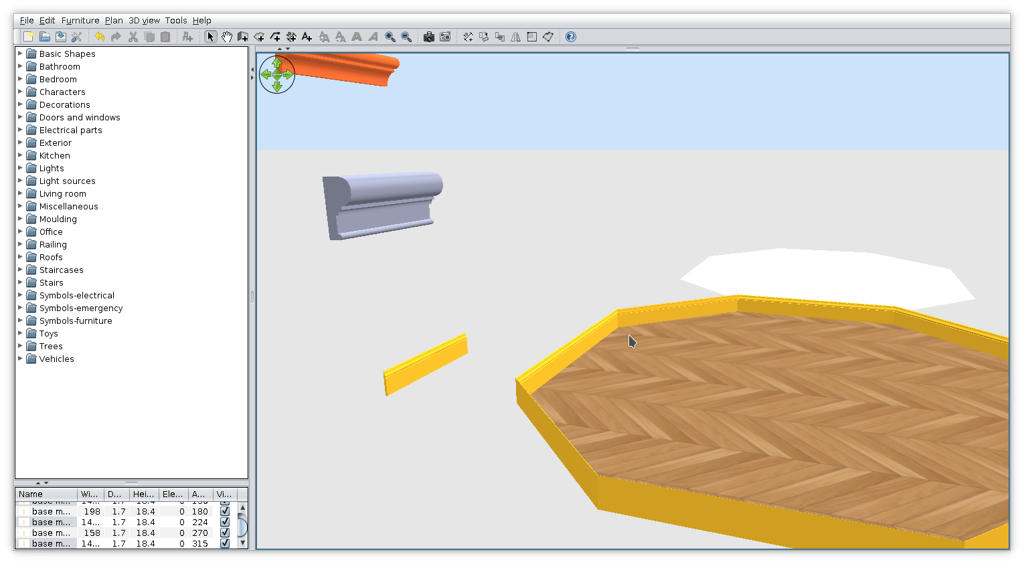
-Repeat the procedure for other piece (dado and crown);
-This could be the result
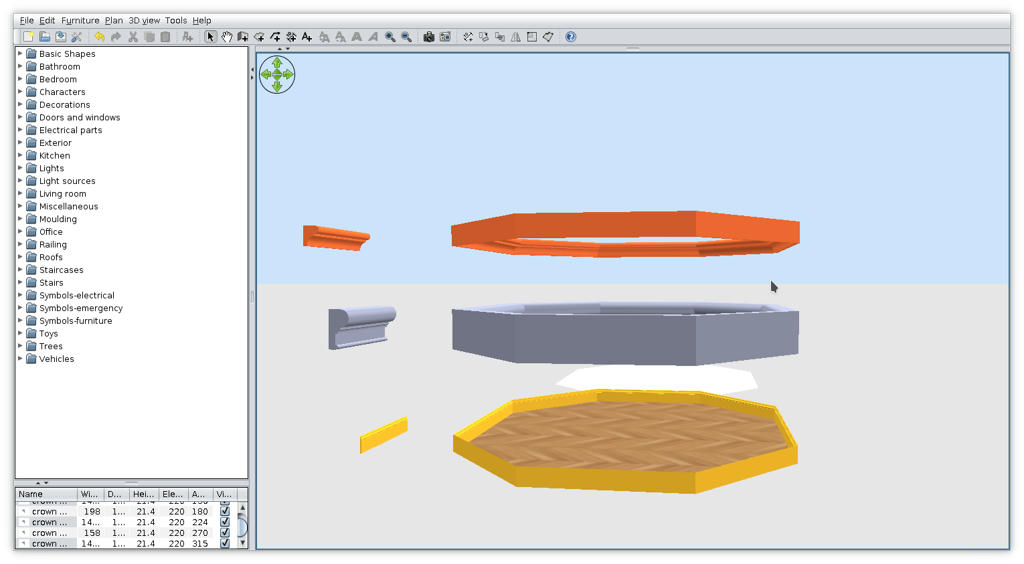
-I inserted walls around room and delete some of them and some moulding to have a good view
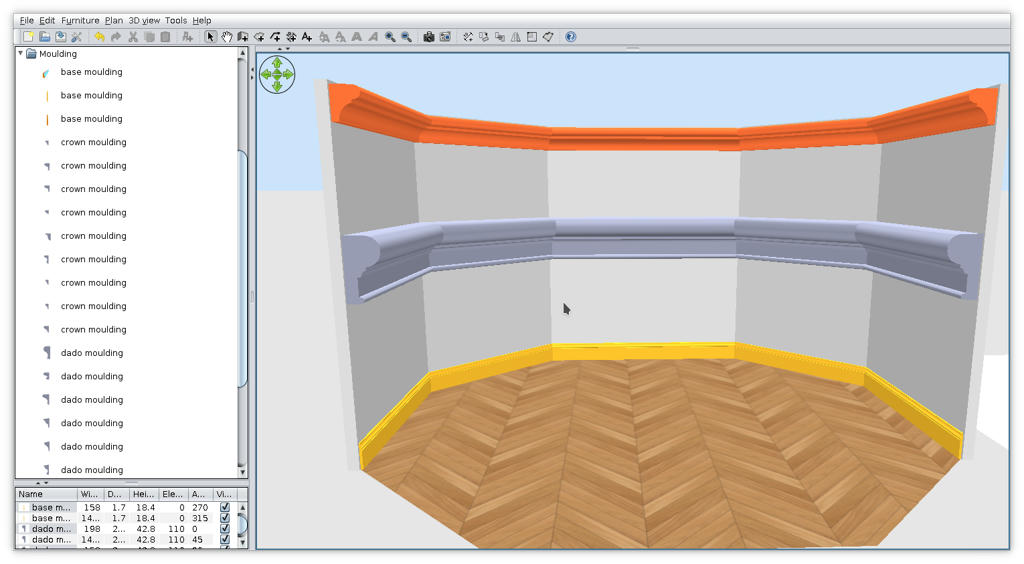
I know is not what You expect but that's for now.
If you're good, Santa brings you more

----------------------------------------
A computer program does what you tell it to do, not what you want it to do. Murphy's Law
When all else fails, read the instructions. Murphy's Law
If you don't like "AS IS", DIY. Dorin's law
