Like I've promise I've test it.
This is the result:
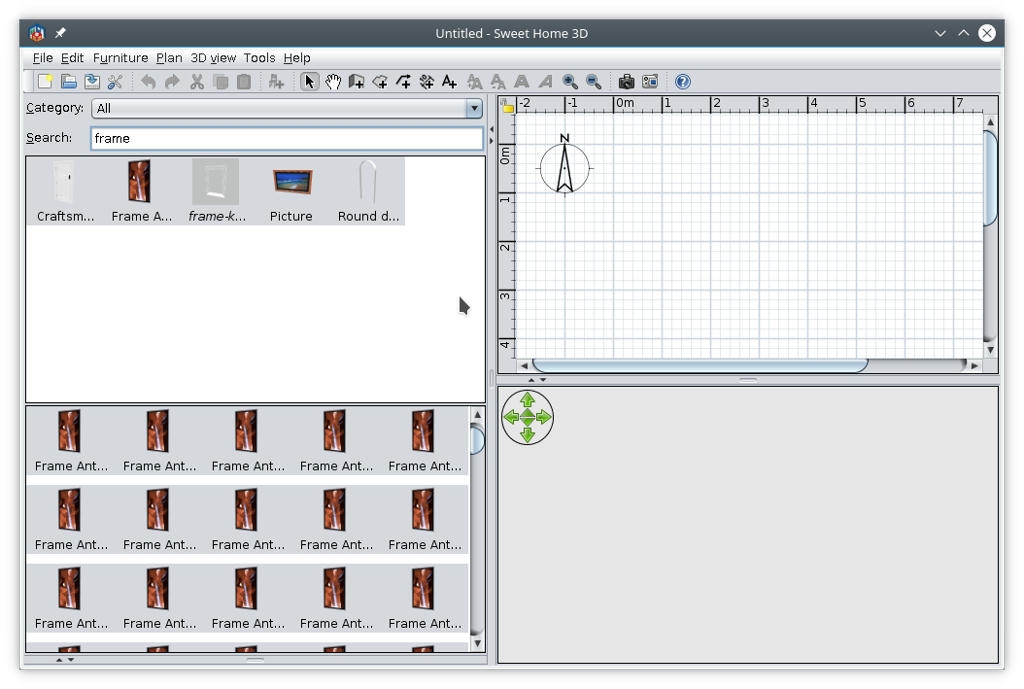
Observations (no offense please)
1.Separate the Compute perimeter from Furniture Grouper plugin.
2.I'am interested in both but is easiest to handle separately.
3.Like You've seen in the picture in the second window the furniture are multiplied and this is useless.
4.The purpose for me is to identify the double / multiple furniture or those pretty similar to cleanup the library.
About tree view I have an idea (maybe need more changes in program):
1. In PluginFurnitureCatalog.properties file the entry
category#1=Bathroom
could be
category#1=Bathroom |Bathtube
or
category#21=Decorations |Wall Frames
or
category#19=Doors and windows |Windows
that mean the word after "|" sign is name of subcategory.
Now the program need to know how to handle this.
Also when import a piece of furniture to have this option.
I luck in Your sources and I catch my ears; is to complicated for me.
Anyway Thanks Again!
Dorin
----------------------------------------
A computer program does what you tell it to do, not what you want it to do. Murphy's Law
When all else fails, read the instructions. Murphy's Law
If you don't like "AS IS", DIY. Dorin's law
