
A Fast and Easy-to-Use 2D & 3D Interior Design Solution for Professional Teams
A professional interior design software for real-time 2D and 3D design, customizable product libraries, immersive visualization and photo/ video rendering.

Why Sweet Home 3D for Enterprise?
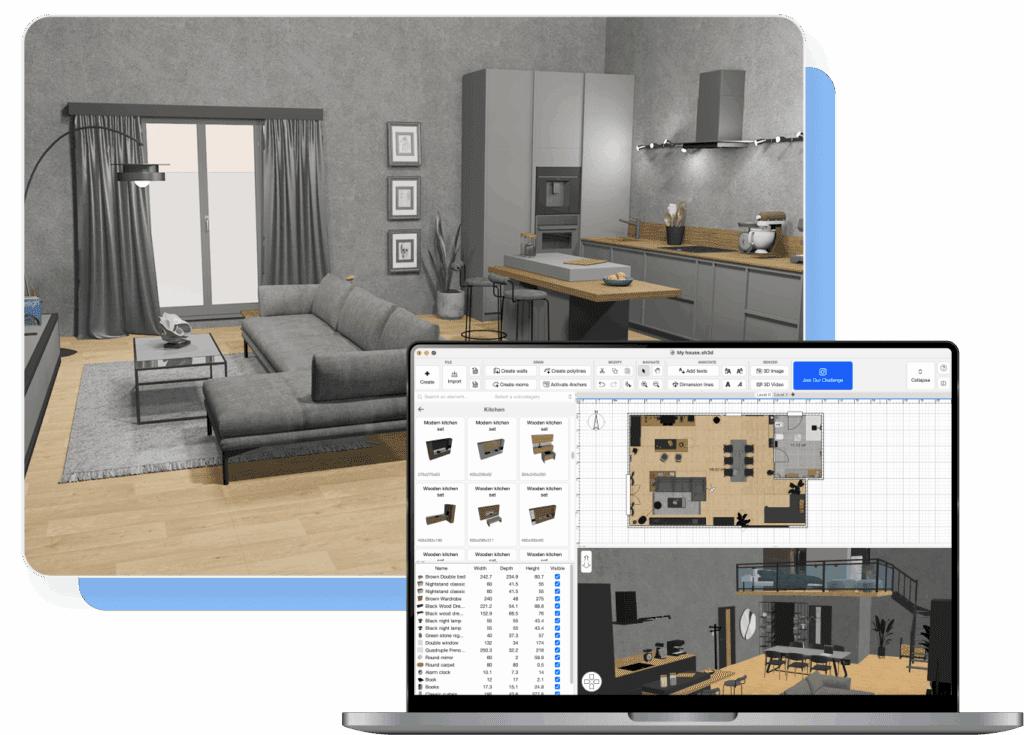
Real-time 2D & 3D design
Design in 2D while instantly visualizing results in 3D. Seamlessly switch perspectives, explore projects from any angle, and generate render images and videos to clearly communicate volumes, proportions, and spatial layouts throughout the design process.
High-quality rendering at scale
Produce realistic photo and video renders for presentations and client communication with full control over materials, lighting, and layouts, delivered through an intuitive workflow that supports rapid iteration and consistent output quality.
Immersive walkthroughs and visualisation
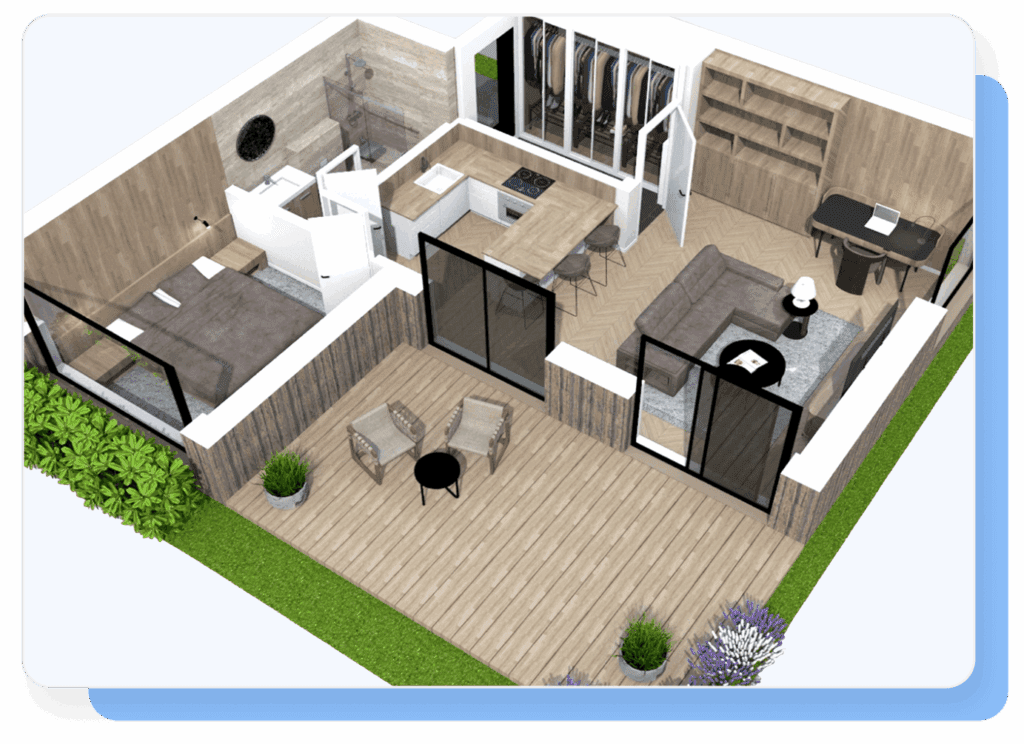
Enable stakeholders and clients to experience projects through interactive 3D walkthroughs. A powerful tool to communicate spatial flow, atmosphere, and design intent with clarity and impact.
Full control over your assets
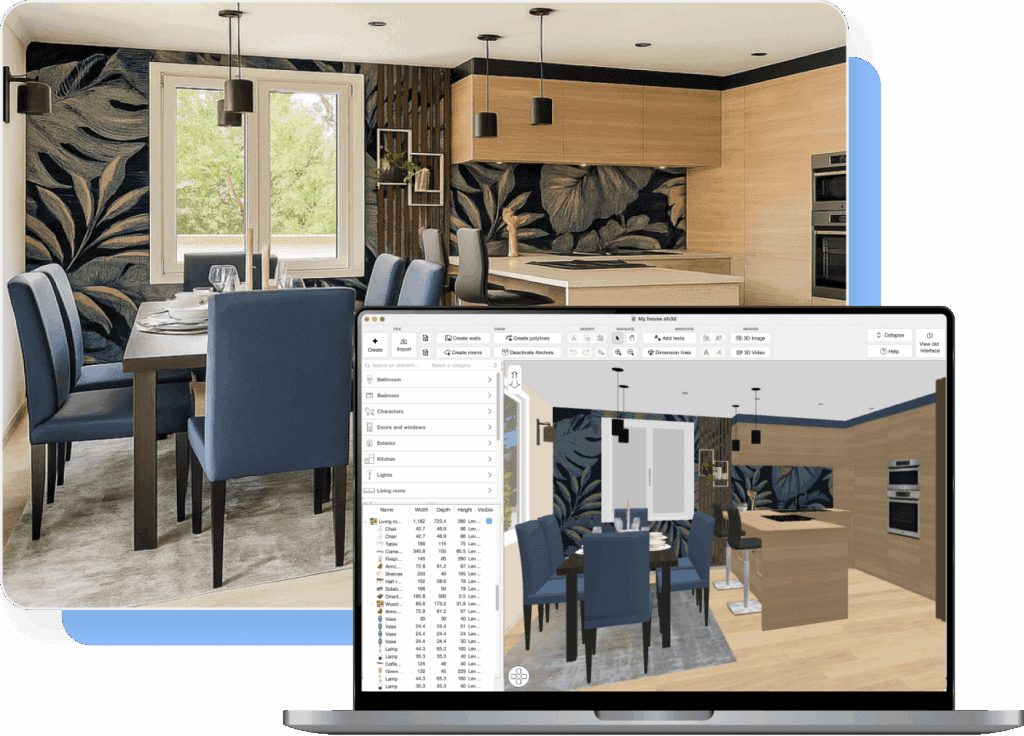
Import your own materials, textures, floor plans, 3D models and branded furniture in seconds. Build and manage centralized, reusable libraries that accurately reflect your products, brand identity, and projects—without complex workflows or operational overhead.
Branded and customizable product libraries
Design complete interior and outdoor environments using in-app furniture libraries and partner brand collections. Easily integrate your own products, collections, and brands to create fully customized, product-ready scenes aligned with your commercial offerings.
Extensible plug-in ecosystem
Extend core capabilities with professional plug-ins for custom staircases, roofs, advanced structures, and more. Adapt the platform to complex project requirements while maintaining speed, control, and workflow continuity.
Actionable analytics and insights
Gain visibility into how your brand products and models are used across projects. Track engagement with branded furniture, identify preferred configurations, and leverage data-driven insights to optimize product strategy
One tool. Many professional uses.
Architects
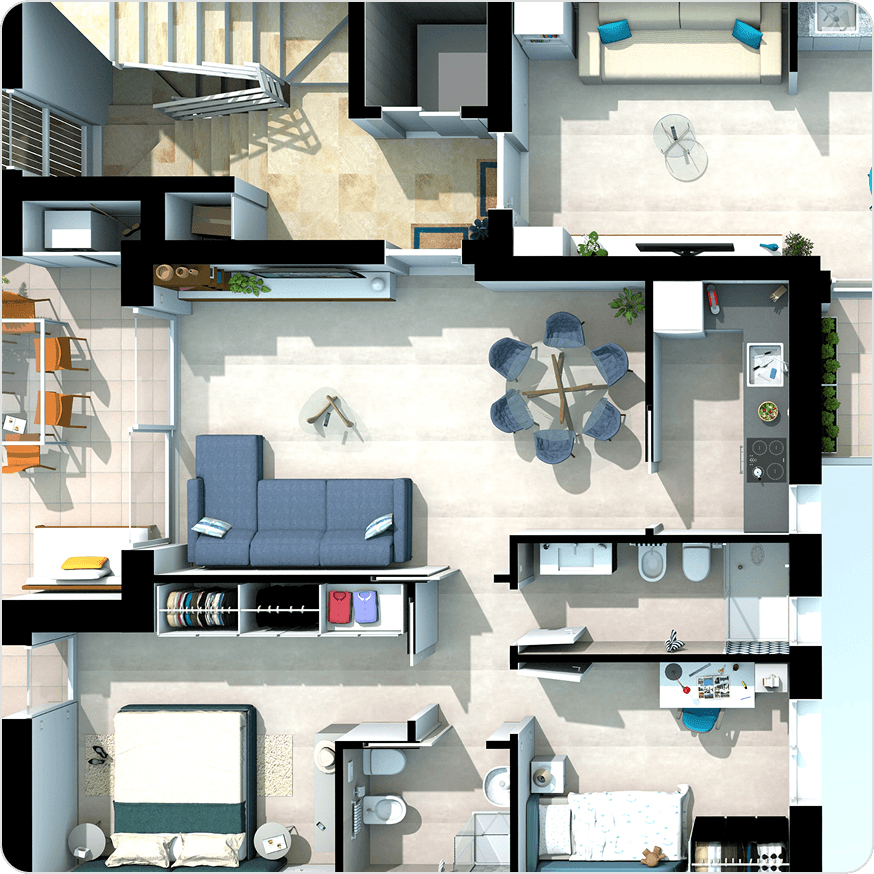
Accelerate the journey from concept to presentation. Efficiently design residential and commercial spaces, evaluate layouts, test design solutions and present projects on-site with clear, interactive 2D and 3D visualisations that support informed decision-making.
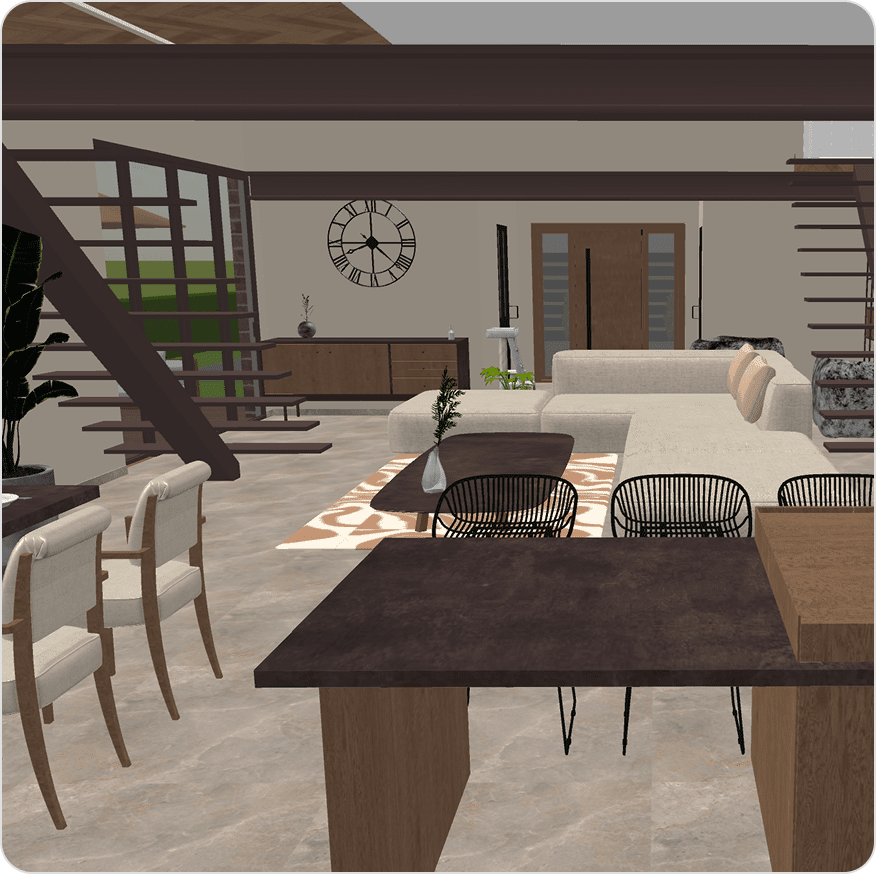
Interior Designers
Create refined interiors with speed and precision. Design detailed spaces, explore styles, materials, and color schemes, and deliver compelling visual presentations within a single, intuitive platform that supports both concept development and client communication.
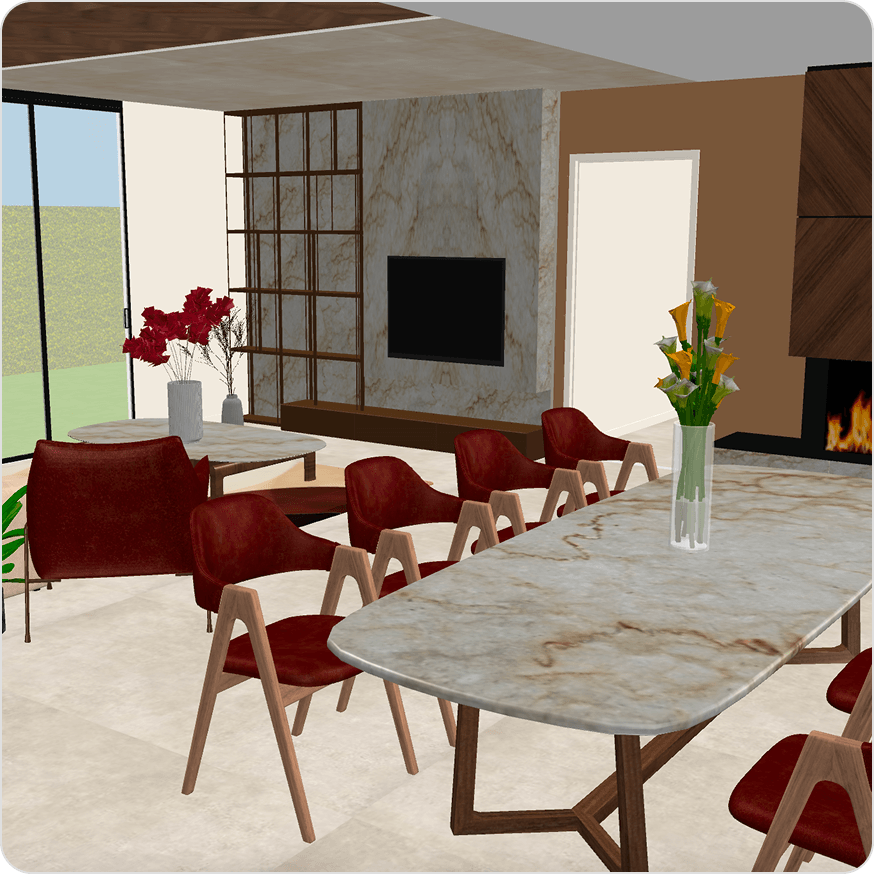
Furniture Retailers
Enhance the in-store sales experience. Boost your sales with ready-to-present interior solutions built on your product catalog, streamline the sales process and deliver immediate, high-impact visual feedback to customers.
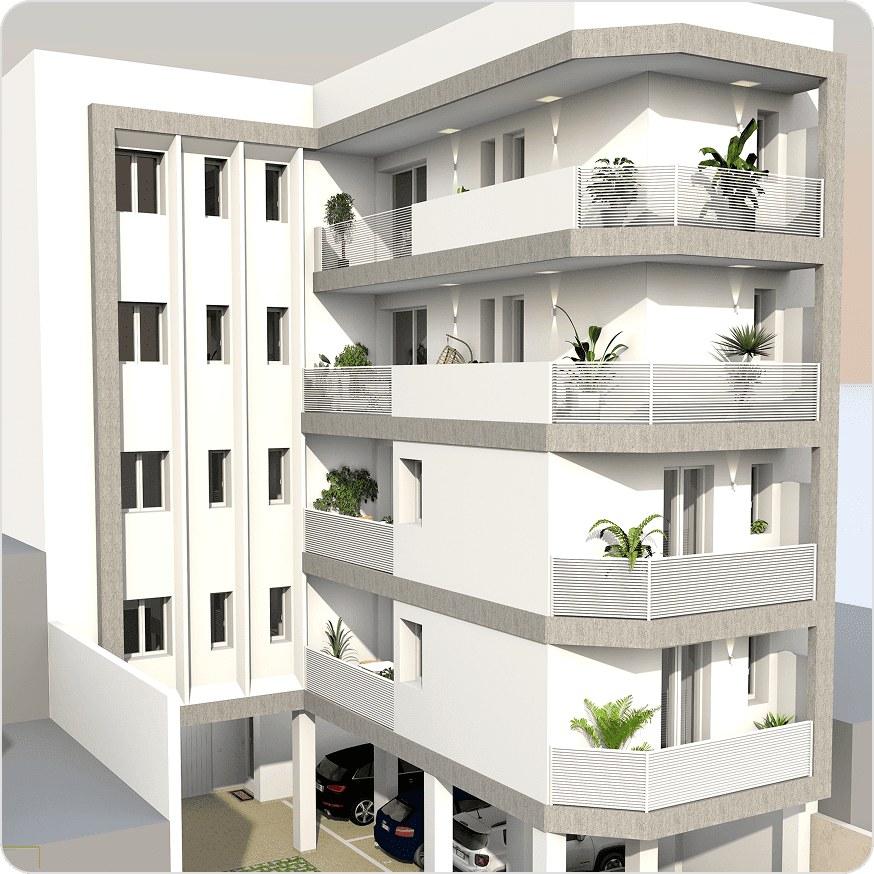
Real Estate
Showcase properties with high-quality 2D and 3D visuals, immersive walkthroughs, and virtual tours. Enable clients’ remote exploration, support confident purchasing or rental decisions, and reduce sales cycles.
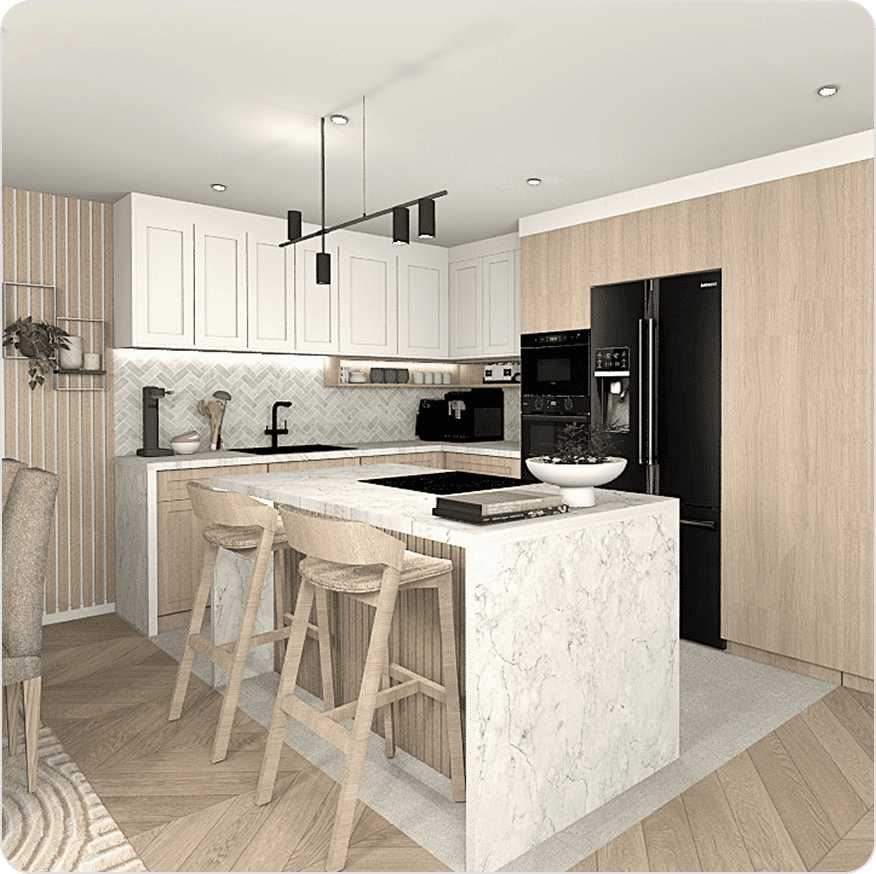
Furniture Manufacturers
Build and manage branded product libraries at scale and present complete 3D room configurations. Showcase collections and custom products to engage retailers and clients, extend market reach, and reinforce brand consistency.

Event Planners
Plan and visualize events with accuracy and clarity. Design venue layouts, manage seating arrangements, and position furniture, stages, and decorative elements within a single, intuitive platform, supporting efficient planning for large-scale events.
Discover what you can do with Sweet Home 3D Professional
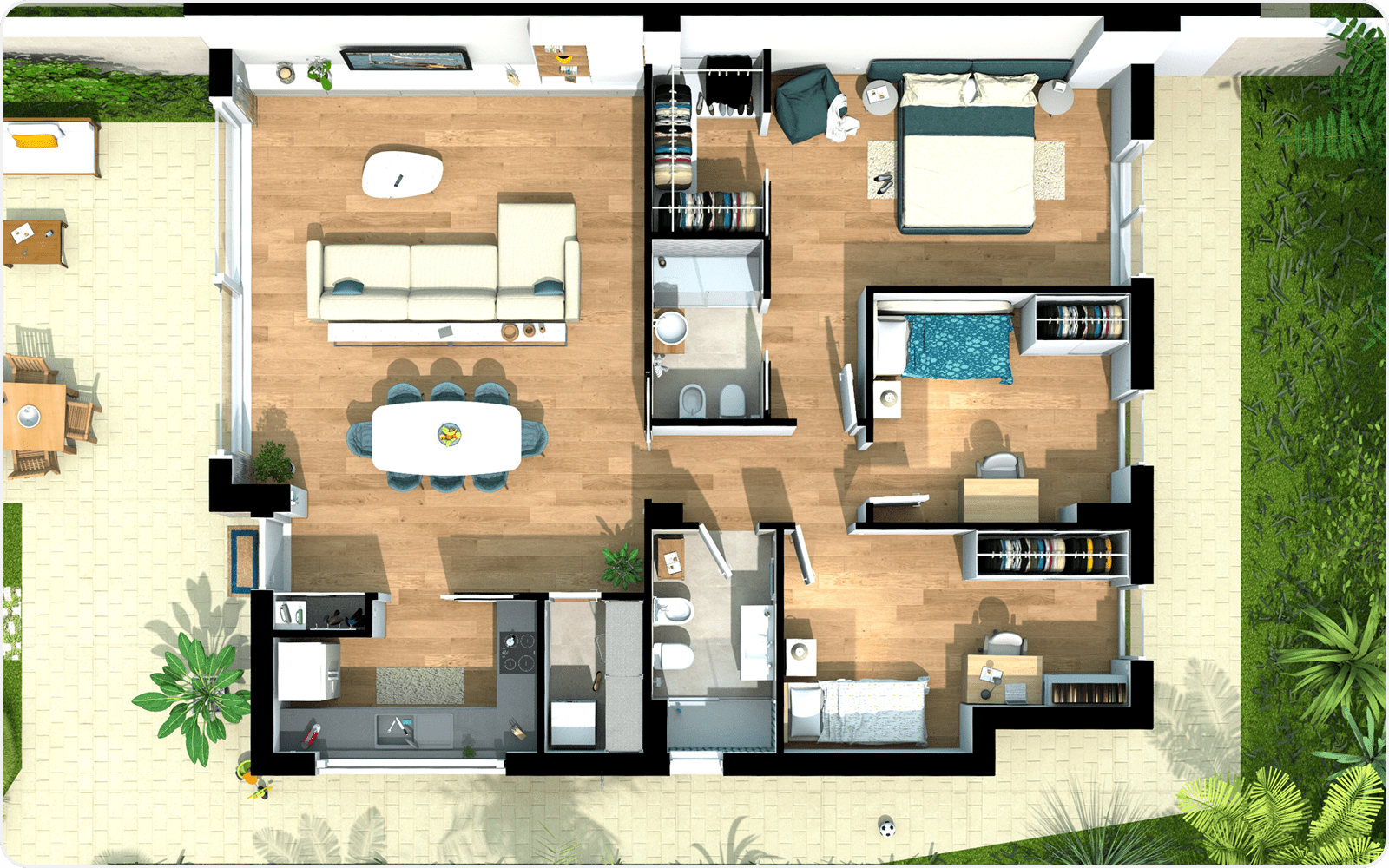
Rapidly create interior mockups to validate concepts early, reduce design iterations, and accelerate client alignment.
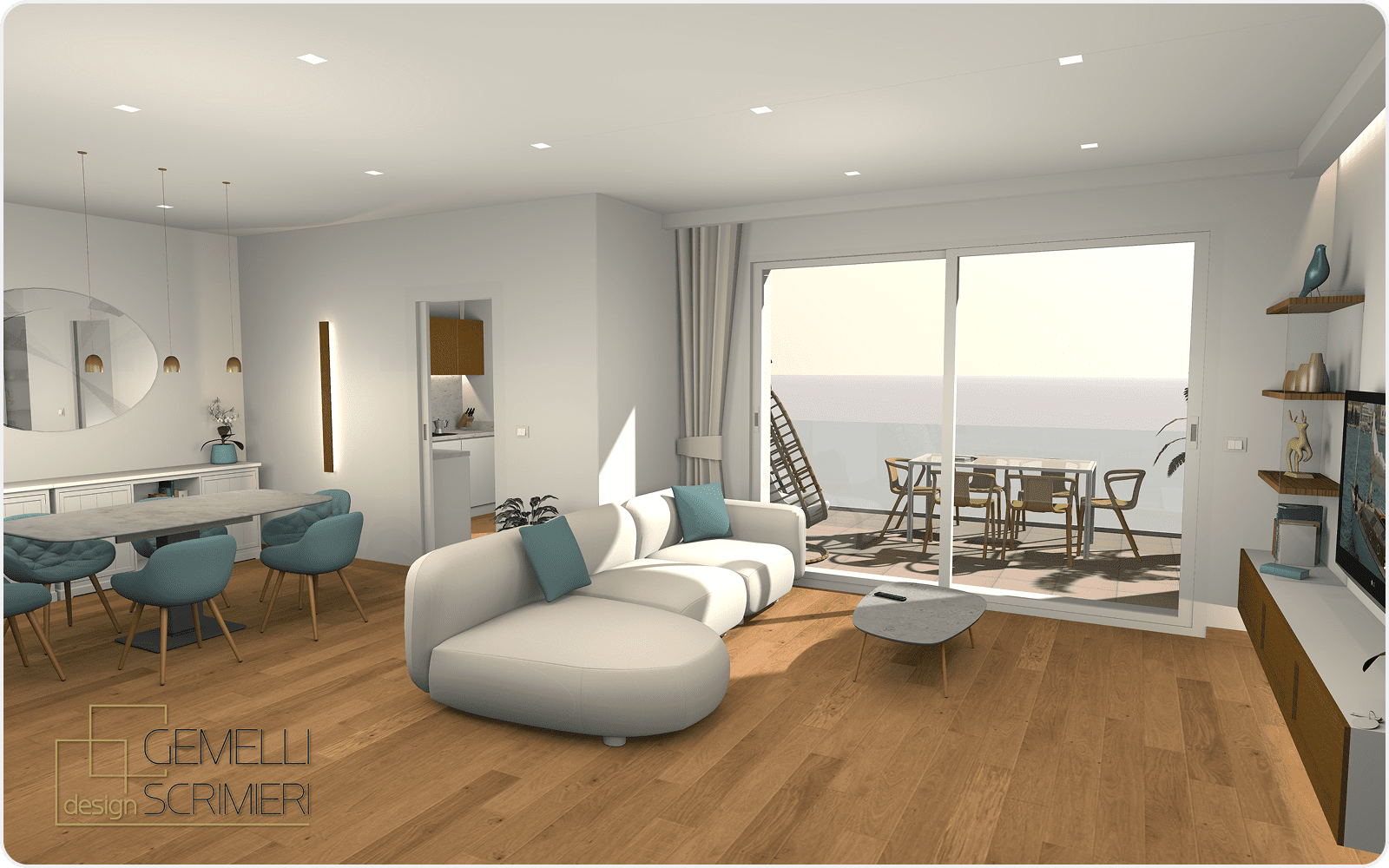
Generate high-quality renders and video walkthroughs to support design reviews, approvals, and stakeholder decision-making
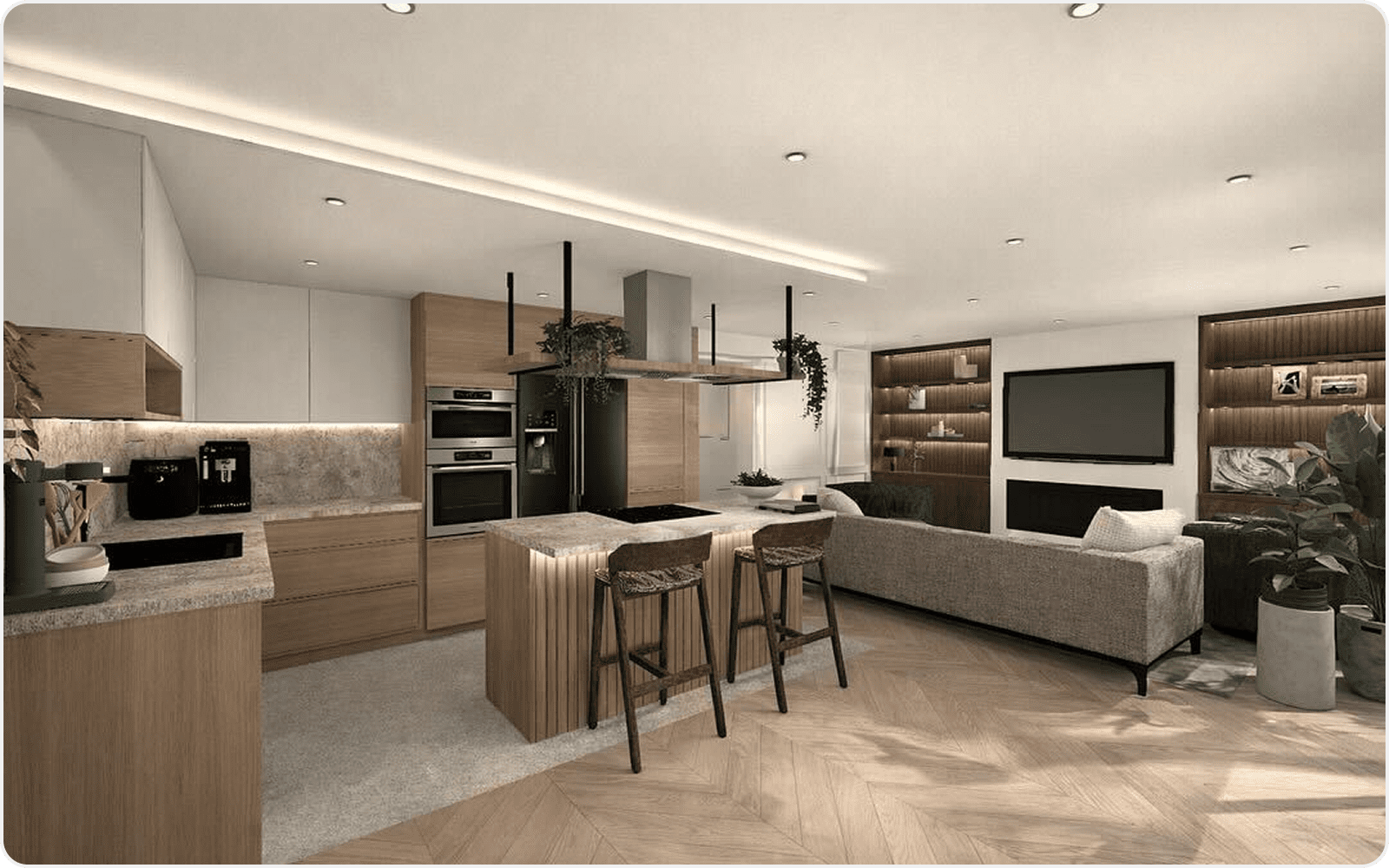
Present complete 3D room solutions that demonstrate how products work together in real environments, with accurate lighting for maximum visual impact
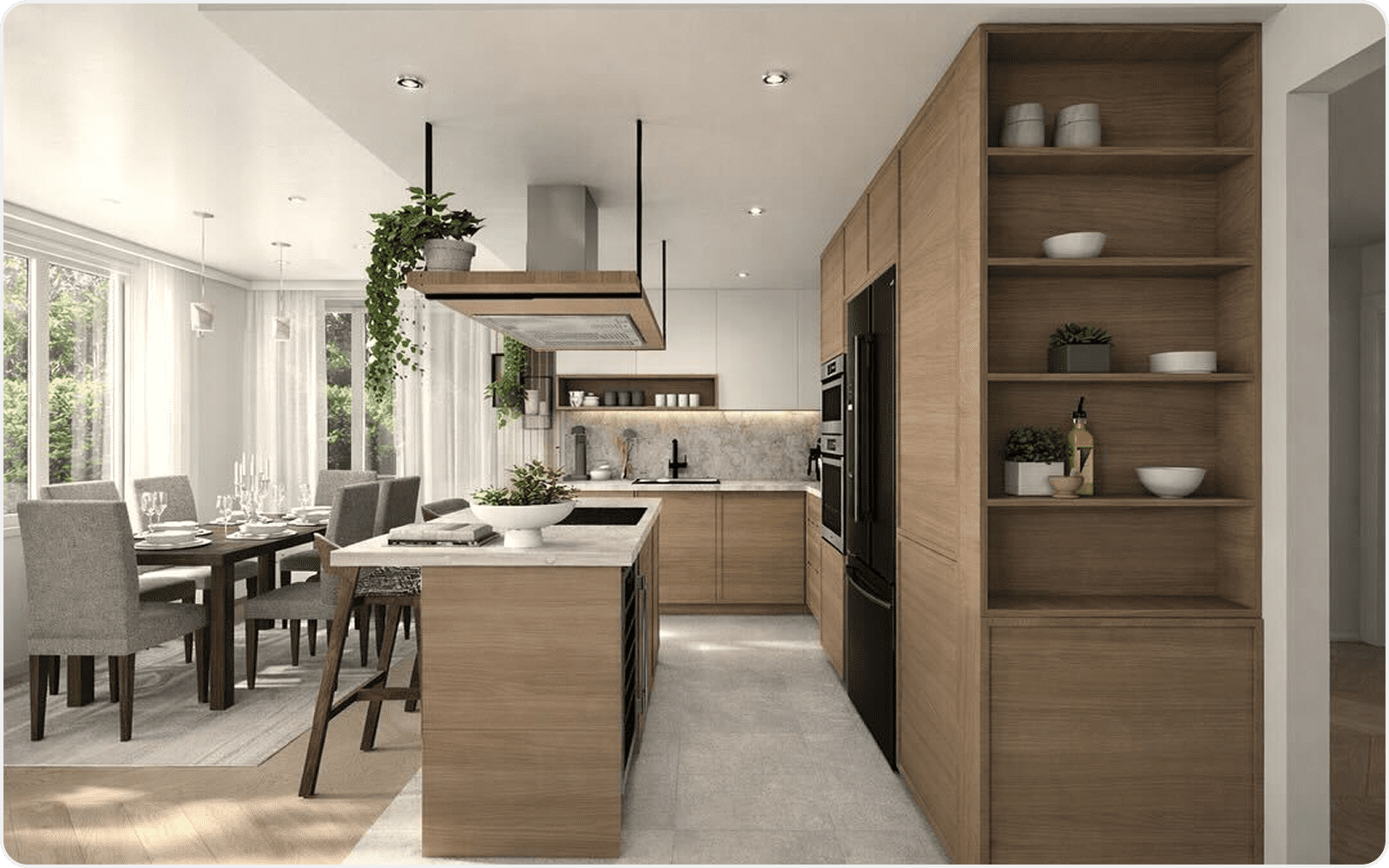
Integrate branded products and custom furniture to deliver product-ready, client-specific projects at scale.
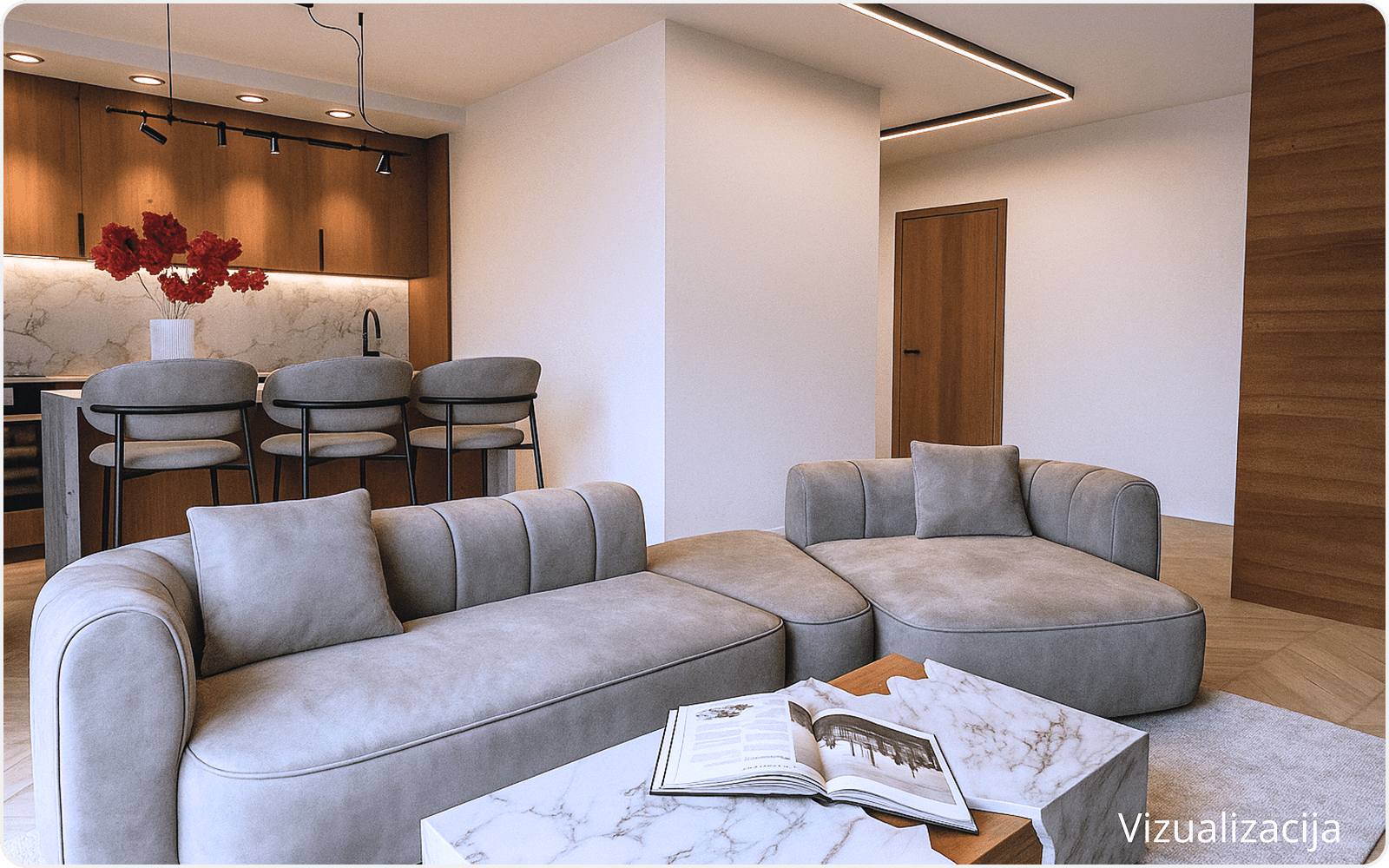
Build branded catalogues and collections to support sales teams and ensure brand consistency across all projects.
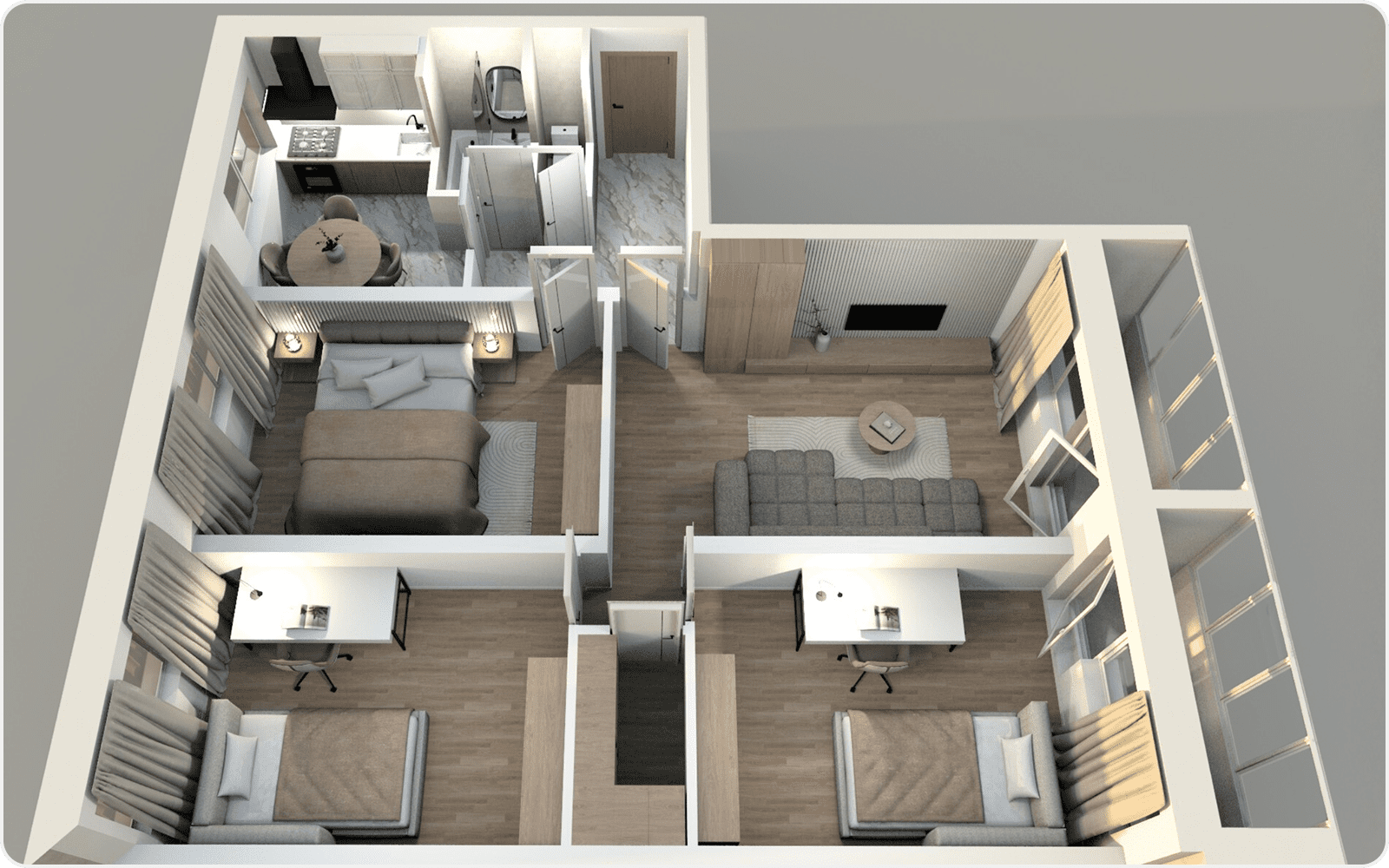
Explore layouts, materials and styles with clients in real time to improve clarity and speed up decisions.
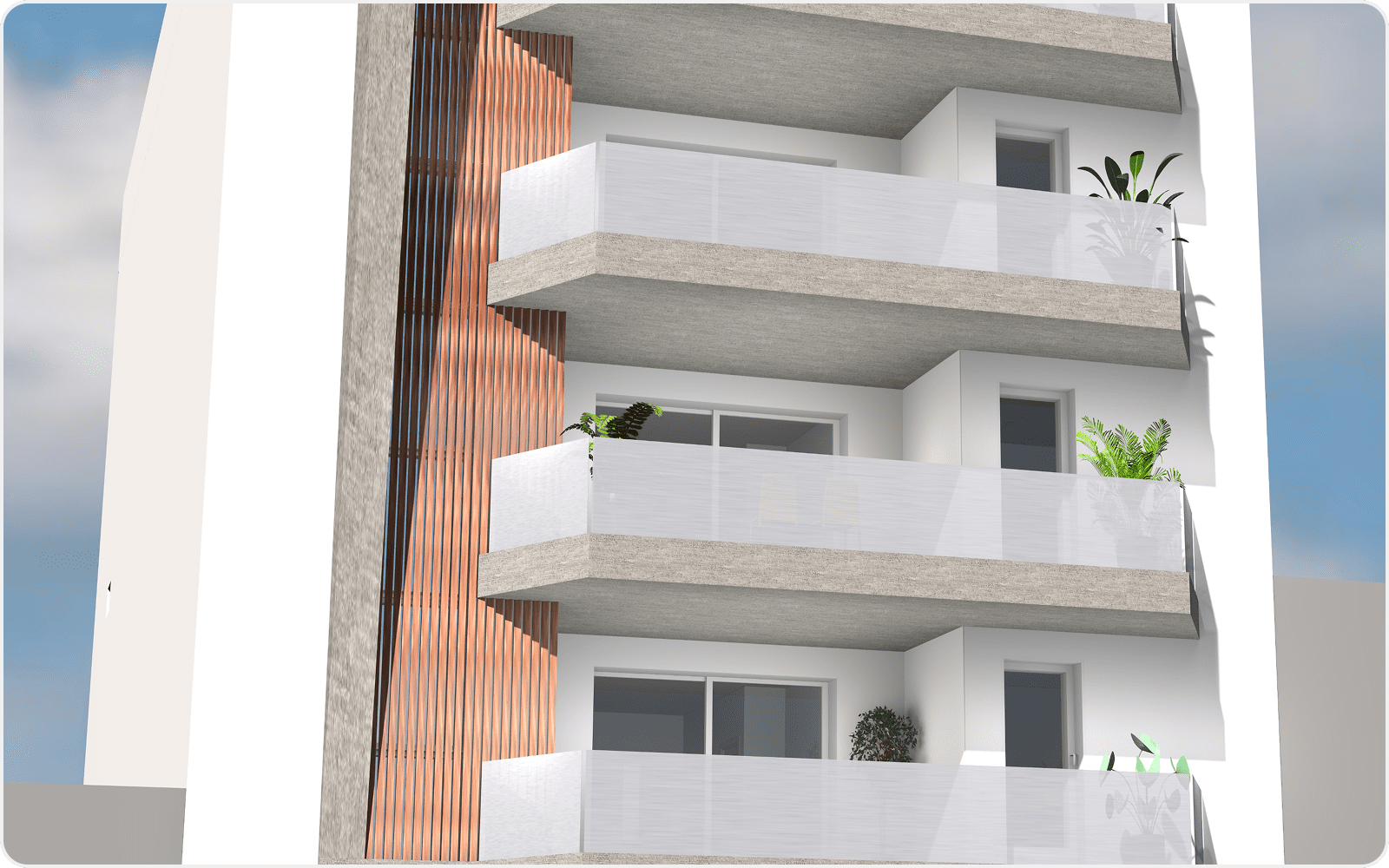
Accelerate the sales process through immediate visual feedback and immersive, presentations
Spend less time on tools. Spend more time designing.
Sweet Home 3D is designed to be:

Easy to learn
No long training required to be able to fully create and furnish a space.

Fast to use
Focus on design, not on software. Let your creativity flow freely without barriers.

Flexible
Adapt it to your process, not the other way around. Keep your workflow consistent.

